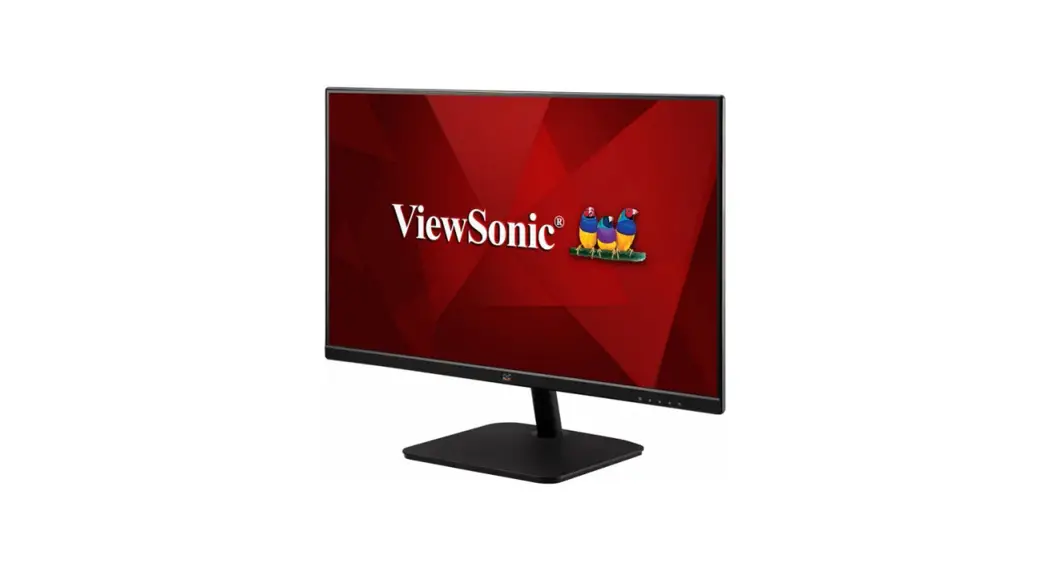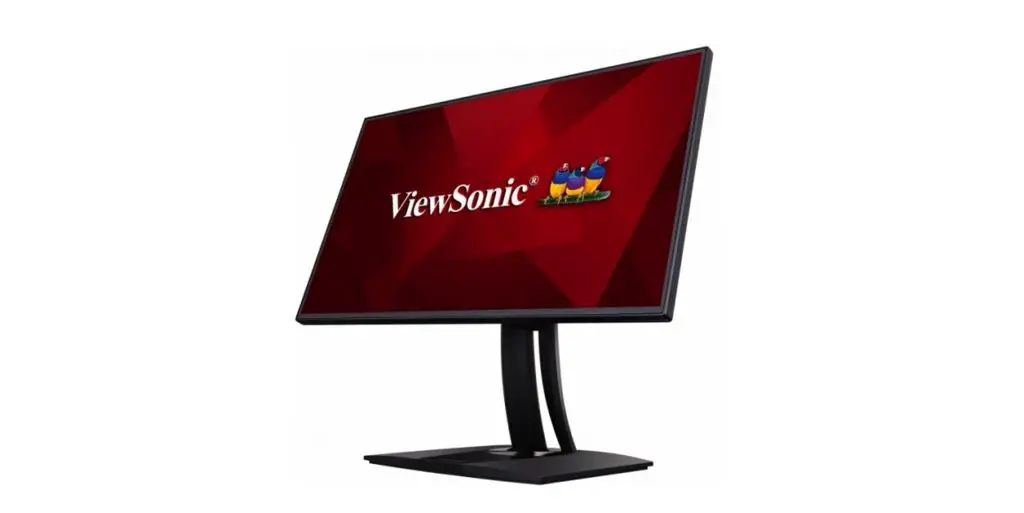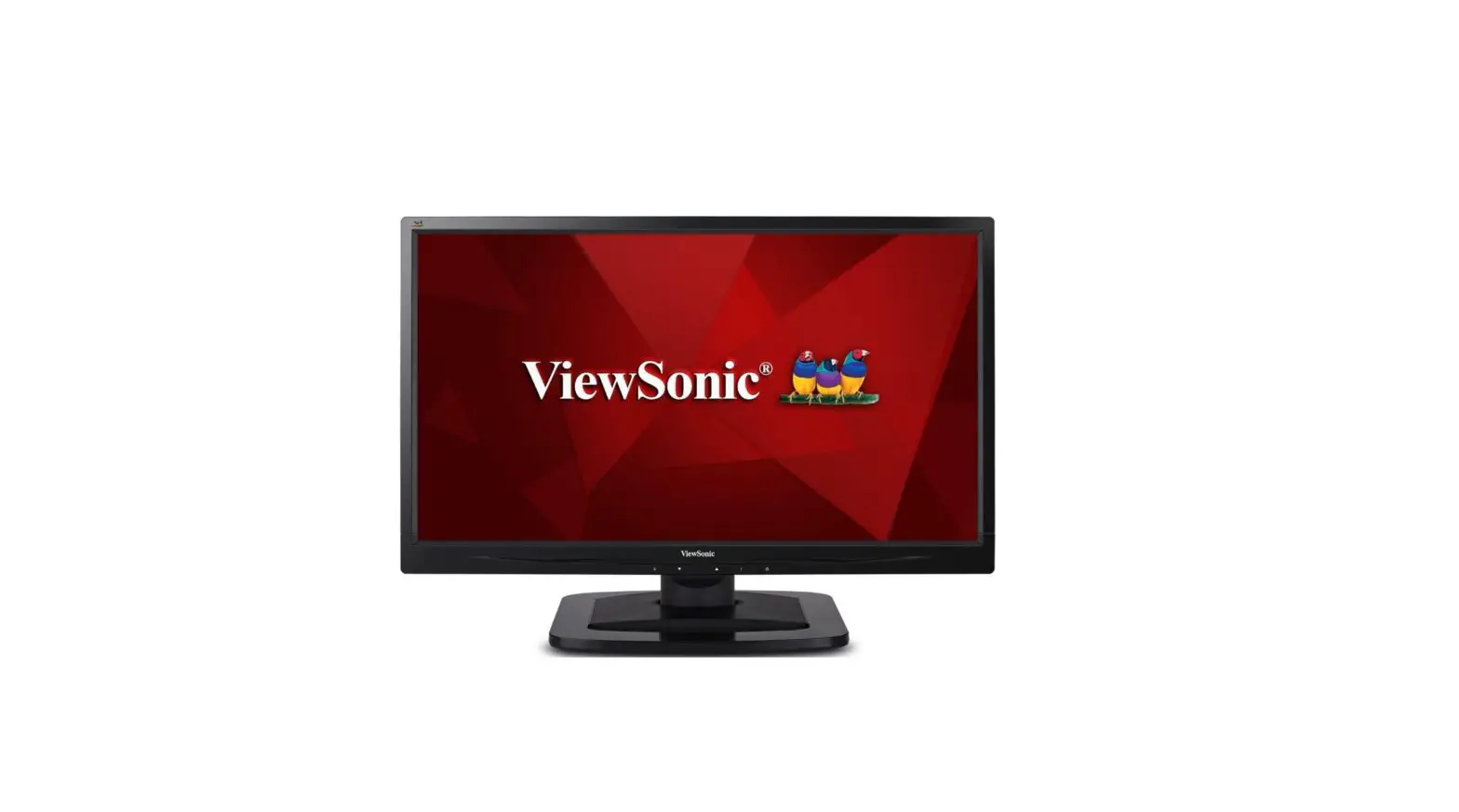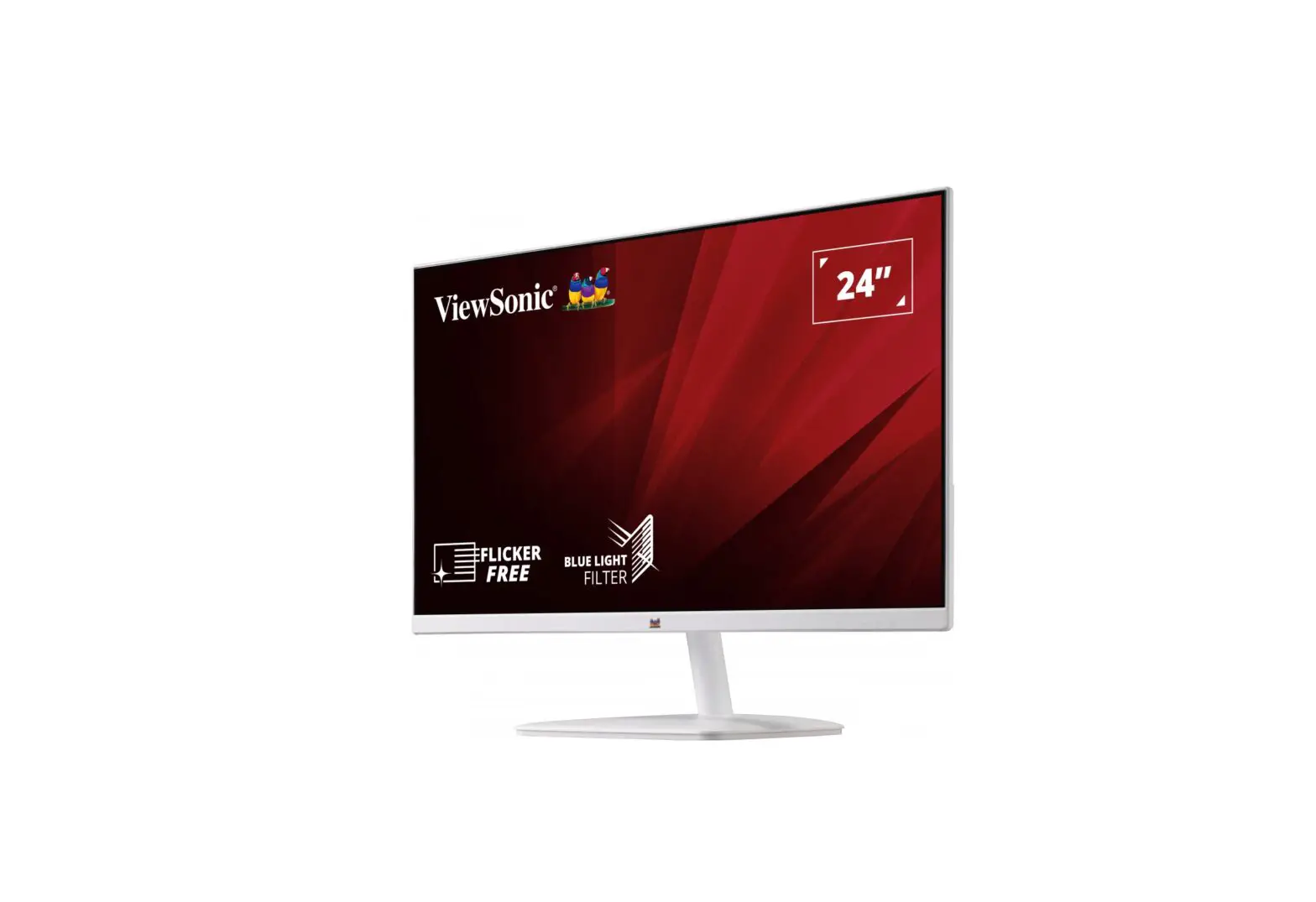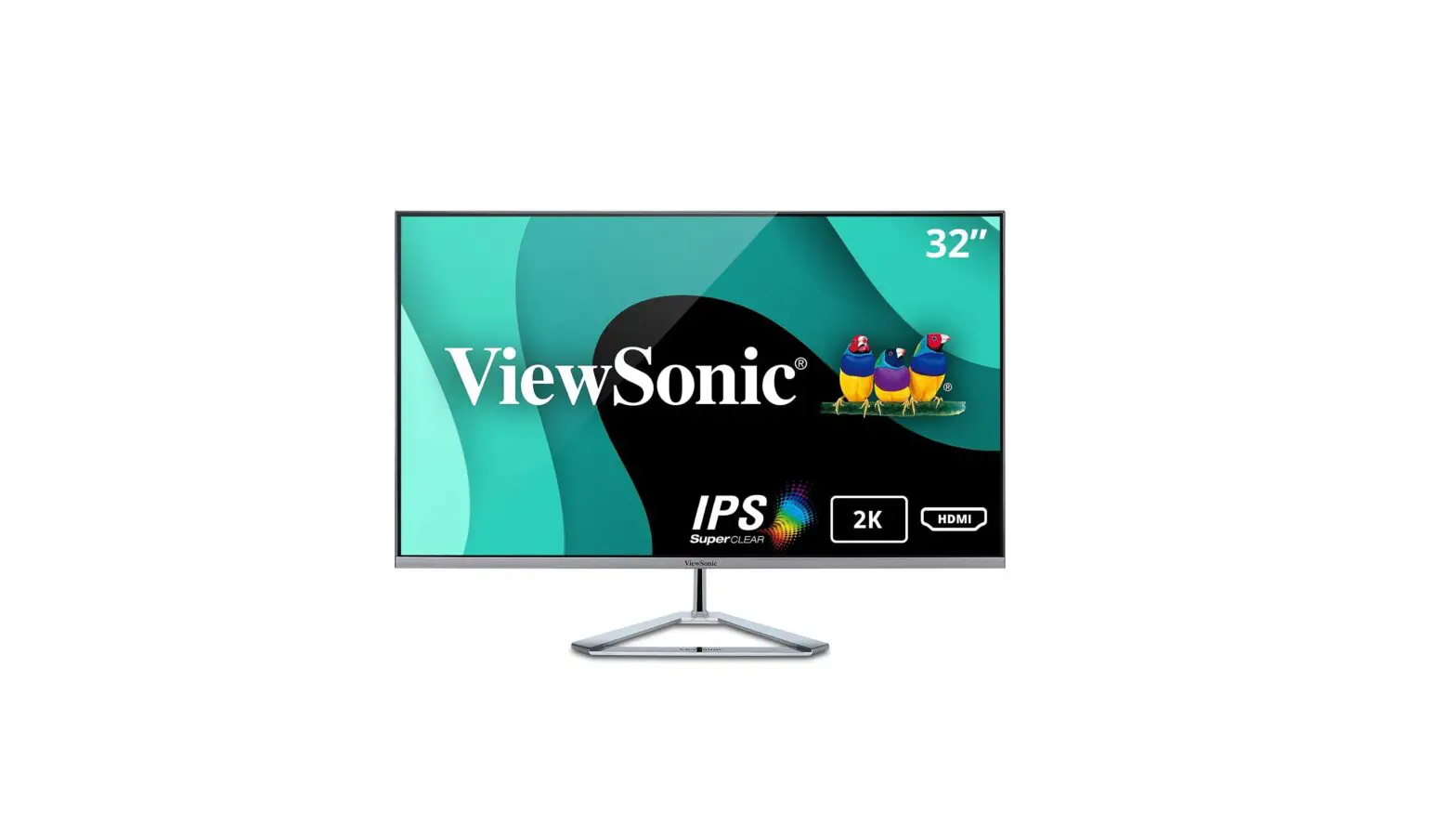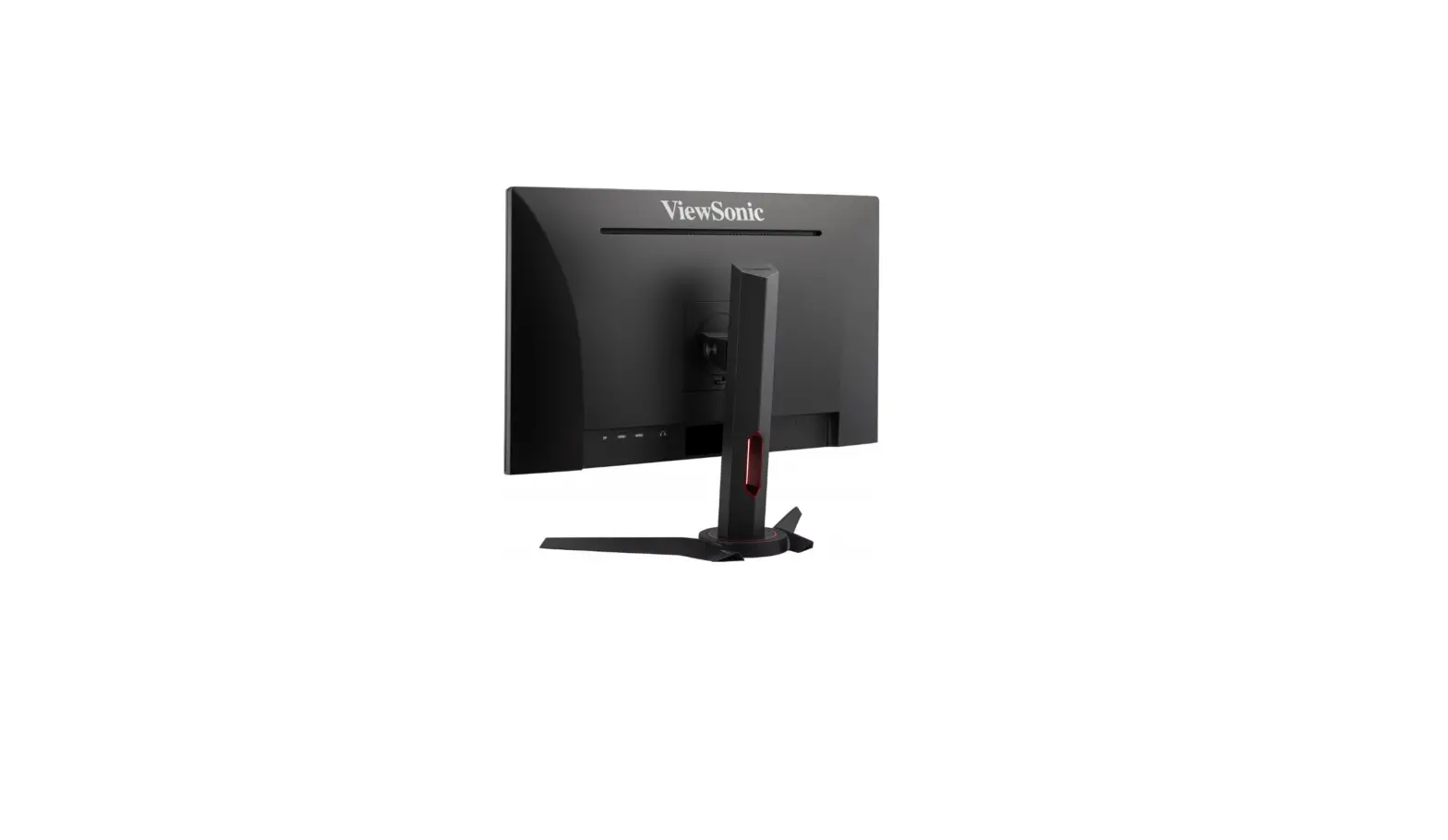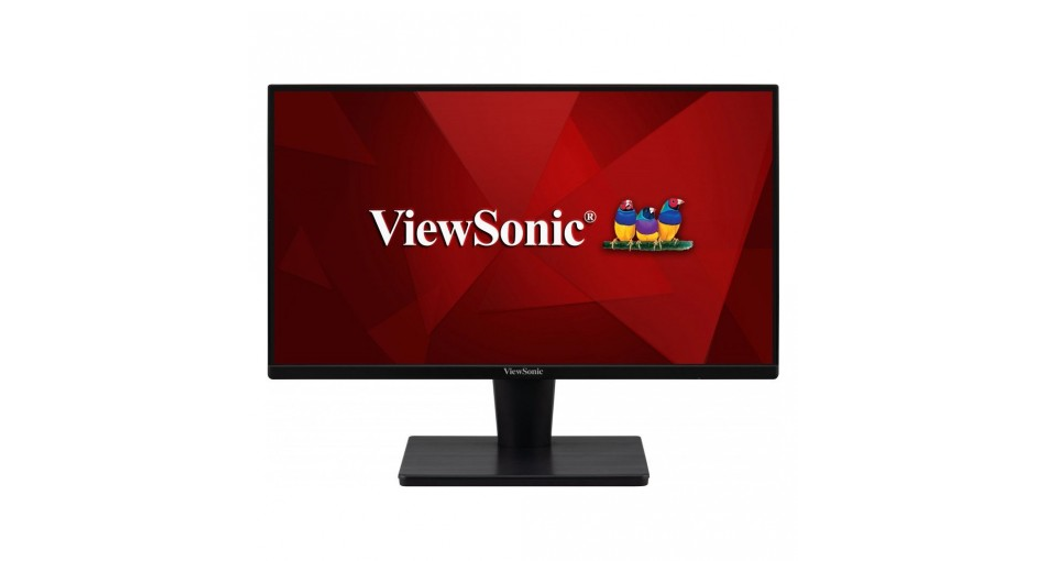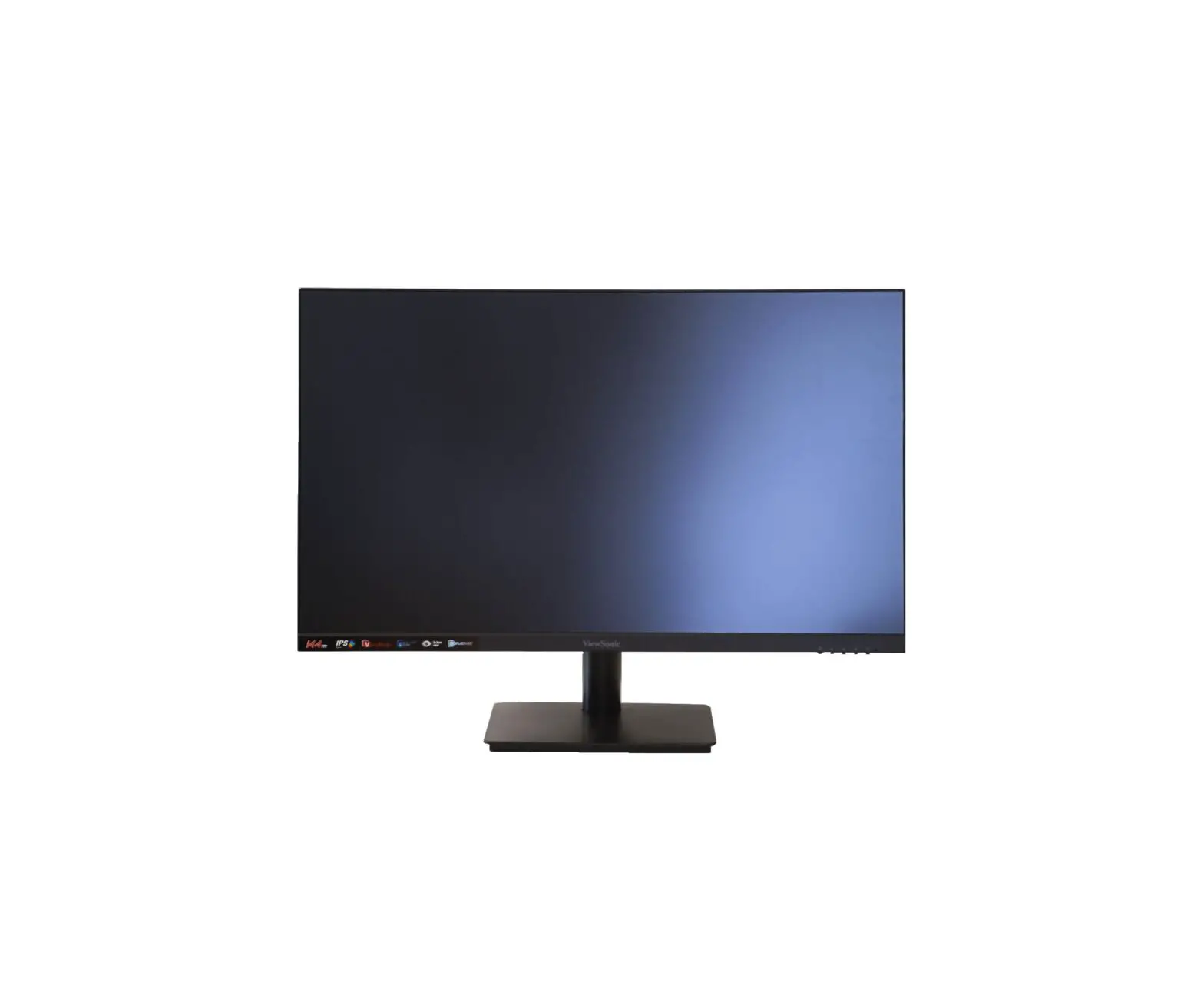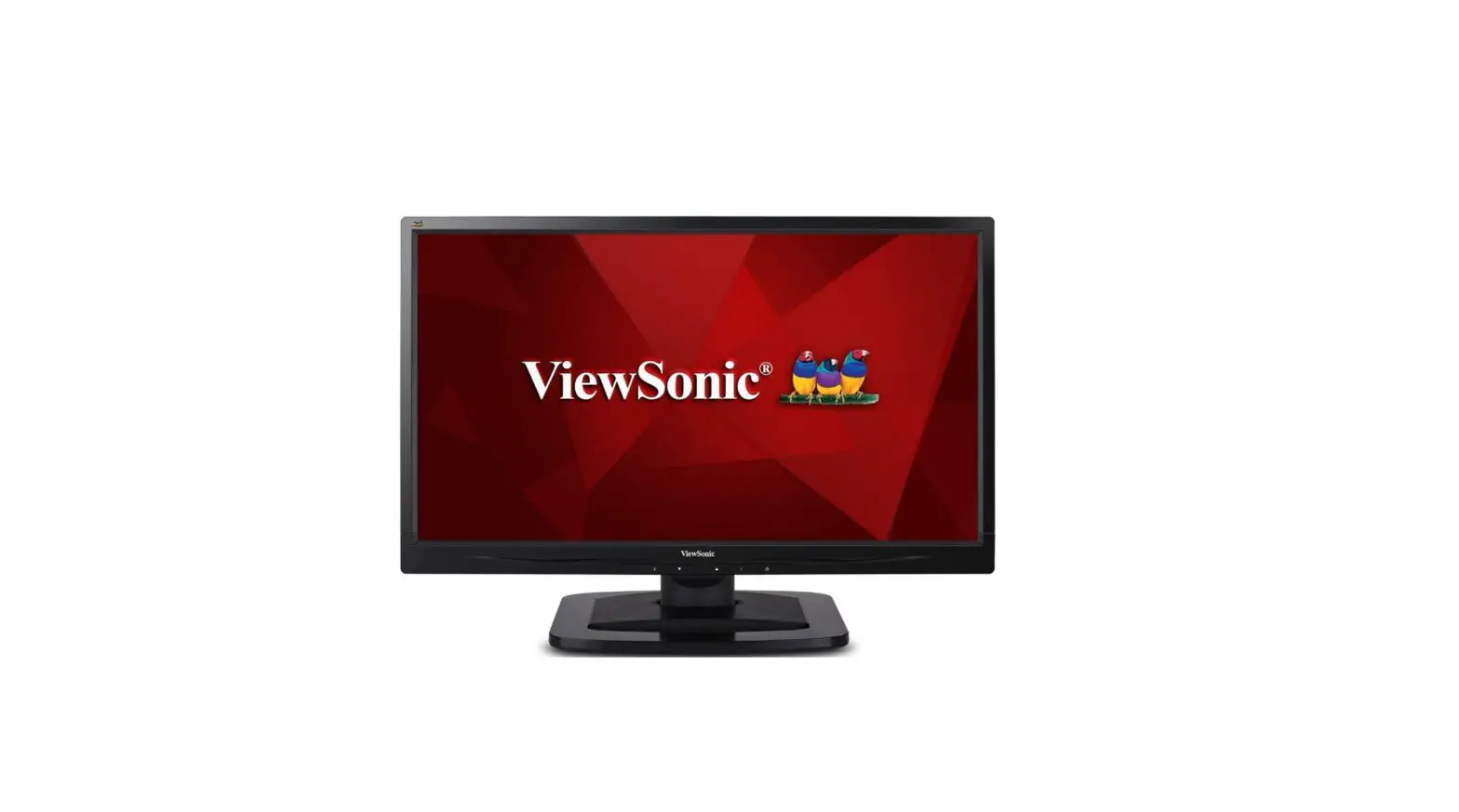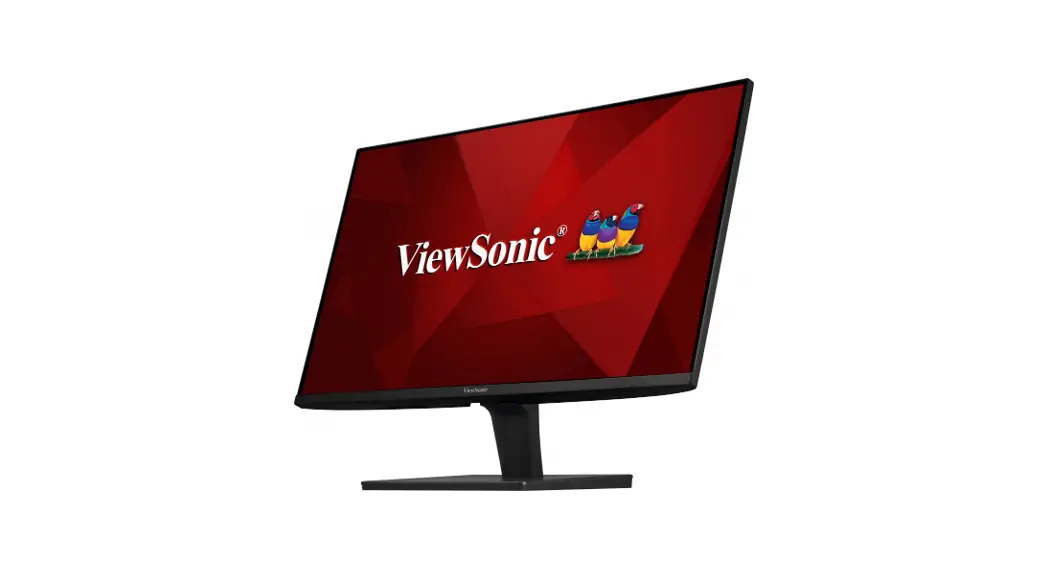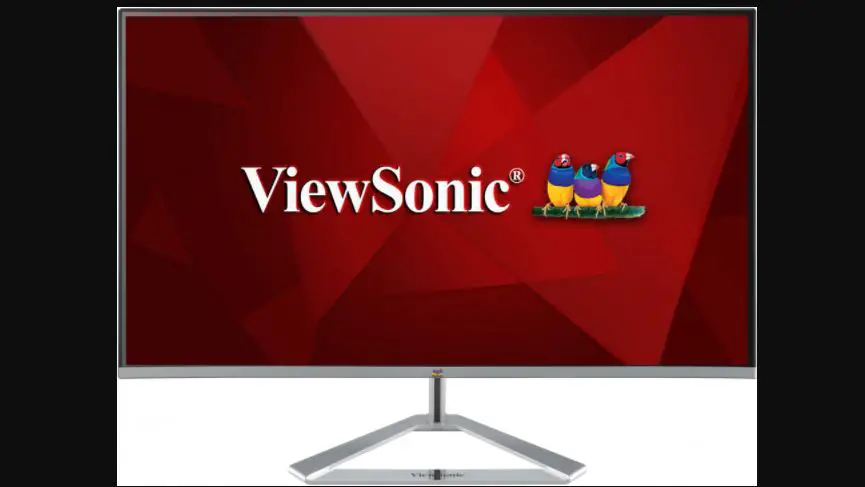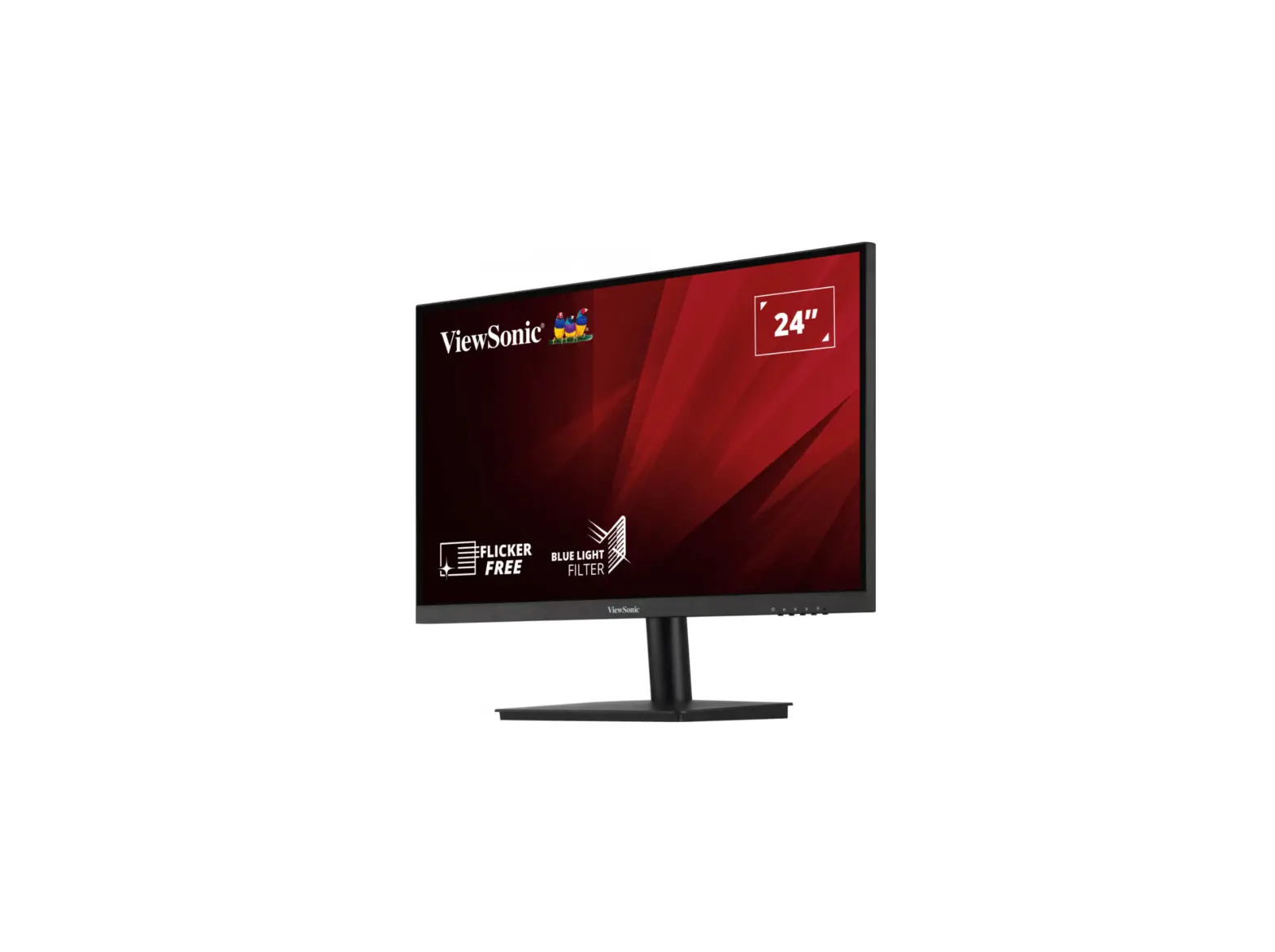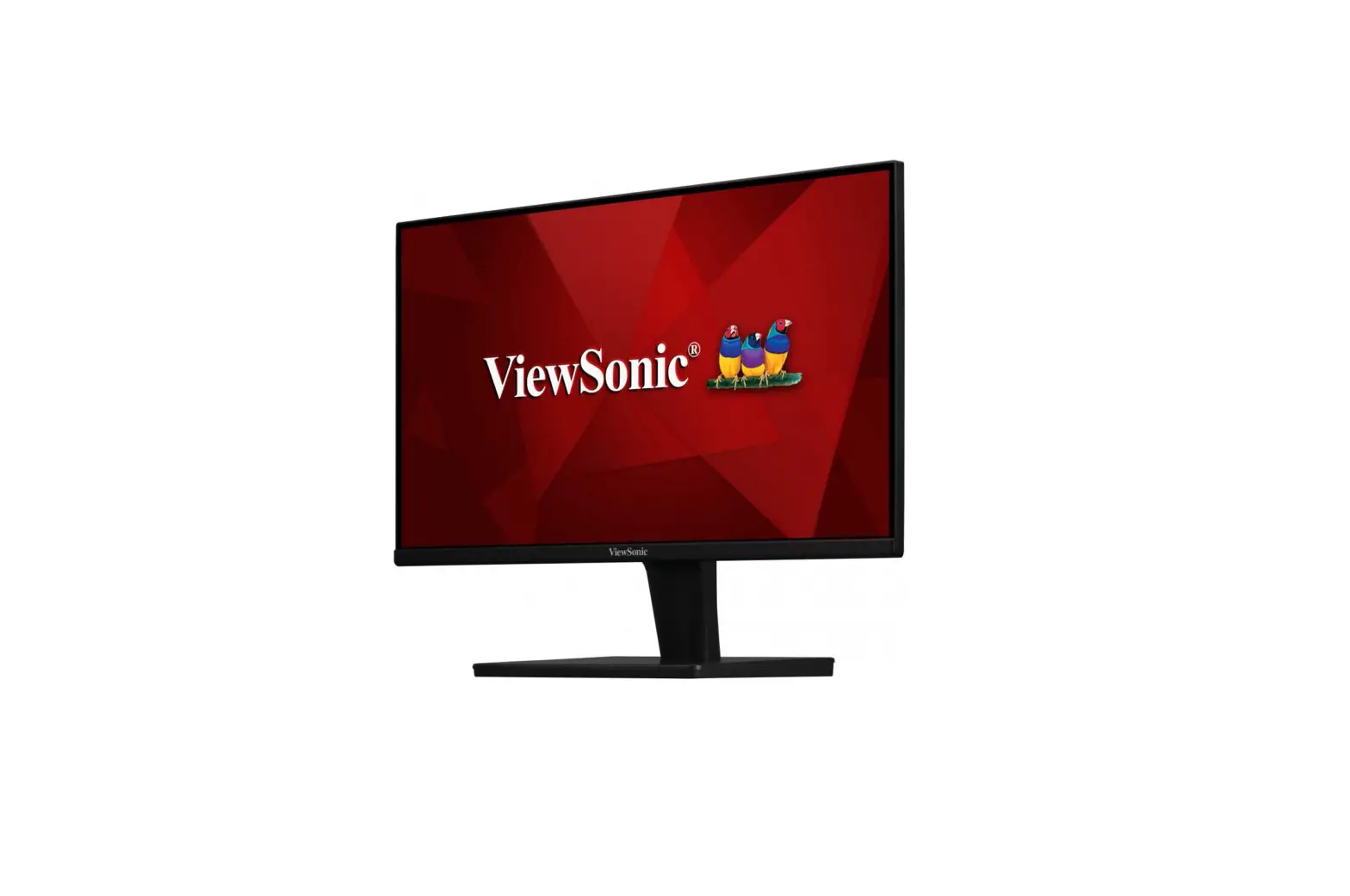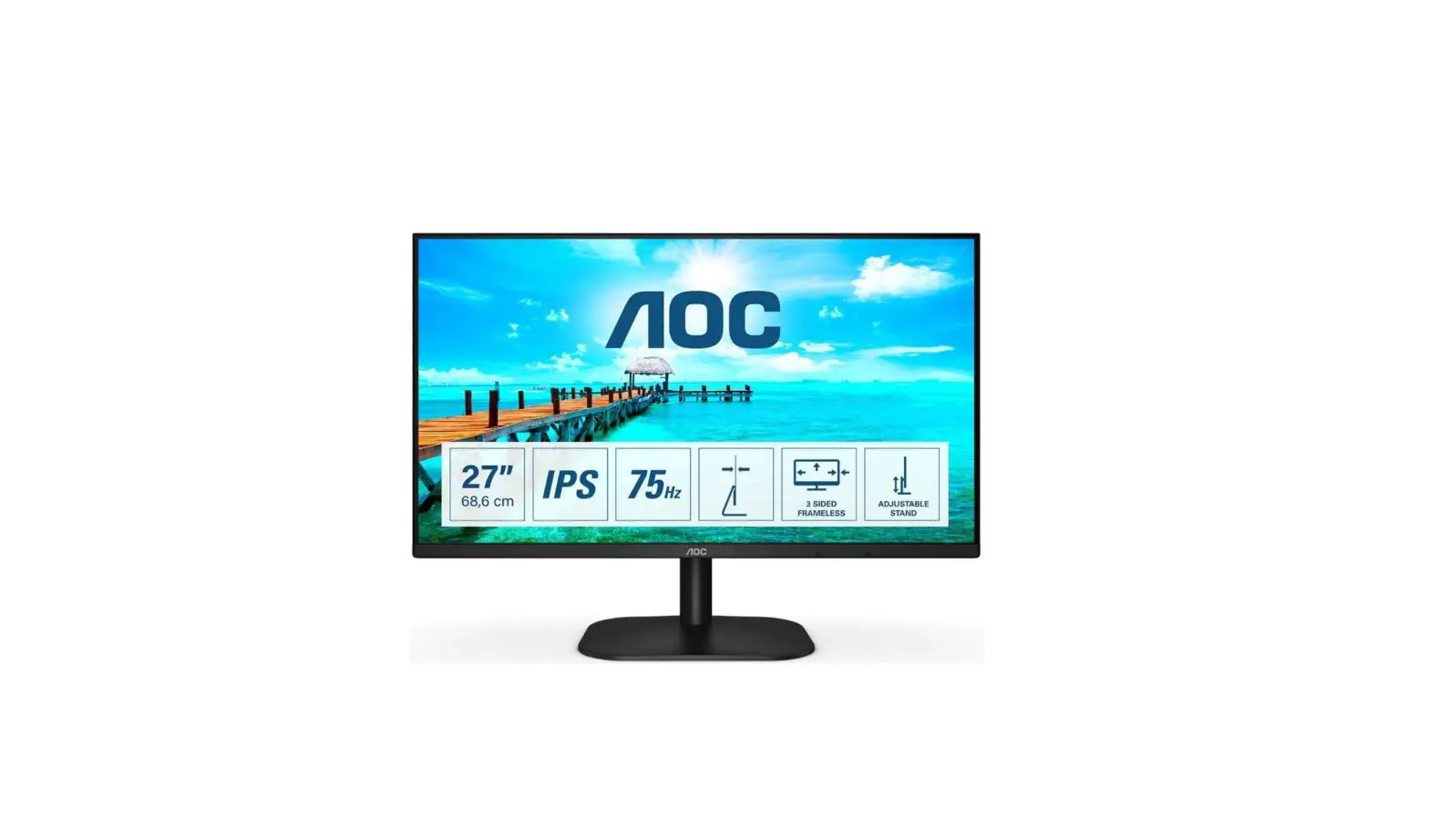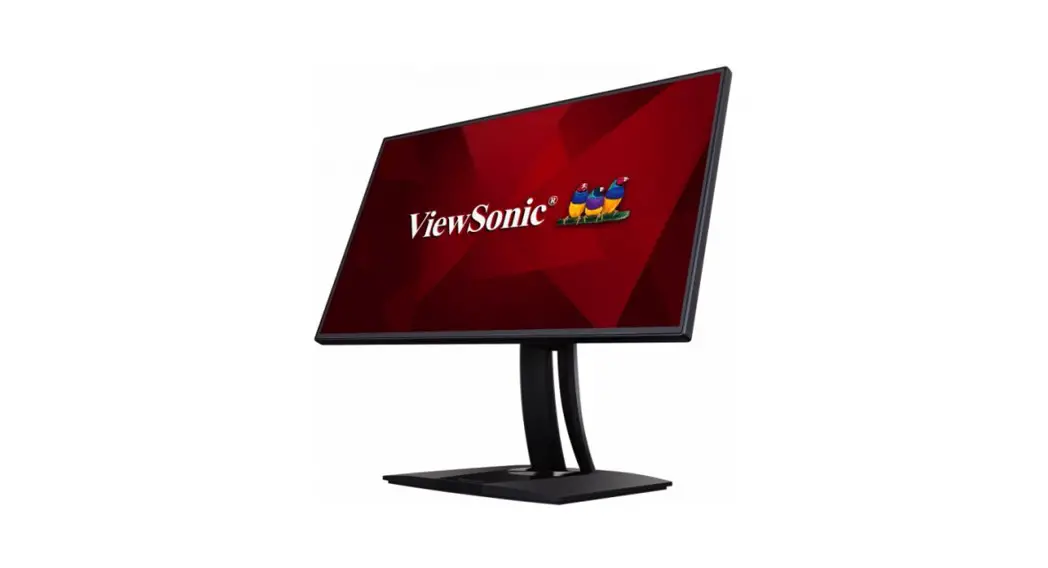

VA2762-hd
Display
Quick Start Guide


http://www.viewsonicglobal.com/q/VA2762-HD
http://www.viewsonicglobal.com/q/VA2762-HD-2

| Country/ Region | Website/Phone |
| United Kingdom | www.viewsonic.com/uk/ |
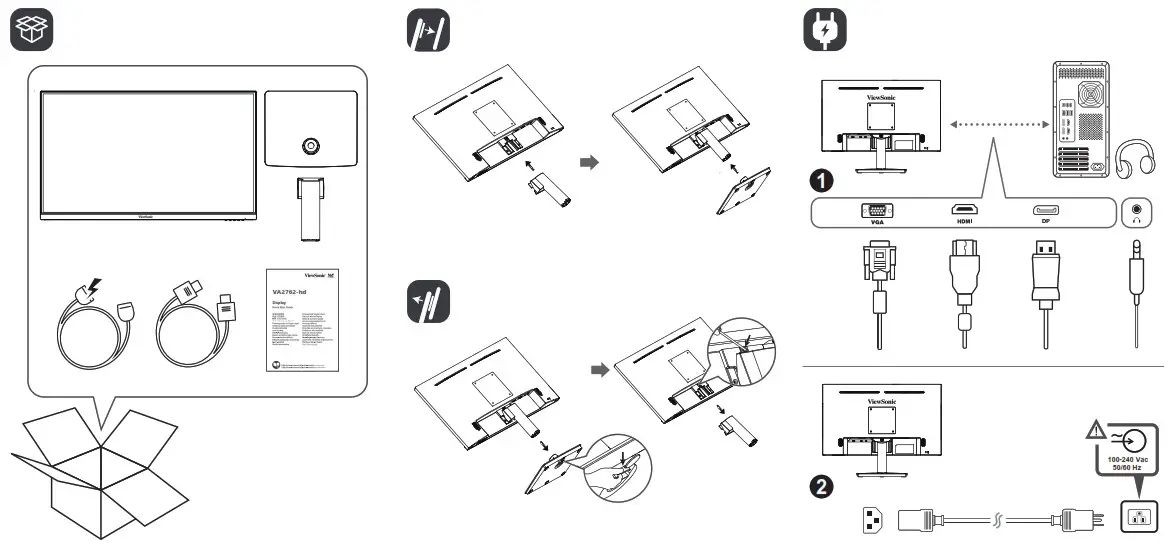
 Please visit the “Download” section of the ViewSonic monitor product page to download your monitor drivers.
Don’t forget to register your ViewSonic monitor! Simply login to the ViewSonic website in your region and click on the “Support” tab on the front page.
 Cleaning the LCD Display
 Cleaning the LCD Display
- MAKE SURE THE LCD DISPLAY IS TURNED OFF.
- NEVER SPRAY OR POUR ANY LIQUID DIRECTLY ONTO THE SCREEN OR CASE.
To clean the screen:
- Wipe the screen with a clean, soft, lint-free cloth. This removes dust and other particles.
- If the screen still not clean, apply a small amount of non-ammonia, non-alcohol based glass cleaner onto a clean, soft, lint-free cloth, and wipe the screen.
To clean the case:
- Use a soft, dry cloth.
- If the case still not clean, apply a small amount of a non-ammonia, non-alcohol based, mild non-abrasive detergent onto a clean, soft, lint-free cloth, then wipe the surface.
Model No.VS18997/P/N: VA2762-HD/VA2762-HD-2
Copyright © 2021 ViewSonic Corporation. All rights reserved.
VA2762-hd_VA2762-HD-2_QSG_1b_20210830
References
 优派中国 ViewSonic China | ViewBoard, LED LCD 液晶显示器, 投影机, 数位看板, 互动白板
 ViewSonic Australia | ViewBoards, Monitors, and Visual Solutions
-
ViewSonic Bangladesh | ViewBoards, Monitors, and Visual Solutions
-
ViewSonic Germany | ViewBoards, Monitors, and Visual Solutions
-
ViewSonic Spain | ViewBoards, Monitors, and Visual Solutions
-
ViewSonic Europe | ViewBoards, Monitors, and Visual Solutions
-
Solution ViewBoard, Écrans PC, Vidéoprojecteurs | ViewSonic
-
ViewSonic Hong Kong | ViewBoards, Monitors, and Visual Solutions
-
ViewSonic Hong Kong | ViewBoards, Monitors, and Visual Solutions
-
ViewSonic Indonesia | ViewBoards, Monitors, and Visual Solutions
-
ViewSonic Israel | ViewBoards, Monitors, and Visual Solutions
-
ViewSonic India | Gaming Monitors, Projectors & ViewBoards
-
ビューソニックジャパン
-
뷰소닉 코리아 | 프로젝터, LCD 모니터, 디지털사이니지, 전자칠판등의 미국디스플레이 전문 기업
-
ViewSonic Kazakhstan | ViewBoards, Monitors, and Visual Solutions
-
ViewSonic Middle East | ViewBoards, Monitors, and Visual Solutions
-
ViewSonic Myanmar | ViewBoards, Monitors, and Visual Solutions
-
Projectors, Monitors & Visual Solutions | ViewSonic MY
-
ViewSonic Nepal | ViewBoards, Monitors, and Visual Solutions
-
ViewSonic New Zealand | ViewBoards, Monitors, and Visual Solutions
-
ViewSonic Philippines | ViewBoards, Monitors, and Visual Solutions
-
ViewSonic Pakistan | ViewBoards, Monitors, and Visual Solutions
-
ViewSonic Russia | ViewBoards, Monitors, and Visual Solutions
-
Projector, 4K Monitor & Digital Signage | ViewSonic SG
-
ViewSonic Thailand | ViewBoards, Monitors, and Visual Solutions
-
ViewSonic Turkey | ViewBoards, Monitors, and Visual Solutions
-
ViewSonic Taiwan | ViewBoards, Monitors, and Visual Solutions
-
ViewSonic Ukraine | ViewBoards, Monitors, and Visual Solutions
-
ViewSonic UK | ViewBoards, Monitors, and Visual Solutions
-
ViewSonic
-
Trang chủ - ViewSonic Việt Nam | Website Chính Thức
-
ViewSonic South Africa | ViewBoards, Monitors, and Visual Solutions
-
ViewSonic - VA2762-HD VA2762-HD - COMING SOON
-
ViewSonic - VA2762-HD-2 VA2762-HD-2 -COMING SOON
 优派中国 ViewSonic China | ViewBoard, LED LCD 液晶显示器, 投影机, 数位看板, 互动白板
 ViewSonic Australia | ViewBoards, Monitors, and Visual Solutions
 ViewSonic - VA2762-HD VA2762-HD - COMING SOON