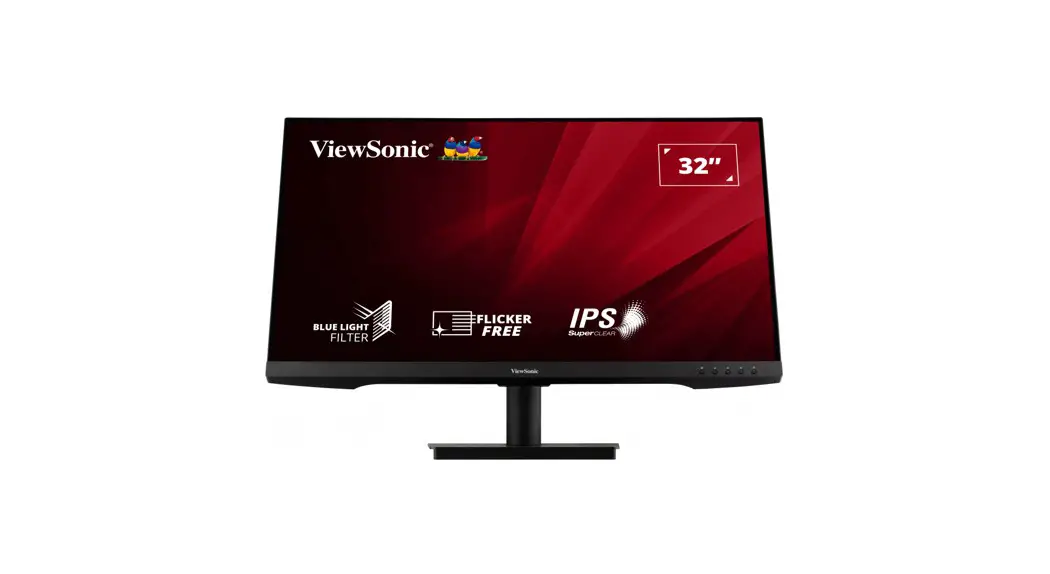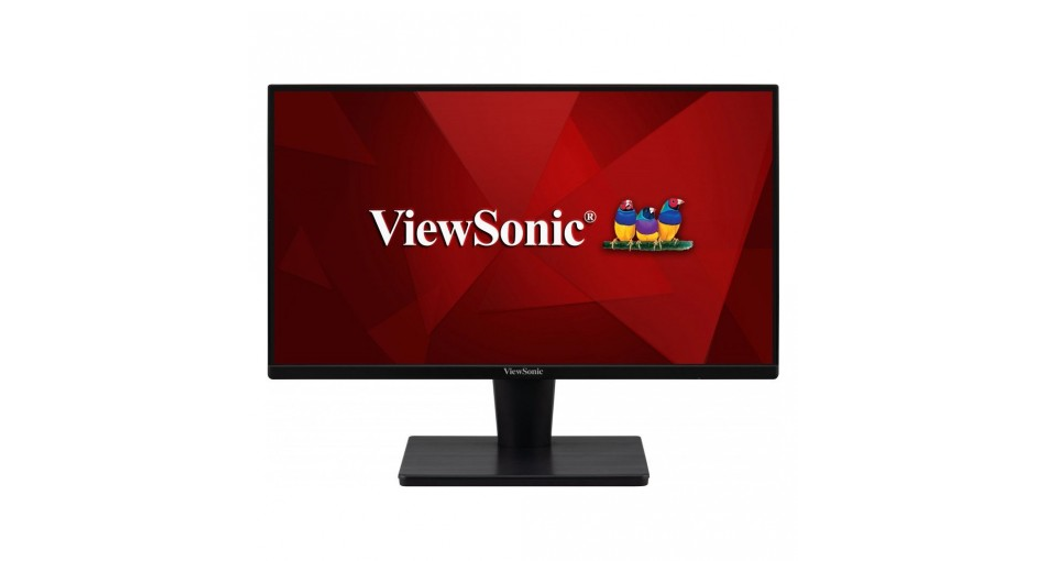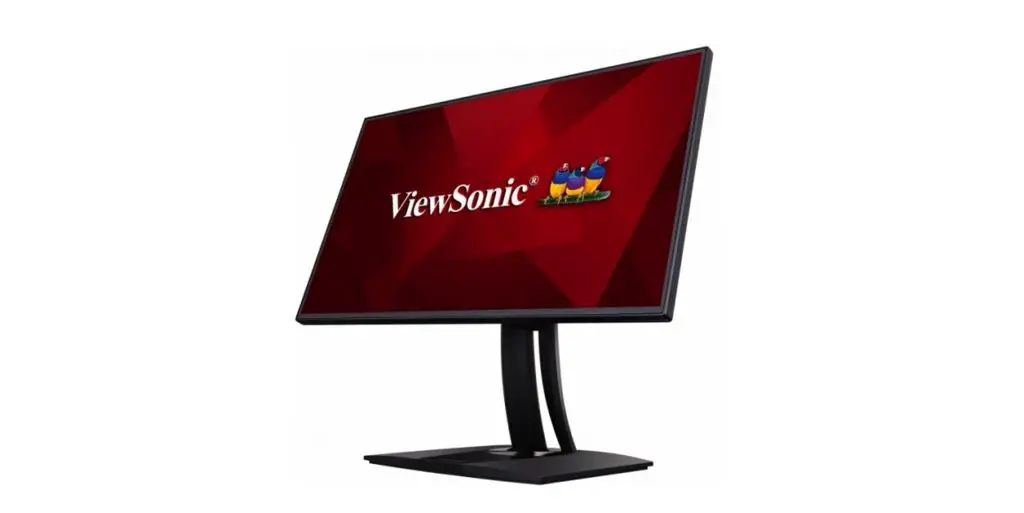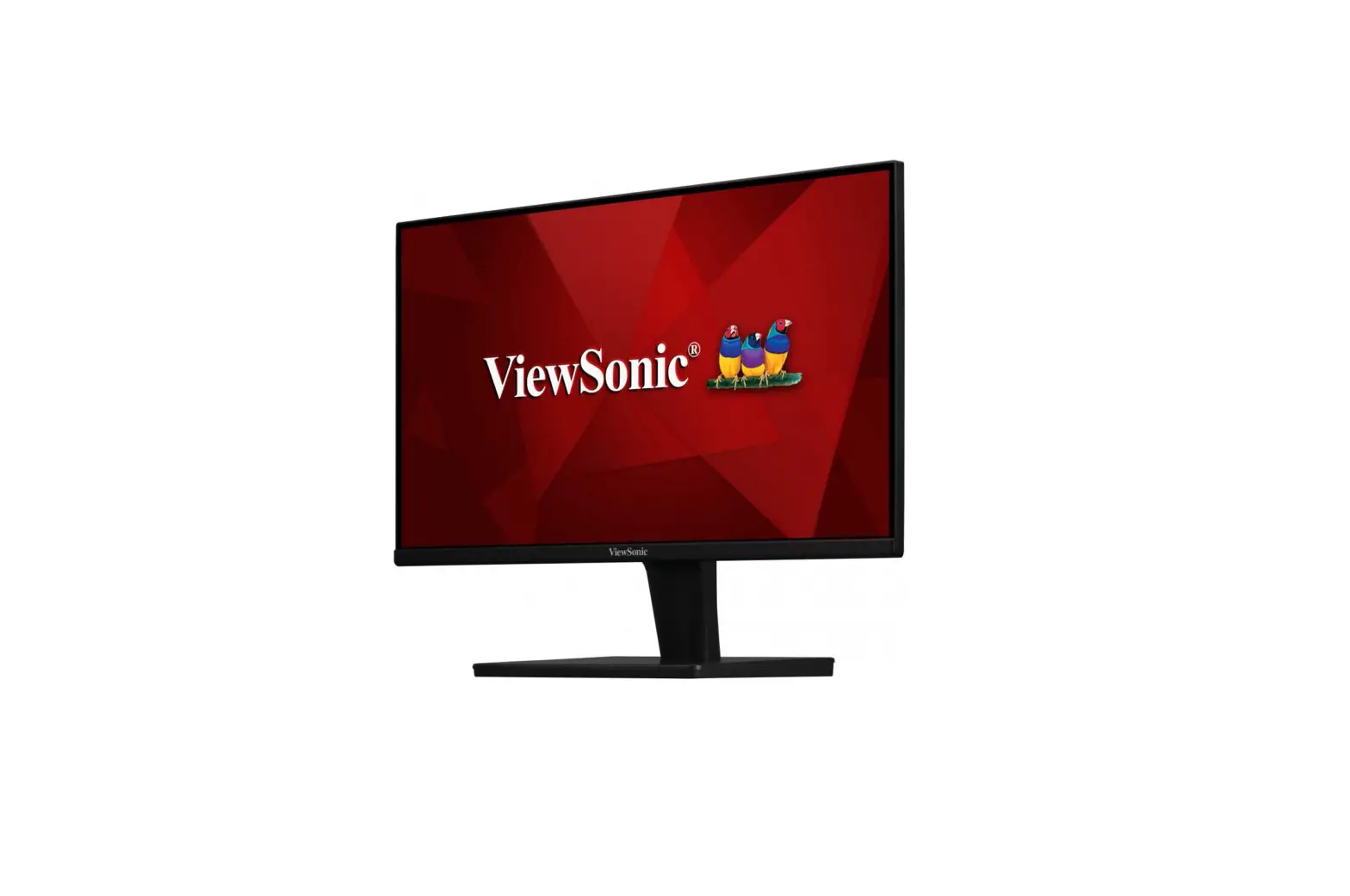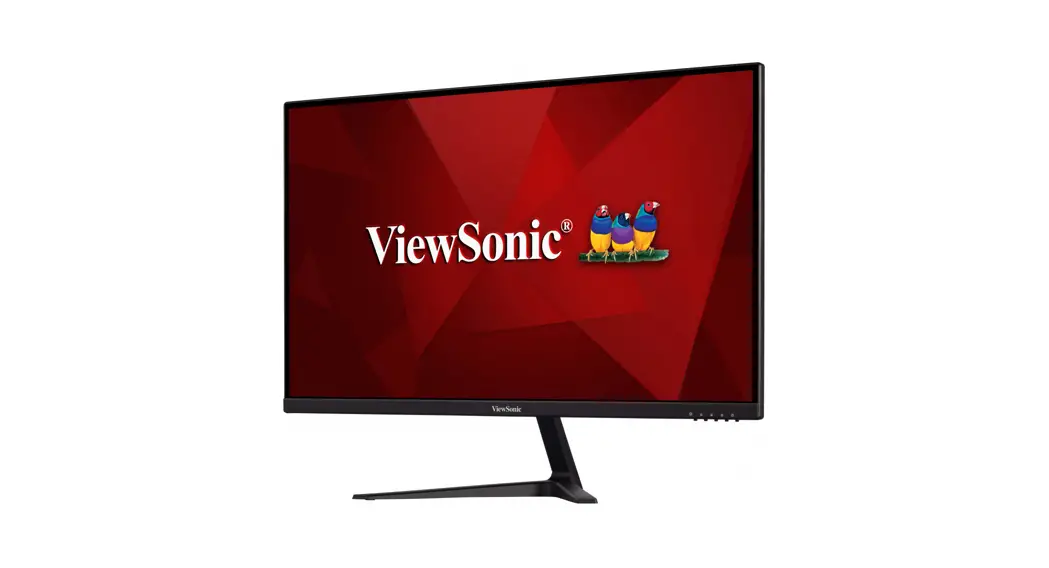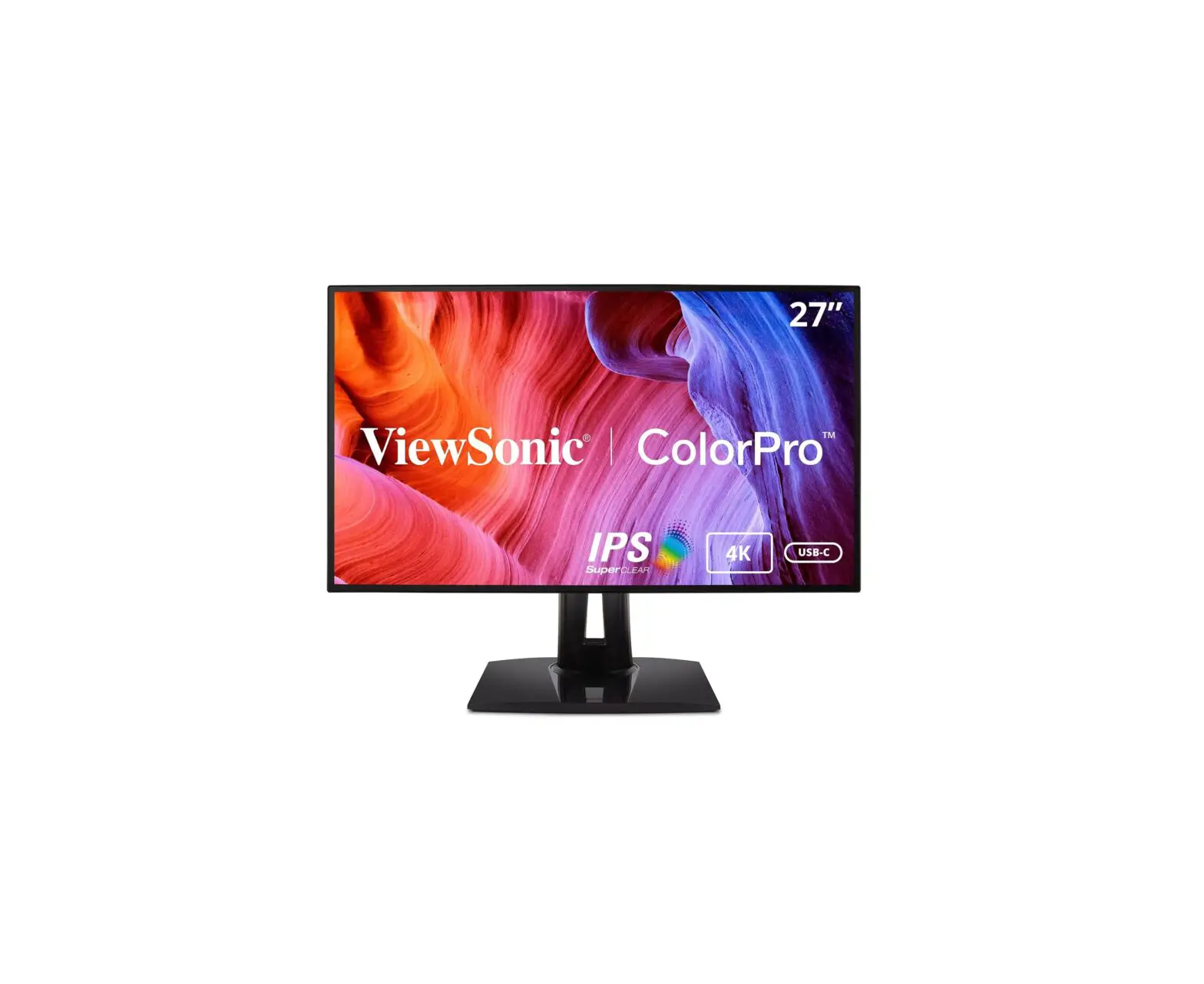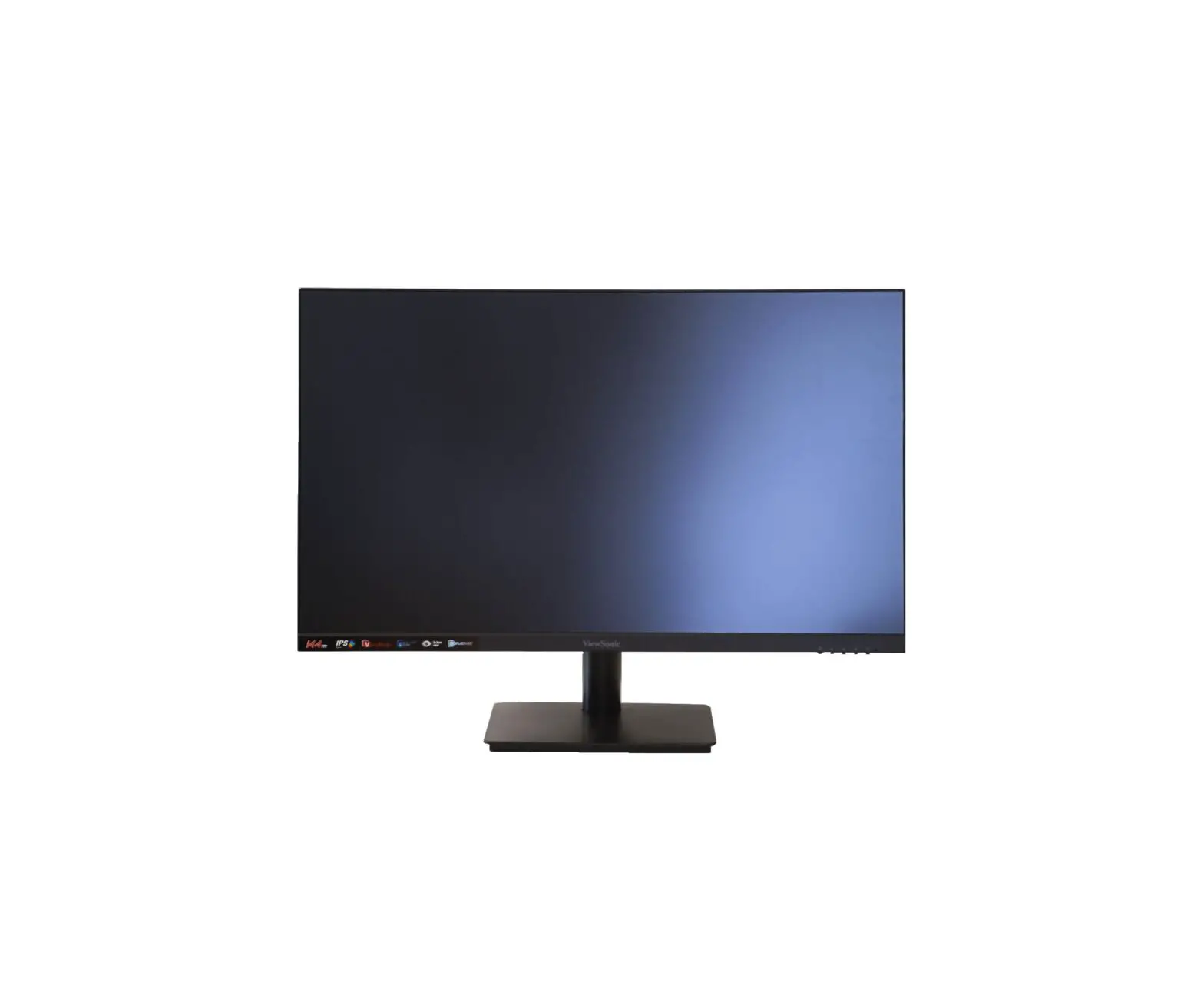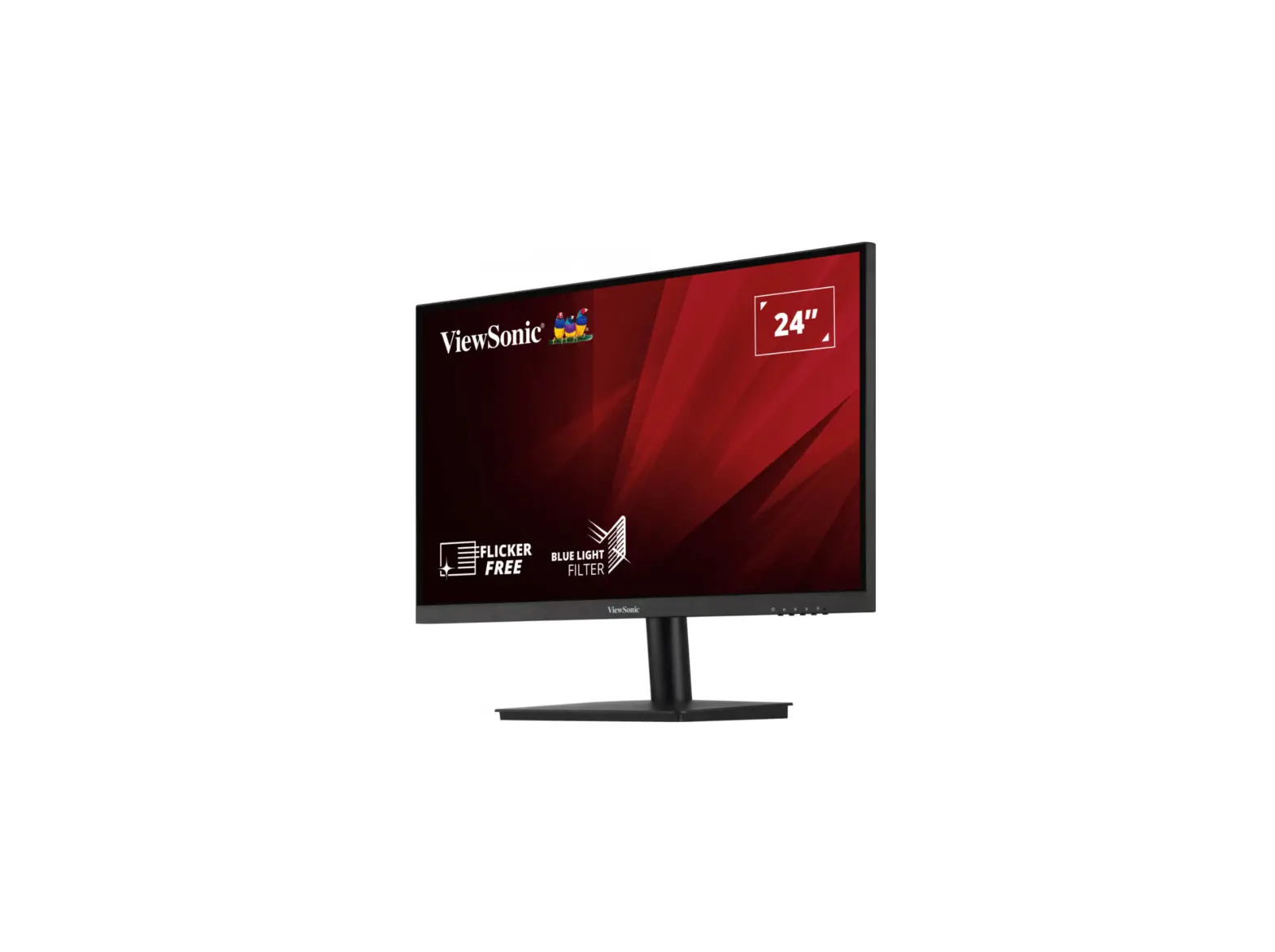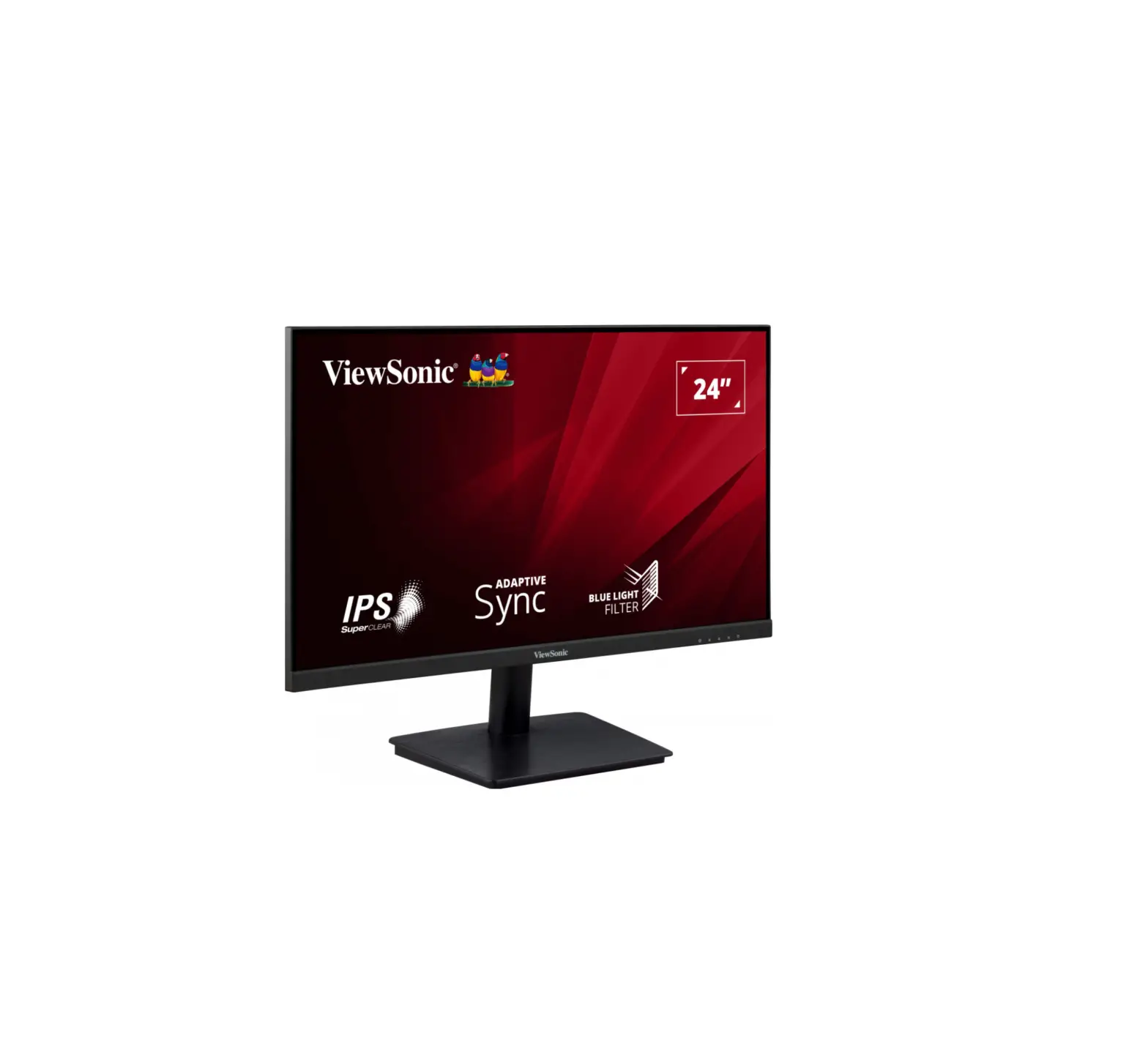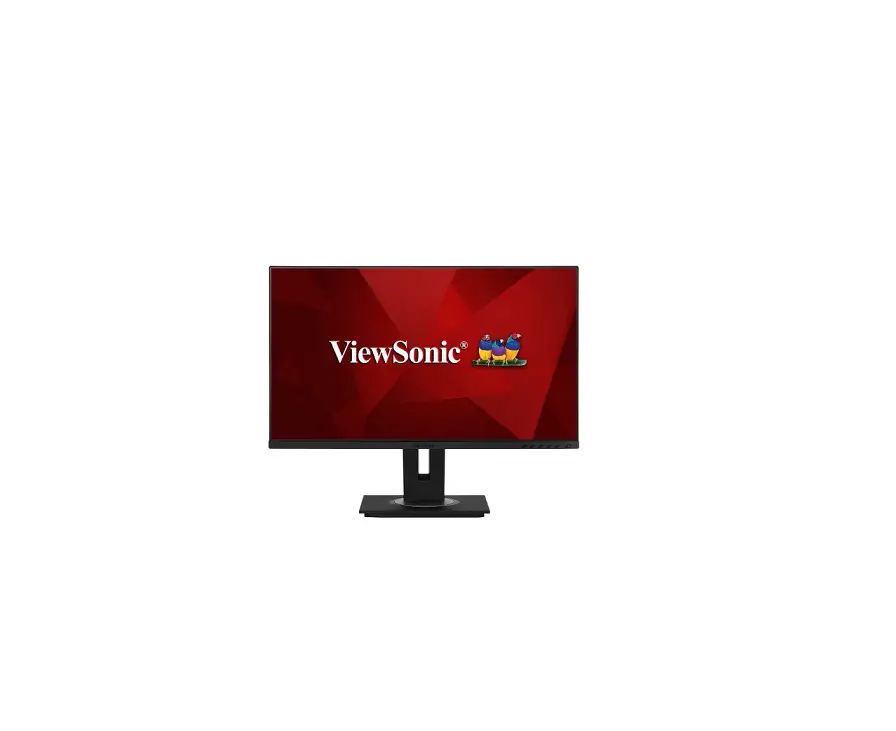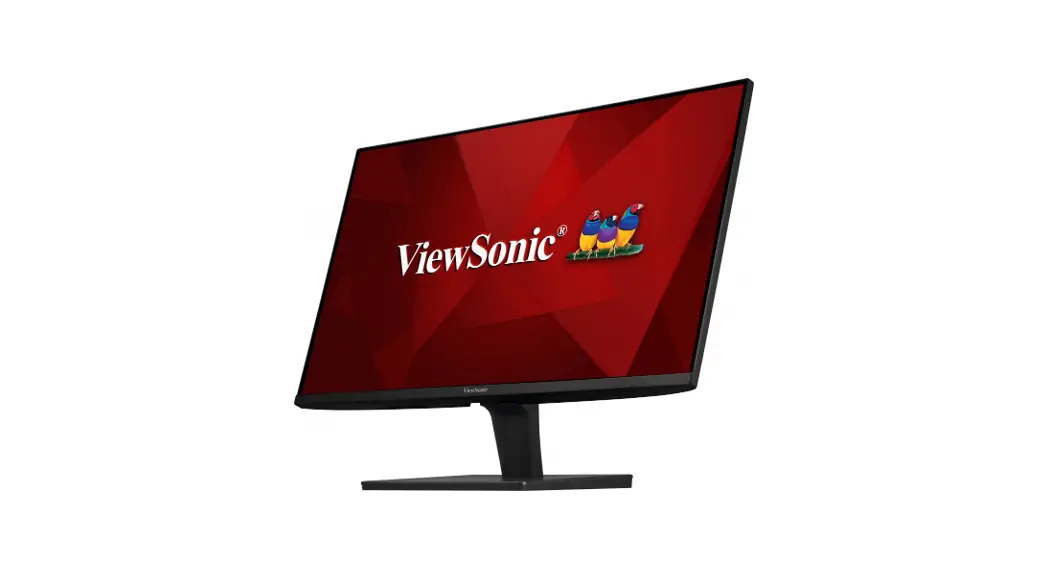

VA2715-2K-MHD-7
Display
Quick Start Guide

http://www.viewsonicglobal.com/q/VA2715-2K-MHD-7
 Asia Pacific & Africa
 Asia Pacific & Africa
| Country/ Region | Website/Phone |
| Australia | www.viewsonic.com/au/ |
| Hong Kong | www.viewsonic.com/hk-en/ |
Americas
| United States | www.viewsonic.com/us 1-800-688-6688 |
| Latin America | www.viewsonic.com/la |
United Kingdom: www.viewsonic.com/uk/
 Please visit the “Download* section of the ViewSonic monitor product page to download your monitor drivers. Don’t forget to register your ViewSonic monitor! Simply login to the ViewSonic website in your region and click on the “Support- tab on the front page.
 Cleaning the LCD Display
 Cleaning the LCD Display
- MAKE SURE THE LCD DISPLAY IS TURNED OFF.
- NEVER SPRAY OR POUR ANY LIQUID DIRECTLY ONTO THE SCREEN OR CASE.
To clean the screen:
- Wipe the screen with a clean, soft, lint-free cloth. This removes dust and other particles.
- If the screen is still not clean, apply a small amount of non-ammonia, non-alcohol-based glass cleaner onto a clean, soft, lint-free cloth, and wipe the screen.
To clean the case:
- Use a soft, dry cloth.
- If the case is still not clean, apply a small amount of a non-ammonia, non-alcohol-based, mild non-abrasive detergent onto a clean, soft, lint-free cloth, then wipe the surface.
Model No. VS18858 / P/N: VA2715-2K-MHD-7
Copyright © 2021 ViewSonic Corporation. All rights reserved. VA2715-2K-MHD-7_QSG_1a_20211102
 ViewSonic - VA2715-2K-MHD-7 VA2715-2K-MHD-7-COMING SOON