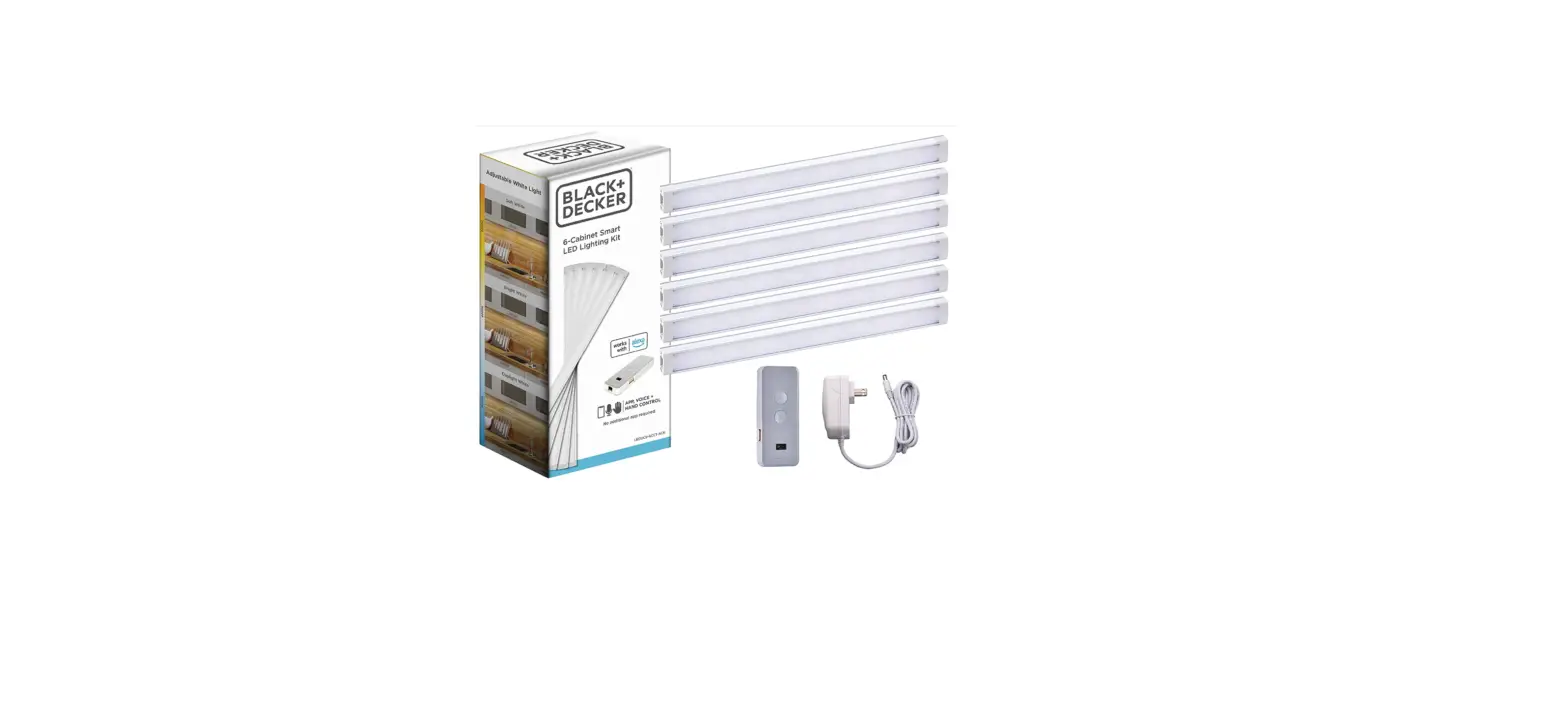
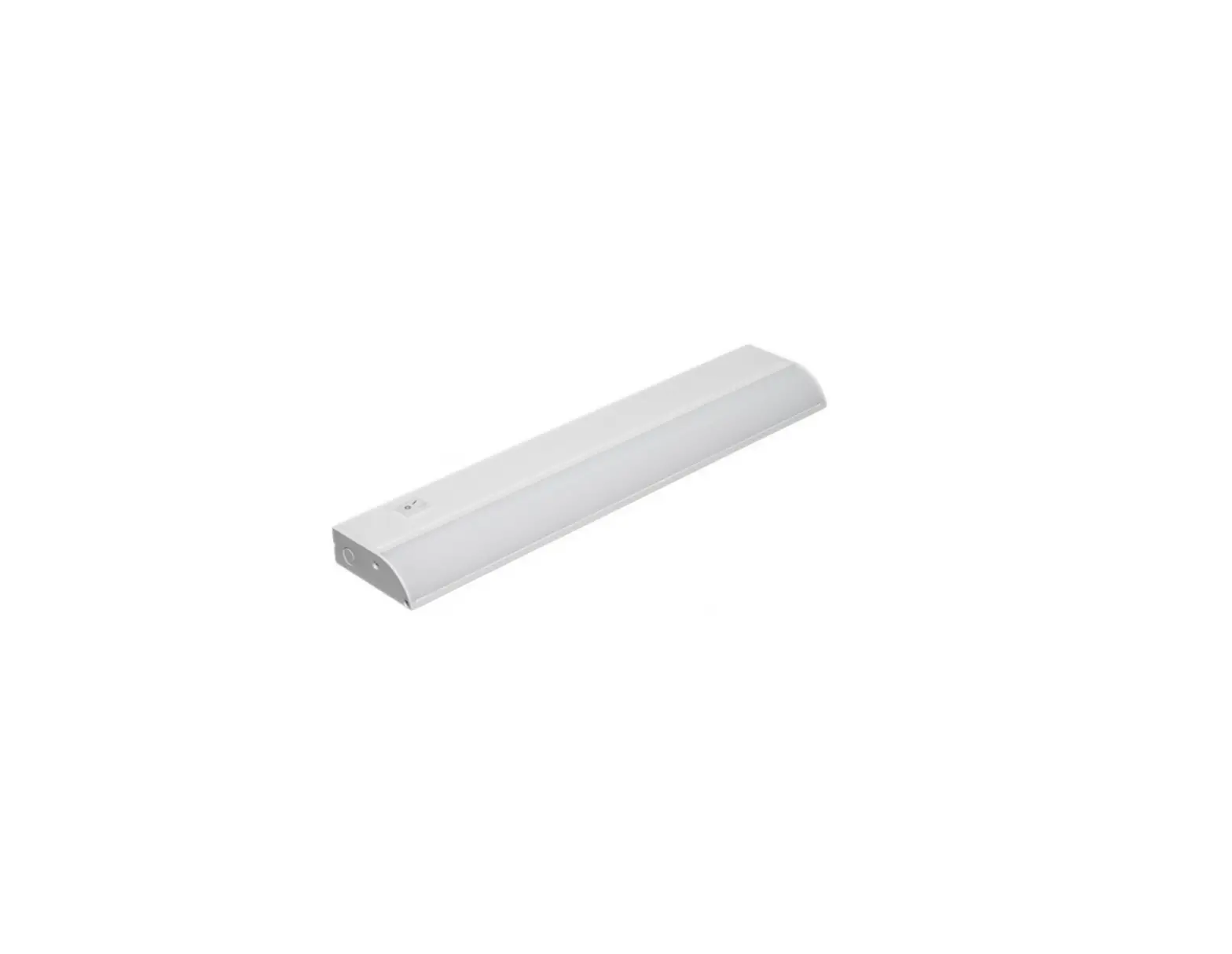
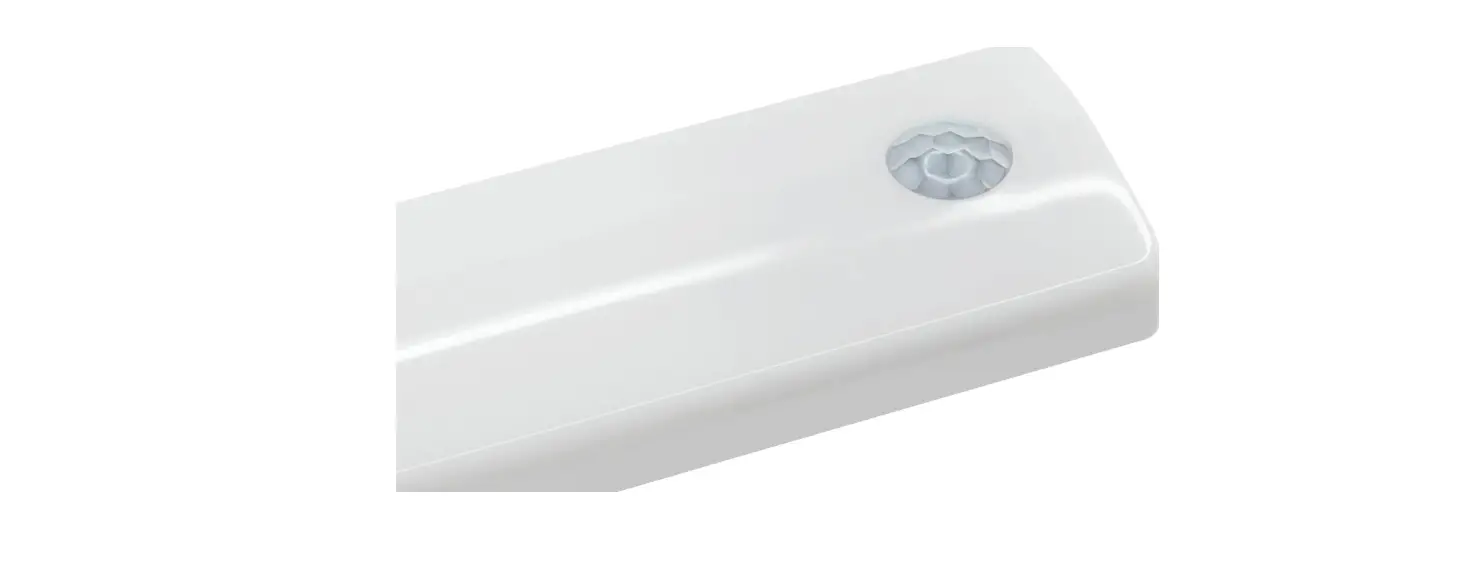
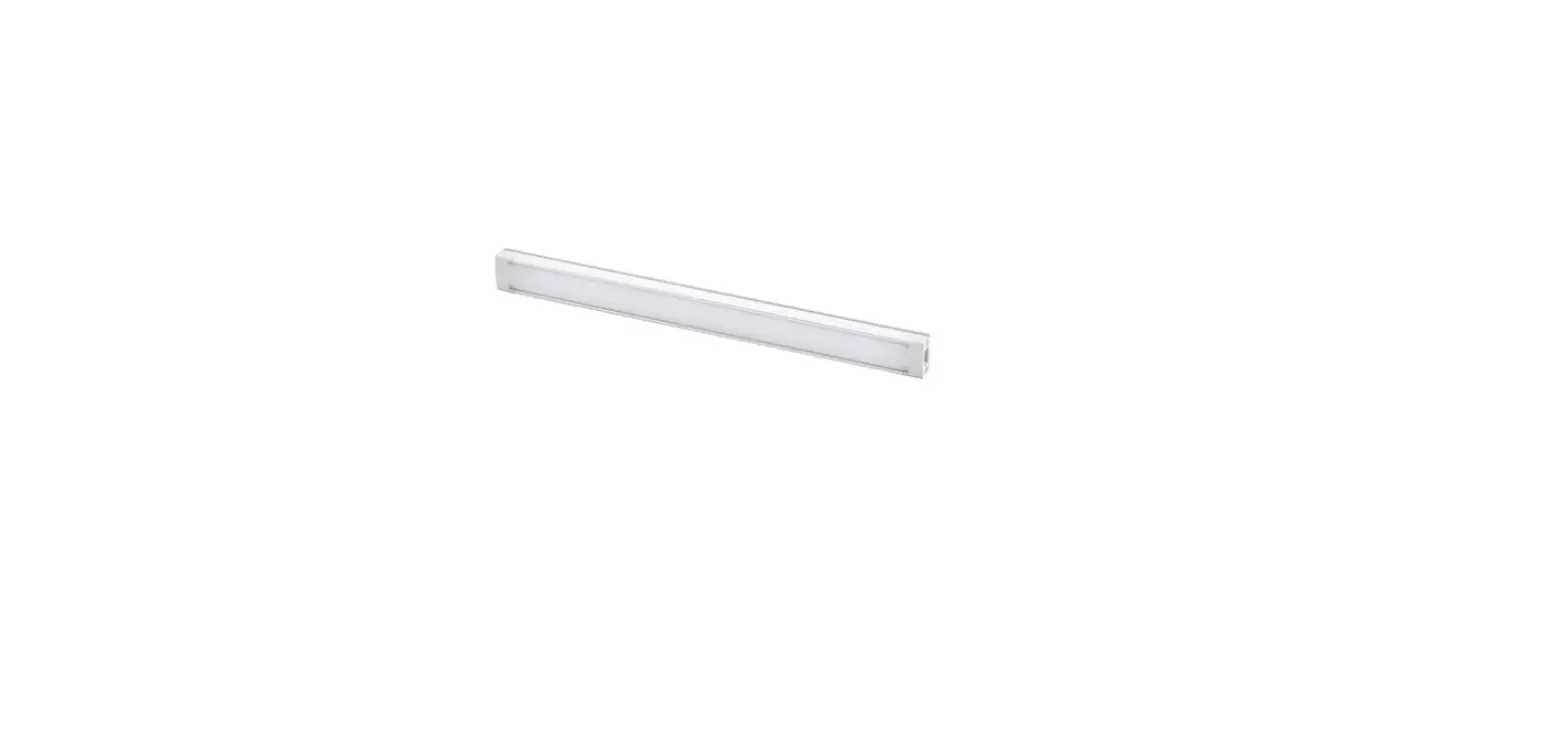
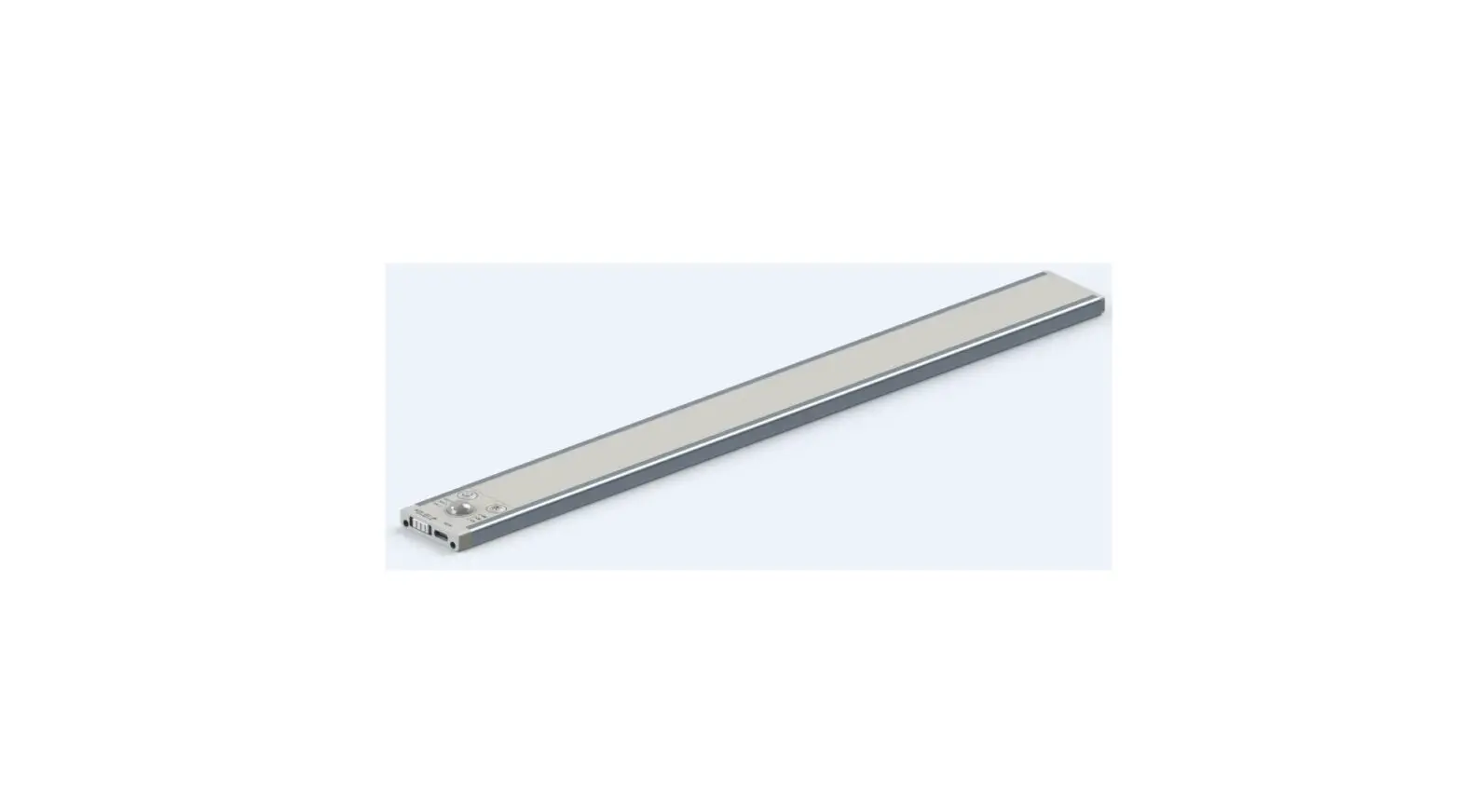
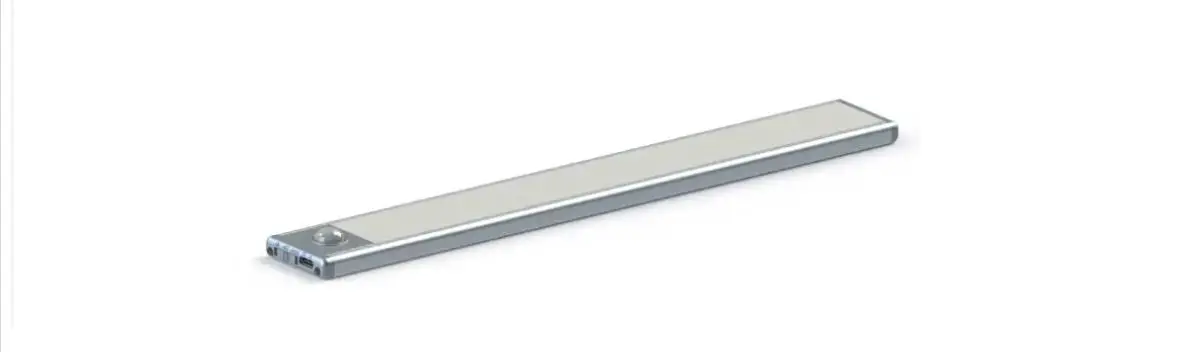
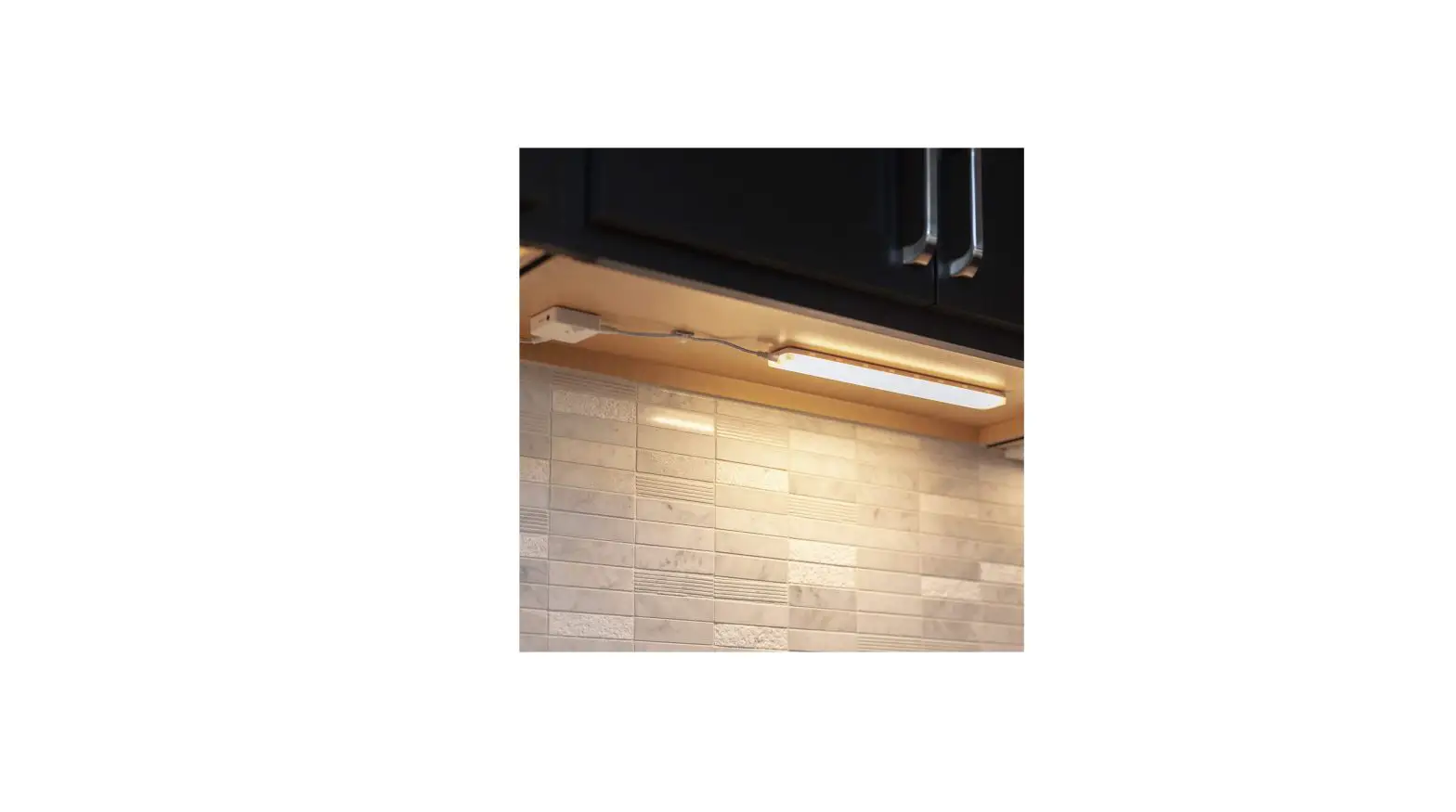
CabiSmart Smart Under Cabinet Lights
CabiSmart User Manual
! WARNING
These products may represent a possible shock or fire hazard if
improperly installed or attached in any way. Products should be
installed in accordance with these instructions, current electrical
codes, and/or the current National Electric Code (NEC).
! WARNING
To reduce the risk of fire, electric shock or injury to persons,
make sure that the electrical power to the system is disconnected
at the source prior to installation or any servicing.
! WARNING
Caution: Injury to persons and damage to the fixture and/or
mounting surface may result if the fixture is pulled from the
surface. To reduce the likelihood of such injury or damage, mount
on a surface that is mechanically sound.
IMPORTANT SAFETY INFORMATION
Linking CabiSmart CW
- Determine location to install bars(s).
- Link the CabiSmart system (as shown in Fig1)
- Power Supply
- DC-DC extension
- Control Box
- CabiSmart Light Bar
- Jumper Cord

Mounting CabiSmart
- Determine locations for each lights bar.
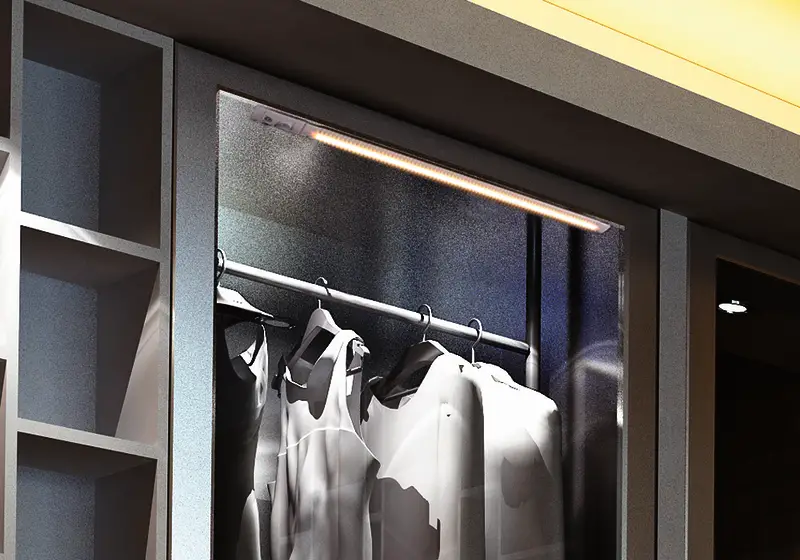
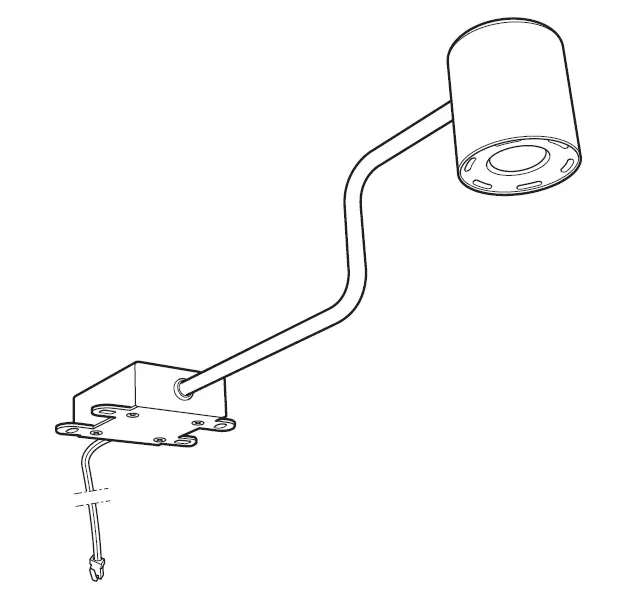
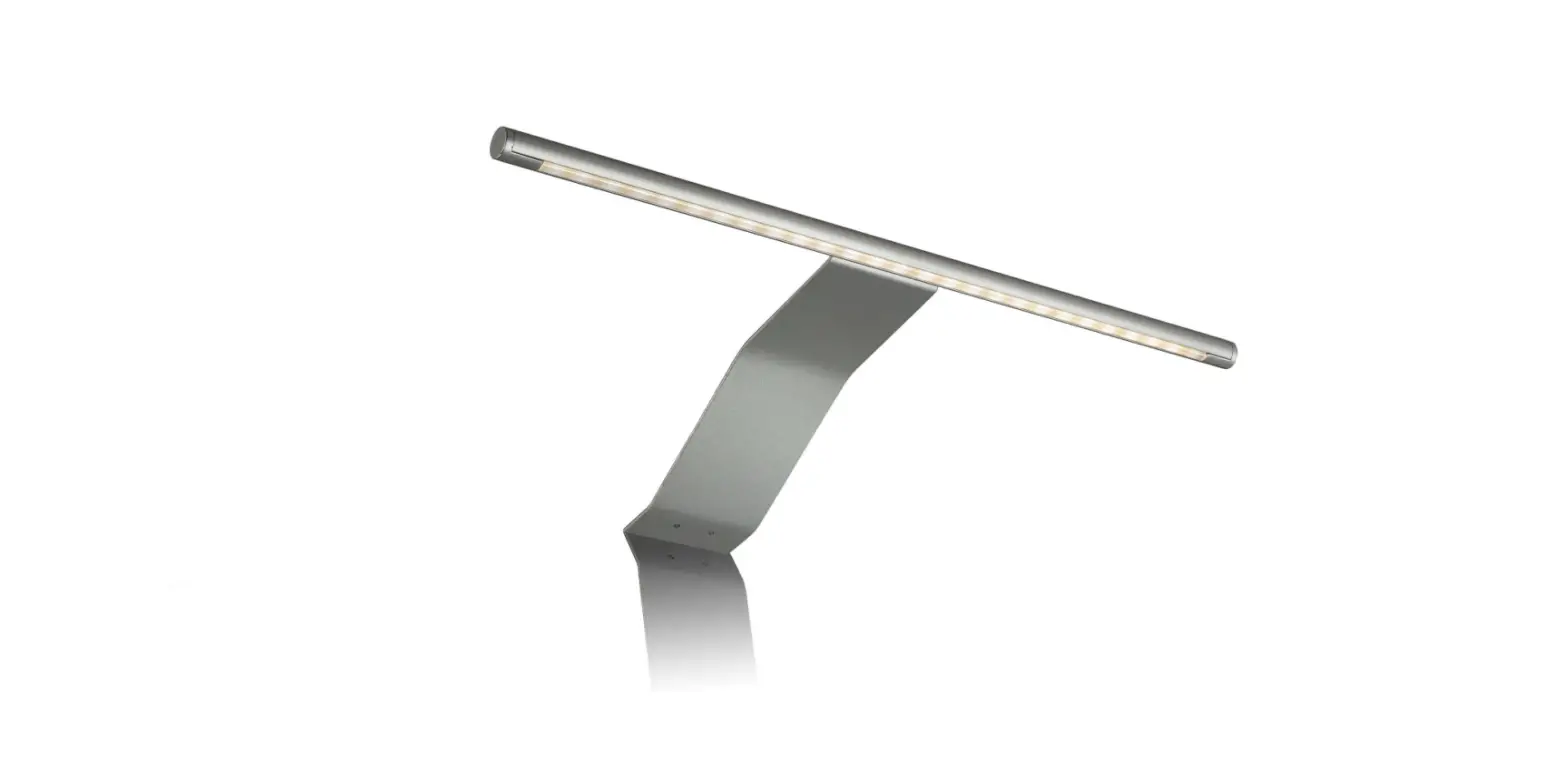
- Use adhesive tape or bracket clips to fix the lights bars. See
Figure 2, Figure 3

Operate CabiSmart by App
- To download the App, search Smart Life in any App store or scan
the QR code. See Figure 4 - Install the App to your Smart phone
- Registry and login your account
- Set FixtureSmart into pairing mode.
- Tape add device to add FixtureSmart to Smart Life App


This device complies with Part 15 of the FCC Rules. Operation is
subject to the following two conditions: (1) this device may not
cause harmful interference, and (2) this device must accept any
interference received, including interference that may cause
undesired operation.
Warning: changes or modifications not expressly
approved by the party responsible for compliance could void the
user’s authority to operate the equipment.
Radiation Exposure Statement: This equipment
complies with FCC radiation exposure limits set forth for an
uncontrolled environment. This equipment should be installed and
operated with minimum distance 20cm between the radiator and your
body.
Product Information:
- CabiSmart is a lighting system that consists of light bars, a
control box, a power supply, a DC-DC extension, and a jumper
cord. - The system should be installed in accordance with the
instructions, current electrical codes, and/or the current National
Electric Code (NEC) to prevent the risk of shock or fire
hazard. - The system can be linked and controlled through the Smart Life
App using a smartphone. - The device complies with Part 15 of the FCC Rules and operates
under certain conditions to prevent harmful interference.
Product Usage Instructions:
- Determine the location to install the light bars.
- Link the CabiSmart system by connecting the power supply, DC-DC
extension, control box, light bars, and jumper cord as shown in
Figure 1. - Mount the light bars using adhesive tape or bracket clips on a
mechanically sound surface as shown in Figure 2 and Figure 3. - To operate the CabiSmart system, download the Smart Life App
from any App store or scan the QR code shown in Figure 4. - Install the App on your smartphone and register/login to your
account. - Set FixtureSmart into pairing mode and add it to the Smart Life
App. - When using the CabiSmart system, ensure that the electrical
power to the system is disconnected at the source prior to
installation or any servicing to prevent the risk of fire, electric
shock, or injury to persons. - It is recommended to install and operate the CabiSmart system
with a minimum distance of 20cm between the radiator and your body
to comply with FCC radiation exposure limits.
CabiSmart User Manual
! WARNING
These products may represent a possible shock or fire hazard if improperly installed or attached in any way. Products should be installed in accordance with these instructions, current electrical codes, and/or the current National Electric Code (NEC).
! WARNING
To reduce the risk of fire, electric shock or injury to persons, make sure that the electrical power to the system is disconnected at the source prior to installation or any servicing.
! WARNING
Caution: Injury to persons and damage to the fixture and/or mounting surface may result if the fixture is pulled from the surface. To reduce the likelihood of such injury or damage, mount on a surface that is mechanically sound.
IMPORTANT SAFETY INFORMATION
· Read all instructions before beginning. Save these instructions for future use. · To reduce the risk of fire, electric shock, or injury to persons, pay close attention to this manual and stay within its guidelines when using this product. · CAUTION: To reduce the risk of electric shock or injuries to persons, use only insulated staples or plastic ties to secure cords and only route/secure cords to that they will not be pinched or damaged when the cabinet is pushed to the wall. · CAUTION: To reduce the risk of electric shock or injuries to persons, do not operate fixture with missing or damaged lens or wiring compartment cover. · WARNING! CAUTION – RISK OF FIRE: Keep fixtures away from curtains and other combustible materials. · Suitable for indoor dry locations only. AC100-240V, 50/60Hz · LEDs are bright! Do not look directly at LED light source. · Do not touch LEDs. · There are no serviceable parts inside the LED module. · The National Electrical Code (NEC) does not permit cords to be concealed where damage to insulation may go unnoticed. · For cleaning, use a soft, dry or damp cloth. Do not use harsh chemicals or abrasives. · This product is not suitable for use in dimming circuits. Do not use it with any dimmers.
_________________________________________________________________________________________ Linking CabiSmart CW
1. Determine location to install bars(s).
2. Link the CabiSmart system (as show in Fig1)
1 Power Supply–2 DC-DC extension–3 Control
Box–4 CabiSmart Light Bar–5 Jumper
Cord
Figure 1
CabiSmart User Manual
Mounting CabiSmart 1.Determine locations for each lights bar. 2.Use adhesive tape or bracket clips to fix the lights bars. See Figure 2, Figure 3
Figure 2
Operate CabiSmart by App.
1. To down load the App, search “Smart Life” in any App store or scan the QR code. See Figure 4
2. Install the App to your Smart phone 3. Registry and login your account 4. Set FixtureSmart into pairing mode. 5. Tape ” add device” to add FixtureSmart to
Smart Life App
Figure 3 Figure 4
This device complies with Part 15 of the FCC Rules. Operation is subject to the following two conditions: (1) this device may not cause harmful interference, and (2) this device must accept any interference received, including interference that may cause undesired operation
NOTE: This equipment has been tested and found to comply with the limits for a Class B digital device, pursuant to Part 15 of the FCC Rules. These limits are designed to provide reasonable protection against harmful interference in a residential installation. This equipment generates, uses and can radiate radio frequency energy and, if not installed and used in accordance with the instructions, may cause harmful interference to radio communications. However, there is no guarantee that interference will not occur in a particular installation. If this equipment does cause harmful interference to radio or television reception, which can be determined by turning the equipment off and on, the user is encouraged to try to correct the interference by one or more of the following measures: — Reorient or relocate the receiving antenna. — Increase the separation between the equipment and receiver. — Connect the equipment into an outlet on a circuit different from that to which the receiver is connected. — Consult the dealer or an experienced radio/TV technician for help.
Warning: changes or modifications not expressly approved by the party responsible for compliance could void the user’s authority to operate the equipment
Radiation Exposure Statement This equipment complies with FCC radiation exposure limits set forth for an uncontrolled environment. This equipment should be installed and operated with minimum distance 20cm between the radiator and your body.