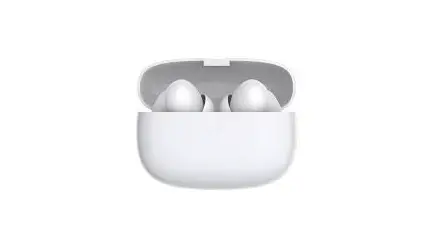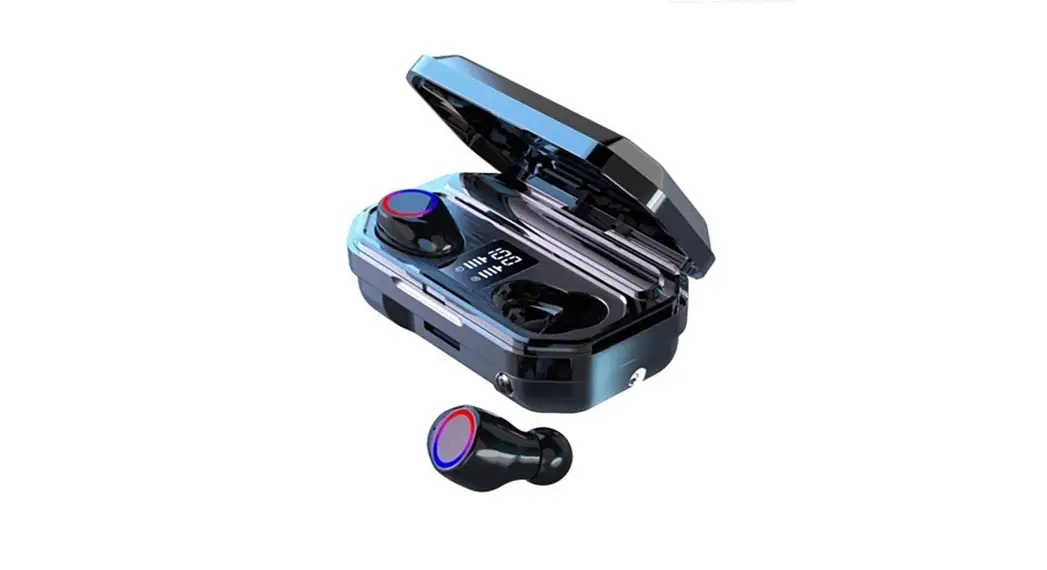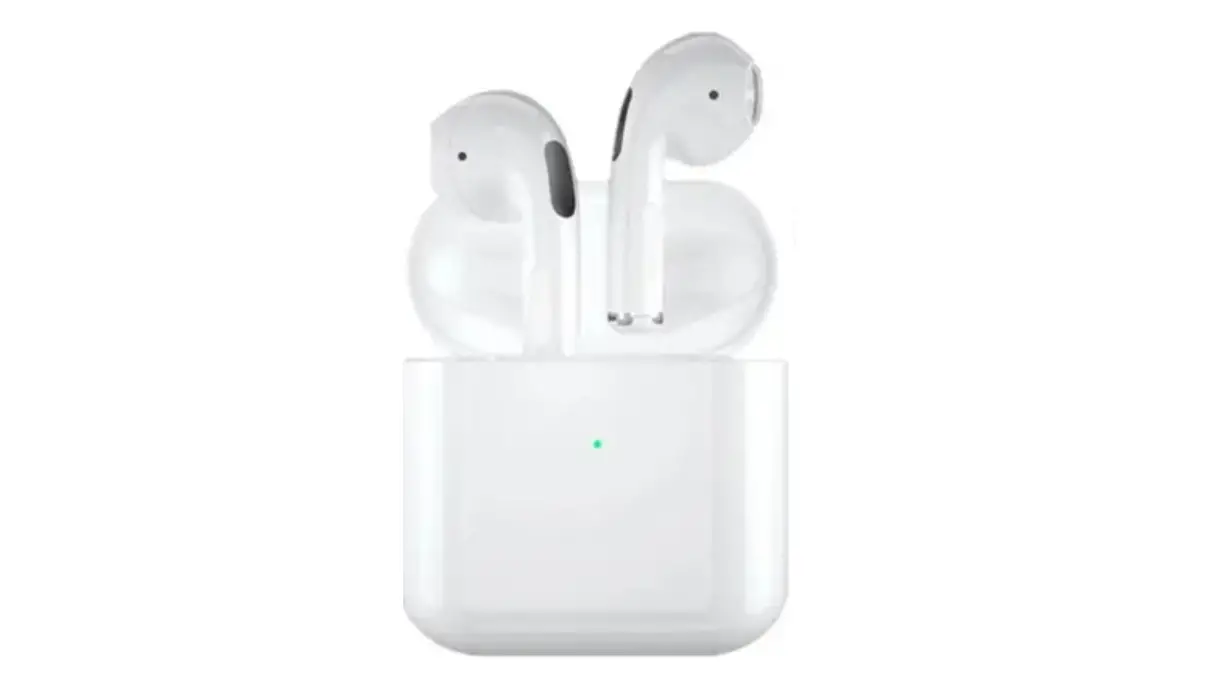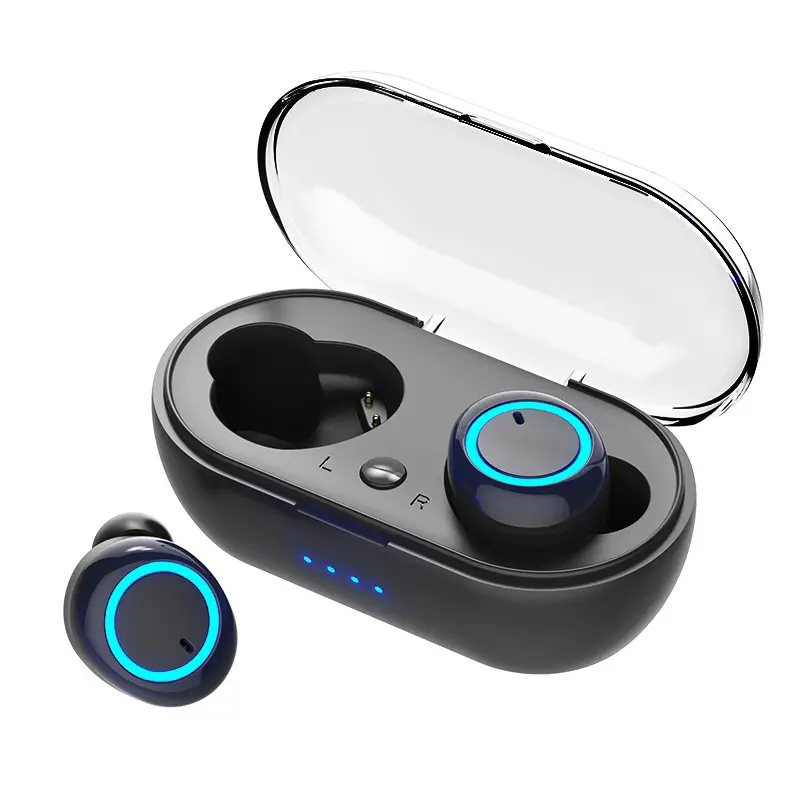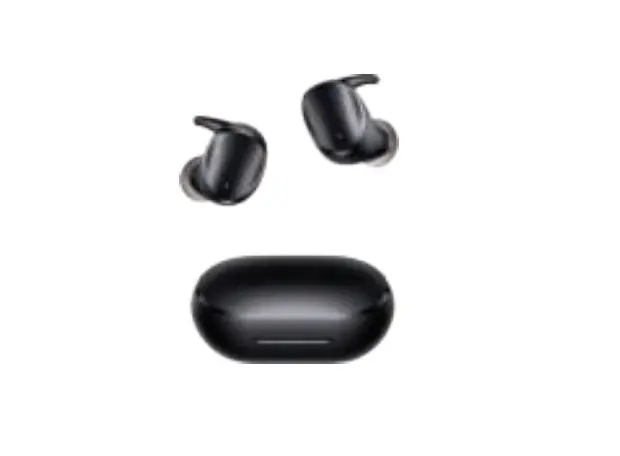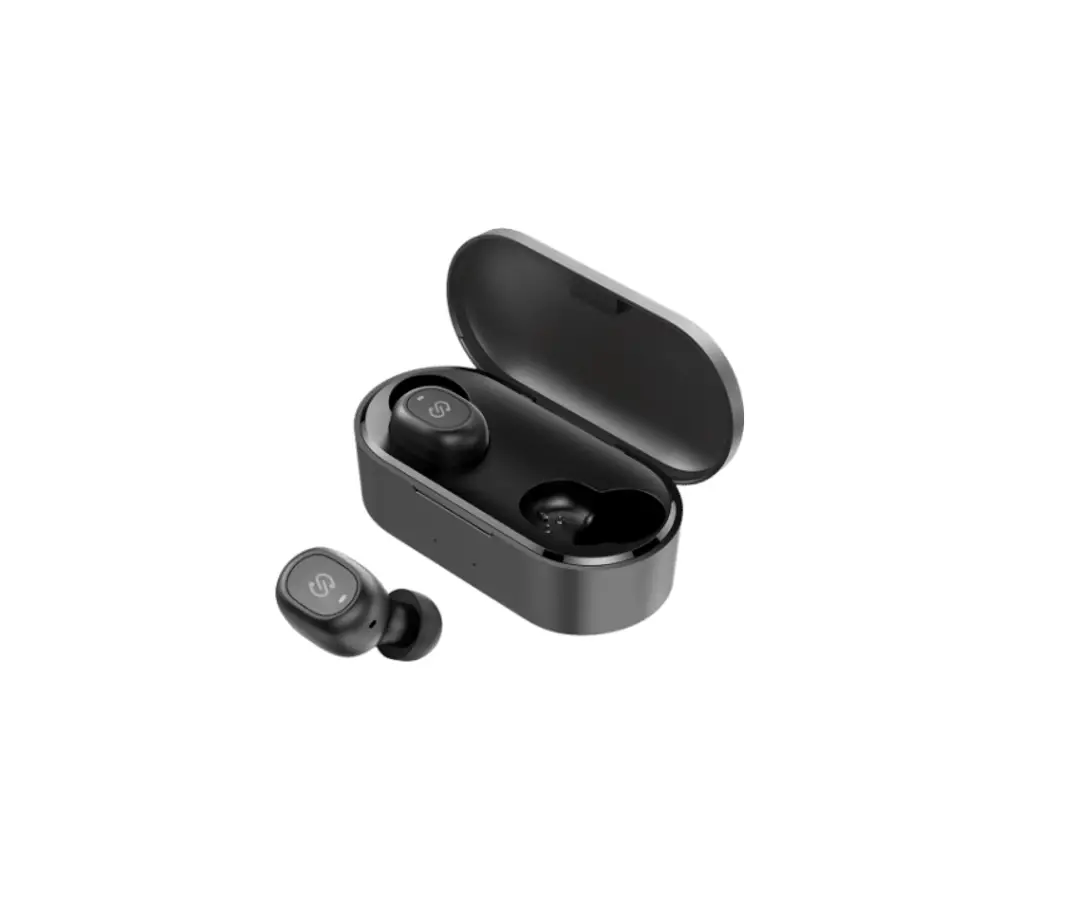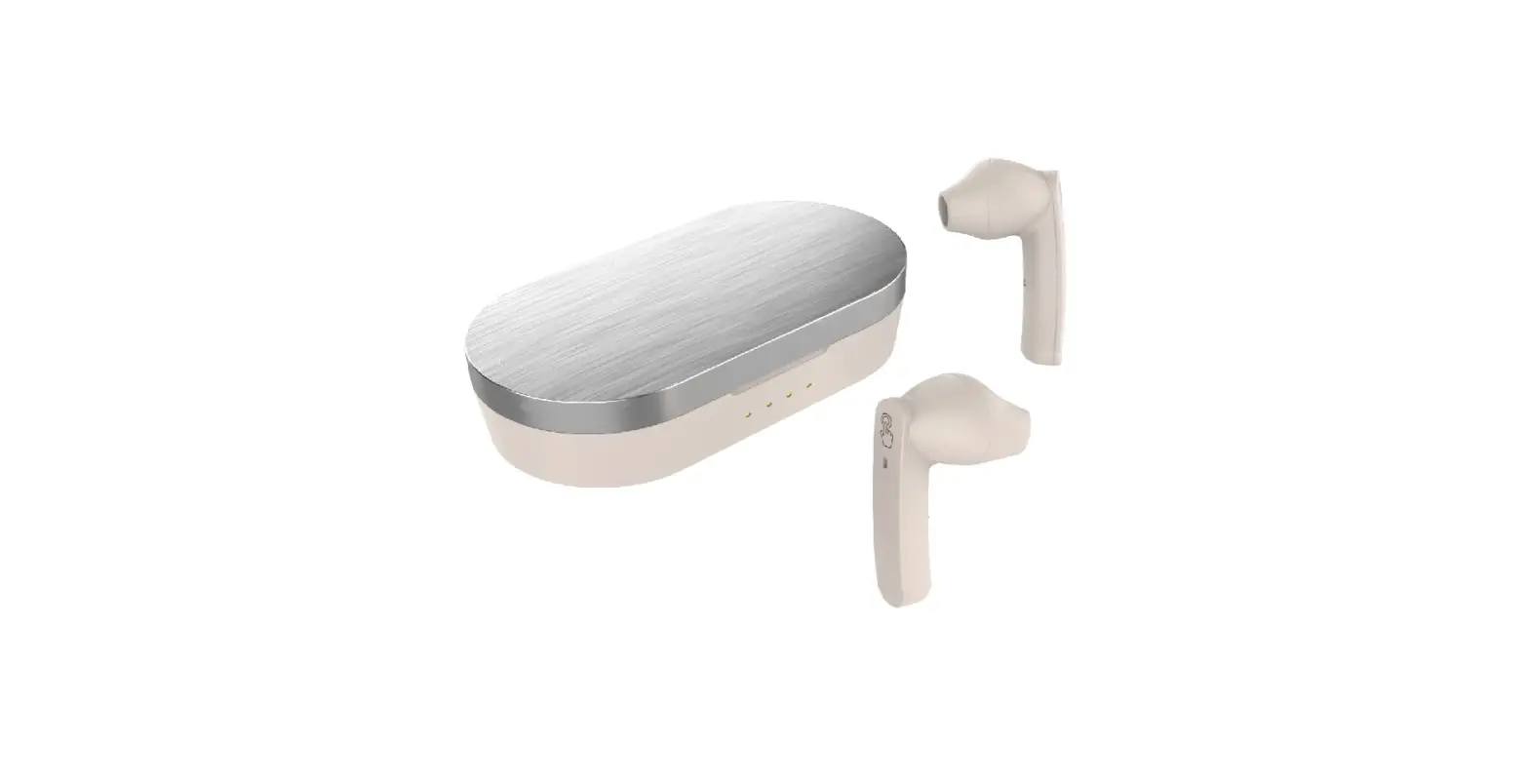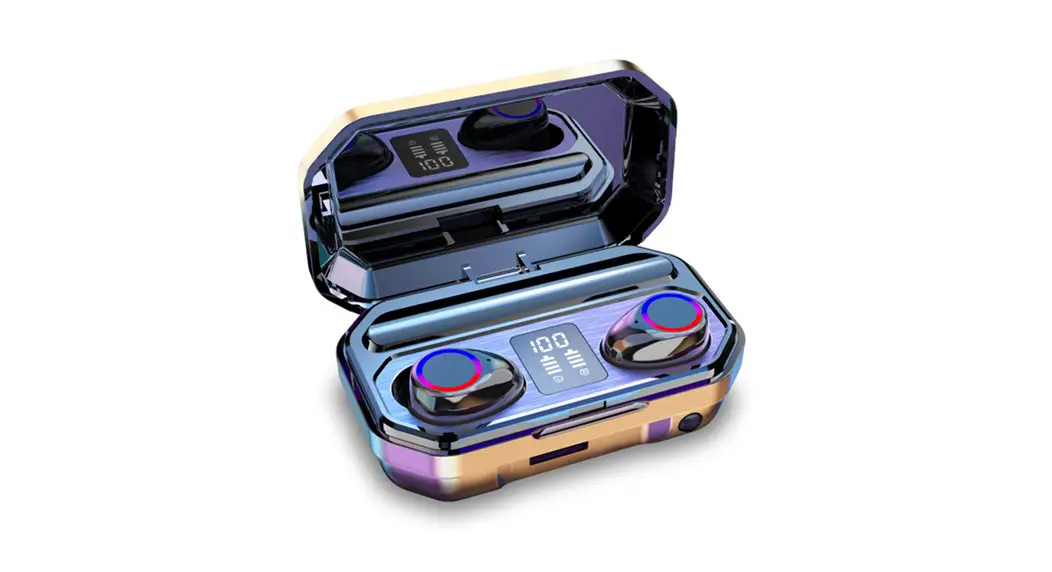
M12
User Manual
Notice before using
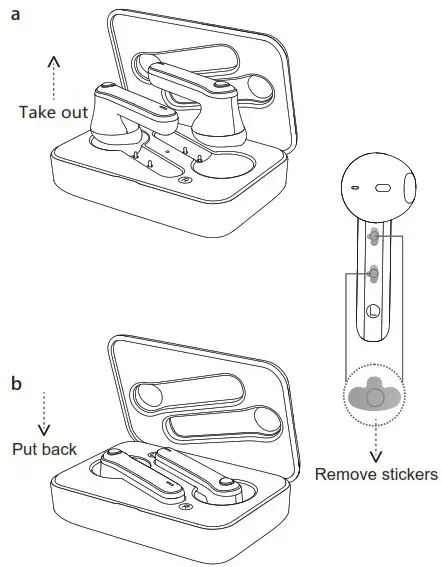
(Optional,please ignore if no stickers here)
Wearing method
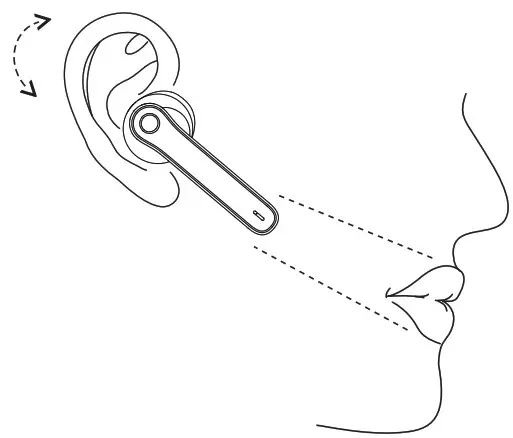
Gently slide into ears, the earbuds tail align with the mouth
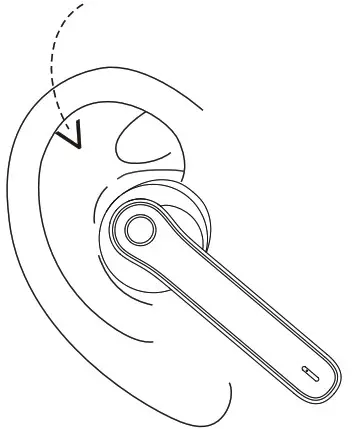
Adjust the earbuds to where it doesn‘t move while wobbling head
Main user interface
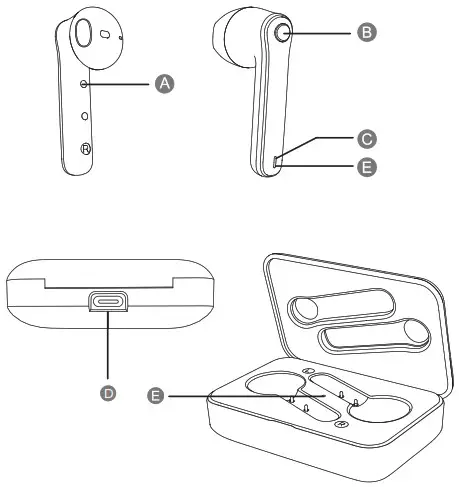
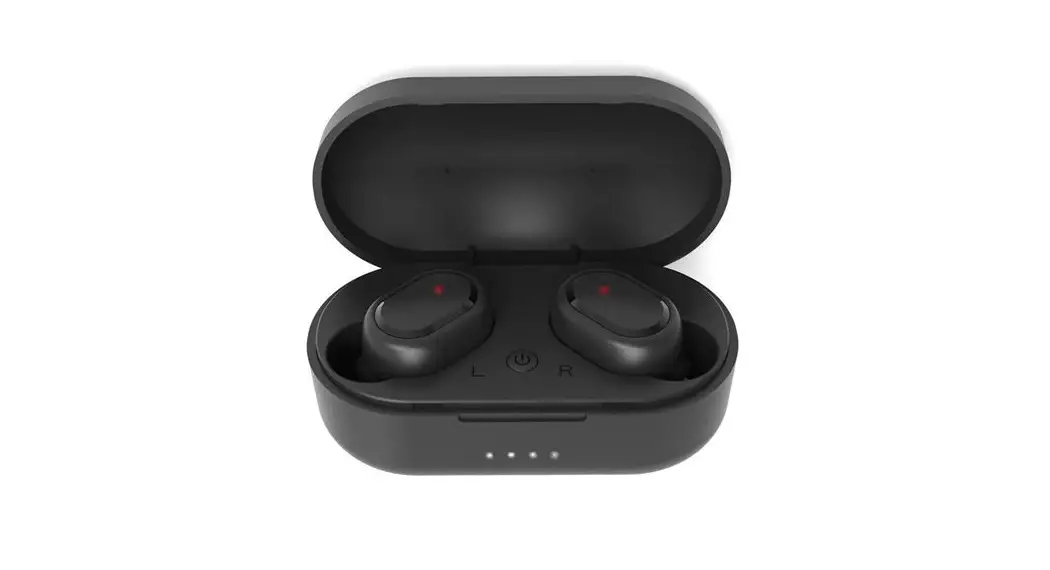
A.Charging point
B.Function button
C.Microphone
D.Charging USB Port
E.Status LED
Start Here
a. Open Charging Dock case, two earbuds will power on and pair with each other automatically
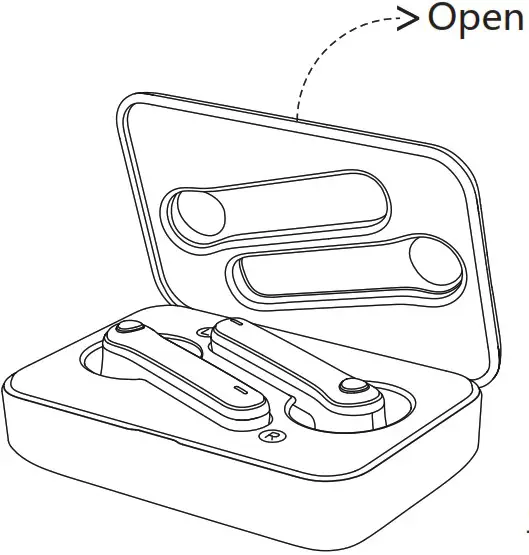 Open the case,earbud LED flash in white, two earbuds will power on and pair with each other automatically(Voice Notice: Power on —> TWS connected —>Pairing)
b. Pairing with cellphone
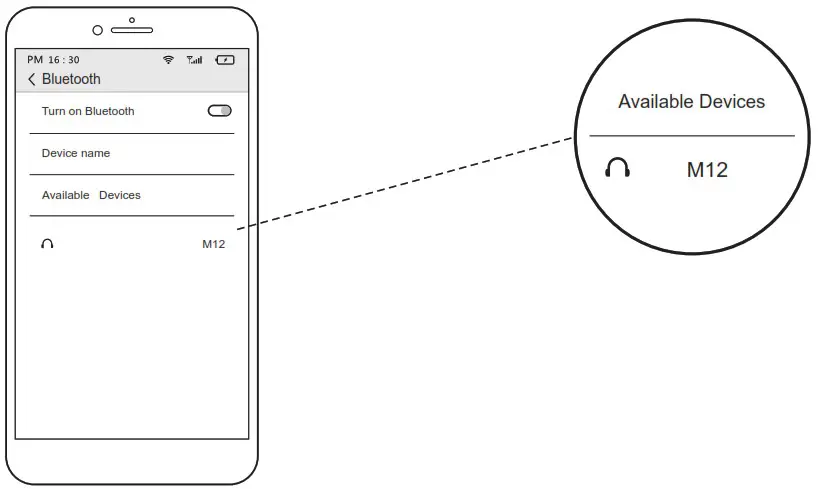
Open cellphone bluetooth and set it as Open detection, when “M12” appears in available devices, press to connect. The LED will be off after connected.
(Voice Notice: Connected)
c. Power off
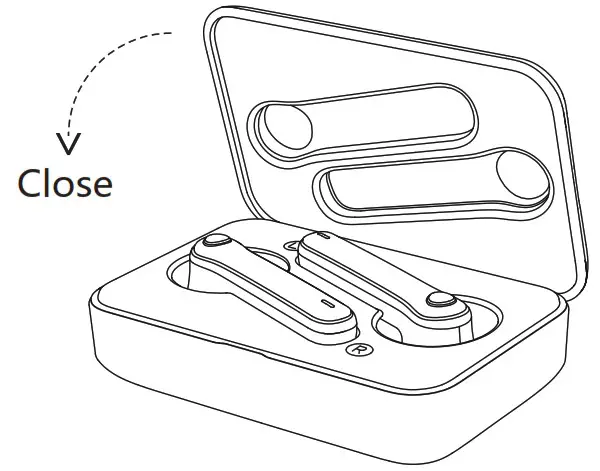
Put back the earbud to the charging dock and close the cap,the earbuds will power off,and the dock will charge the earbuds automatically. (Voice Notice: Power off)
Charging
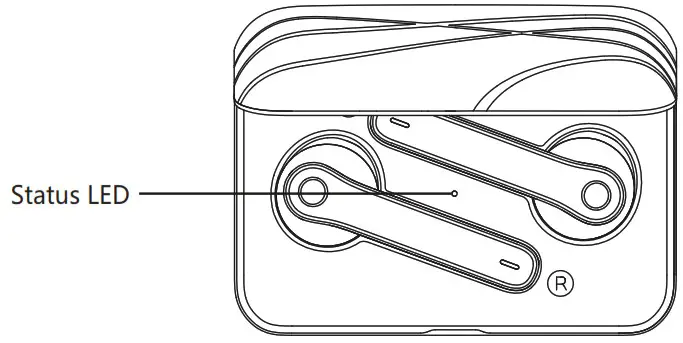
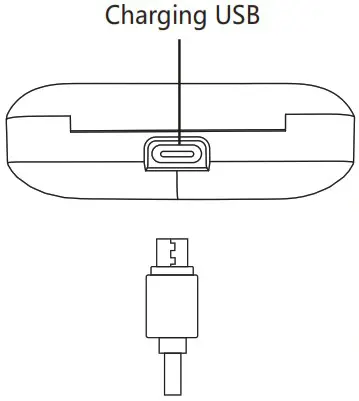
a.The LED flashes in Red and there is a Voice Notice when the Battery Power Low.
b.Without external power supply, the LED is on in red while charging and will be off after fully charged.
c.With external power supply, the LED flash in blue while charging and will be on in blue after fully charged.
d.It takes about 1.5h to fully charge the earbuds and charging dock batteries.
More functions
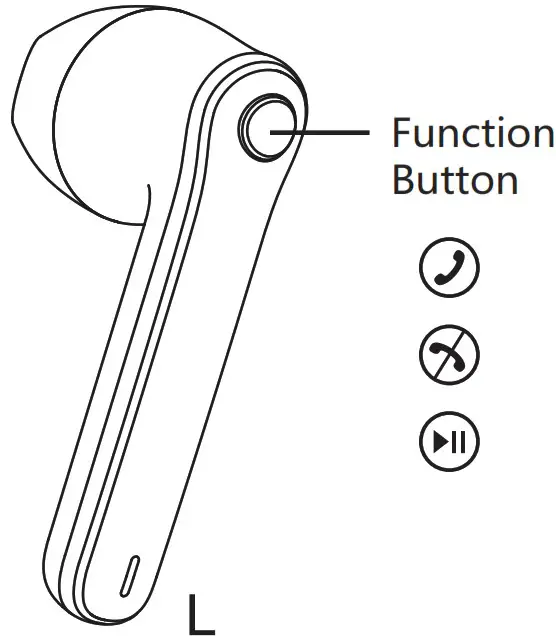
a.Touch the function button once to answer calls, press Function Button twice to reject calls.
b.When playing music, To pause, please press the function button once; To play the previous song, please press and hold 2s for left earbud function button. To play next song, please press and hold 2s for right earbud function button;
c.To increase volume, please press the function button of left earbud twice; To decrease volume, please press function button of the right earbud twice; To activate Siri, please press function button three times.
Important Notice for Single Earbud using
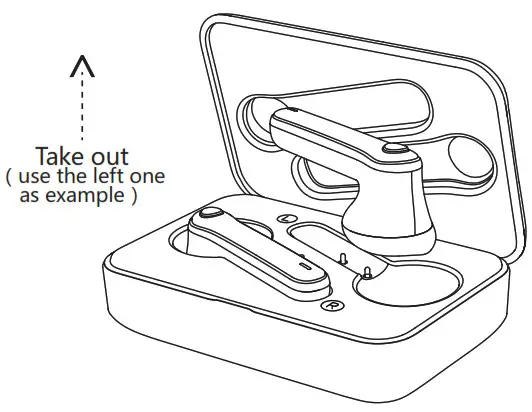
a.The earbuds can be used individually (each earbud pairs to separate cellphone)
b.Open charging Dock cap, take out either earbud, wait for 10s, the LED flashes in white, and then open cellphone Bluetooth and set it as open detection, when “M12” appears in available devices, press to connect. The LED will be off. (Voice Notice: Power on —> Pairing)
c.It will automatically connect to the cellphone if it connected previously.
Manual pairing
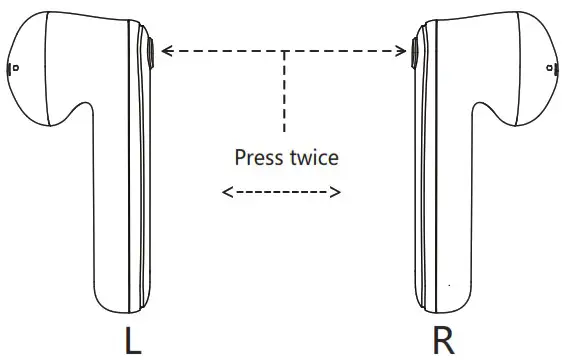
1stly: make sure the earbuds don’t connect any Bluetooth devices.
2ndly: put two earbuds close within 10cm and press & hold two function buttons for 2s to power on both earbuds.
3rdly: press either function button twice,auto-pairing completed when one LED flashes in white the other one is off.
4thly: press & hold either function button for 5s, two earbuds turn off at the same time, manual pairing completed.
Basic Parameter
Product Name: M12
Charging time:1.5 hours
Music Time:4 hours
Battery Type: Polymer Li-Ion Battery
Earbud weight:4g+4g
Operation range:10m
Call time:5 hours
Charging Input:5V  300mA
300mA
Important Notice
- Please make sure the product is fully charged before initial use.
- Please use the brand adaptor complying safety requirements to charge this product.
- If your cellphone can not find “M12”, please double check if your cellphone Bluetooth is at “Equipment visible mode”. After initial pairing, the earbuds will be automatically paired for repeat use. If no use for a long time, need to follow up pairing procedures to pair with the cellphone.
- If there is only one earbud has sound while in music mode, please restart the earbuds or re-pair manually.
Questions & Answers
| Questions | Reasons | Answers |
| earbuds not “power on” | power run out | charge the charingdock & earbuds |
| earbuds pairing failure | program error caused by mal-operation | re-pair manually (pls refer to user manual VII) |
| charging dock LED not light on while putting in earbuds | can’t detect the earbuds while they are fully changed | it will recover proper indication after using for a while |
| low volume | the volume setting of the earbuds & cellphone not synchronized | turn on cellphone bluetooth & synchronized its volume setting with the connected earbuds |
| charging dock not charging | charing protection | charge the charging Dock by external power |
| can’t find earbuds pairing name or pairing failure with cellphone | earbuds not in pairing mode | Re-“power on”the earbuds |
| celllphone Bluetooth App error | power off & re-power on cellphone |
Security warning
- Please use the product in the temperature between 0 C-45 C. When the environment temperature is too high or low, it may cause the product malfunction.
- Please keep the product dry, do not contact water or humidity environment
- Please do not drop, throw, pull/drag the product to prevent damage.
- Please power off before clean the product.
- Please use the product at proper volume while listening music or answering call, long time at high volume usage could lead to permanent hearing loss.
- The built-in battery is not dismountable, please do not replace by yourself. If it’s really necessary, please ask help from authorized service center.
- Please dispose the product according to local law, can not treat it as domestic garbage.
- Without adult supervision, please keep the product out of reach of children, the swallow of small components included may cause asphyxia.
Warranty
- This product is covered under warranty for a period of one year from the date of purchase limited to normal use and maintenance of the machine parts, materials and functions. Problems and failures verified upon further identification will be provided free repair and replacement parts.
- Excluding the following:
A. Headset is beyond the warranty period;
B. User does not follow the instructions. so that the headphone wire and earplug broken.
C. Without the authorization to dismount, repair, alteration structures;
D. Can’t provide proof of purchase.
E. Man made damage.
F. Due to natural disasters and other force majeure (such as earthquakes, fires) product failure of damage causes;
Warranty Card
User’s name____________________________
User’s telephone#_______________________
User’s Add____________________________
Date of purchase_______________________
Invoice #_____________________________
Dealer’s name_________________________
Dealer’s Add__________________________
Dealer’s telephone#_____________________
QC Report info
| Model # | |
| Inspector | |
| Date |
P/N:16-4BA10101D
FCC Caution
This device complies with part 15 of the FCC Rules. Operation is subject to the following two conditions: (1) This device may not cause harmful interference, and (2) this device must accept any interference received, including interference that may cause undesired operation.
Any Changes or modifications not expressly approved by the party responsible for compliance could void the user’s authority to operate the equipment.
Note: This equipment has been tested and found to comply with the limits for a Class B digital device, pursuant to part 15 of the FCC Rules. These limits are designed to provide reasonable protection against harmful interference in a residential installation. This equipment generates uses and can radiate radio frequency energy and, if not installed and used in accordance with the instructions, may cause harmful interference to radio communications. However, there is no guarantee that interference will not occur in a particular installation. If this equipment does cause harmful interference to radio or television reception, which can be determined by turning the equipment off and on, the user is encouraged to try to correct the interference by one or more of the following measures:
- Reorient or relocate the receiving antenna.
- Increase the separation between the equipment and receiver.
- Connect the equipment into an outlet on a circuit different from that to which the receiver is connected.
- Consult the dealer or an experienced radio/TV technician for help.
The device has been evaluated to meet general RF exposure requirement. The device can be used in portable exposure condition without restriction.