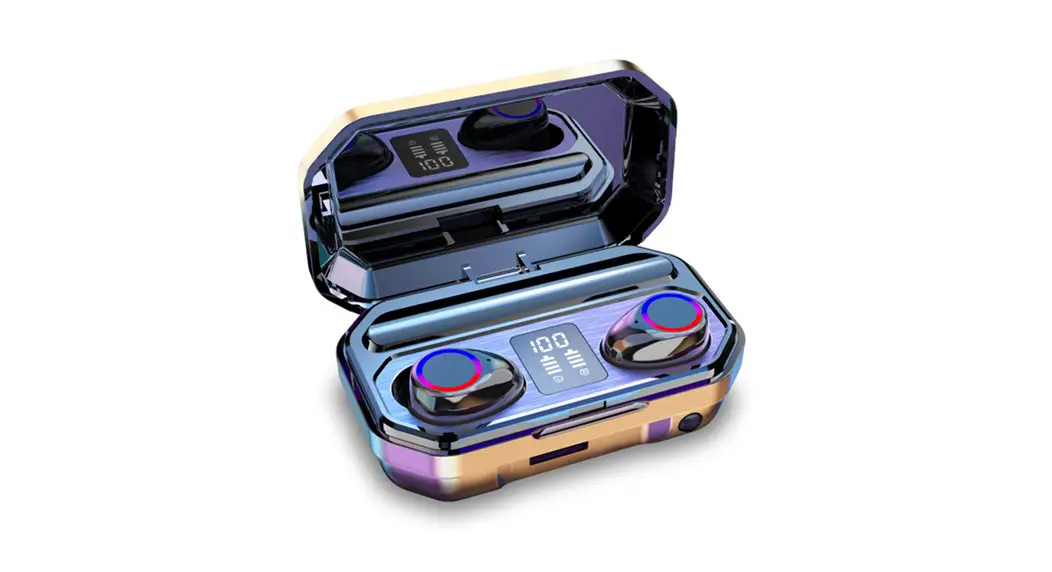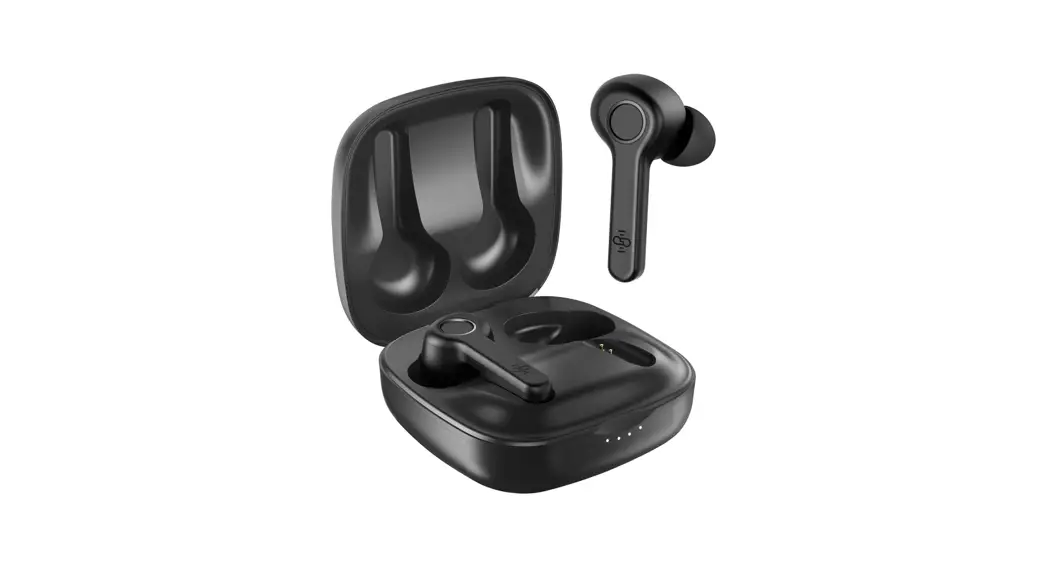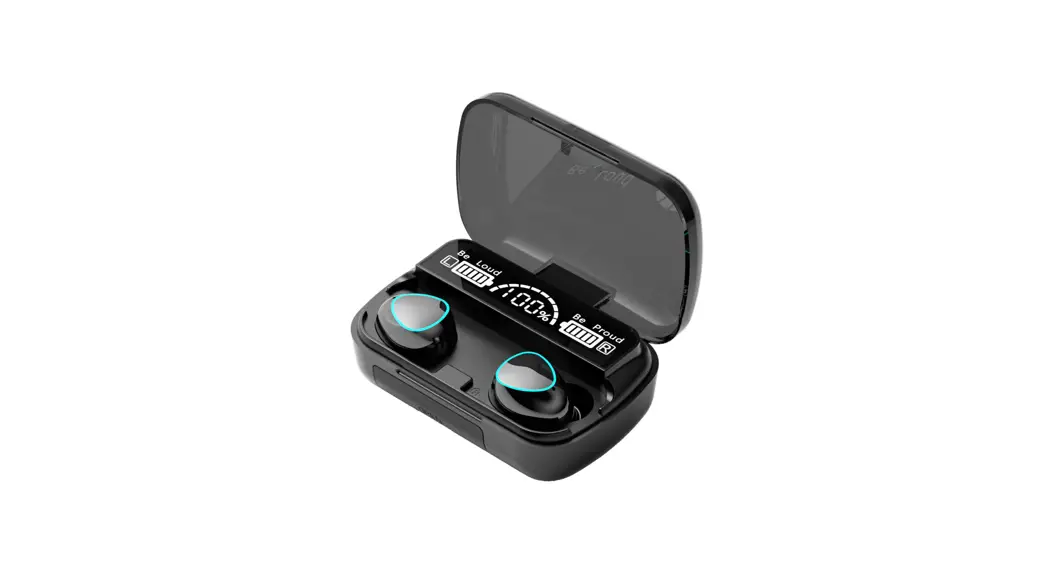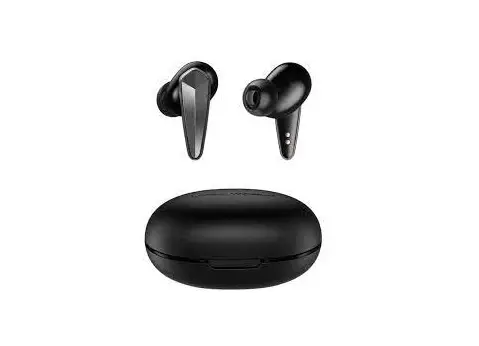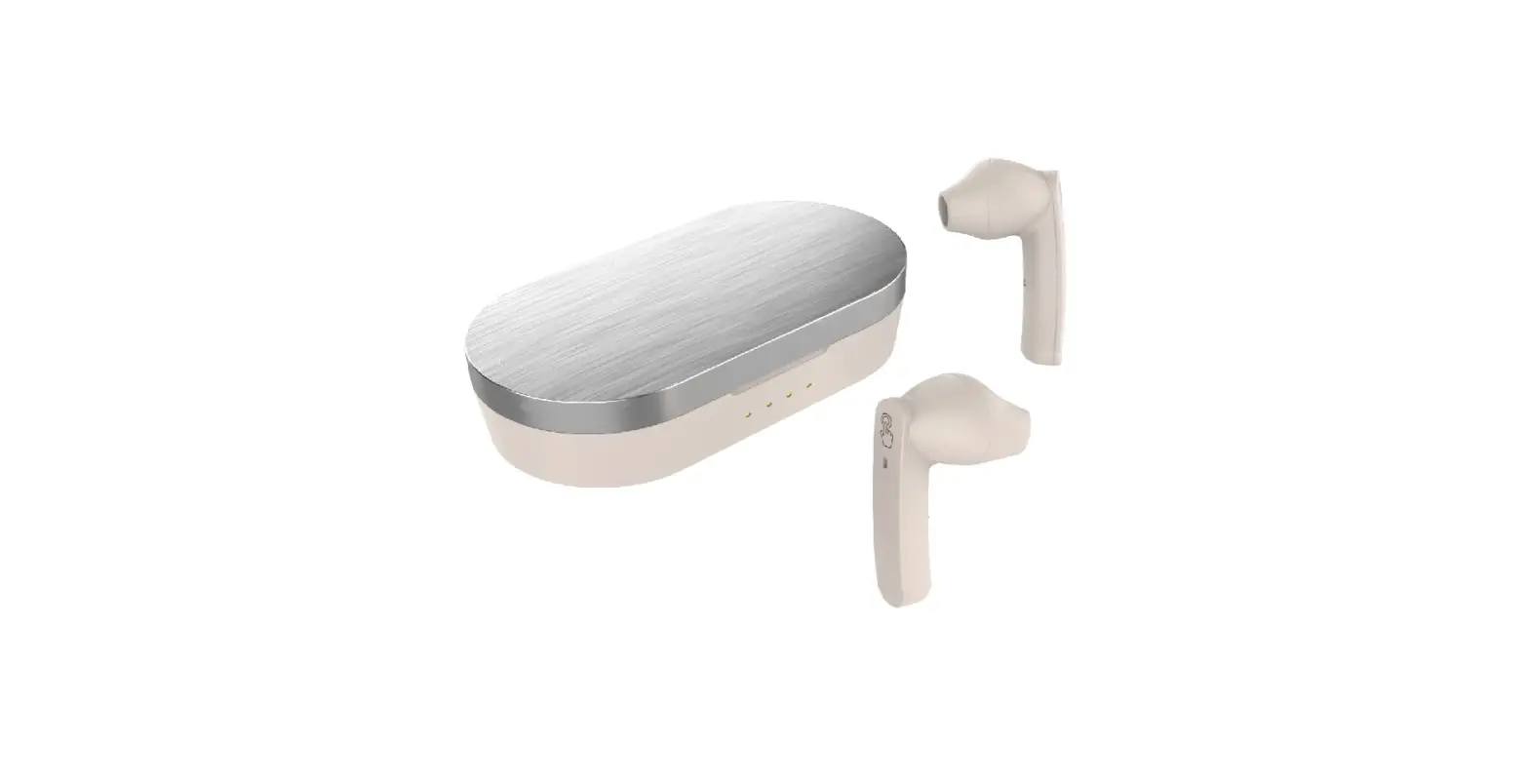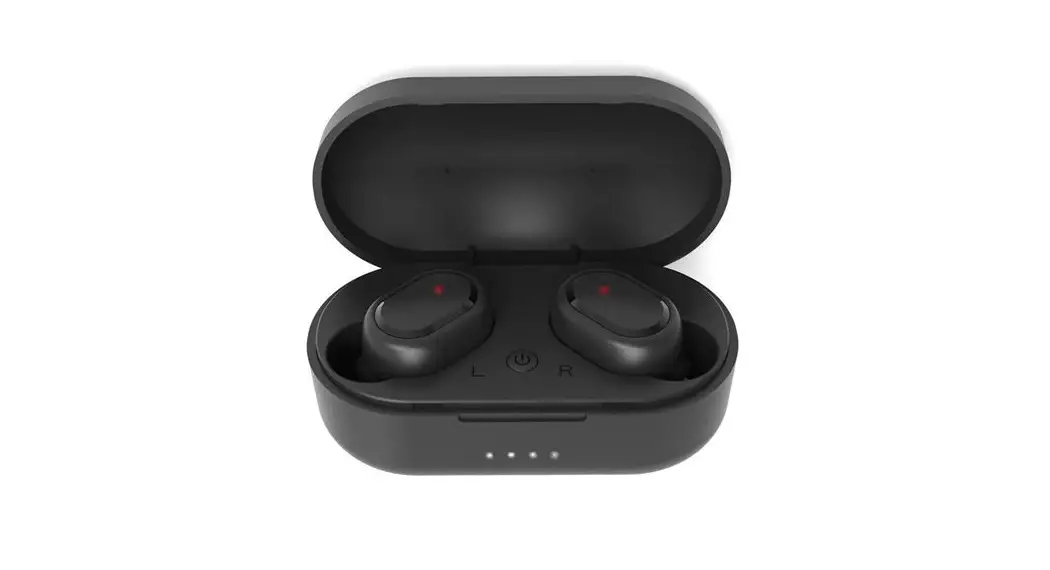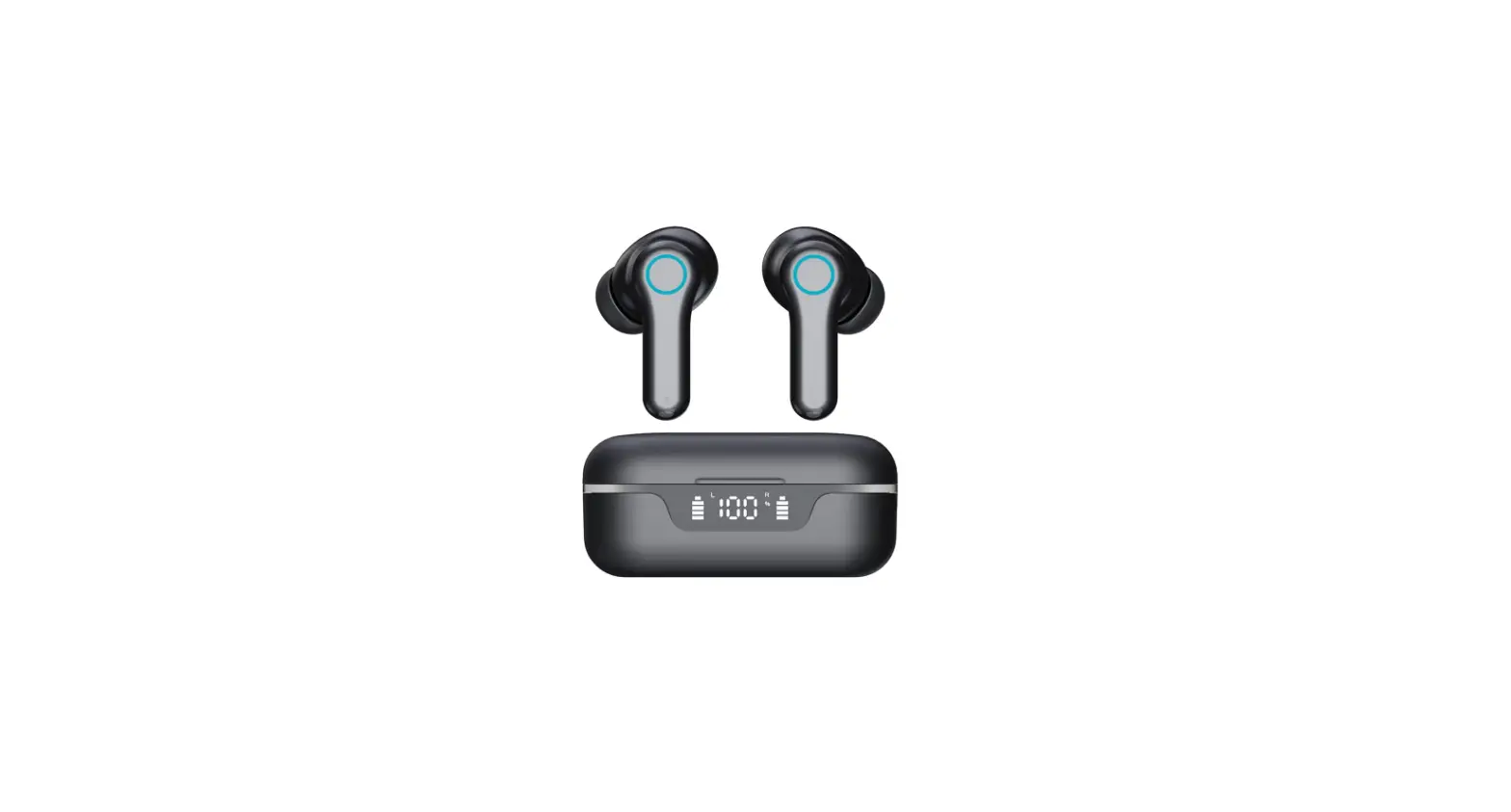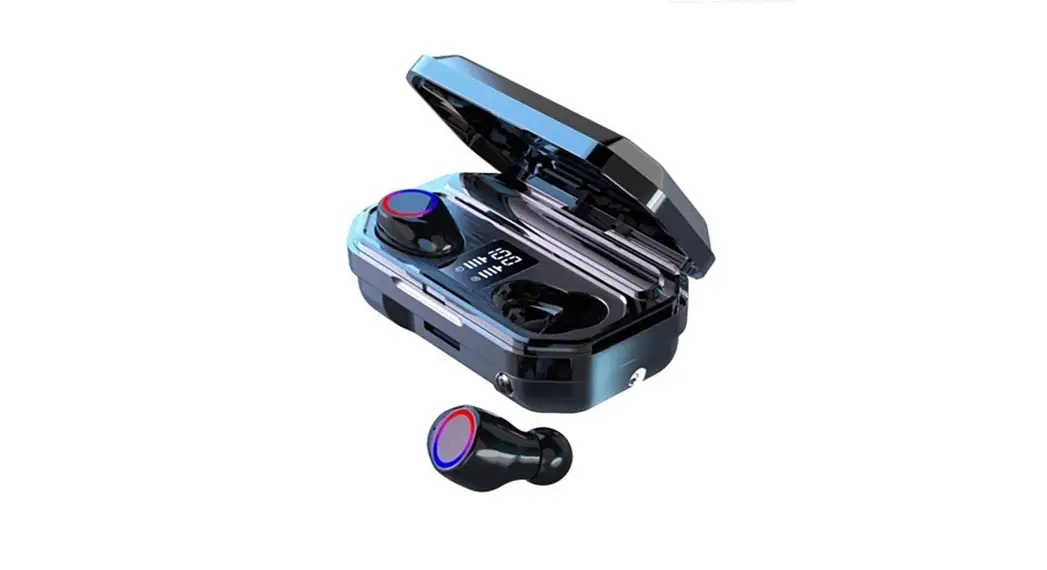
M 12
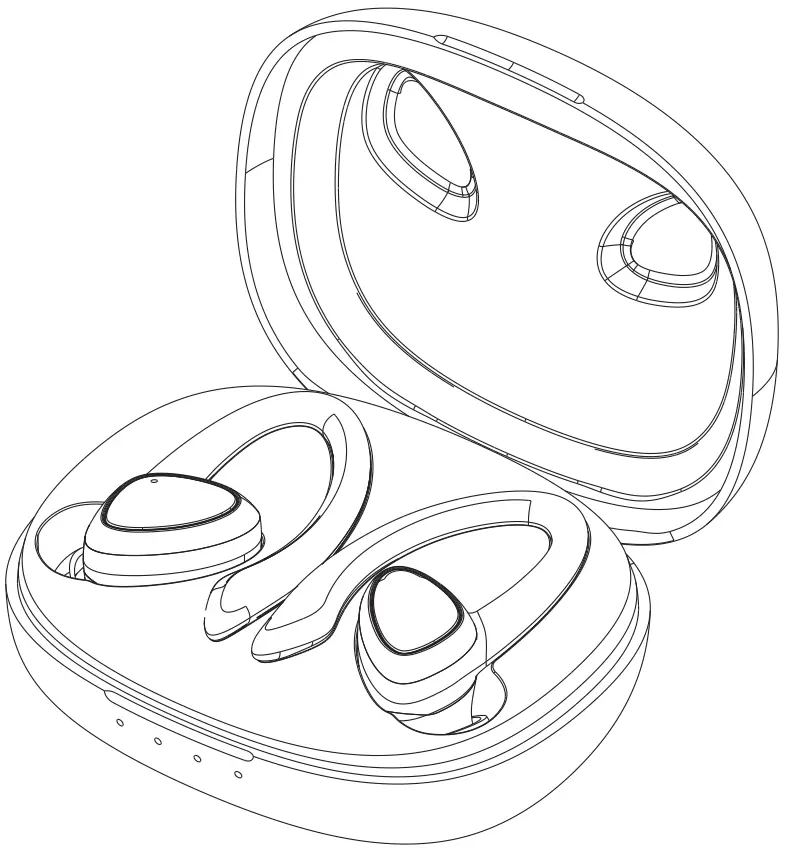
Packing list
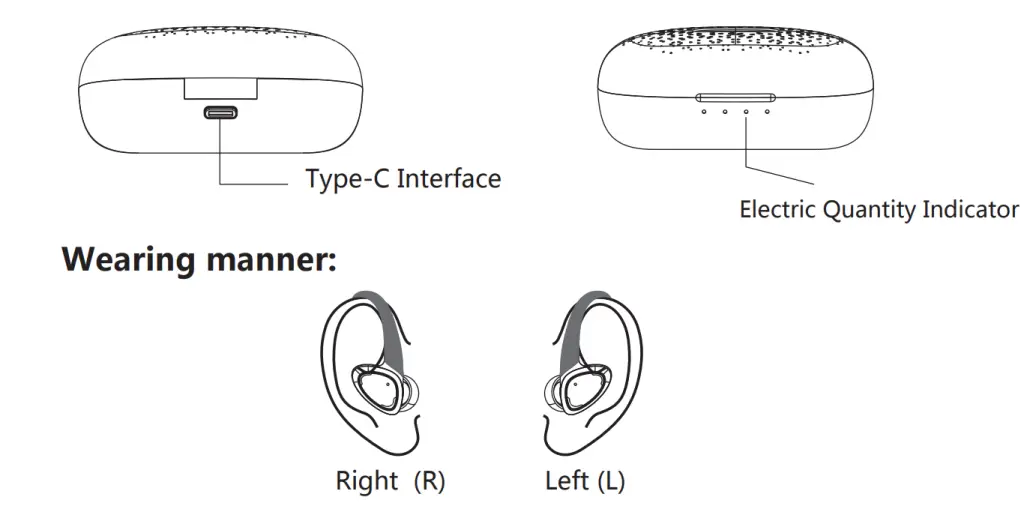
Type-C Interface
How to Start:
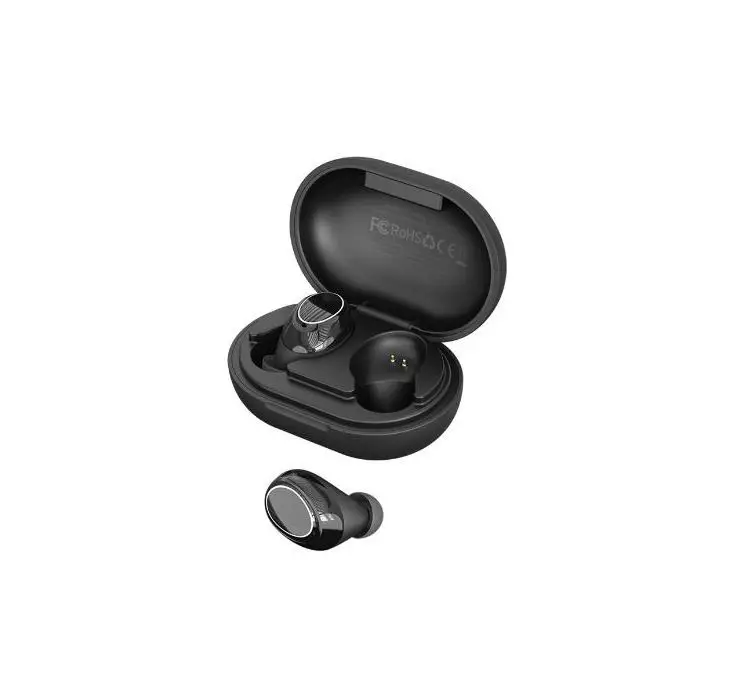
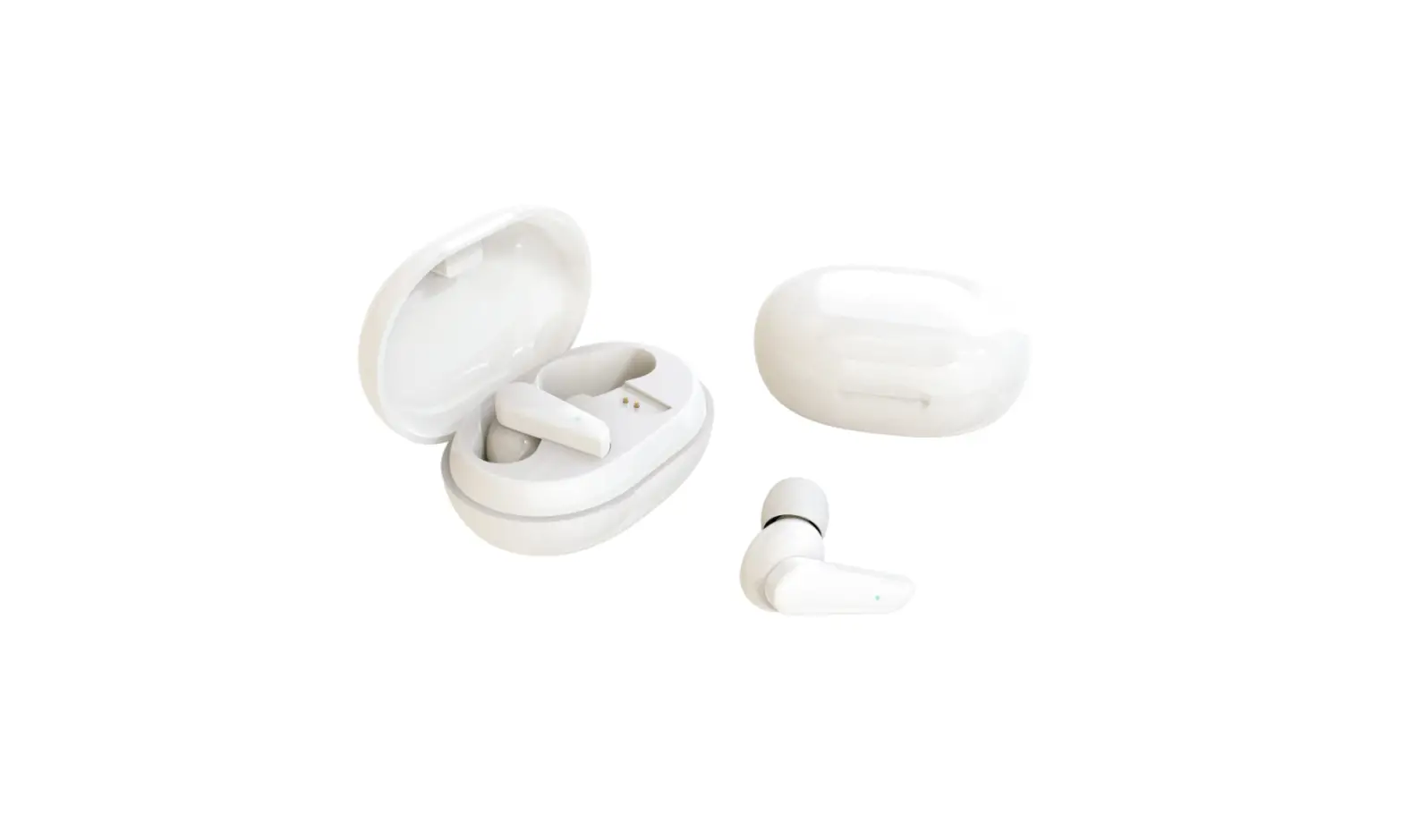
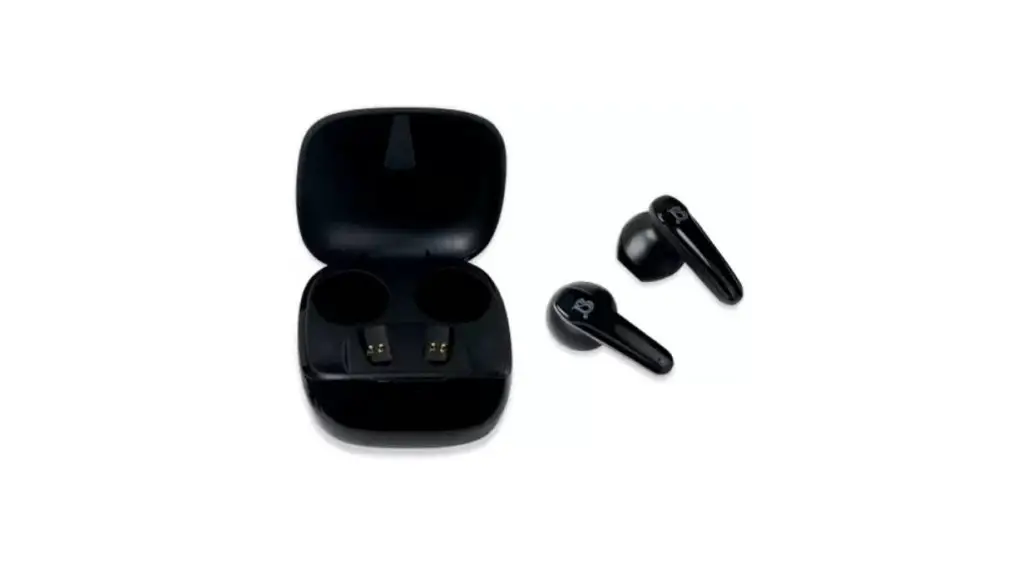
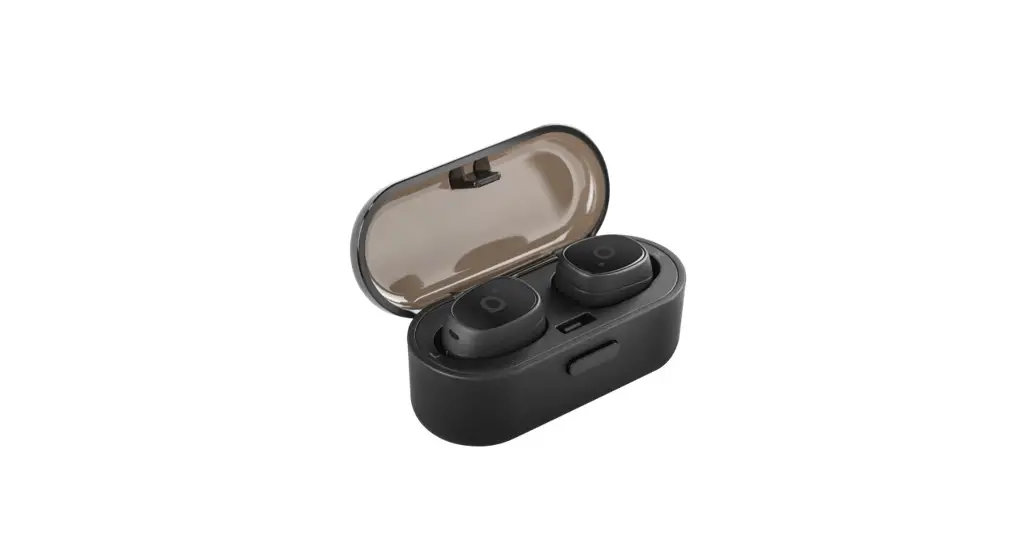
- Open the charging compartment and take out two earphones.
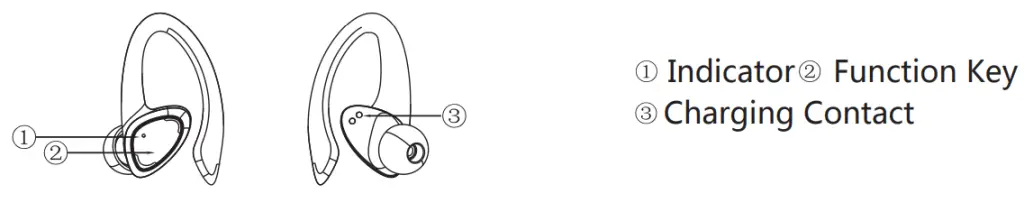
- Tear off the insulating protective film around the charging contacts.
- After charging in the charging compartment for 10 minutes, take out the earphones at the same time. The two earphones will be automatically turned on and paired automatically.
- Open the Bluetooth of mobile phone or other devices and click to search.
- Select “M12- from the search list of mobile phones or other devices and connect the earphones. After a successful connection, there is a voice prompt of ‘Connected’.
- Disconnect the earphones, and there is a voice prompt of ‘Disconnected’.
Remarks:
- The earphones are paired automatically when they are turned on. The red and blue light flashes on the main earphone, and the light doesn’t flash on the other earphone. During the use of the headset, the main unit consumes more power than the auxiliary unit, and the main unit will shut down when the main unit has no power, and the auxiliary unit will continue to work.
- If the distance between the earphones and the device exceeds the identification distance (barrier-free 15 meters), the connection will fail. The connection will recover automatically when they are in the identification distance.
- In the process of pairing the earphones, turning off either earphone does not affect the use of the other one.
- After the earphones are turned on, the earphones will be turned off automatically if there is no connection for 3 minutes.
- After the earphones are turned on, it will take the initiative to connect back to the device that is connected for the last time.
| Earphone Indicator Status: | |
| Power On and Pairing | The red and blue lights flash alternately, and if the earphone is not paired with the Bluetooth after 3 minutes, the earphone will be turned off automatically. |
| Binaural Pairing Success Mode | The red and blue lights of the main earphone flash alternately, and the indicator of the other one is off |
| Shutdown | The red light lasts for 1 second and then goes out. |
| Connected Standby | L/R: Indicator is off |
| Incoming Call | The blue light on L/ R flashes every 5 s. |
| In a Call | The blue light on L/ R flashes every 5 s. |
| Listen to the Music | L/R: Indicator is off |
| Charging | The red light is always on. |
| Charge completed | The blue light is always on for 2 seconds, and then the blue light goes out. |
| Charging Compartment Indicator Status | |
| Charge the Charging Compartment | The indicator light corresponding to the electric quantity flashes, and the four lights keep on after it is fully charged. |
| Buttons: | ||
| Left Right | ||
| Play / Pause | Click once (left) | |
| \ answer/Ring Off | Click once (left) | |
| Reject Call | Click twice (left / right) | |
| Last song | Click twice | / |
| Next song | / | Click twice |
| Reduce the Volume | Hold (This function is not supported when music is paused.) | / |
| Increase the Volume | / | Hold (This function is not supported when music is paused.) |
| Voice Assistant | Click 3 times (left / right) | |
| Power On | Take it out of the charging compartment (power on automatically) | |
| Press for 2 seconds (power on manually) | ||
| Shutdown | 1. Put it into the charging compartment (automatic shutdown) 2.No device is connected 3 minutes after startup (automatic shutdown’ | |
| Hold 5s in music pause mode (manual shutdown) | ||
| Other Tests | |
| Earphone charging time: I hour | Charging time of charging compartment: I hour |
| Earphone working current: 8mA | Charging current: about 30 mA/ single earphone |
| Earphone standby current: 2mA | Charging voltage of charging compartment: 4.75 to 5.25 V |
| Earphone usage time: 8 hours | Charging current of charging compartment: about 300 mA |
Note:
- The operating range of wireless technology is less than 15 m. Visual obstacles (human body/metal/wall, etc.) and radio waves such as WIFI may affect the communication distance. Please do not cover the headphones with your hands or use them beyond the available distance.
- Due to differences in mobile phone systems, some Android phones cannot control the volume through headphones, so it is necessary to manually increase the volume of headphones and mobile phones.
- How to reset headphones when they can’t be connected or when listening to music is silent? Method 1: Put two earphones in the charging box for charging for 10 seconds before taking them out for use. Method 2: (Di. Clear all Bluetooth connection records on the mobile phone. When the music is not playing, press the earphones multifunction key for 5 seconds and turn it off manually. Q. Press and hold the 2 earphones multifunction button for 2s, the earphones will power on. Then continue to press and hold the button for Los until the 2 earphones indicator light go out.
- The mobile phone can’t find headphones in Bluetooth records?
Please check whether the earphone has enough power and can be turned on normally.
Please try to delete the Bluetooth record of the mobile phone. Too many Bluetooth connection records will cause the headset to be undetected.
Please try to reset the earphones. - Earphones/charging boxes cannot be charged?
Check whether the charging cable is connected successfully, or replace it with a new one; Use the DC 5V-1A adapter certified by the specification manufacturer.
Check whether the earphone charging contact is in good contact with the charging box. Ensure that the charging box has enough power.
Clean the copper piece of the thimble of the charging box and the charging port of the earphone with a cotton swab with alcohol.
When you don’t use headphones and charging bins for a long time, please place them in a dry and ventilated place and charge them once a month.
Remarks:
If you encounter any of the above problems. please contact us by email.
We will reply within 24 hours.
Email: [email protected]