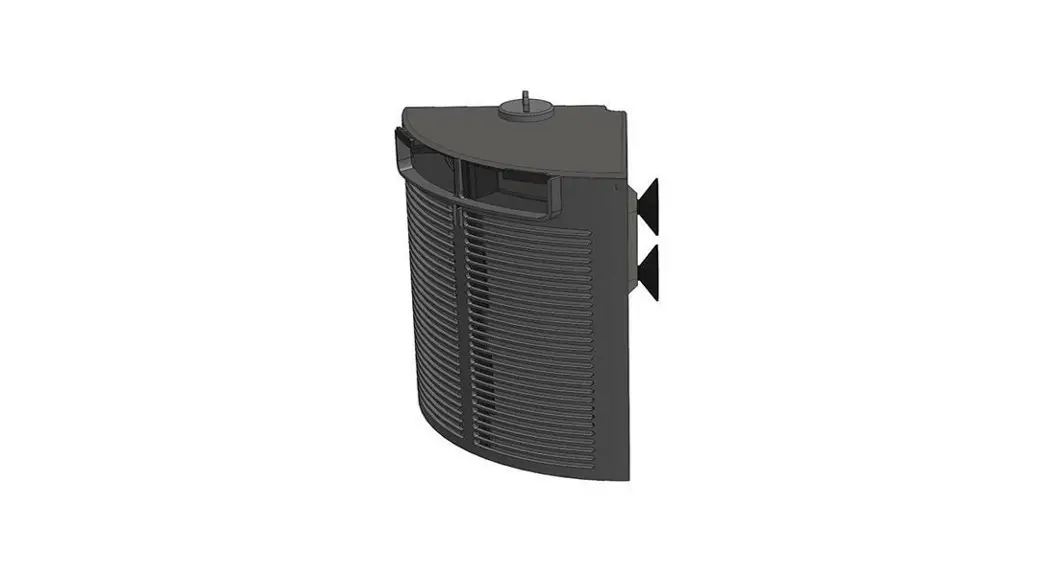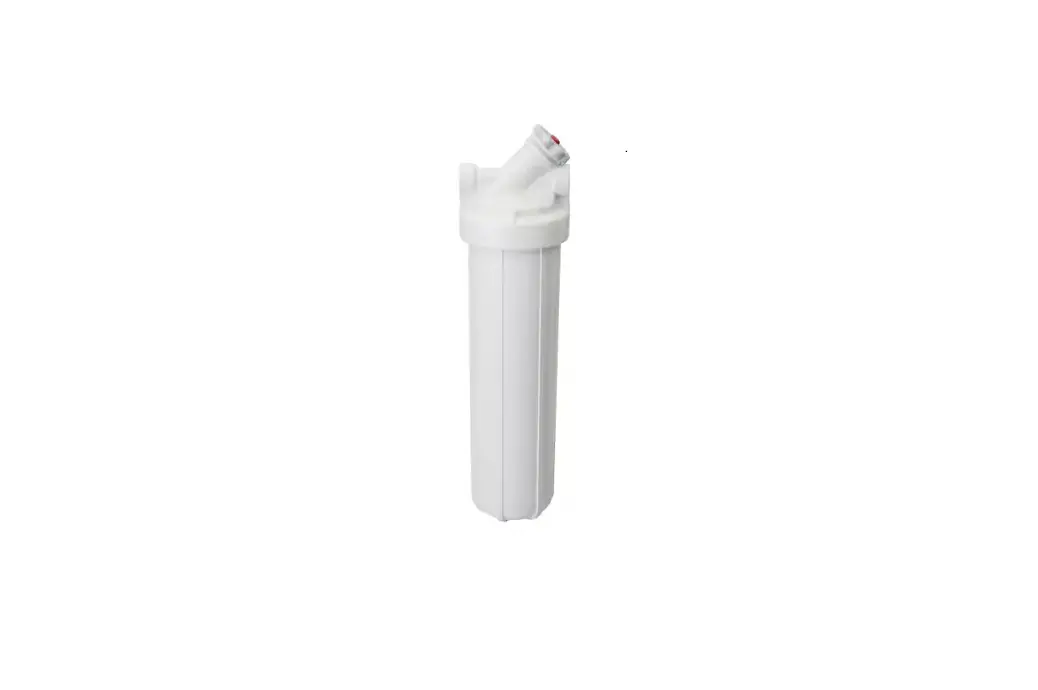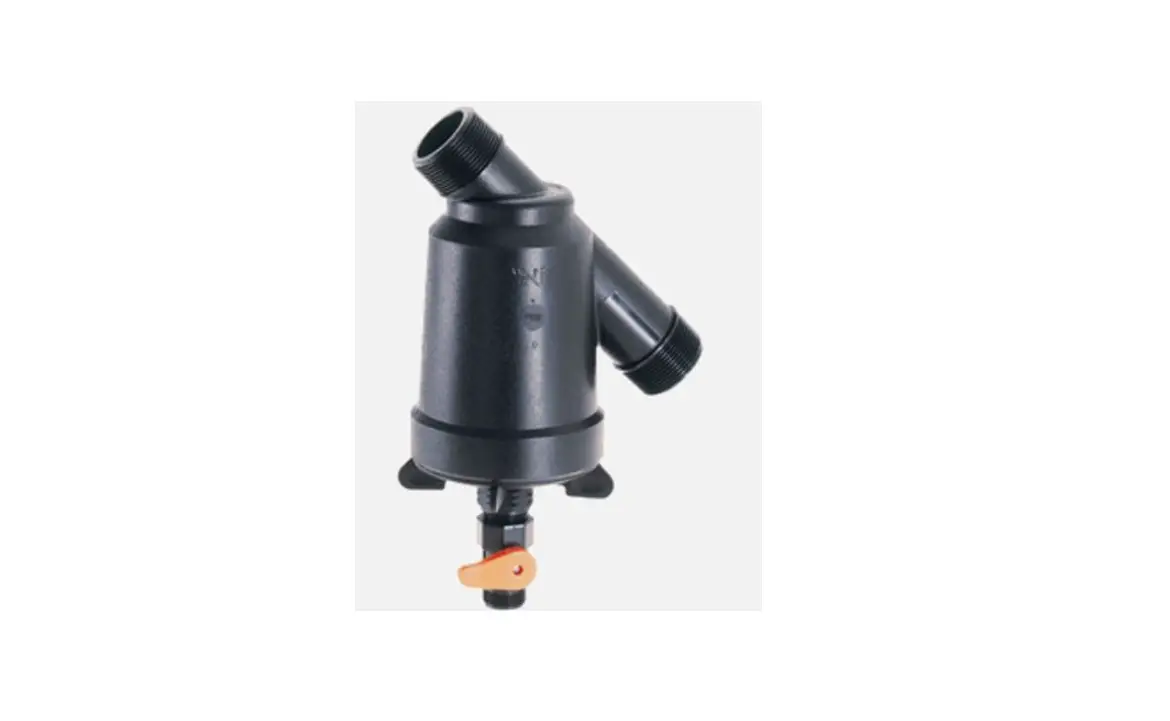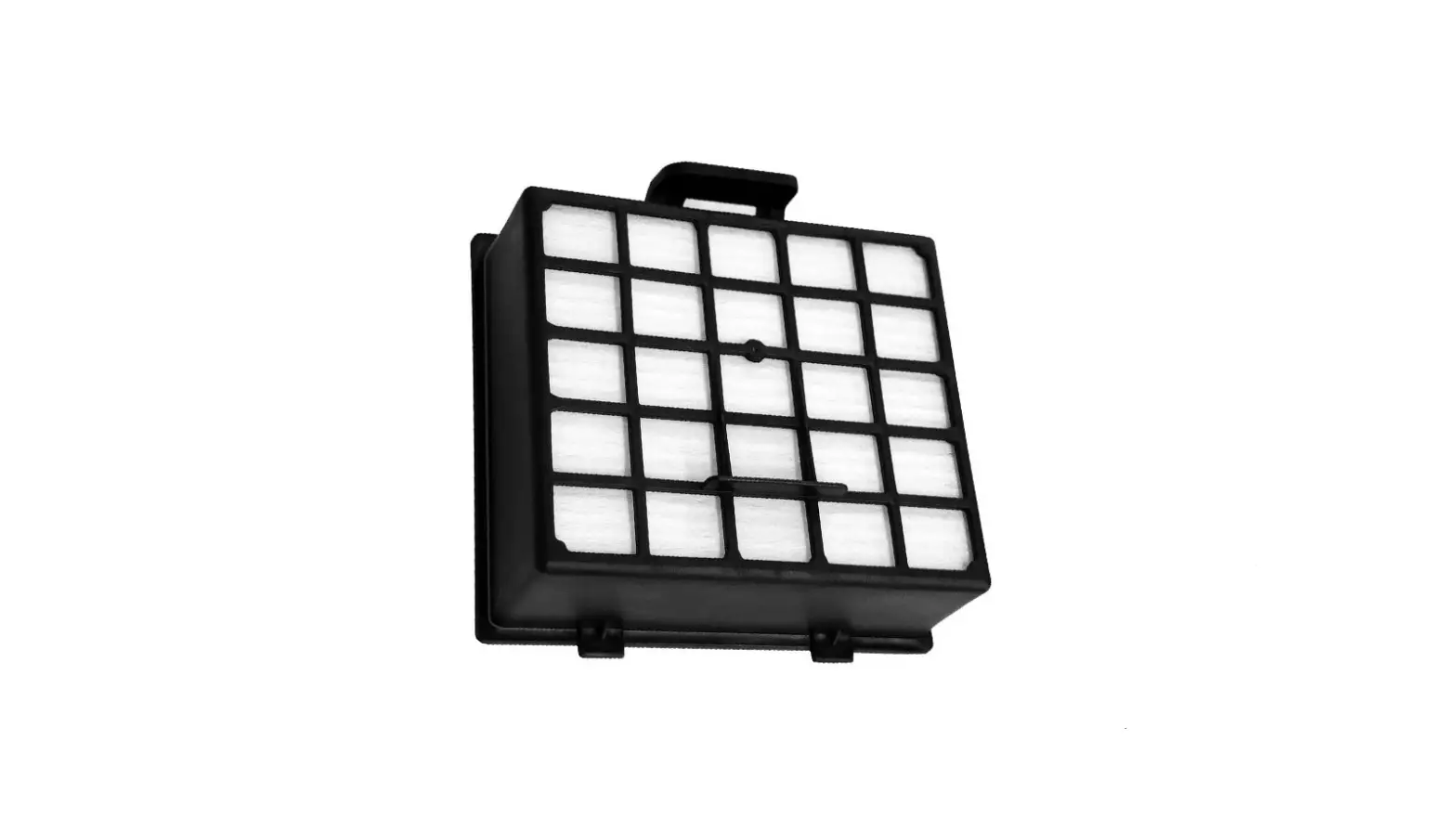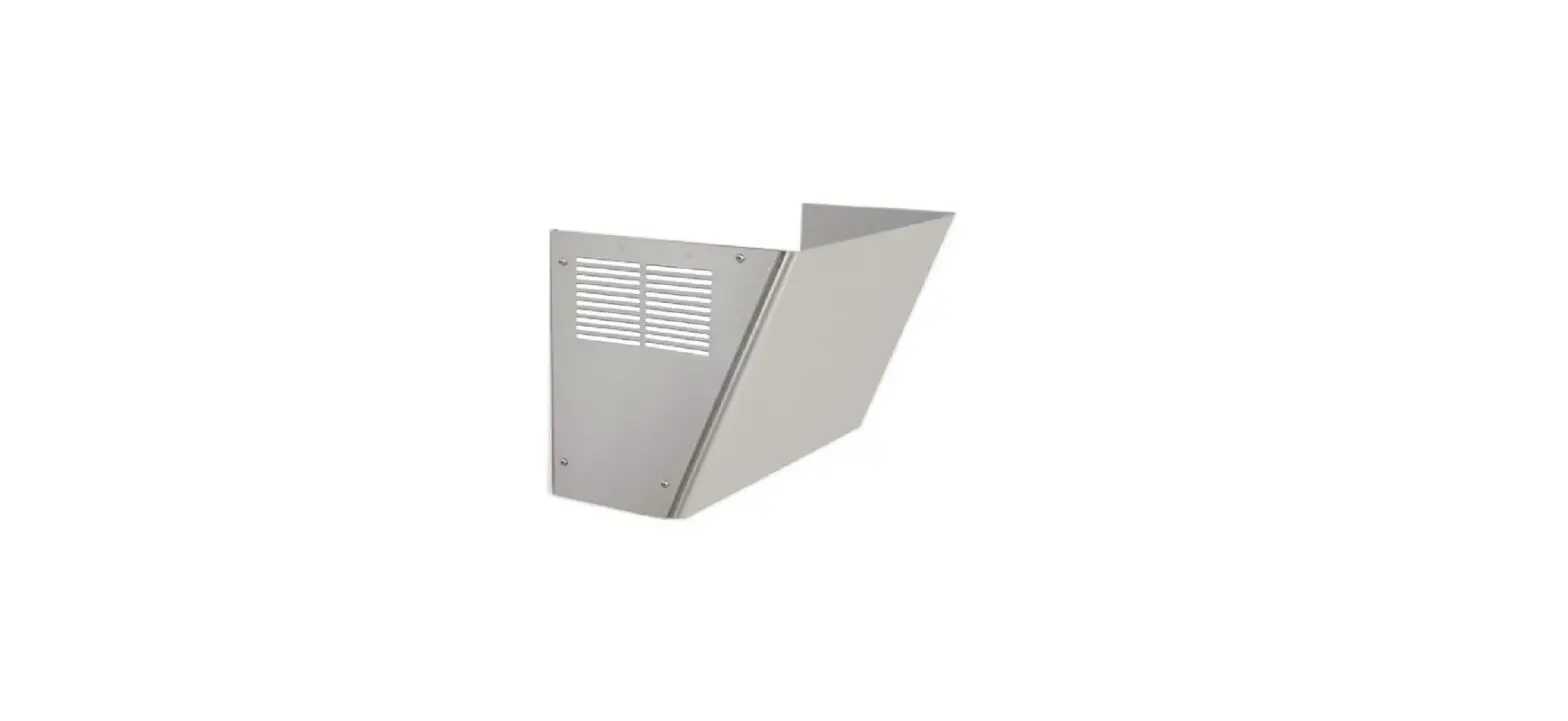

ELKAY Ez Filter Maintenance Kit

Product Information
| Product Name | EZ Filter Maintenance Kit (EZFMK) |
|---|---|
| Application | Indoor use only |
| Service Requirements | All service must be performed by an authorized service person |
| Tools Required (Not Provided) | Gloves, Safety Glasses, 5/16 Nut Driver (highly recommended) or Flat Head Screwdriver |
Product Usage Instructions
Installation Procedure
- Remove the existing lower wrapper on the cooler by removing the (4) screws using a 5/16 nut driver.
- If you are replacing the filter, do that now with the lower wrapper removed. Refer to the Filter Replacement Instructions in Section 2, Step 3 or instruction sheet included with the replacement filter. If not, skip to the next step.
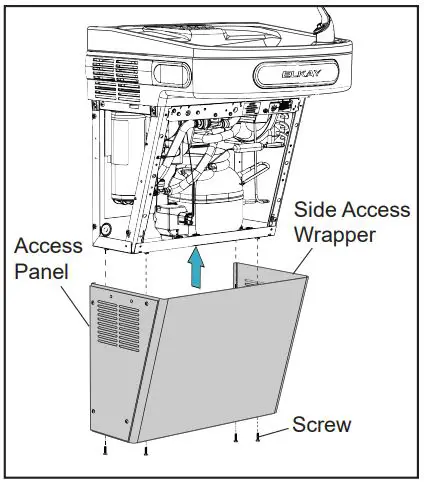
- Unpack the new side access wrapper from the box, peel off the protective wrap, and install it using the (4) supplied screws.
- CAUTION: Do not operate the unit with the access panel removed.
- Dispose of the old lower wrapper. It can be brought to a scrap metal recycler. Please check with your local waste hauler prior to placing scrap metal into a municipal recycling cart.
Future Filter Replacement Steps (Side Access)
- Remove the (4) security Torx screws using Torx T25 bit (included).
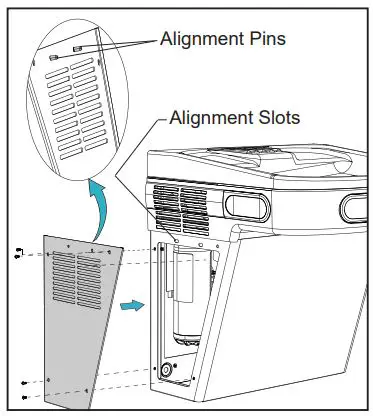
- Take the side access panel and place it back on the opening of the side access wrapper. Align the access panel by inserting the alignment pins on the back side of the panel into the alignment slots above the wrapper frame opening.
- Remove the side access panel and set it aside.
- Refer to the following filter replacement steps:
- To avoid danger of an electric shock hazard, disconnect power to your unit before replacing the filter.
- Turn off the water supply and dispense water to relieve pressure.
- Turn the used filter counterclockwise 1/4 turn to remove it from the filter head.
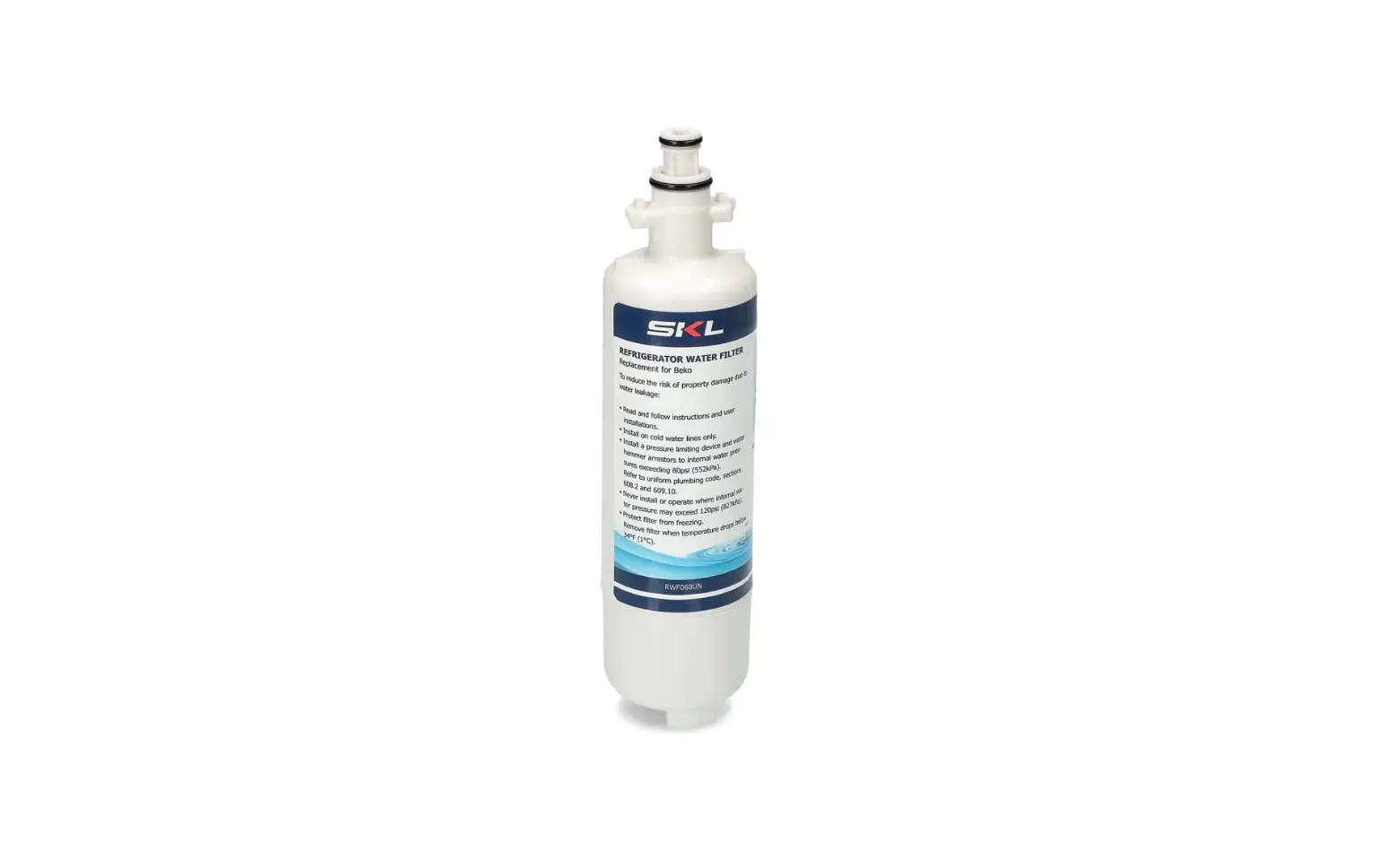
- Remove the cap from the new filter and use it to seal the used filter.
- Write the date of filter installation on the label. Insert the new filter into the existing filter head and turn it fully clockwise so that the label with the date is clearly visible.
- Turn on the water supply and run water for 10 minutes to purge air and fine carbon particles from the filter.
- Reset the filter monitor, if necessary. See the Use Manual of the dispenser for instructions.
Once the access panel is set in place, refasten the (4) security Torx screws starting by hand and firmly secure each screw in place.
CAUTION: Do not operate the unit with the access panel removed.
TOOLS REQUIRED
BUT NOT PROVIDED
- GLOVES
- SAFETY GLASSES
- 5/16 NUT DRIVER (HIGHLY RECOMMENDED)
- OR FLAT HEAD SCREWDRIVER
IMPORTANT: INSTALLER PLEASE NOTE.
INSTALLER
- To insure you install this Kit easily and correctly, PLEASE READ THESE SIMPLE INSTRUCTIONS BEFORE STARTING THE INSTALLATION.
- CHECK YOUR INSTALLATION FOR COMPLIANCE WITH PLUMBING, ELECTRICAL, AND OTHER APPLICABLE CODES.
Dimensions
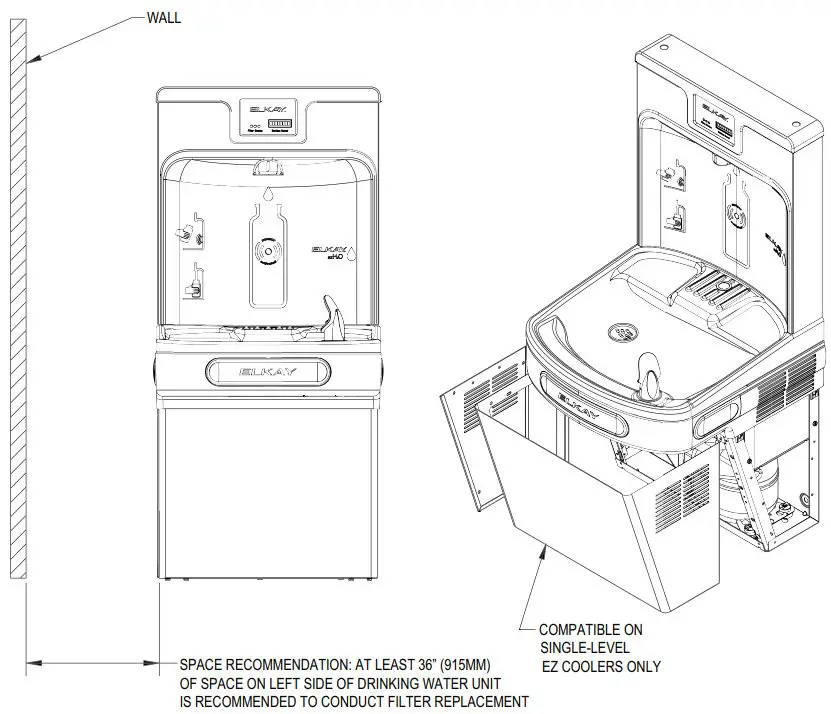
EZFMK Rough in
Installation Procedure
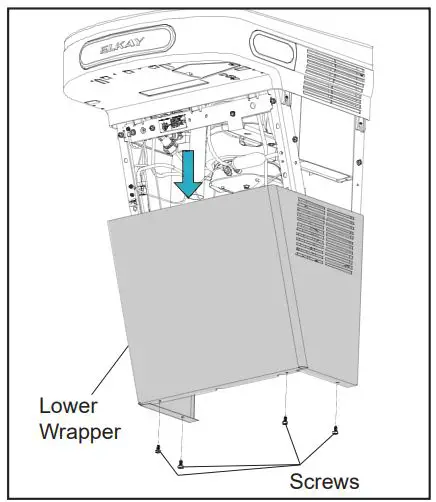
- Remove existing lower wrapper on the cooler by removing the (4) screws using a 5/16 nut driver.
- If you are replacing the filter, do that now with the lower wrapper removed. Refer to the Filter Replacement Instructions in Section 2, Step 3 or instruction sheet included with the replacement filter. If not, skip to the next step.
- Unpack new side access wrapper from the box, peel off protective wrap and install it using the (4) supplied screws.

- CAUTION: Do not operate unit with access panel removed.
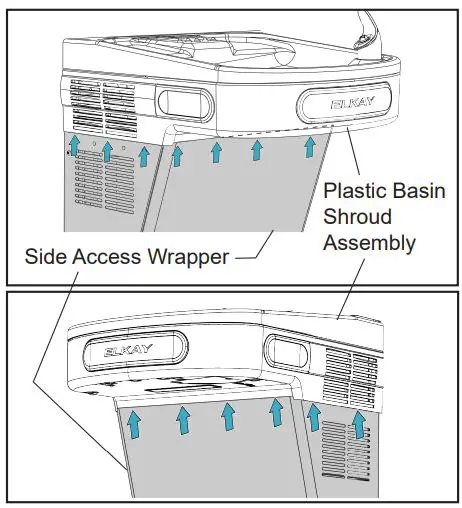
- Note: While the side access wrapper is being secured, verify the upper profile (left, front, and right side) of the wrapper frame slides up and under the plastic basin shroud assembly for a tight fit (as shown).

- Dispose of old lower wrapper. It can be brought to a scrap metal recycler. Please check with your local waste hauler prior to placing scrap metal into a municipal recycling cart.
Future Filter Replacement
Future Filter Replacement Steps (Side Access)
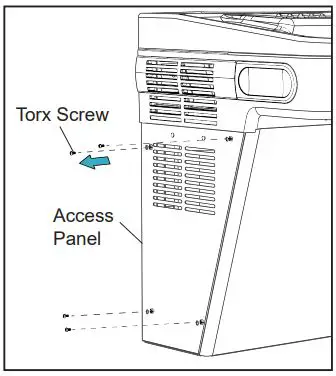
- Remove (4) security Torx screws using Torx T25 bit (included).
- Remove side access panel and set it aside.
- Refer to the following filter replacement steps.
- CAUTION: To avoid danger of an electric shock hazard, disconnect power to your unit before replacing the filter.
- Turn off water supply; dispense water to relieve pressure.
- Turn used filter counterclockwise 1/4 turn to remove from filter head.
- Remove cap from new filter and use to seal used filter.
- Write the date of filter installation on the label. Insert new filter into exiting filter head and turn fully clockwise so the label with date is clearly visible.
- Turn on water supply and run water for 10 minutes to purge air and fine carbon particles from filter.
- Reset the filter monitor, if necessary. See the Use Manual of the dispenser for instructions.

- CAUTION: To avoid danger of an electric shock hazard, disconnect power to your unit before replacing the filter.
- Take the side access panel and place it back on opening of the side access wrapper. Align the access panel by inserting the alignment pins on the back side of the panel into the alignment slots above wrapper frame opening (as shown).
- Once the access panel is set in place, refasten the (4) security Torx screws bits starting by hand and firmly secure each screw in place.
- CAUTION: Do not operate the unit with the access panel removed.
Replacement Parts
| Part Number | Description |
| 2000000859 | Wrapper Frame Assembly |
| 2000000853 | Kit – Replacement Filter Access Door |
| W/Hardware | |
| 75520C | Bit – Pinned Torx T-25 |
| 51300C | Replacement Filter – 3000 Gallons |
FOR PARTS, CONTACT YOUR LOCAL DISTRIBUTOR OR CALL 1.800.834.4816
REPAIR SERVICE INFORMATION TOLL FREE NUMBER 1.800.260.6640 PRINTED IN U.S.A.
ELKAY MANUFACTURING COMPANY
- 1333 BUTTERFIELD ROAD SUITE 200 DOWNERS GROVE, IL 60515
- 630.574.8484
- www.elkay.com
PRINTED IN U.S.A.
 Elkay | Sinks, Faucets, Bottle Filling Stations, Drinking Fountains