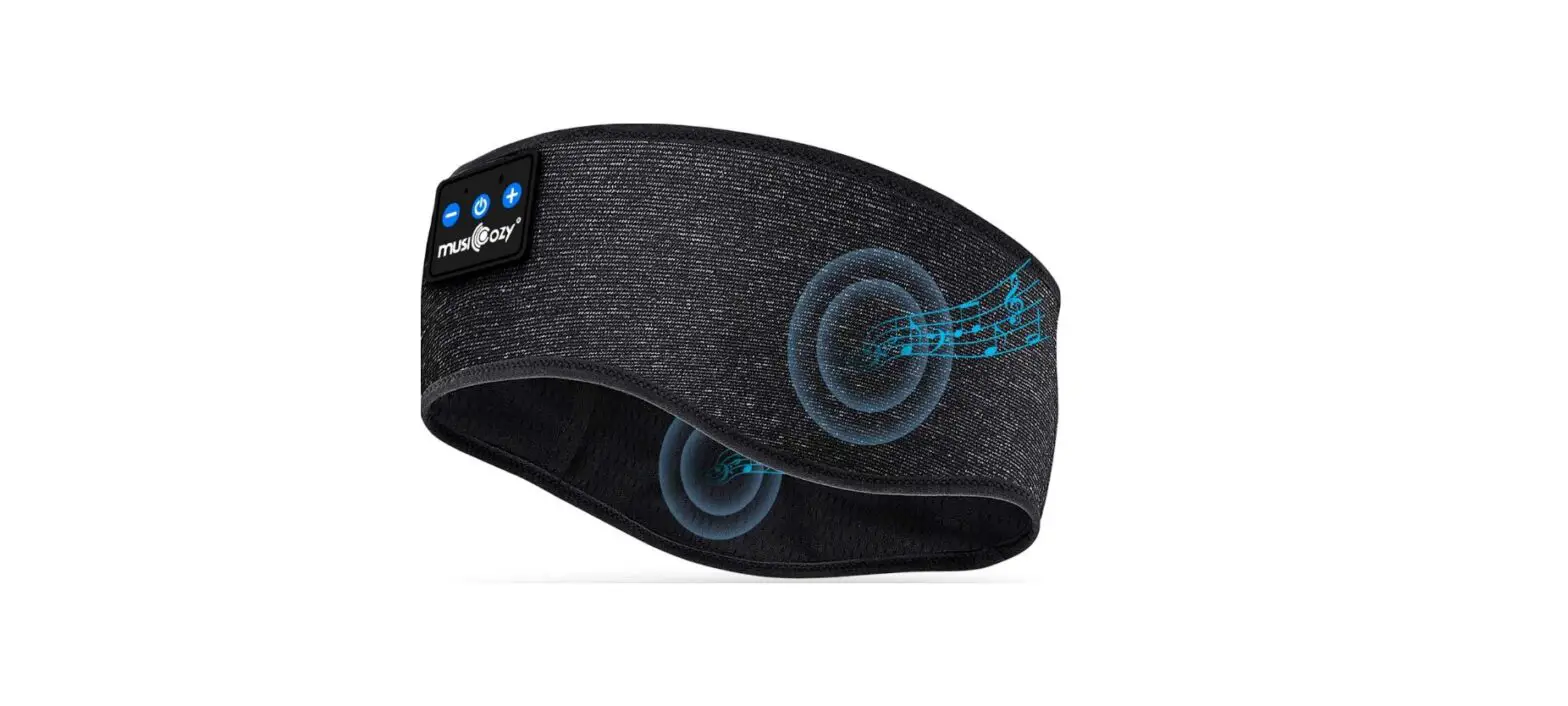
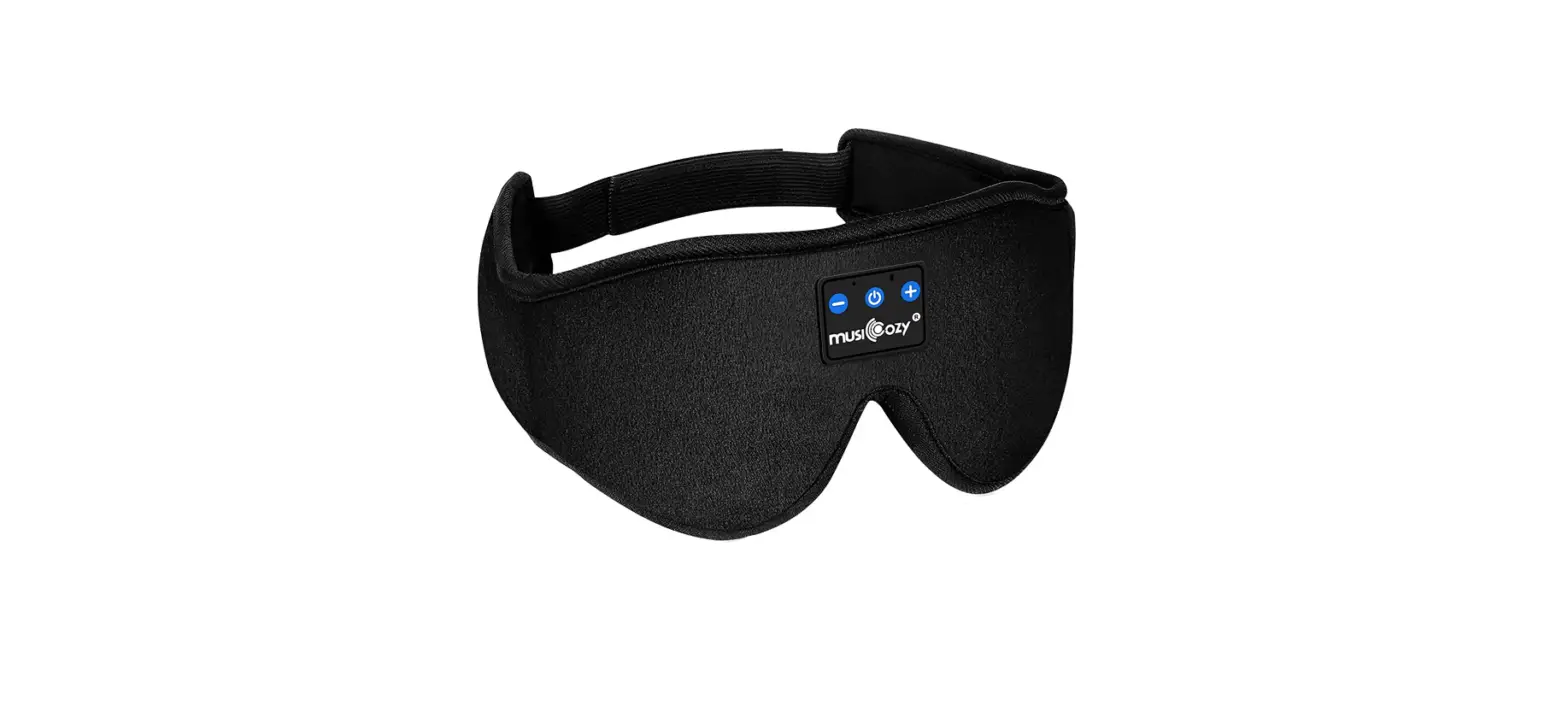
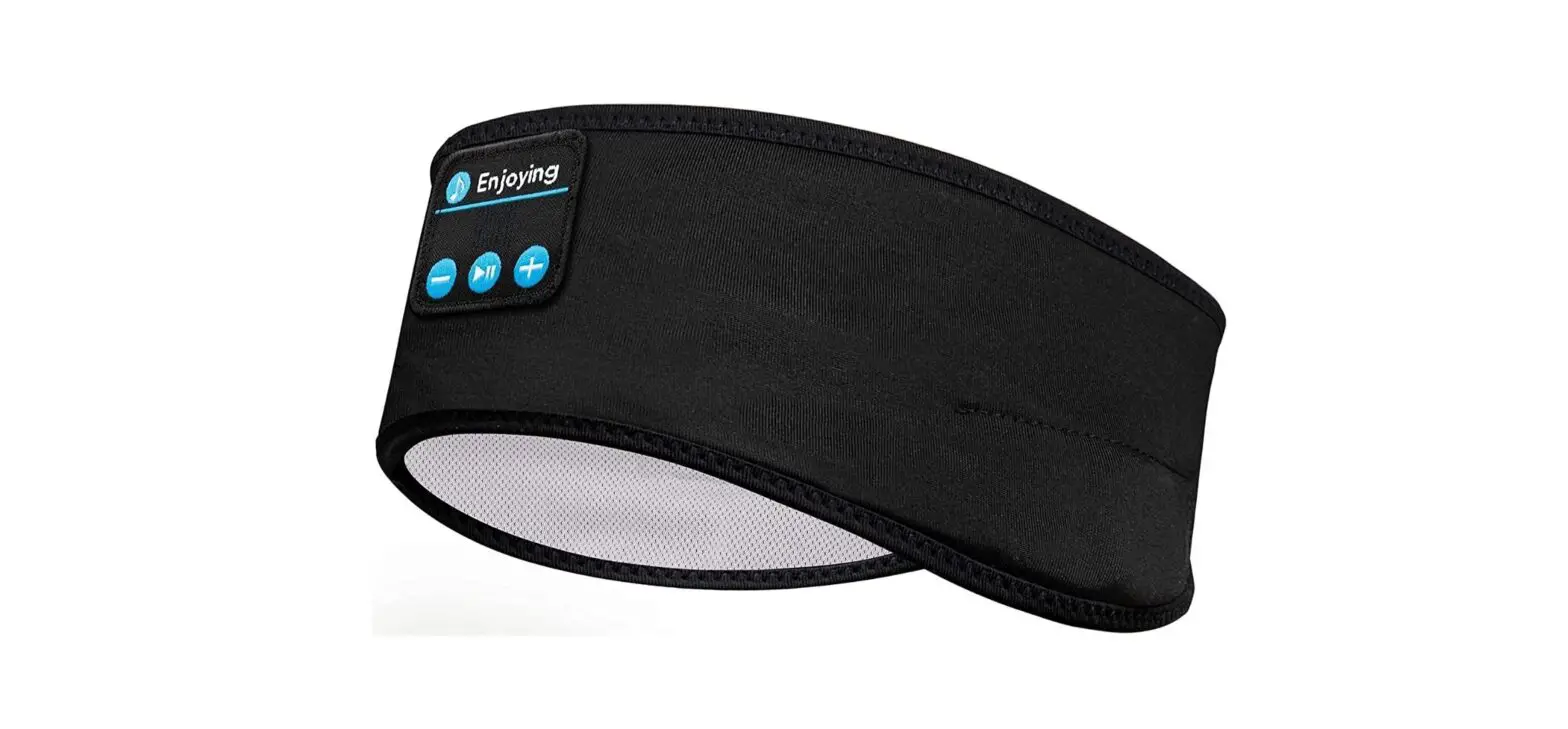
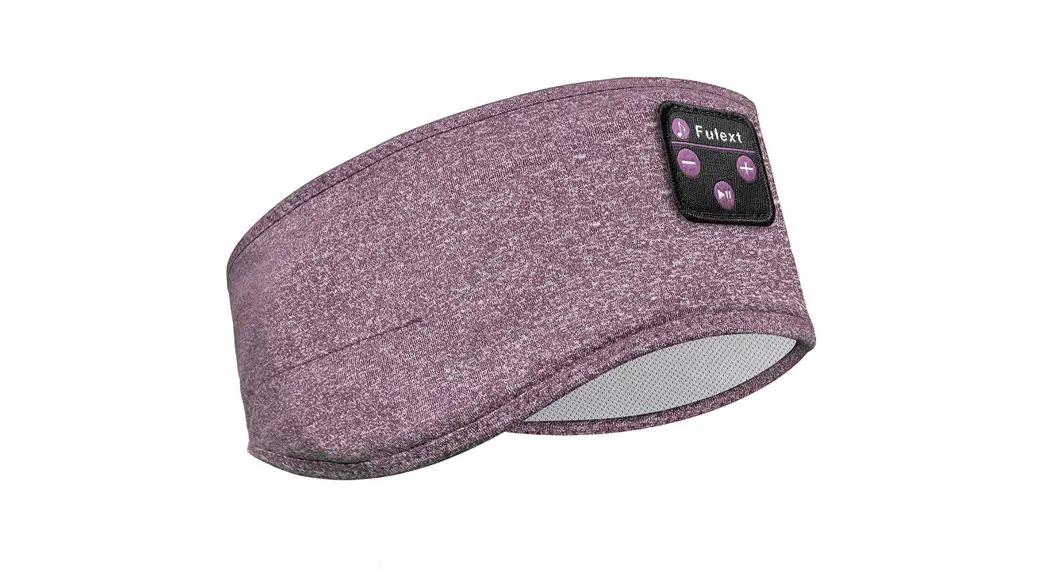
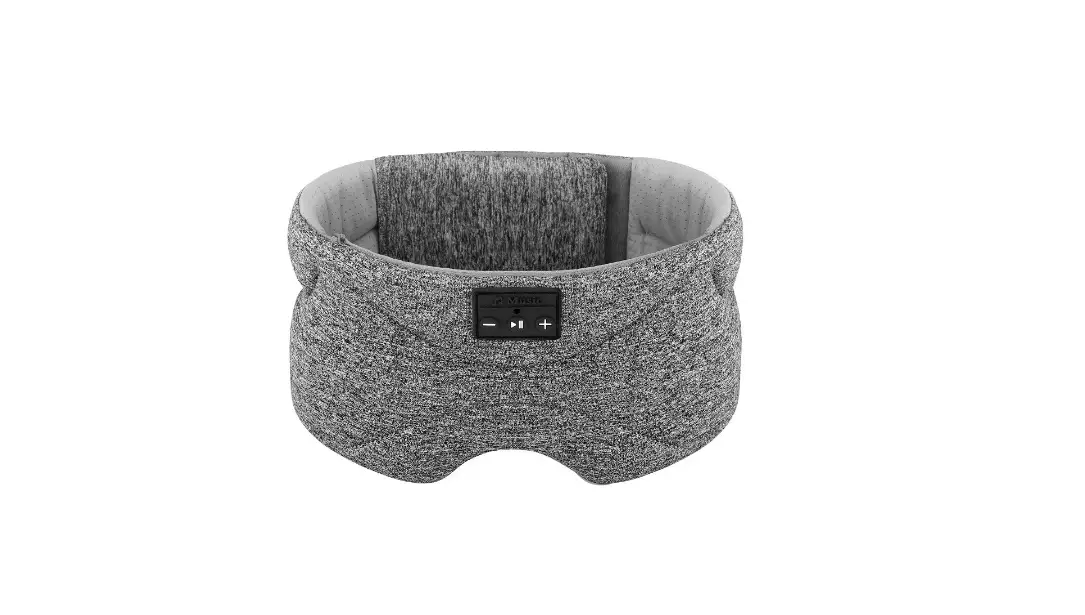
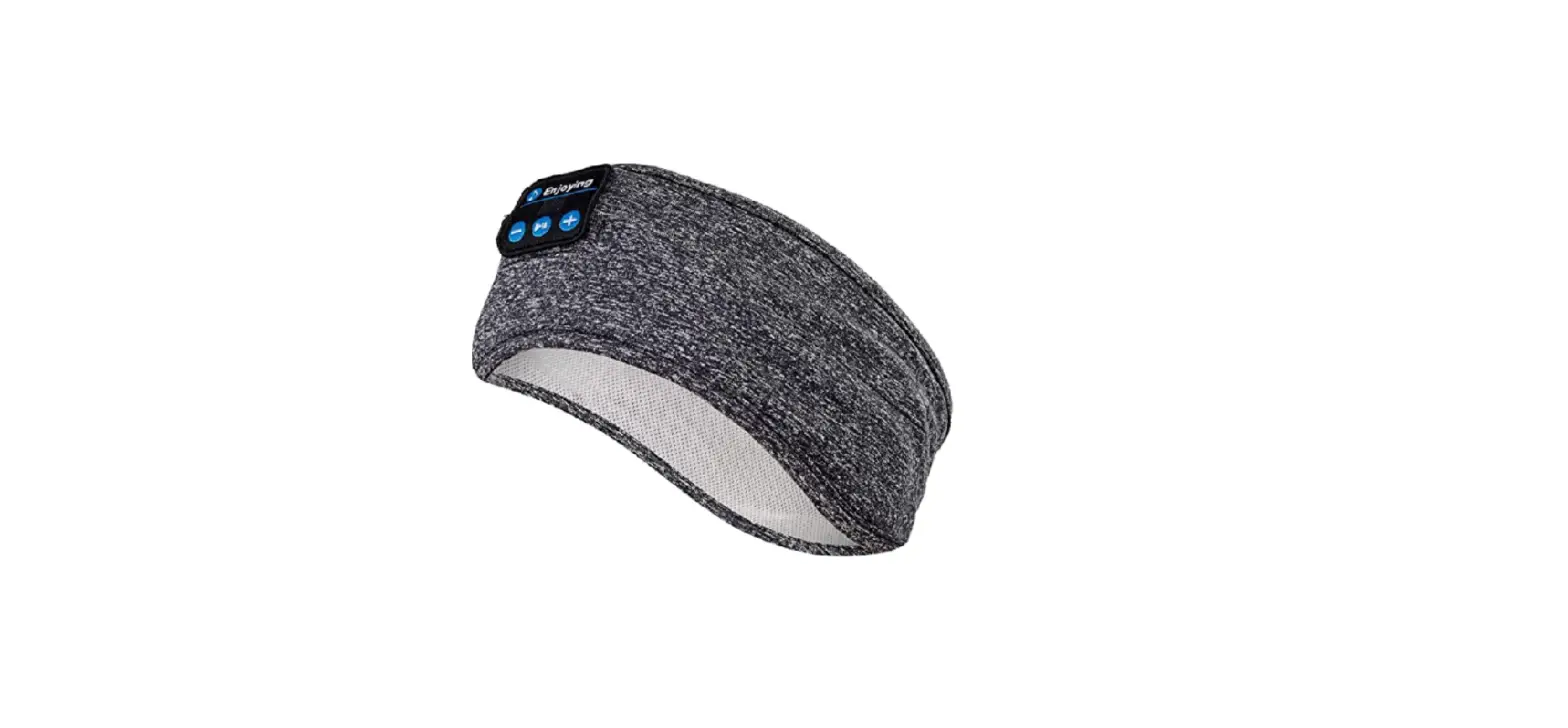
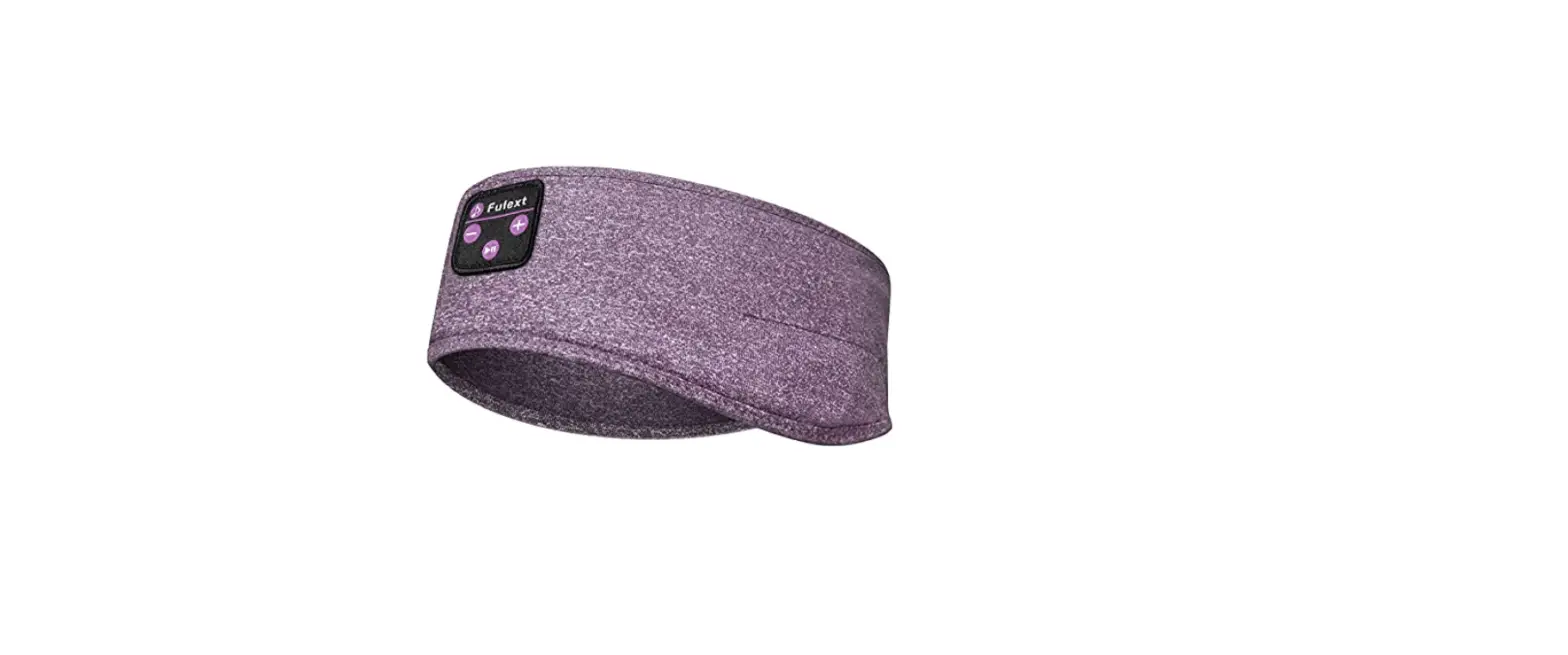
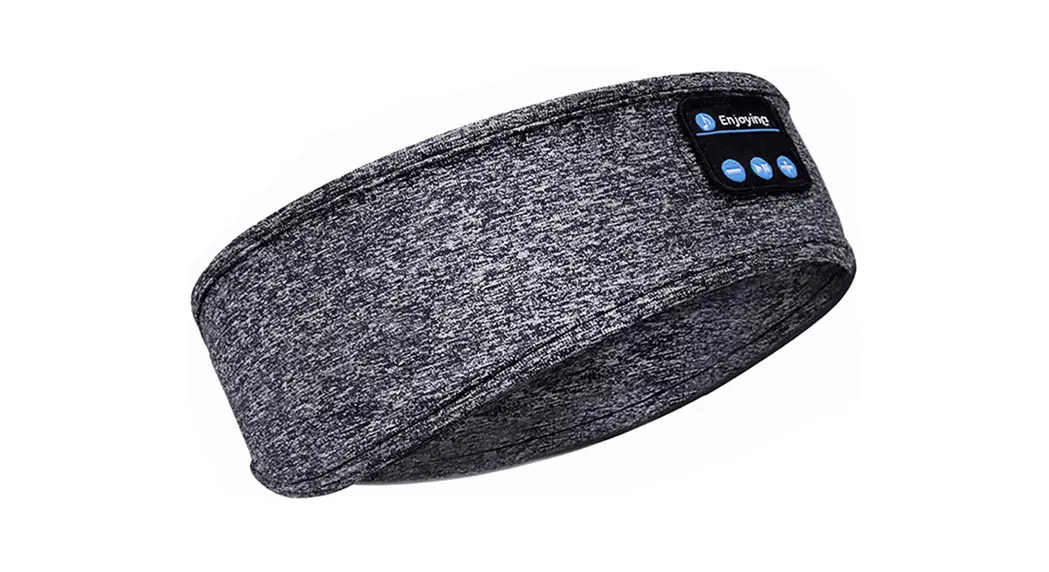
Bluetooth 5.2 Sleep Headphones
Product Information:
The Bluetooth 5.2 Sleep Headphones are designed to provide
high-quality sound transmission for music and calling. With a
built-in HD stereo microphone, these headphones ensure clear and
crisp audio during phone calls. The Bluetooth version is 5.2,
allowing for faster and more stable connectivity. The headphones
offer a longer range for sound transmission, providing an enhanced
listening experience.
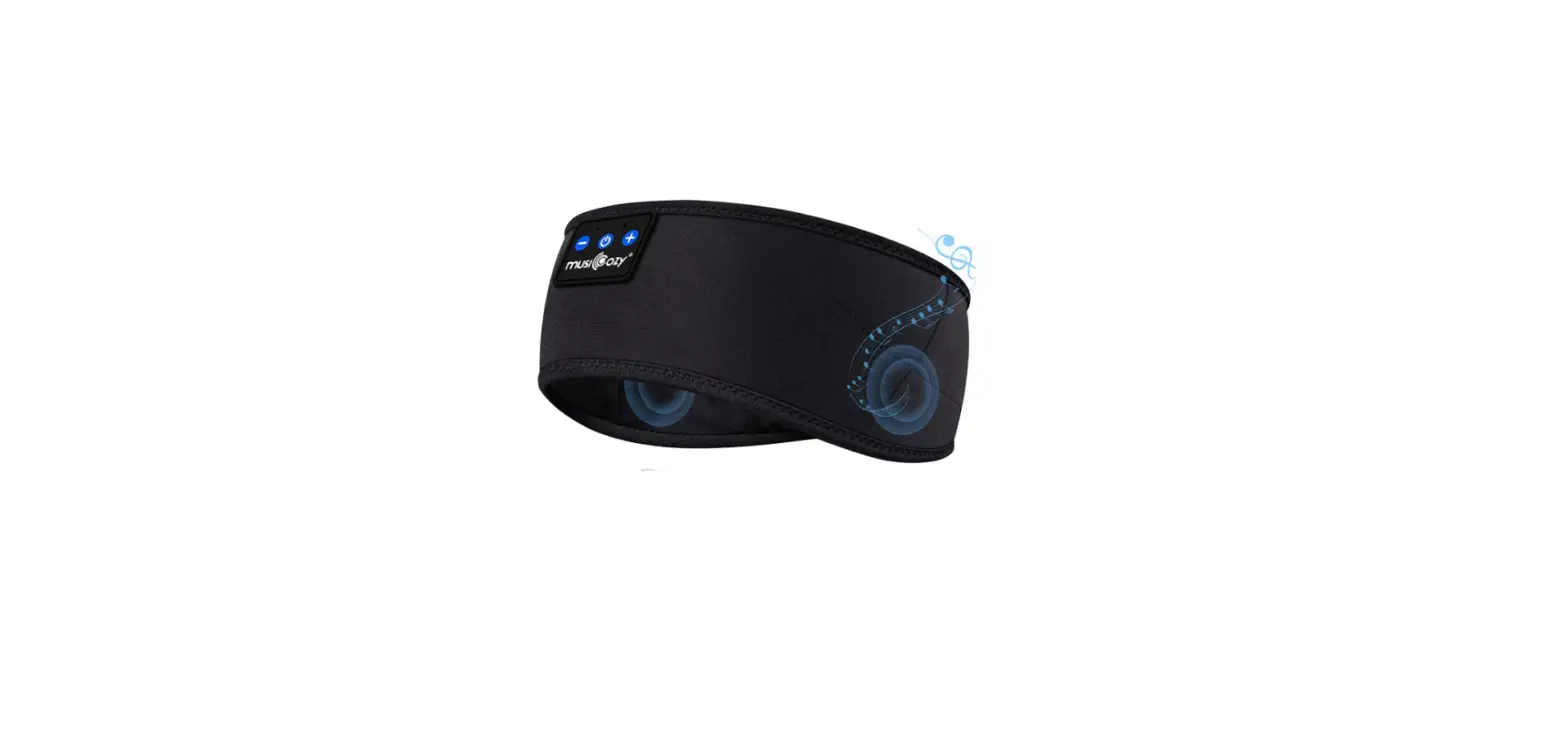
The package contents include a Sleep Mask, Portable Carrying
Bag, Charging Cable, and User Manual. The Sleep Mask is designed
for comfortable wear during sleep while enjoying music or making
phone calls.
The product specifications are as follows:
- Bluetooth Name: musiCozy
- Bluetooth Version: 5.2
- External Charging: DC5V/1A
- Charging Port: Type C
- Battery Capacity: 3.7V/150mAh
- Charging Time: 1-2 hours
- Continuous Playback Time: >10 hours
Product Usage Instructions:
Turn On/Off:
To turn on the Bluetooth Sleep Headphones, press and hold the
ON/OFF button for 1.5 seconds. The blue light will flash quickly,
indicating that the headphones are in pairing mode. To turn off the
headphones, press and hold the ON/OFF button for 3 seconds. A tone
will accompany the shutdown.
Connect with Bluetooth Devices:
To connect the headphones to a Bluetooth device, turn on the
Bluetooth on your phone and search for the device named “musiCozy”.
Select the device to complete the Bluetooth pairing process. Once
the pairing is successful, the blue light will flash for 5 seconds.
The Bluetooth connection will automatically disconnect if the
distance exceeds 8 meters, but it will reconnect within 3 minutes
if within 8 meters. If there is no connection for 8 minutes, the
Bluetooth will automatically shut down.
LED Status Light:
The LED status light indicates the battery and charging status
of the headphones. When the battery is low, the red light will
flash continuously. During charging, the red light will stay on
until the charging is completed. While charging, the Bluetooth will
reset and shut down automatically, and it can only be turned on
after unplugging the charging cable. Once fully charged, the light
will turn blue.
Disassembling and Washing the Sleep Mask:
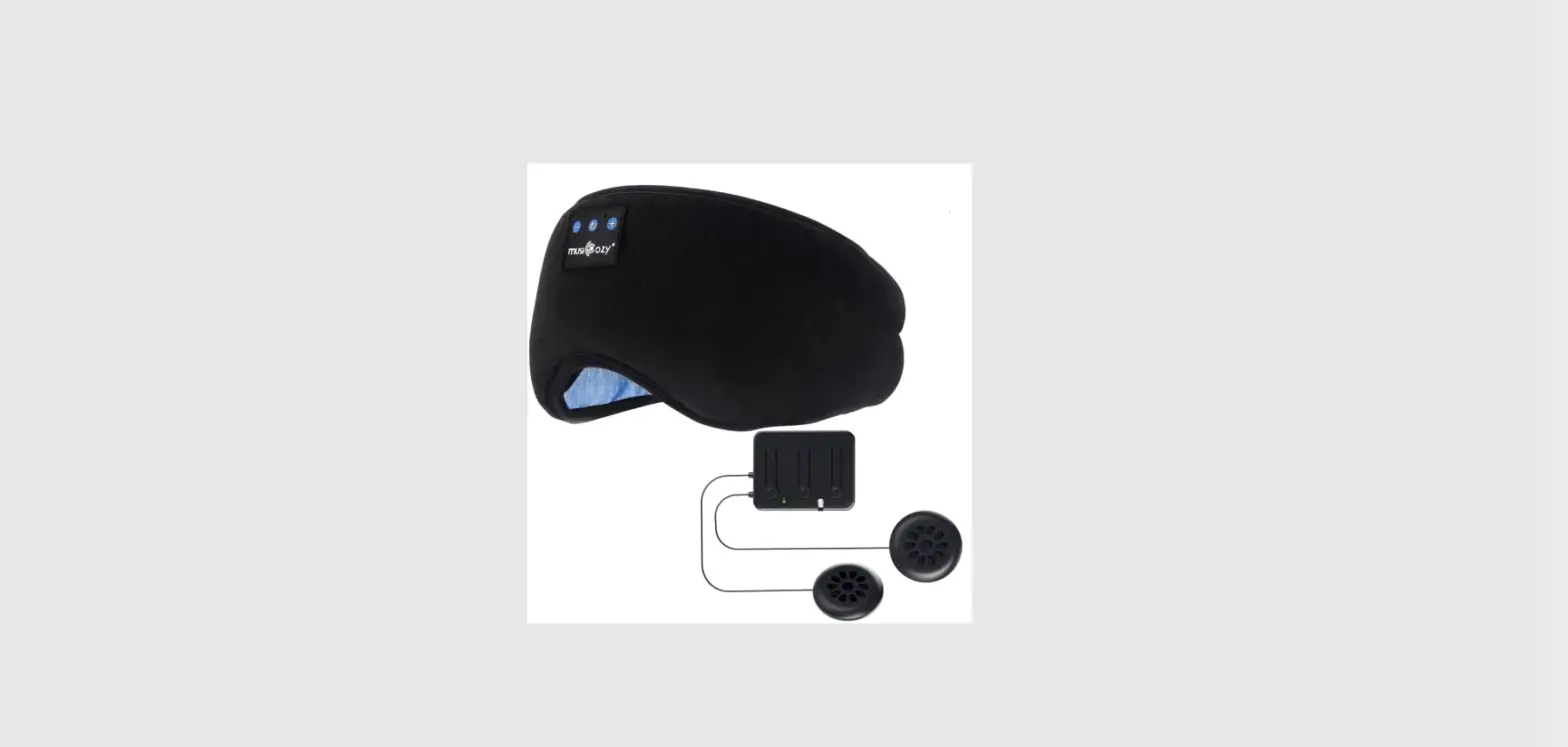
- Disassemble: To disassemble the sleep mask, remove the
Bluetooth module and 2 speakers together from the same outlet on
one side. The Bluetooth module and speakers are connected by a
cord, so please do not disconnect them when disassembling. - Washing: The Bluetooth module is not washable. Wash the sleep
mask only after removing the Bluetooth module. Complete the washing
within 10 minutes as soon as possible and make sure to dry it
completely. It is recommended to dry it for more than 24 hours
before using it again.
Voice Call:
- Single click ON/OFF button to answer/hang up an incoming
call. - Press the ON/OFF button for 2 seconds to reject a call.
- Triple-click the ON/OFF button to dial the recently dialed
number. - When a third call comes, click to hang up the current call and
answer the third call. Double-click to pause the current call and
answer the third call. Long press to hang up the third call and
keep the current call.
Play Music:
- Short press the ON/OFF button to switch between pause and
play. - Short press the volume down/previous track button to adjust the
volume or go to the previous song. - Short press the volume up/next track button to adjust the
volume or go to the next song.
How to Wear for Best Quality Sound:
To achieve the best sound quality, follow these steps:
- Hold the speakers on both sides of the sleep mask with both
hands. - Spread the sleep mask and put the front of the sleep mask on
your eyes. - Drag the end of the sleep mask to the back of your head to
adjust it. - The circular bosses on the sides of the sleep mask should align
with the center of your ears for the best sound experience.
Please note: Keep the Bluetooth Sleep Mask dry
and away from humid environments to prevent water vapor from
affecting the speaker’s volume or causing it to become silent.
BLUETOOTH 5.2 SLEEP HEADPHONES USER MANUAL
Bluetooth
Music
Calling
Microphone HD Stereo
Farther
Sound Transmission
1
PACKAGE CONTENTS
1 * Sleep Mask 1 * Portable Carrying Bag 1 * Charging Cable 1 * User Manual
PRODUCT SPECIfiCATIONS: Bluetooth Name: musiCozy Bluetooth Version: 5.2 External Charging: DC5V/1A Charging Port: Type C Battery Capacity: 3.7V/150mAh Charging Time: 1-2 hours Continuous Playback Time: >10 hours
TURN ON/OFF
Press and hold the ON/OFF button for 1.5 seconds to turn it on.The blue light flashes quickly, and enter pairing mode. Press and hold the ON/OFF button for 3 seconds to turn off, and accompanied by a tone.
CONNECT WITH BLUETOOTH DEVICES
Turn on the phone Bluetooth and find the Bluetooth named”musiCozy”, select the device to complete the Bluetooth pairing. After the pairing is successful, the blue light will flash for 5 seconds. Bluetooth automatically disconnects from a long distance and returns to Bluetooth within 8 meters within 3 minutes. (The Bluetooth will automatic shutdown after 8 minutes if without any connection.)
2
LED STATUS LIGHT
When the battery is in low condition, the red light will flashes continuously. The red light keeps light on when being charged until the charging is completed. During the charging process, Bluetooth will automatically reset and shut down, and it can only be turned on after unplugging the charging cable.
1
2
3
4
1 The light will turn blue after fully charged 2 Volume Down / Previous Track 3 Volume Up / Next Track 4 On / Off / Play / Pause / Answer
HOW TO DISASSEMBLE AND WASH THE SLEEP MASK
1. Disassemble. Please remove the bluetooth module and 2 speakers together from the same outlet on one side. The bluetooth module and the 2 speakers are connected together by cord. Please do not disconnect them when disassembling.
2. Washing. The Bluetooth module is not washable! Wash the sleep mask only after removing the Bluetooth module. Please complete the washing within 10 minutes as soon as possible. Then make it dry completely. It is recommended to dry it for more than 24 hours, and then use it again.
3
VOICE CALL – Single click ON/OFF button to answer/hang up an incoming call. – Press the ON/OFF button for 2 seconds to reject the call, and prompt tone will be heard. – Triple-click the ON/OFF button to dial the recent dialed number. – When the third call comes, click to hang up the current call and answer the third call. Double-click to pause the current call to answer the third call. Long press to hang up the third call and keep the current call.
PLAY MUSIC Short press the ON/OFF button to switch between pause and play. Short press “” or “” to adjust the volume. Long press “” or “” for the next or previous song.
HOW TO WEAR IT FOR THE BEST QUALITY SOUND Hold the speakers on both sides of the sleep mask with both hands, spread the sleep mask, and put the front of the sleep mask on the eyes, then drag the end of the sleep mask to the back of the head to adjust the sleep mask. The circular bosses on the sides of the sleep mask are just aligned with the center of the ears, and the sound is best.
PLEASE NOTE: Make sure that the Bluetooth Sleep Mask is kept dry and away from a humid environment, otherwise the water vapor inside may cause the speaker become a smaller volume or become silent.
FAQ
Q1: How long is the warranty? A1: We provide a one-year warranty for every product sold.
4
Q2: The battery cannot be charged. A2: Please try to change a charging cable to see if it can be charged. If it still does not work, please contact us and we will send you a replacement.
Q3: The speakers are broken, or one speaker has sound but the other one does not. A3: Please remove the speakers during washing. You can try to disassemble it to see if it is damaged. If it is a product quality problem, please contact us and we will send you a replacement.
Q4: The playing time is not long enough and the battery will soon run out. A4: Please confirm how long it has been used. If it exceeds three months, the battery life will be shortened.
Q5: The Bluetooth cannot be connected. A5: Please try to turn off all the Bluetooth on your phone first, then long press the switch button of the Bluetooth eye mask, and turn on the Bluetooth of your phone, find the Bluetooth named “musiCozy” and connect it.
Q6: Why does my Bluetooth sleep mask fade? A6: Few parts have this problem. Please wash it after you receive the sleep eye mask, which can avoid the problem of fading to a certain extent.
Bluetooth Qualification
Brand Name: MUSICOZY Model / Type Reference: GH series Design Model Number: FAAH-200213 Declaration ID: D055885 QDID: 157025
Manufacturer:
Shenzhen Longhua Tianwangzhi Technology Manufacturer Address: 5th Floor, Building 2, Phase 3, 1980 Cultural and Creative Park, Minzhi Street, Longhua New District, Shenzhen
5