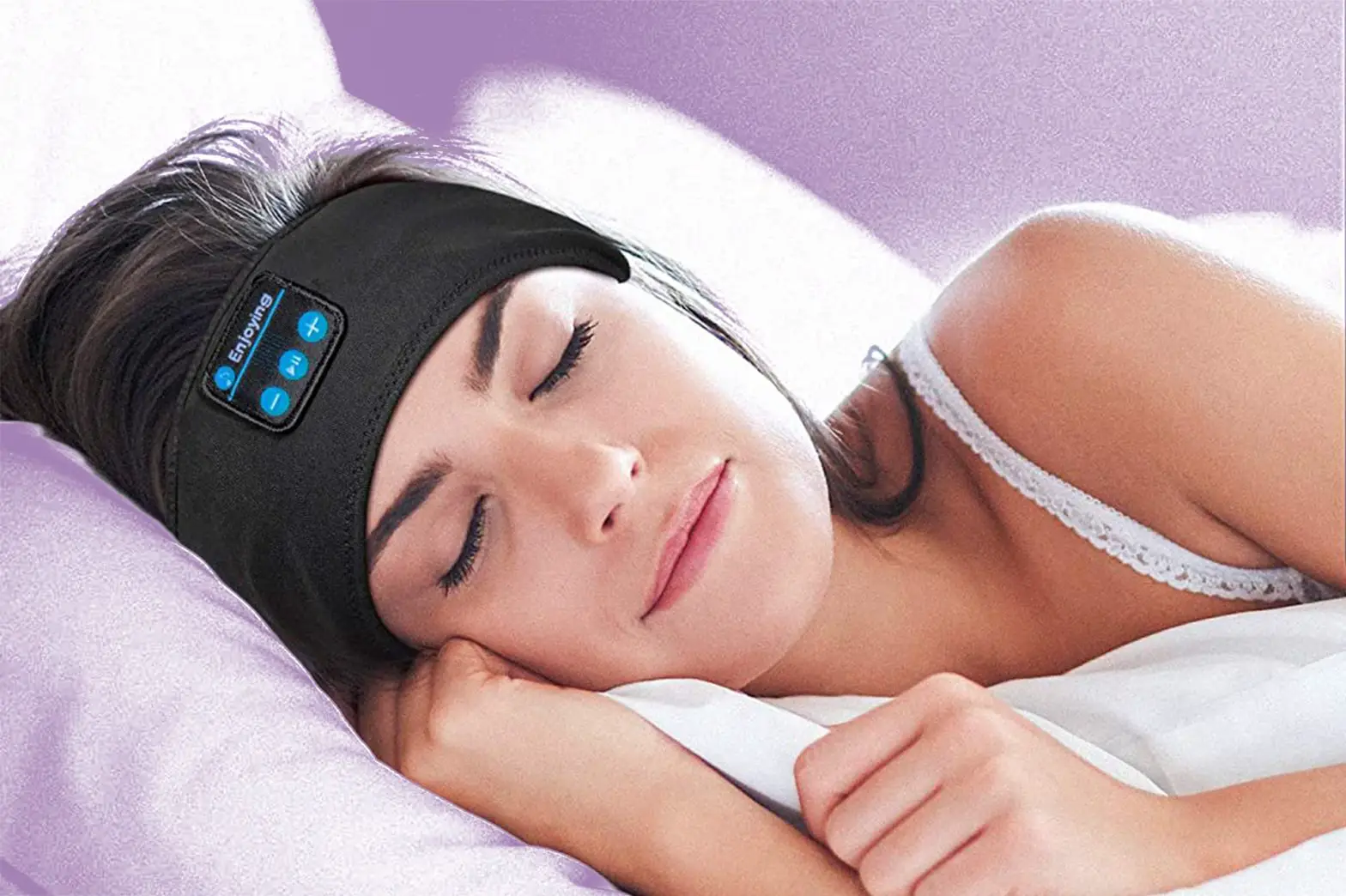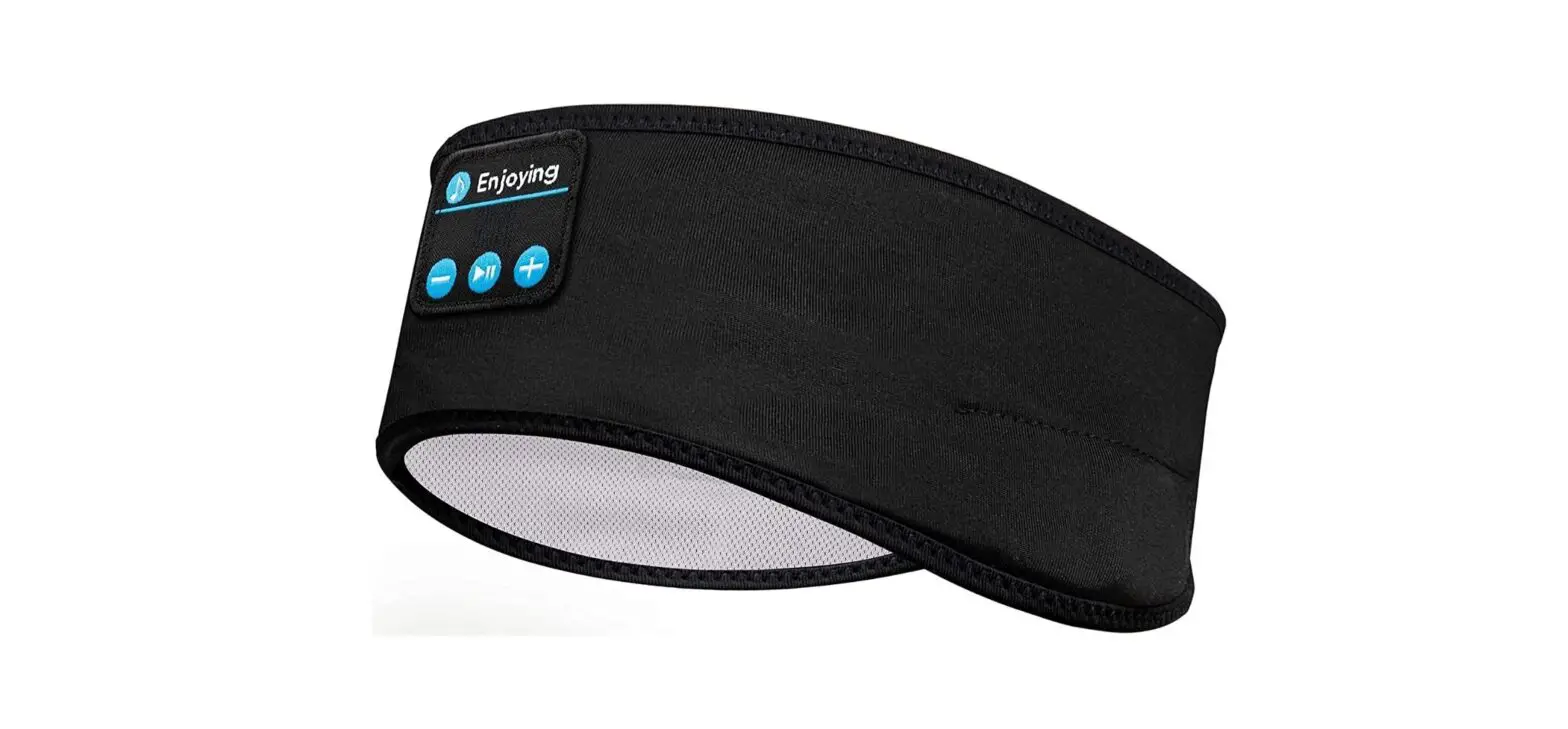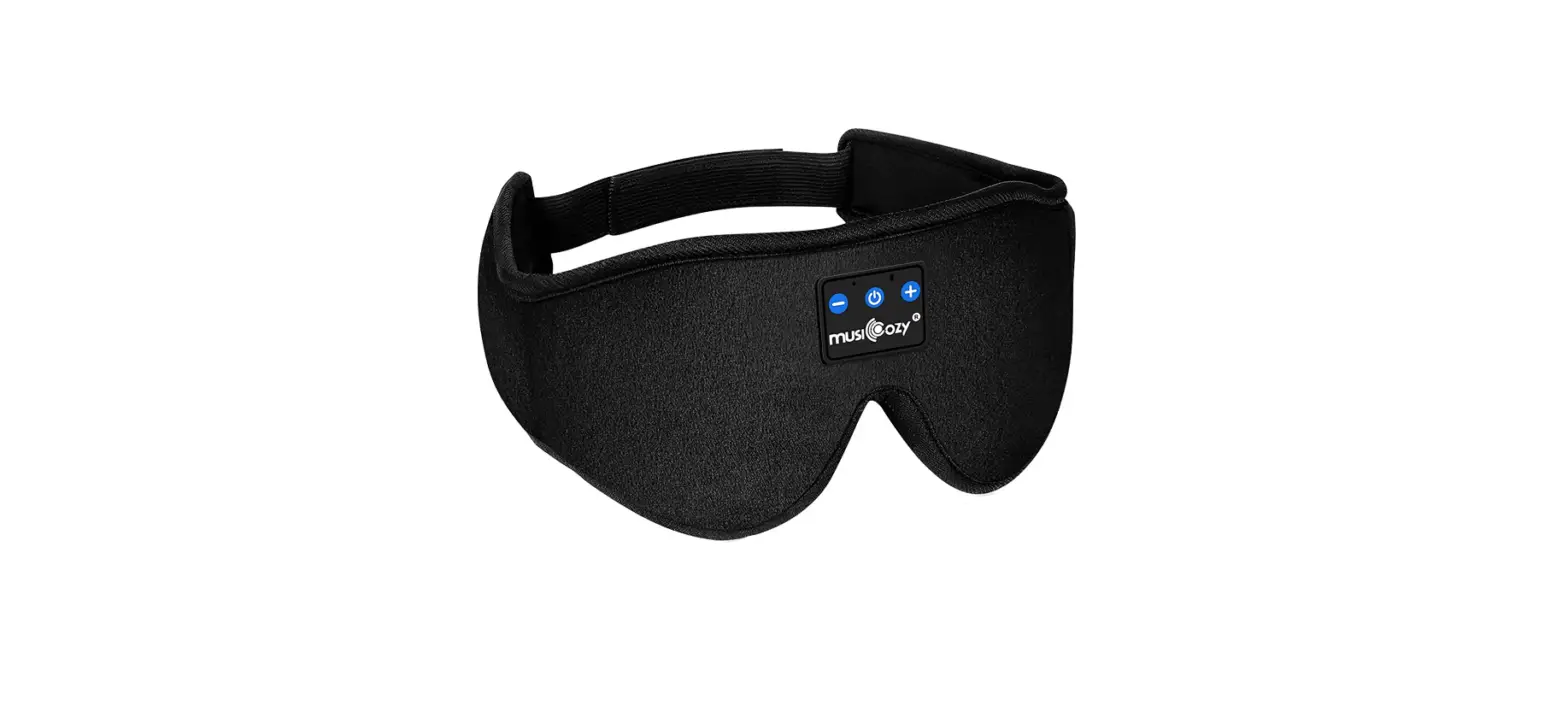
 musiCozy Bluetooth Headband
 musiCozy Bluetooth Headband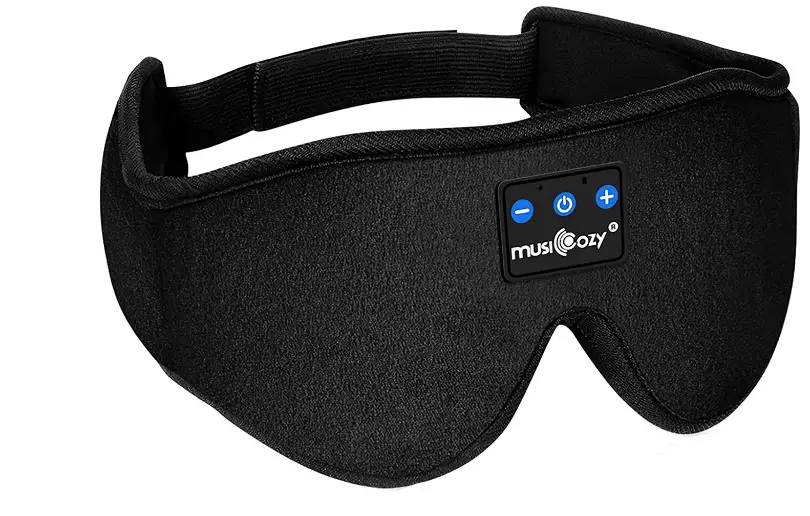
What’s in the package
- 1*Exquisite Outer Box
- 1*Bluetooth Eye Mask
- 1*Portable Carrying Bag
- 1*User Instructions
- 1*Charging Cable
- 1*Service Card
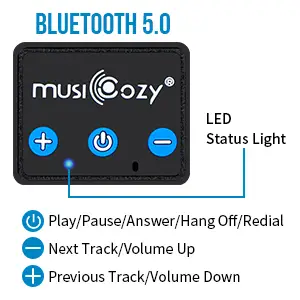
Charging Instructions
- Two charging methods: You can plug in the charging cable from the bottom opening or push out the Bluetooth module and then plug the cable in.
- No cords hurting your face anymore: Other bluetooth sleep masks on the market have a clunky charging design that the masks have built-in a thick cord that can make your face uncomfortable.
- The red led light flashes when the battery is low. The red led light is on when charging, and the red led light is off after charging is completed. There will be no low battery beep will wake you up.
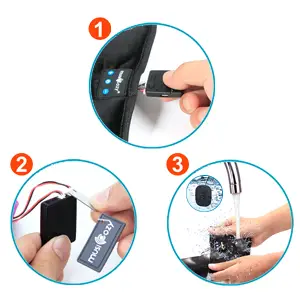
Easy to wash – IPX6 Waterproof Headphones
Hand washable with simpler cleaning procedures, no longer need to take out the headphones. Just need to use a matching wrench (included) to pull out the two plugs on the Bluetooth module and take out the module. The headphones & cords are IPX6 waterproof.
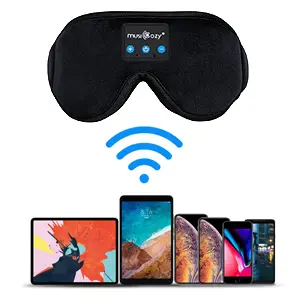
How to Connect Your Bluetooth Device
- Turn off all bluetooth on your phone.
- Long press “ON/OFF” button in the bluetooth eye mask until the red/blue light flash.
- Turn on Bluetooth on your phone, find the Bluetooth named “musiCozy”, then connect.
- After pairing the bluetooth sleep headphones with your phone, you can directly listen to music or answer calls via the sleep headphones.
Notes: The bluetooth sleep mask should be disconnected from the charger before connecting Bluetooth. Only connect the Bluetooth in one device, disconnect with the previous device when connect it into a new device.
Safety Information
- Please fullly recharge the battery before the first time of use or else the bluetooth paring may fail.
- Don’t use the product when charging.
- Please remove the earphones and electronic control panel before washing the fabric headband.
The MusiCosy logo is trademarked by Shenzhen Heye Fiber Network Co LTD
FAQS
It is washable. The wires can be unplugged from the main unit containing the buttons and the charging port. The port can then be removed. The earphones come out as well. But how to get the wires out of the pocket that contained the main unit is beyond me. I hope someone else can do better.
sure it is actually charging.
No, as soon as you connect the charge cable it show show a red light. When it completes the charge the light should turn blue
No, it’s raised over eye area. The MUSICOZY Bluetooth Sleeping Mask adapts 3D Ergonomically design for eyes and creat darkness.The foam cushion provides a very comfortable fit around your eyes.
If you use Spotify it has a sleep timer feature where music or even podcasts if u listen to those will stop playing so you could do that!
Mine stopped holding a charge after 9 months. I contacted the seller, and they replaced them under warranty very quickly.
Most computers come with Bluetooth, so just turn on the Bluetooth of the eye mask and let the computer
connect to your eye sleeping mask. It works.
If you sleep with it on your side/stomach, you may wake with ear pain, and discomfort, and it’s mostly ideal for people who sleep on their back. From using it overnight every night with music playing, often times with max volume,
FOR me… the sound is great. It’s clear and there is no cutting in and out. If you are a sound connoisseur, I have no clue what you will think; the average listener will love them. These are by far the best sleep headphones I’ve had for the price
The headphones & cords are IPX6 waterproof. So you just need to use a matching wrench (included) to pull out the two plugs on the Middle Bluetooth module and take out the module. You can click the 7th picture on the product page for more details.
Yes, these definitely cover the whole ear. Good for sleeping on the side too, doesn’t shift around while asleep and very comfortable.