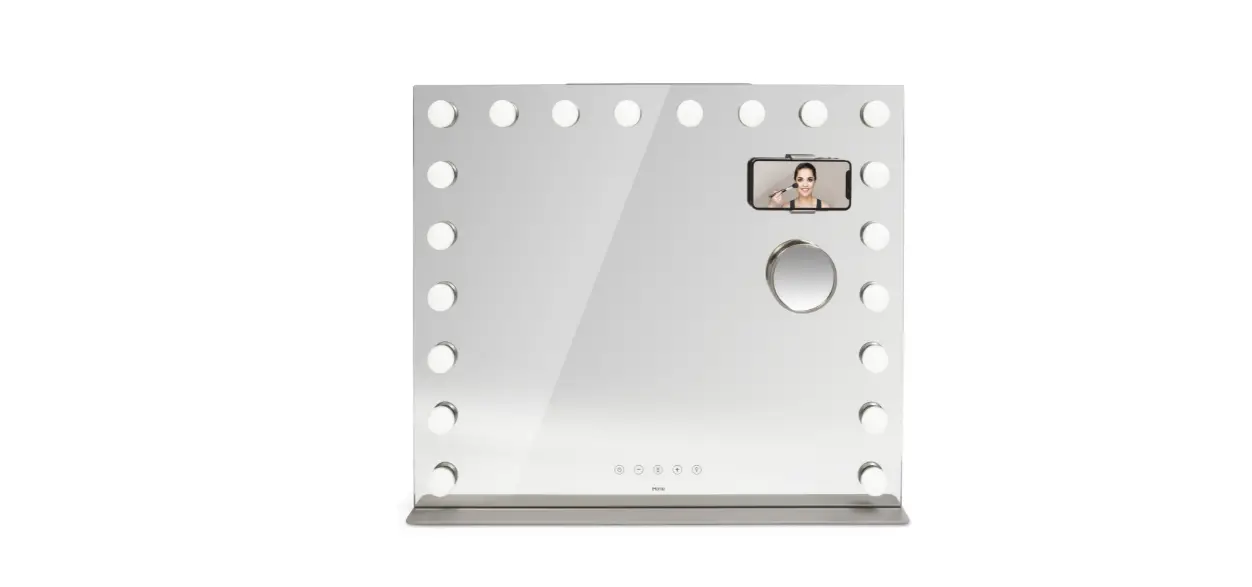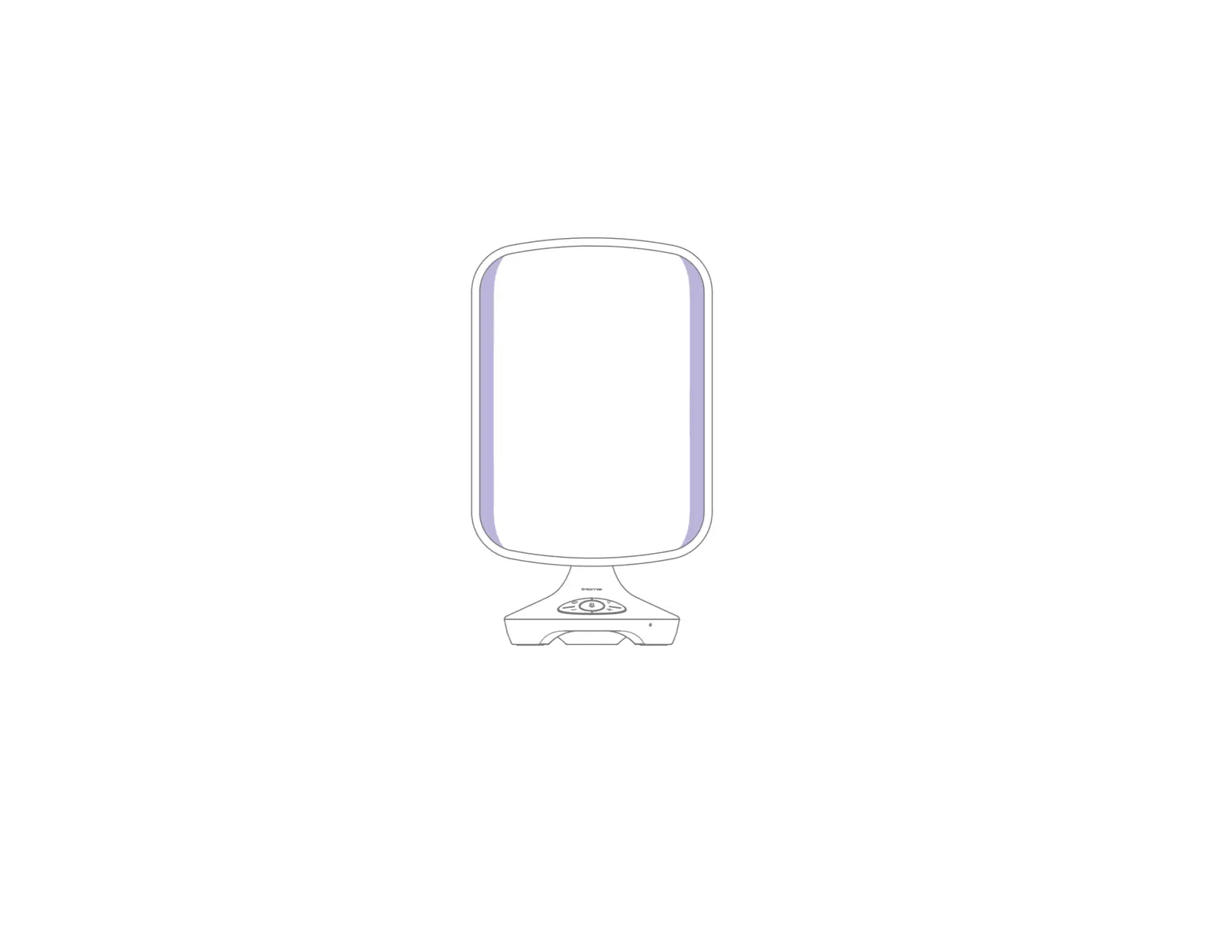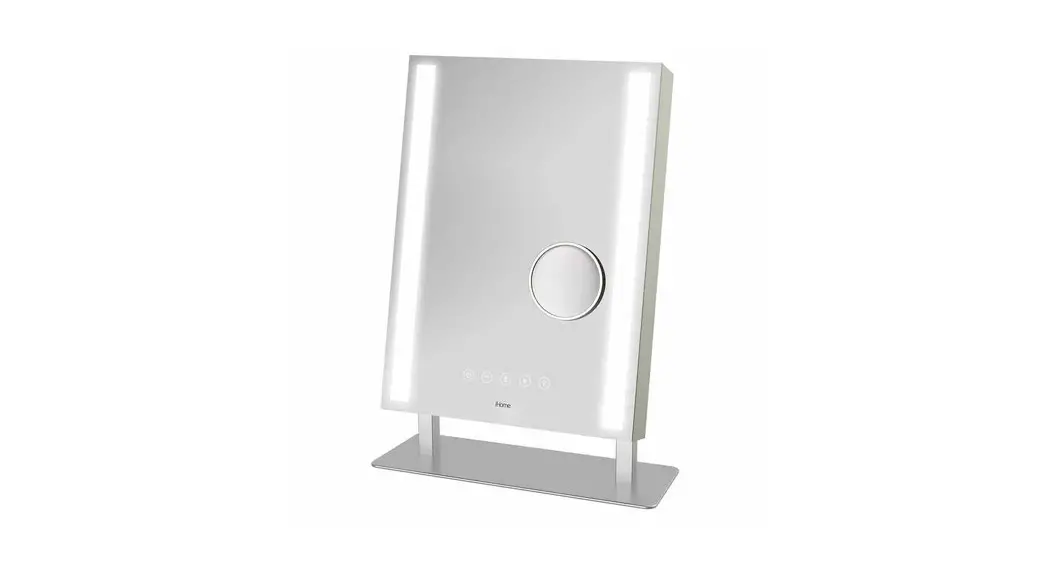
Quick Start Guide
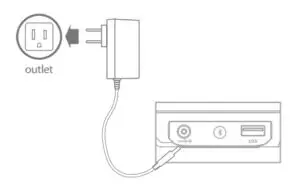
Connecting Mirror to Power
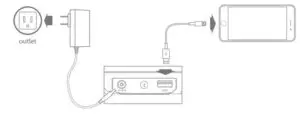
- Connect included AC adapter to DC jack on back of mirror and the other end to a working wall outlet outlet
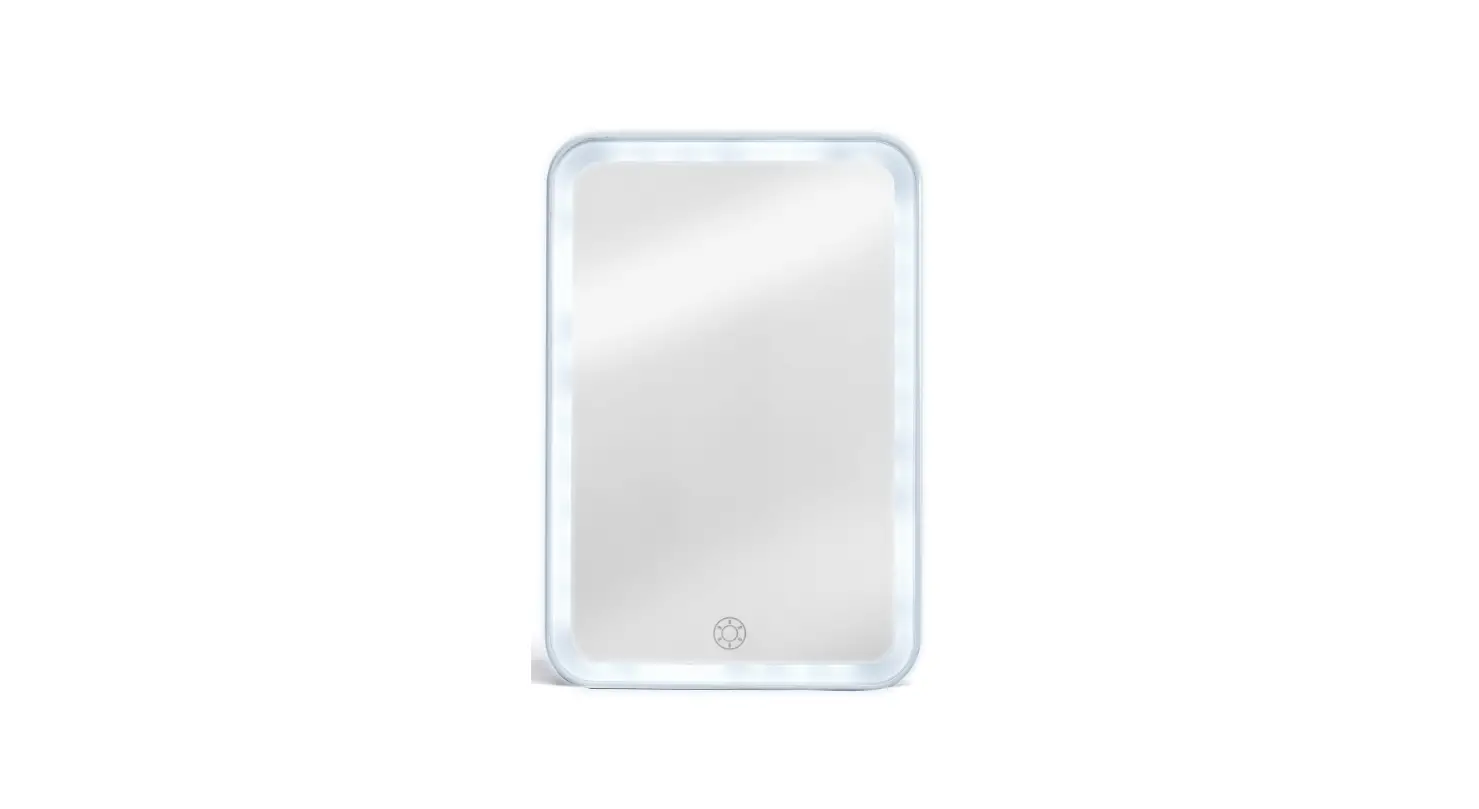
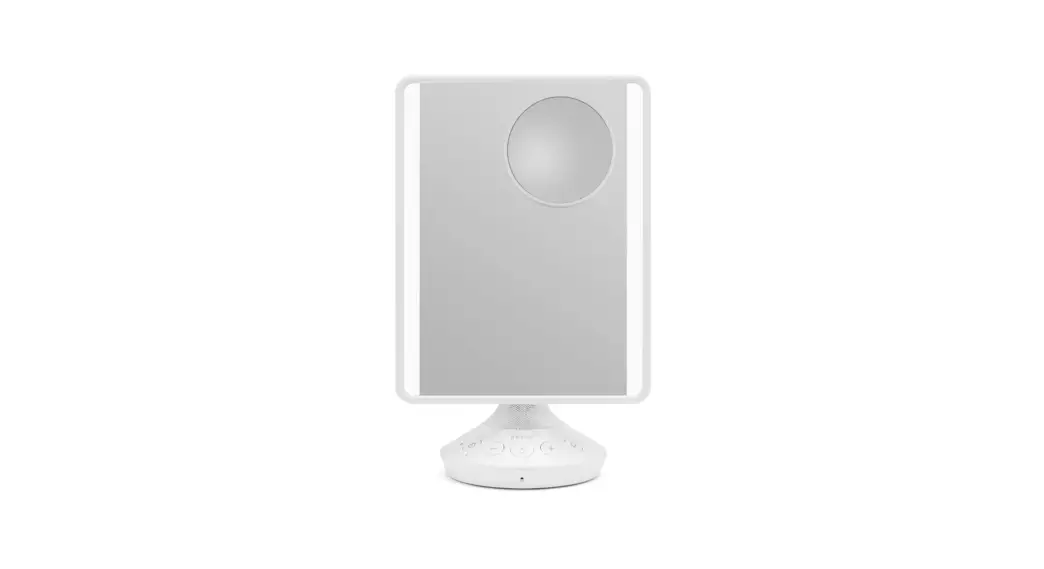
Light Function
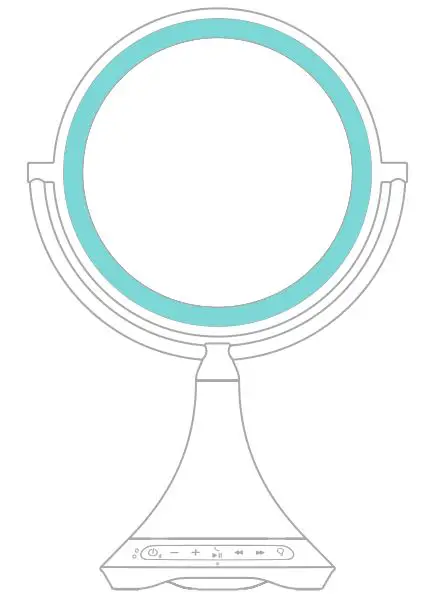
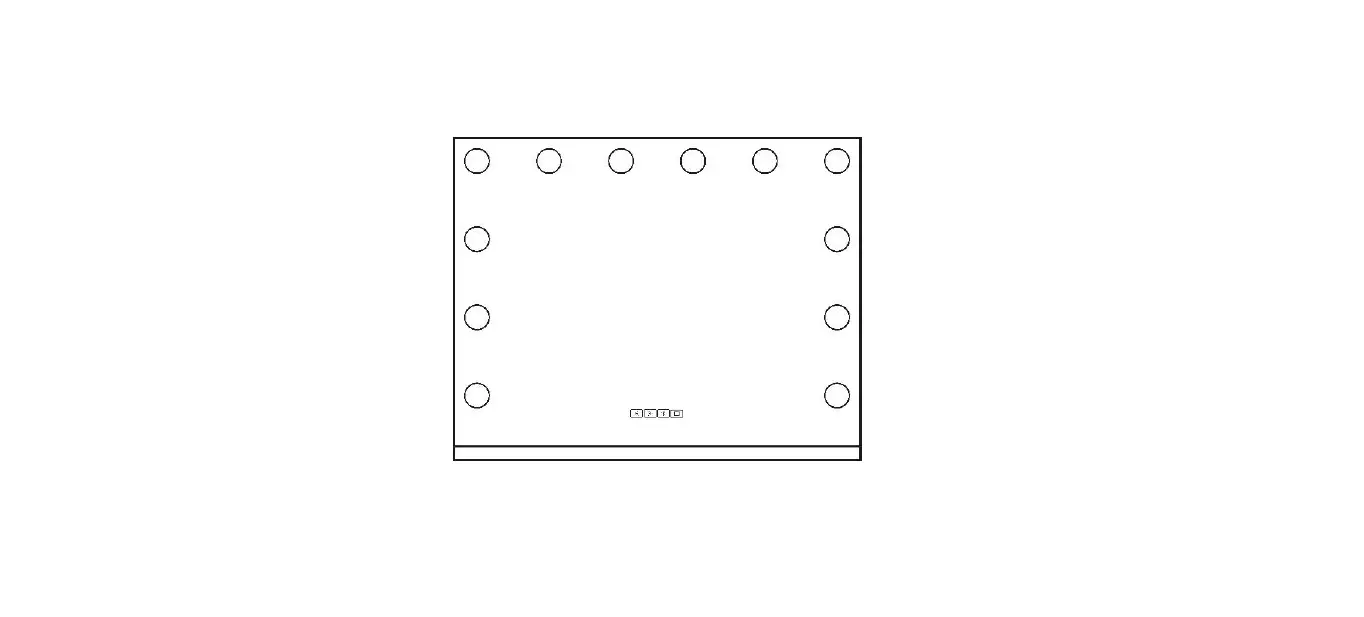
- Press light button to turn ON Hi/Mid/Lo/OFF
for the best light brightness

Bluetooth Audio Function
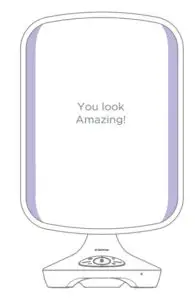

Go ahead, Turn UP the volume!
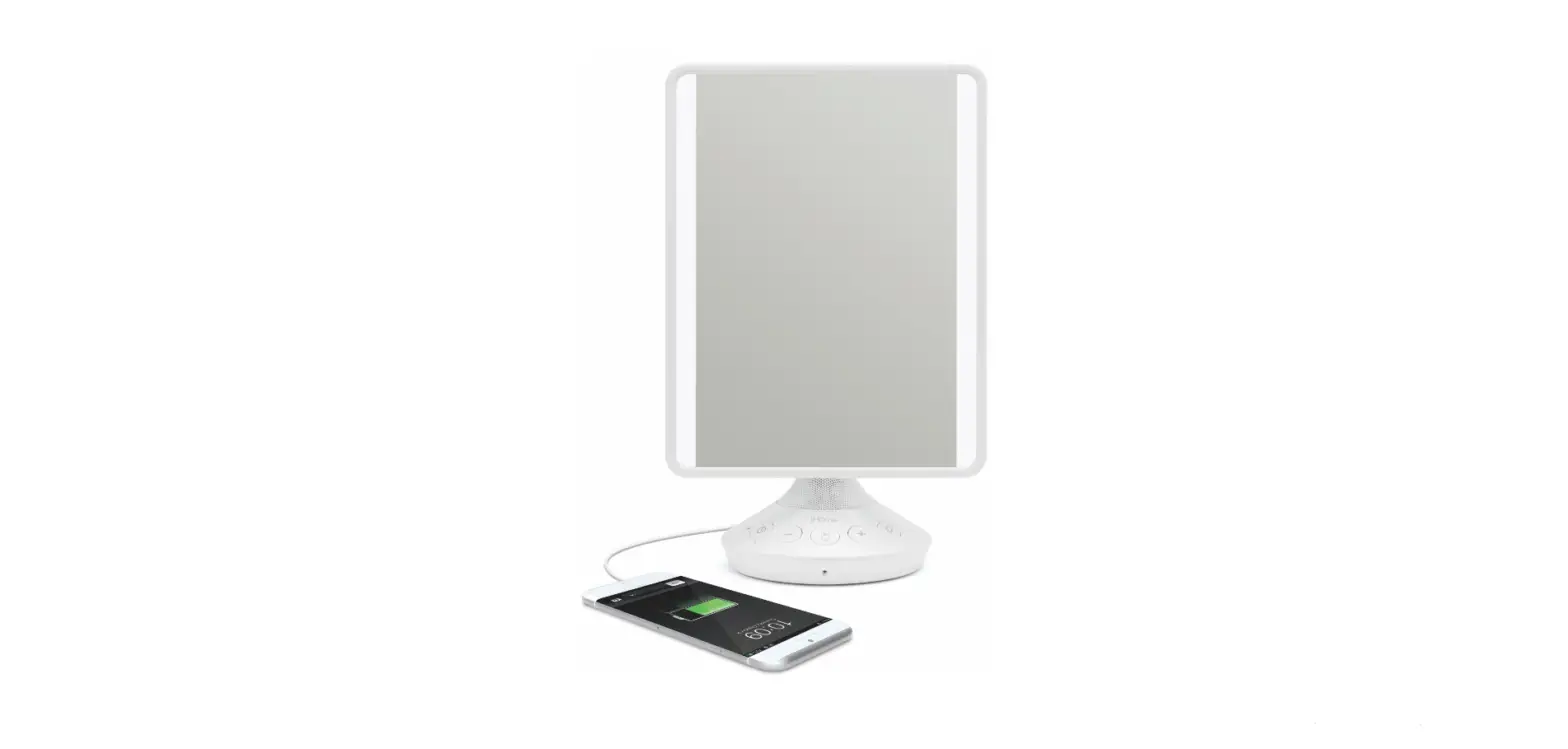
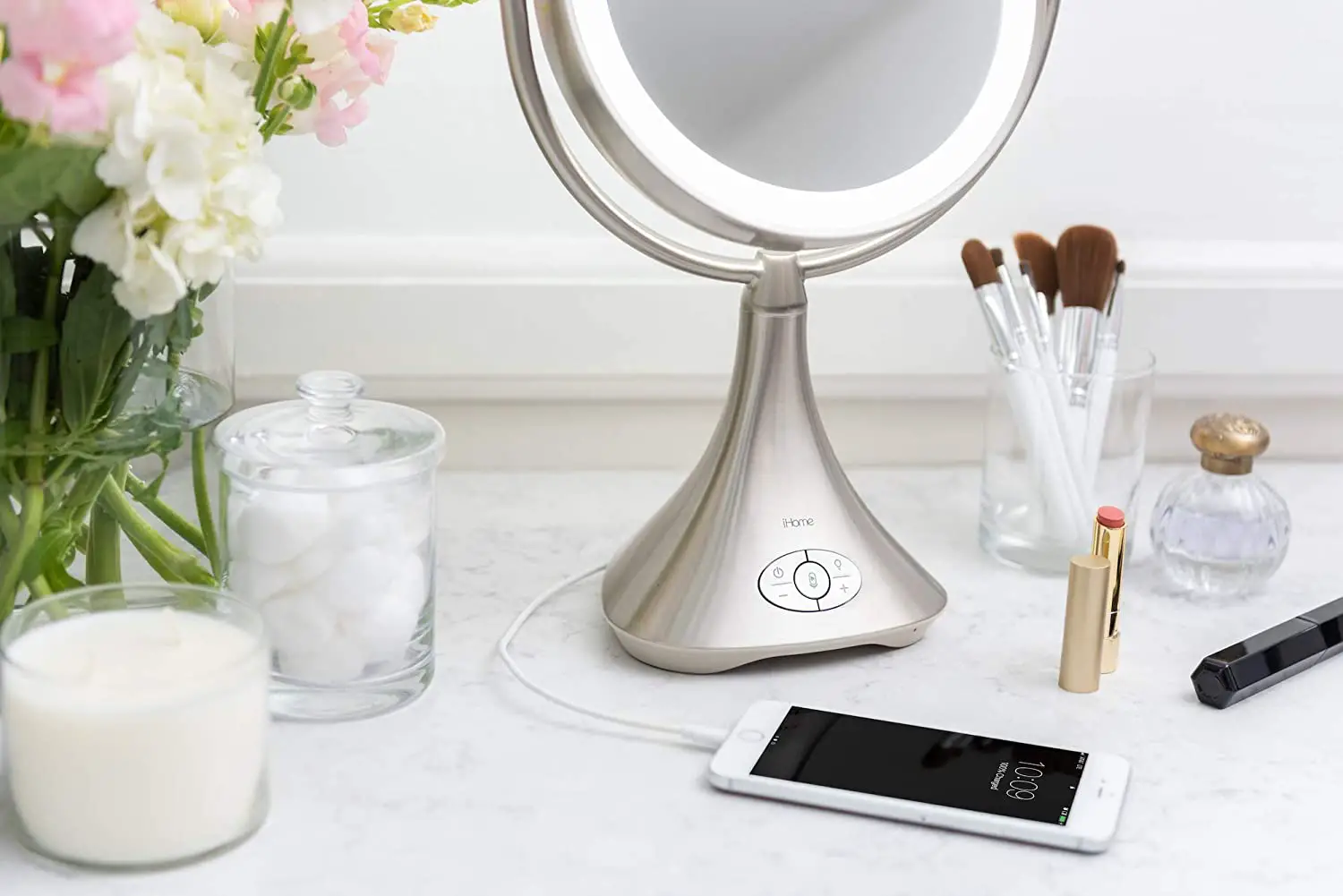
Charging Devices
! Mirror MUST be connected to AC adapter to enable USB charging from the unit.
- Connect USB cable (not included) to USB charging port on back of mirror and connect the other end to your device.

Maintenance
- Follow all instructions.
- Clean mirror surface only with included dry cloth.
- Only use attachments/accessories specified by the manufacturer.
Read More About This User Manuals…