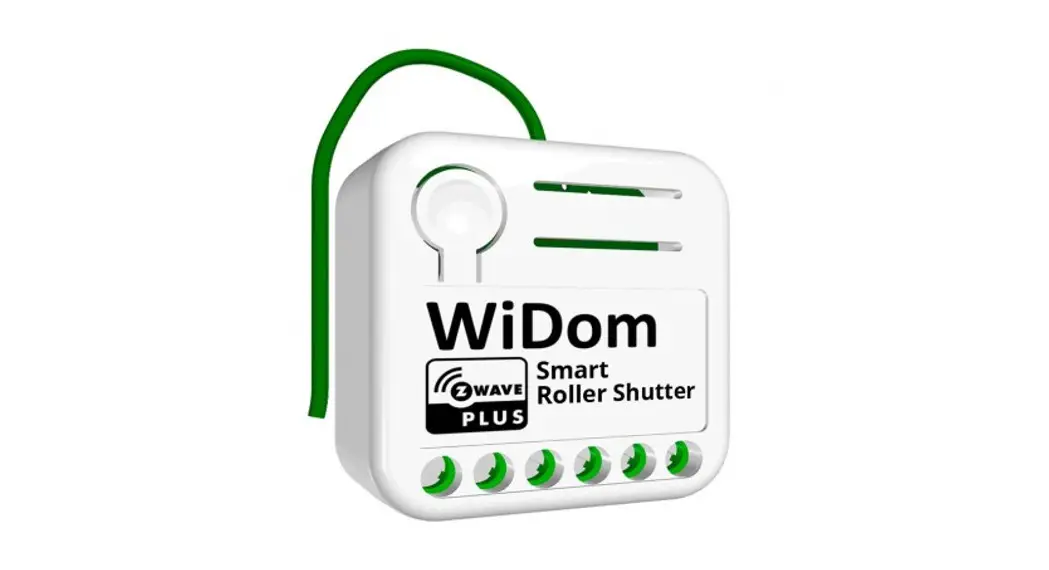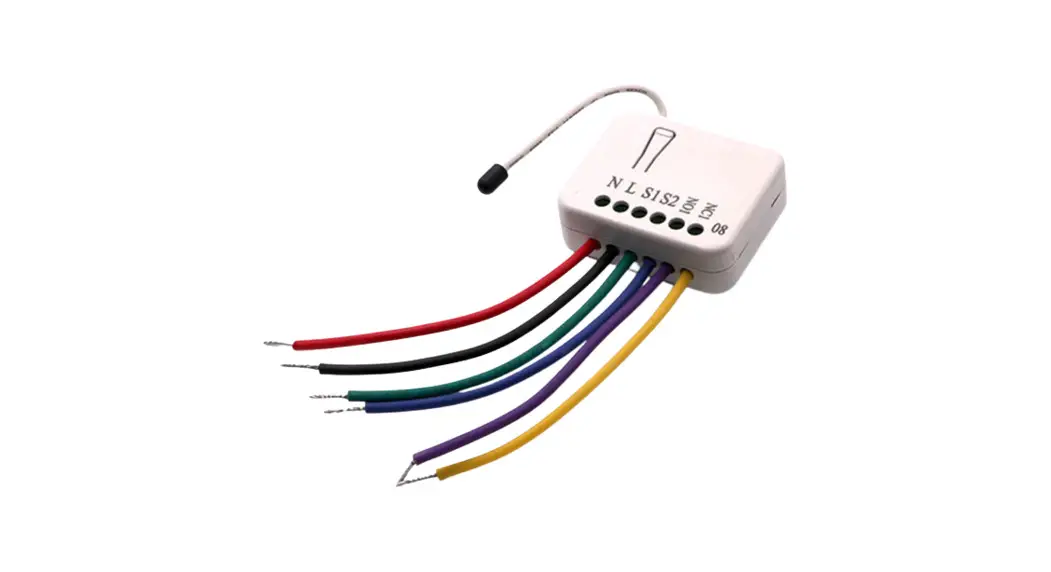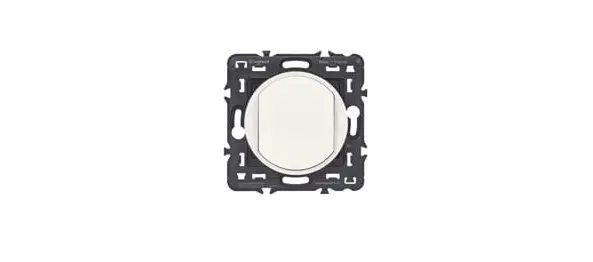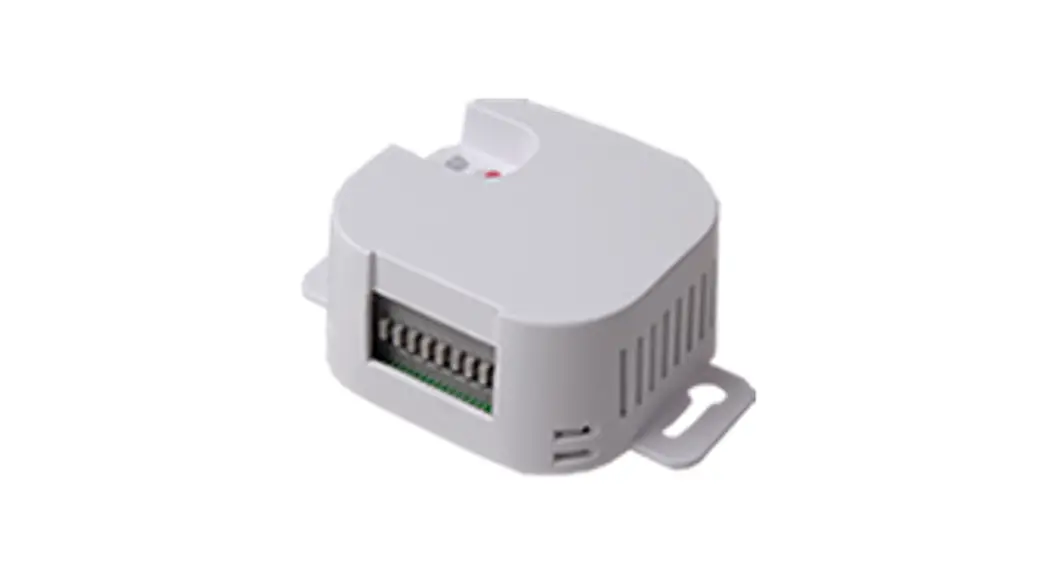
legrand ZLGP12 Wireless and Batteryless Roller Shutter Control
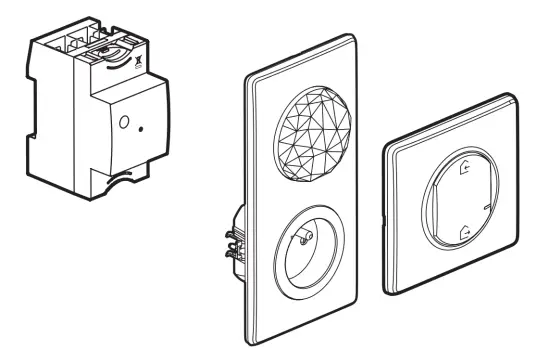
Requires to install the connected starter pack and one or more «… with Netatmo» connected switches for roller shutters first.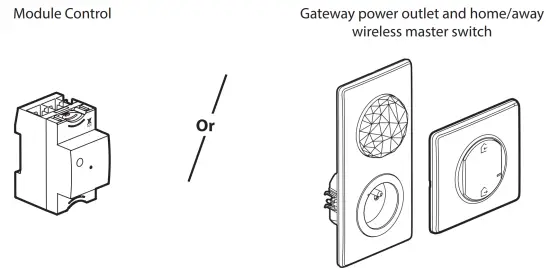
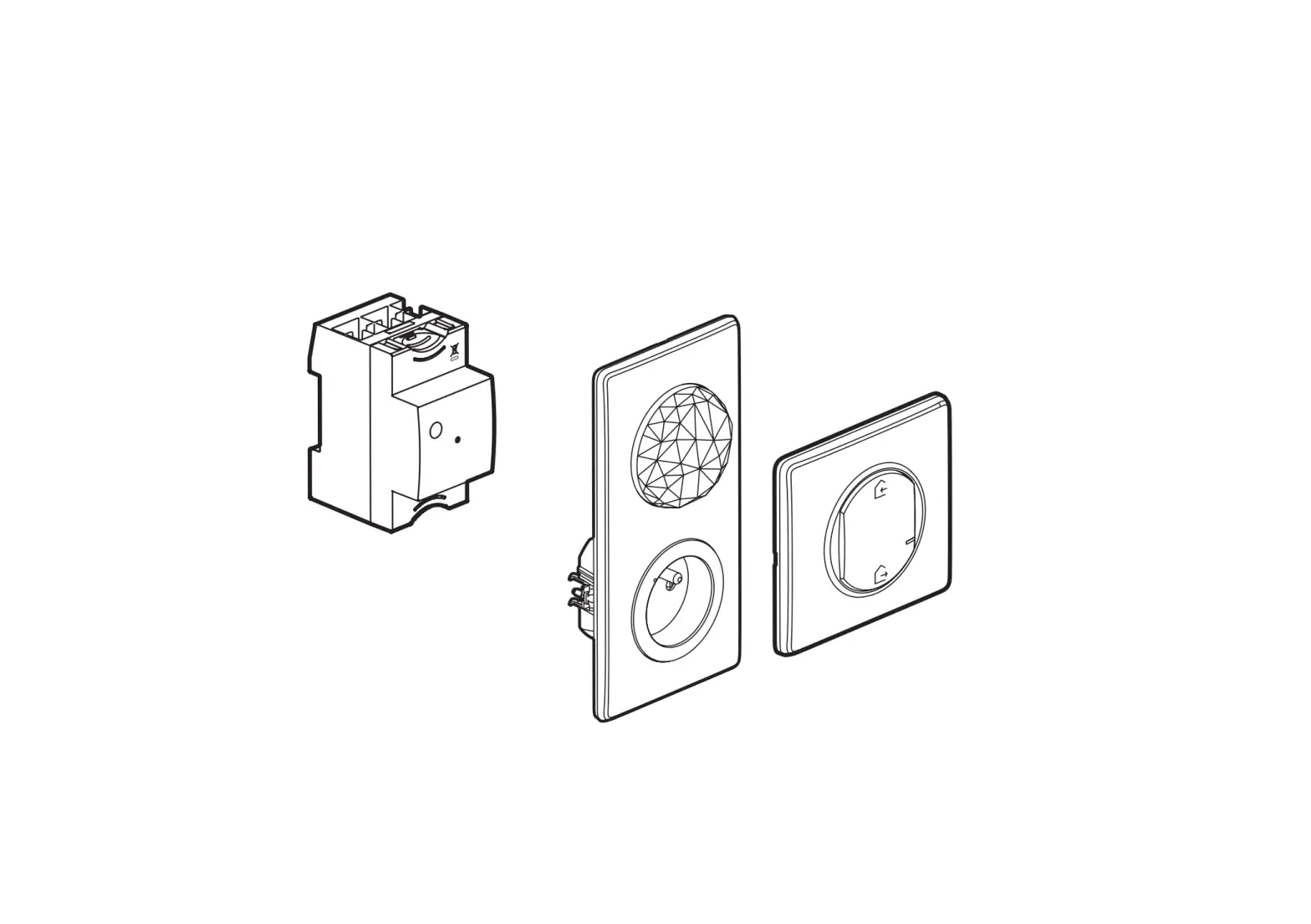
Pack contents
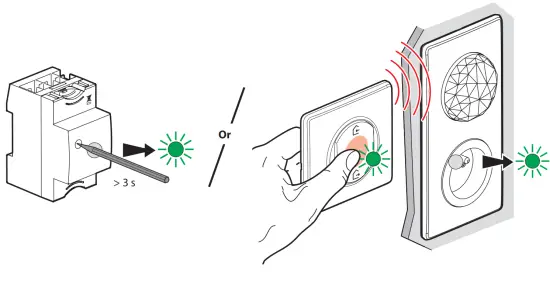
Start the configuration
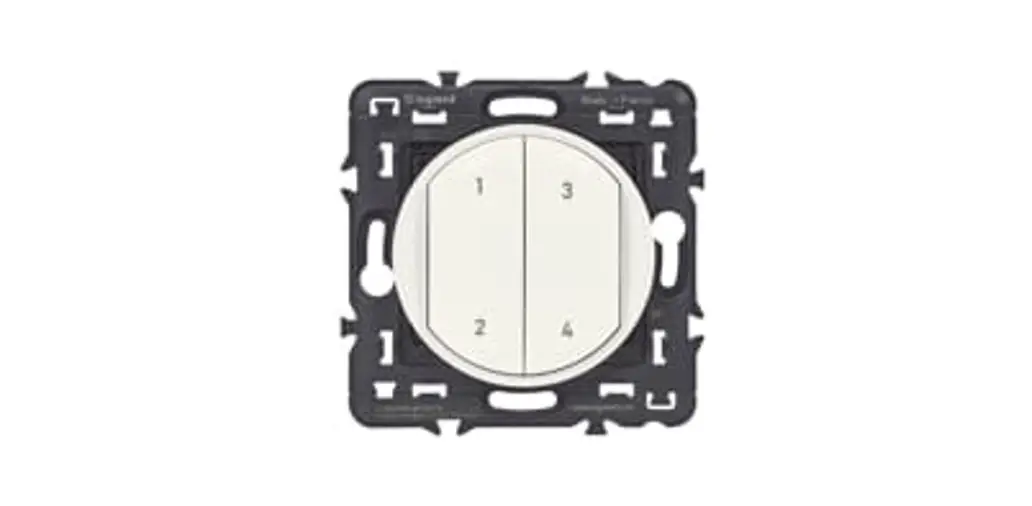
Press the configuration button of Module Control or press the middle of the wireless master switch until its light briefly turns green, and then stop pressing. All wired products lights will turn green.
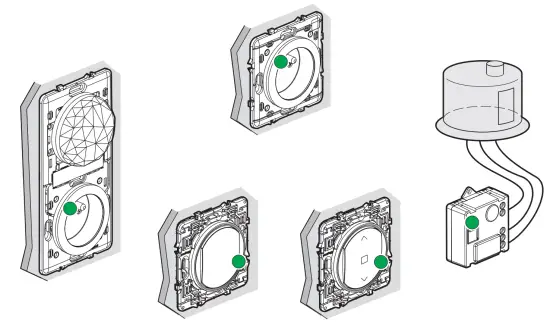
Pair the wireless, batteryless switch to control the connected roller shutter switches
 | Make sure that the indicator lights on the wired products are green. If not, go back to precedent step. 1 . |
Make sure that the indicator lights on the wired products are green. If not, go back to precedent step. ➀.
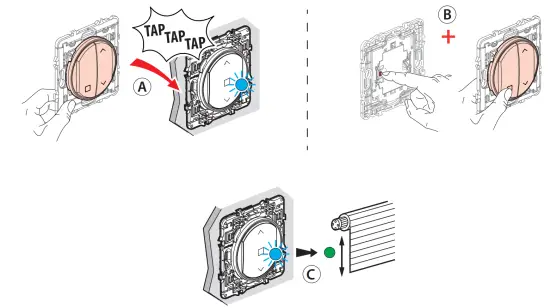
Ⓐ Tap 3 times the roller shutter switch you want to control with the wireless, batteryless control. The light of the roller shutter switch flashes rapidly.
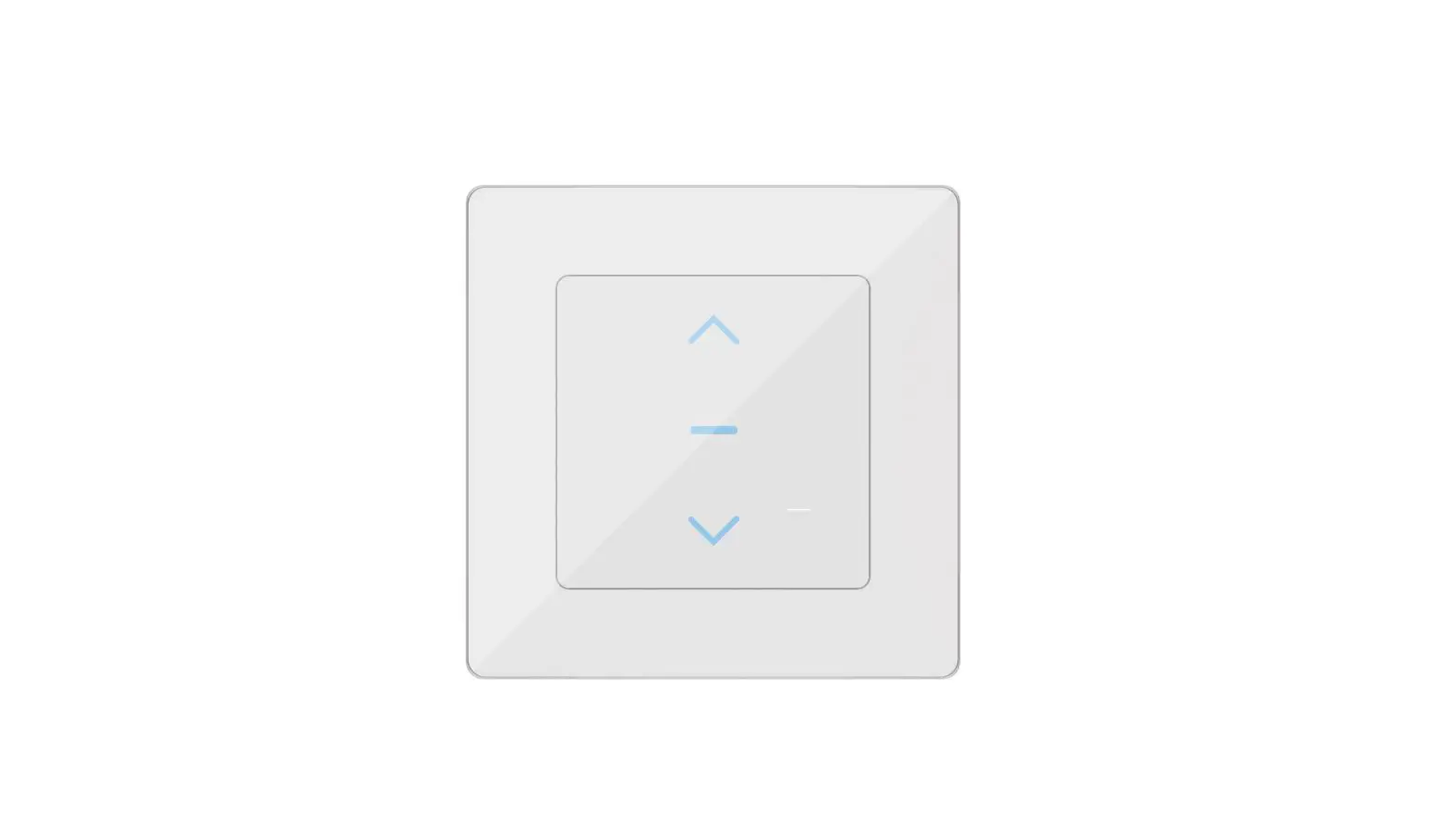
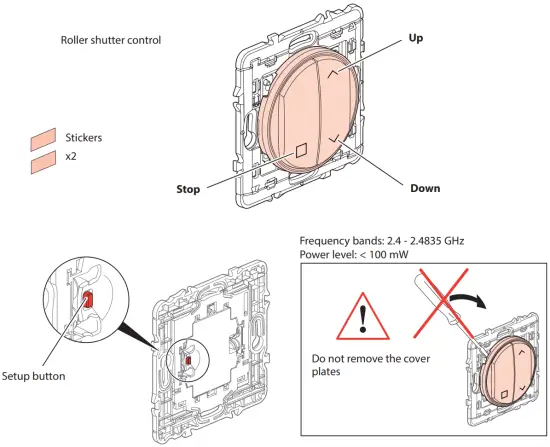
Ⓑ While pressing the «setup» button, press briefly the «Stop» or «Up» or «Down» button.
Ⓒ The indicator lights of the product to control will briefly turn blue, and then will turn green again.
The pairing was successful.
Check the correct pairing by pressing Up and then Down buttons
Multiple pairing: You can control several roller shutter switches with the same wireless, batteryless switch by repeating the operation for each product that you want to control.
Complete the installation
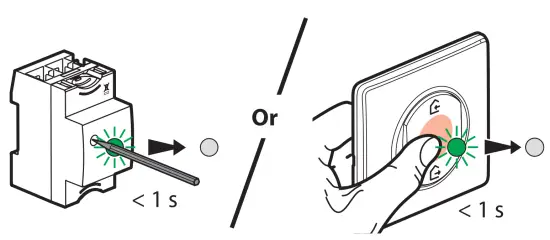
To complete your installation, briefly press the configuration of the Module Control or the middle of the wireless Home / Away master switch.
All the indicator lights on the products switch off.
If necessary, erase the configuration of the wireless batteryless control (factory reset)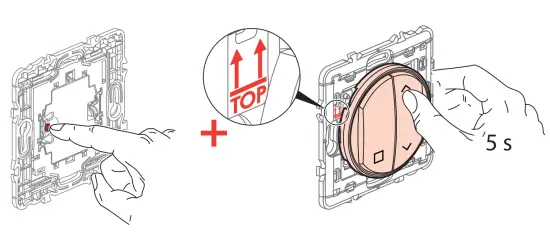
While holding the “setup” button on the wireless, batteryless control, press the “Up” button for 5 seconds.
Confirm that your control is correctly reset by making an Up command, then Down.
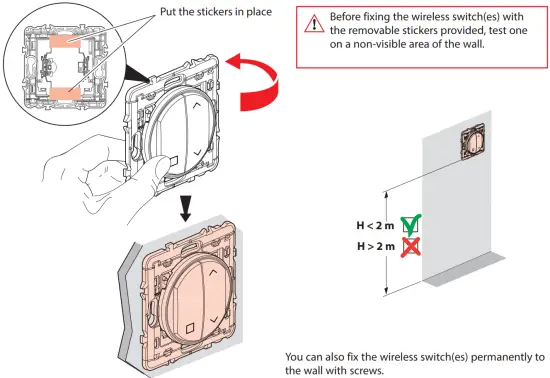
|
| The undersigned, Legrand declares that the radio-electric equipment type (0 676 46L/47L – 0 677 64L – 0 770 55L – 6 000 87L – 7 418 08L/38L/68L) complies with directive 2014/53/EU. The full text of the EU declaration of conformity is available on the following website: www.legrandoc.com |
Download the app
Your installation is ready. You can download the Legrand Home + Control application to control your roller shutters remotely.
 |  |
 |
 FCC ID: 2ACN8-ZLGP1X IC: 12132A-ZLGP1X Model : ZLGP12 FCC ID: 2ACN8-ZLGP1X IC: 12132A-ZLGP1X Model : ZLGP12This device contains licence-exempt transmitter(s)/receiver(s) that comply with FCC RF and Innovation, Science and Economic Development Canada’s licence-exempt RSS(s). Operation is subject to the following two conditions: (1) this device may not cause interference, and (2) This device must accept any interference, including interference that may cause undesired operation of the device.
|
| ⚠ Safety instructions Make sure the power supply is disconnected before any intervention. Strictly comply with instructions for installation and use. |
 Model: ZLGP12
 Welcome to Legrand - Legrand
 legrandoc