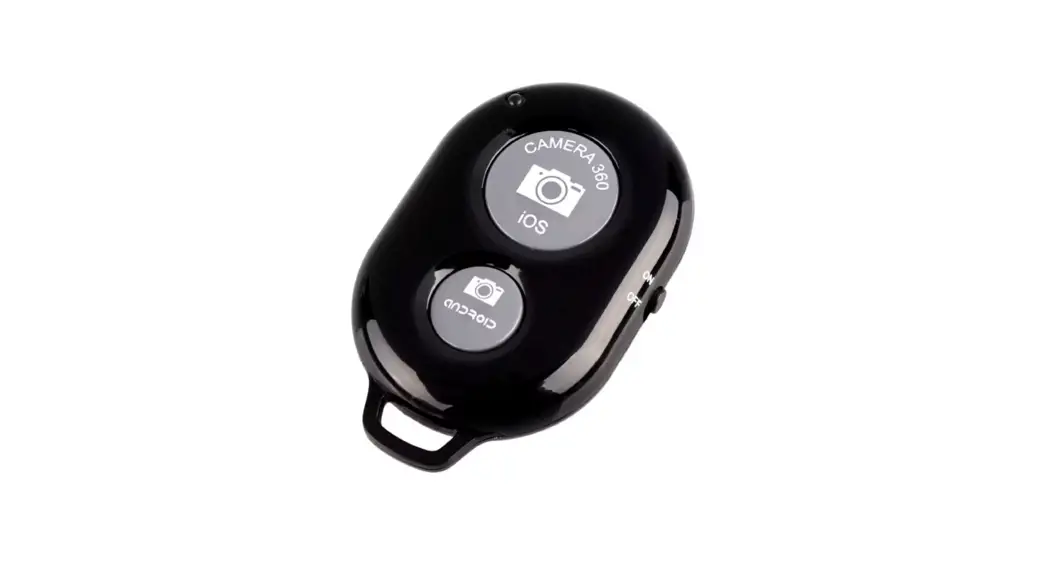
CR1220 Wireless Remote Shutter Camera Controller
Product Information:
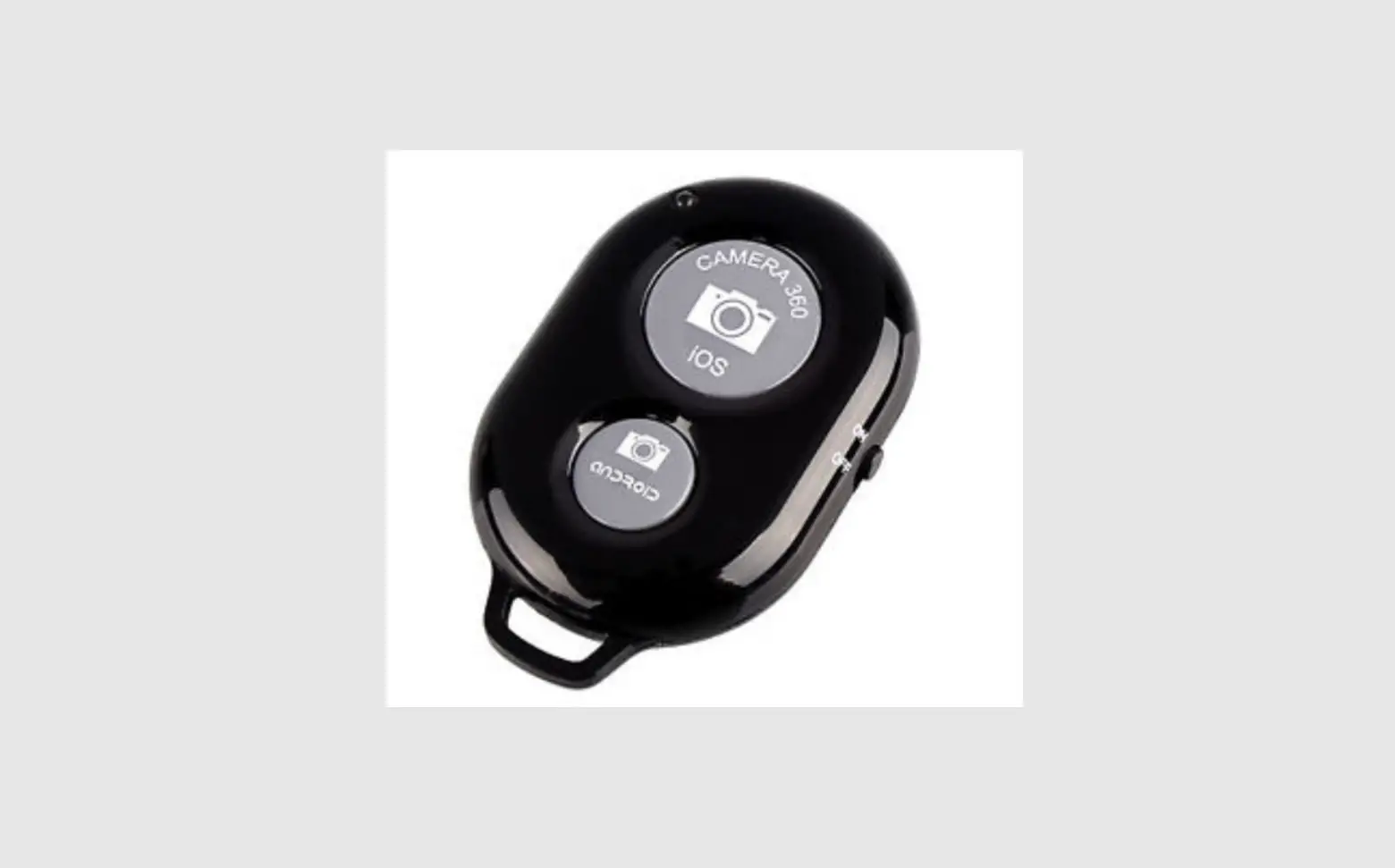
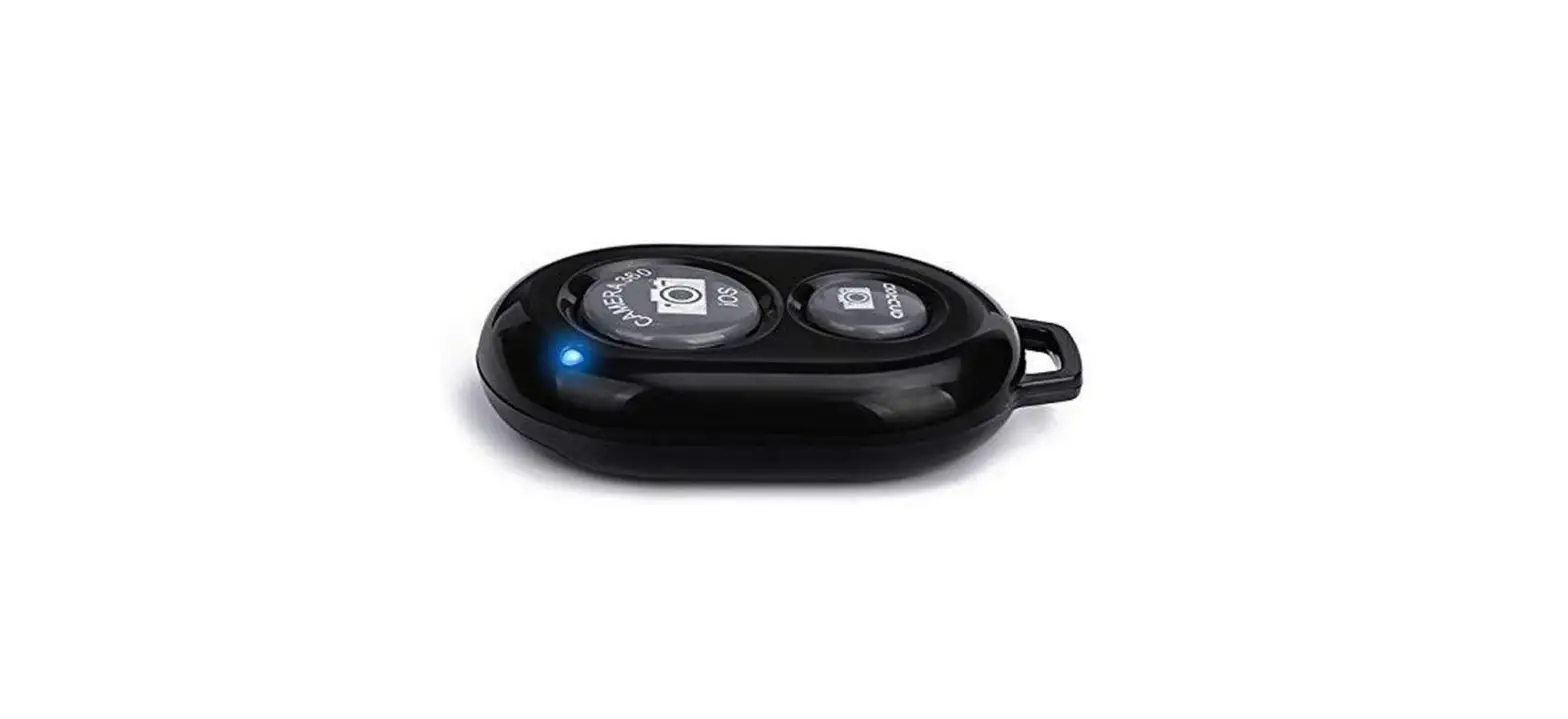
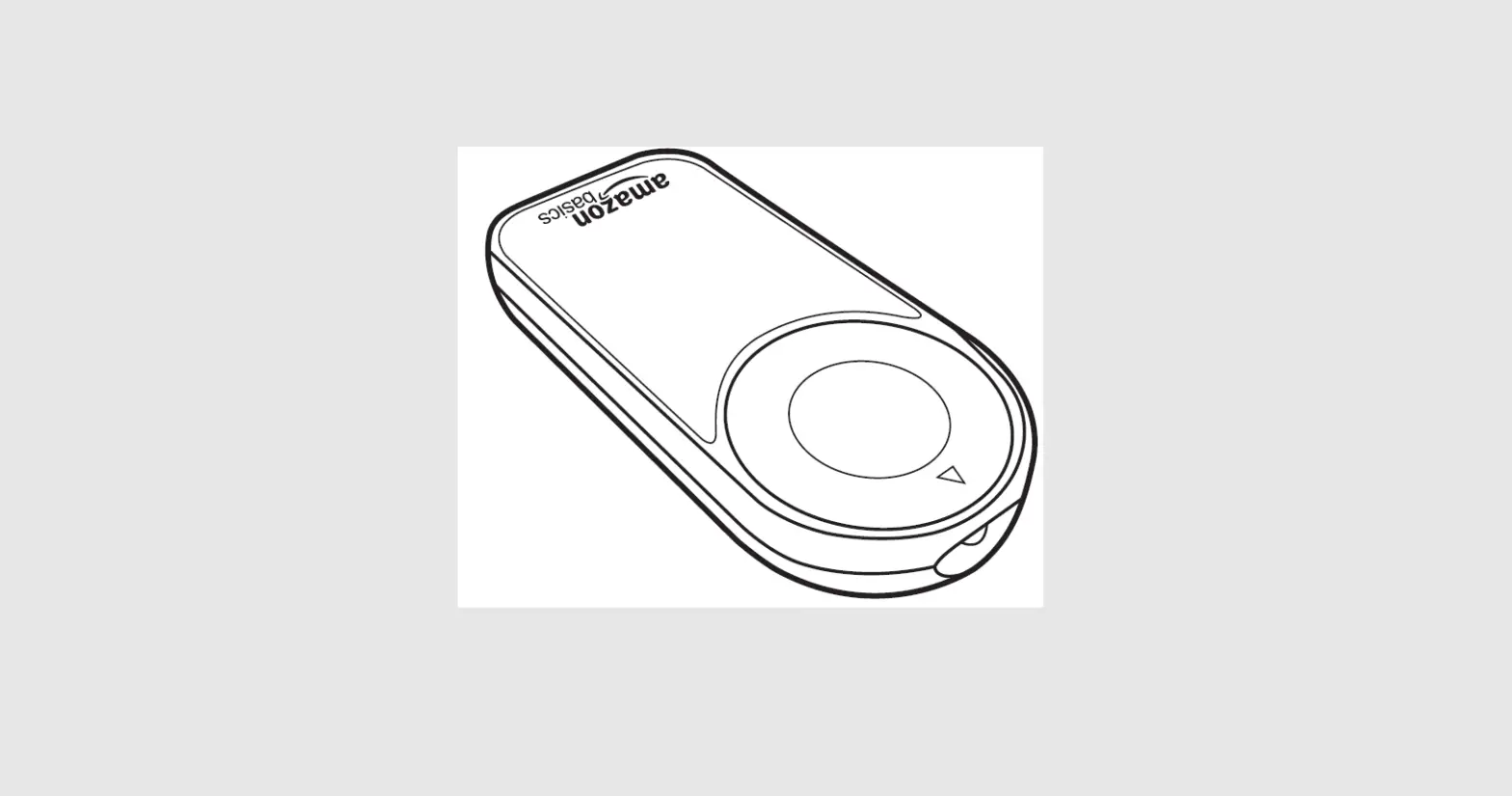
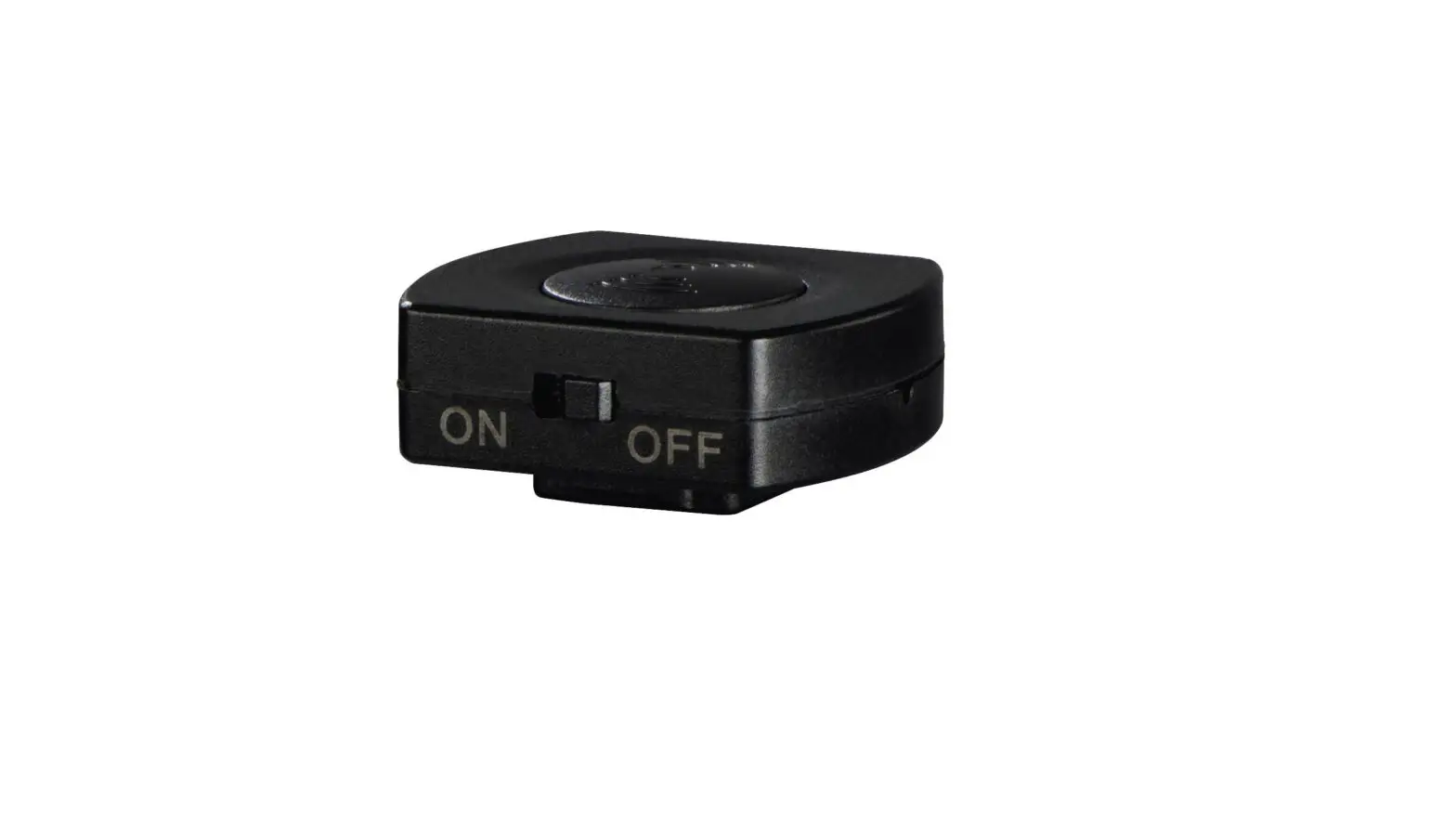
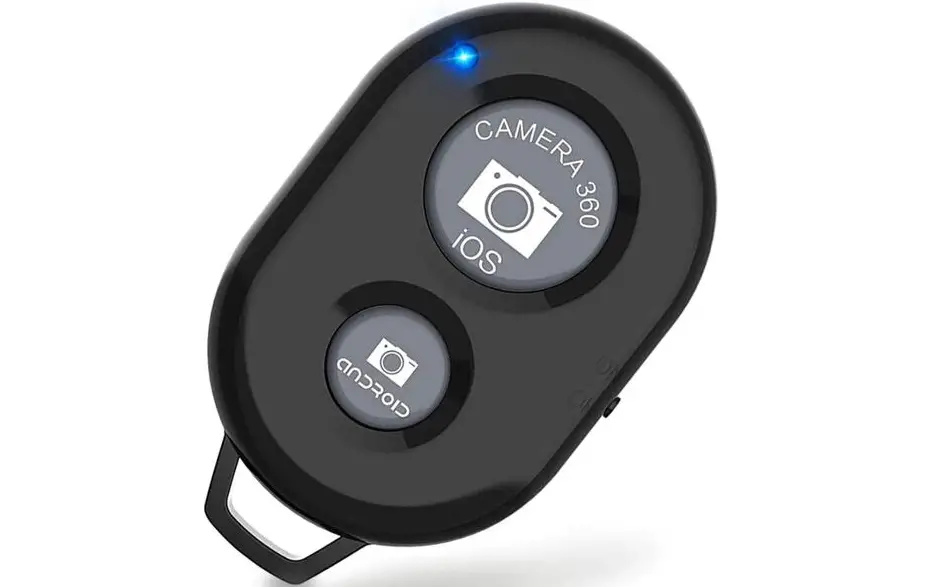
The product is a wireless remote shutter and phone stand
all-in-one device. It features a ring button that is installed on
the back of the phone. The device allows for convenient
picture-taking by simply pressing the camera button with your index
finger, eliminating the need to use the touch camera on the screen.
It also functions as a ring buckle and serves as a helpful
accessory for entertainment.
Product Usage Instructions:
- Tear off the protective film from the device.
- Place the protective film on the back of your phone.
- Remove the release paper from the protective film.
- Stick the device onto the protective film.
In The Box:
- Wireless remote shutter x 1
- User guide x 1
- CR1220 x 1
Caution: Any changes or modifications to this
device not explicitly approved by the manufacturer could void your
authority to operate this equipment. This device complies with part
15 of the FCC Rules. Operation is subject to the following two
conditions: (1) This device may not cause harmful interference, and
(2) this device must accept any interference received, including
interference that may cause undesired operation. This equipment
complies with FCC radiation exposure limits set forth for an
uncontrolled environment. This equipment should be installed and
operated with a minimum distance of 0cm between the radiator and
your body.
USER GUIDE
Product Description:
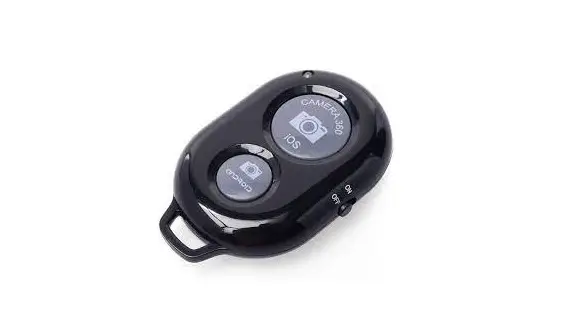
Shutter button & Phone Stand
wireless remote shutter & phone stand all – in- 1.
Bluetooth User Instructions:
1. Turn on the unit by pressing the power button. 2. The first time you use it with your smart phone or tablet Bluetooth® scan mode will be activated. To pair, follow the
instructions below. 3. Activate the Bluetooth® feature on your device, then pair it manually if it doesn’t connect automatically. 4. Look for INSR14 on the list and pair. 5. Once paired, it will always stay connected to that device as long as both are turned on and Bluetooth® is enabled.
Product User Instructions:
1.The ring button is installed on the back of the phone. When taking pictures, you only need to press the camera button with your index finger, which is more convenient than the traditional touch camera on the screen. You can take pictures whenever and wherever you want! 2.It is not only a ring buckle, but also a good helper for your entertainment.”
Installation procedure:
1.Tear the protective film
2.Place the protective film on the back of the phone
3.Tear off the release 4.Paste the machine in the
paper
protective film
Specifications : Bluetooth® Wireless Technology 5V1A Power CR1220 Cell Battery
In The Box
1.Wireless remote shutter x 1 2.User guide x 1 3.CR1220 x 1
FCC Warnning: This equipment has been tested and found to comply with the limits for a Class B digital device, pursuant to part 15 of the FCC Rules. These limits are designed to provide reasonable protection againstharmful interference in a residential installation. This equipment generates, uses and can radiateradio frequency energy and, if not installed and used in accordance with the instructions, maycause harmful interference to radio communications. However, there is no guarantee thatinterference will not occur in a particular installation. If this equipment does cause harmfulinterference to radio or television reception, which can be determined by turning the equipmentoff and on, the user is encouraged to try to correct the interference by one or more of thefollowing measures: · Reorient or relocate the receiving antenna. · Increase the separation between the equipment and receiver. · Connect the equipment into an outlet on a circuit different from that to which the receiver is connected. · Consult the dealer or an experienced radio/TV technician for help.
Caution: Any changes or modifications to this device not explicitly approved by manufacturer could void your authority to operate this equipment.
This device complies with part 15 of the FCC Rules. Operation is subject to the following two conditions: (1)This device may not cause harmful interference, and (2) this device must accept any interference received, including interference that may cause undesired operation.
This equipment complies with FCC radiation exposure limits set forth for an uncontrolled environment. This equipment should be installed and operated with minimum distance 0cm between the radiator and your body.