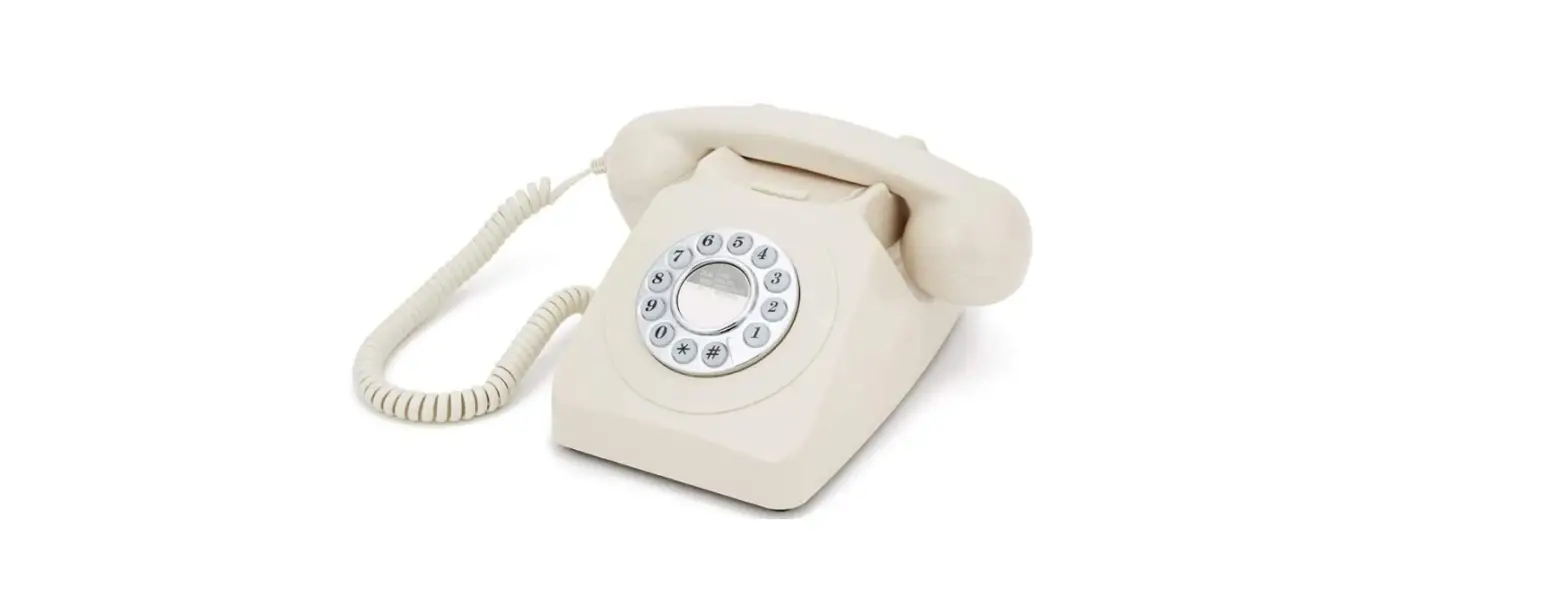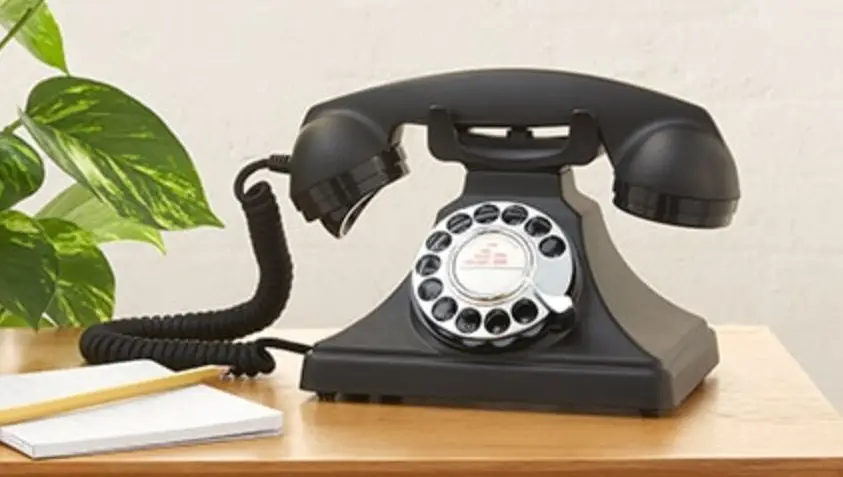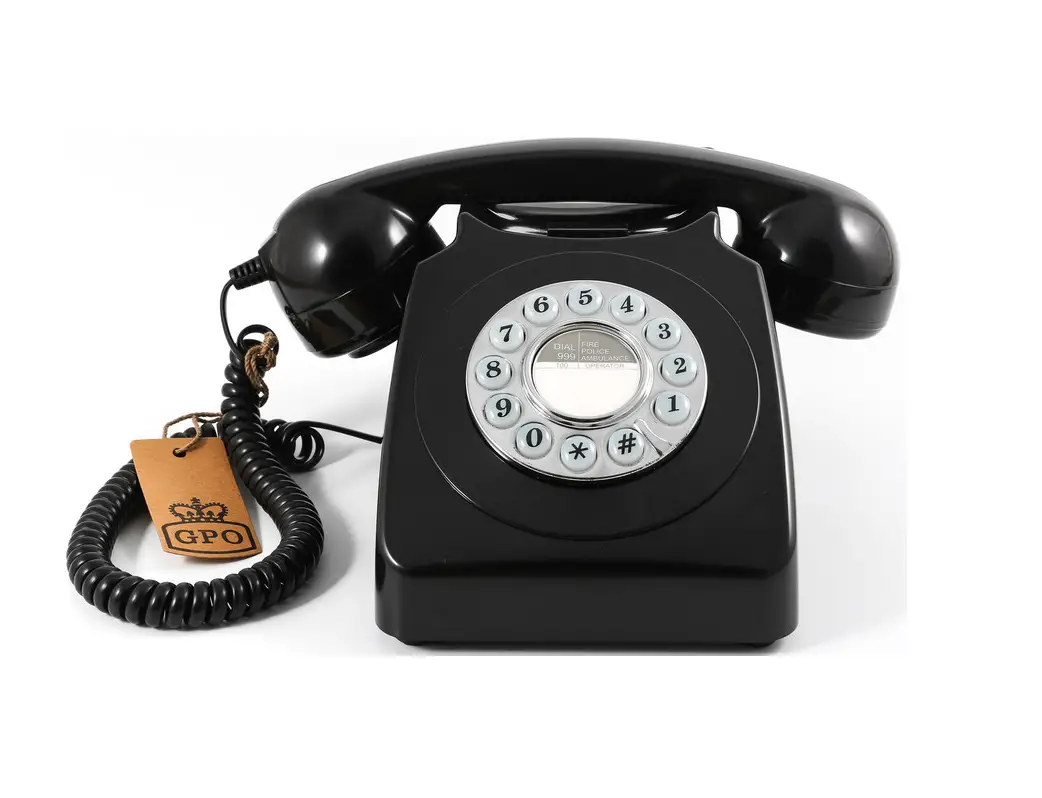
GPO746 Push Button Phone User Guide
Important safety instructions
- Never install telephone wiring during a lightning storm.
- Never install telephone jacks in wet locations, unless the jack is specifically designed for wet locations.
- Never touch uninsulated telephone wires or terminals, unless the telephone line has been disconnected at the network interface.
- Do not place this product on an unstable cart, stand or table. The product may fall, causing damage to the product.
Installation
TEL LINE |
|
Adjustment
VOLUME |
|
RINGER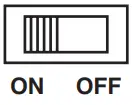 |
|
Making Calls
 |
|
 |
|
Receiving Call
 |
|
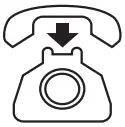 |
|
CE Statement
This equipment conforms to the following European standards:
Health & safety:
EN60950-1:2001 (+A11:2004)
EN50371:2002
Electromagnetic compatibility:
EN55022:2006 emissions
EN55024:1998 + A1:2001 immunity.
Telecom:
ES 203021 parts 1, 2 & 3 TBR38
 GPO Retro - Official Manufacturer of Stylish Retro Products.