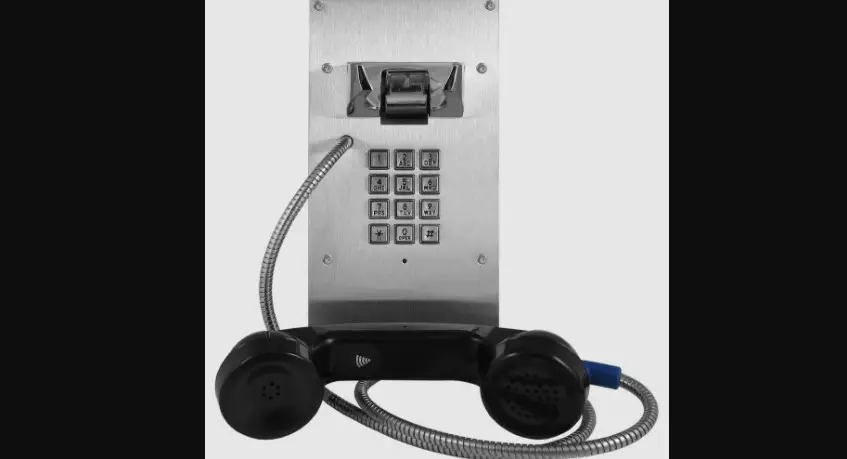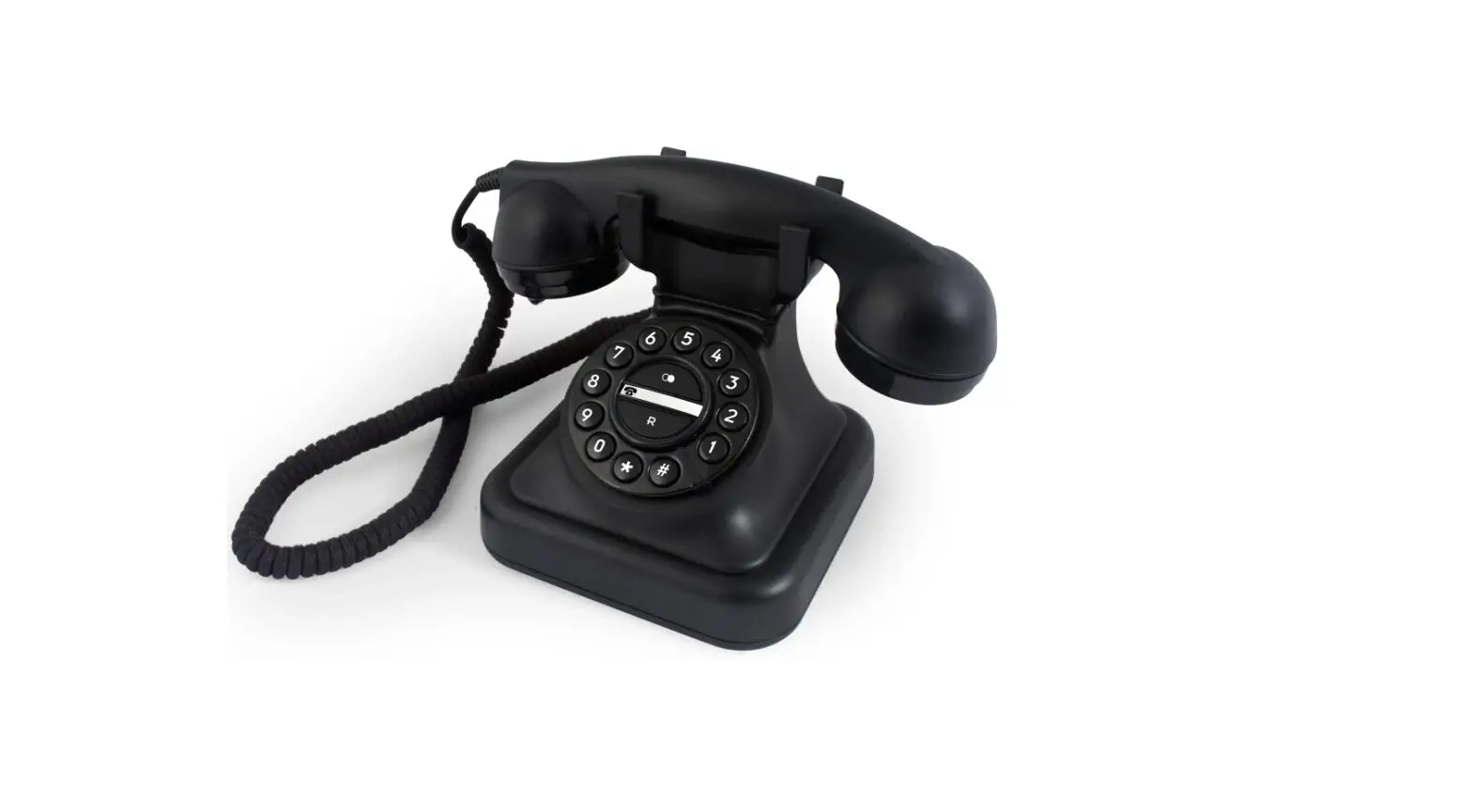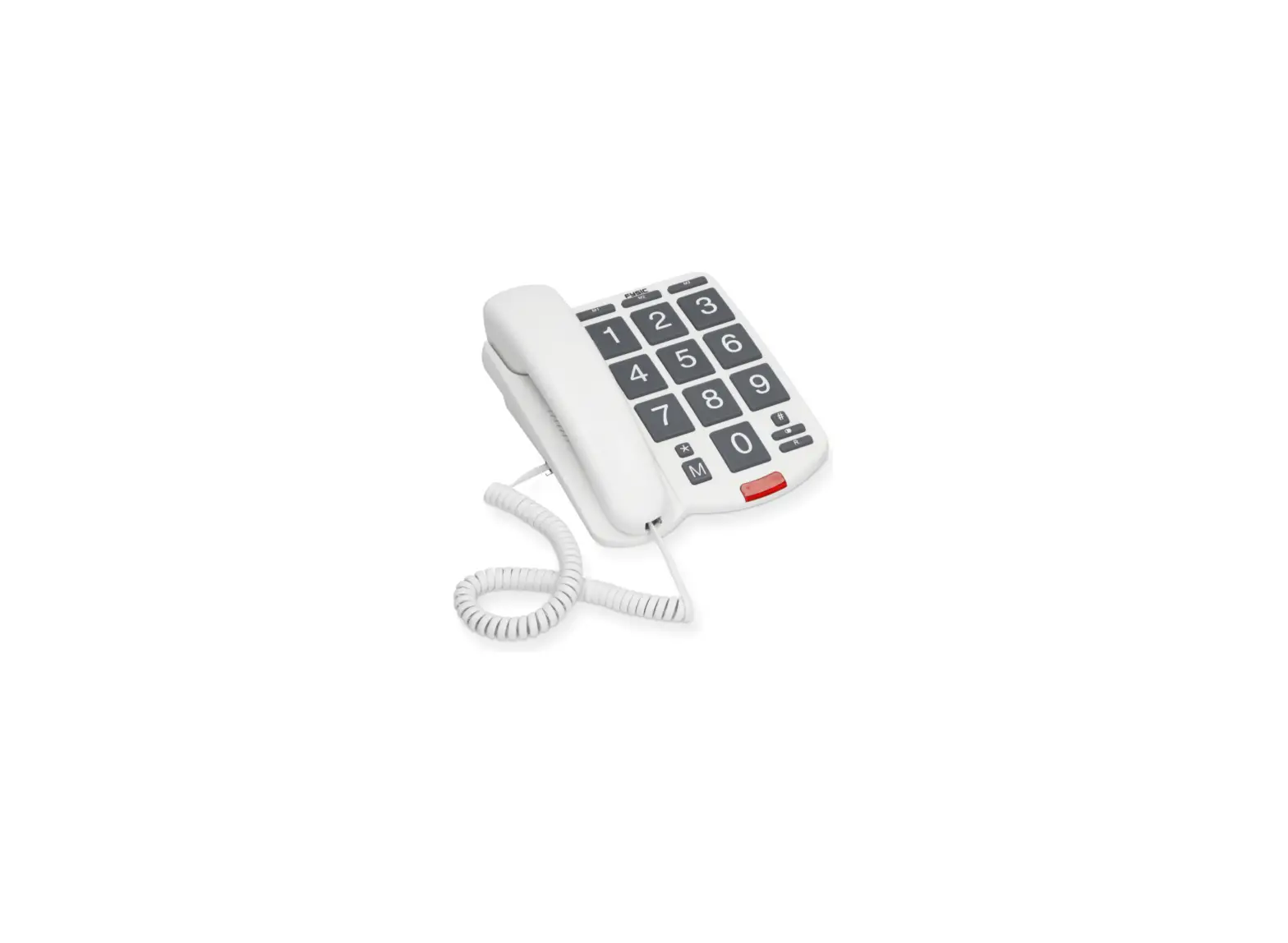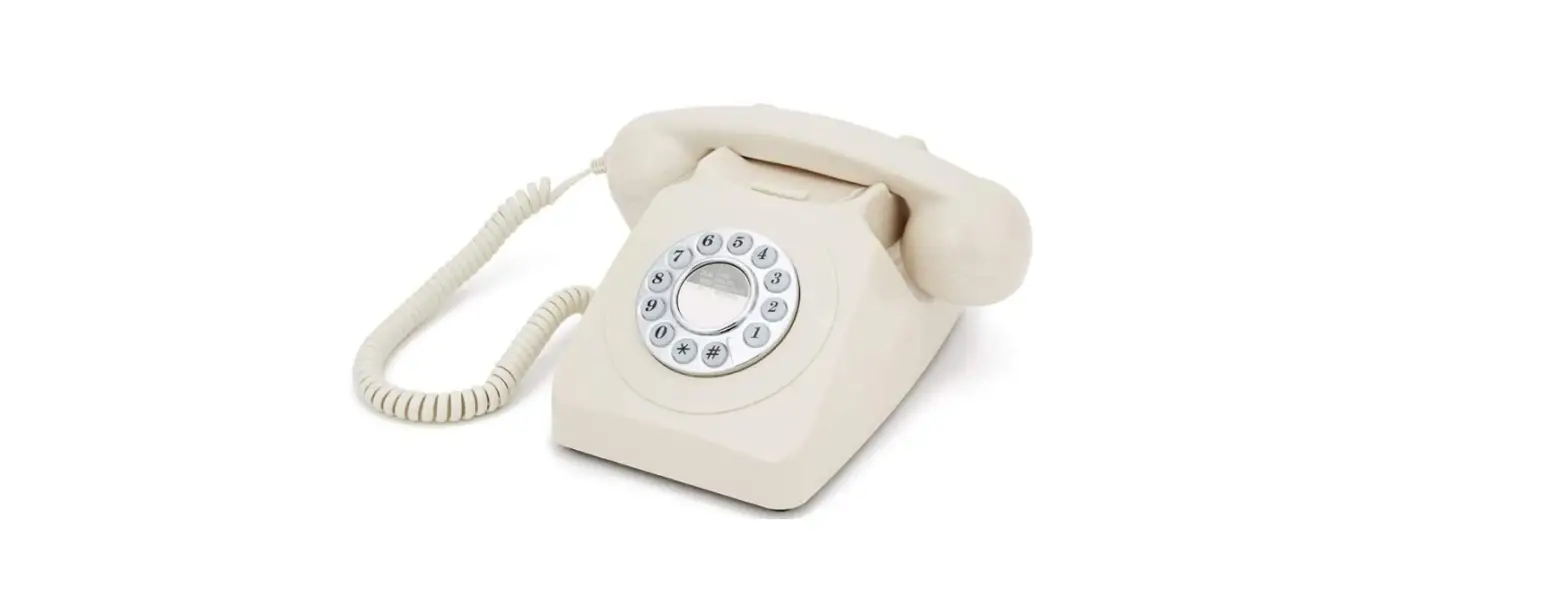


IMPORTANT SAFETY INSTRUCTIONS
- Never install telephone wiring during a lightning storm.
- Never install telephone jacks in wet locations, unless the jack is specifically designed for wet locations.
- Never touch uninsulated telephone wires or terminals, unless the telephone line has been disconnected at the network interface.
- Do not place this product on an unstable cart, stand or table. The product may fall, causing damage to the product.
INSTALLATION
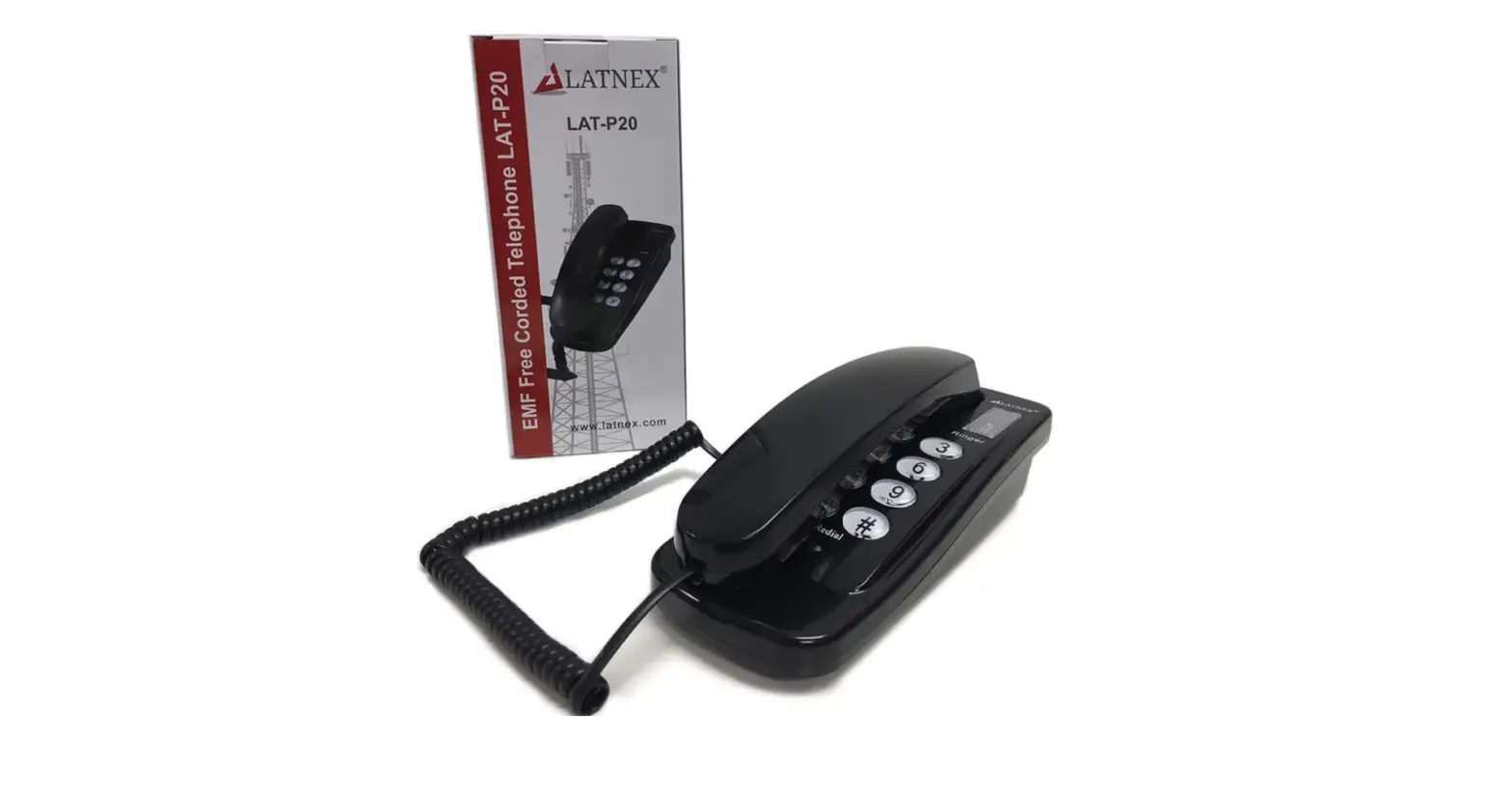
 Connect the telephone line cord to the line jack (RJ11C). To ensure proper connection, press the locking tab firmly into the modular jack until a “click” sound is heard.
ADJUSTMENT
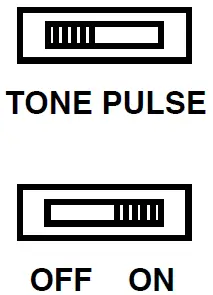
- Set the phone to either tone or pulse system that your telephone services company supports
- Set the ringer volume lever selector to on (with sounds) or off to your own preference.
OPERATION
Making calls:
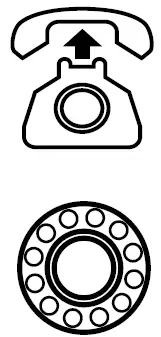
- Remove the receiver from the cradle.
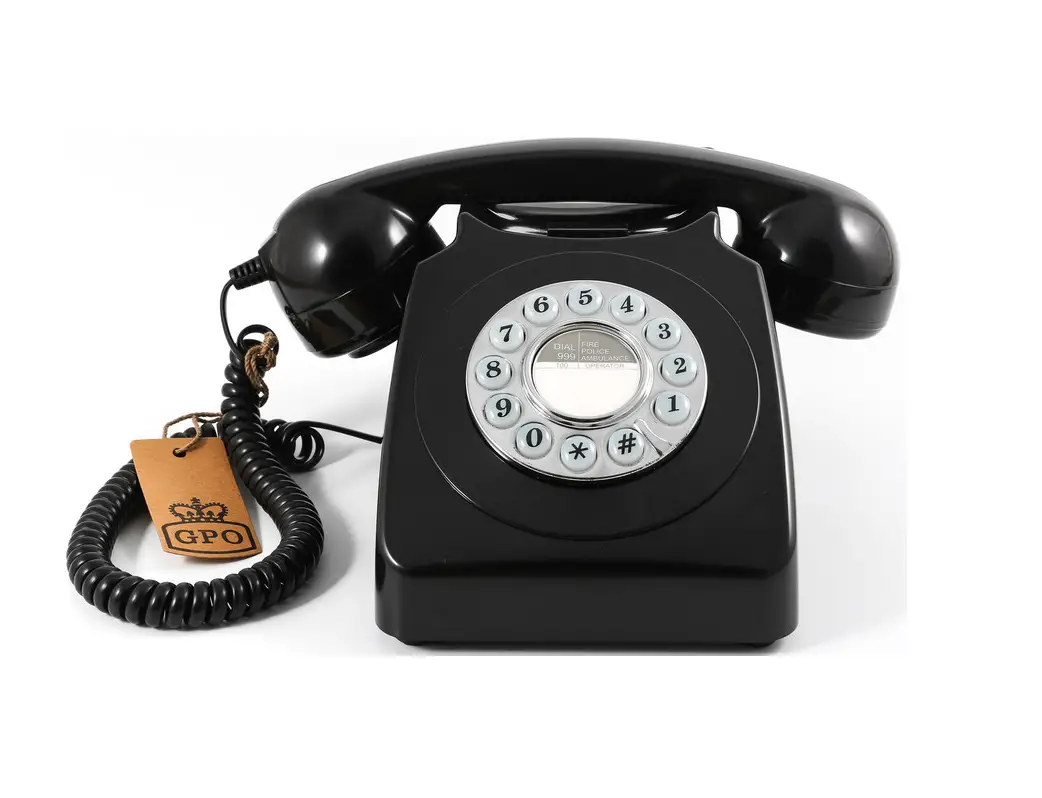
- Press the numerical button to dial the desired Numbers
Receiving call:
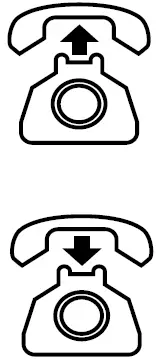
- When there is an incoming call, lift the receiver from the cradle and talk into the mouthpiece to begin your conversation.
- To terminate the conversation, replace the receiver back in the cradle
CE STATEMENT
This equipment conforms to the following european standards:
Health & safety:
- EN60950-1:2001 (+A11:2004)
- EN50371:2002
Electromagnetic compatibility:
- EN55022:2006 emissions
- EN55024:1998 + A1:2001 immunity.
Telecom:
ES 203021 parts 1, 2 & 3 TBR38
 GPO Retro - Official Manufacturer of Stylish Retro Products.