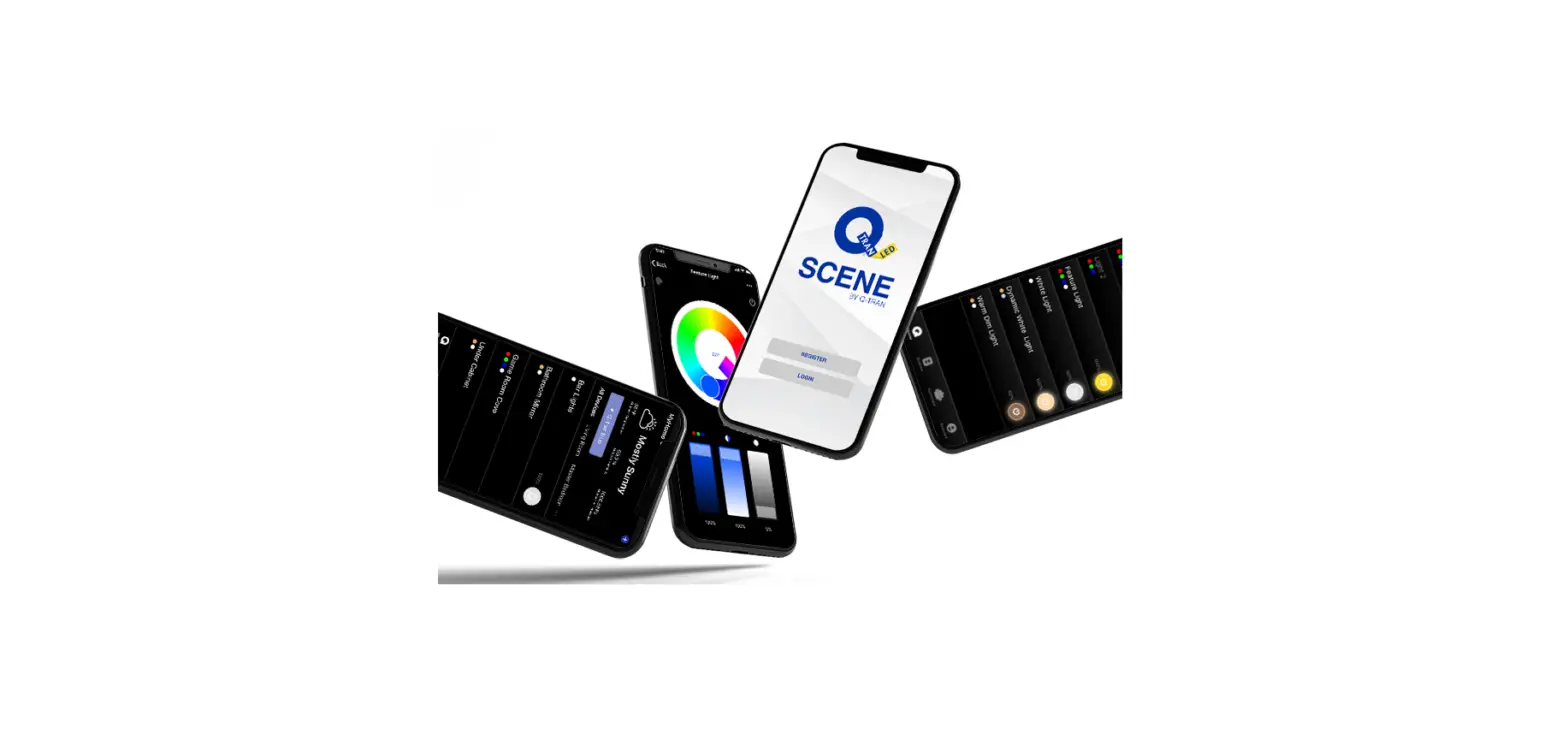

Q-TRAN Scene Dongle Mounting

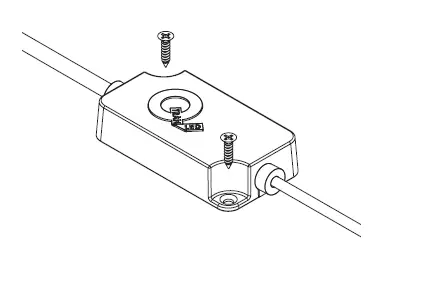
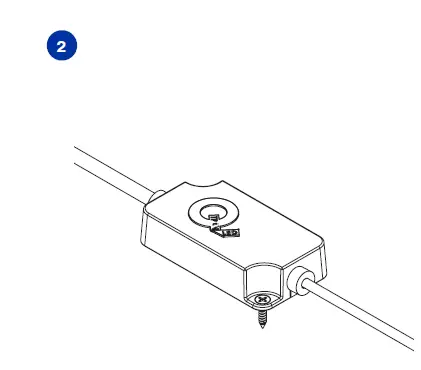
SCREW MOUNT
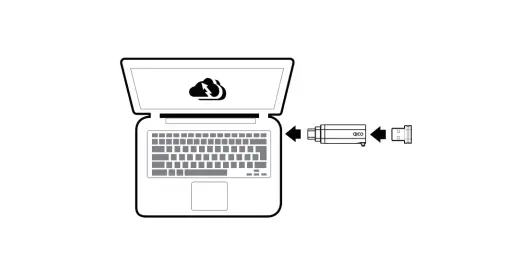
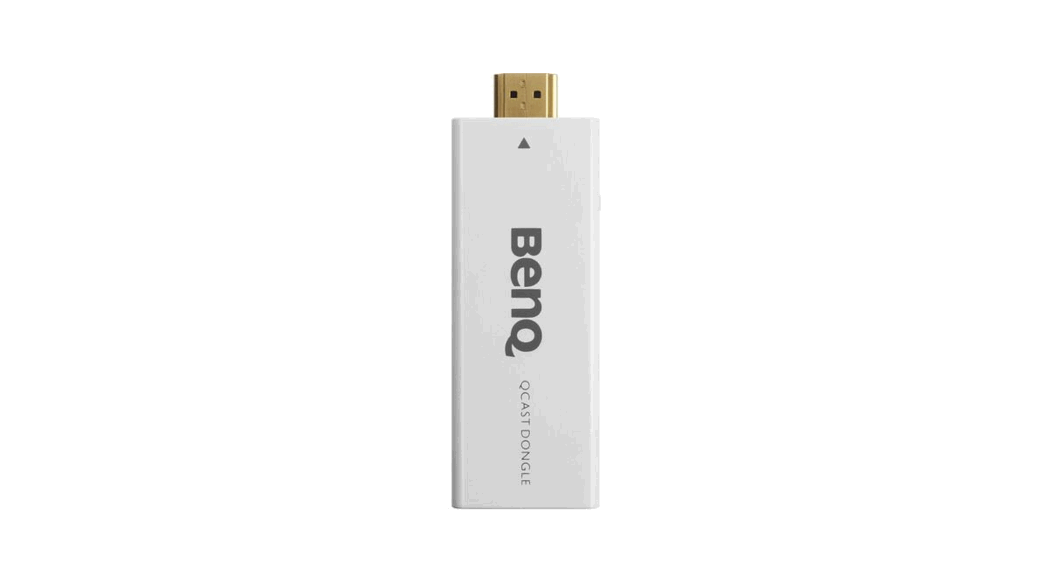
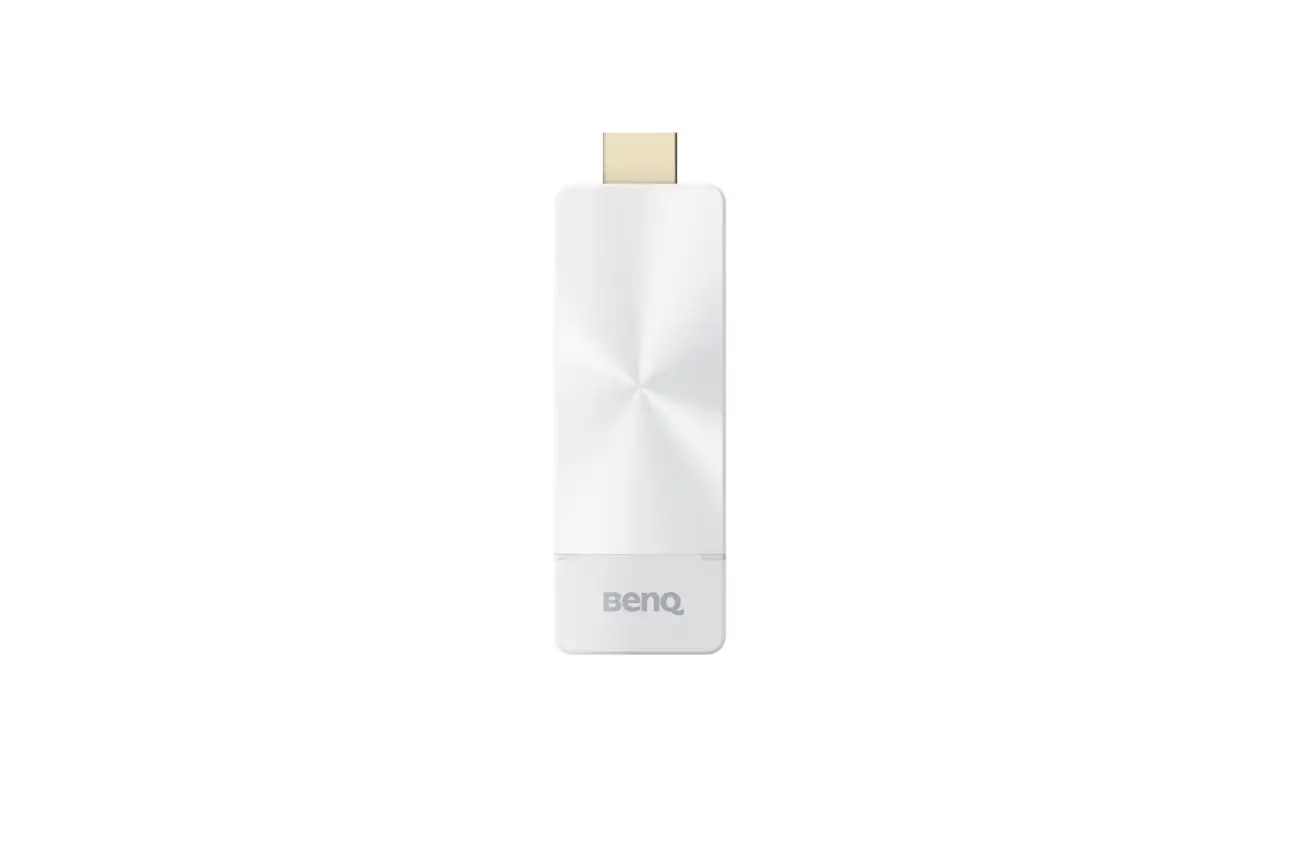
- Secure dongle to the mounting surface using the two supplied #4 screws


CONNECTION ASSEMBLY
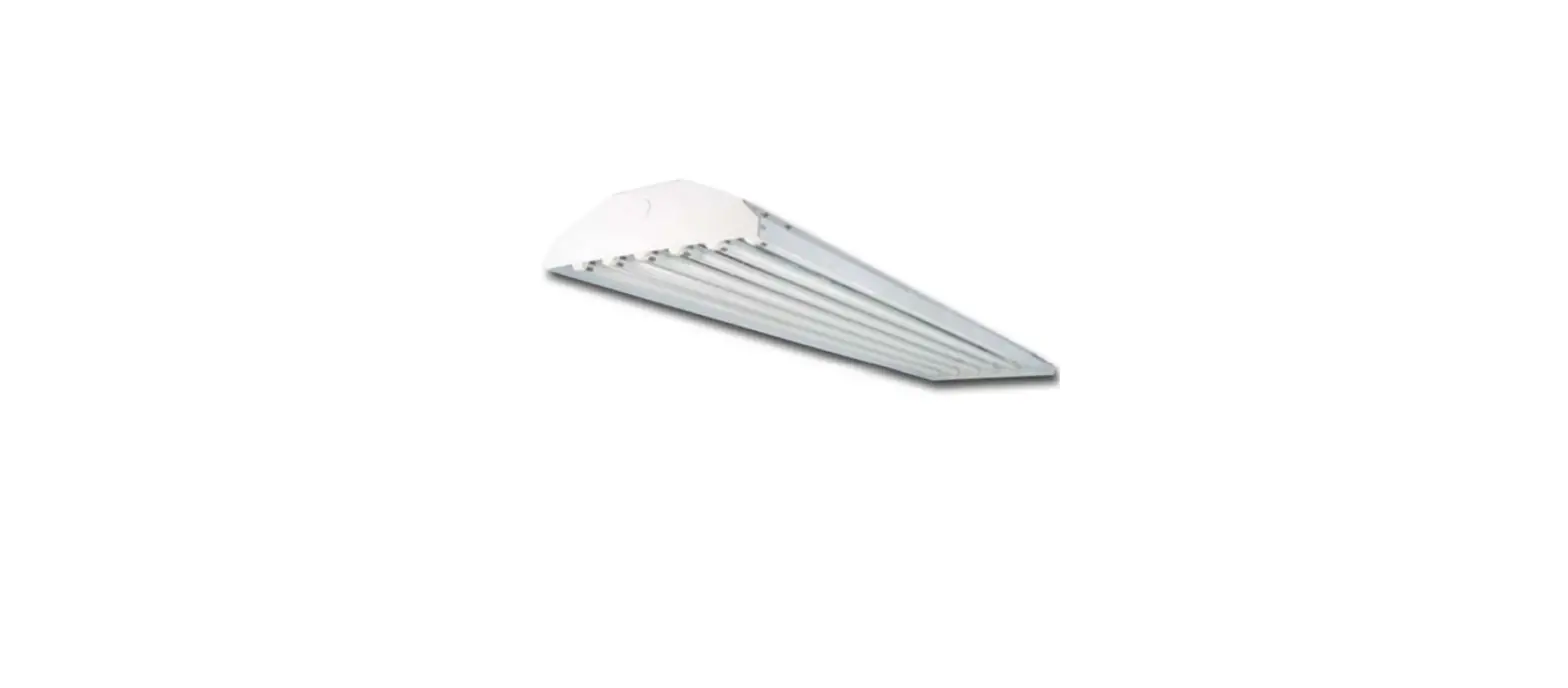
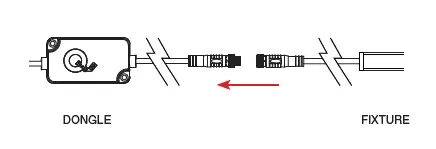
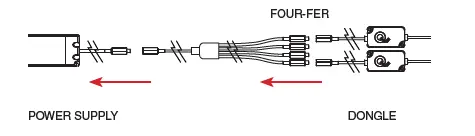
- Connect the fixture to the dongle.

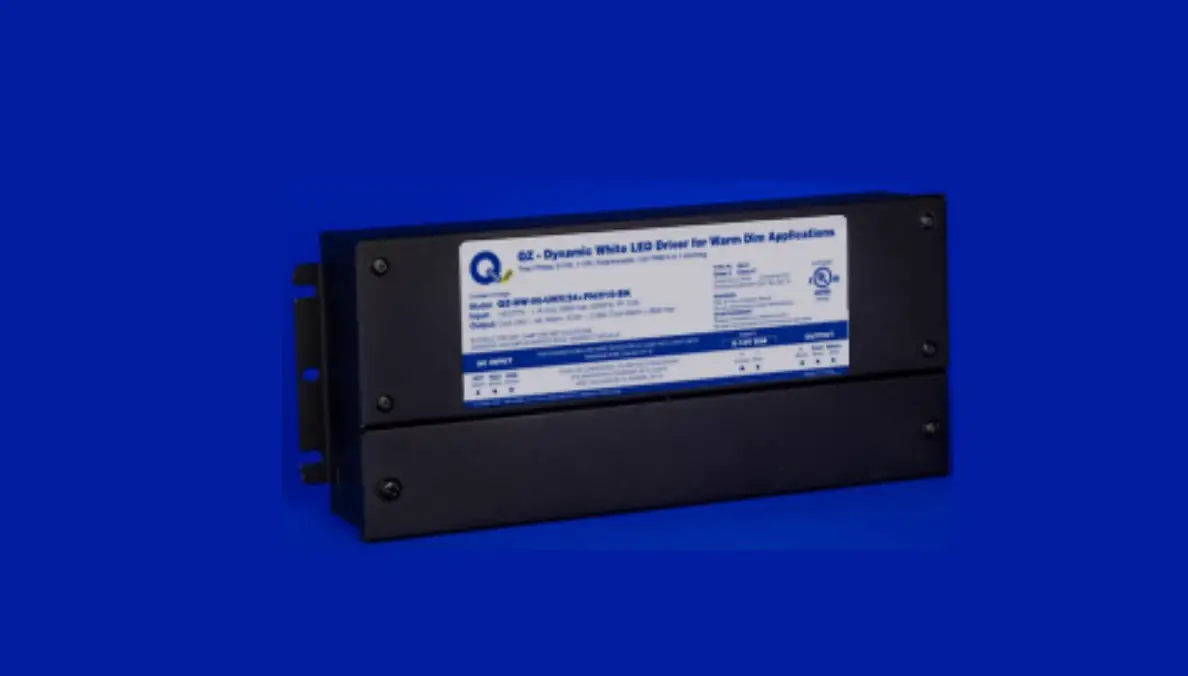
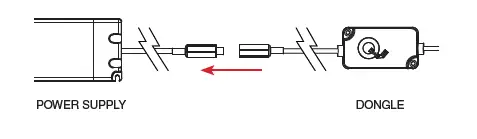
NOTE: Connecting fixture must have a CON6 or CON24 connector - Connect the dongle to the power supply.
Connecting a Single Dongle
Connecting Multiple Dongles
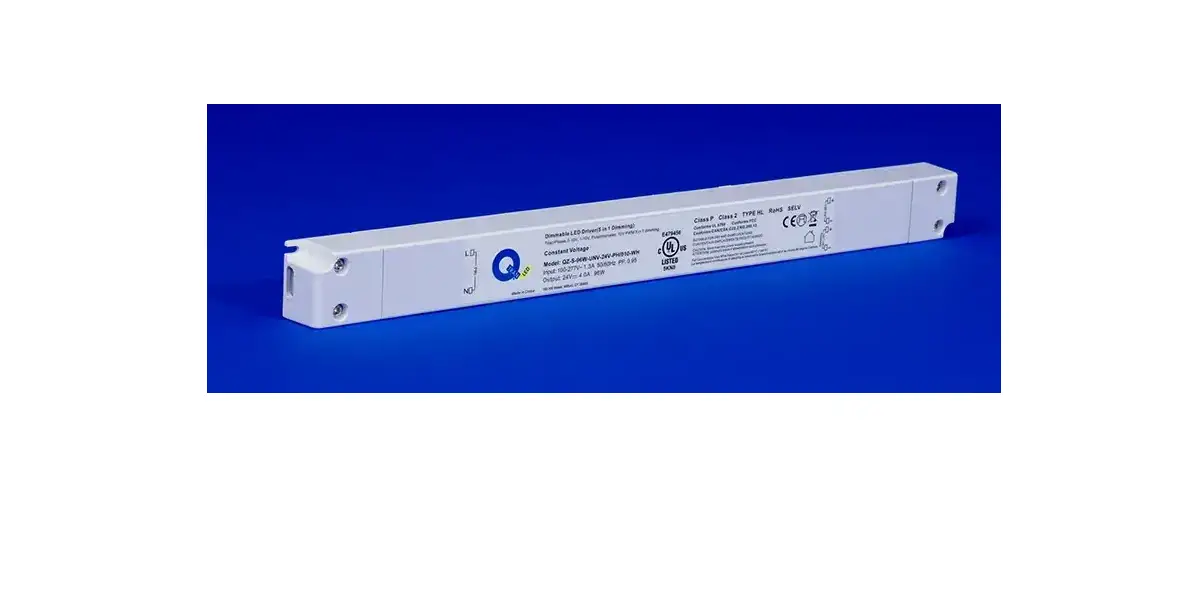
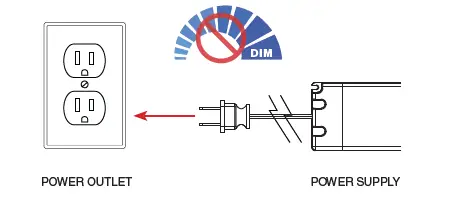
NOTE: Do not exceed power supply rated wattage - Plug in the power supply to a power outlet.

NOTE: Do not dim power supply.
© 2021 Q-Tran Inc. All rights reserved
155 Hill St. Milford, CT 06460
203-367-8777
[email protected]
www.q-tran.com
 RealNames | A more meaningful email address
 LED Lighting Systems, Linear LED Lights, LED transformers | Q-Tran