 Quality, Value, Innovation
How to Install the OPS
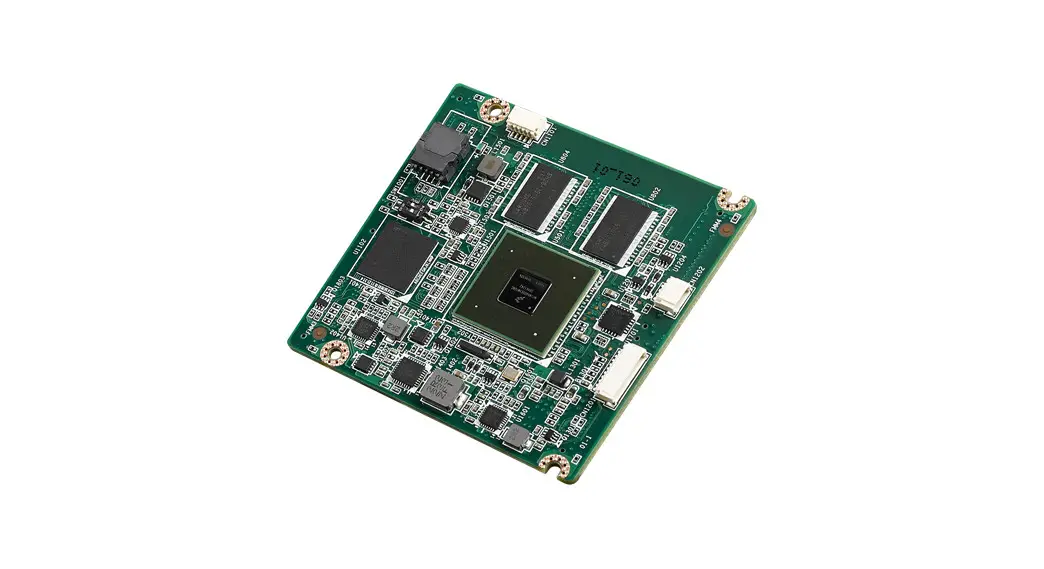
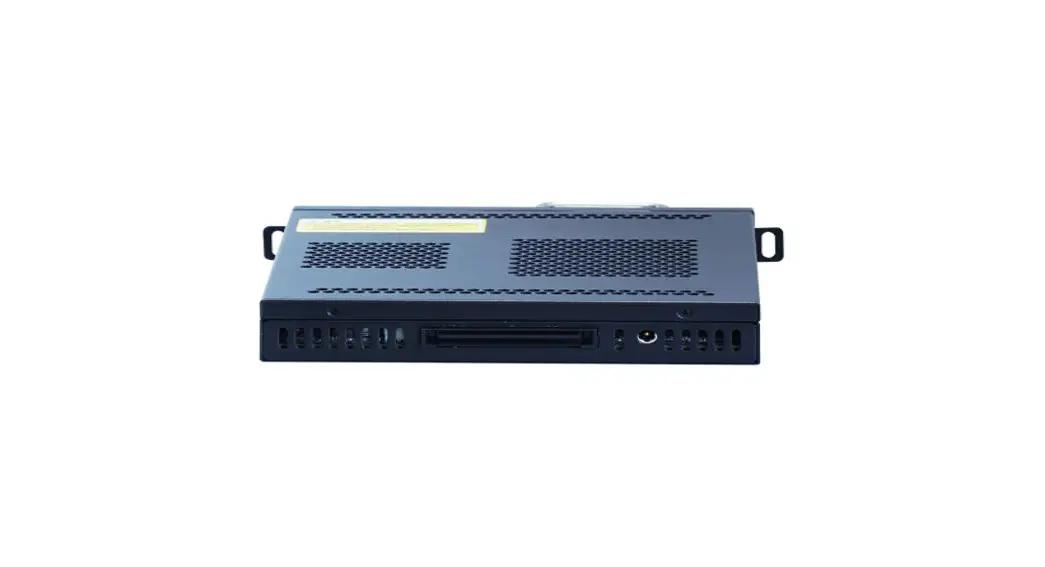
Perform the following steps to install the OPS Module on Android 11
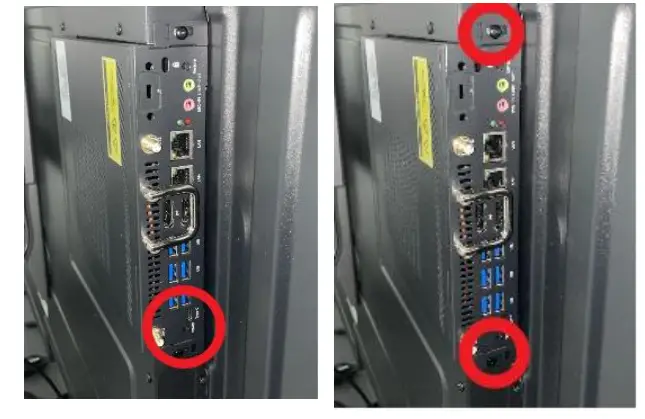
- Unscrew the two screws to remove the OPS module cover.

- Insert the OPS Module into the slot. Make sure the power button is on the bottom. Also, install the two screws removed in step 1 to secure the OPS Module.

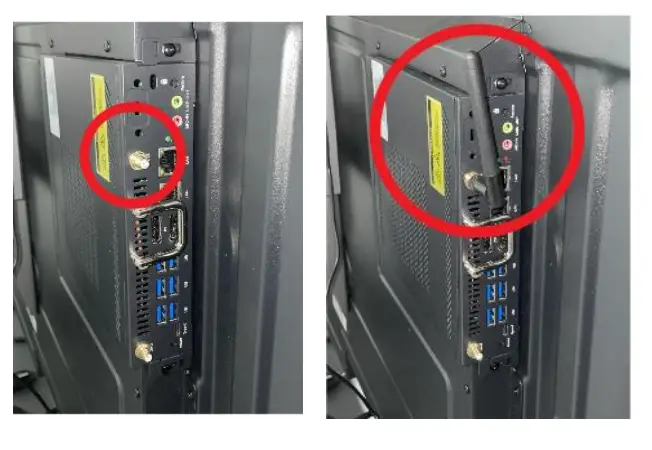
- Screw in the Wi-Fi antenna so that you can connect to the internet.

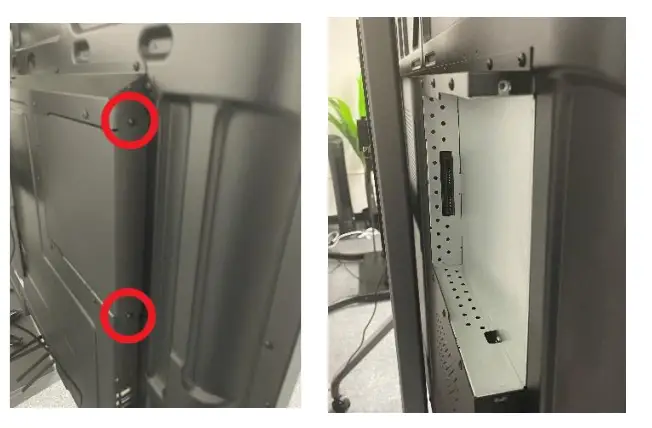
Caution: Do not install the OPS Module while the interactive panel is powered on. This may damage the device. Always install the OPS while the panel is powered off.
For tech support, please contact (800) 615-9855 or [email protected] – 2023
 solution.com is for sale | www.oxley.com