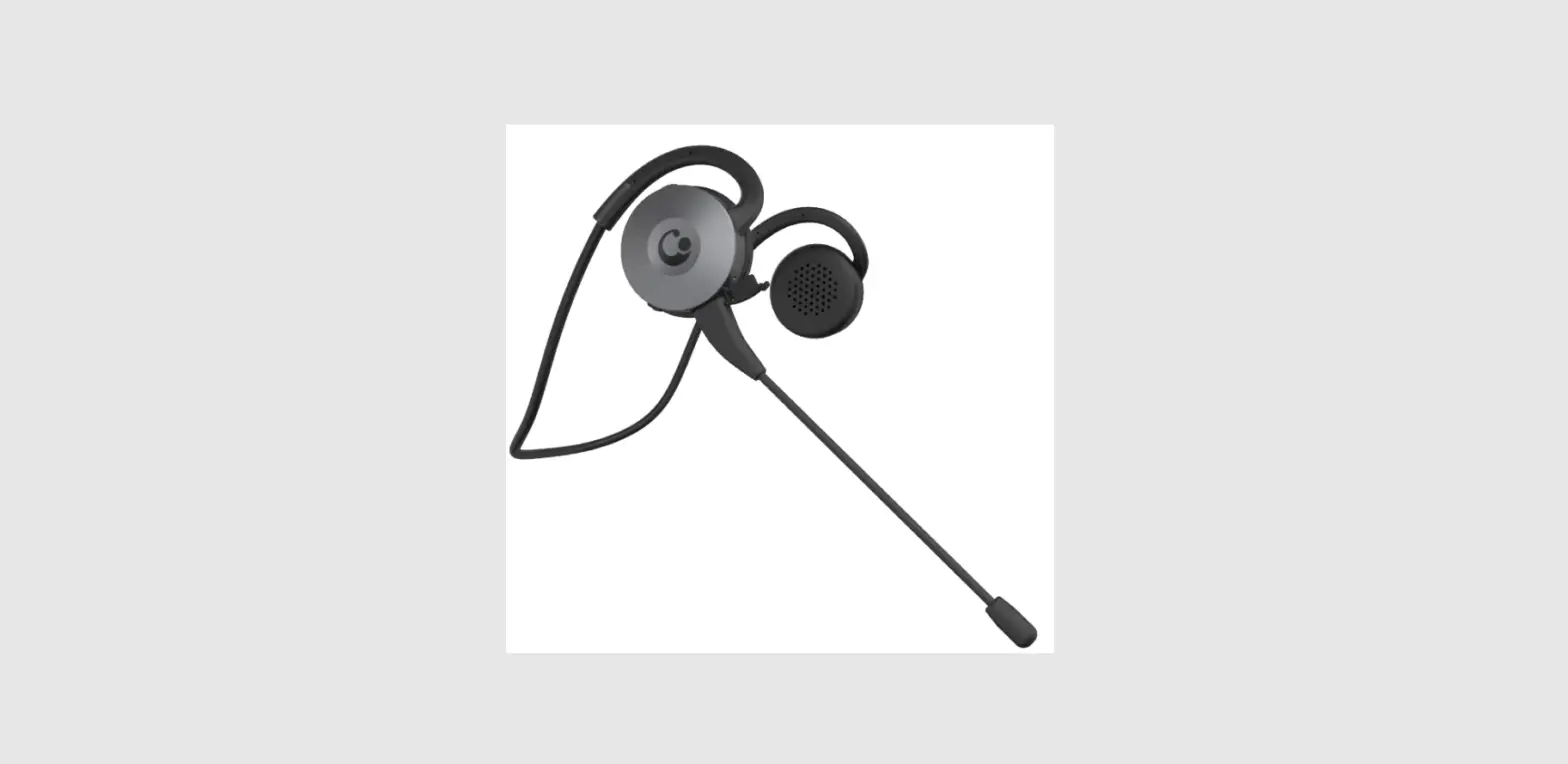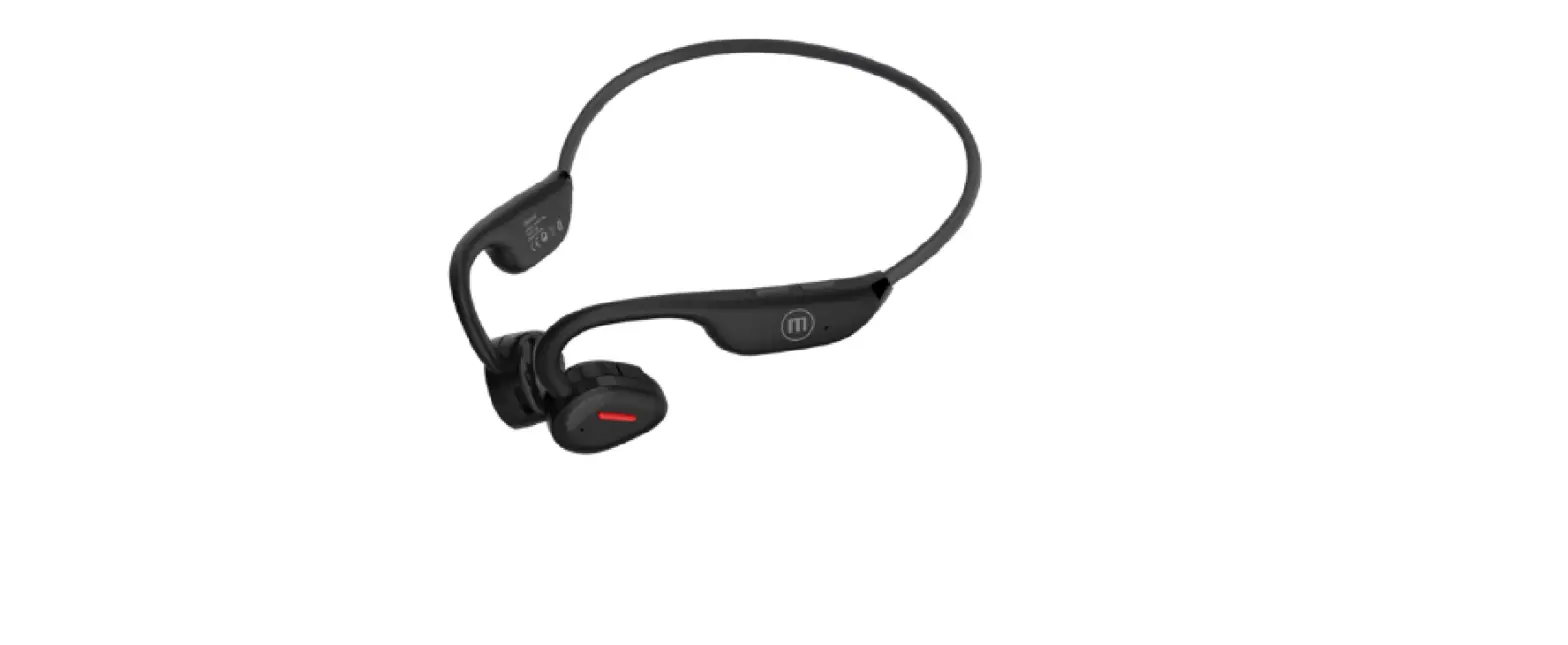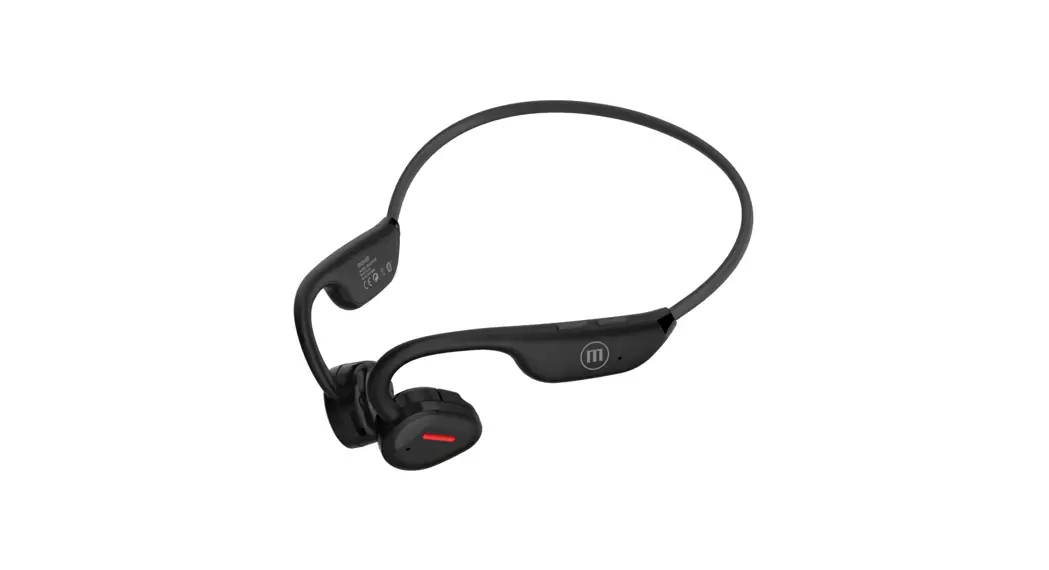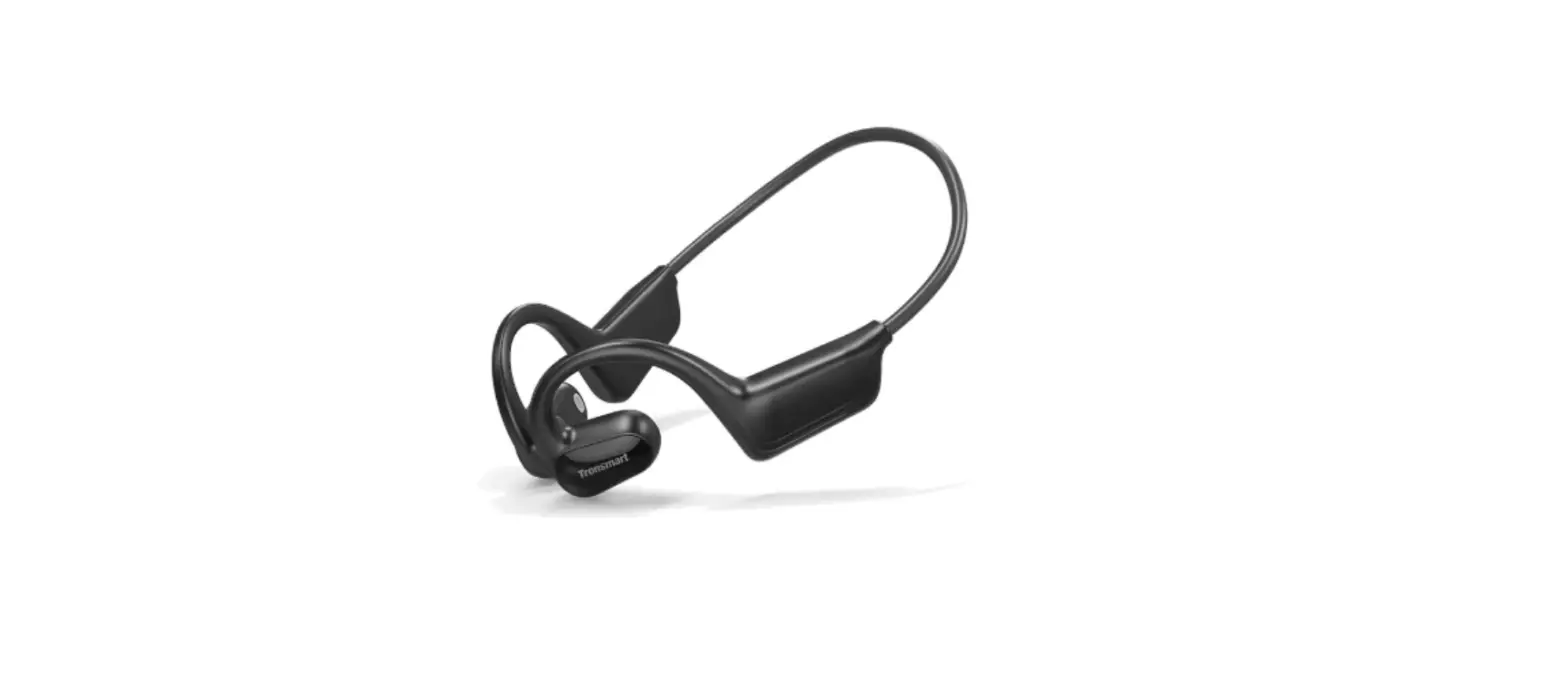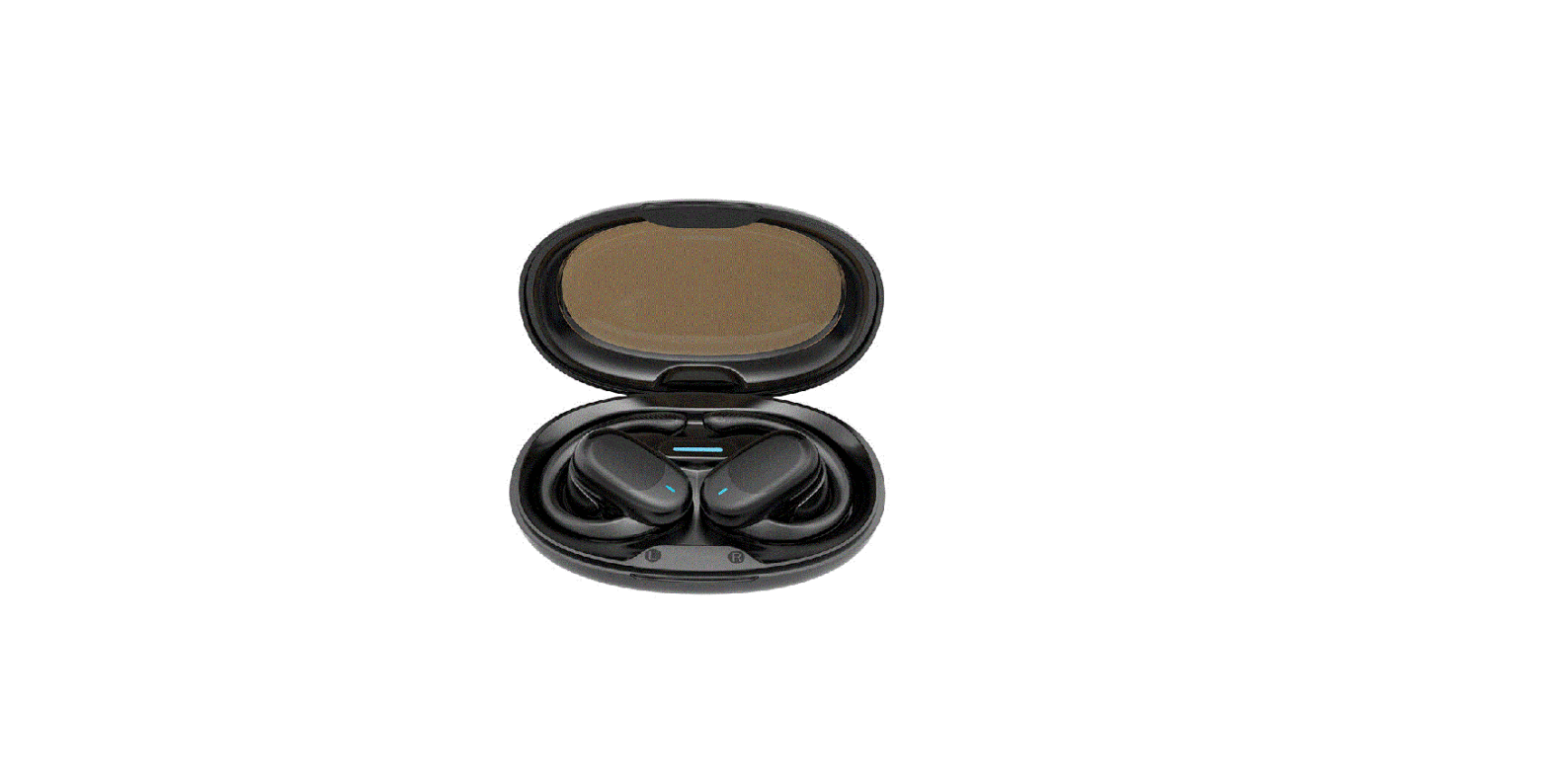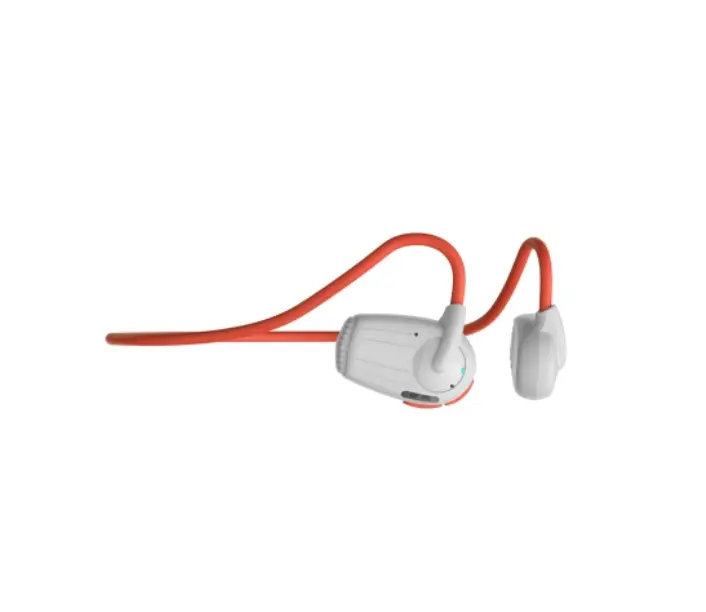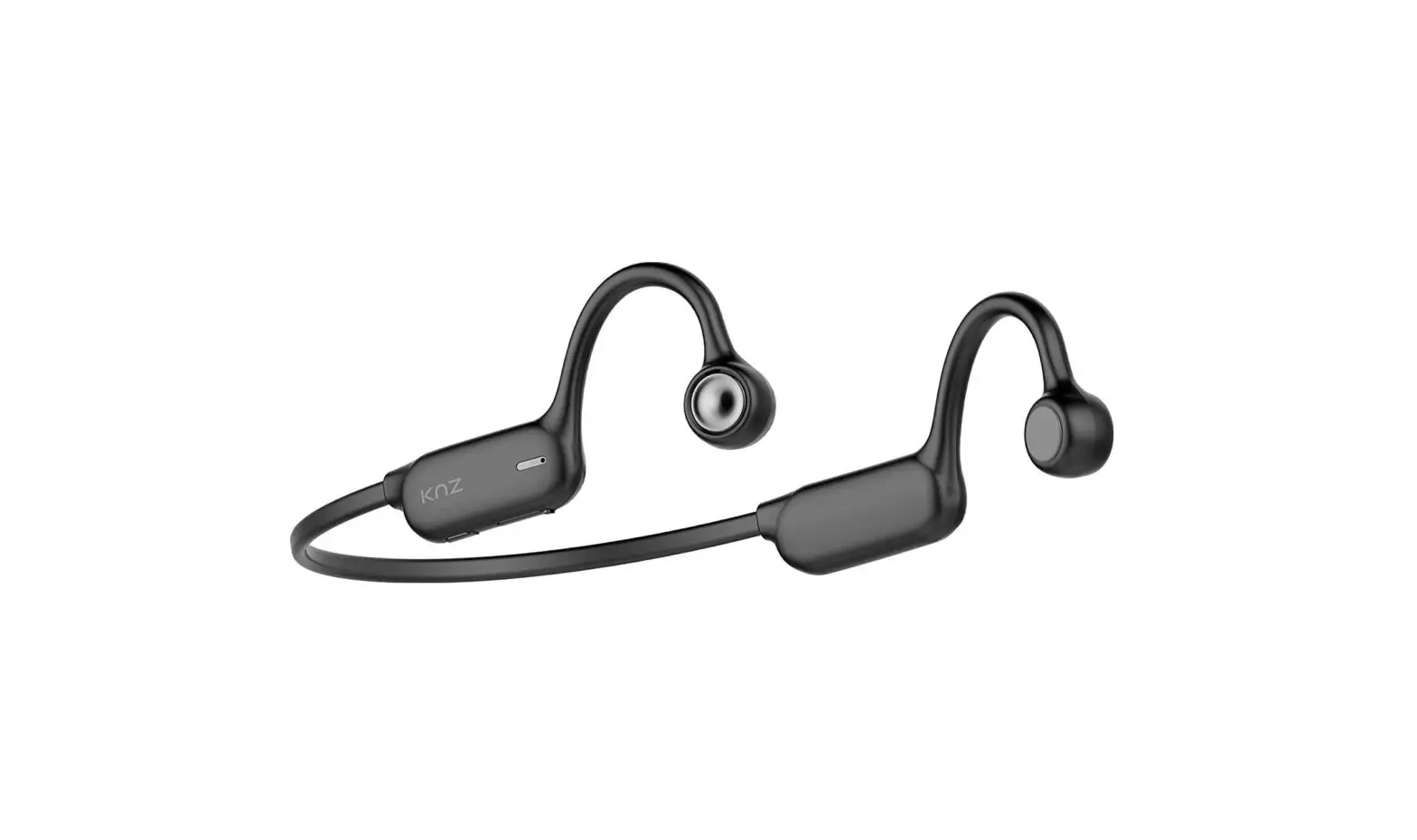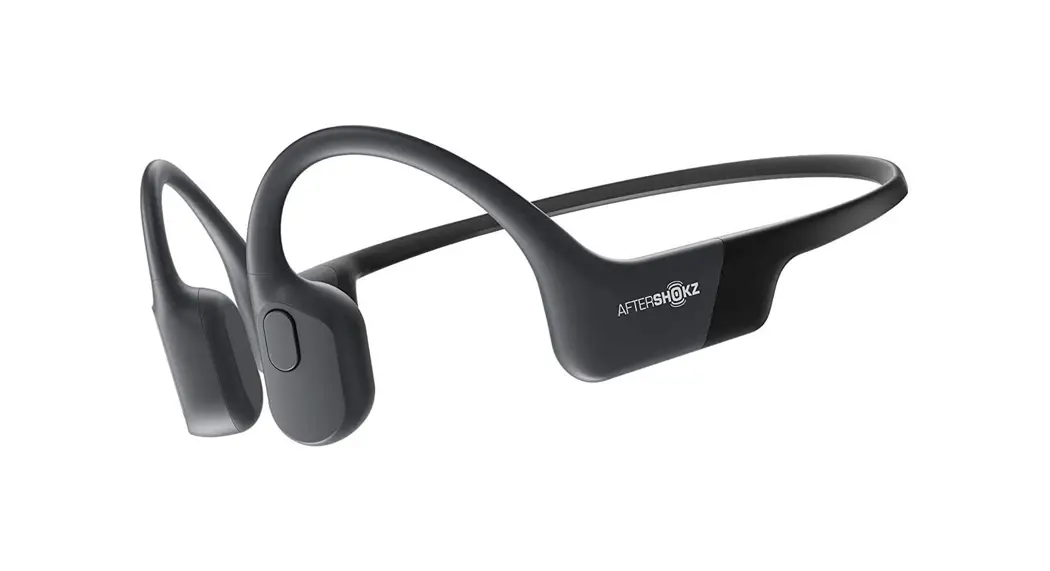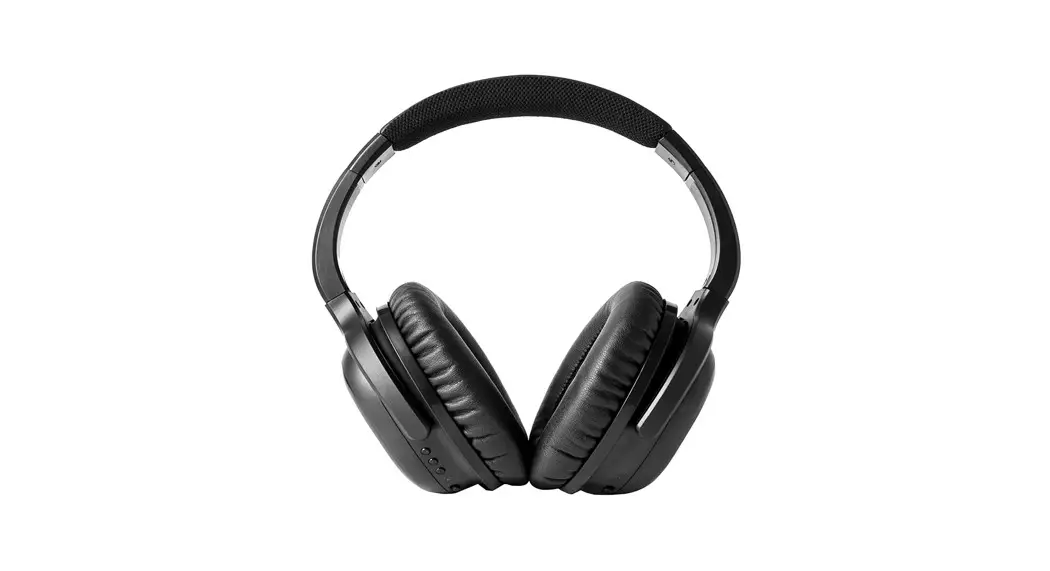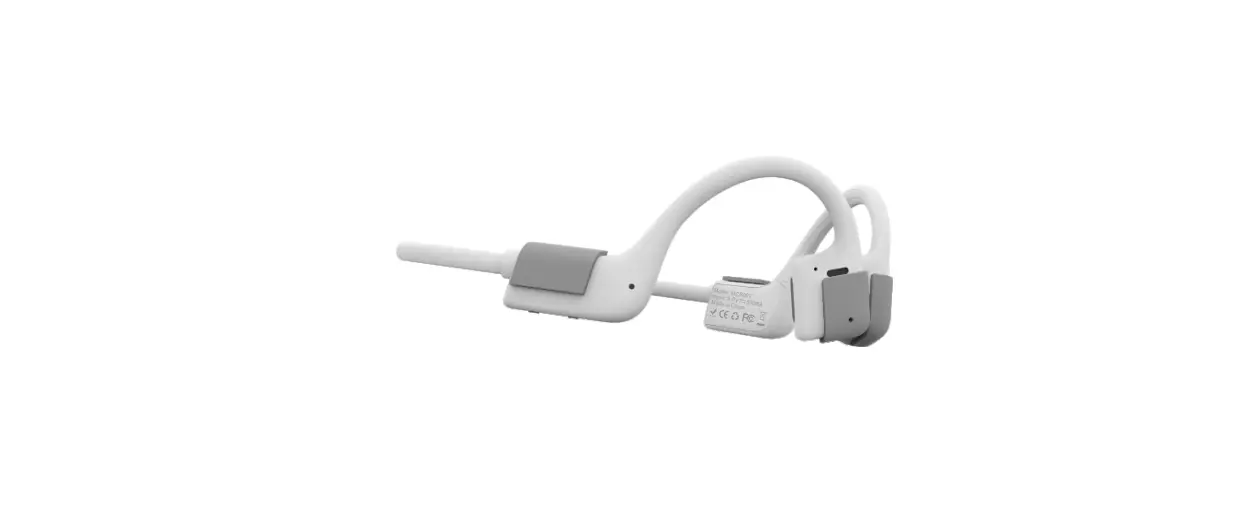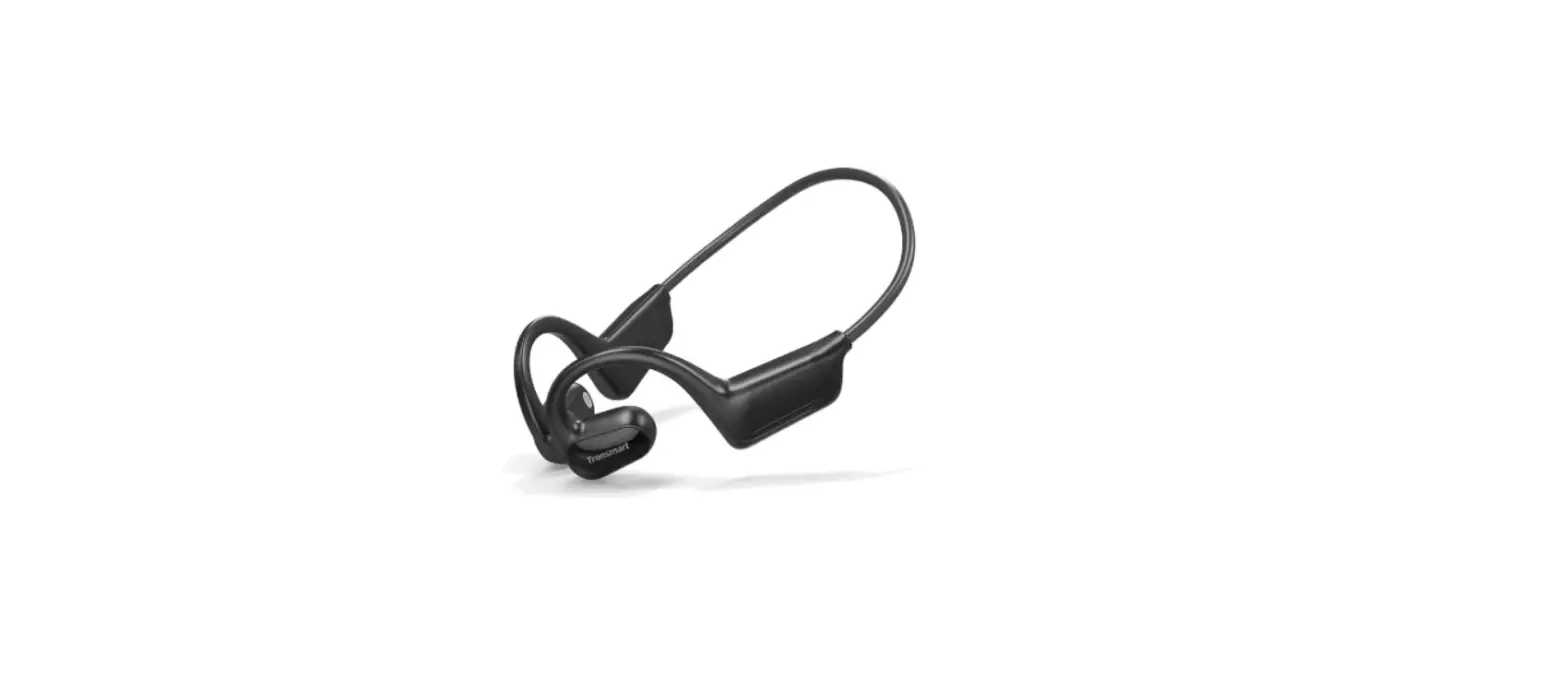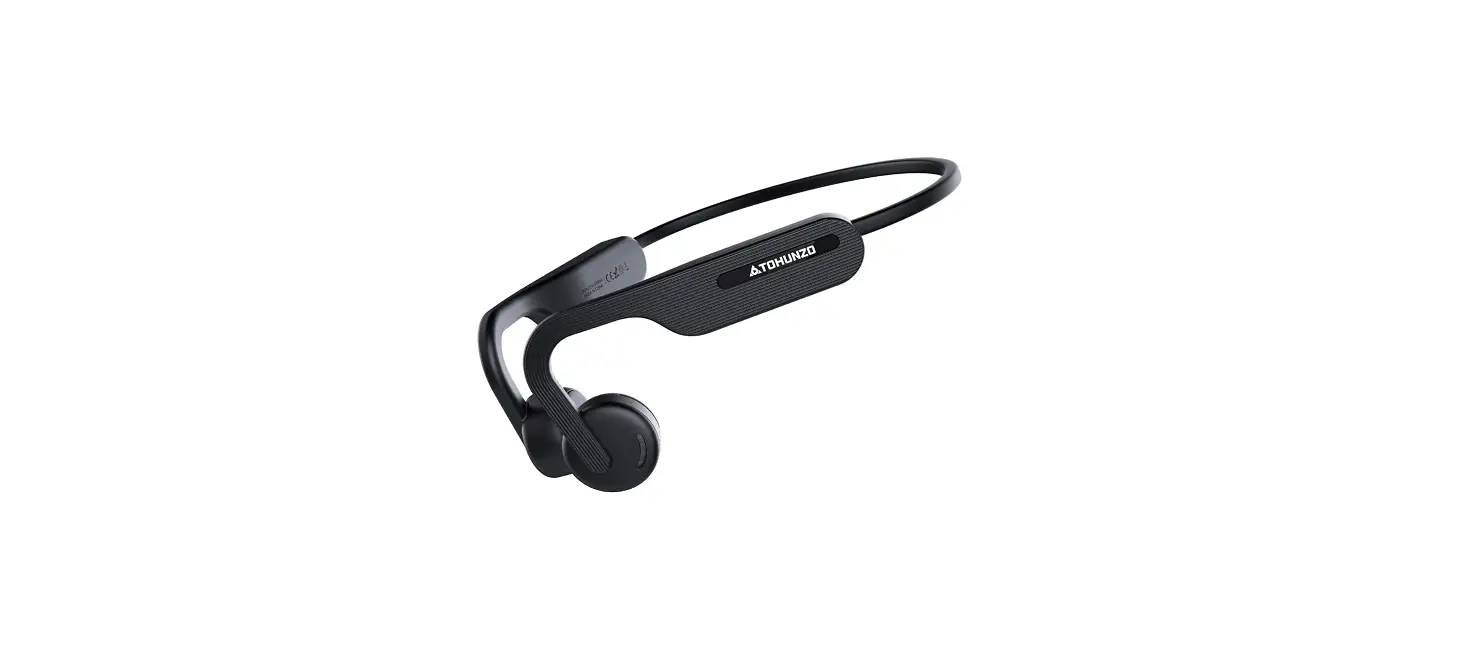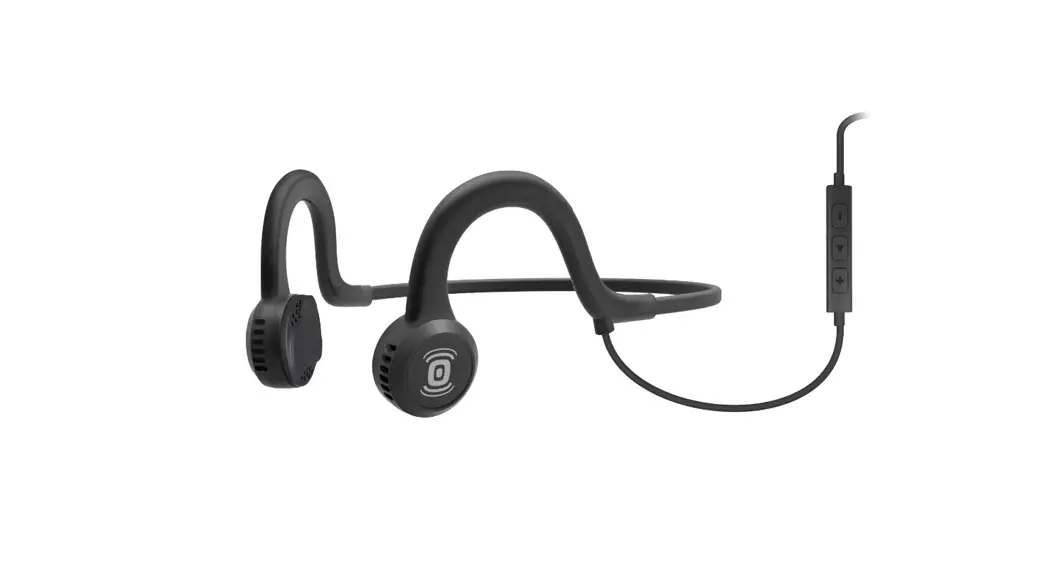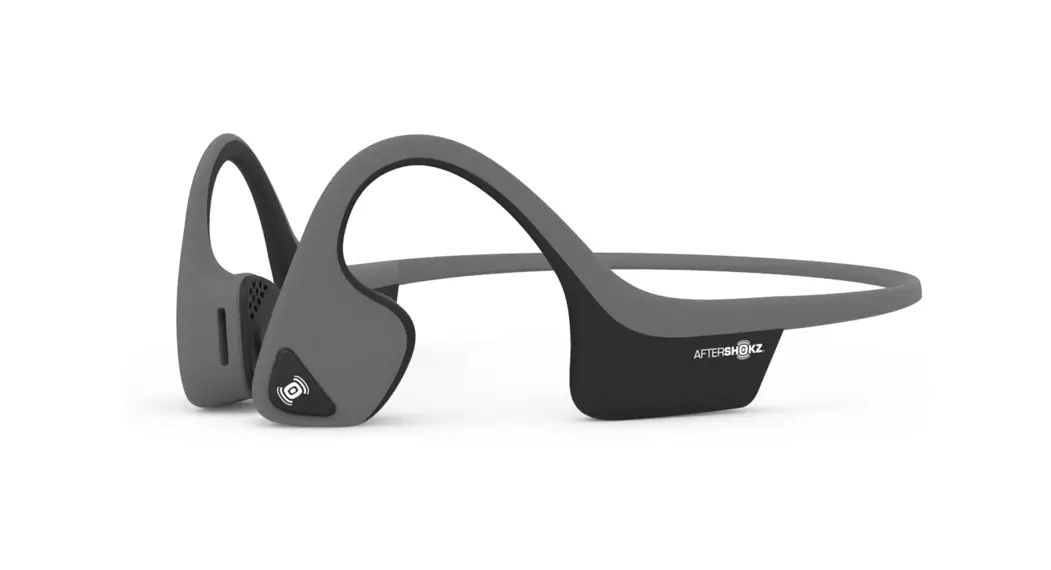
 A5 Air Conduction Headphone
User Guide 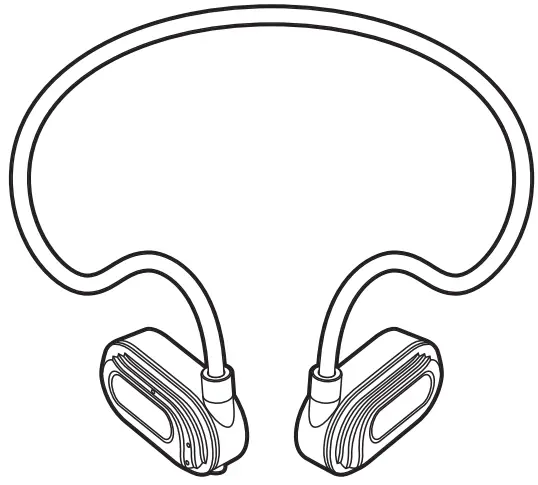
air conduction headphone
Model A5
This product connects to the mobile phone through Bluetooth, and can realize the functions of answering and making calls, playing music, and waking up the voice assistant of the mobile phone.
Key Function Introduction
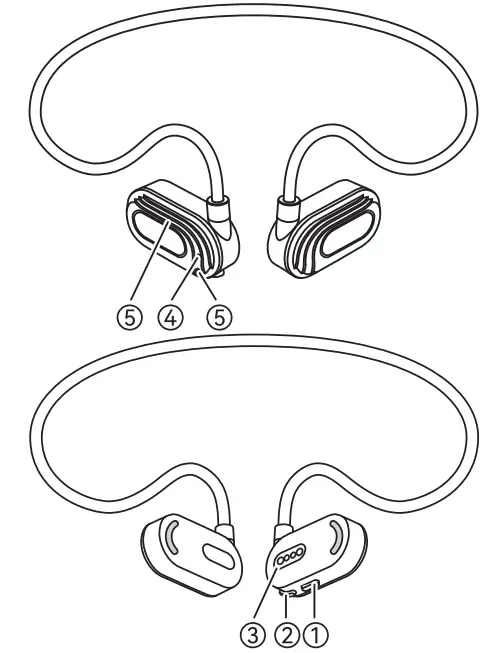
- Volume up / Next song / Turn on / off / Pause /Play / Answer the phone / Hang up / Voice assistant
- Volume down / Previous track
- Magnetic suction charging port
- LED indicator
- Dual microphone
Operating Instructions
| Function | UI operation | Prompt tone | Indicator light |
| Power on | Press and hold the’ 1 Volume up” button for 5 seconds to turn on the machine when it is off | Power on | The blue light is always on for 1 second |
| The device is successfully connected | Listen to music and make phone calls | Connected | The blue light flashes once 15 every seconds |
| Power off | Press and hold the” 1 Volume Up” button for 5 seconds to turn off the machine when the machine is turned on, or plug in the charging wire to charge, and the machine will turn off automatically | Power off | The red light is always on for 1 second |
| Mobile pairing | Start the machine and automatically enter the pairing mode, and automatically connect back to the last connected device synchronously | Waiting for connection | The red and blue lights flash |
| Device disconnection | When Bluetooth is disconnected from the mobile phone, the headset automatically enters the pairing mode | Disconnected | The red and blue lights flash alternately |
| Clear pairing | Press and hold the “1 Volume Up” button for 5 seconds to turn off the machine when the machine is turned on, or plug in the charging wire to charge, and the machine will turn off automatically | Ding | The red and blue lights are on synchronously for 1 second |
| Play/Pause | Double-click the” 1Volume up” button | none | Bluetooth connection status |
| Volume up | Click the “1 Volume up’ button | The maximum volume has a “ding’ prompt tone | Bluetooth connection status |
| Volume down | Click the “1Volume down” button | The minimum volume has a “ding” prompt tone | Bluetooth connection status |
| Next song | Press and hold the’ 1 Volume up” button for 2 seconds | none | Bluetooth connection status |
| Previous song | Press and hold the “1 Volume Decrease” key for 2 seconds | none | Bluetooth connection status |
| Answer the | crick the “1 Volume up” button in the status of incoming call | none | Bluetooth connection st atus |
| Hang up | Click the” 1 Volume up” button in the call state | none | Bluetooth connection status |
| Reject call | Press and hold the it/Volume up” button for 2 seconds in the incoming state | Ding | Bluetooth connection status |
| Wake up voice assistant | Bluetooth link status, 3 click “1 Volume up’ button | Ding | Bluetooth connection status |
| Low power prompt | Voltage is lower than 3.3V, low power prompt (The prompt tone prompts once a minute) | The battery is low, please charge | Bluetooth connection status |
| Automatic shutdown | Shut down when the voltage is lower than 3.2V | Power off The red light stays on for | 1 second |
| Earphone charging completedl | Insert the magnetic suction charging wire, and the voltage is 4.35V | none | The red light and the blue light are always on after full power |
| Reset | After plugging in the USB charger, the machine will be reset and powered off for charging | none | Follow the state |
| Charge | Plug in the magnetic suction charger and the charging current is 70MA | none | none |
| Automatic shutdown | In the power-on state, if Bluetooth is not connected and there is no action, it will automatically shut down after 300 seconds | Power off | none |
| Over distance entry pairing | The headset is out of the range of Bluetooth. The headset prompts that the connection has been disconnected. The headset enters the back-connection state. The back-connection state remains for 300 seconds. (During the period, the headset should be connected to Bluetooth when it returns to the range.) Turn off after 300 seconds without connection | Disconnected | The red and blue lights flash alternately |
| DUT mode | Turn on the phone and press the’ tp Volumes key 5 times in the pairing mode, the blue light will flash quickly, and the charging or manual shutdown will exit the mode | none | Blue light flash fast |
| Volume Default | The volume of musk connected for the first time is set according to the phone status, and the call volume is 100% by default | none | none |
Wearing Instructions
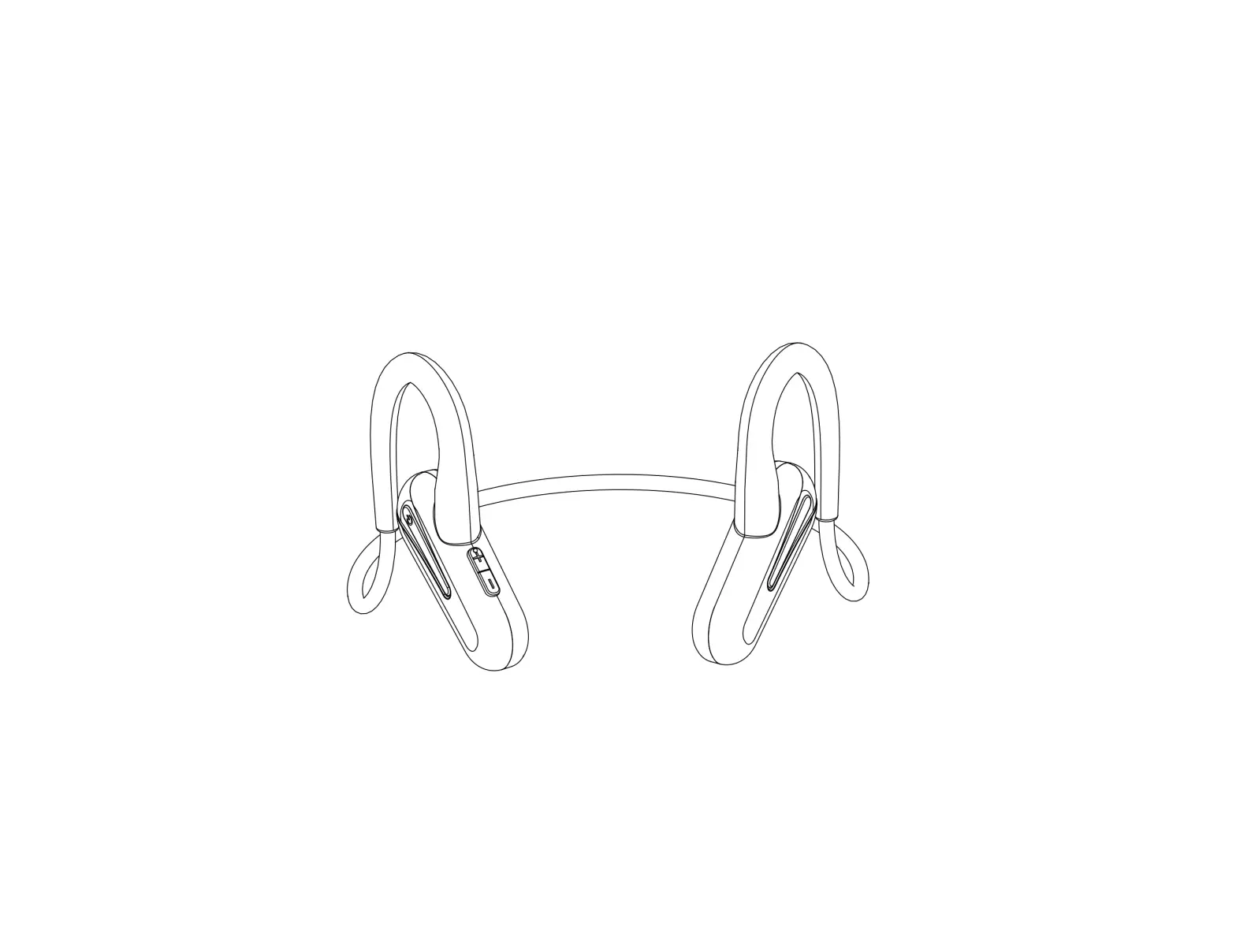
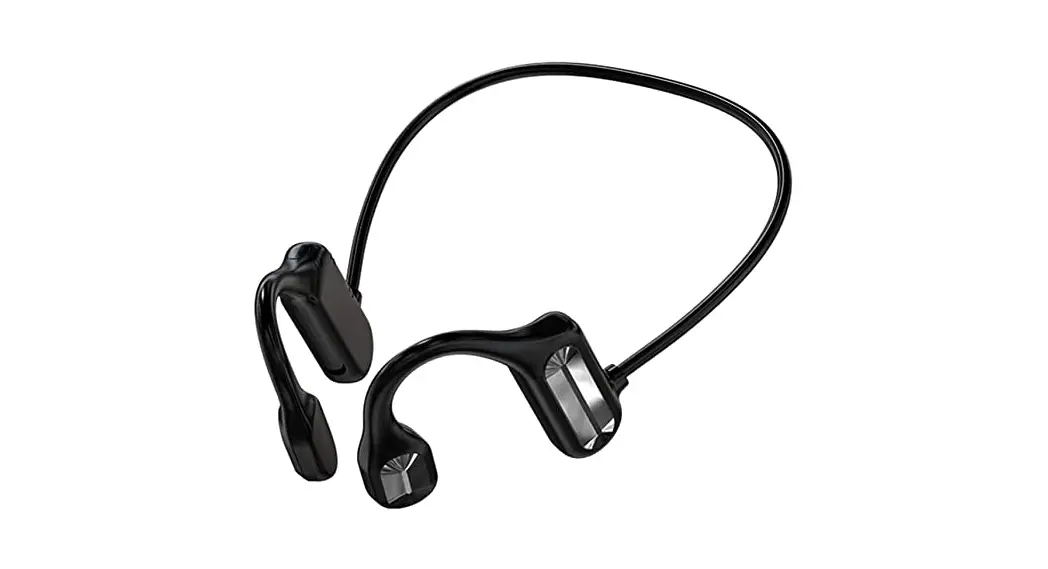
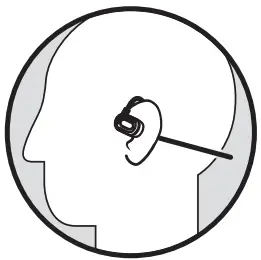 Hang the earphone behind the neck, attach the speakers on both sides to the cheek bone, and finally adjust the wearing comfort.
Product Specification
| Bluetooth pairing name | AS | Earphone battery type | polymer battery |
| Bluetooth version | Bluetooth v5.2 | Earphone battery capacity | loornAb |
| Bluetooth chip | AC7006F4 | Earphone charging current | 70mA |
| Support protocol | HFP/A2DP/AVRCP | Earphone charging e | 15h |
| SNR | 88DB | Music playback time | 7H (60% volume) |
| Impedance | 22 OHM t 15% | Talk time | 5H |
| Sensitivity | – 42dB±3db | Music playback current | 13MA±2MA |
| Bluetooth distance | 5 12m | Earphone weight | 17 G |
Important Notes
- The correct wearing position of this earphone speaker is at the cheek bone in front of the ear. Do not put the speaker in the ear;
- Listening to loud music for a long time may cause discomfort. Please try to use a medium volume or so to avoid using loud music for a long time;
- Regardless of the volume, the use of headphones will affect your perception of the surrounding sound. Pay more attention when using headphones:
- Do not throw, sit and press earphones or immerse them in water;
- Earphones should be kept away from fire, water and high-pres-sure equipment;
- Not suitable for children under three years old, including small parts;
- Do not classify it as domestic waste, but send it to the corresponding local electrical and electronic equipment recycling station;
Our company will not bear any responsibility for personal and property losses caused by users violation of the above warning.
Non-warranty Regulations
- If the product shell is damaged or scratched, it will not be returned or replaced;
- Damage caused by force majeure;
- The product is damaged due to pressure damage, water immersion, shell damage and deformation;
- Unauthorized maintenance, modification of the product itself, unauthorized disassembly of the headset body and accessories;
- Performance failure of this product due to human factors.
Note: Our company has the right to reject the above non-warranty regulations.
After-sales Service And Support
After-sales service commitment of true wireless bluetooth earphone: implement after-sales three-guarantee service in strict accordance with the “Law of the Peoples Republic of China on the Protection of Consumer Rights and Interests” and the “Law of the People’s Republic of China on Product Quality “. The service contents are as follows:g
Within the period of validity of the three guarantees, you can enjoy the right to repair, replace and return goods in accordance with the provisions. The repair, replacement and return shall be handled with instructions and shopping vouchers.
- Within 7 days from the next day of your receipt, the performance failure of this product will be reported through the after-sales service The customer can enjoy the return, exchange or repair service after the inspection;
- Within 15 days from the next day of your receipt, the performance failure of this product will be reported through the after-sales service The goods can be exchanged or repaired after the inspection;
- In case of performance failure of this product within 12 months from the next day of your receipt, the after-sales service The center can enjoy repair service after testing and confirmation;
FCC Statement
This equipment has been tested and found to comply with the limits for a Class B digital device, pursuant to part 15 of the FCC Rules. These limits are designed to provide reasonable protection against harmful interference in a residential installation. This equipment generates, uses and can radiate radio frequency energy and, if not installed and used in accordance with the instructions, may cause harmful interference to radio communications. However, there is no guarantee that interference will not occur in a particular installation. If this equipment does cause harmful interference to radio or television reception, which can be determined by turning the equipment off and on, the user is encouraged to try to correct the interference by one or more of the following measures:
- Reorient or relocate the receiving antenna.
- Increase the separation between the equipment and receiver.
- Connect the equipment into an outlet on a circuit different from that to which the receiver is connected.
- Consult the dealer or an experienced radio/TV technician for help.
Caution: Any changes or modifications to this device not explicitly approved by manufacturer could void your authority to operate this equipment.
This device complies with part 15 of the FCC Rules. Operation is subject to the following two conditions: (1) This device may not cause harmful interference, and (2) this device must accept any interference received, including interference that may cause undesired operation.
RF Exposure Information
The device has been evaluated to meet general RF exposure requirement. The device can be used in portable exposure condition without restriction.