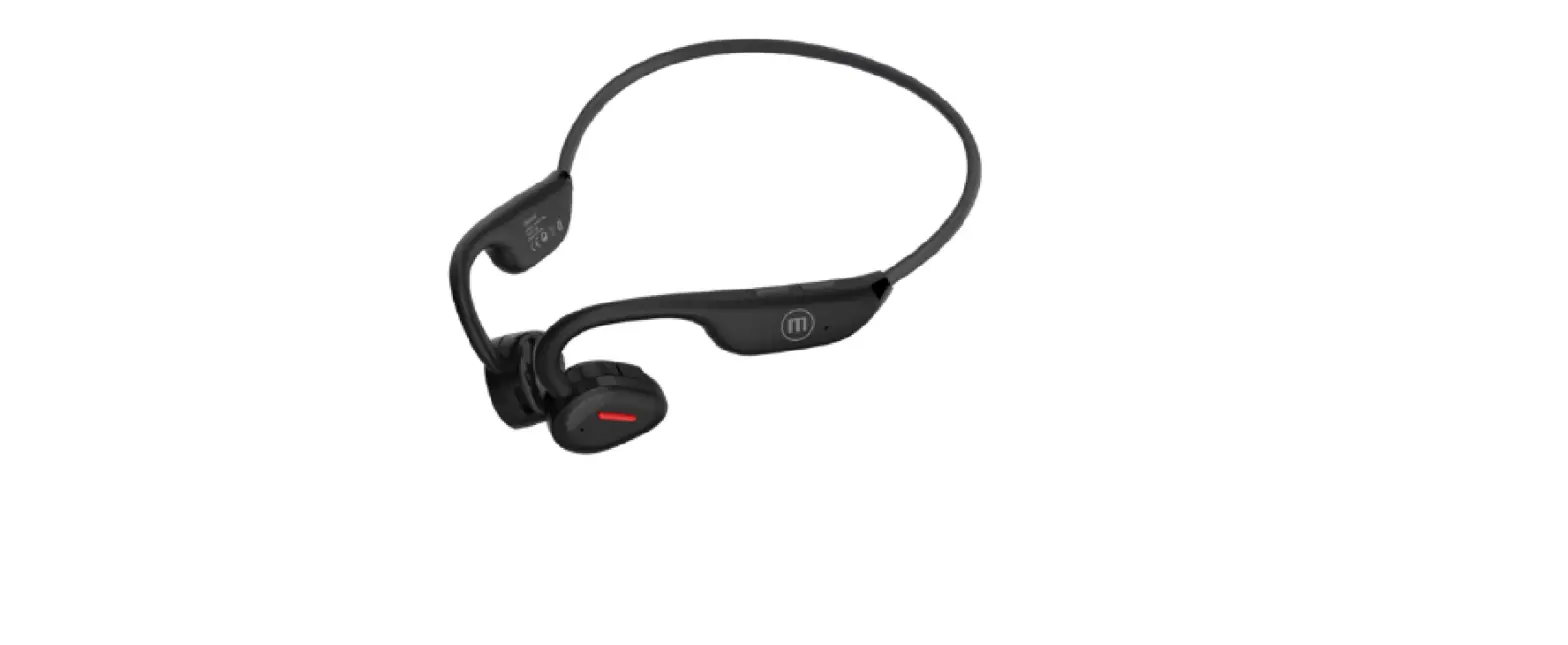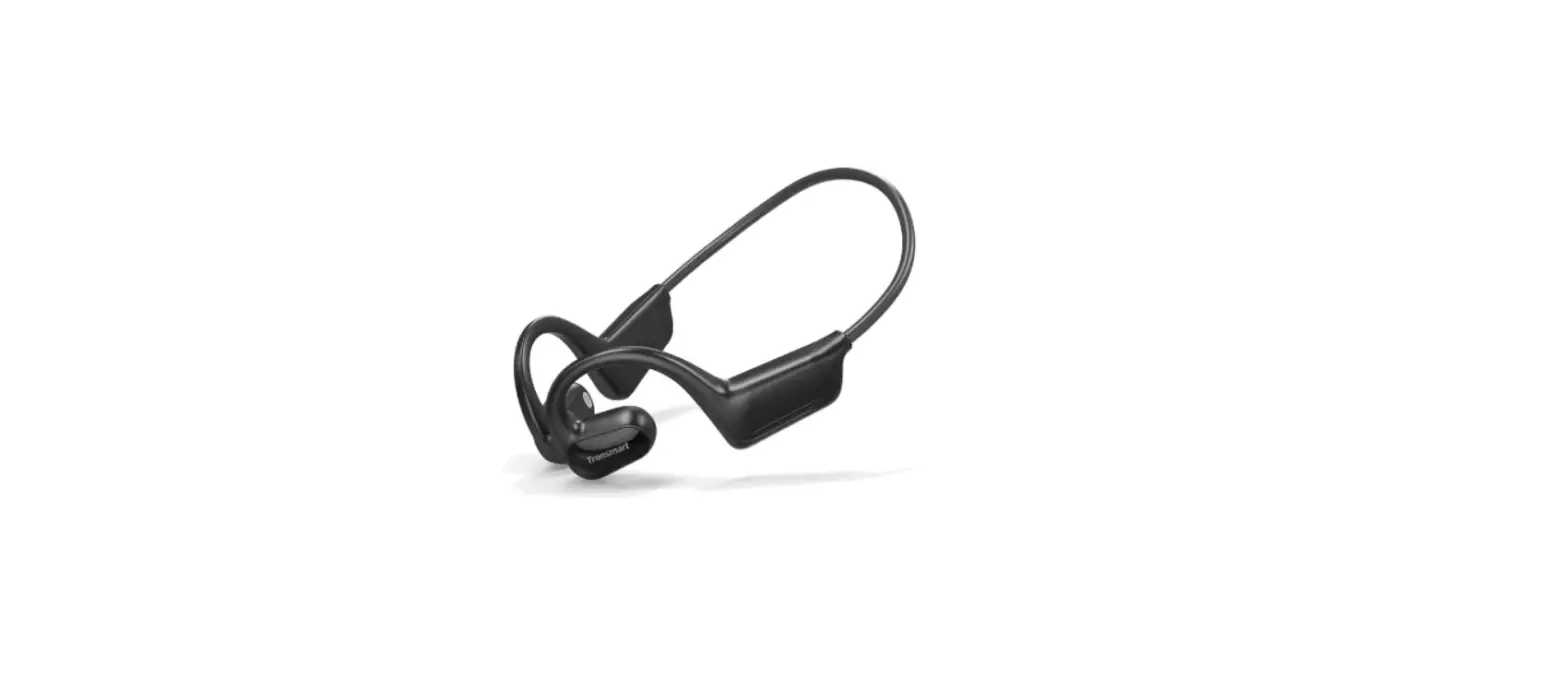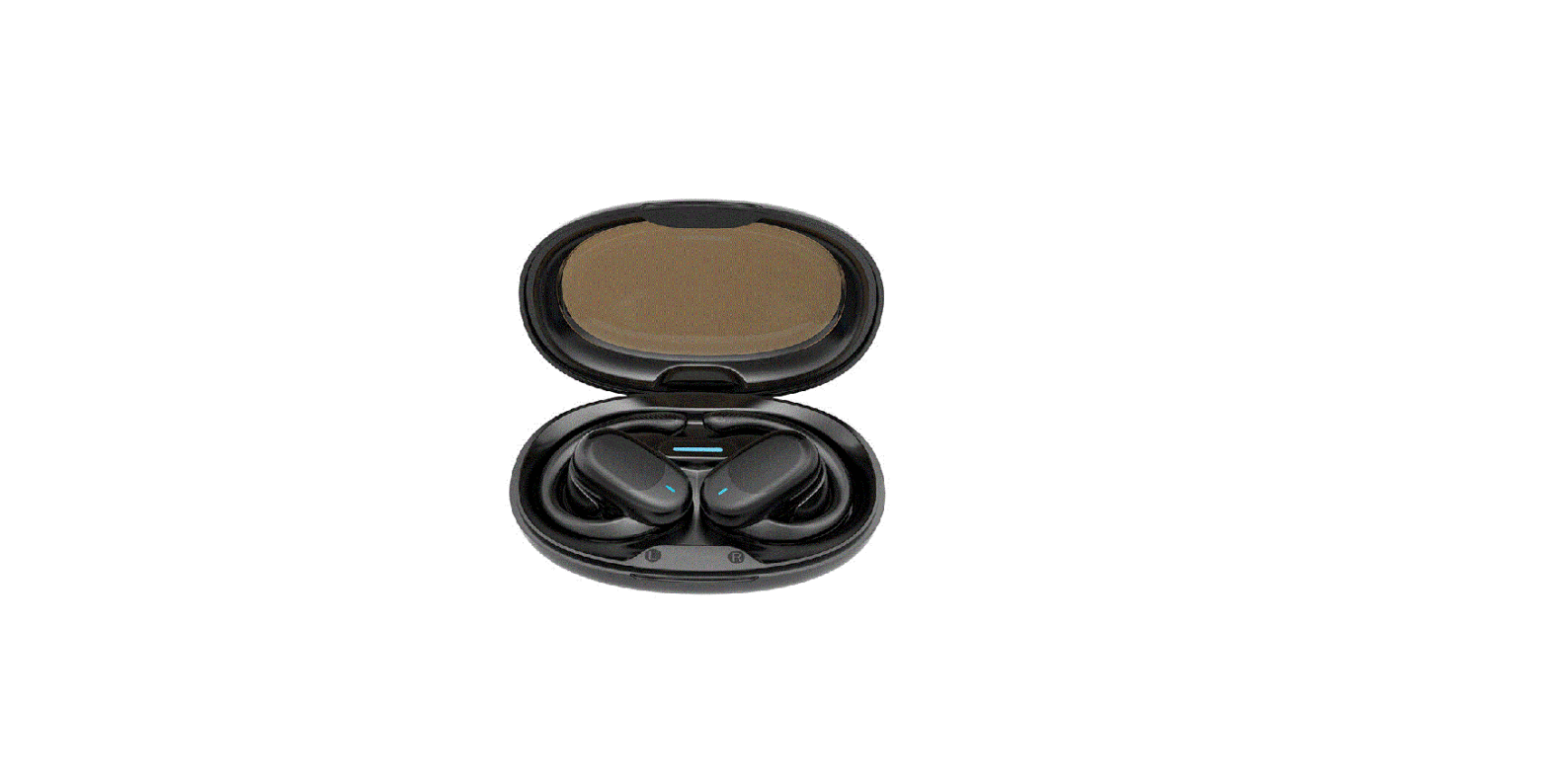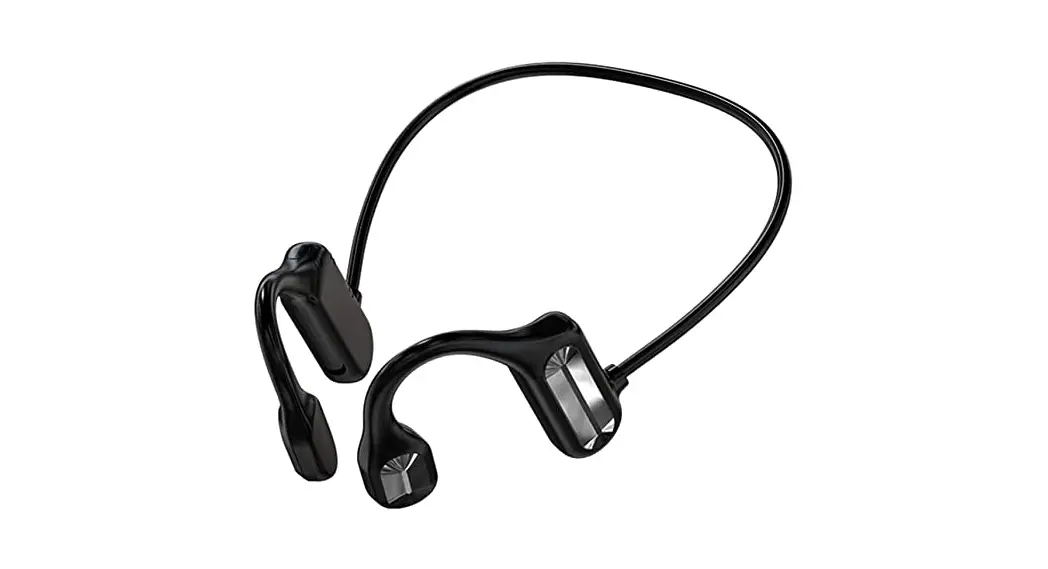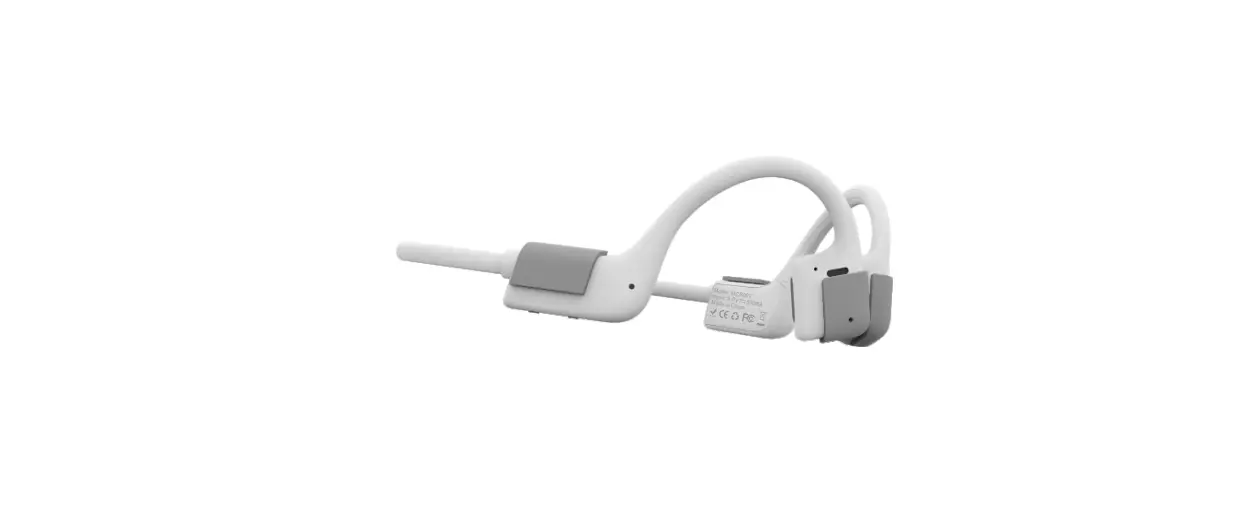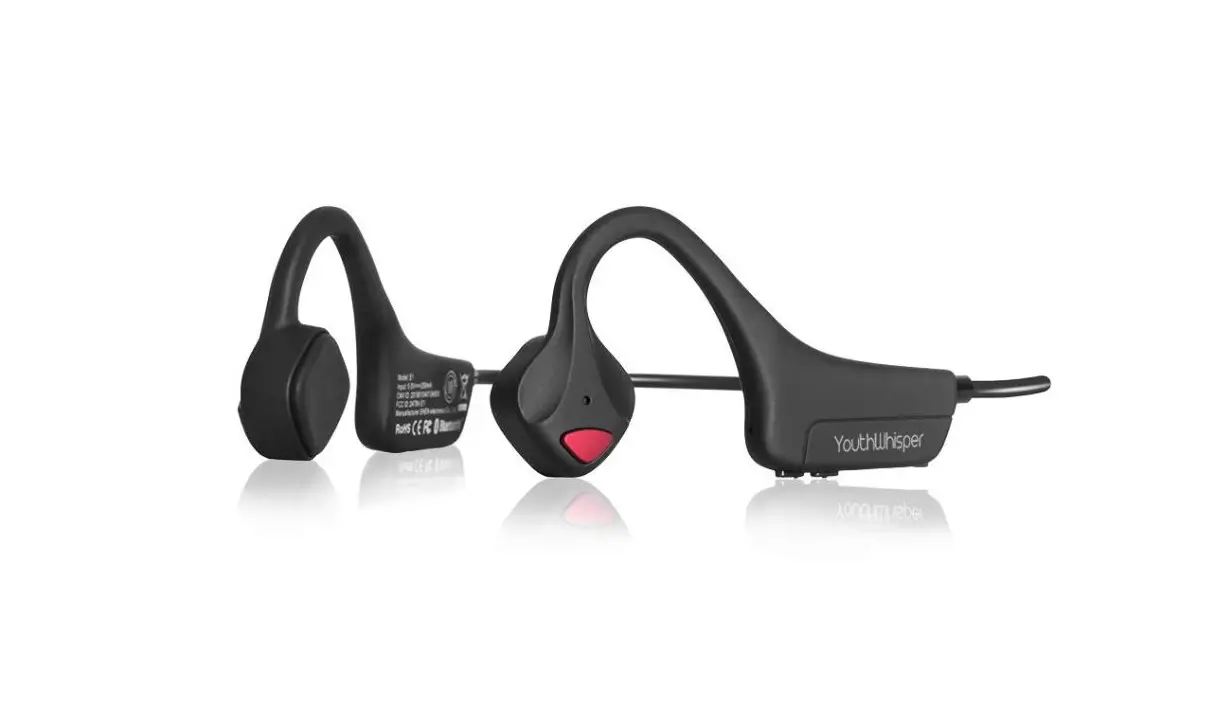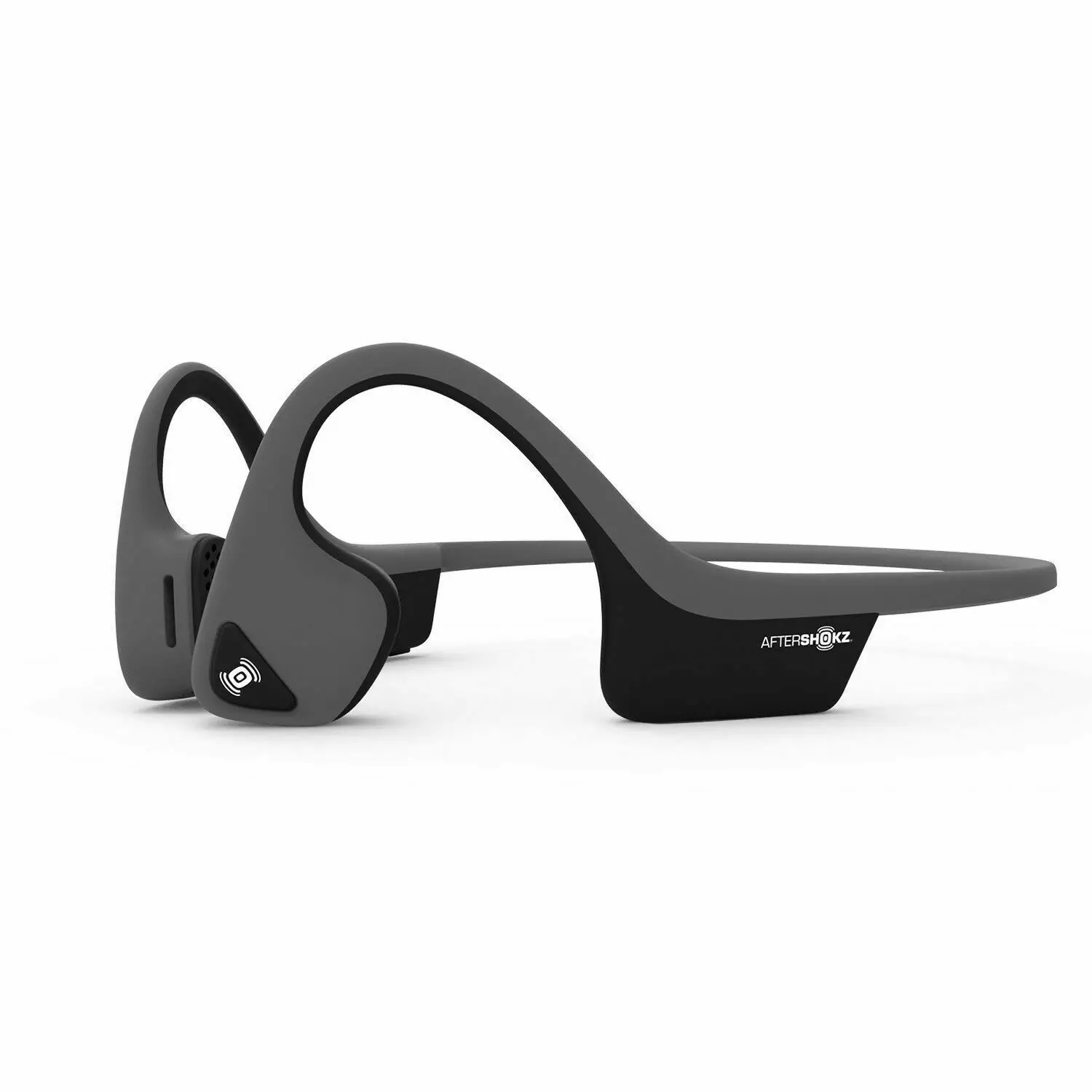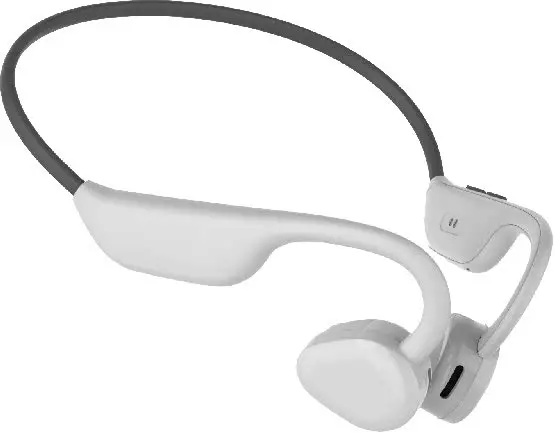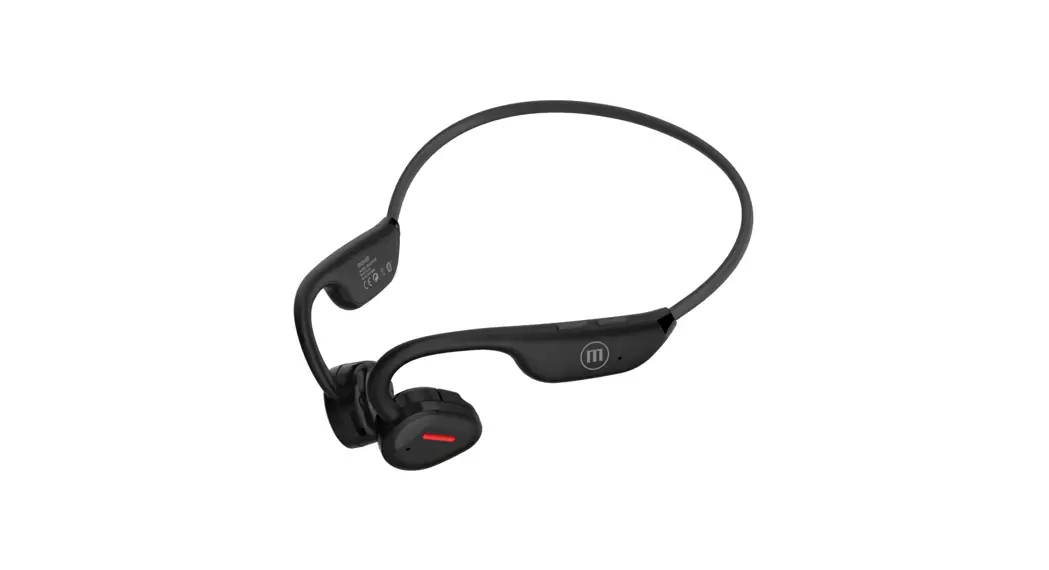
 EB-ALBT140 AIR LINK Air Conduction Headphone
User Manual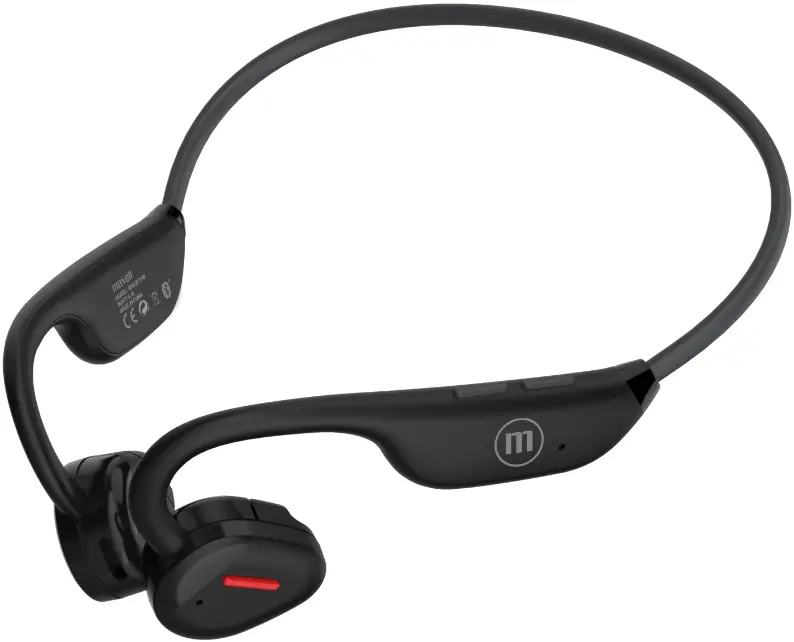
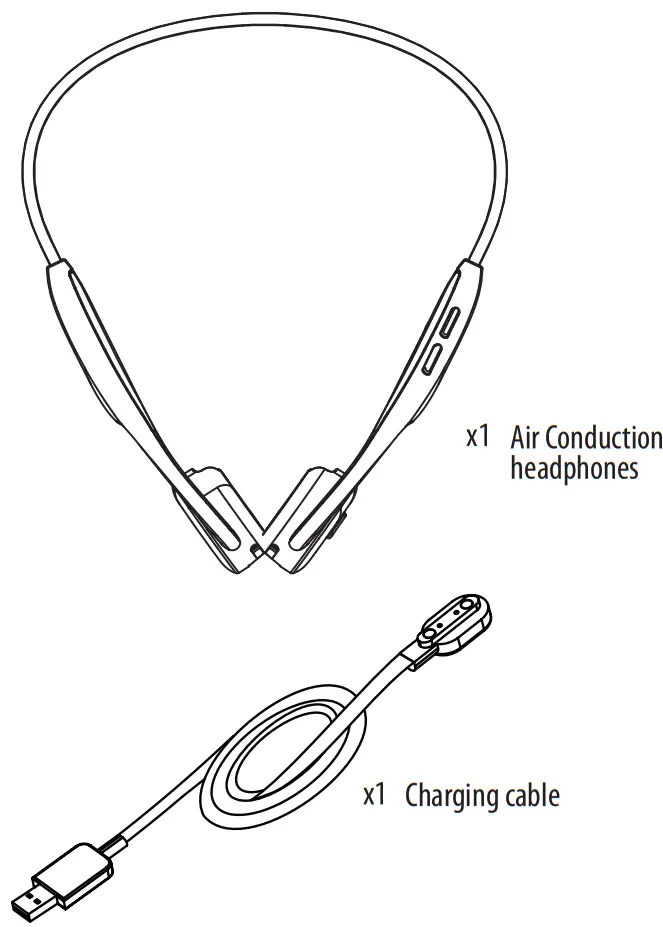
PACKAGE INCLUDES
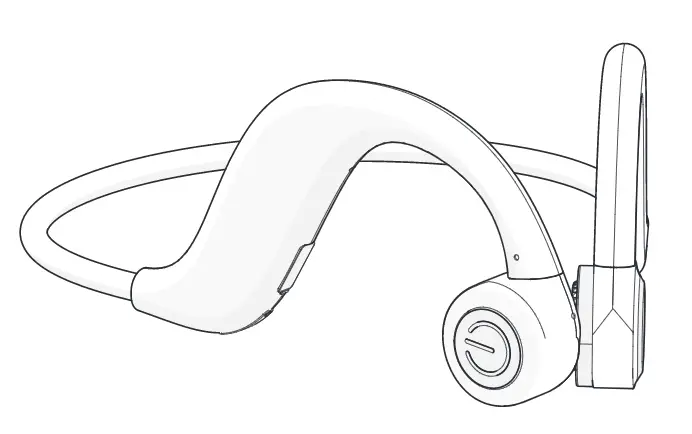
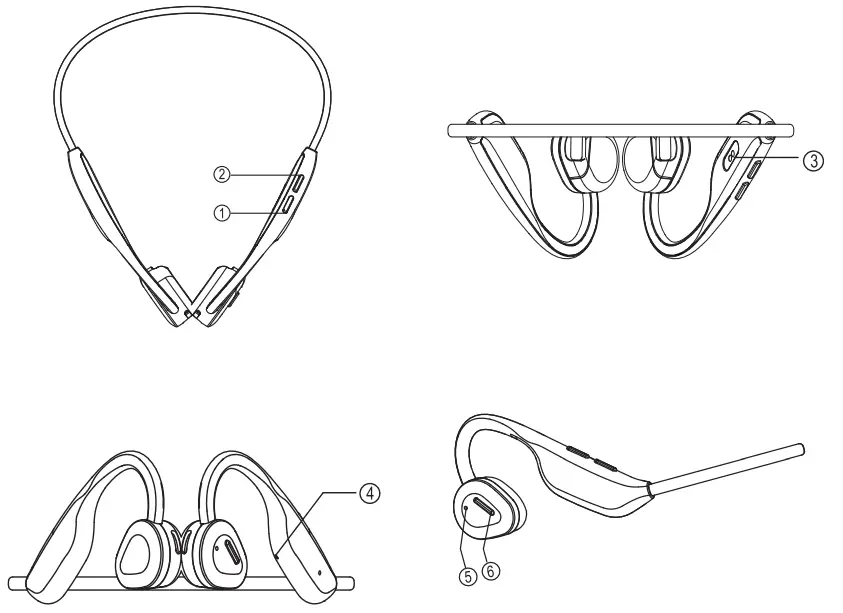
- Power On/ Power OffNolume up/Next song
- Volume down/Previous song
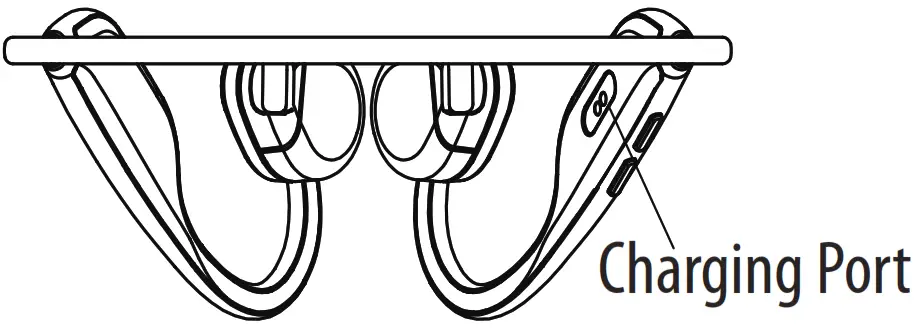
- Magnetic charging port
- LED indicator
- Microphone
- Multifunctional buttons: Pause/ Play/ Answer Phone Call/ End Phone CallNoice Assistant
 Please fully charge the EB-ALBT140 before using.
 Please fully charge the EB-ALBT140 before using.
CONTROLS
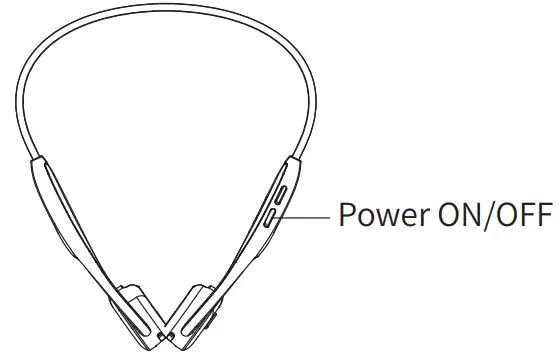
ON: When the headphone is in power-off state, press and hold power button for 3 seconds with blue LED flickering, Reminding tone: Power ON.
OFF: When the headphone is in power-on state, press and hold power button for 5 seconds with red LED flickering once, Reminding tone: Power OFF.
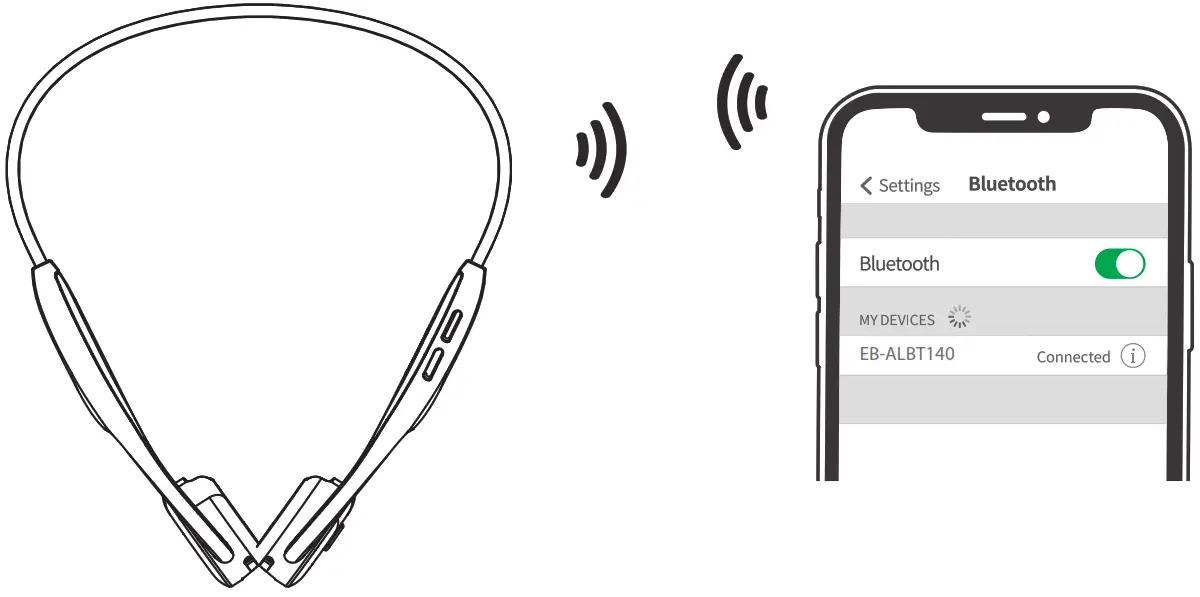
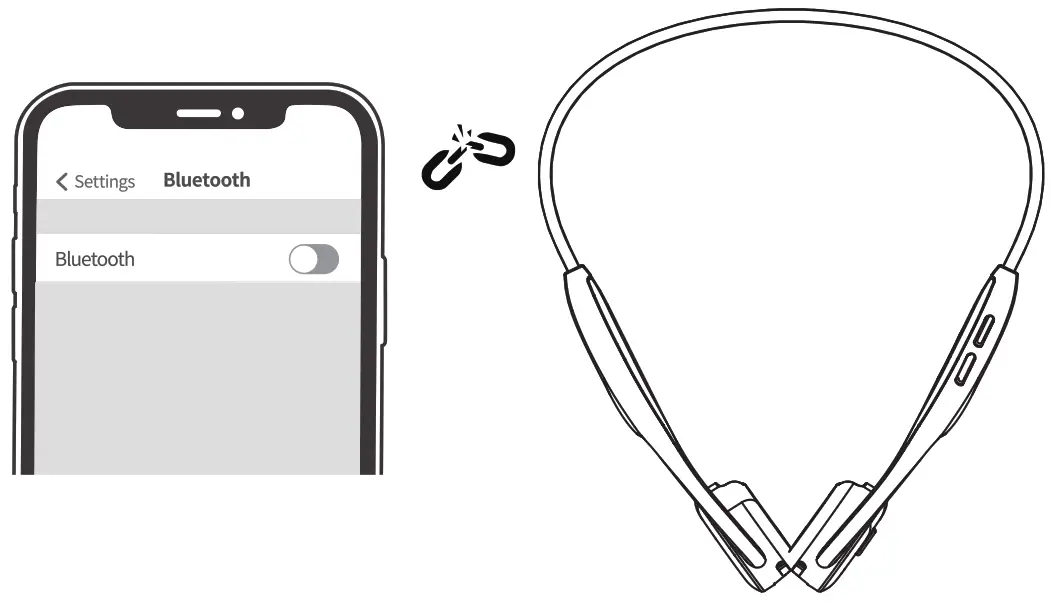
Connect BT: When the headphone is in the power-off state, press and hold the power button for 3 seconds to enter a pairing state with red and blue LEDs blinking, Reminding tone: Pairing.
After the device (smartphone, tablet computer, etc.) discovers EB-ALBT140 press it to connect.
Connected successfully: When the headphone is successfully linked to the device, blue LED will flicker every 5 seconds with the reminding tone: Connected
Pause/Play: In the BT connection music playback state, click the multifunction button to pause, and then click the multifunction button to play.
Answer/Hang up: In the incoming call state, click the multifunction button to answer, long press the multi-function button for 2 seconds to reject the call. In the call state, click the multifunction button to hang up.
Vol+: Press the Vol+ once to turn up the volume.
Vol -: Press the Vol- once to turn down the volume.
Previous song: long press “V-” for 2 seconds when music is playing.
For next song: long press “V+” for 2 seconds when music is playing.
Voice assistant Keep BT link, and double click the multifunction button to turn on the voice assistant, then double click it again to exit.
Clear pairing information: Press the power button and the volume off button for 5 seconds to clear the pairing information in shutdown mode, red and blue light will blink for 1 second repeatedly.
Reset: After plugging the charging line, the headphone will be reset and powered off for charging.
Charging: In order to use the charging line to charge, connect the headphone to the USB power. While charging, LED will turn red. After charging, the LED will turn blue.
HOW TO WEAR
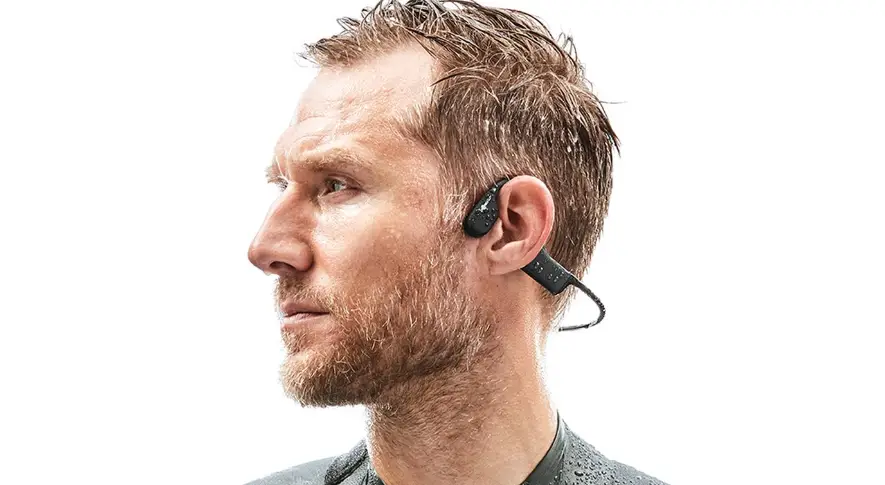
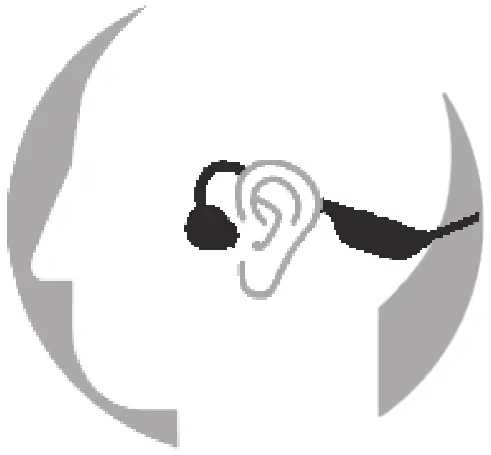 Hang the headphone behind your neck with both speakers clinging to your cheekbones. After that, adjust it until you feel comfortable.
SPECIFICATIONS
| Music play time | 7 hours(70% volume) |
| Standby time | 20 days |
| Charging time | 2 hours |
| BT version | 5.3 |
| Speaker impedance | 16Ω15% |
| Microphone sensitivity | 42±3db |
| Product weight | 27g±2g |
| Connection distance | 15 meters |
| Charging voltage/current | 5V/0.5A |
ATTENTIONS
Please wear the speakers of the headphone at your cheekbones in front of your ears and do not put them in your ears.
Listening to music for an excessive amount of time could make you feel uncomfortable, please try to use a medium volume instead of a high one.
No matter how high the volume is, please do not allow it to prevent you from hearing the sounds around you. Please take care when using the headphone.
Do not throw, press the headphone, or put it in the water. The headphone should be kept away from fire, water, and high voltage devices.
It is not for children’s use as it contains small parts.
Please do not treat it as domestic waste. Instead, send it to your electrical and electronic recycling station.
If there is any injury or property loss due to violation of the above contents, we will not undertake any liability.
SCAN FOR MORE INFORMATION
 https://maxell-latin.com/productos/eb-albt140-airlink-air-conduction-headphones
| Maxell Corporation of America 3 Garret Mountain Plaza, 3rd Floor, Suite #300, Woodland Park, NJ 07424. www.maxell-usa.com. | Maxell Europe Limited Ground Floor, Block E Sefton Park, Bells Hill Stoke Poges Buckinghamshire SL2 4HD Email: [email protected] |
| Maxell Latin America PH Oceanía Plaza Torre 2000, Panama City, Rep. of Panama. www.maxell-latin.com | Maxell Europe Ltd Hungary BRanch Office, H-1095 Budapest, Máriássy Utca 7.Hungary Email: [email protected] www.maxell.eu |
| Maxell Canada 8500 Leslie Street, Suite 101, Markham Ontario, Canada L3T 7M8. www.maxellcanada.com | |
www.maxell.com
Warranty 1 year
Maxell Latin MADE IN CHINA