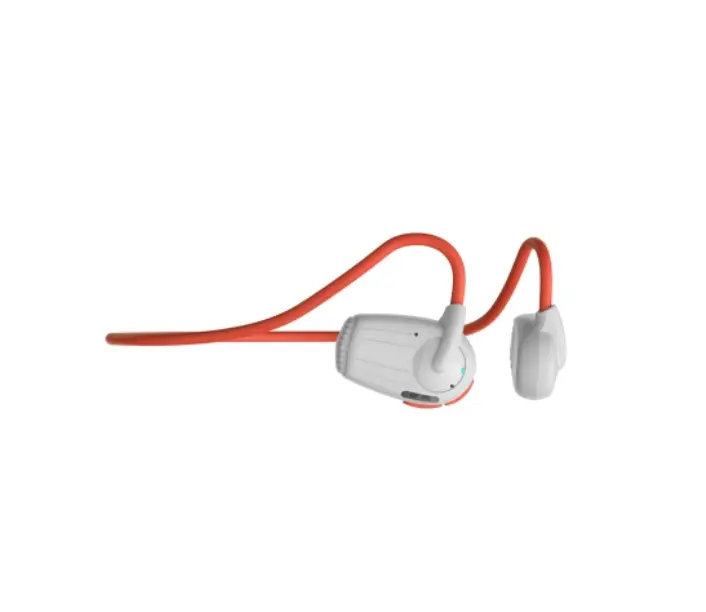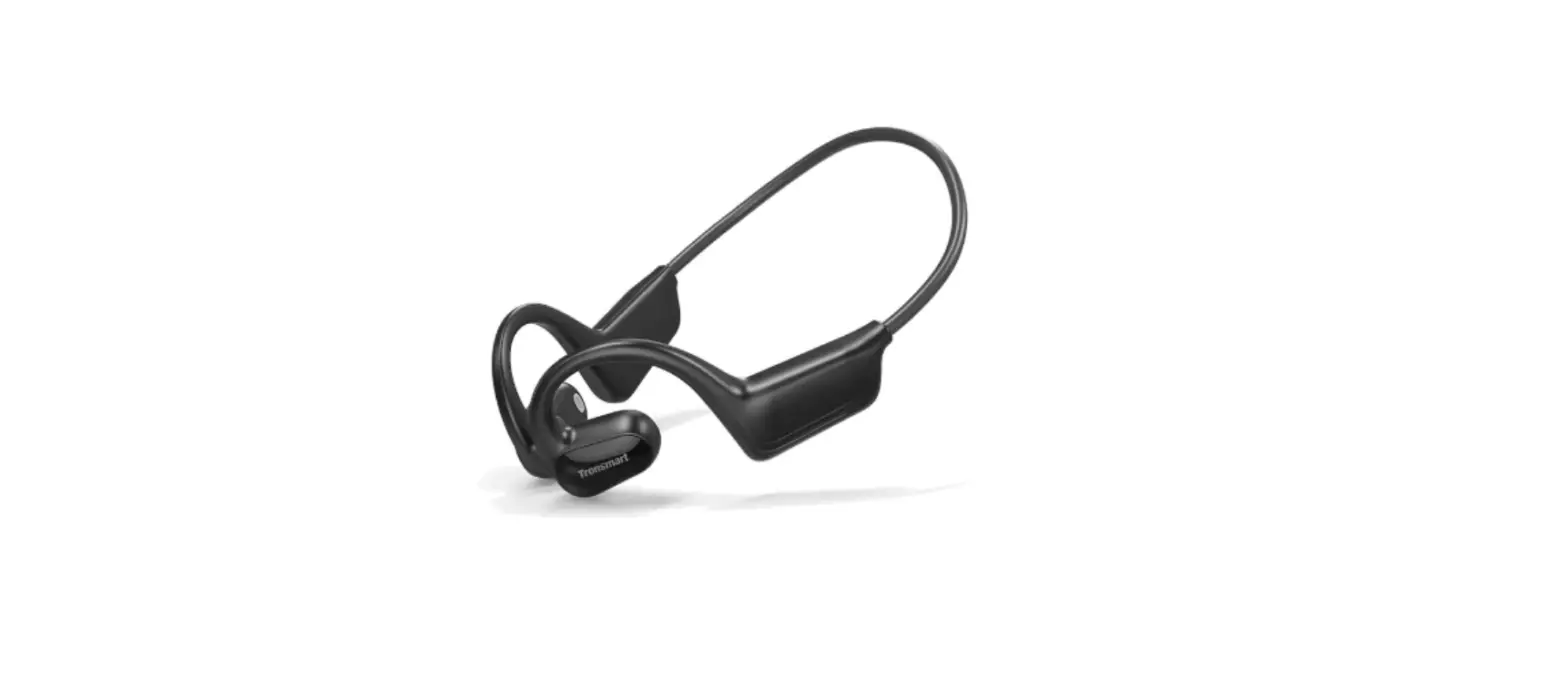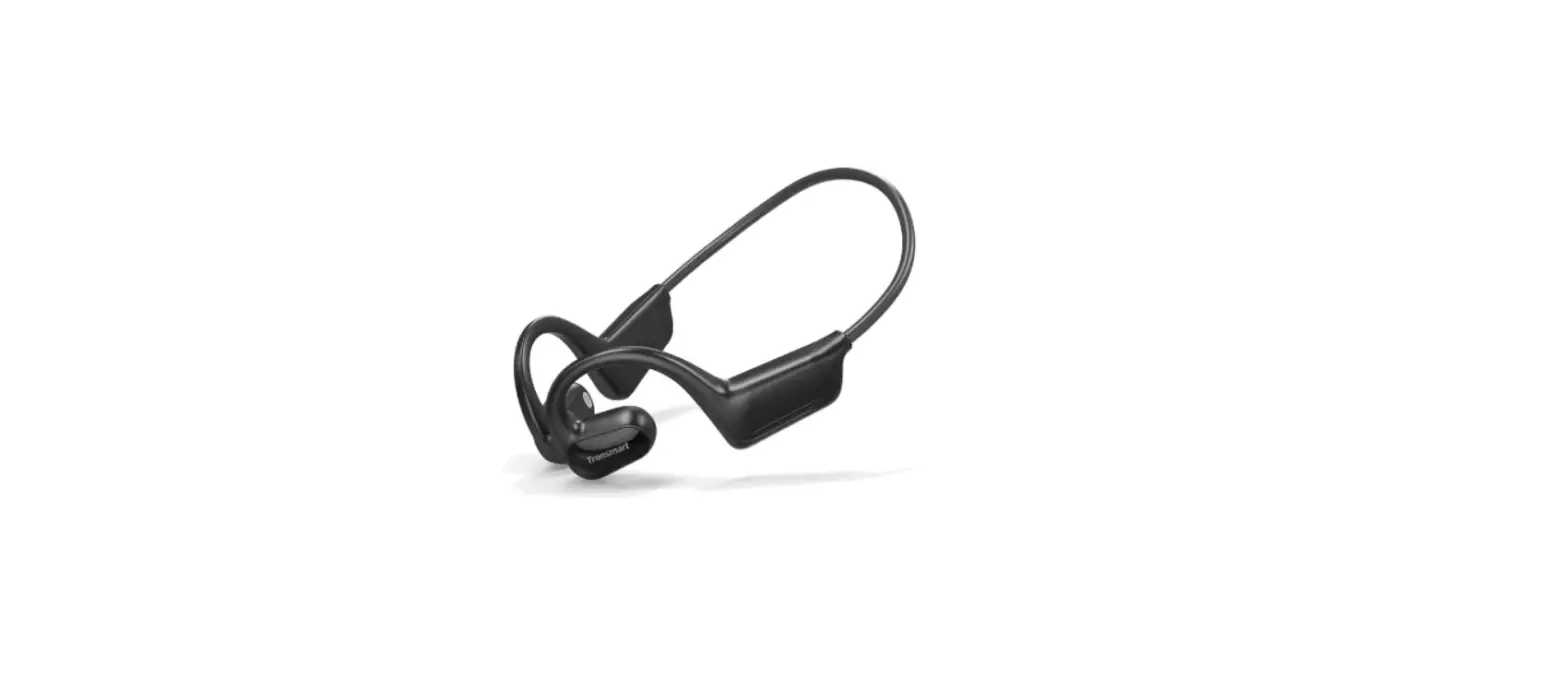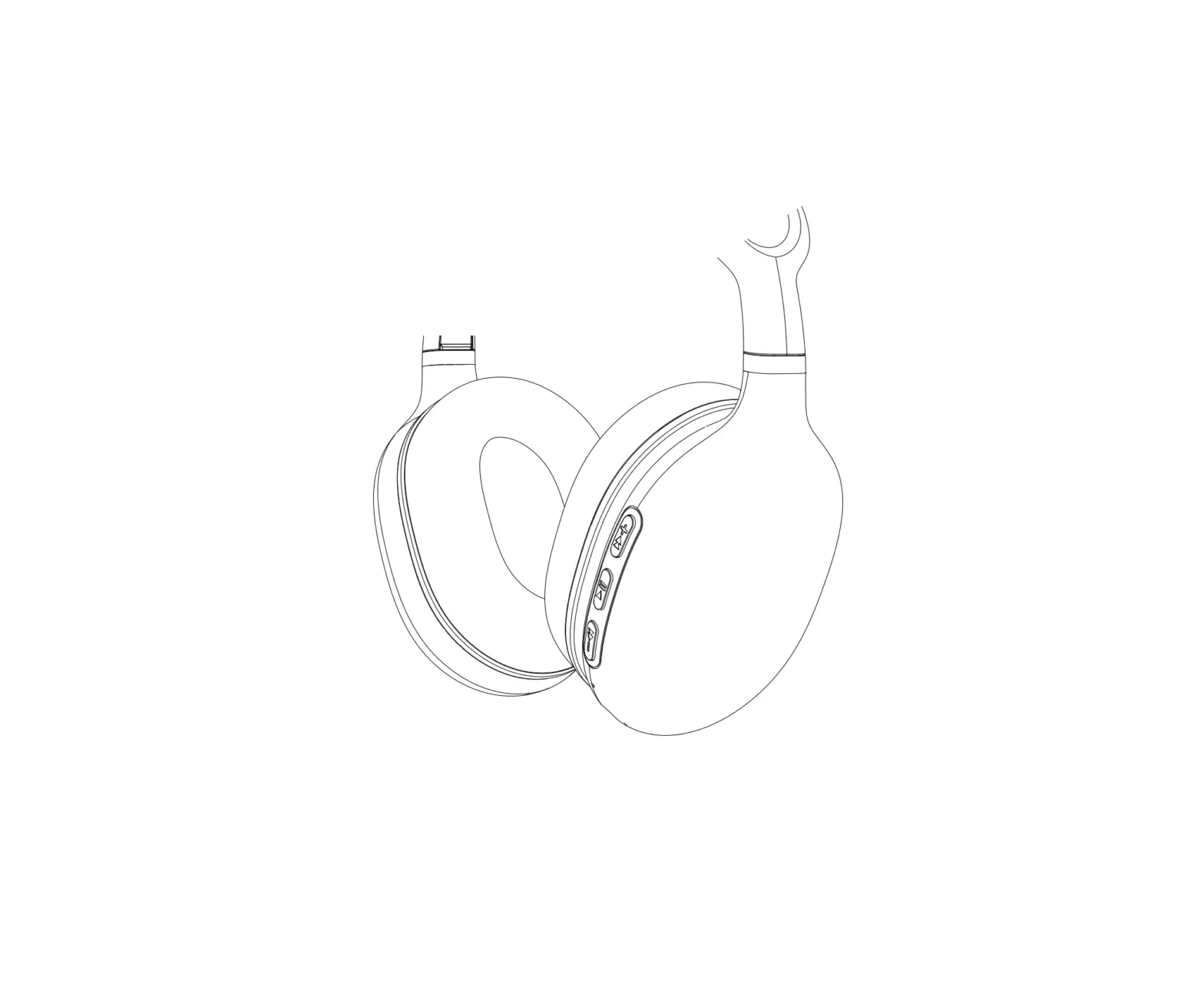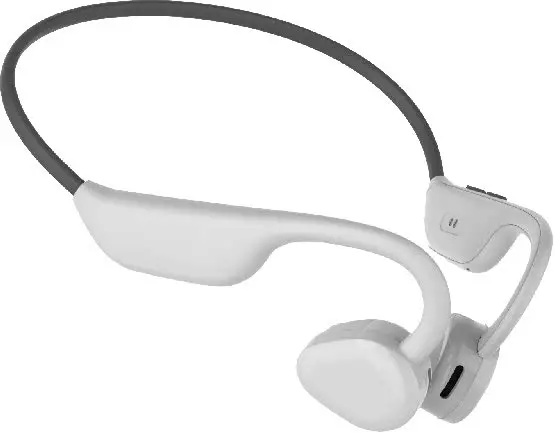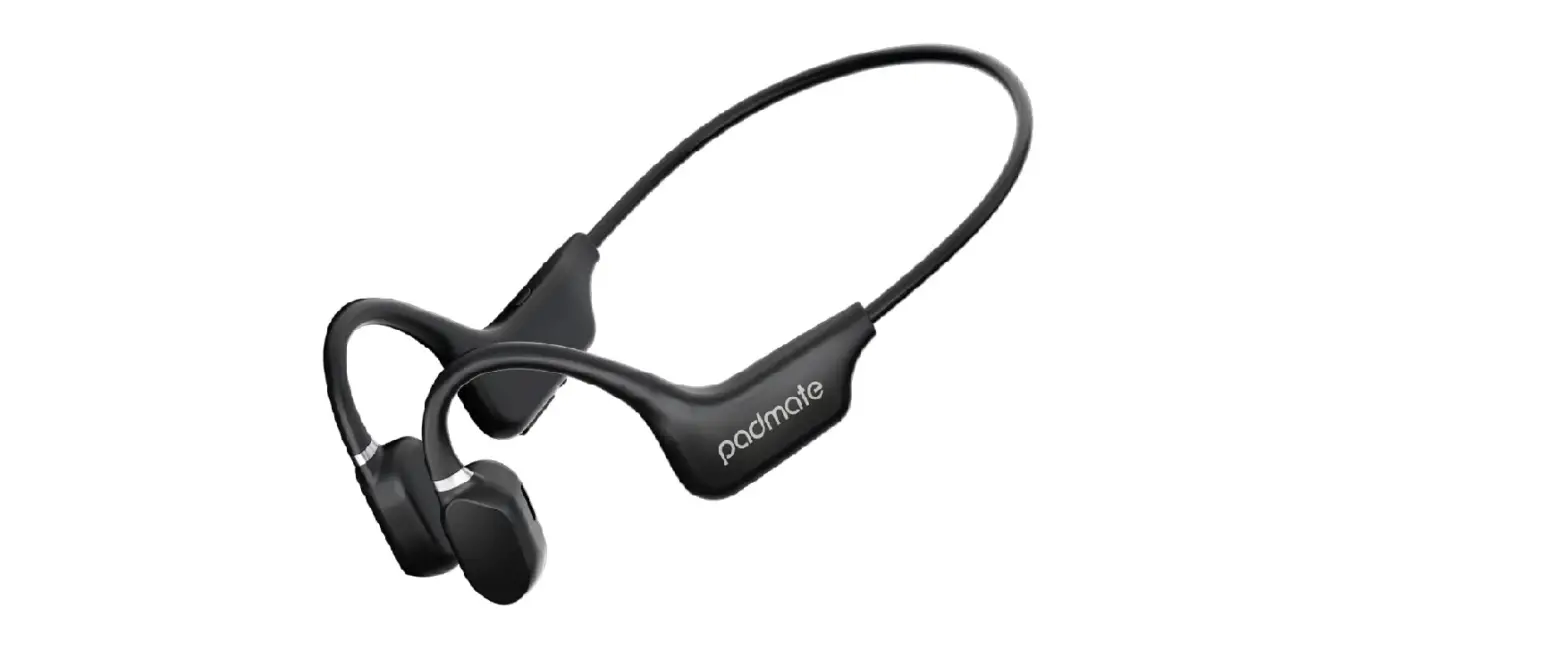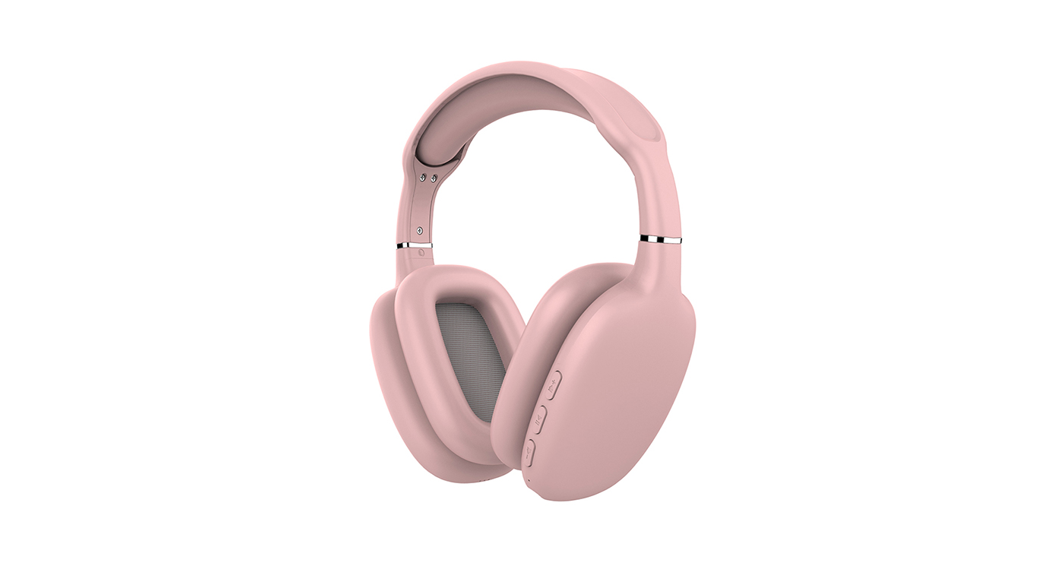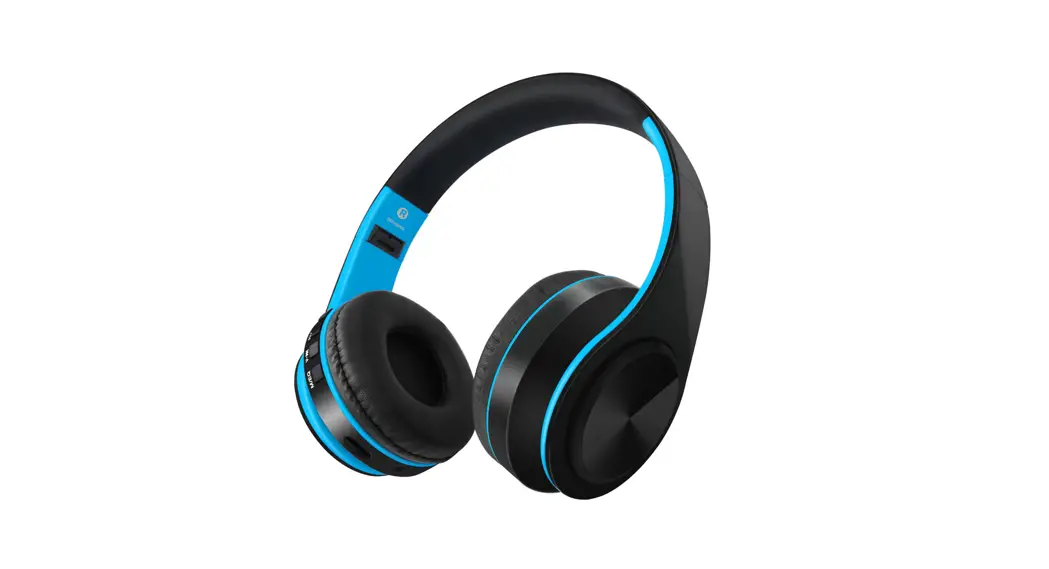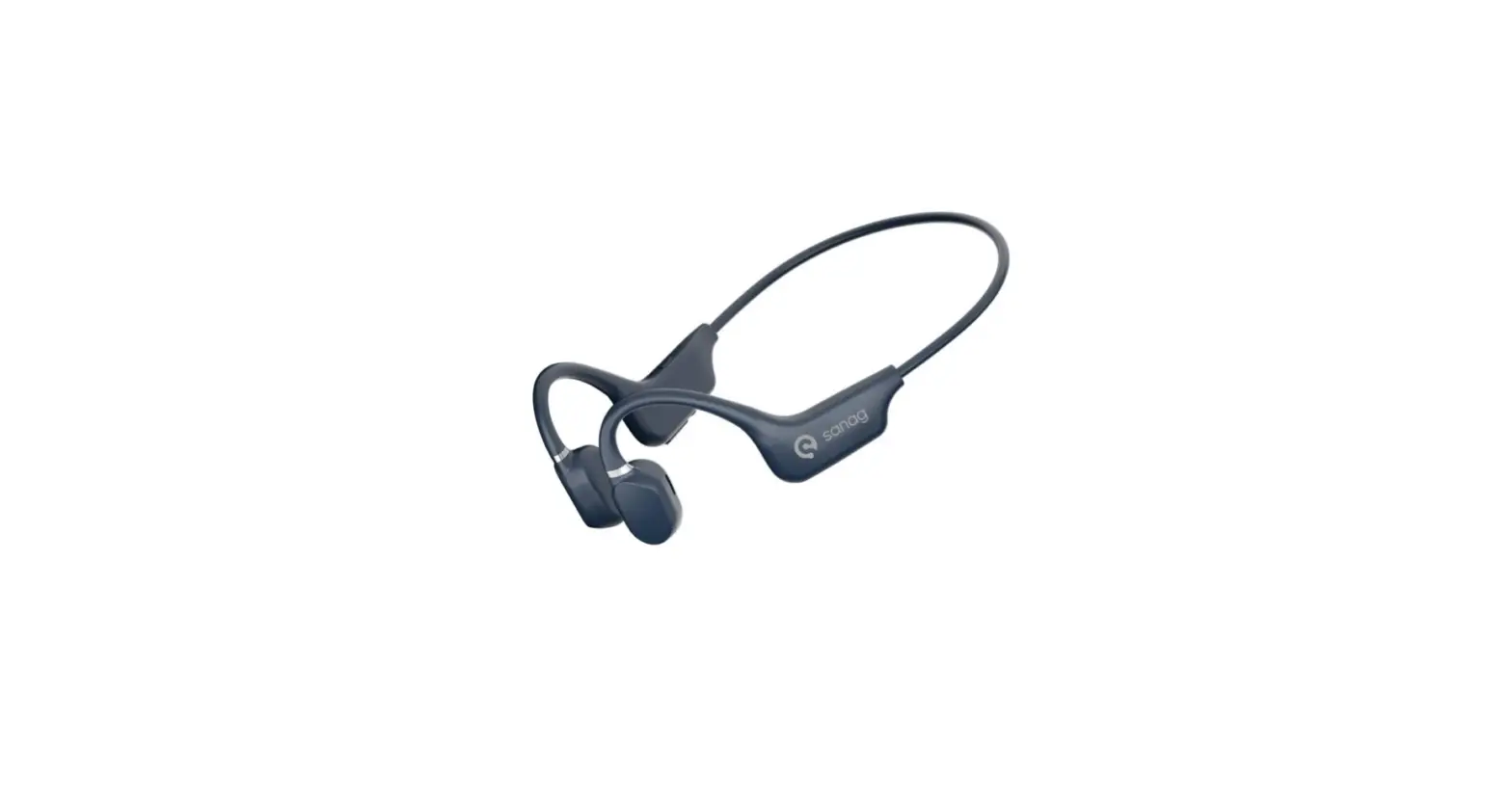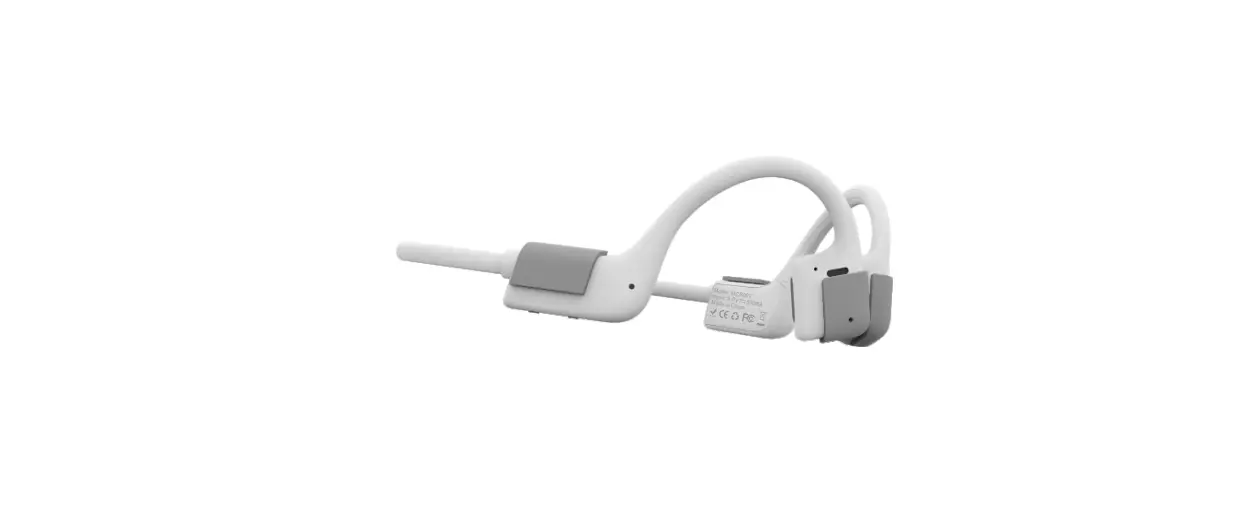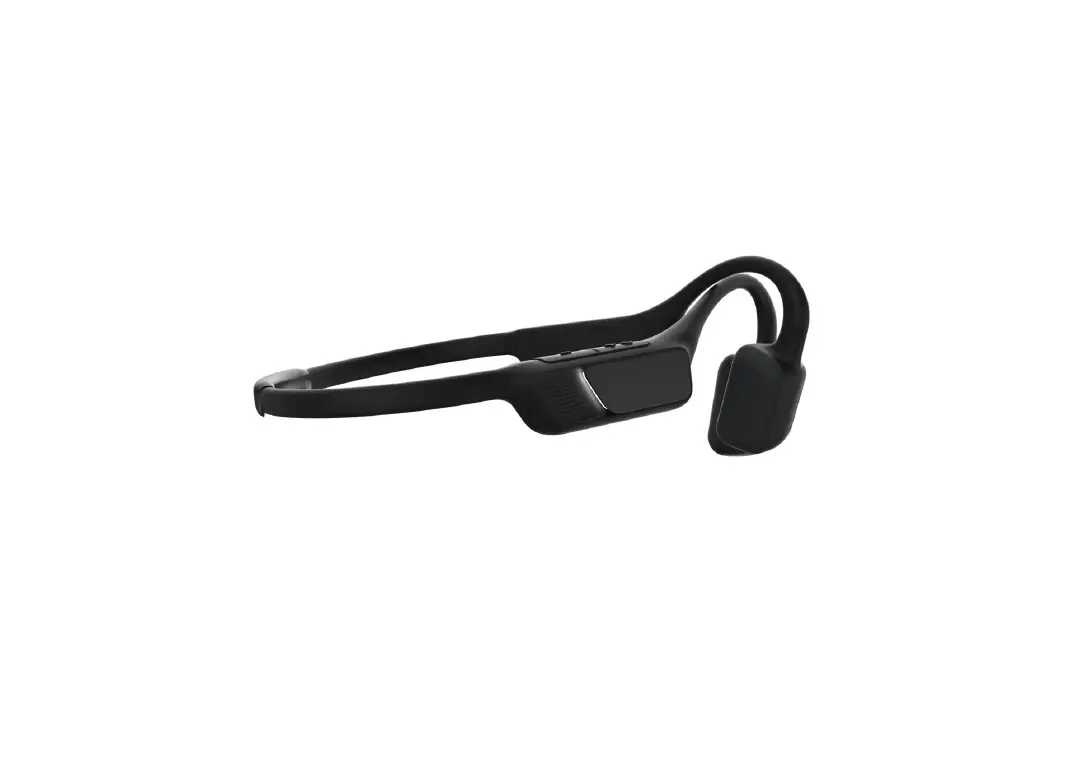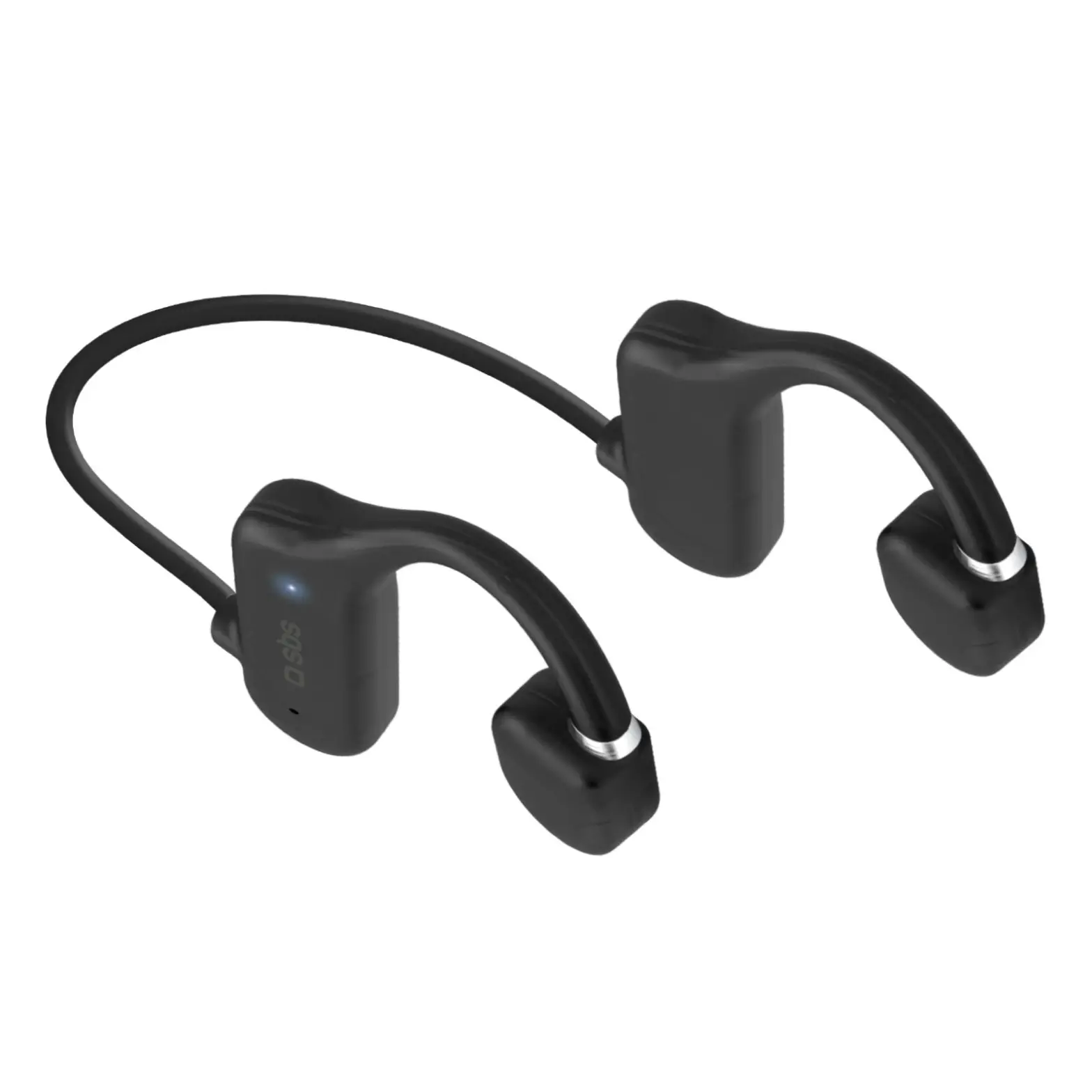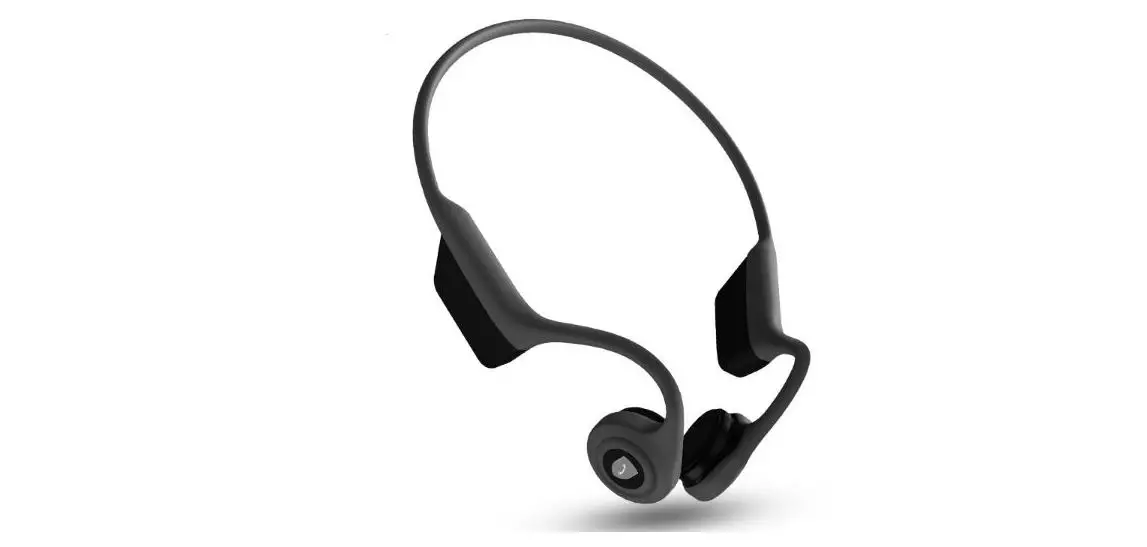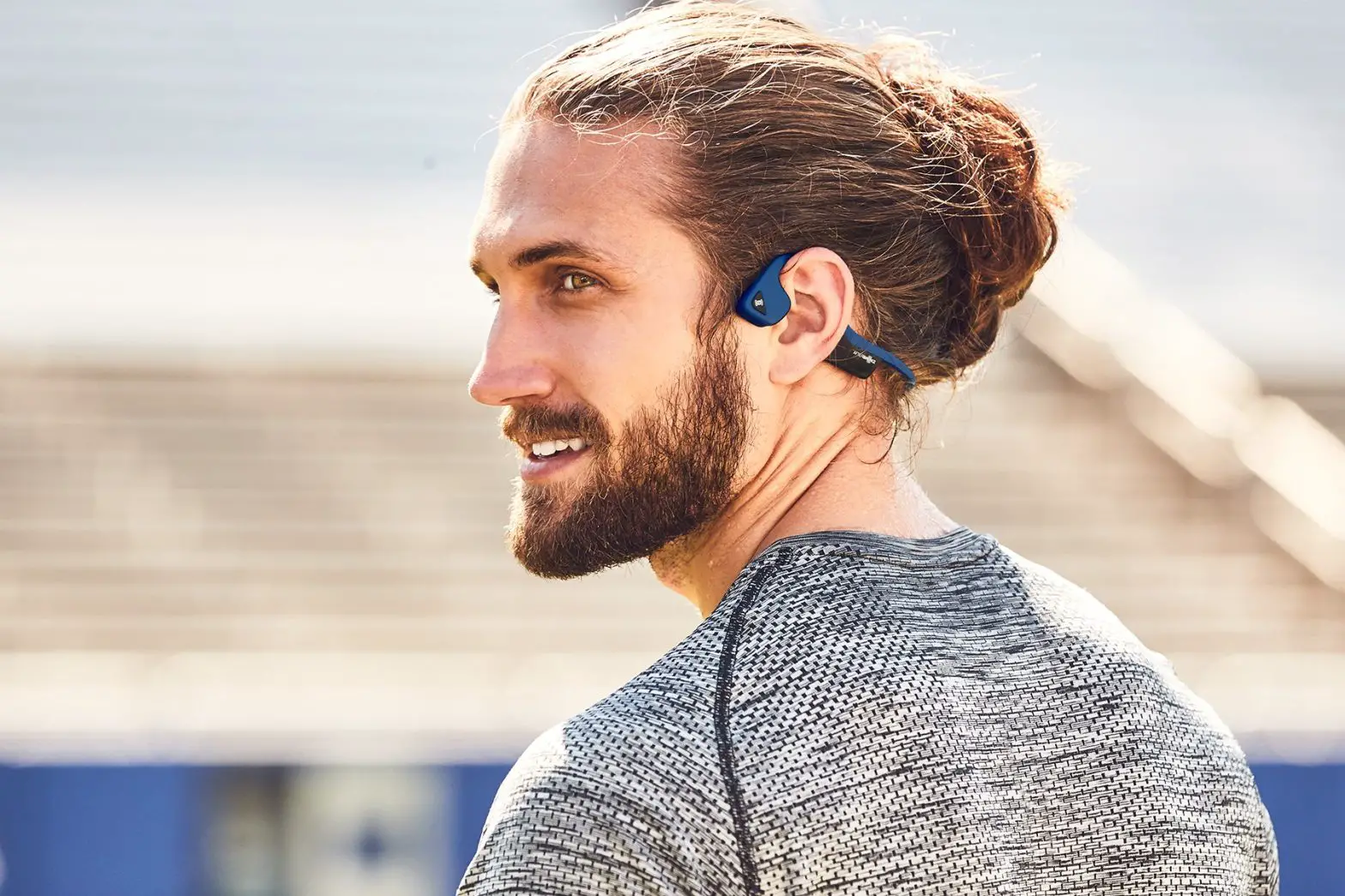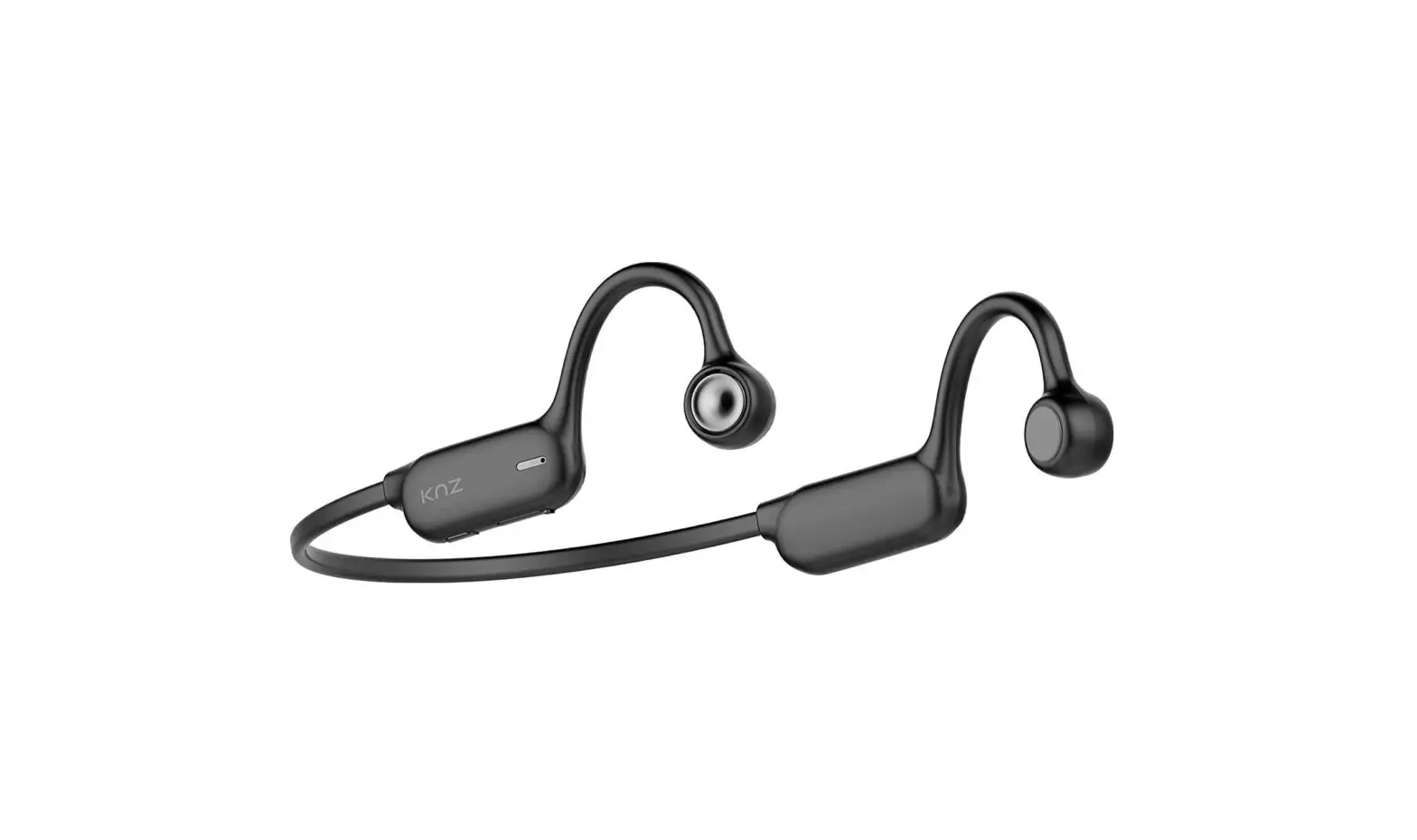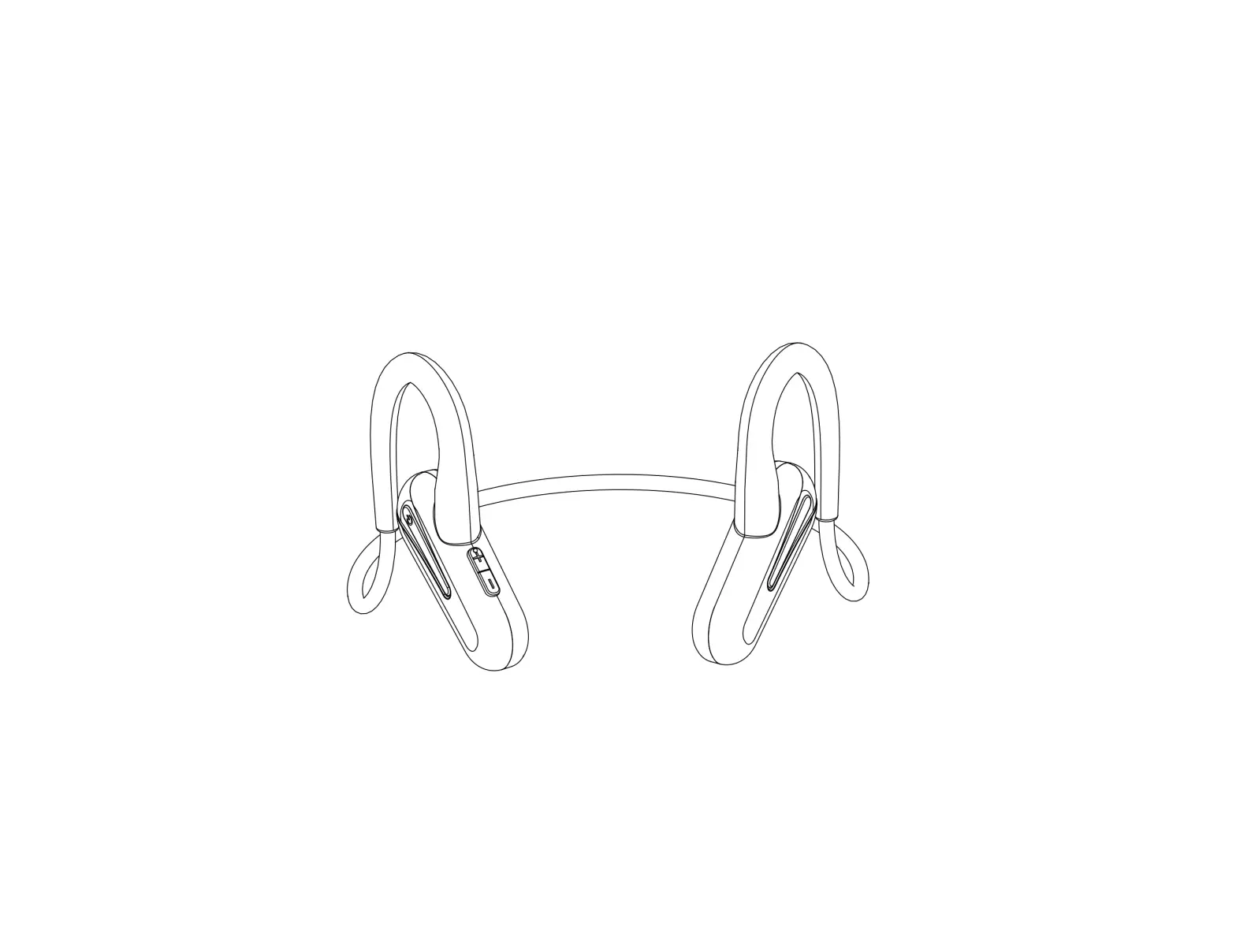
Dongguan Yuansai Electronics CGS-B6 Wireless Air Conduction Headphones
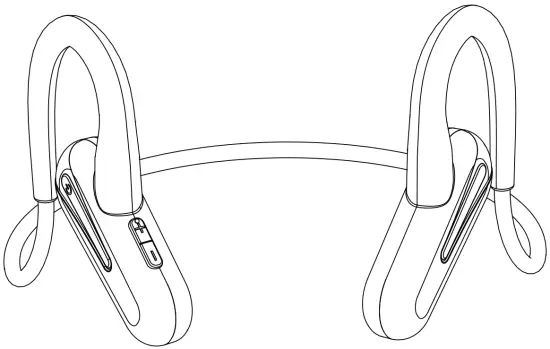
- Bluetooth 5.0
- Open-ear design for safety, efficiency and health
- Long lasting battery
- Hands-free control
- Clear microphone
- Ultra lightweight & Ultra comfortable
Setup
Charge
Use the supplied Micro-USB cable to connect the CGS-B6 (B6) to USB charger or USB port on computers.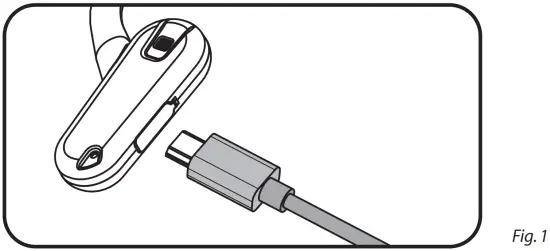
Remarks: USB charger is not included, you can use any of the USB charger (Output should be no less than 200mA).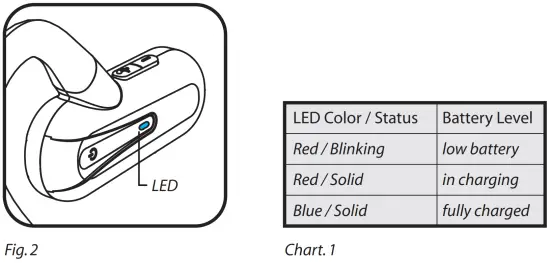
Connect to Device
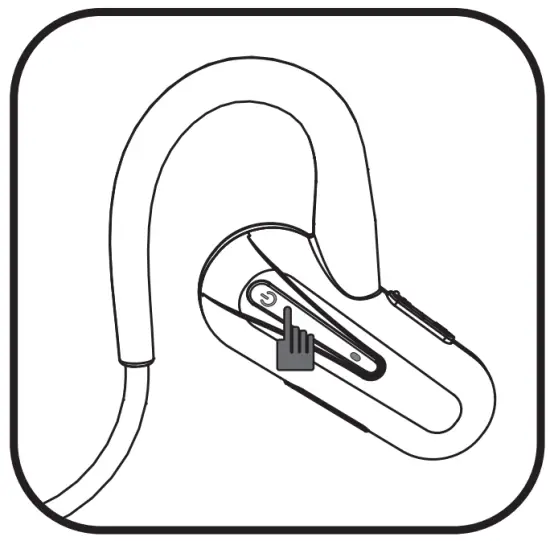
- Press and hold the Power Button for 3 seconds to turn on the B6, the LED will be blue / red blinking alternately and you’ll hear the voice prompt “Pairing”.

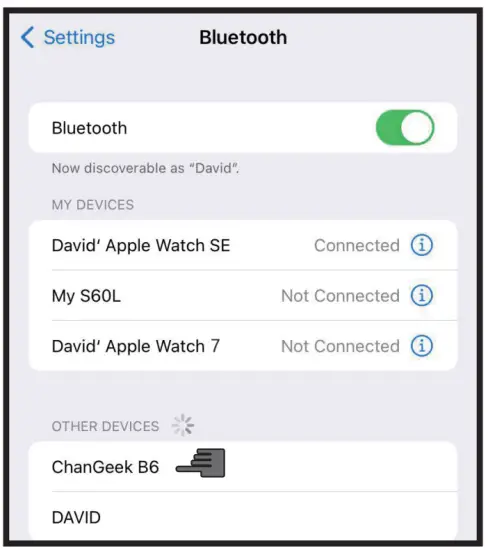
- Unlock your device and go to Settings>Bluetooth page, enable the Bluetooth and choose “ChanGeek B6” in the “OTHER DEVICES” list. Then you’ll get the B6 be connected and hear the prompt tone.

How to Use?
Use the Multifunction Button to power on / off, answer / reject / end up phone call. It provides great hands-free convenience for you.
See Chart 2 for more details.
| Action | MFB | Prompt Tone |
| Power on | Press & hold for 3s | “Pairing” |
| Answer phone call | Short press | Ringtong (5s) then read incoming phone No. |
| End up phone call | Short press | – |
| Reject phone call | Press & hold for 2s | – |
| Switch phone call from B6 to phone | Press & hold for 2s when phone call is answered | – |
| Dial last number | 2 Short press | Single-tone |
| Activate Siri / Google Assistant | Press & hold for 2s | Single-tone |
| Power off | Press & hold for 5s | Multi-tone |
Chart. 2
Use the +/- Button to control the volume and switch tracks. See Chart 3 for more details.
| Action | + / – Buttons | Prompt Tone |
| Volume Up | Press “+” button | Prompt for max. limits |
| Volume Down | Press “-” button | Prompt for min. limits |
| Skip to next track | Long press “+” button | – |
| Skip to previous track | Long press “-” button | – |
Chart. 3
Connect to the 2nd Device
B6 allows you to connect 2 devices. Please kindly follow the steps below:
- Connect to the 1st device. (See Paragraph 2)
- Disable Bluetooth function on 1st device, then B6 will enter pairing mode.
- Enable Bluetooth function on 2nd device and choose ChanGeek B6 in “OTHER DEVICES” list to get B6 sucessfully connected.
- Enable Bluetooth function on 1st device and B6 will connect to the 1st device automatically
Remarks
- When the battery is nearly drained, you’ll hear the voice prompt “low battery”, it will power off in few minutes. Please kindly charge it.
- If no device is connected to B6, it will power off in 5 minutes for power saving.
- When B6 is power on and near to the device which is connected before, it will build the connection automatically. “Forget” it from the device in bluetooth page will eliminate the auto connection.
What’s in the Box?
| |
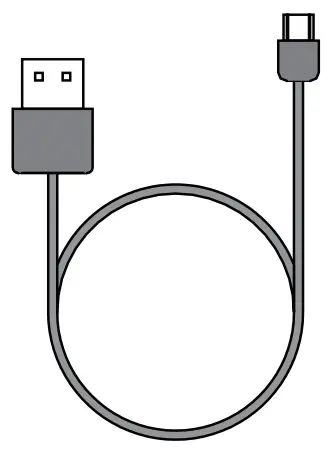 Charging Cable Charging Cable |
|
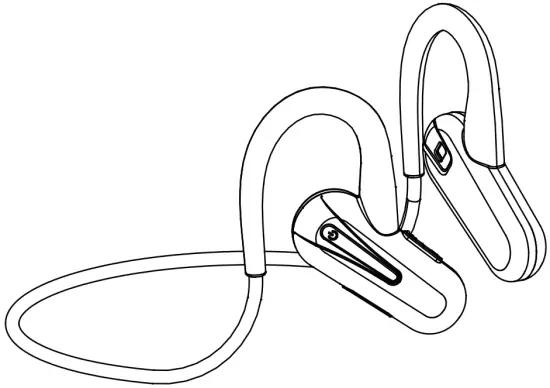 Air Conduction Headphones (CGS-B6)
 Manual
Specifications
| Model No. | CGS-B6 | Transmition Dist. | 33FT / 10M |
| Product Name | Air Conduction Headphones | Battery Capacity | 120mAh, 3.7V |
| Speaker | Air Conduction Speaker | Playback Time | 6-8H |
| Frequencey Range | 20-20000Hz | Standby Time | 300H / 12 Days |
| Speaker Sensitivity | 100±5 dB | Full Charge Time | 1.5H |
| Mic Sensitivity | -40±3dB | Weight | 18g |
| Bluetooth Version | Bluetooth V5.0 | Brand | C. G ChanGeek |
| Bluetooth Protocol | A2DP, AVRCP, HSP, HFP | Origin | China |
FCC Statement
- This device complies with Part 15 of the FCC Rules. Operation is subject to the following two conditions:
(1) This device may not cause harmful interference,and
(2) This device must accept any interference received, including interference that may cause undesired operation. - Changes or modifications not expressly approved by the party responsible for compliance could void the user’s authority to operate the equipment.
NOTE: This equipment has been tested and found to comply with the limits for a Class B digital device, pursuant to Part 15 of the FCC Rules. These limits are designed to provide reasonable protection against harmful interference in a residential installation. This equipment generates uses and can radiate radio frequency energy and, if not installed and used in accordance with the instructions, may cause harmful interference to radio communications. However, there is no guarantee that interference will not occur in a particular installation. If this equipment does cause harmful interference to radio or television reception, which can be determined by turning the equipment off and on, the user is encouraged to try to correct the interference by one or more of the following measures:
- Reorient or relocate the receiving antenna.
- Increase the separation between the equipment and receiver.
- Connect the equipment into an outlet on a circuit different from that to which the receiver is connected.
- Consult the dealer or an experienced radio/TV technician for help
RF warning statement:
The device has been evaluated to meet general RF exposure requirement. The device can be used in portable exposure condition without restriction
SEND US ORDER# for
12-MONTH EXTRA WARRANTY!
Send your Amazon Order ID to
[email protected]
You can also scan this QR to access our email address
registered trademark owned by Changeek Limited.
Other trade marks and trade names are those of their respective owners.
Changeek Ltd. All rights reserved.

Designed in California, USA. Made in China
“CG ChanGeek” is a registered trademark owned by Changeek Limited.
Other trade marks and trade names are those of their respective owners.
Changeek Ltd. All rights reserved.