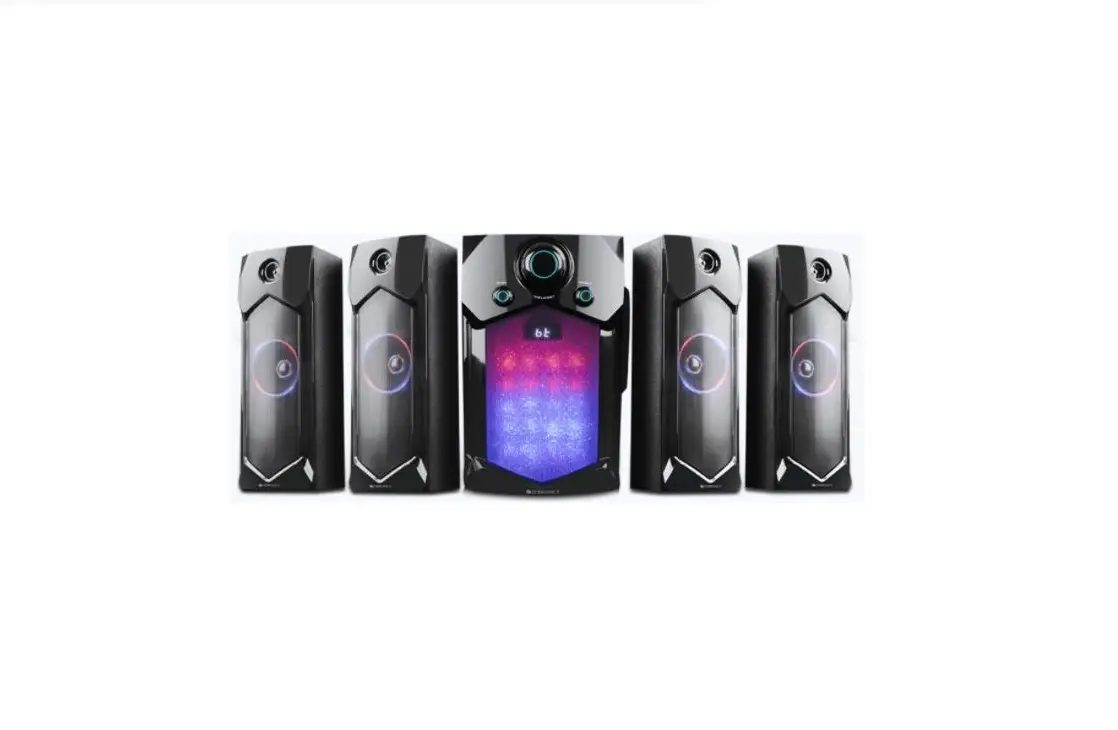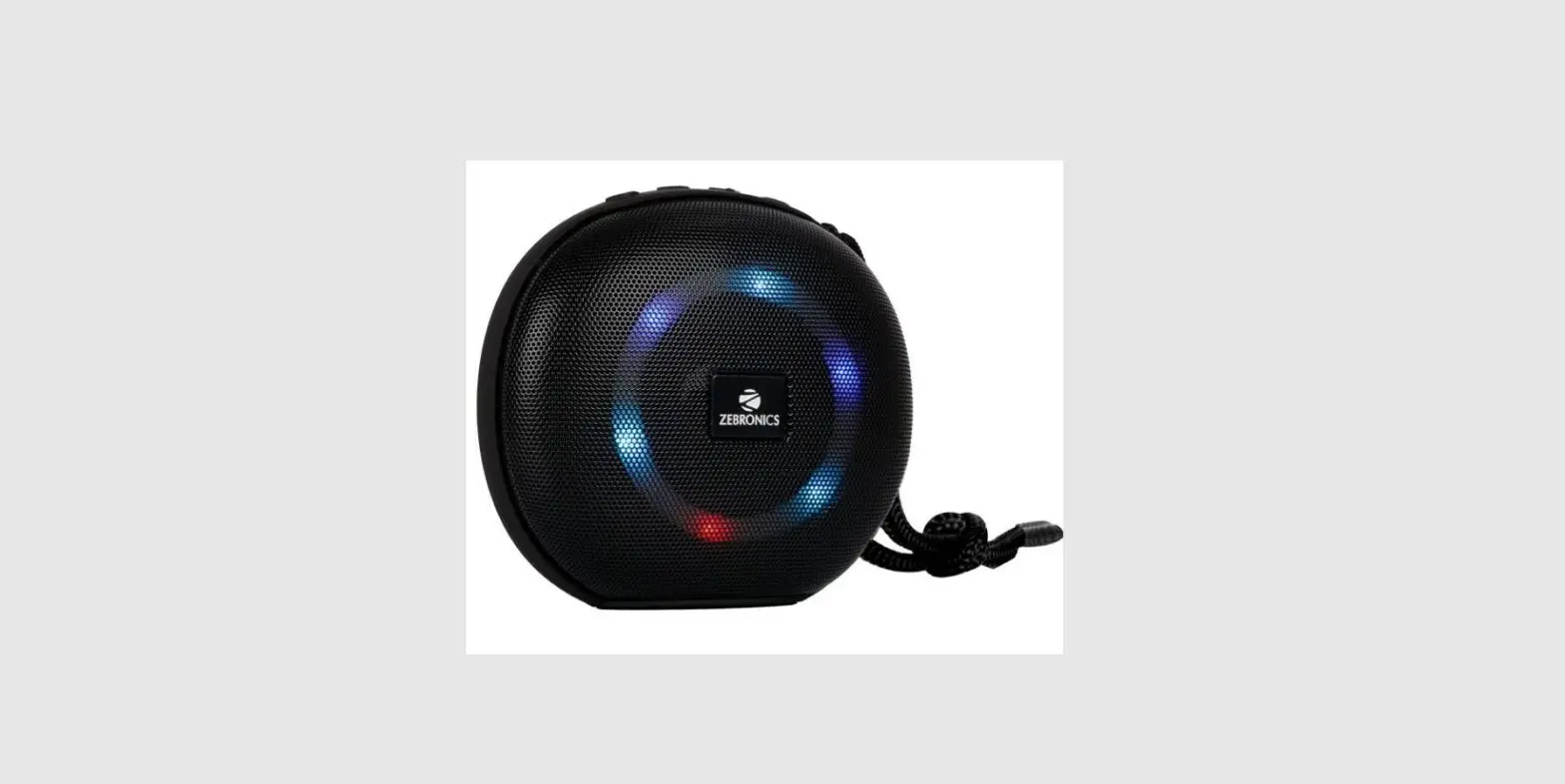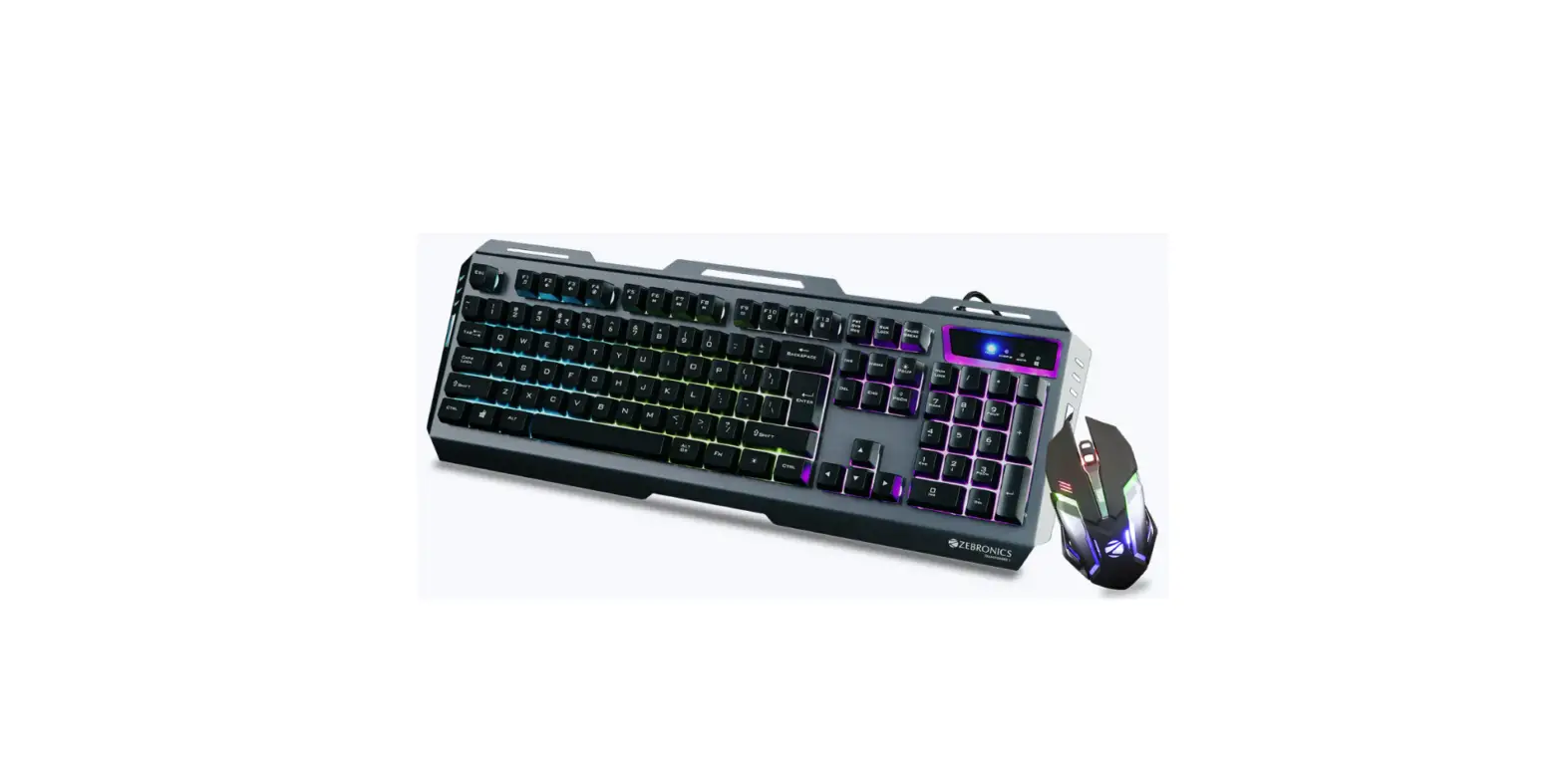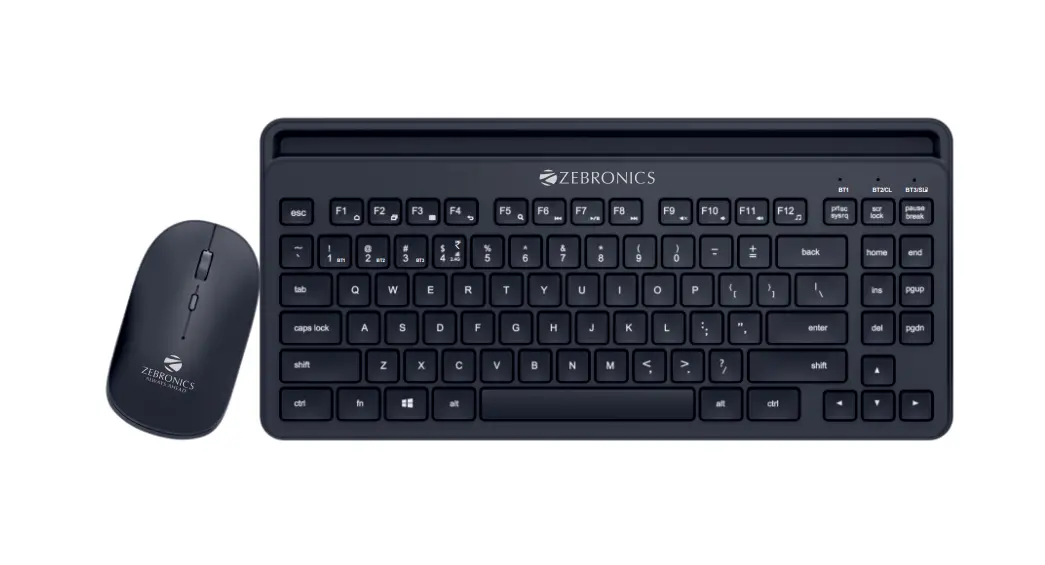
ZEBRONICS Zeb-Combo Gift Pack-III
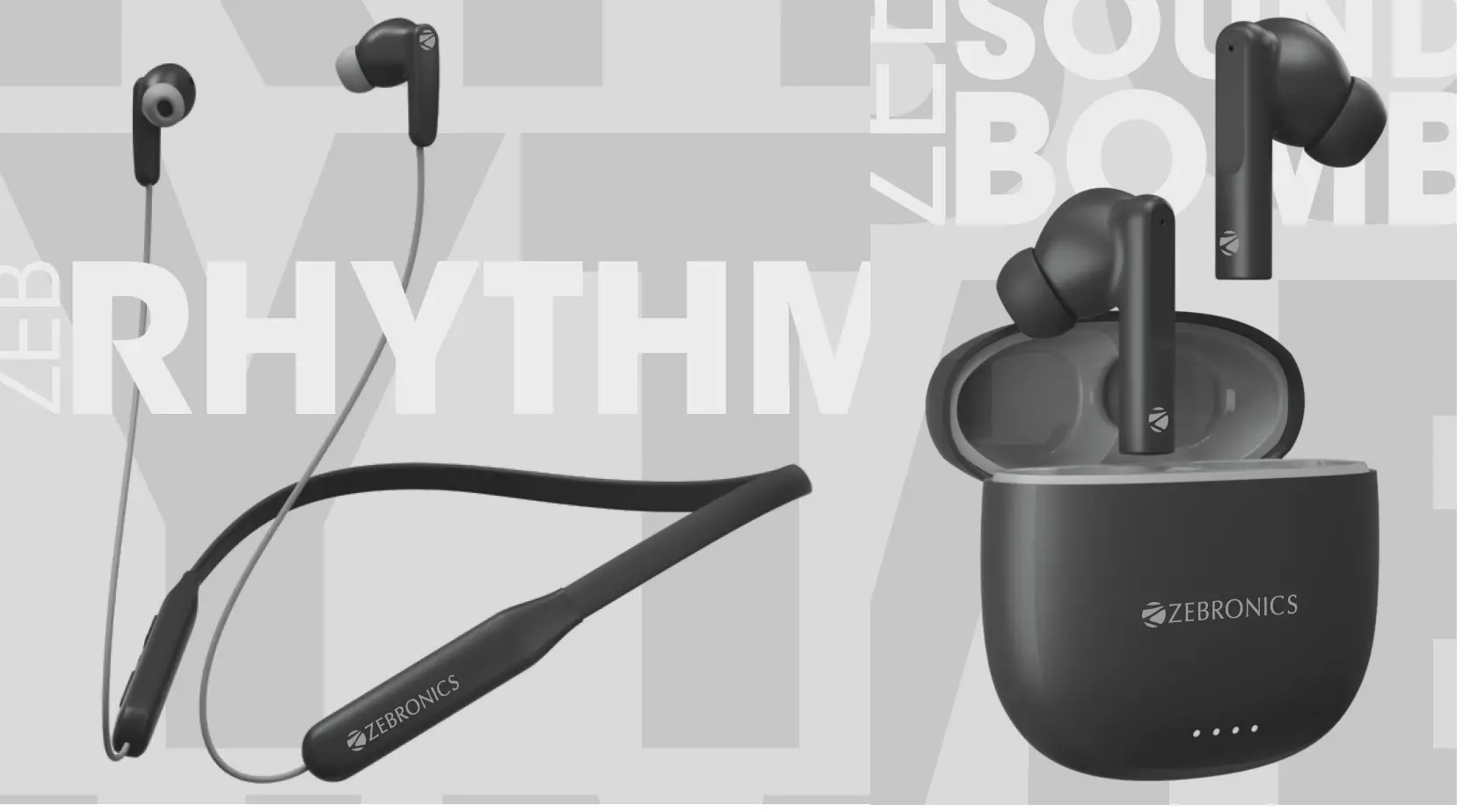
Thank You for purchasing GIFT PACK III.
Please read this user manual carefully before operation & save it for future reference.
Note
- Charge the wireless products fully before using it.
- Please charge the product with a power adapter output rated DC SV.
- Do not self-disassemble the product or it will result in the failure of warranty.
- Make sure not to use these products at any high-temperature or high humidity environment.
Caution:
Listening at high volume can cause hearing impairment. Please limit your usage time at high volume.
Package Contents
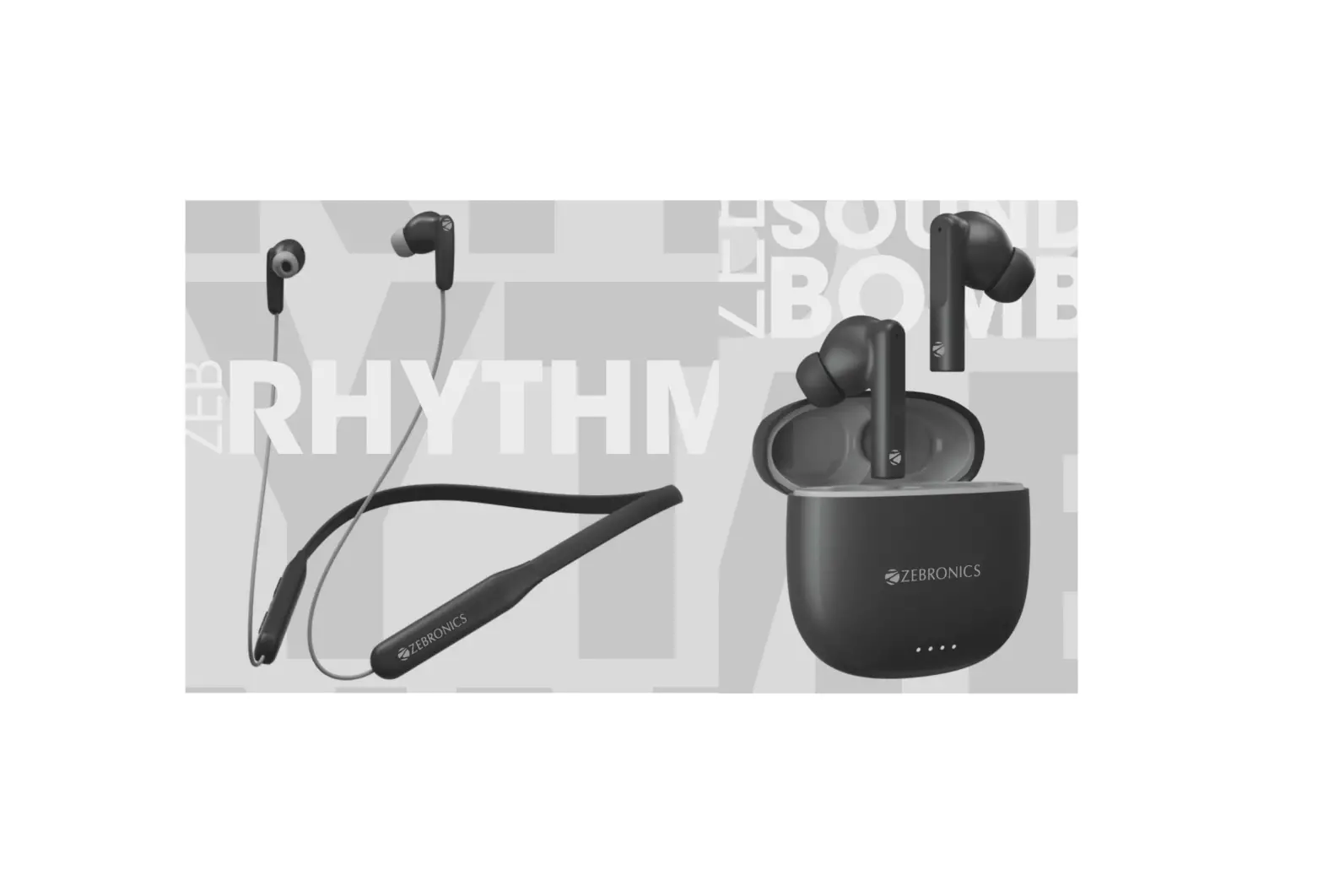
| Neckband | 1 U |
| Earbuds | 1 U |
| Earphone | 1 U |
| Charging Case | 1 U |
| Charging Cable | 2 U |
| Eartips | 10 U |
| QR Code Guide | 1 U |
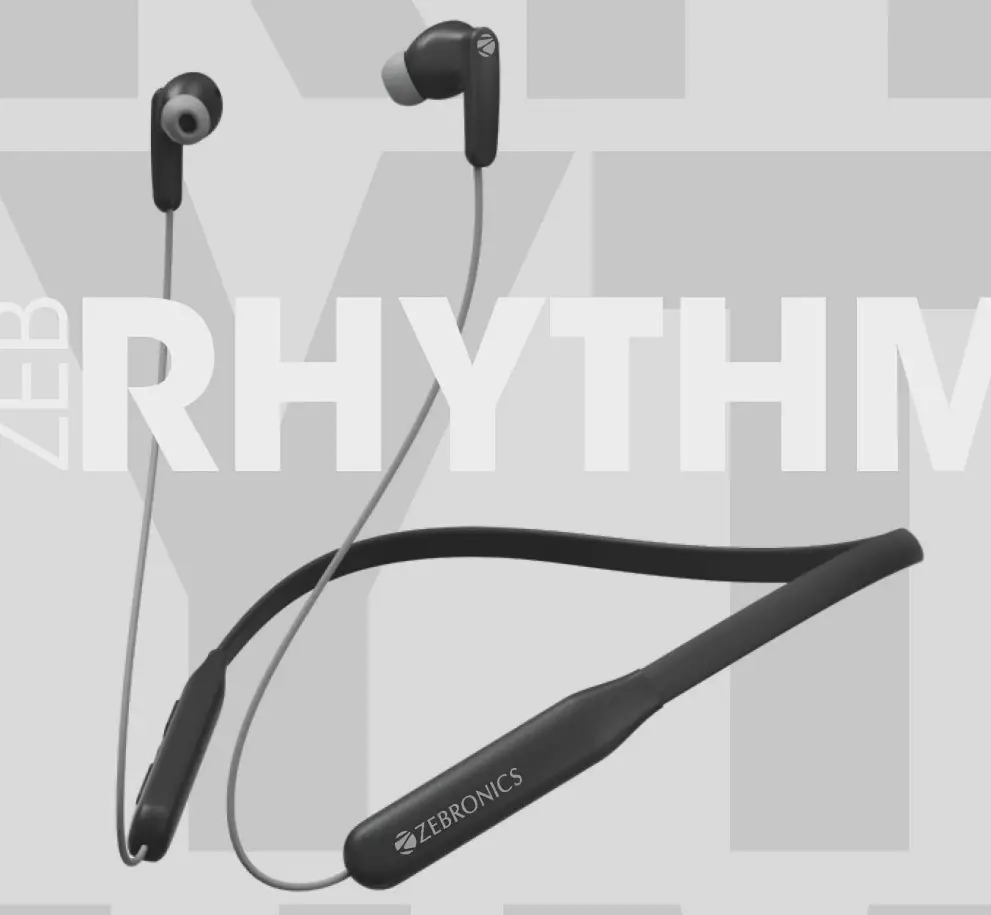
Features
- Wireless BT
- Voice Assistant support
- Volume/Media Control
- Call Function
- Built-In Rechargeable Battery
Specifications
| BT Version | 5.0 |
| Supported BT Profile | HSP / SPP / A2DP / AVRCP |
| Drive Size | 10mm |
| Speaker Impedance | 160 |
| Playback Time | 16h* |
| Charging Time | 1.5h |
| Talk Time | 11-13h* |
| Standby Time | 170h |
| Net. Weight | 26g |
Charging Instructions
Charging the Case
Connect the charging cable to the charging port of the neckband and connect the other end of the cable to the DC5V adapter.
Usage Instruction
BT Pairing Instructions
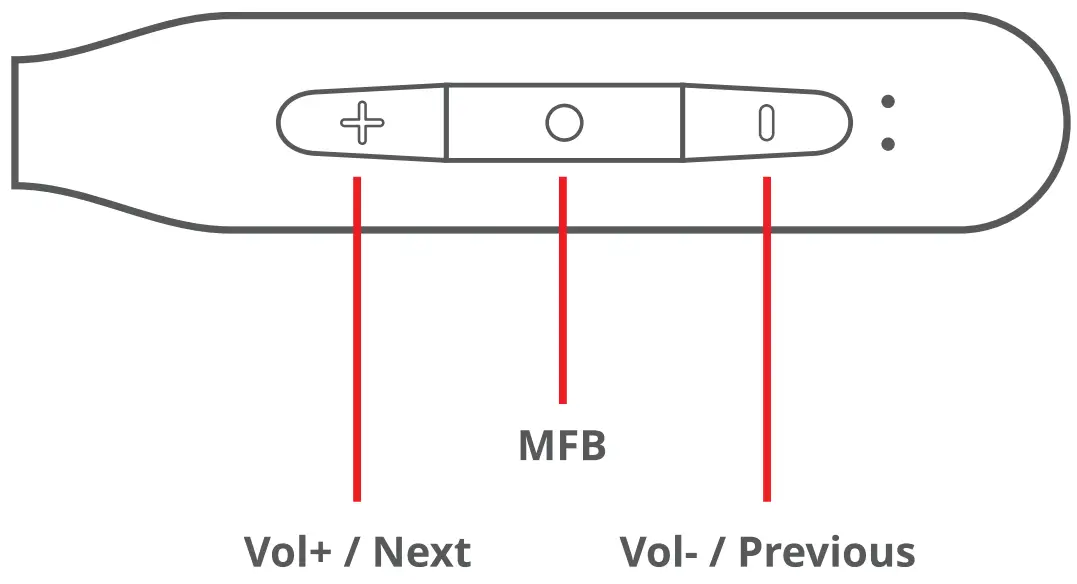
STEP 1 – Turn On the neckband by pressing & holding the M FB for few seconds.
STEP 2 – Now open the phone’s BT settings and pair the neckband by clicking on the “ZEBRHYTHM”.
Product Representation
Music Playback
- Single press the MFB once on either sides to Play/Pause the Track.
- Press & hold the’-‘ to play the Previous song.
- Press & hold the ‘+’ to play the Previous song.
- Single press’-‘ to decrease the volume.
- Single press’+’ to increase the volume.
- Press & hold the MFB for 3 sec to access voice assistance.
During Calls
- Single press the MFB to answer/ end the call.
- Press & Hold the MFB to reject the call.
Activating the Voice Assistant:
Once connecting the neckband via BT, Longpress the MFB buttons for 3 sec to wake up the Voice assistance of your smartphone.
Note: Smart phone should have an active internet connection to use the voice assistant function.
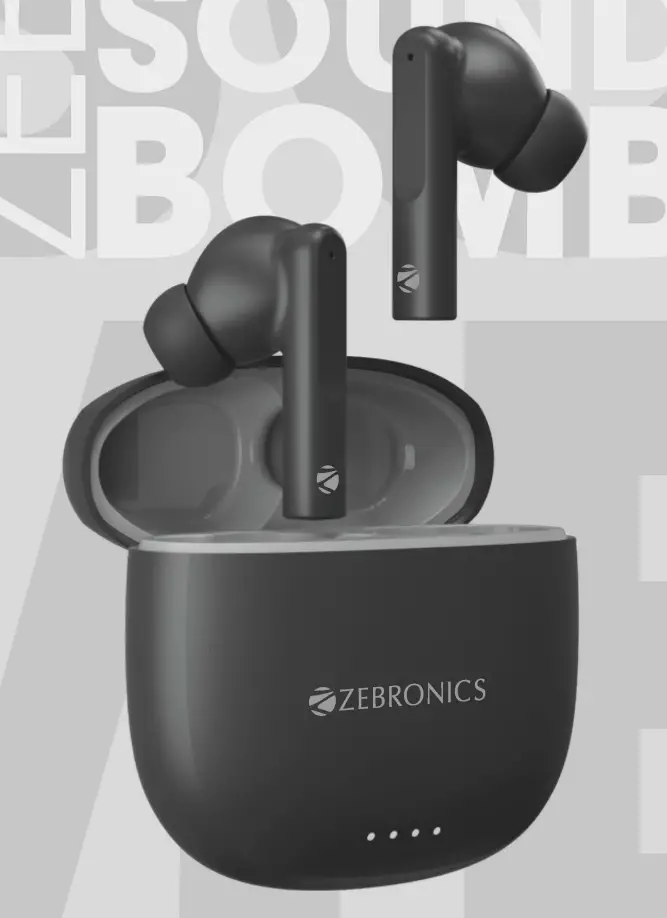
Features
- Wireless Stereo Sound
- Upto 16 h* battery life with Charging Case
- Voice Assistant Support
- Splash proof
- Call Function
- Type-C Charging
- Built-In Rechargeable Battery
Specifications
| BT Version | 5.2 |
| Supported BT Profile | HSP / SPP / A2DP / AVRCP |
| Drive Size | 13mm |
| Speaker Impedance | 32Ω |
| Playback Time | 4-5h* |
| Charging Time Earphone | 1 h |
| Case | 1.5h |
| Talk Time | 2.5-3.5h* |
| Standby Time | 25h |
| Case Dimension (W x D x H) | 60 x 58 x 26 mm |
| Net. Weight | 41.5g |
Usage Instruction
BT Pairing Instructions
STEP 1 – The earbuds will turn On once it is taken out from the case.
STEP 2 – The earbuds will pair with each other within 5 secs.
STEP 3 – Now open the phone’s BT settings and pair the earbuds by clicking on the “ZEB-SOUND BOMB”.
Product Representation
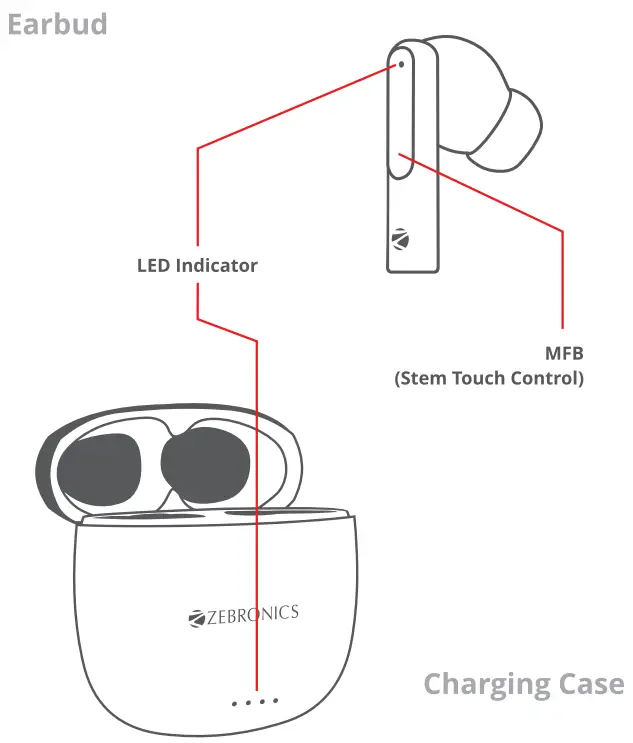
Music Playback
- Single Tap the MFB once on either sides to Play/Pause the Track.
- Double tap on Left side to play the Previous song.
- Double tap on Right side to skip to Next song.
- Touch & hold the either sides for 3 sec to access voice assistance.
During Calls
• Single tap the MFB on either side of the earbuds to answer I end the call.
• Press & Hold the MFB on either of the earbuds to reject the call.
Activating Smart Phone’s Voice Assistant
Once connecting the earbuds via BT, Long press the MFB buttons for 3 sec to wake up the Voice assistance of your smartphone.
Note: Smart phone should have an active internet connection to use the voice assistant function.
Charging Instruction:
Charging the Case
Connect the type-C cable to the charging port of the charging case and connect the other end of the cable to the DCSV adapter.
The charging case LED’s indicator will blink in a row, indicating that it is charging. The white LED will glow constantly indicating the charging case is full.
Charging the Earbuds
Put the earbuds in the respective charging slot of the charging case. Once placed in the charging case, the earbuds will charge automatically.
ISO 9001:2015 Certified Company
www.zebronics.com