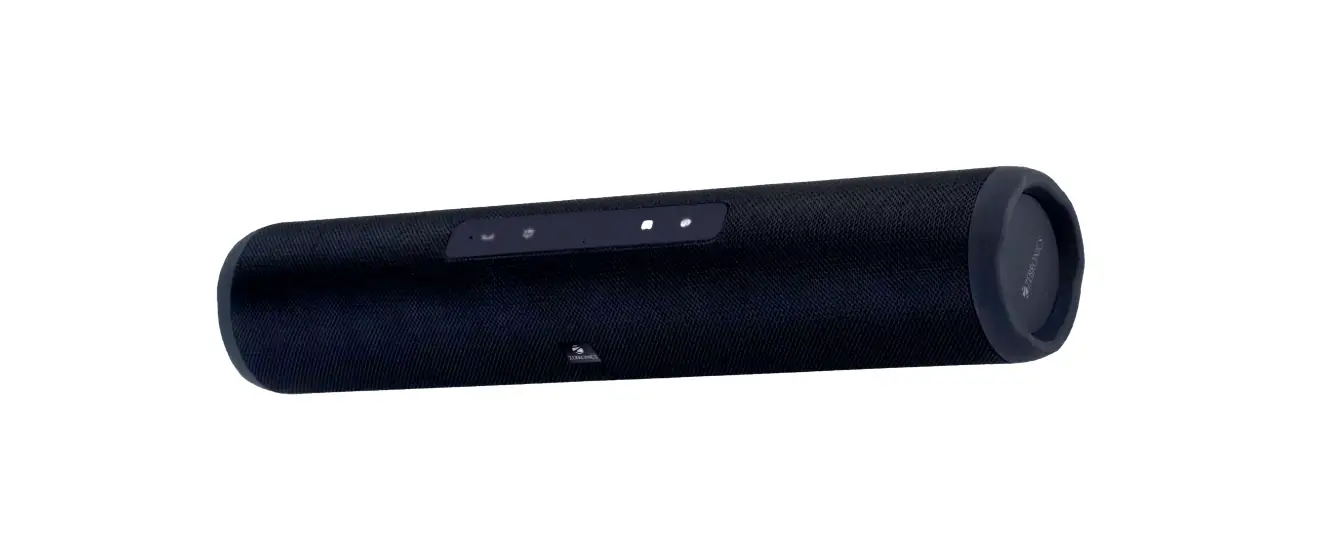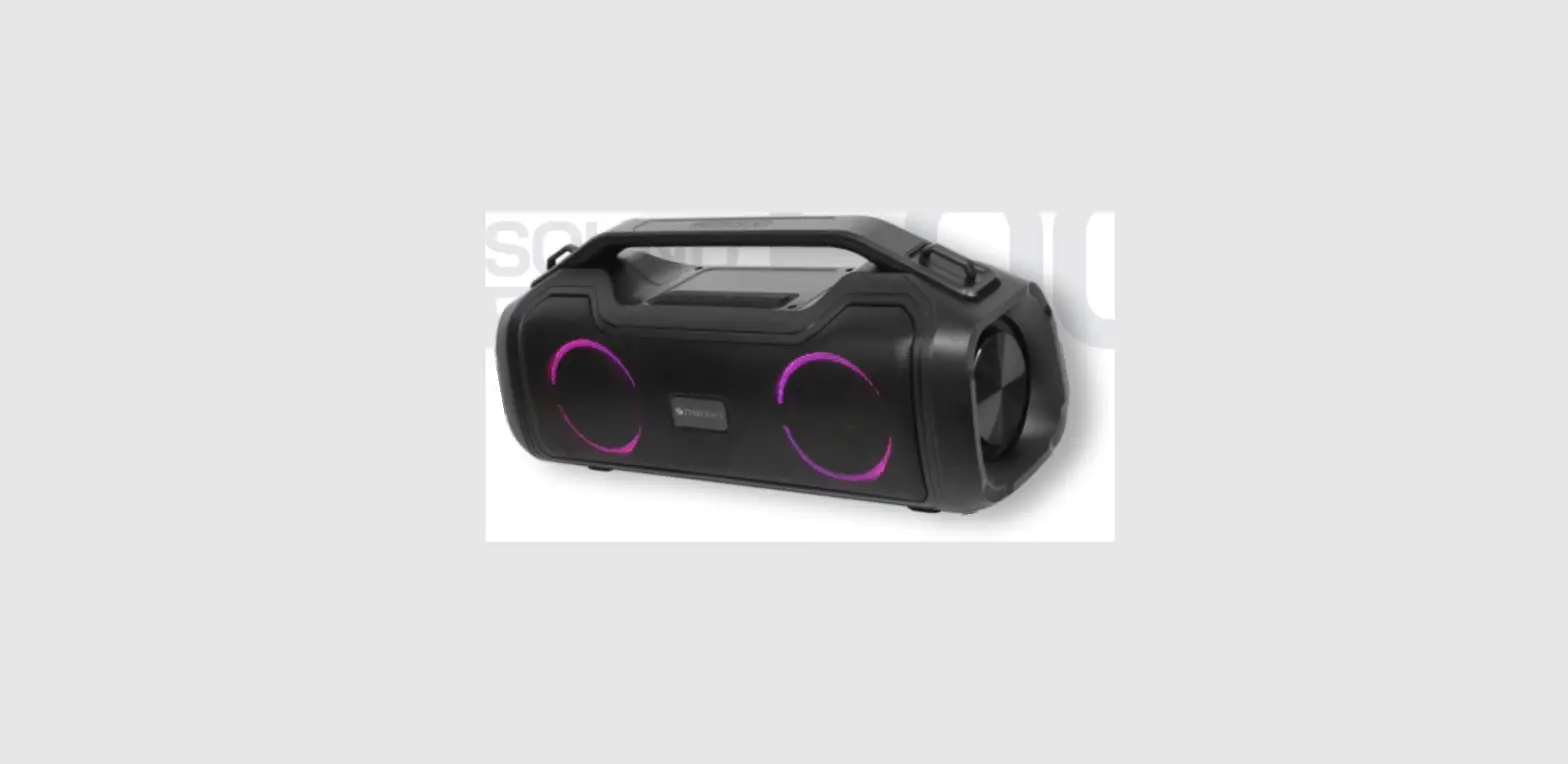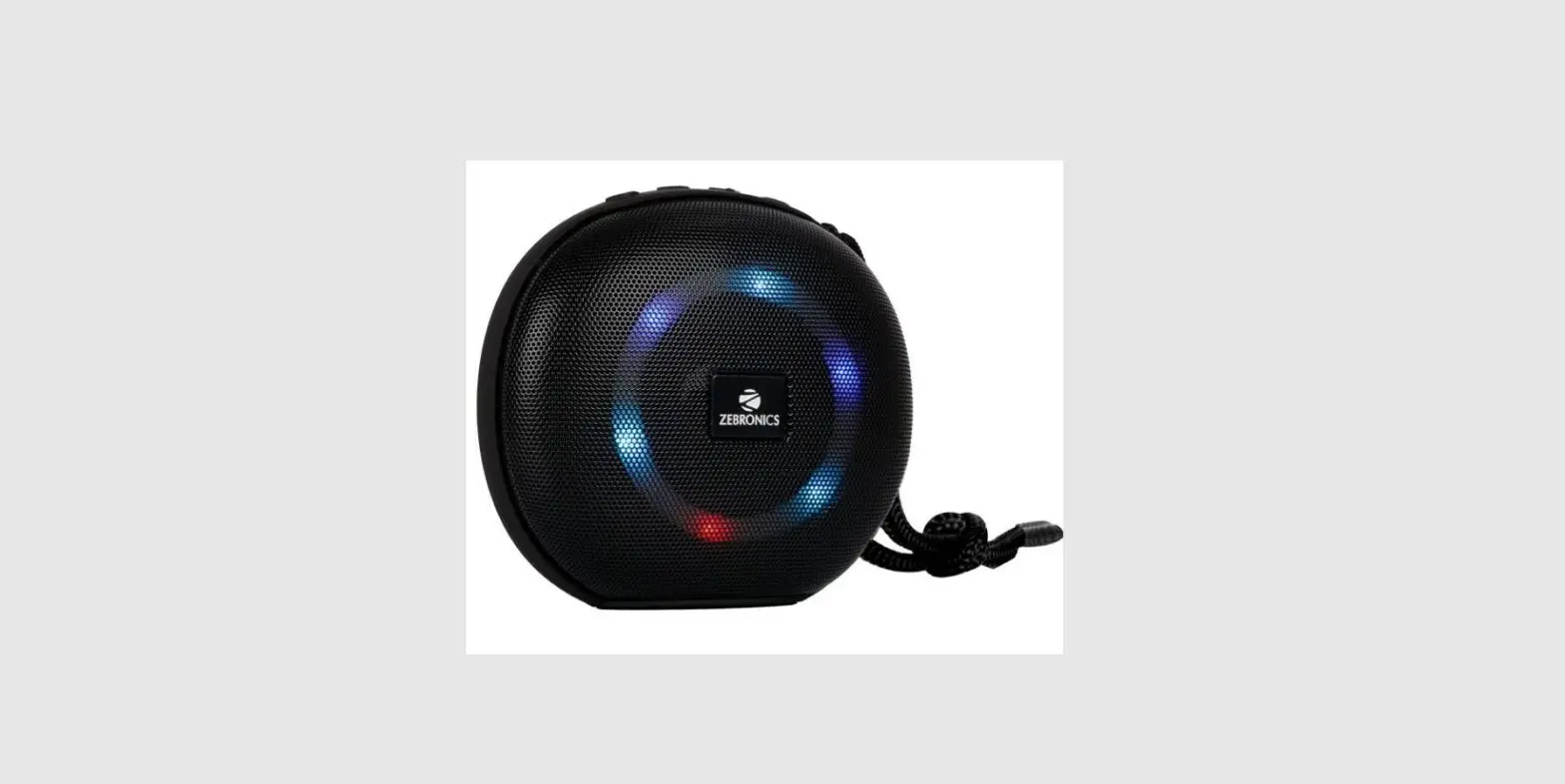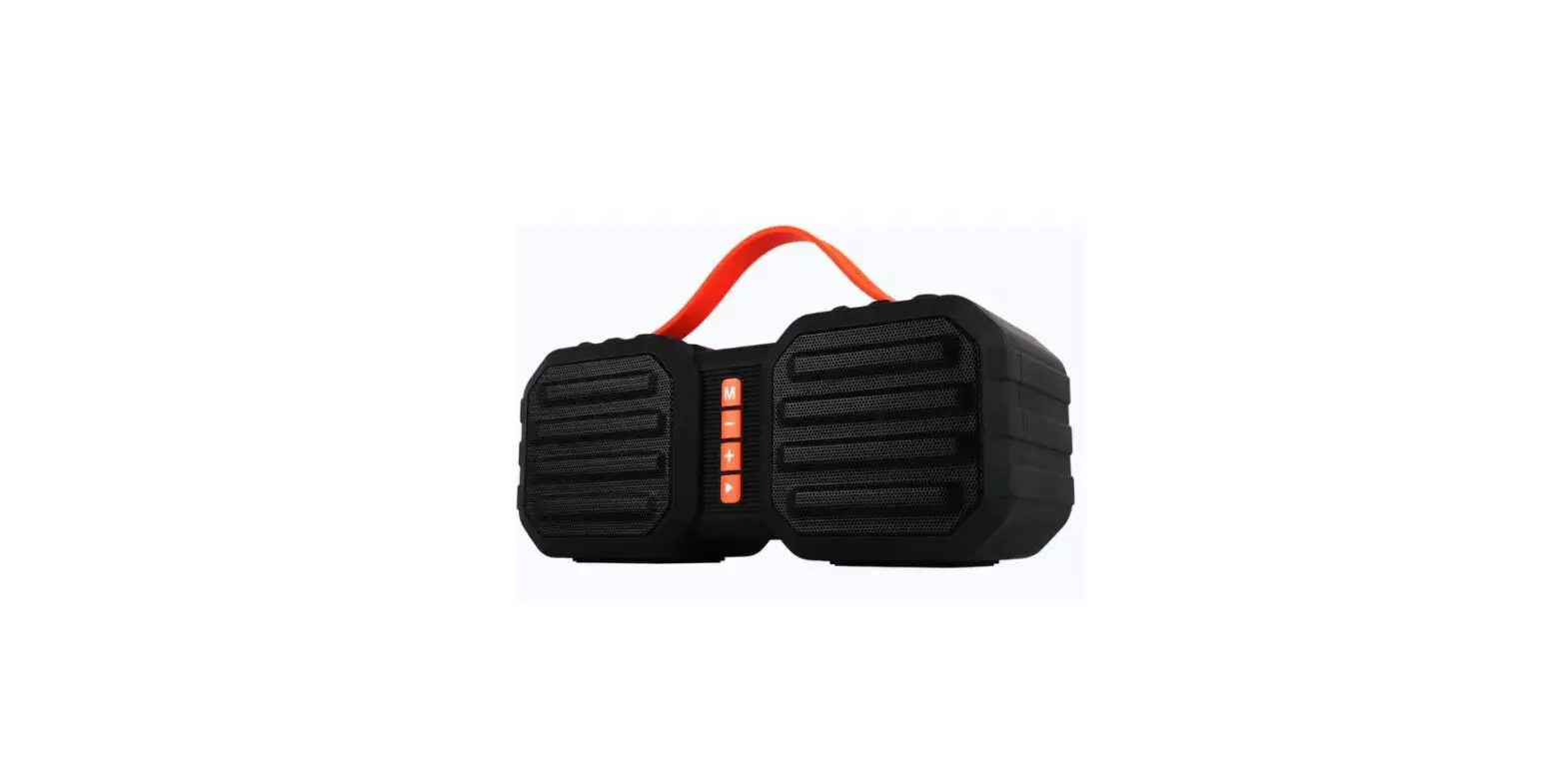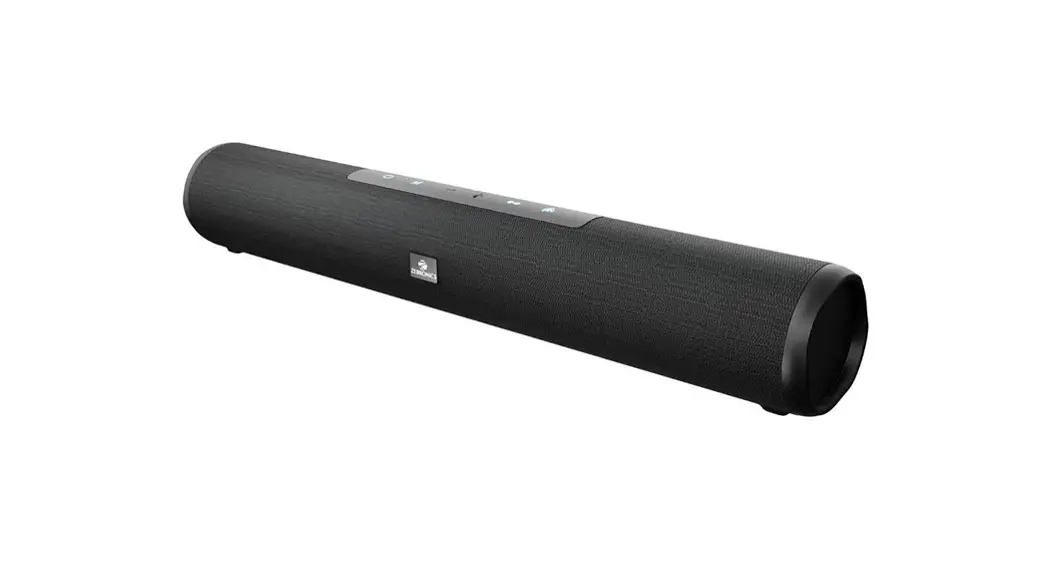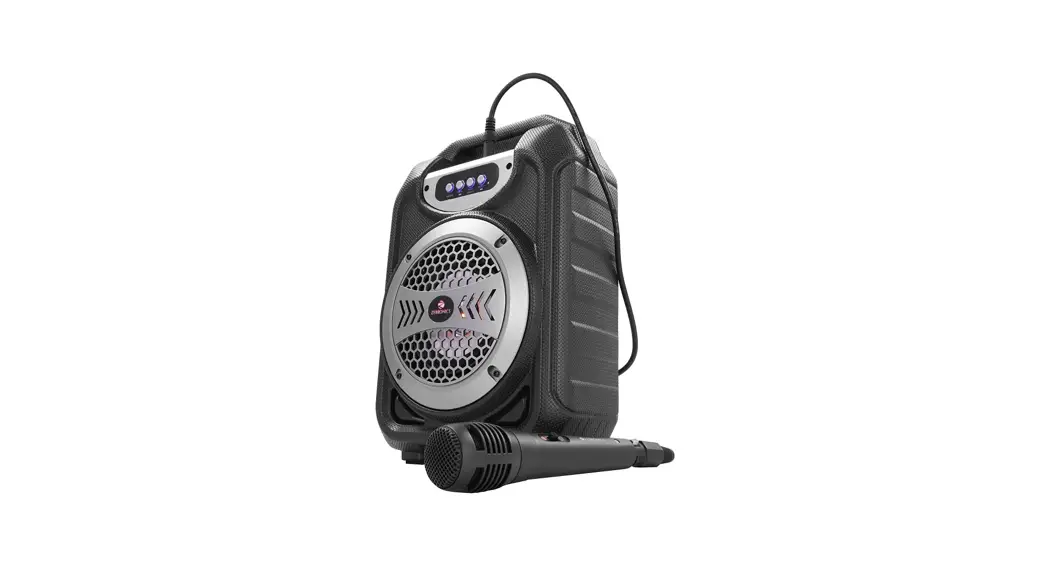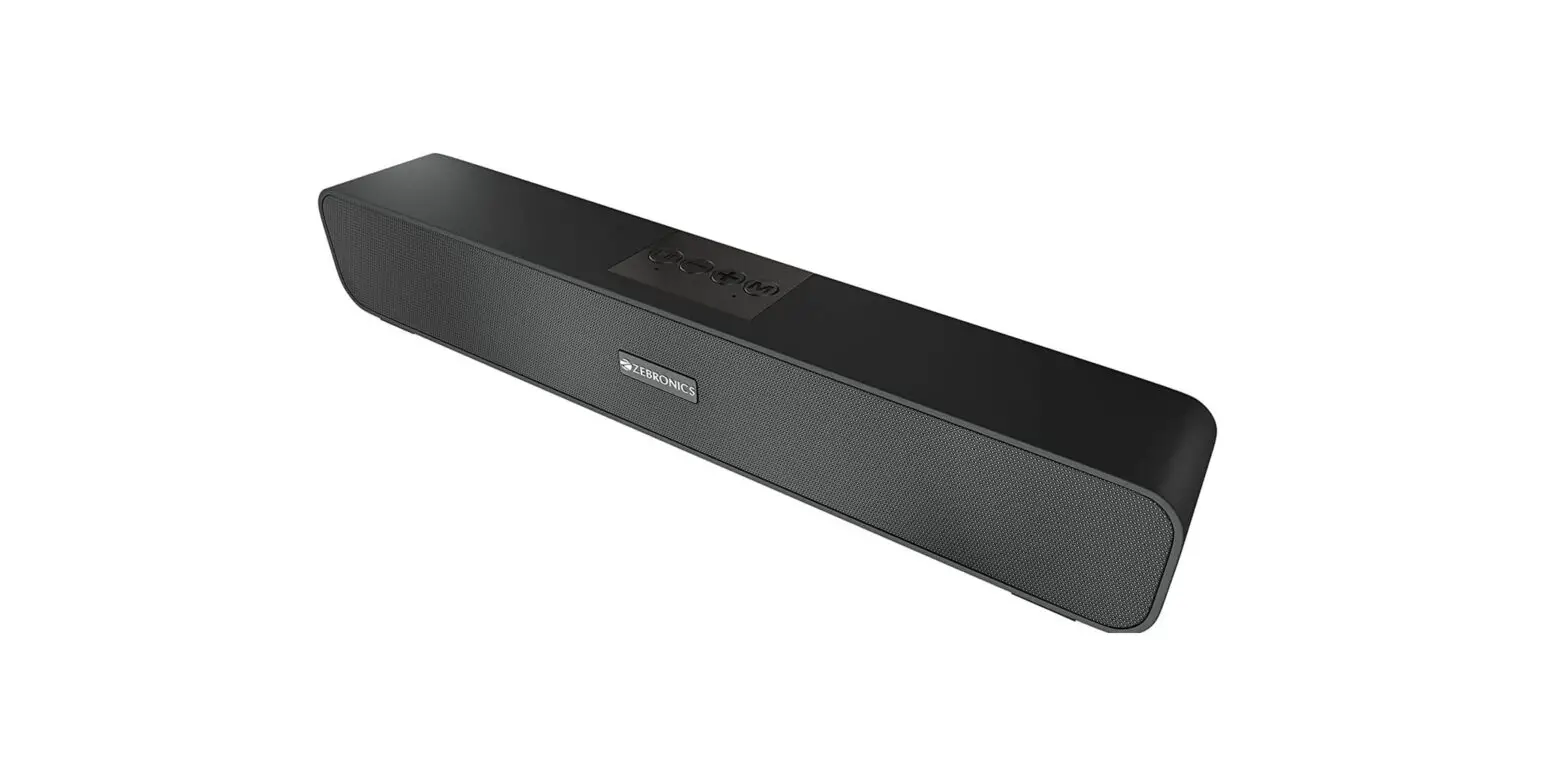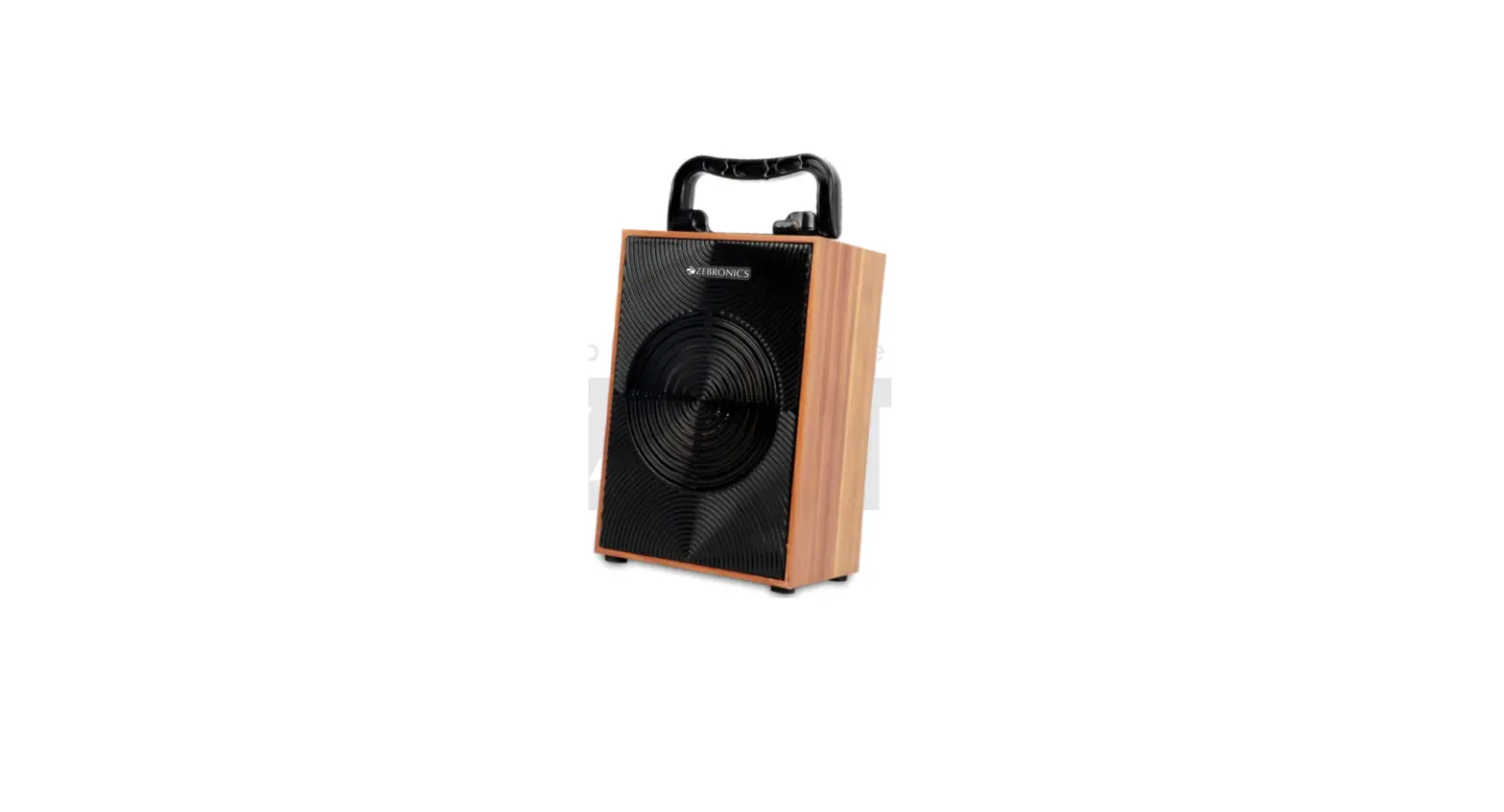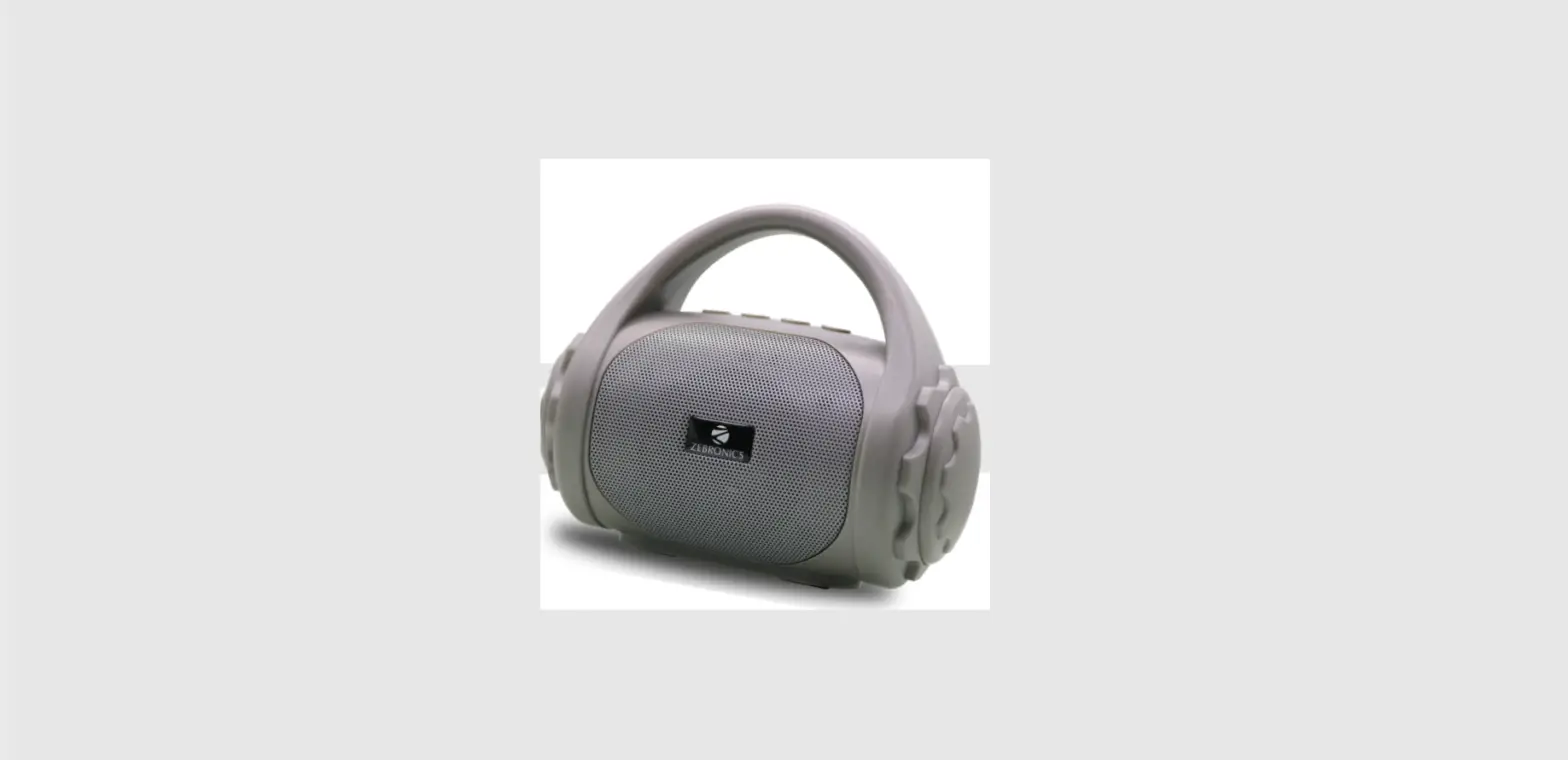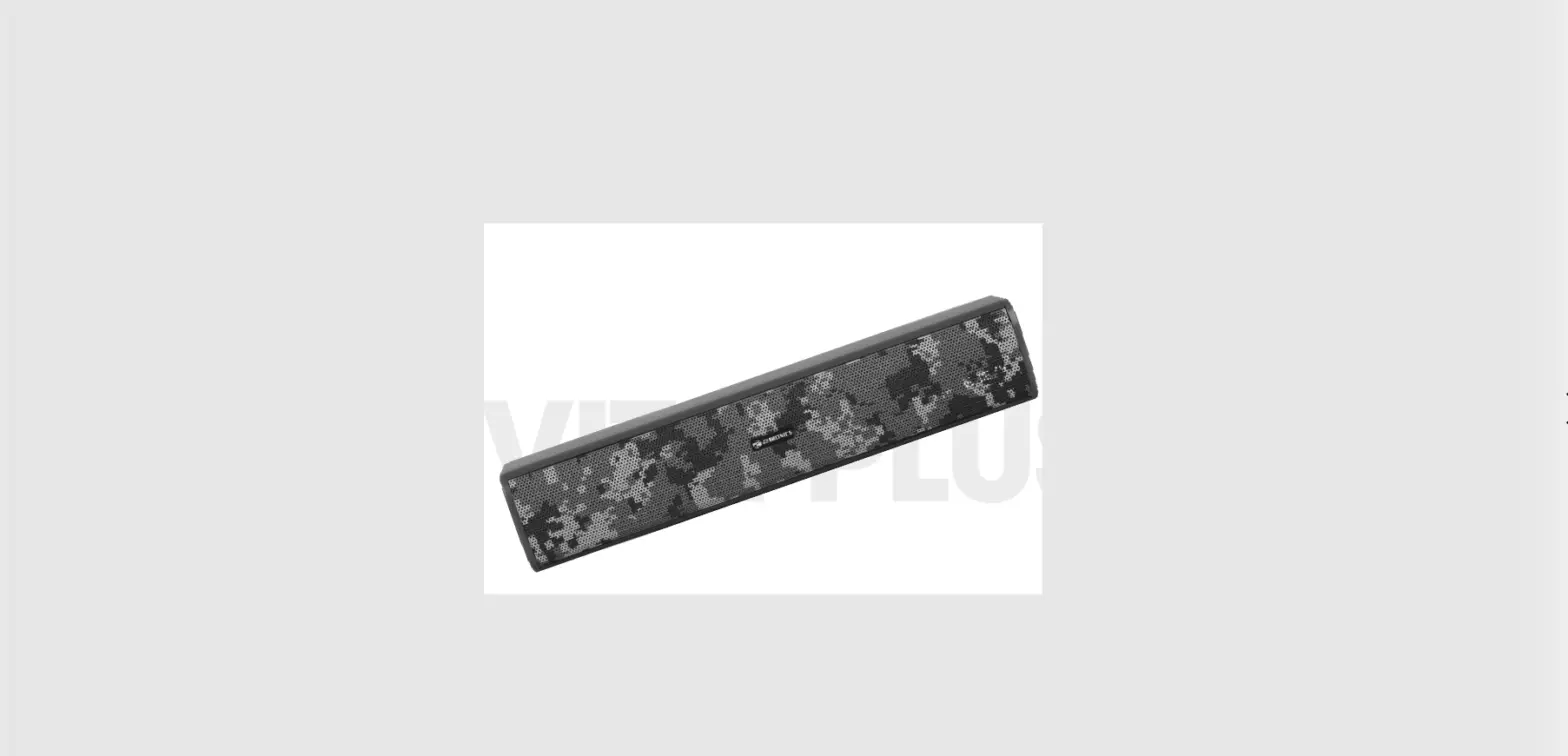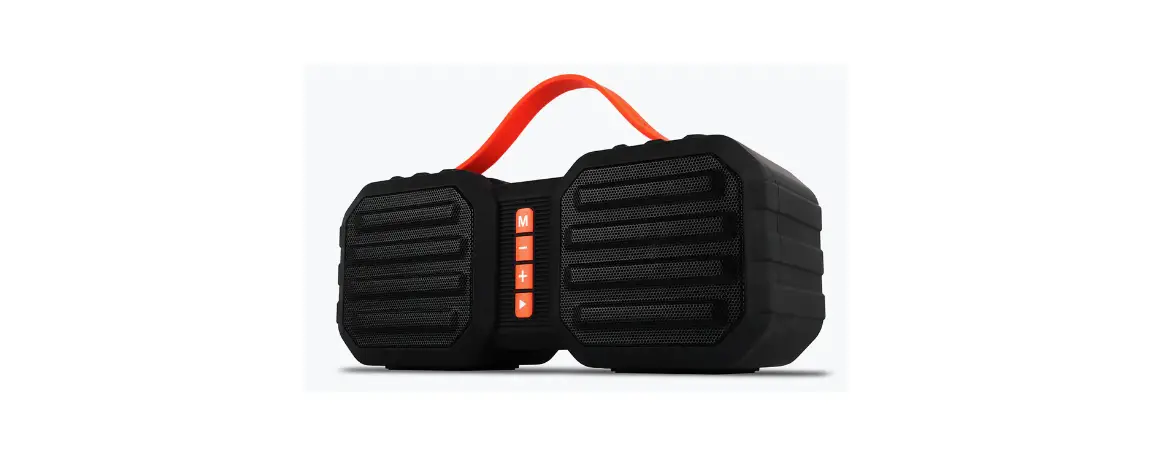

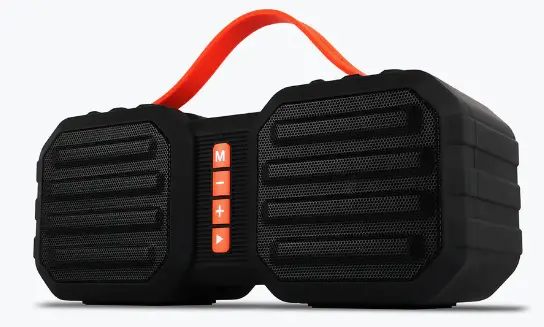
ZEBRONICS ZEB SOUND FEAST 50 Portable BT Speaker
Dear Customer,
Thank you for purchasing ZEB-SOUND FEAST 50 Portable Bt Speaker. Please read the user manual carefully before usage & save it for future reference.
Features
- Wireless BT
- Supports USB & mSD card
- Built-in FM Radio
- AUX Input
- Call Function
- Media / Volume control
- Built-in Rechargeable battery
Specifications
- Output Power (RMS) 7W)
- BT Version: 14W(7W+: 5.0
- Driver Size : 57mm x 2
- Speaker Impedance : 30
- Frequency Response : 20Hz-20kHz
- S/N Ratio : 80dB
- Max Supported USB memory size : 128G B
- Supported Audio formats : MP3, WAV, WMA,
- Charging time: 5 H
- Playback time :20H*
- Product Dimension (W x D x H) 230 x 80 x100mm
- Net. Weight: 710g
Package Contents
- Speaker: 1U
- Charging cable 1U
- AUX cable: 1U
- QR Code Guide: 1U
Product Details 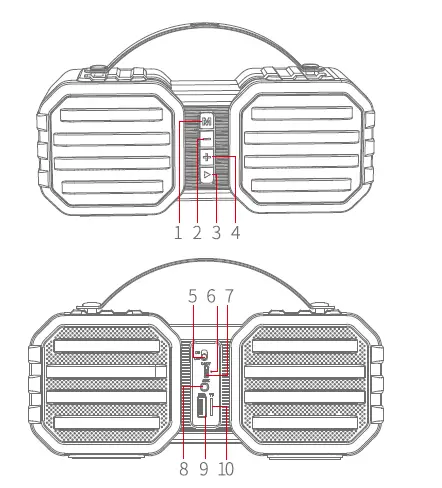
- Mode Switching
- PREVIOUSNOL-
- MFS/PLAY/PASUE
- NEXTNOL+
- Power switch
- LED indicator
- Micro USS charging port
- AUX in
- USS Port
- Micro SD card slot
Power On/off
Toggle the slide button to turn On/Off the speaker
Bluetooth
- Once the speaker is on, Please make sure that the speaker is in BT mode.
- Now, search for nearby BT device in your mobile and Tap on the BT name ZEB-SOUND FEAST 50 to connect.
- Long-press”+” or” -“to control the media
- Short-press”+” or” -“to adjust the volume
- Short press” Play/Pause” to play/Pause the music
- Long-press” TWS “to activate voice assistant Siri/Google Assistant.
USB Mode
- Once the speaker is ON, Insert a USB pen drive to the speaker
- The speaker will automatically detect the songs from the pen drive and play
- Long-press”+” or” -“to control the media
- Short-press”+” or”-“to adjust the volume
- Short press” Play/Pause” to play/Pause the music
FM Radio
- Once the speaker is turned ON, Please switch the speaker to FM mode using the Mode button.
- Press and hold the II Play/Pause II key to auto scan the available FM channels.
- Long-press”+” or” -“to change the scanned FM channels
- Short-press”+” or”-“to adjust the volume
Note: Please use Aux cable as antenna for better FM signal reception.
TWS Function
- Turn on two ZEB-SOUND FEAST 50 speakers you want to pair
- Long press the II Mode II button on any one speaker to activate TWS mode.
- After Few seconds, both the speakers will be connected successfully.
- Now, search for nearby BT device in your mobile and Tap on the BT name ZEB-SOUND FEAST 50 to connect.
- To exit TWS mode, long Press II Mode” button again.
Note: Please use Aux cable as antenna for better FM signal reception.
TWS Function
- Turn on two ZEB-SOUND FEAST 50 speakers you want to pair
- Long press the II Mode II button on any one speaker to activate TWS mode.
- After Few seconds, both the speakers will be connected successfully.
- Now, search for nearby BT device in your mobile and Tap on the BT name ZEB-SOUND FEAST 50 to connect.
- To exit TWS mode, long Press II Mode” button again.
Note: Users need to make TWS connection first, then make Bluetooth connection with the mobile phone.
AUX-IN
Connect one end of the AUX Cable to the speaker & connect the other end to an audio source. The songs played from the audio source can be heard through the speaker.
Charging instruction
Connect Micro USB cable to the speaker & connect the other end of the cable to a SV DC adapter.
Note:
- Don’t keep the speaker near places which are at high temperature.
- Don’t open the speaker in order to avoid electrical shock & other accidents
- Turn off the speaker if the speaker is not being used for a long period of time
ISO 9001:2015 Certified Company
www.zebronics.com