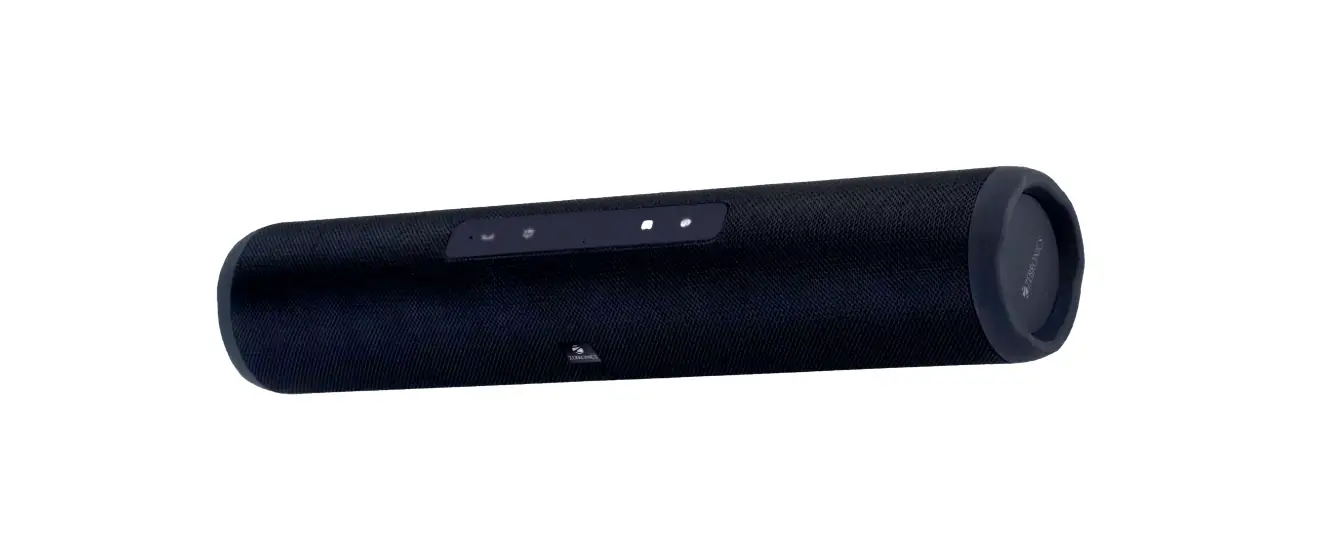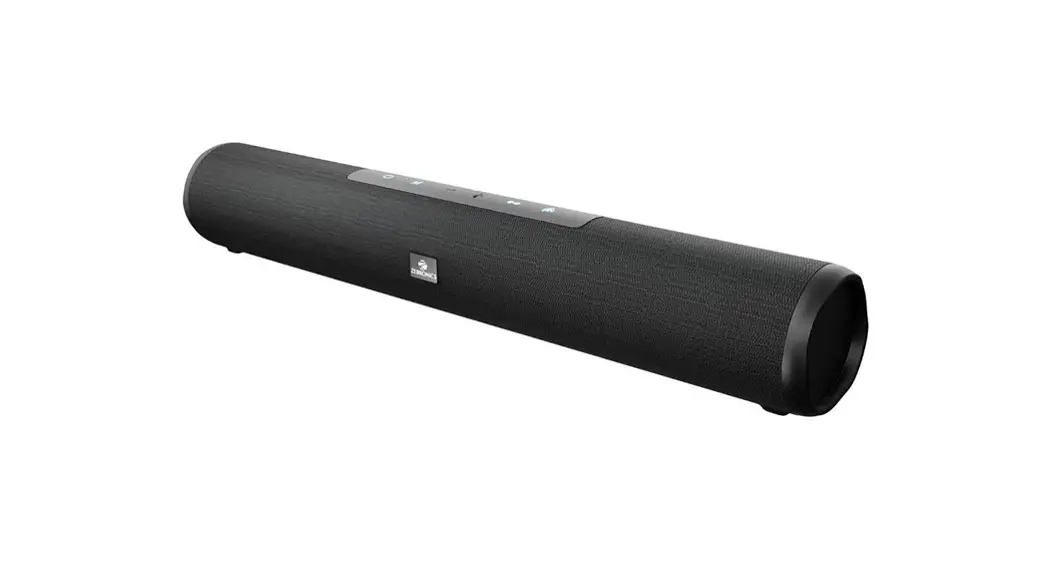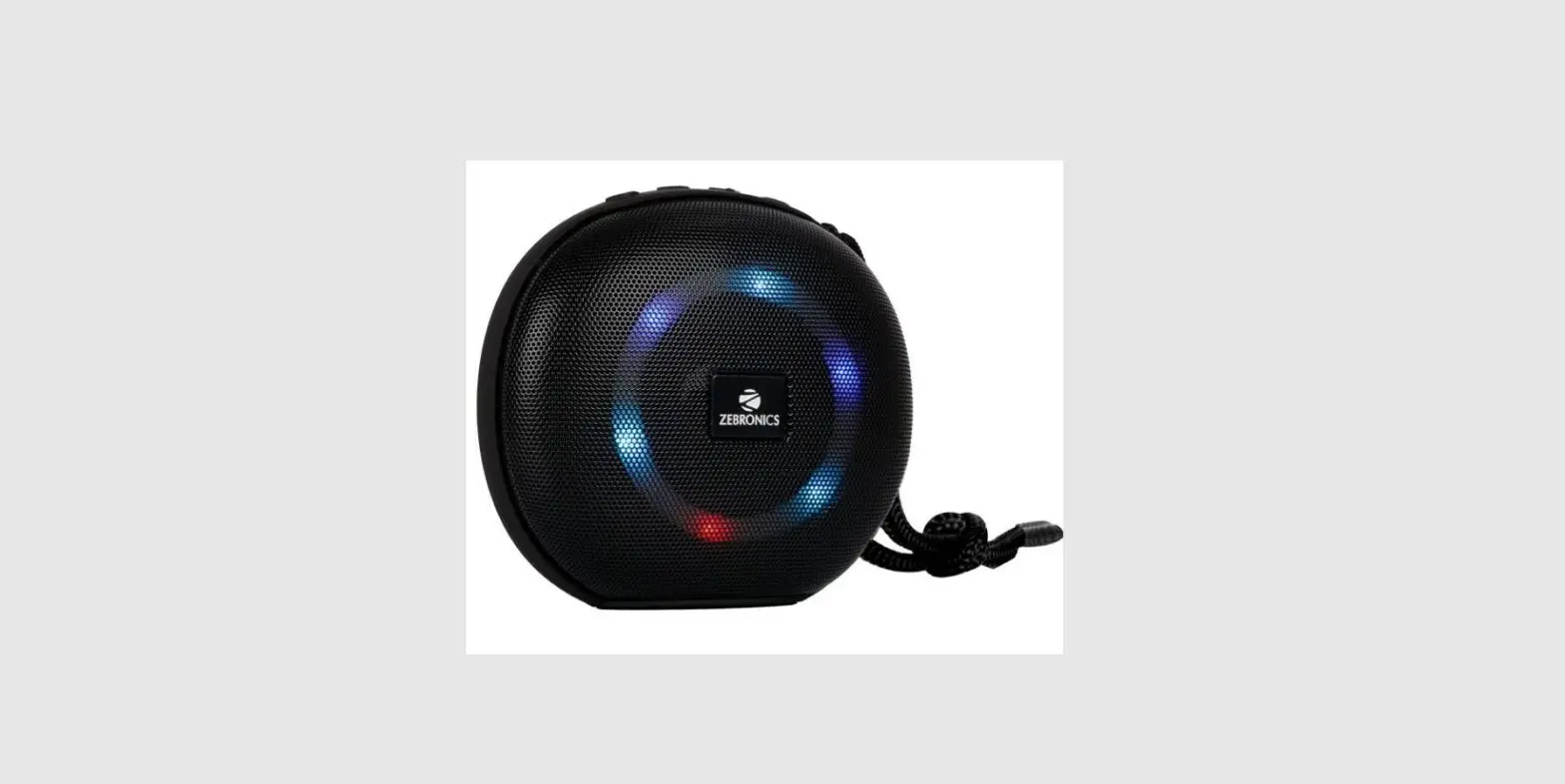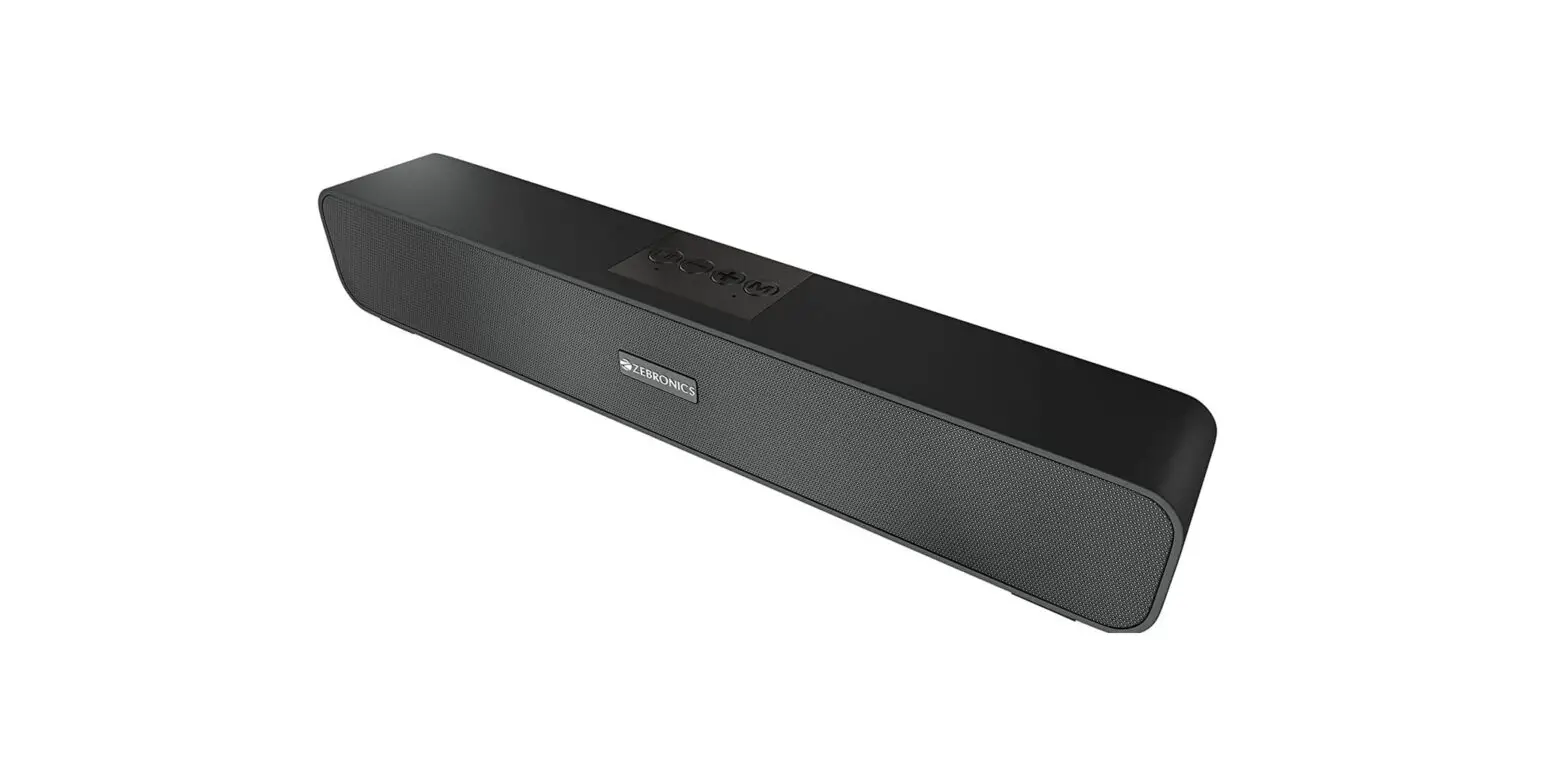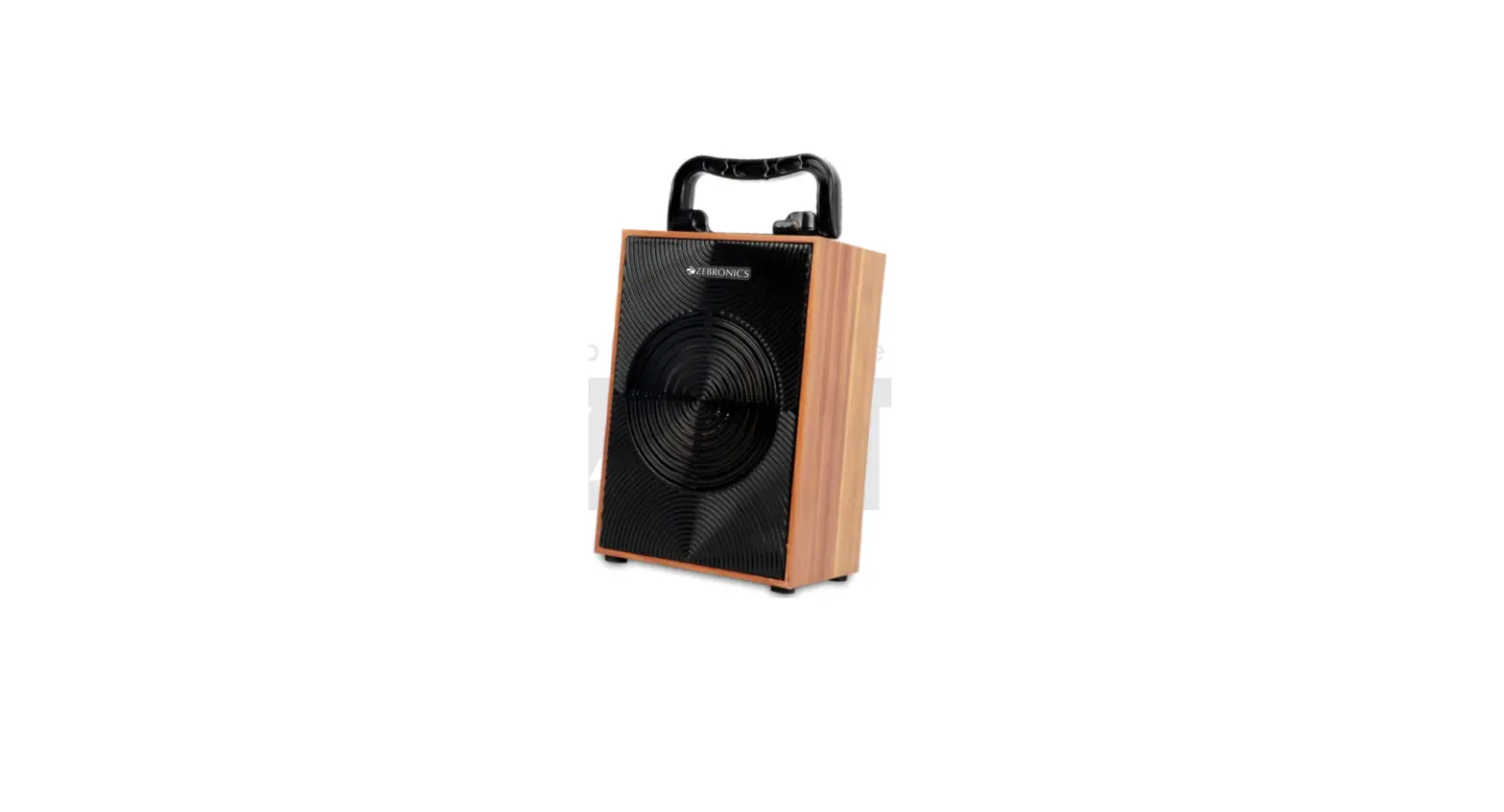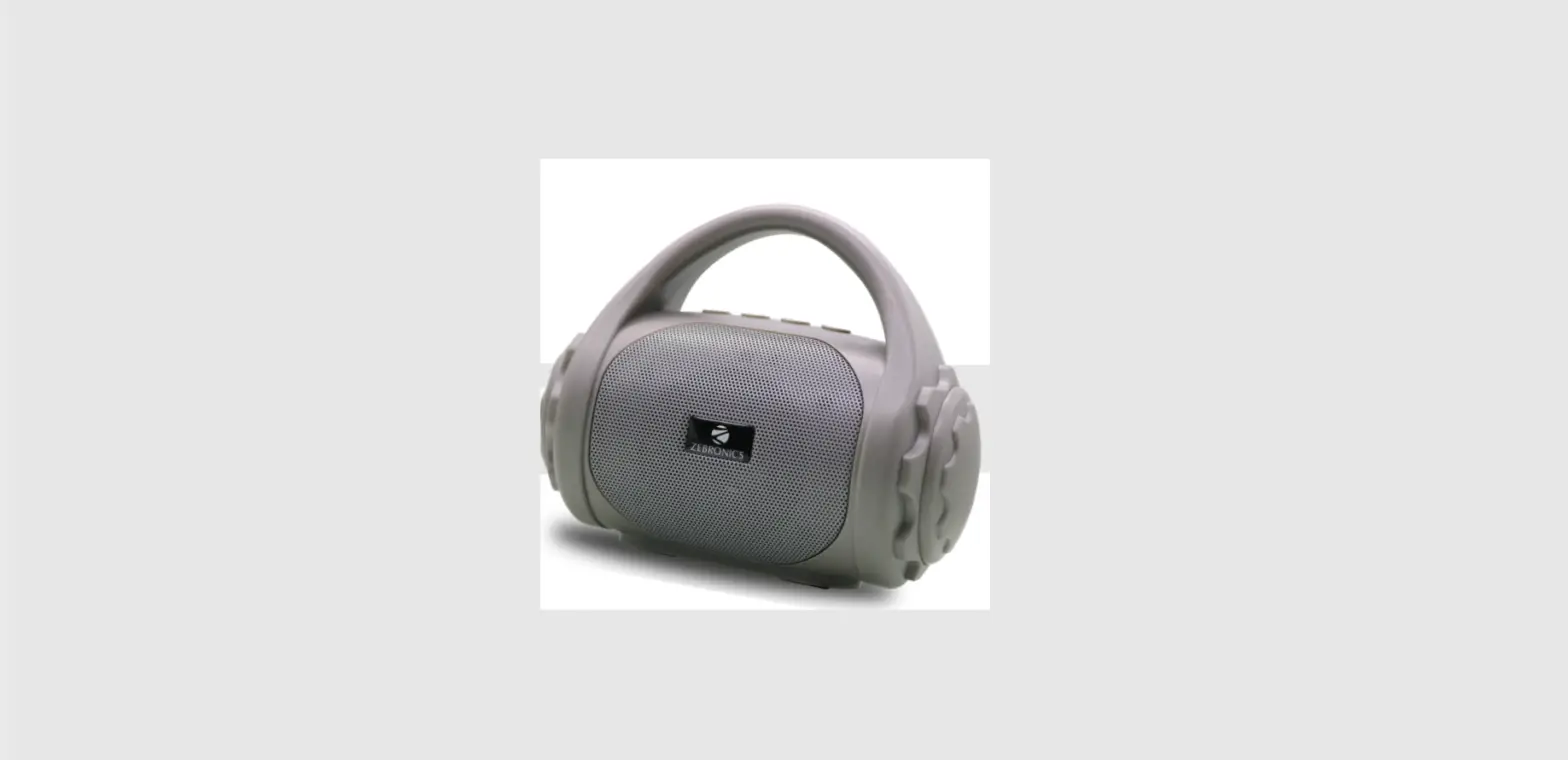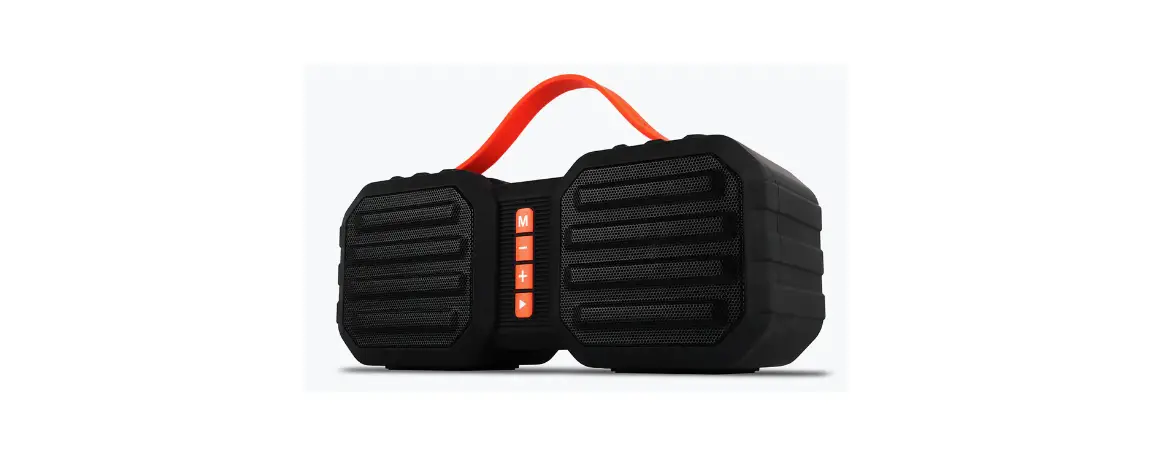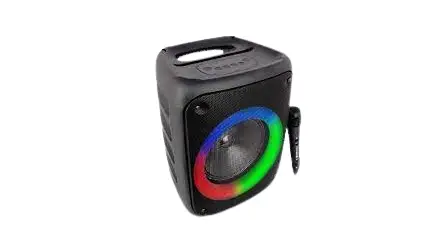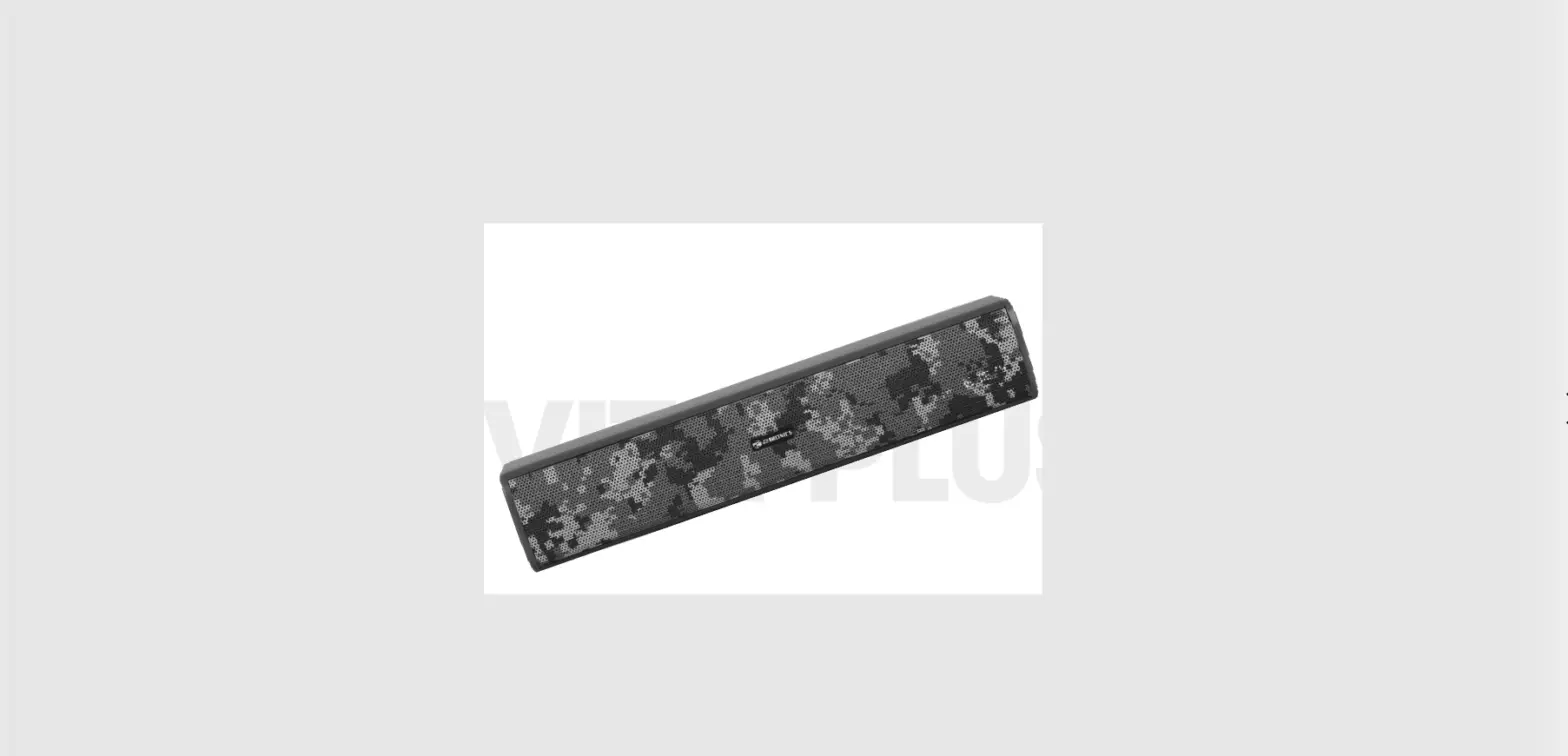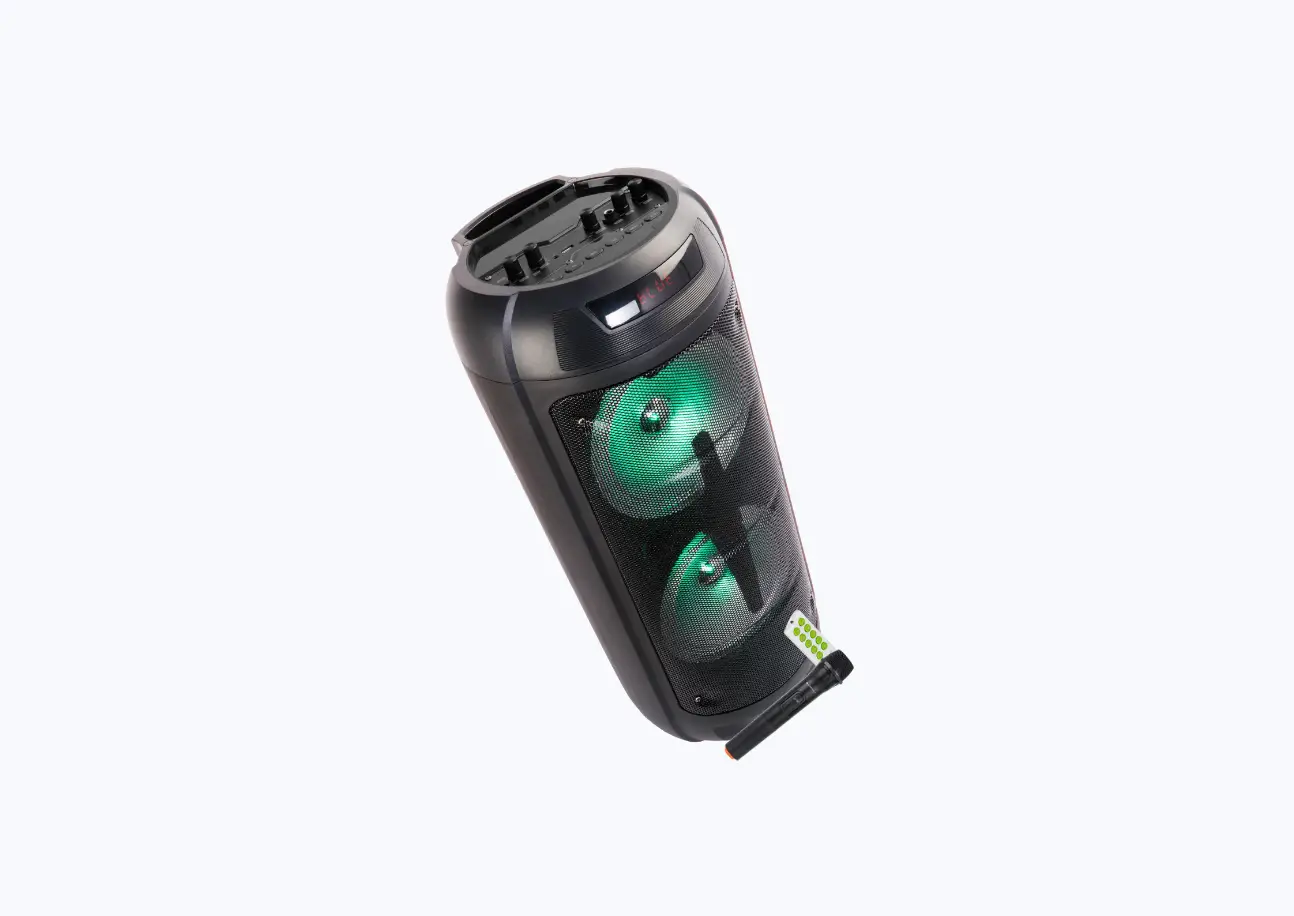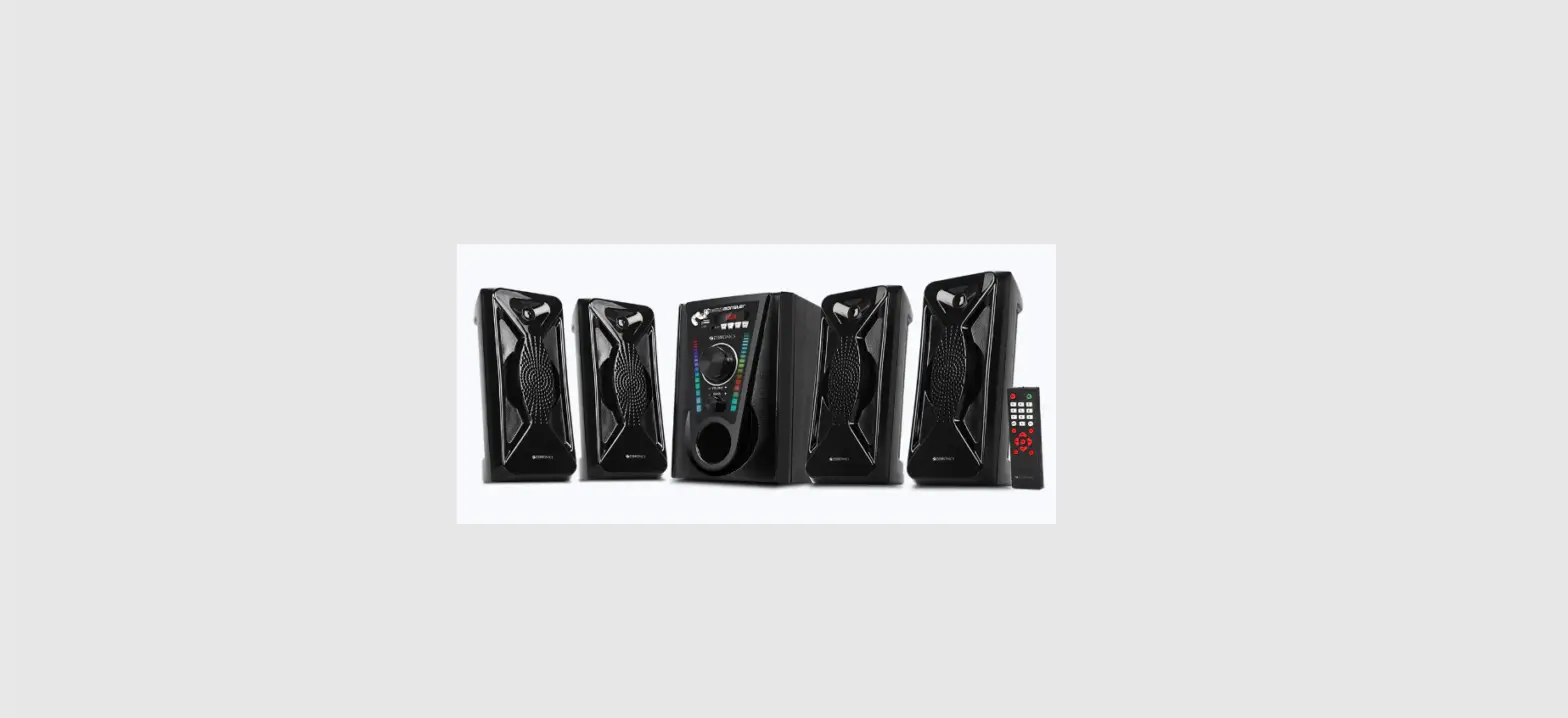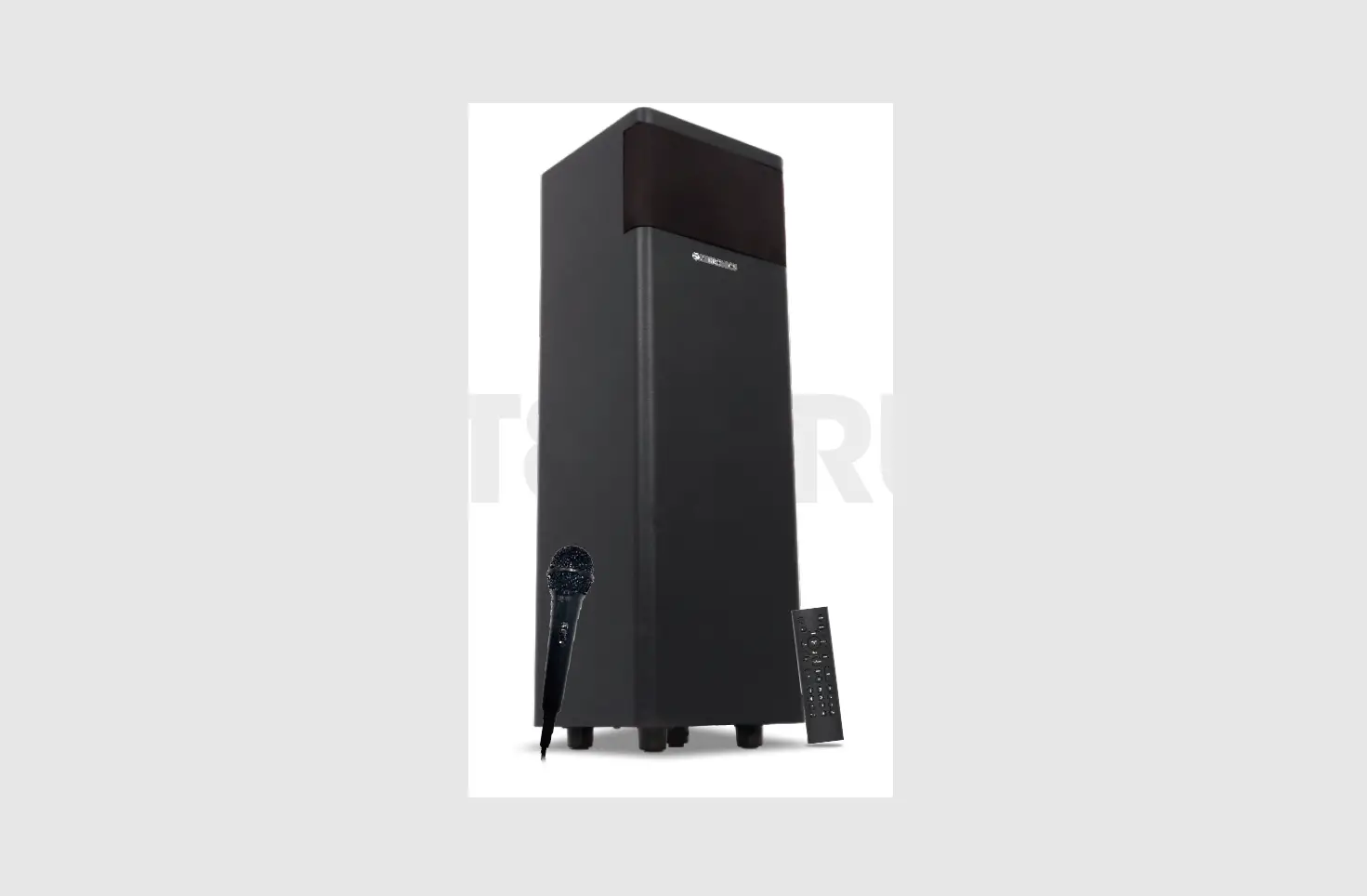
 Portable BT Speaker
User Manual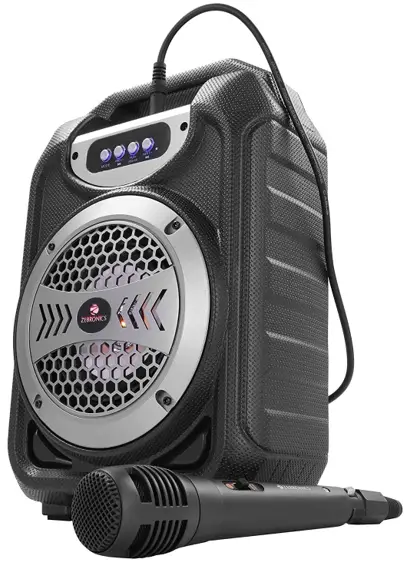
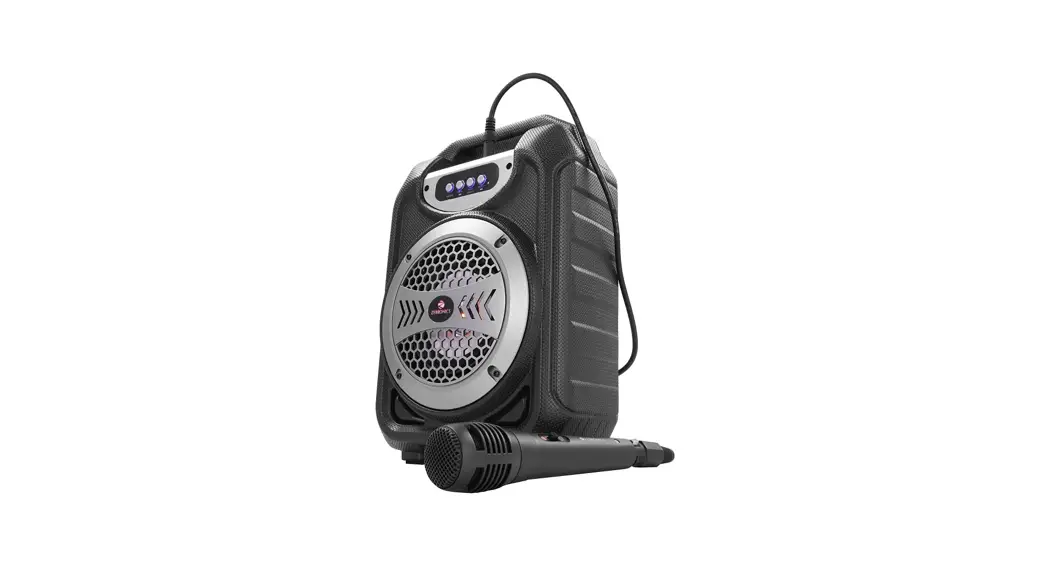
Thank you for purchasing ZEB-ACE Portable BT Speaker. Please read this user manual carefully before operating & save this user manual for future reference.
Features:
| Wireless BT Supports USB & mSD Card Built-In FM Radio AUX Input | Media /Volume Control Wired Mic Built-in Rechargeable Battery RGB Lights |
Specification:
| Output power (RMS) : 8W BTVersion :v5.0 Driver size : 10.2cm Speaker impedance:4Ω Frequency response : 200Hz-20kHz S/N Ratio :≥80dB | Max. supported USB/mSD memory size : 32GB Supported Audio formats: MP3 Charging time :3h Playback time : 3h* Product dimension : 204 x 127 x 304 mm (Wx D x H) Net. weight: 870g * at 50% Volume |
Keys & Ports Description
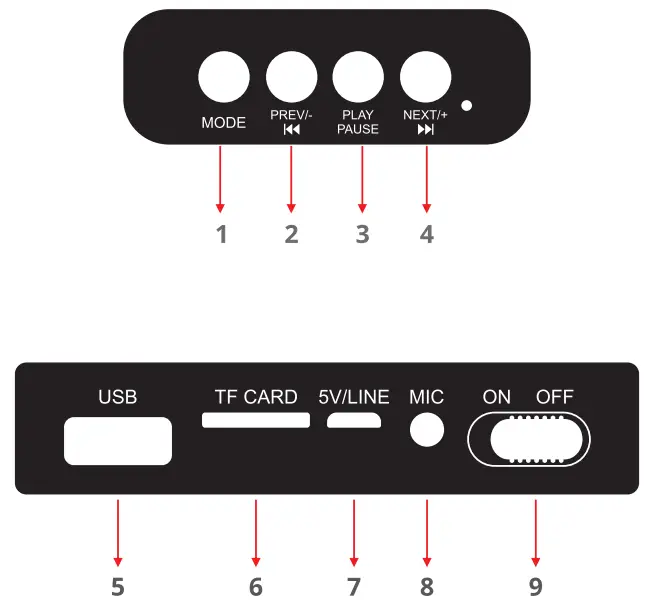
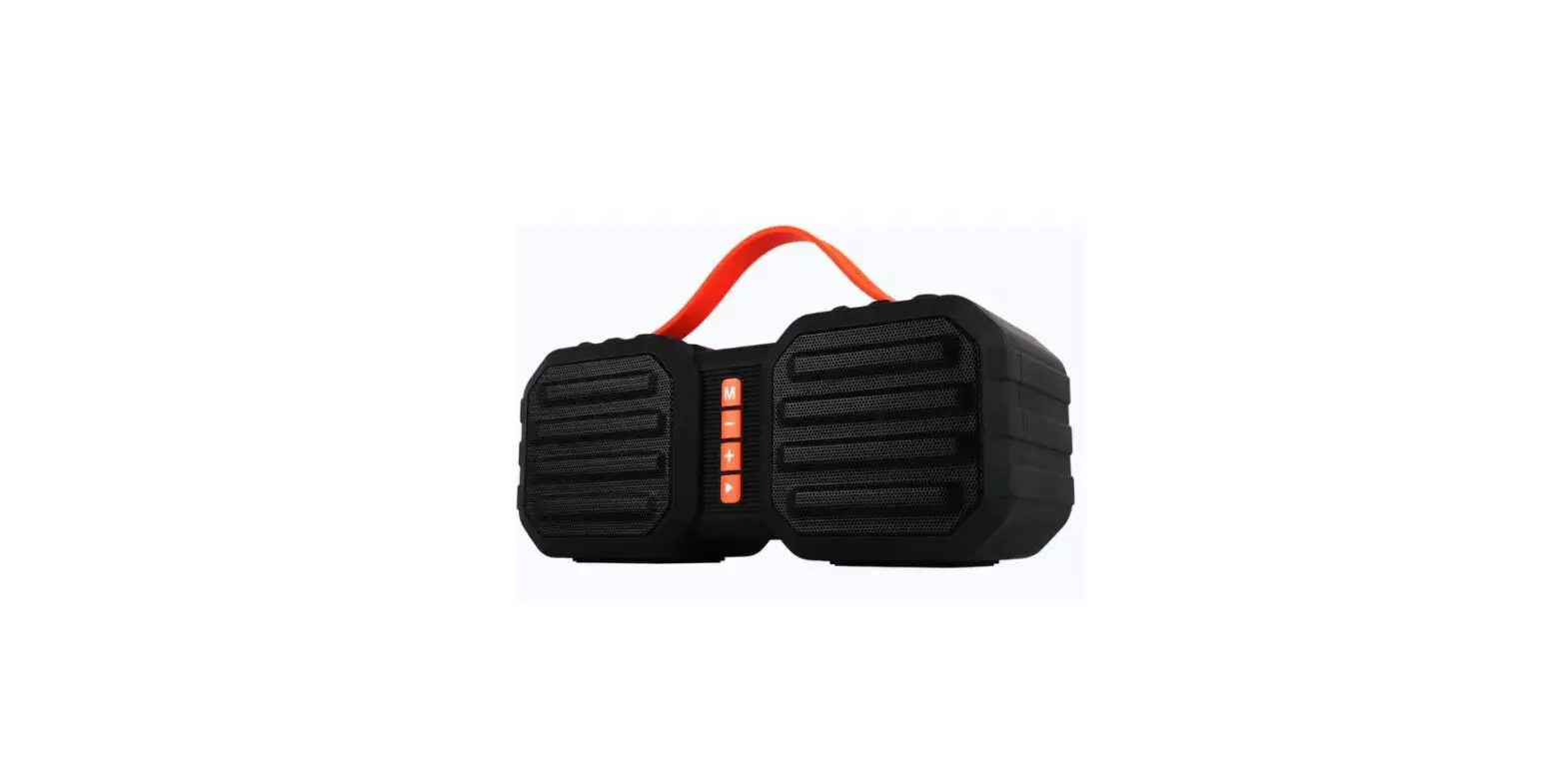
- Mode Change Key, RGB On-Off Control Key (Long Press)
- Volume-/Previous track(in BT/USB/mSD Card Mode) or FM channel
- Play-Pause/FM Auto Scan Key
- Volume+/Next Track (in BT/USB/mSD Card Mode) or FM Channel
- USB Port
- TF/Micro SD card slot
- Micro USB Charging Port
- 3.5mm Mic input
- On-Off Switch
General Instructions:
BT Connectivity
Turn on the speaker & make sure that the speaker is in BT Mode. Search for nearby BT devices on your mobile & tap on the BT name “ZEB-ACE” to connect.
FM Radio
Switch the speaker to FM mode. Press the Play-Pause key once to scan the available FM channels. Once the scanning is done the speaker will start playing the first saved FM channel.
USB/ Micro SD Card Mode
When the speaker is ON, insert the USB or Micro SD card into the speaker. It will detect the USB or Micro SD card automatically & start playing the songs from it.
AUX Mode
When the speaker is ON, connect the Micro USB end of the AUX cable to the speaker & connect the other 3.5mm end to an audio source. Now the songs played through the audio source can be heard through the speaker.
Charging Instruction
Connect the Micro USB cable to the product & connect the other end of the cable to a 5V DC adapter.
LED Indications:
Charging indication: Red LED glows
Full charge indication: Red LED goes OFF
Mic Connectivity Instruction
Connect the included Mic to the 3.5mm Mic input of the speaker. Use the slide switch on the Mic to On/Off the Mic.
Note: Connected Mic will work in all modes.
ISO 9001:2015 Certified Company
www.zebronics.com