 ProASIC3/E Proto Kit
Quackster Card
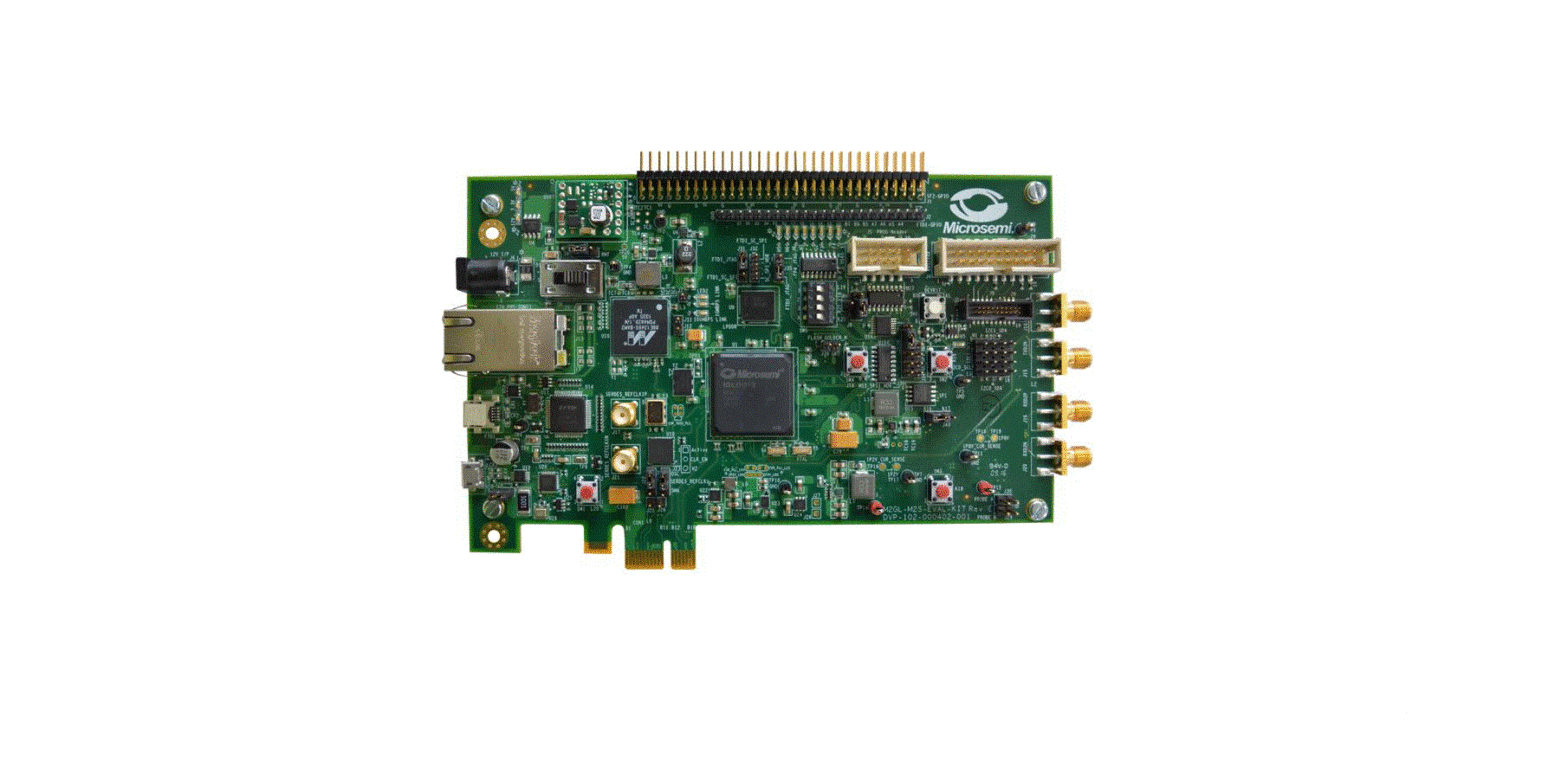
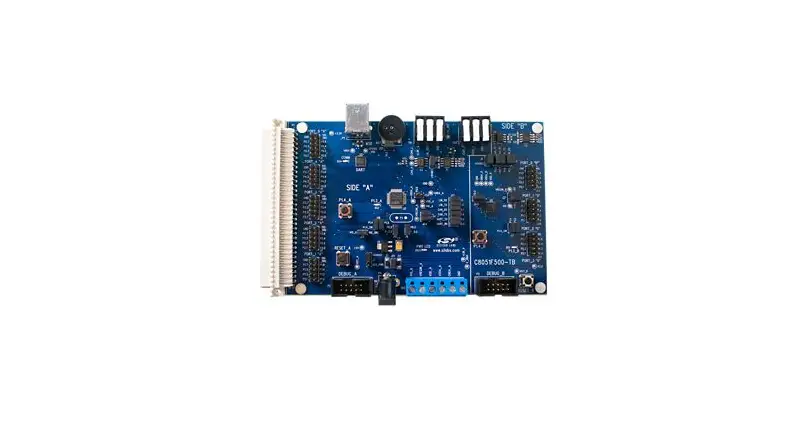
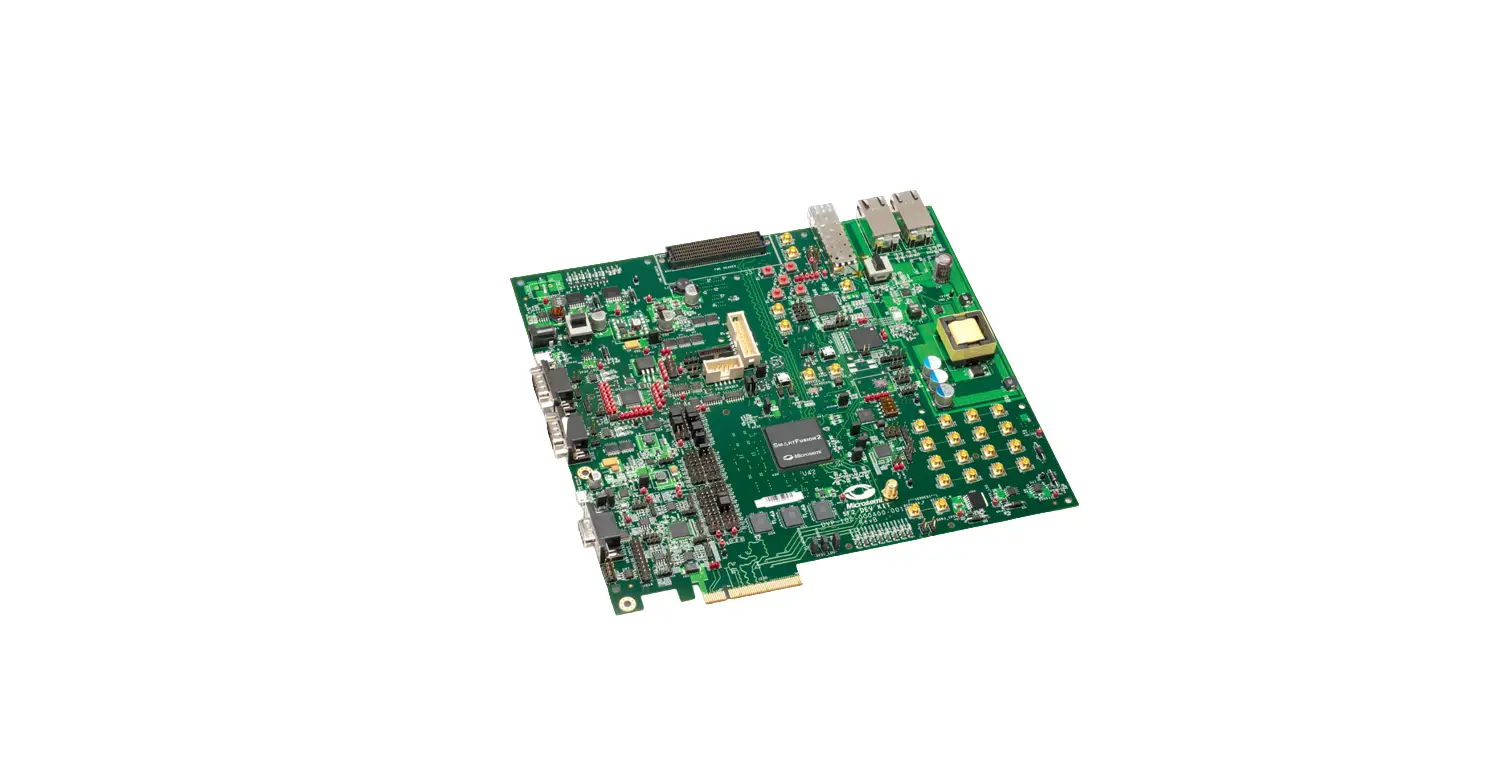
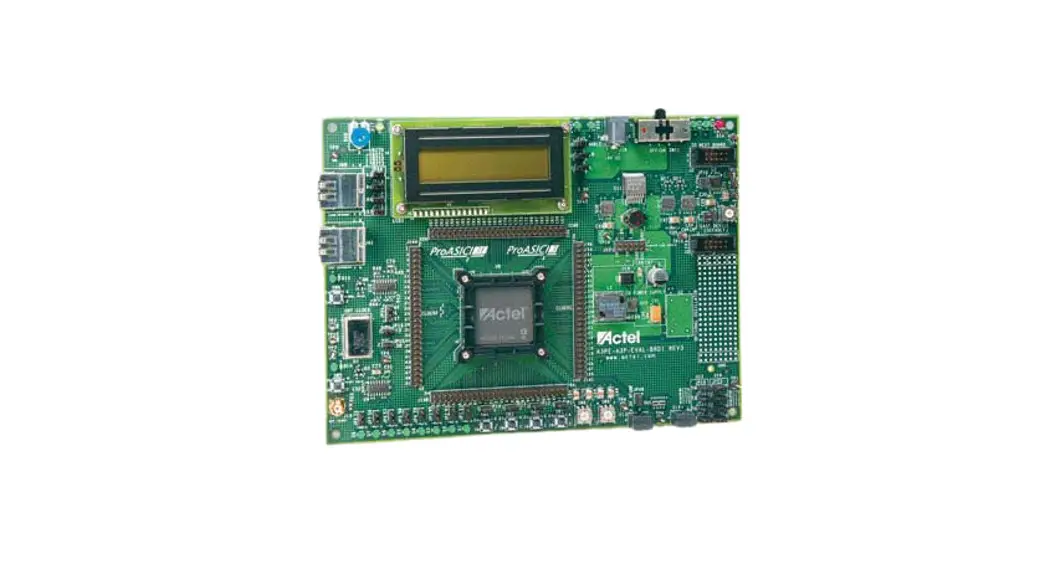
Kit Contents A3PE-PROTO-KIT, A3PE-BRD1500-SKT
| Quantity | Description |
| 1 | Pro ASIC® 3 Starter kit board with an A3PE1500-PQ208 |
| 1 | FlashPro3 programmer (not included with A3PE-BRD1500-SKT) |
| 1 | 9 V power supply with international adapters |
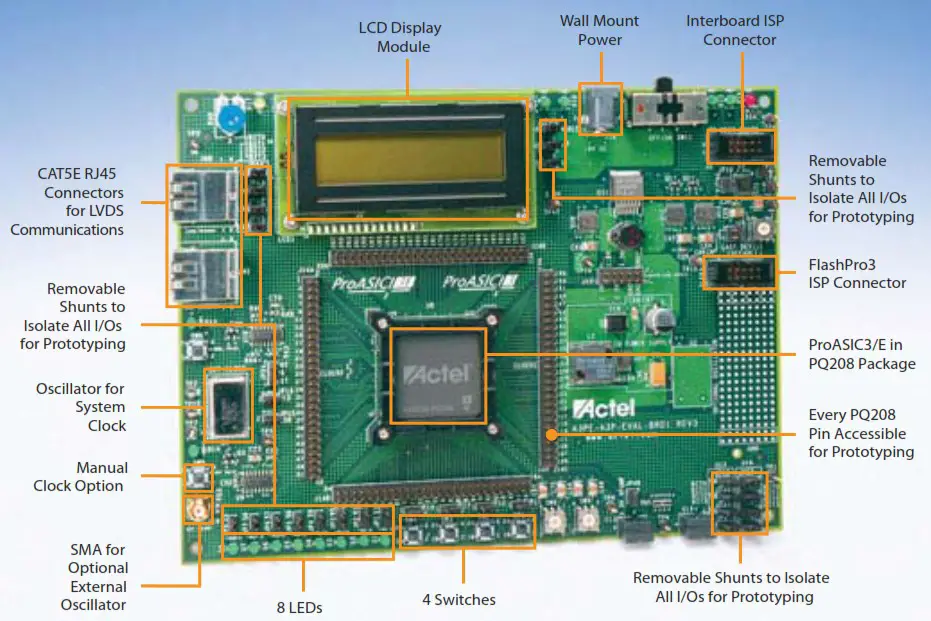
Running the Test Design
To test the board, you can program the demo design. Download it from the ProASIC3 Starter Kit page: www.actel.com/products/hardware/devkits_boards/proasic3_starter.aspx.
| Action | Results |
| Press SW1 | Asynchronous clear for the whole design |
| Press SW2 | Up-down control for the 8-bit counter. Press and hold SW2 for down count. |
| Press SW3 | Synchronous load for the 8-bit counter. Press SW3 for loading from the Hex switches. |
| Press SW4 | Switching between manual clock(SW5) and 40 MHz oscillator clock. |
| Press SW5 | Manual clock (very useful for simulation) |
| Press SW6 | Select for DATA BLOCK. It allows switching LED output between the counter and flashing data. |
| Change Hex Switch setting (U13 and U14) | Changes the loaded data for the 8-bit counter. |
Software and Licensing
Visit the Actel website (www.actel.com) for the latest Libero IDE Software. Request a free gold license to activate your software.
Software releases: www.actel.com/download/software/libero
Licensing: https://www.actel.com/Portal/DPortal.aspx?r=1
Documentation Resources
For further kit information, including user’s guide, tutorial, and full design examples, refer to the ProASIC3 Starter Kit page: www.microsemi.com/soc/products/hardware/devkits_boards/proasic3_starter.aspx.
Technical Support and Contacts
Technical support is available online at www.microsemi.com/soc/support and by email at [email protected].
Microsemi SoC Sales offices, including Representatives and Distributors, are located worldwide. To find your local representative visit www.microsemi.com/soc/company/contact.
© 2012 Microsemi Corporation. All rights reserved.
50200381-0/10.12
References
 FPGAs and PLDs | Microchip Technology
-
FPGAs and PLDs | Microchip Technology
-
FPGAs and PLDs | Microchip Technology
 Libero® SoC Design Suite Versions 2022.3 to 12.0 | Microchip Technology
-
Libero® SoC Design Suite Versions 2022.3 to 12.0 | Microchip Technology
-
Libero® SoC Design Suite Versions 2022.3 to 12.0 | Microchip Technology
-
Libero® SoC Design Suite Versions 2022.3 to 12.0 | Microchip Technology
-
FPGAs and PLDs | Microchip Technology
 FPGAs and PLDs | Microchip Technology
 Libero® SoC Design Suite Versions 2022.3 to 12.0 | Microchip Technology