
Microsemi SF2-DEV-KIT Smart Fusion2 Development Kit
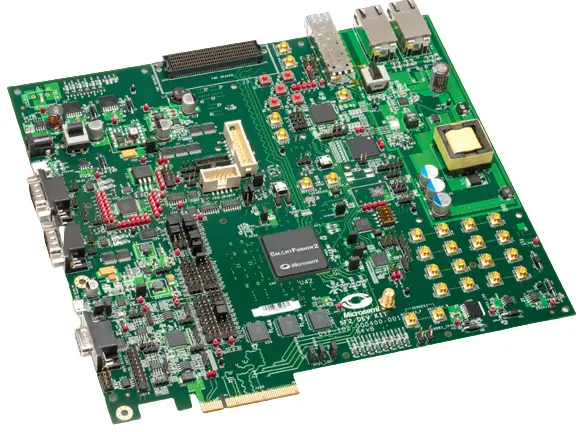
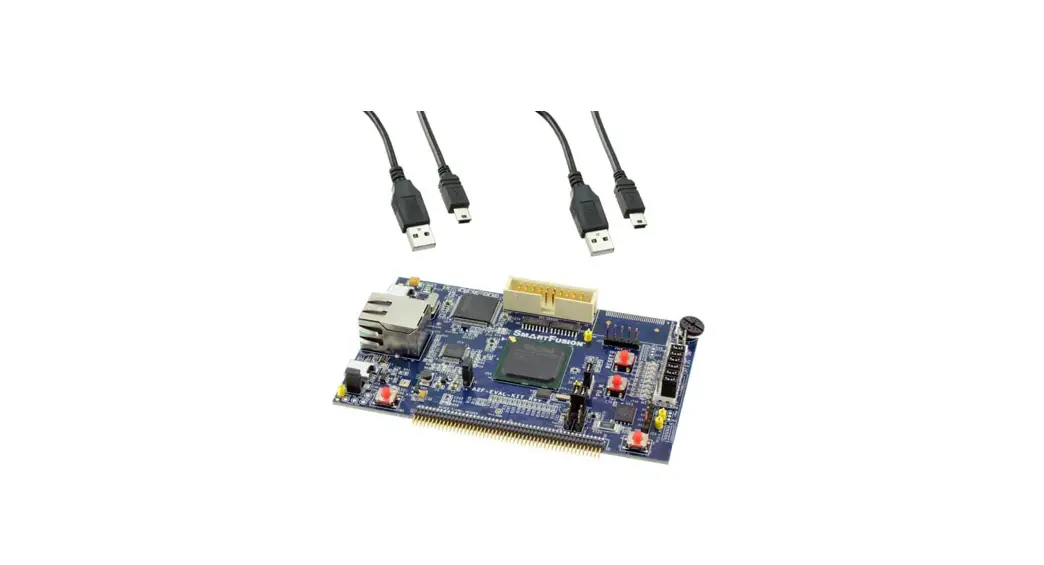
Kit Contents – SF2-DEV-KIT
| Quantity | Description |
| 1 | SmartFusion®2 Development Board with M2S050T-1FGG896 |
| 1 | FlashPro4 programmer |
| 1 | USB A to Micro B cable |
| 1 | USB Micro A to A cable |
| 1 | USB A to Mini-B cable |
| 1 | PCI edge card ribbon cable |
| 1 | 12 V power adapter |
Overview
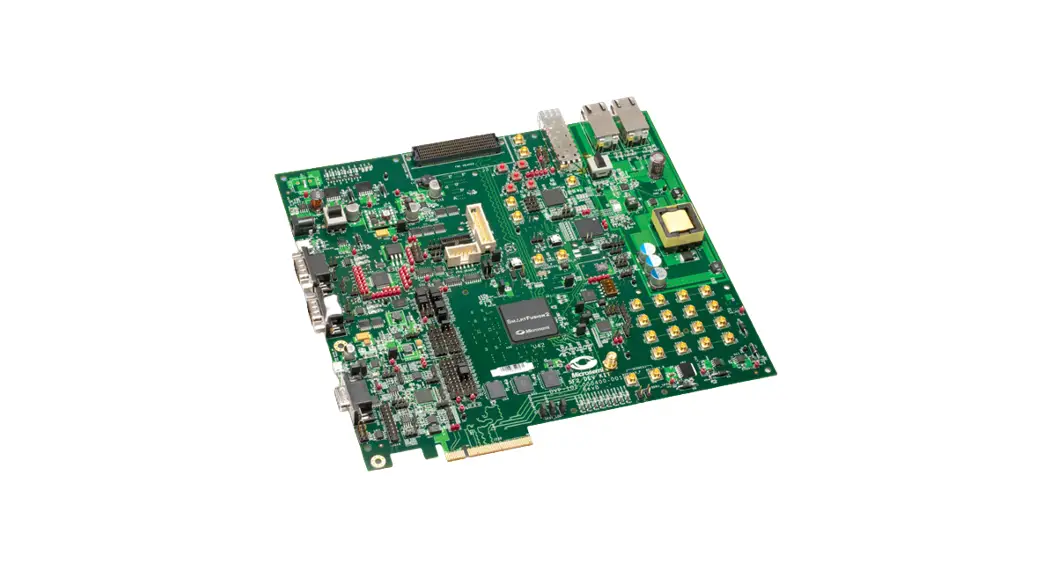
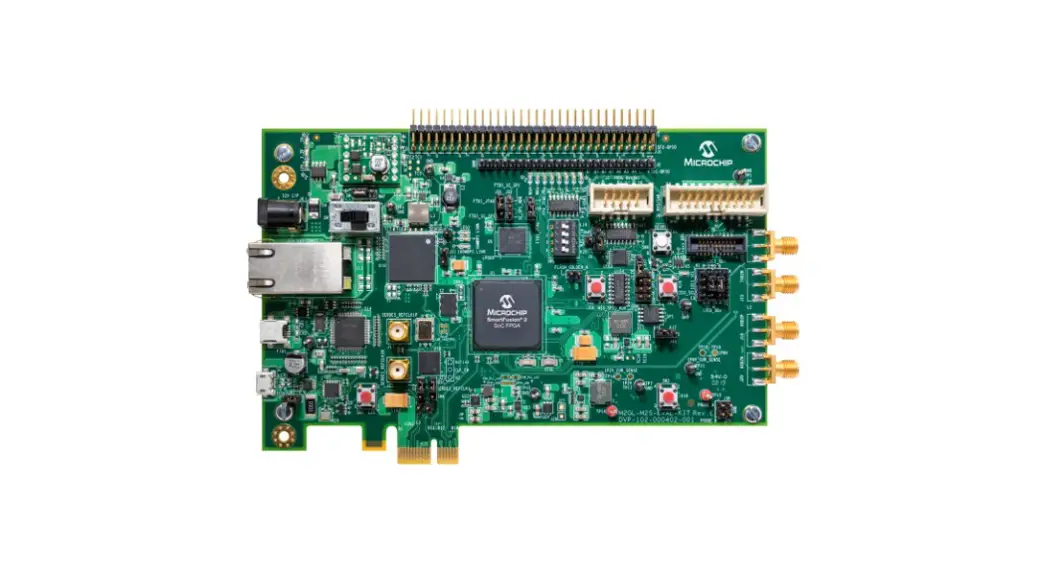
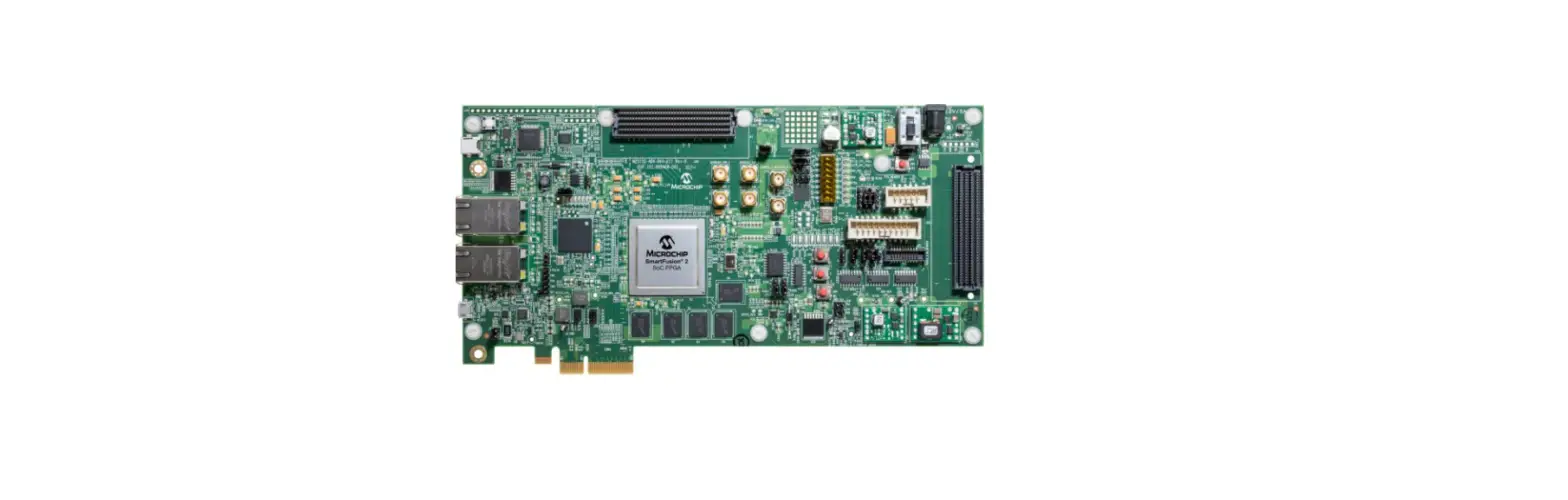
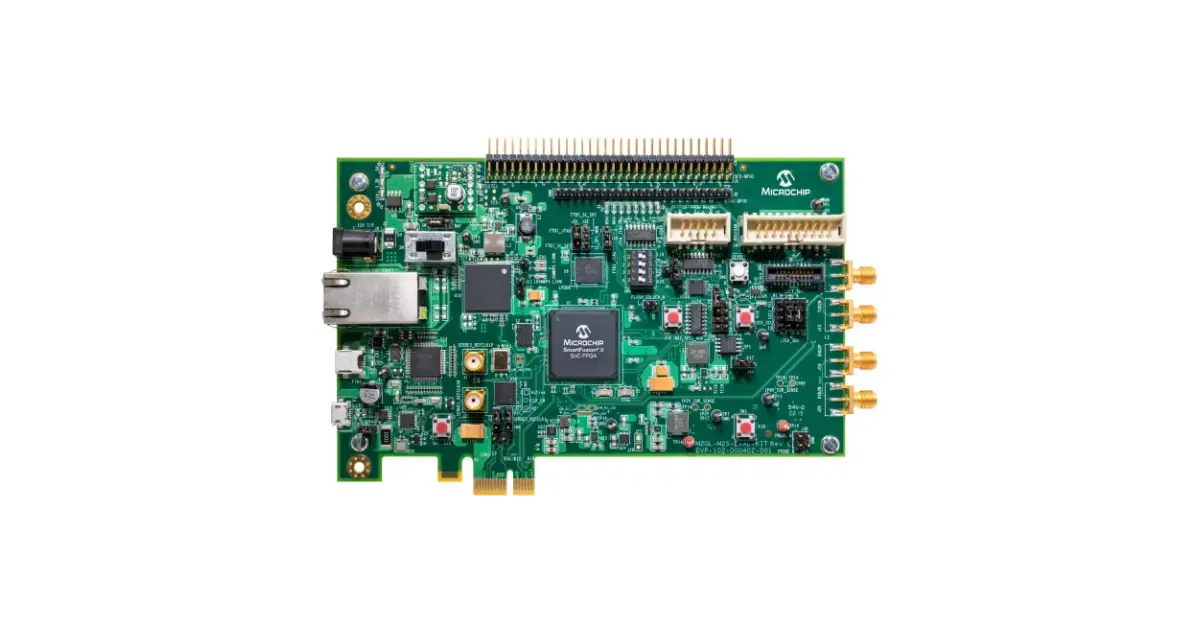
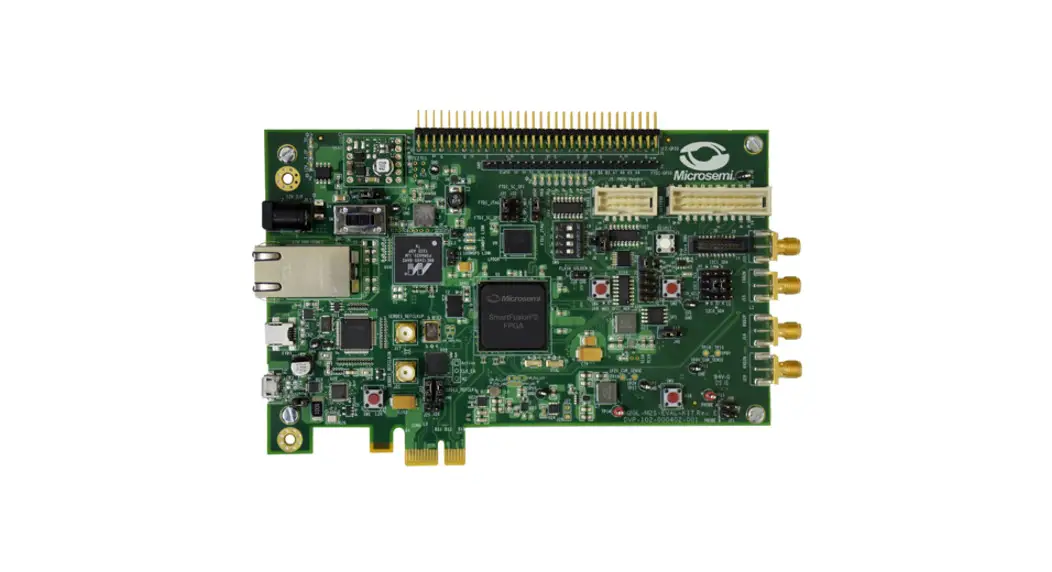
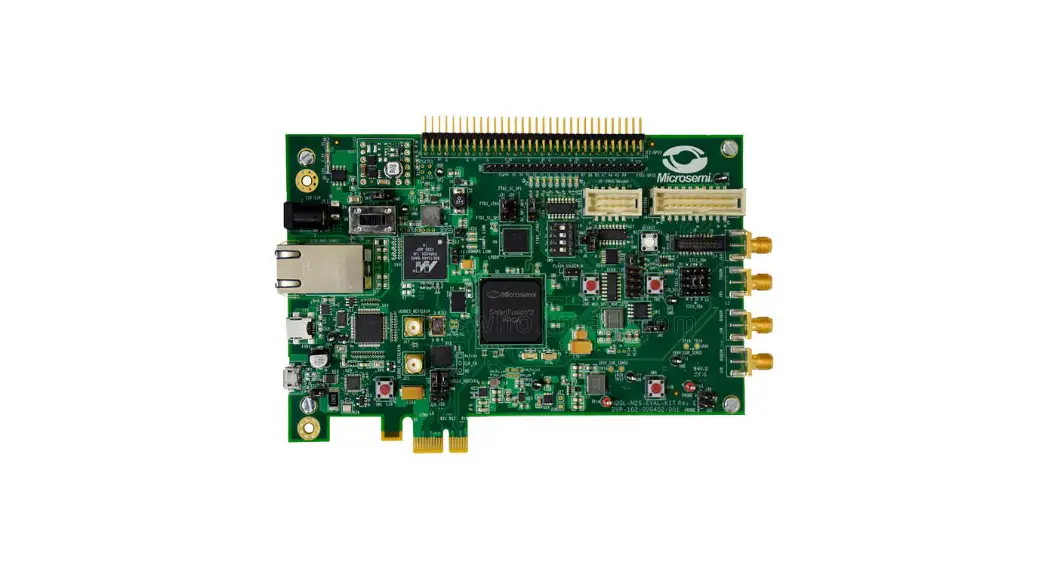
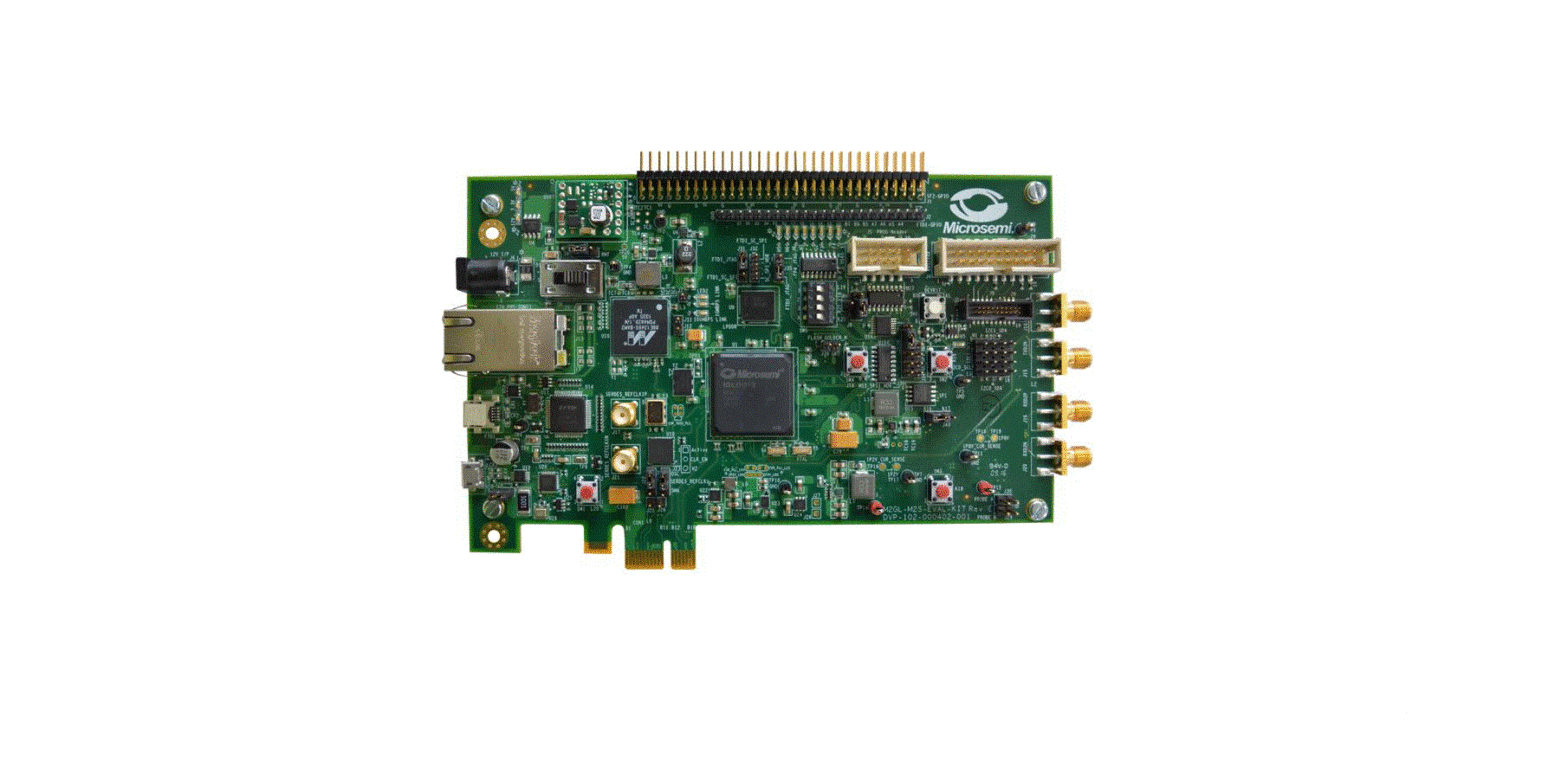
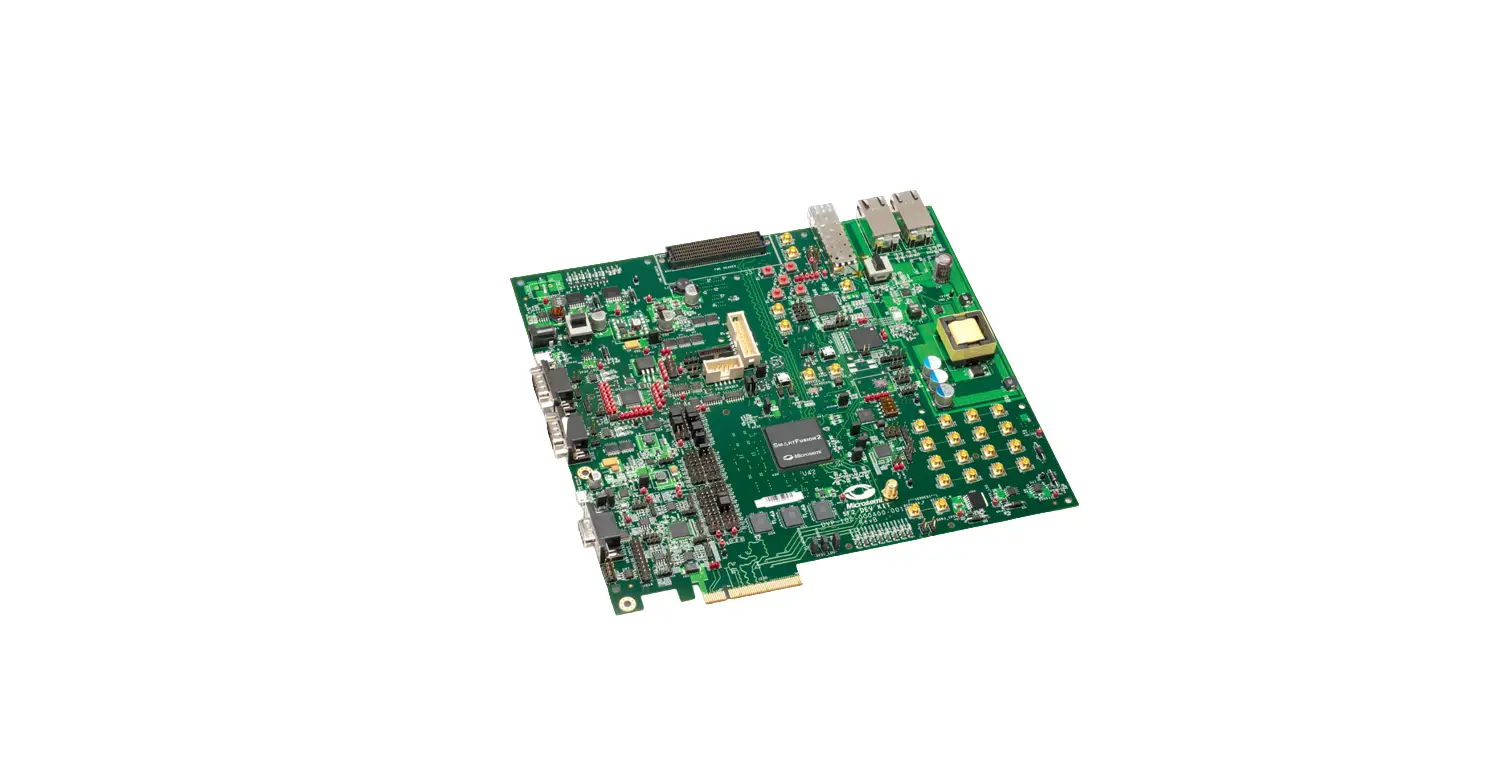
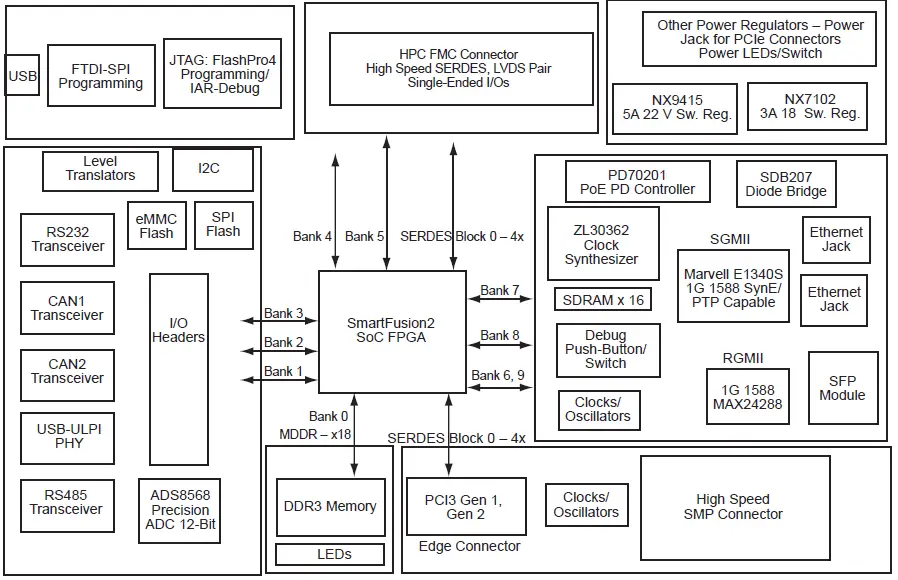
Microsemi’s SmartFusion2 Development Kit offers a full-featured development board for SmartFusion2 System-on-Chip (SoC) FPGAs, which integrate inherently reliable flash-based FPGA fabric, a 166 MHz ARM® Cortex™-M3 processor, advanced security processing accelerators, DSP blocks, SRAM, eNVM and industry-required high-performance communication interfaces, all on a single chip. The board contains numerous transceivers to support the built-in microcontroller subsystem, such as high speed USB 2.0 On-the-Go (OTG), CAN RS232, RS484, and IEEE1588 time-stamping and Sync E capable Triple Speed Ethernet PHYs. The kit ships with a wall mounted power supply but also has the option to be powered through Power over Ethernet (PoE), includes a 16-bit analog-to-digital converter (ADC) and has IEEE 1588 packet time-stamping capabilities. There is also 512 MB of on-board DDR3 memory and SPI flash to utilize the SmartFusion2 memory management system. The SERDES blocks can be accessed via the PCI edge connector or high speed SMP connectors.
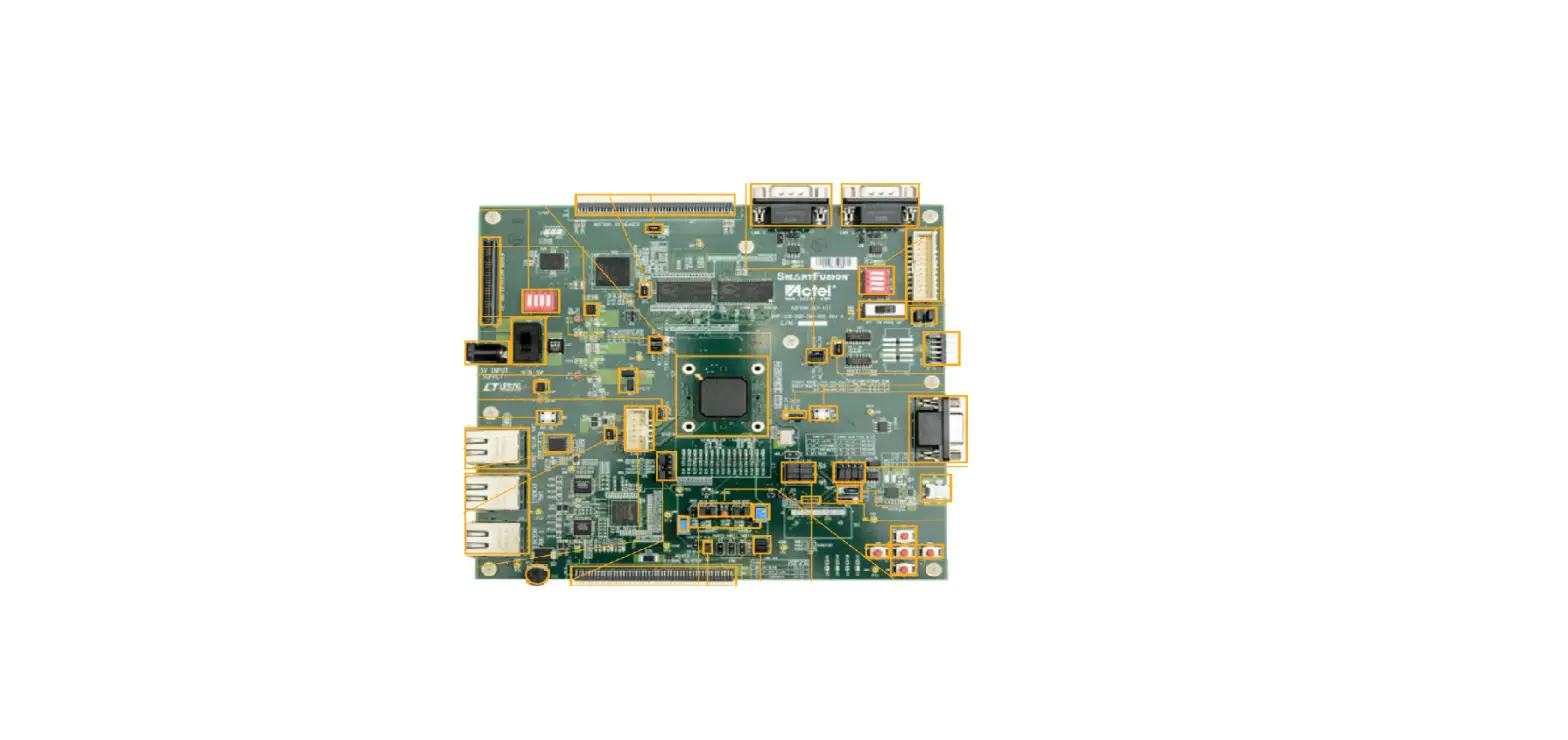
SmartFusion2 Development Kit Board
| Devices On-Board | Interfaces/Connectors |
| • M2S050T-1FGG896 – 50K look-up table (LUT), 256 Kbit eNVM, 1.5 Mbit SRAM, and additional distributed SRAM in the FPGA fabric and external memory controller – Peripherals include Triple Speed Ethernet, USB 2.0, SPI, CAN, DMAs, I2Cs, UARTs, timers – 6x 5 Gbps SERDES, PCIe, XAUI/XGXS+ Native SERDES • Refer to the SmartFusion2 product page for full device information • ZL30362 – IEEE 1588 and Synchronous Ethernet Packet Clock Network Synchronizer • Power over Ethernet (PoE) – Up to 48 W of power – Power supply module required: PD-9501G/AC (not supplied) • Precision analog-to-digital converter (ADC) – 16-bit, 500 Ksps, 8-channel, single-ended for mixed signal power management • DDR/SDRAM – 512 MB of DDR3 memory on-board 256 MB for ECC – 16MB of SDRAM • eMMC – 4GB NAND flash memory • SPI flash – 8 MB module | • JTAG interface for Microsemi’s FlashPro4 programming and Cortex-M3 processor • Embedded Trace Macro connector • USB 2.0 On-The-Go (OTG) Controller • RS232 port for USB-to-UART connection • Two DB9 connectors for CAN ports • RJ45 connector for PoE (Power over Ethernet) power. • Two RJ45 connectors for TSE Ethernet operation or SGMII mode • SERDES Interfaces Include – X4 PCIe Gen1/Gen2 edge fingers – 4 Tx/Rx high speed SMP connectors – FMC header supporting 4 SERDES channels • High speed memory interface supporting LPDDR, DDR2, DDR3, and SDRAM memories • FMC header for daughtercard support • GPIO header for debugging purposes • I2C headers • SPI headers |
Block Diagram
Jumper Settings
| Jumper | Setting | Function | Jumper | Setting | Function |
| J195 | 1-2 | J163 | 1-2 | USB Test | |
| J188 | 1-2 | J164 | 1-2 | USB Test | |
| J197 | 1-2 | J114 | 1-2 | CAN1 Test | |
| J121 | 1-2 | SPI Test | J115 | 1-2 | CAN1 Test |
| J110 | 1-2 | SPI Test | J111 | 1-2 | CAN1 Test |
| J119 | 1-2 | SPI Test | J134 | 1-2 | CAN2 Test |
| J118 | 1-2 | SPI Test | J131 | 1-2 | CAN2 Test |
| J139 | 1-2 | USB Test | J232 | 1-2 | CAN2 Test |
Connecting the Board
Follow the steps below to connect the board:
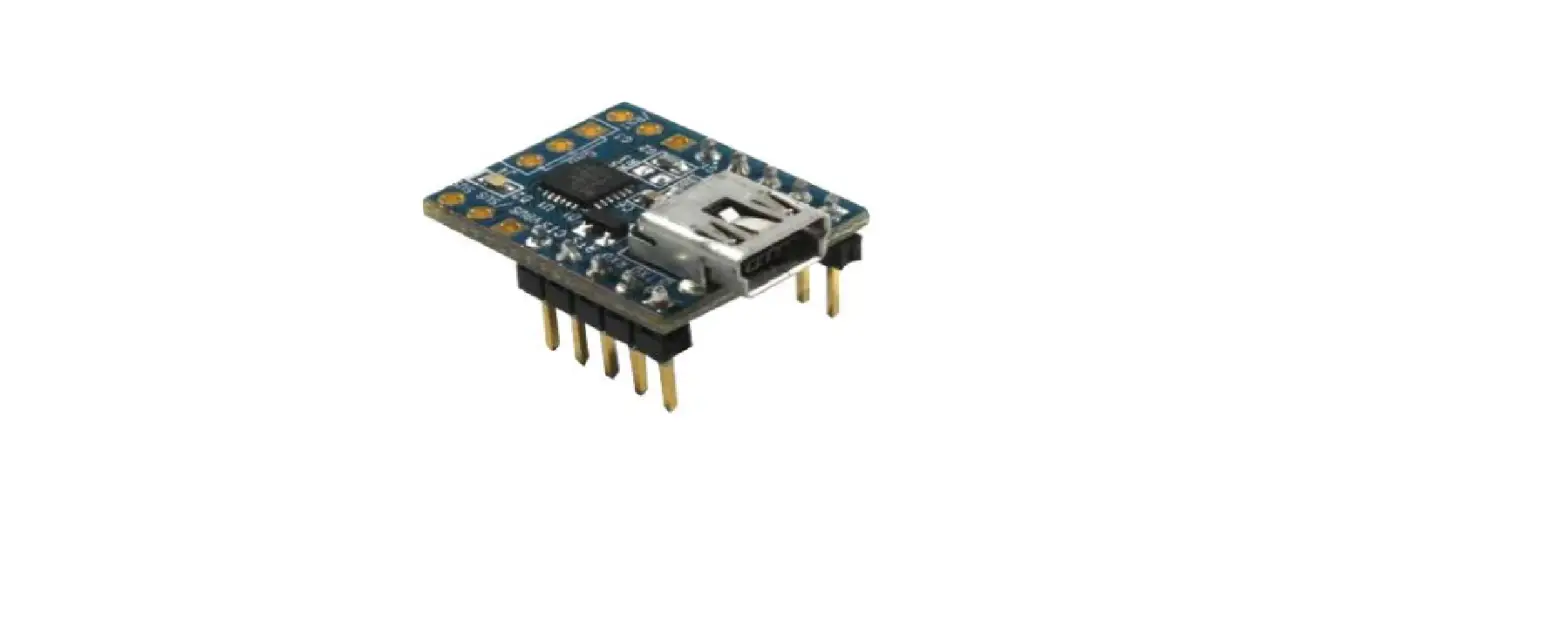
- Connect the USB mini-B cable from your PC to the USB Mini-B connector (FTDI) interface on the board.
- Connect the FlashPro4 programmer to your PC via the USB mini-B cable.
- Connect the FlashPro4 programmer to the board via the FP4 header.
- Connect the 12 V DC power supply to a wall outlet and to the board via the DC jack.
- Switch the power on to the board via the power-on switch (SW7)
List of Changes
The following table lists the critical changes that were made in each revision of the document.
| Revision* | Changes | Page |
| Revision 1 (January 2014) | Updated the document to remove PP in the device name (SAR 54072). | NA |
| Updated device part number in “Kit Contents – SF2-DEV-KIT” section and “SmartFusion2 Development Kit Board” section (SAR 54072). | NA | |
| Corrected power-on switch in “Connecting the Board” section (SAR 54072). | 3 | |
| Revision 0 (March 2013) | Initial Release | NA |
Note: *The revision number is located in the part number after the hyphen. The part number is displayed at the bottom of the last page of the document. The digits following the slash indicate the month and year of publication.
Software and Licensing
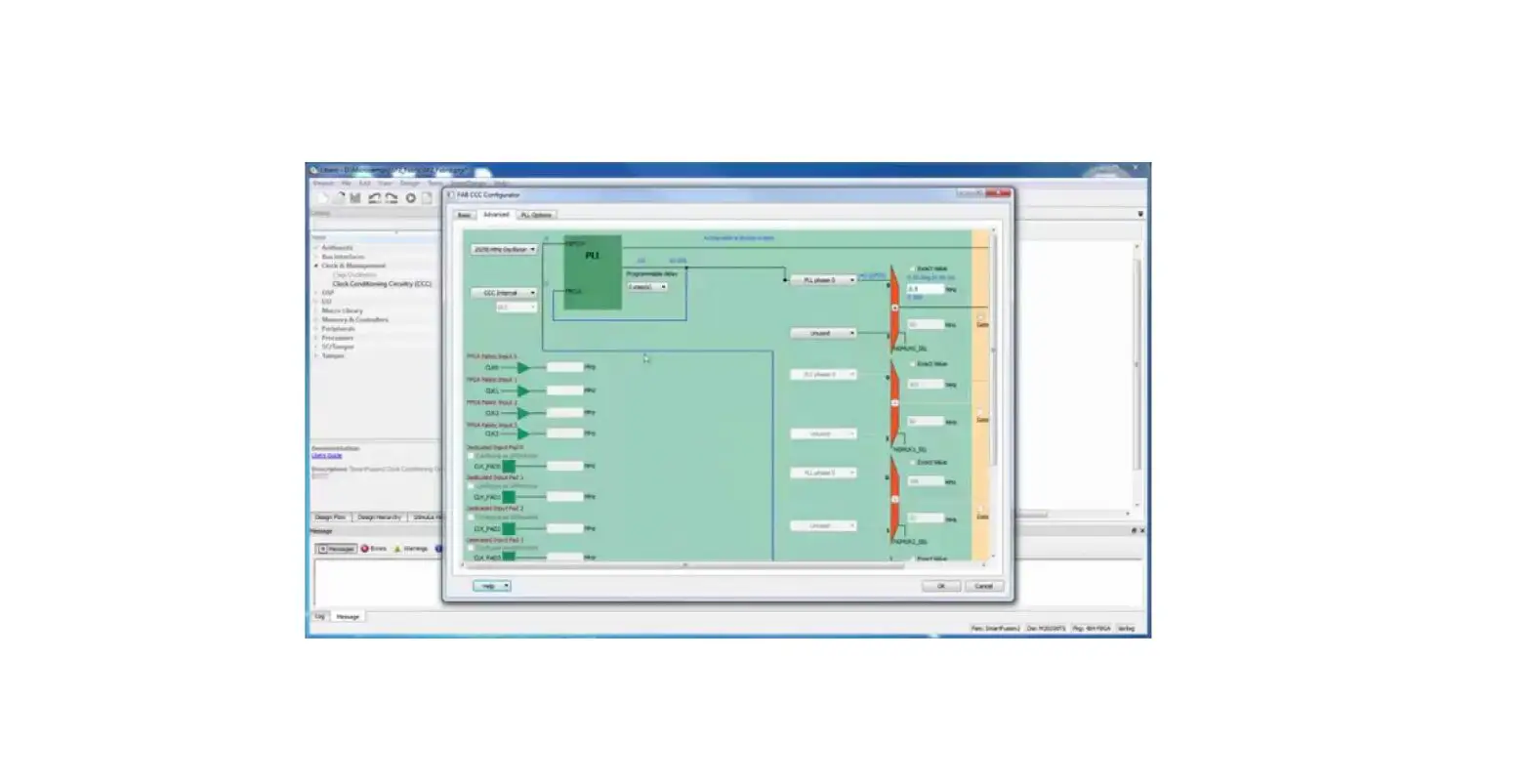
The SmartFusion2 Development Kit is supported by Libero® System-on-Chip (SoC) software v11.0 Beta SP1. SoftConsole software IDE and FlashPro software tools can be used for software design and debug. SmartFusion2 is also supported by Keil and IAR Systems software, which can be installed separately. Refer to the SmartFusion2 Development Kit User Guide for more information.
Software releases: www.microsemi.com/index.php?option=com_content&id=1574&lang=en&view=article#downloads
Keil and IAR information: www.microsemi.com/index.php?option=com_content&Itemid=2823&id=1563&lang=en&view=article
Libero SoC v11.0 and later requires a valid Gold, Platinum, or standalone Libero license. If you need a new license, select FREE Libero SoC Gold license and request a new one from your Microsemi Customer Portal account. This license supports all tools for designing with the SmartFusion2 family and associated development kits.
License updates: https://soc.microsemi.com/Portal/default.aspx?r=1
Documentation Resources
For further kit information, including user’s guide, tutorial, and full design examples, refer to the SmartFusion2 Development Kit page:
Documentation: www.microsemi.com/index.php?option=com_content&id=1645&lang=en&view=article#documents As new demos and tutorials become available, they will be posted on the SmartFusion2 Development Kit web page. Microsemi recommends that you sign up for Product Updates to be notified when new material is available. You can sign up for product updates from your Microsemi Customer Portal account. Product updates: https://soc.microsemi.com/Portal/default.aspx?r=2
Technical Support and Contacts
Technical support is available online at www.microsemi.com/index.php?option=com_content&id=2112&lang=en&view=article and by email at [email protected].
Microsemi SoC Sales offices, including Representatives and Distributors, are located worldwide. To find your local representative visit
www.microsemi.com/index.php?option=com_content&id=137&lang=en&view=article.
Microsemi Corporation (NASDAQ: MSCC) offers a comprehensive portfolio of semiconductor solutions for: aerospace, defense and security; enterprise and communications; and industrial and alternative energy markets. Products include high-performance, high-reliability analog and RF devices, mixed signal and RF integrated circuits, customizable SoCs, FPGAs, and complete subsystems. Microsemi is headquartered in Aliso Viejo, Calif. Learn more at www.microsemi.com.
© 2014 Microsemi Corporation. All rights reserved. Microsemi and the Microsemi logo are trademarks of Microsemi Corporation. All other trademarks and service marks are the property of their respective owners.
Microsemi Corporate Headquarters
One Enterprise, Aliso Viejo CA 92656 USA
Within the USA: +1 (949) 380-6100
Sales: +1 (949) 380-6136
Fax: +1 (949) 215-4996
References
 Microsemi | Semiconductor & System Solutions | Power Matters
-
Corporate Contacts | Company
-
Microsemi | Semiconductor & System Solutions | Power Matters
-
Microsemi | Semiconductor & System Solutions | Power Matters
-
Microsemi | Semiconductor & System Solutions | Power Matters
-
Microsemi | Semiconductor & System Solutions | Power Matters
-
FPGAs & SoCs Support | Microsemi
-
Mi-V Ecosystem | Microchip Technology
-
microsemi.com/index.php?option=com_docman&task=doc_download&gid=130919
-
Microsemi | Semiconductor & System Solutions | Power Matters
 FPGA Documentation | Microchip Technology
-
FPGA Documentation | Microchip Technology
 Microsemi | Semiconductor & System Solutions | Power Matters
 FPGA Documentation | Microchip Technology