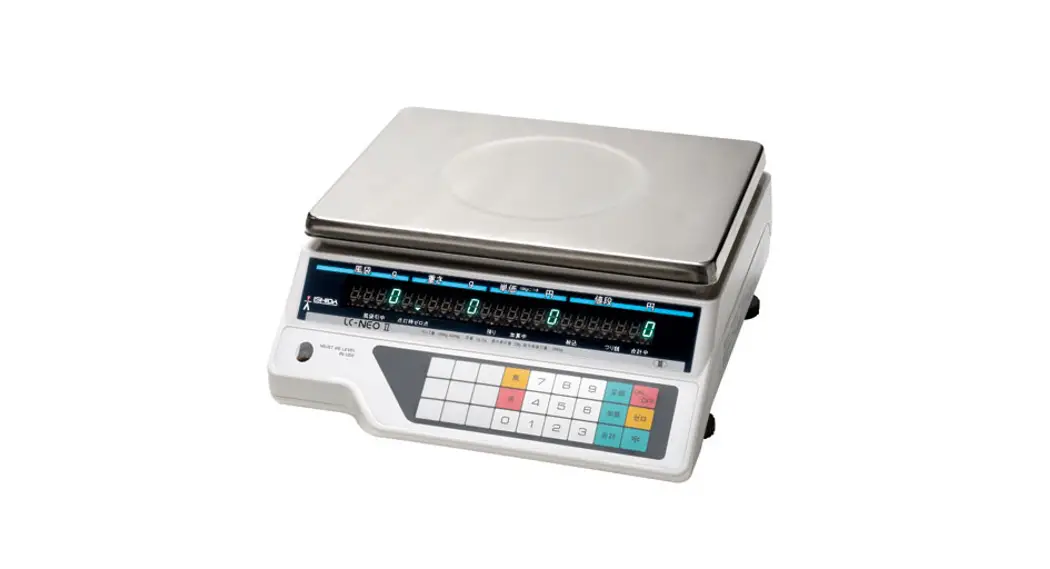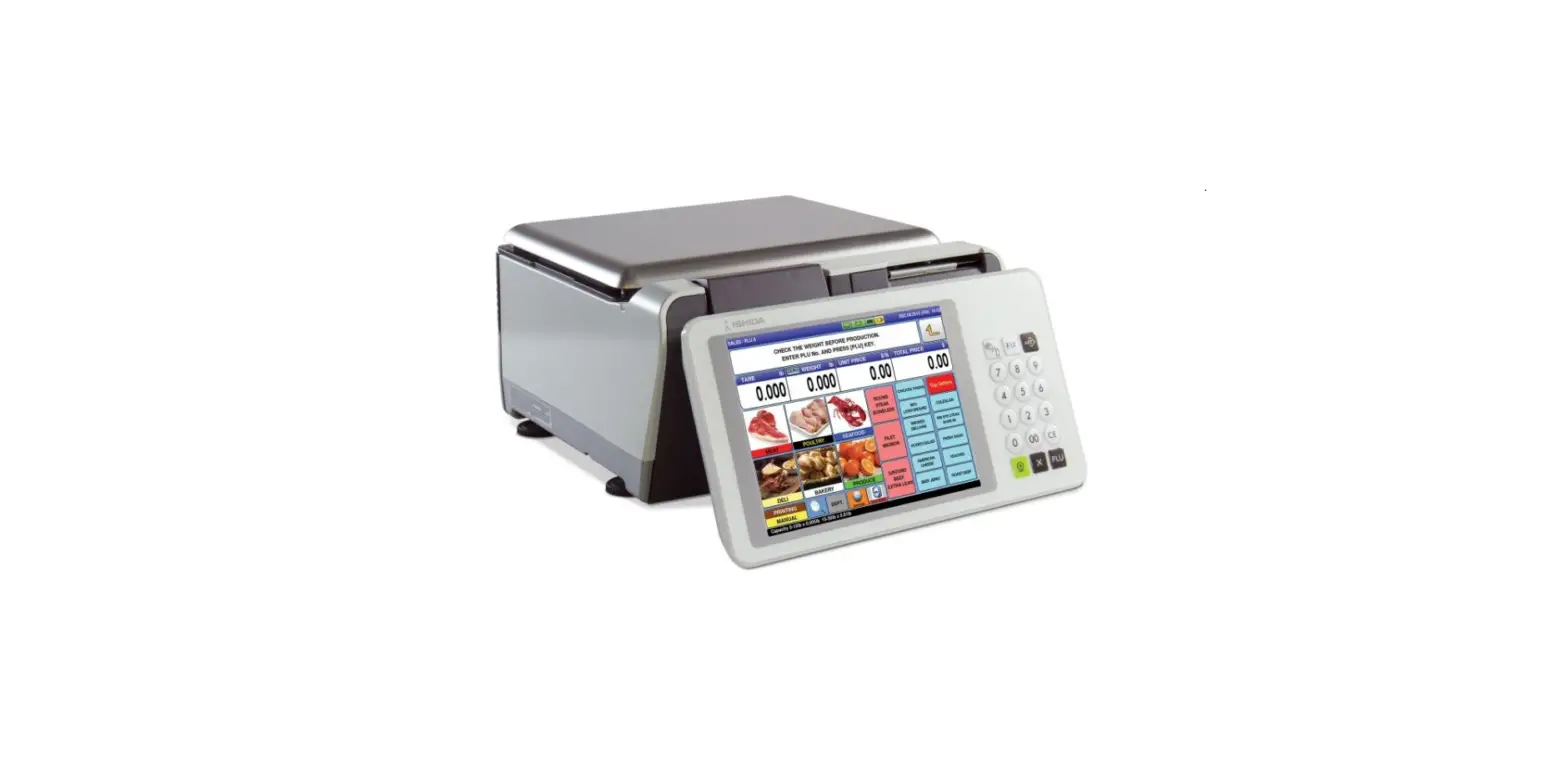

RICE LAKE Ishida Uni-9 Series PC Scale
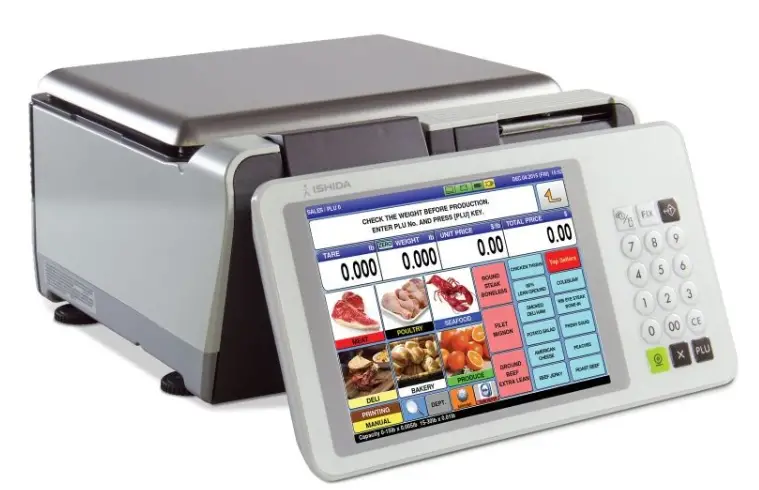
Cleaning, Sanitizing and Inspecting Procedure
Use the following procedure to clean, sanitize and inspect the Ishida Uni-9 daily:
Supplies
- Clean warm water
- Isopropyl/rubbing alcohol or alcohol swabs/wipes
- Clean cotton towels
NOTE: A blue towel indicates the use of water or water-based cleaners. Towel should be wrung out and without drips. A red towel indicates the use of Isopropyl/rubbing alcohol or alcohol swabs/wipes. - Optional: Mild degreaser or a non-chloride-based sanitizer
IMPORTANT:
- Do not use chloride-based cleaners.
- Do not use water-based cleaners on print head or platen rollers.
Procedure
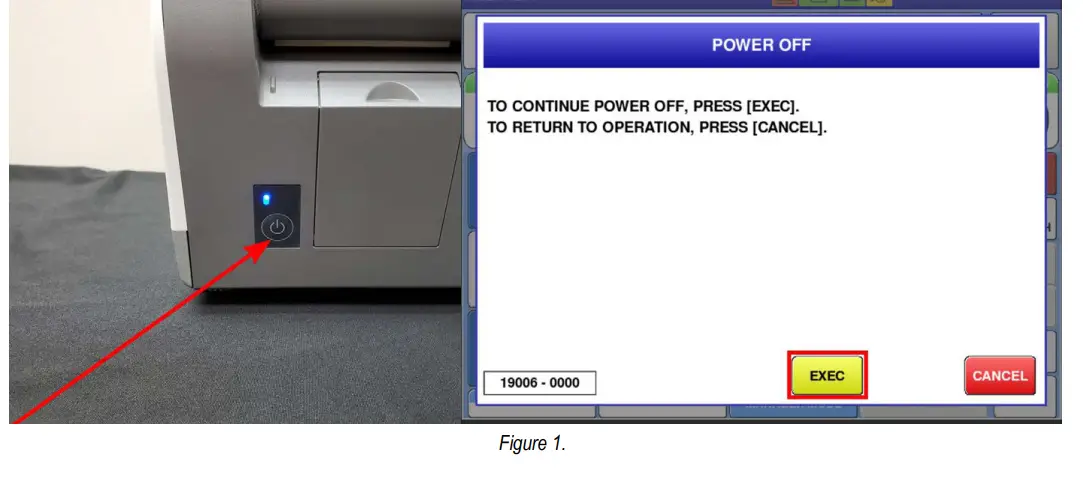
- Hold the power button located underneath the screen/keypad for one second to trigger the POWER OFF screen.
- Press EXEC.

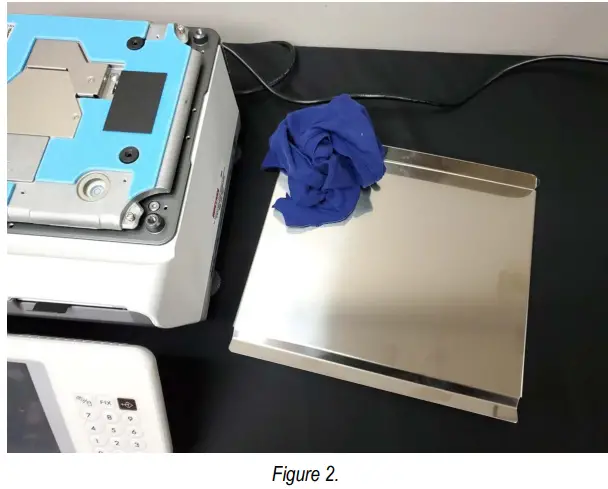
- Remove the weigh platter and clean.

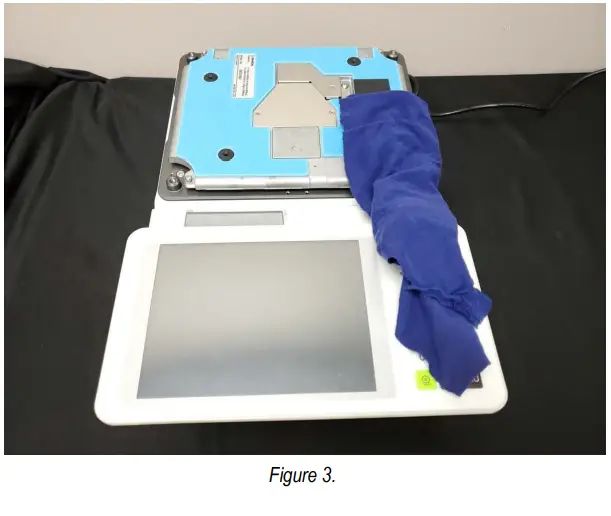
- Clean the scale exterior, beneath the weigh platter and the scale.

- Open the printer.
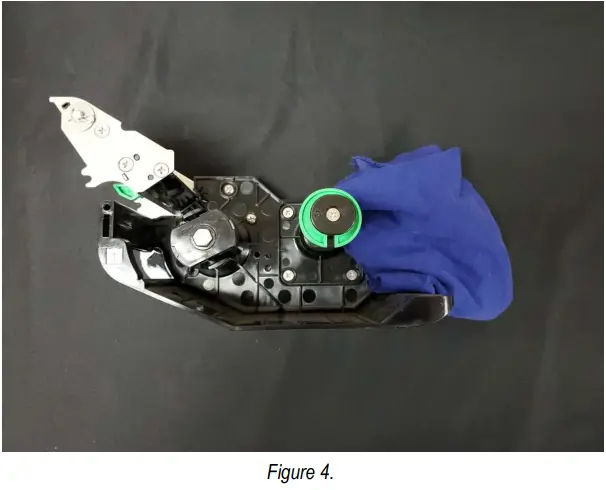
- Remove the cassette and label roll.
- Clean any dust from the cassette.

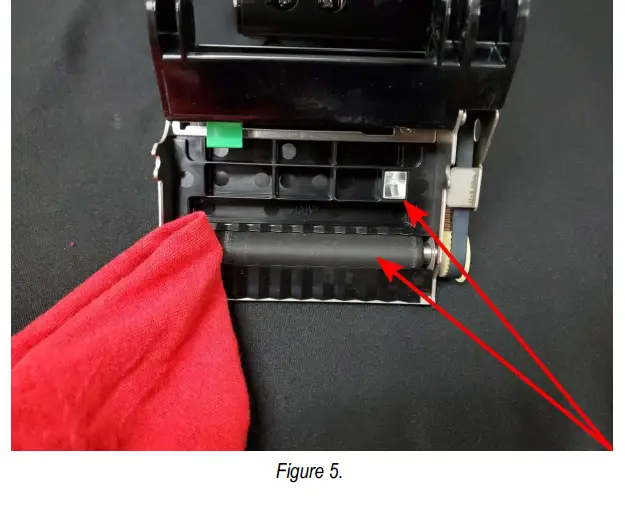
- Clean the black platen roller with alcohol.
- Clean the gap prism with alcohol.

- Load labels.
- Clean any dust from the cassette compartment.
- Wipe the peel sensors.

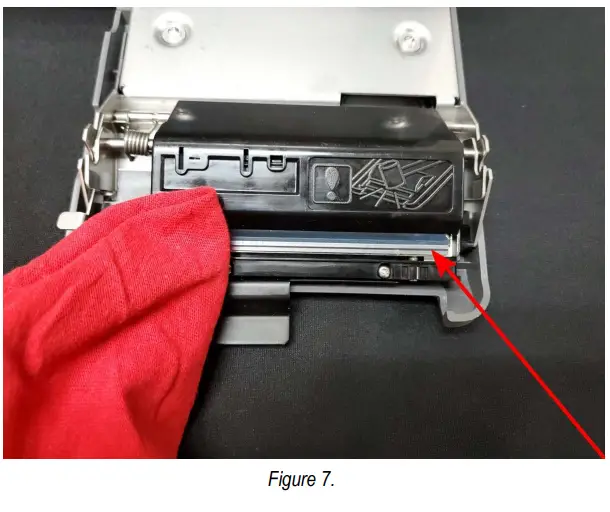
- Clean the print head with alcohol.

- Return the cassette to the printer.
- Reinstall the weight platter.
- Power on the scale using the physical key located underneath the screen/keypad (see Figure 1 on page 1).
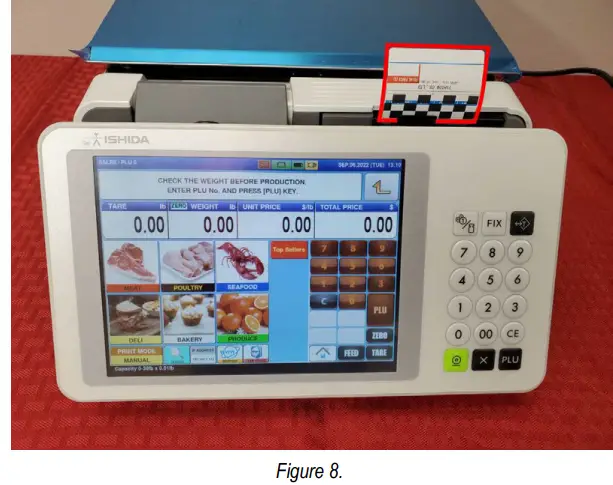
- Print and remove two labels. This aligns the labels with the print head.
IMPORTANT: Never leave powered off overnight. Call for service if print quality appears degraded despite proper cleaning of the print head.
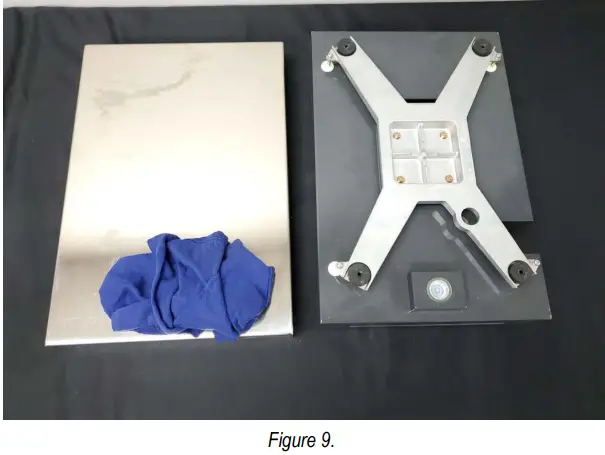
- If a remote scale base is included, remove the scale platter and wipe clean.
- Wipe the exterior and underside of the scale clean.


© Rice Lake Weighing Systems Content subject to change without notice.
230 W. Coleman St. • Rice Lake, WI 54868 • USA
U.S. 800-472-6703 • Canada/Mexico 800-321-6703
International 715-234-9171 • Europe +31 (0)26 472 1319
www.ricelake.com
 Rice Lake Weighing Systems