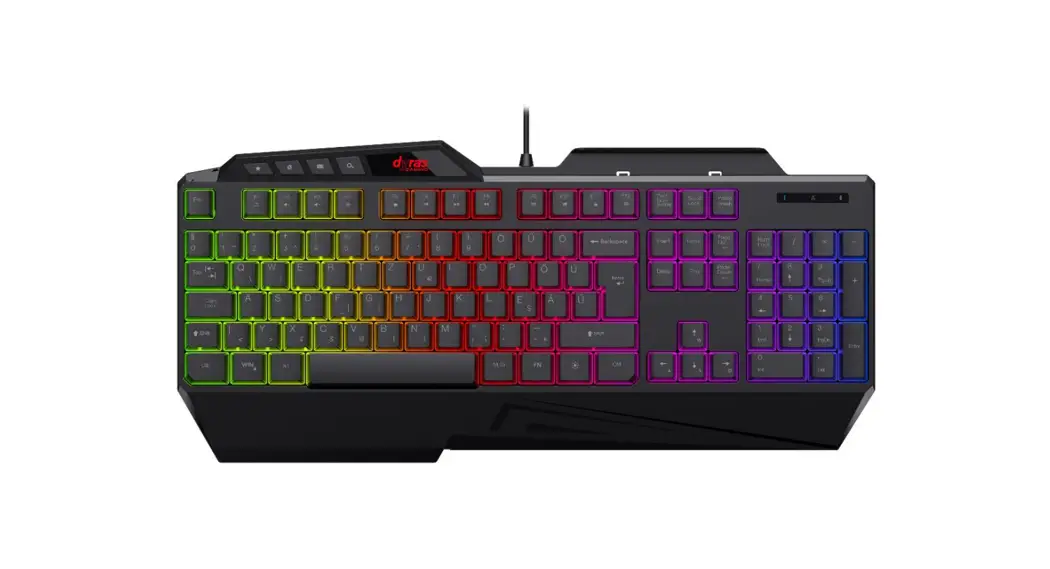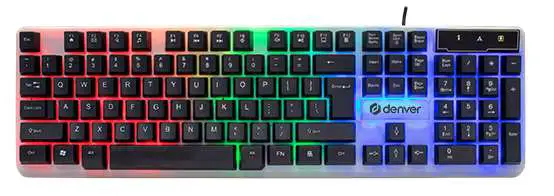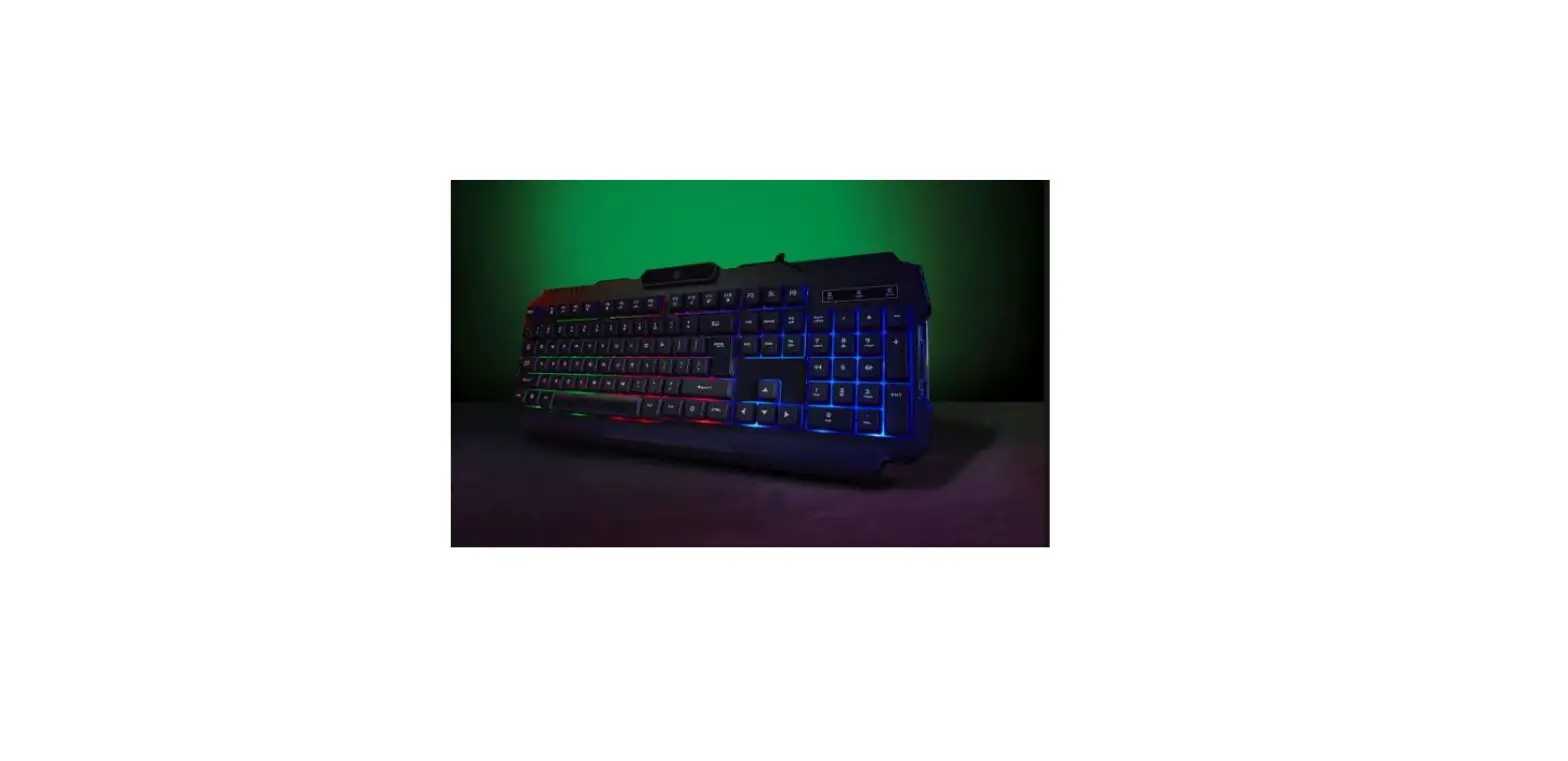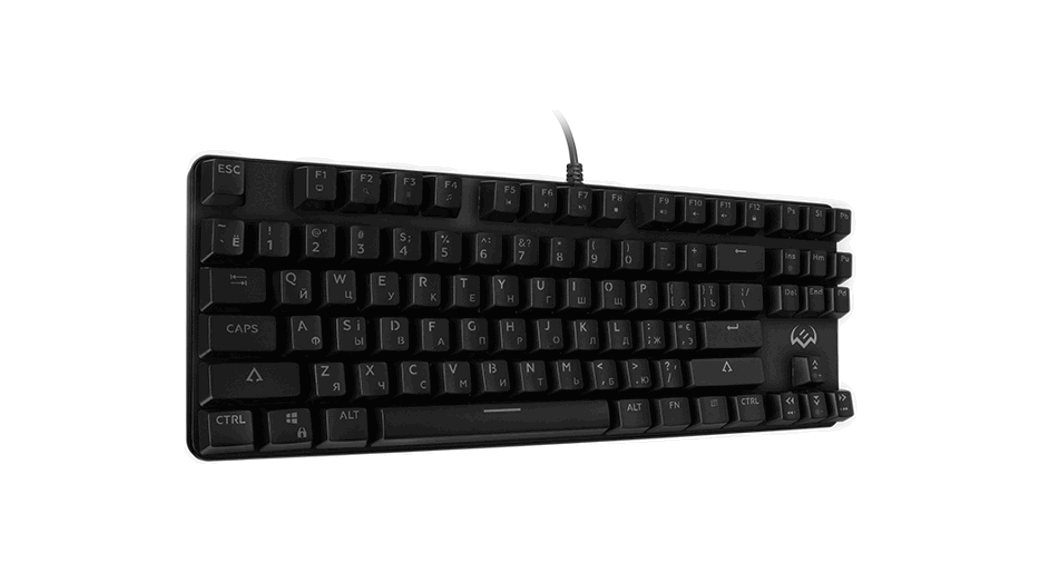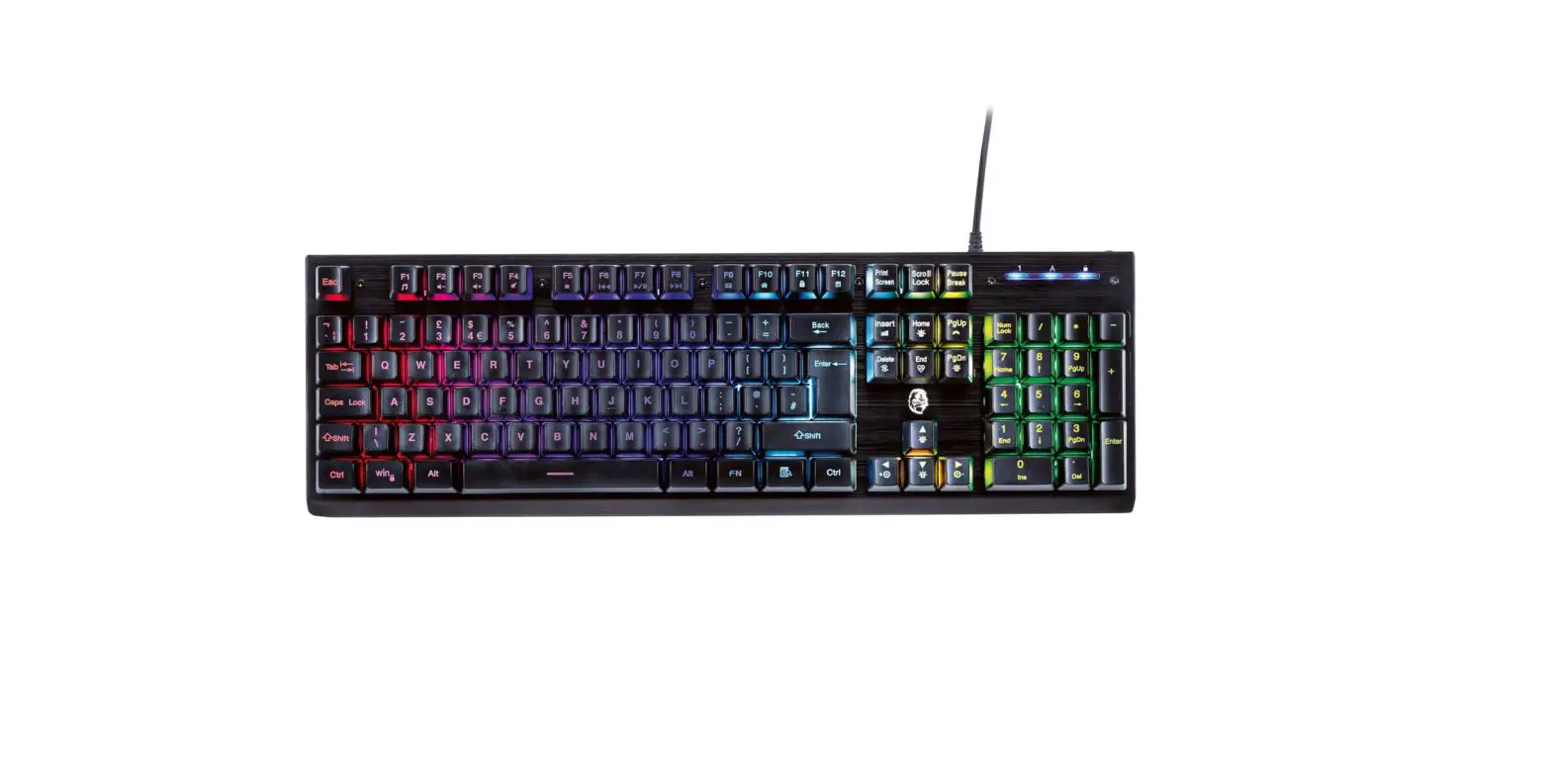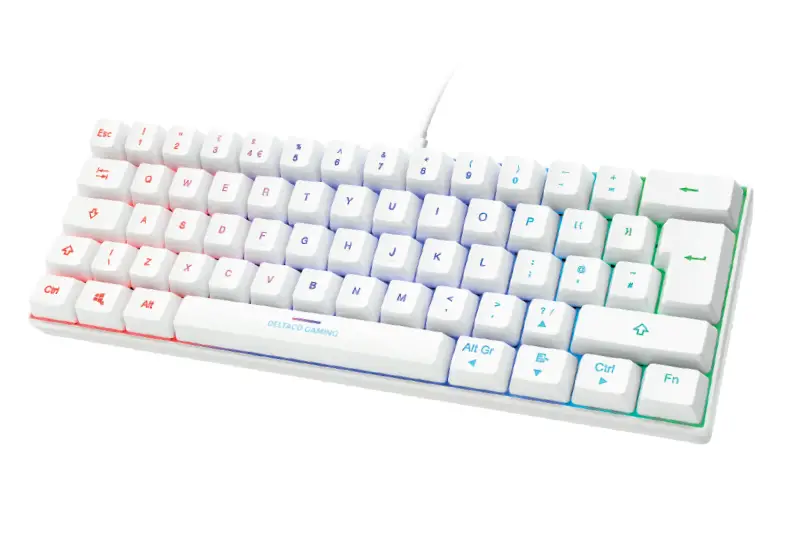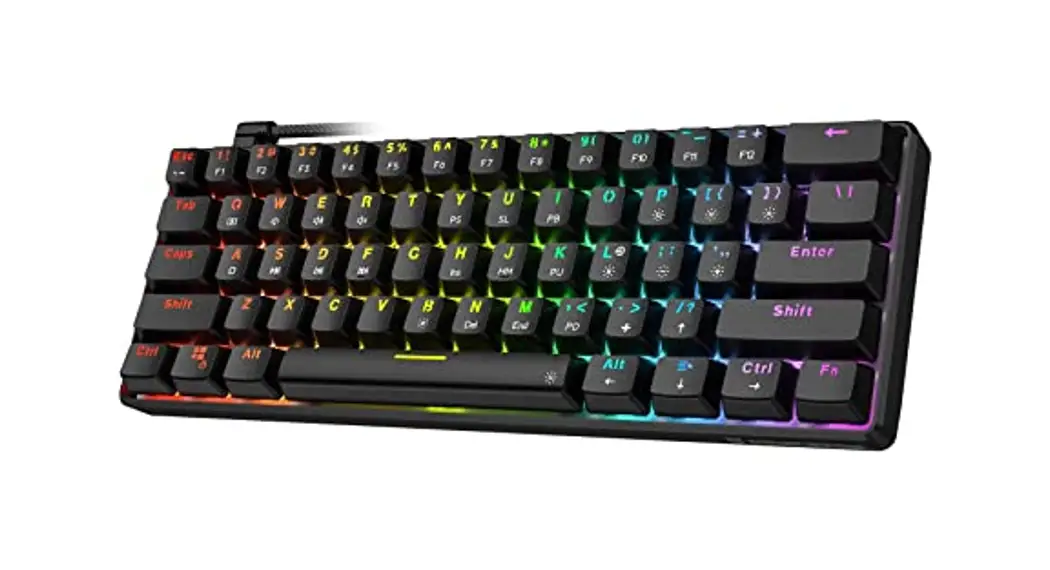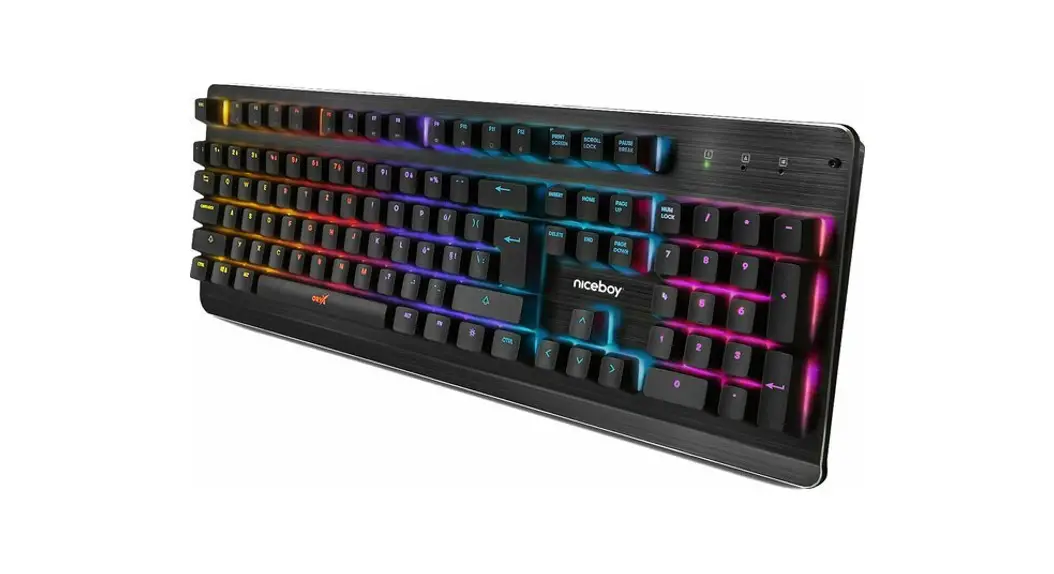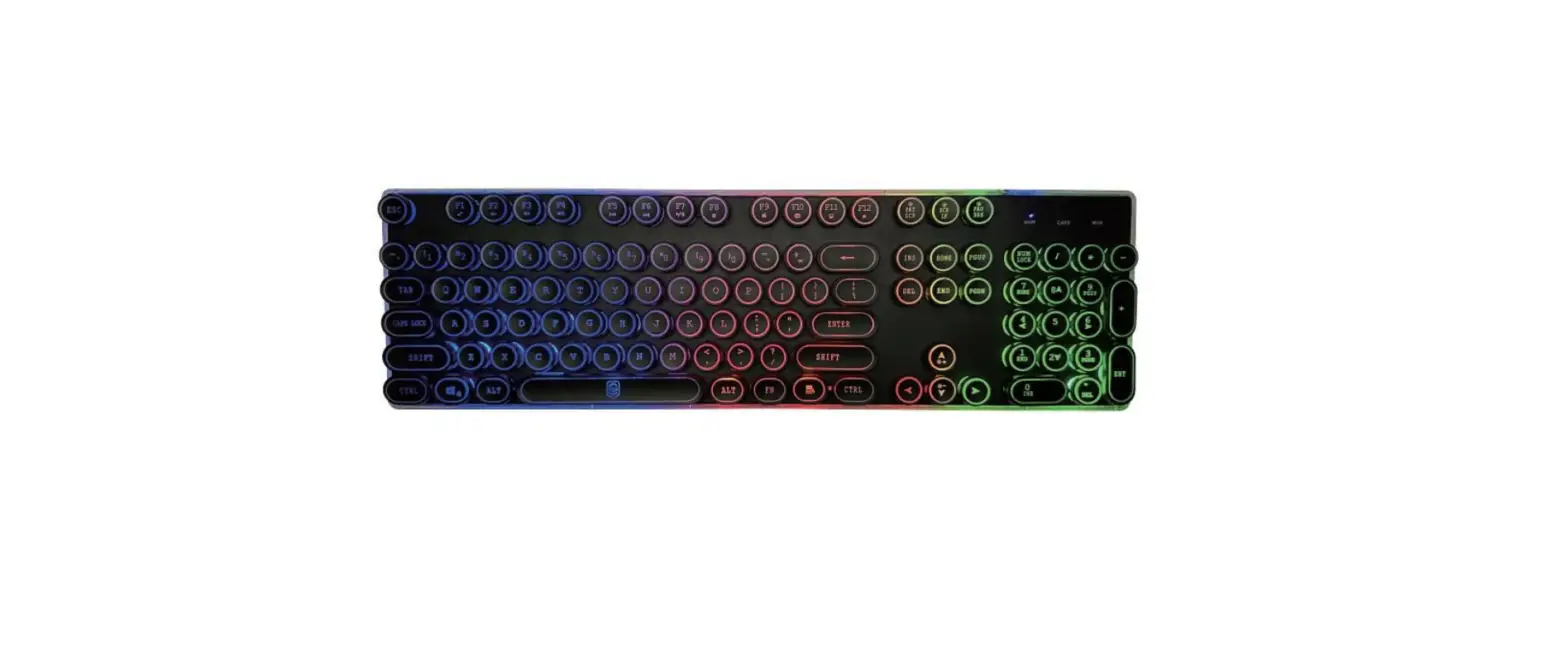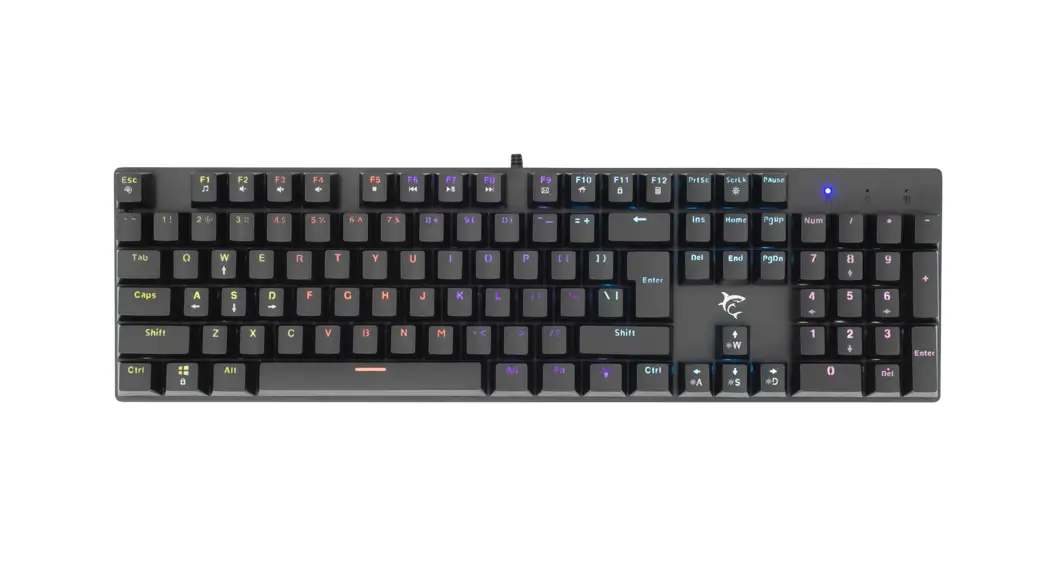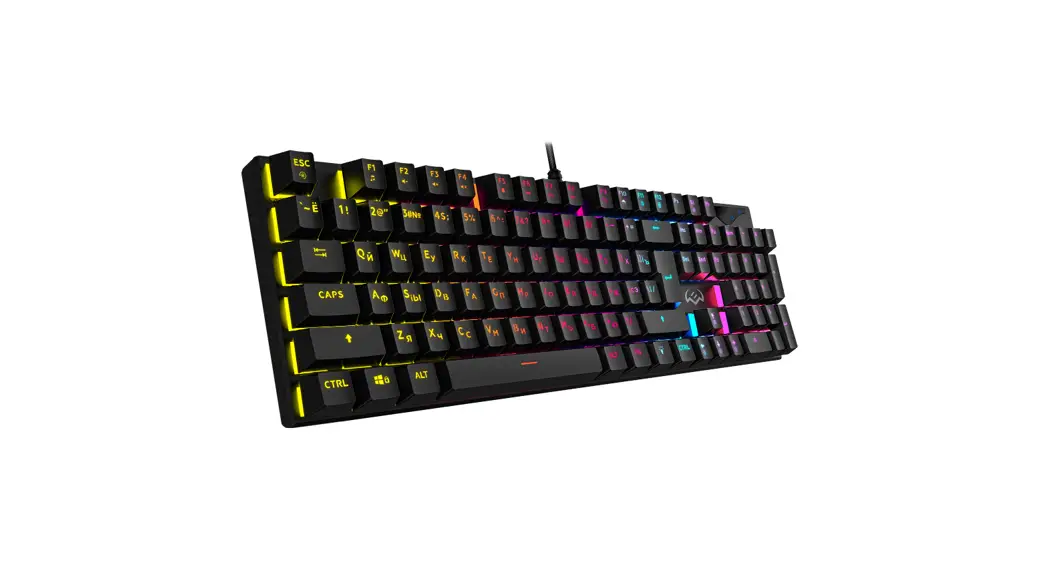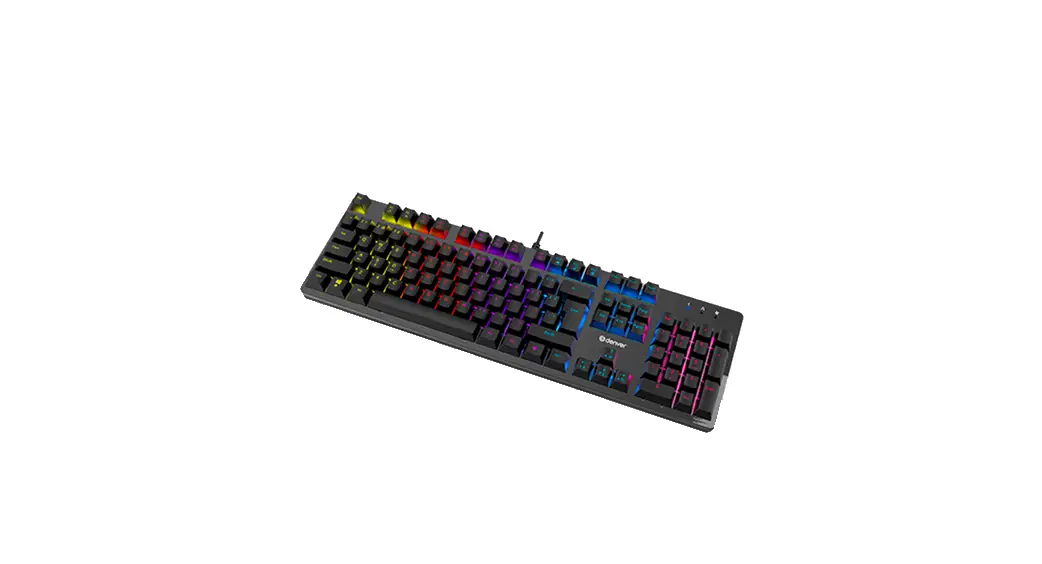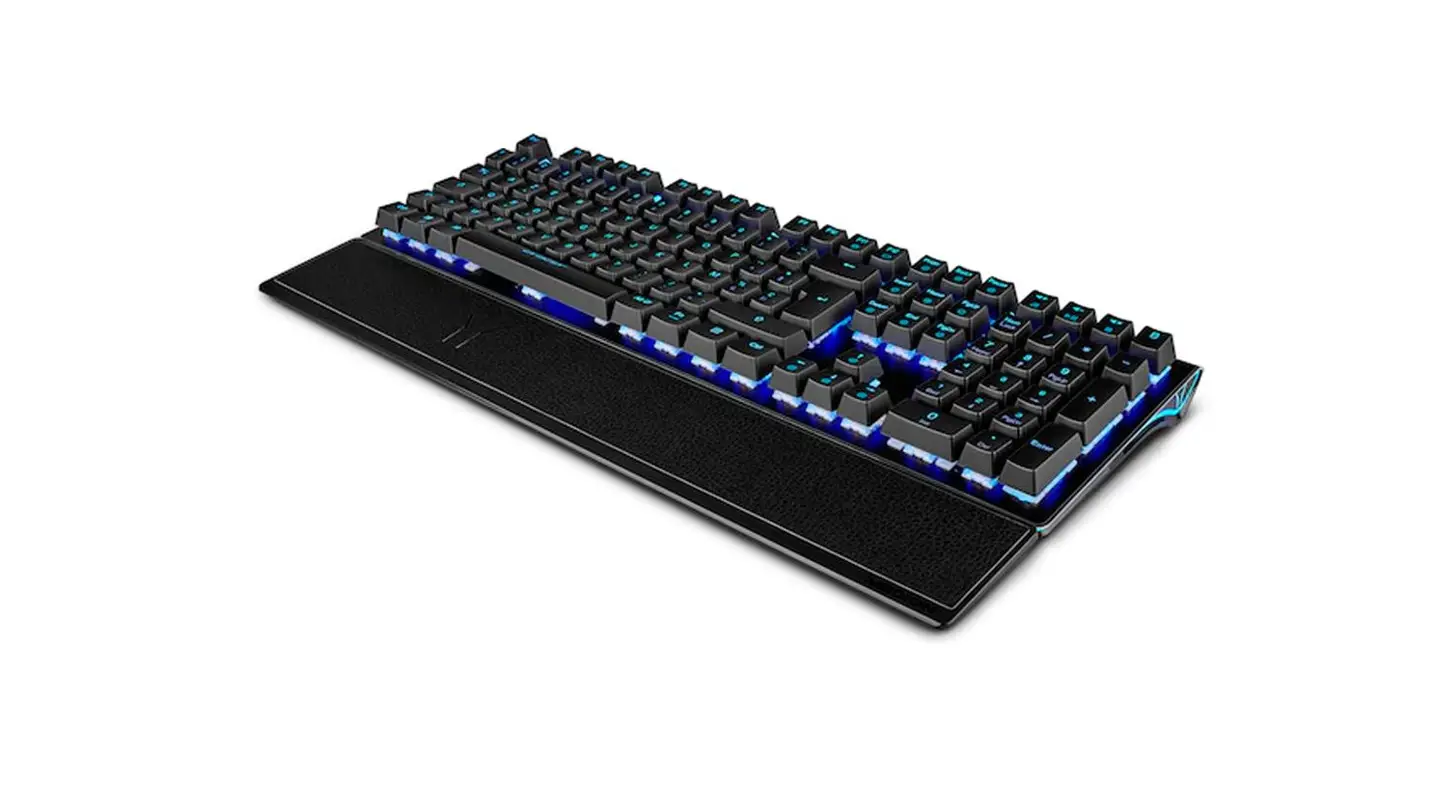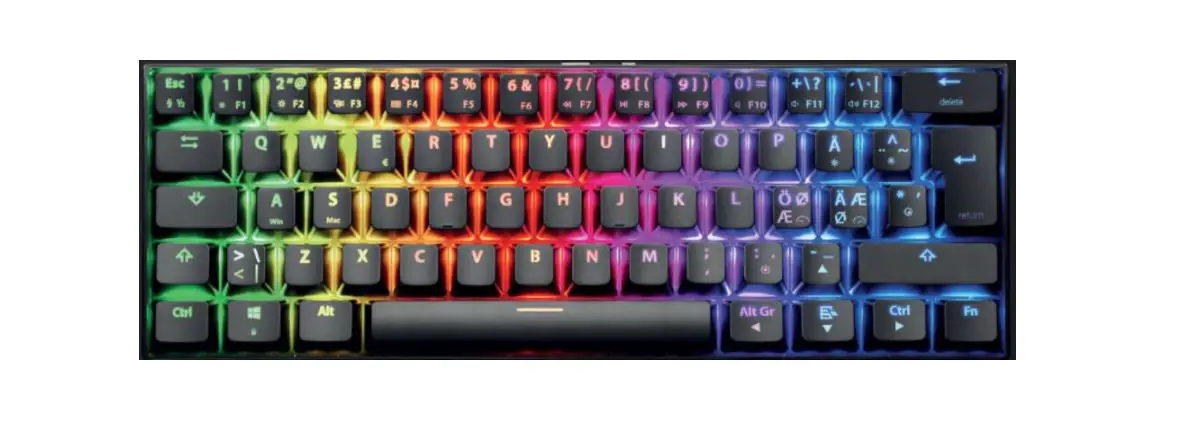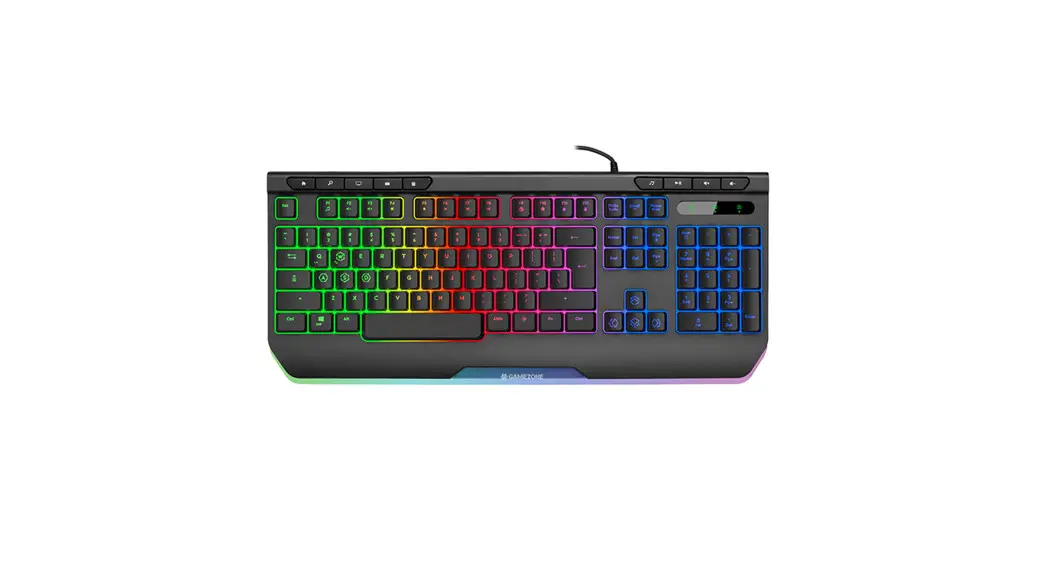
 Gaming keyboard Tracer Ray X USB
Instruction Manual
FUNCTIONS OF FN COMBINATION KEYS
| FN+F1 | FN+F2 | FN+F3 | FN+F4 | FN+F5 | FN+F6 |
| Music | Volume- | Volume+ | Mute | Previous Track | Next Track |
| FN+F7 | FN+FB | FN+F9 | FN+F10 | FN+F11 | FN+F12 |
| Pause Play | Stop | Browser | My Computer | Lock F1-F12 |
| FN+ | W | Switch between WASD and ↑←↓→ |
| Win | Lock Win | |
| ↑ /PgUp | Increase Backlight Brightness (8 levels) | |
| ↓/PgDn | Decrease Backlight Brightness (8 levels) | |
| ← | Decrease Backlight Speed (6 levels) | |
| → | Increase Backlight Speed (6 levels) |
Gaming keyboard Tracer Ray X USB
| FN+ | Scr | Switch Backlight Mode (9 modes) |
| Ins | Switch Backlight Color (7colors) | |
| L | Switch Backlight on the current configuration | |
| 1 | Switch to Breathing Backlight Mode | |
| 2 | Switch to Steady Backlight Mode | |
| 3 | Switch to Heartbeat Backlight Mode | |
| 4 | Switch to Neon Backlight Mode | |
| 5 | Switch to Rainbow Wave Backlight Mode | |
| 6 | Switch to Comet Tail Backlight Mode | |
| 7 | Switch to Color Shift Backlight Mode | |
| 8 | Switch to Single Color Wave Backlight Mode | |
| 9 | Switch to zone Backlight Mode. Press FN key and double press „9” key, and the backlight of selected zone will flash, you can press FN+ ↑↓ keys to switch backlight color. Press Fn+←→ keys to switch different zones. | |
| 0 | Turn off Backlight |
BACKLIGHT ADJUSTMENT
- Press
 key to turn on or off the backlight.
 - Press Fn+Scr to switch backlight modes from rainbow wave (default), comet tail, single color wave, color shift, breathing, steady, heartbeat, neon and zone backlight mode.
- Press Fn+lns to switch backlight color, like breathing mode, to cycle single color from blue, red, green, cyan, yellow, pink and white; like steady mode, to cycle single color from blue, red, green, cyan, yellow, pink and white.
- Press Fn+ ↑↓ to adjust brightness among 8 levels under steady backlight mode.
- Press Fn+←→ to adjust speed among 6 levels under other backlight modes.
- Press Fn+1~9 to switch to the corresponding backlight mode.
Press FN+0 to turn off backlight.
 key to turn on or off the backlight.
SUPPORT 26-KEY ROLLOVER
Z, C, F, Shi ft-L, Ctrl-L, Space, A, TAB, S, D, W, E, 0, B, V, R, T, X, G, M, Alt-L, Caps ↑,←,↓,→
The symbol of a crossed-out wheeled bin placed on electronic or electrical equipment, its packaging or accompanying documents means that the product may not be thrown out together with other waste. Used equipment may contain substances with toxic and carcinogenic properties, hazardous to human health and life, and poisoning the soil and groundwater. It is the user’s responsibility to hand over the used equipment to a designated collection point for its proper processing. For more information on recycling of electronic and electrical equipment, please contact your local authorities, waste disposal services and the place where you purchased this product. The household plays an important role in contributing to the reuse and recovery of secondary raw materials, including recycling, waste equipment. At this stage, attitudes are formed that affect the preservation of the common good, which is a clean natural environment.
 Producent:
Megabajt Sp. z o.o., ul. Rydygiera 8, 01-793 Warszawa