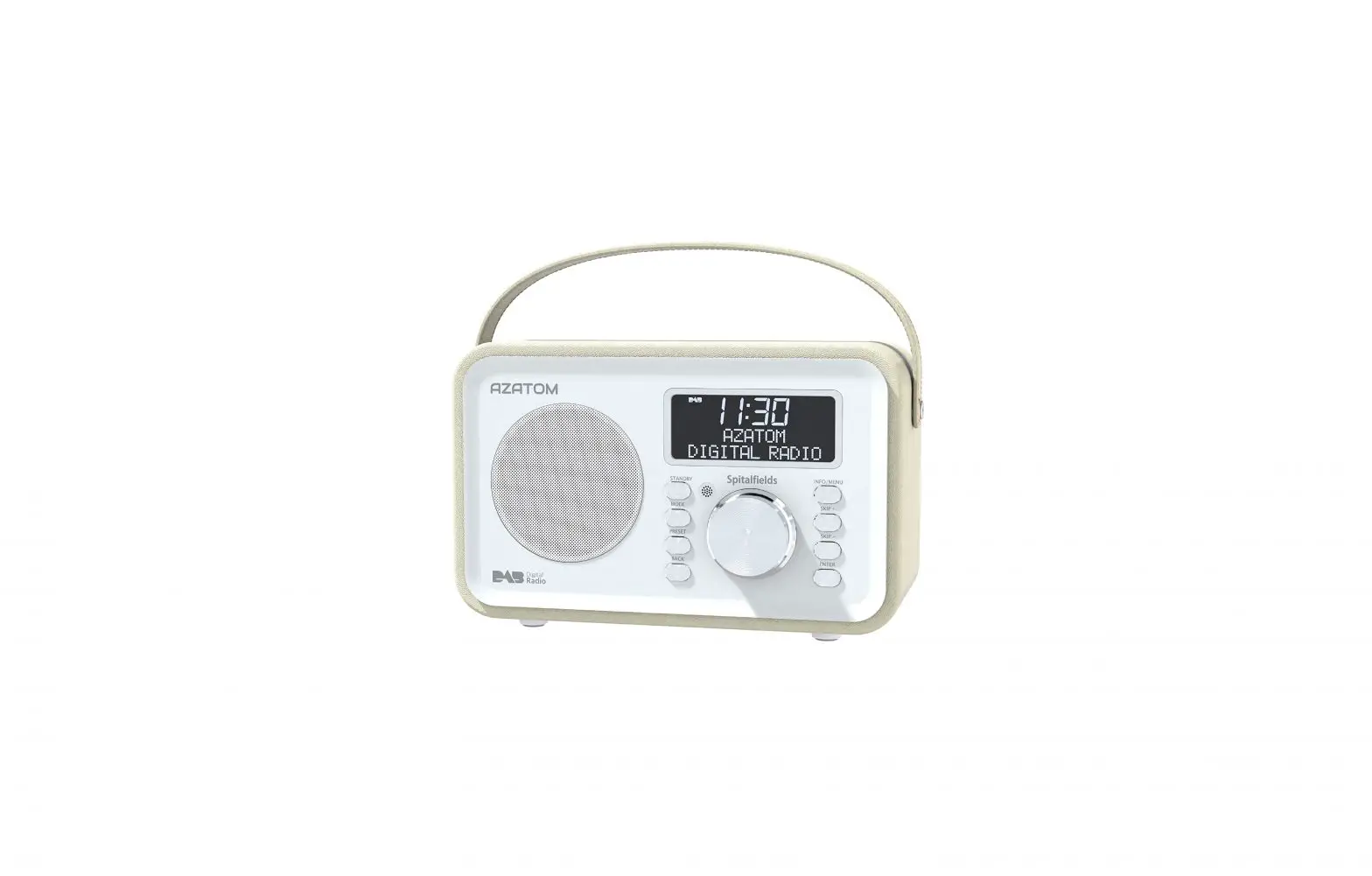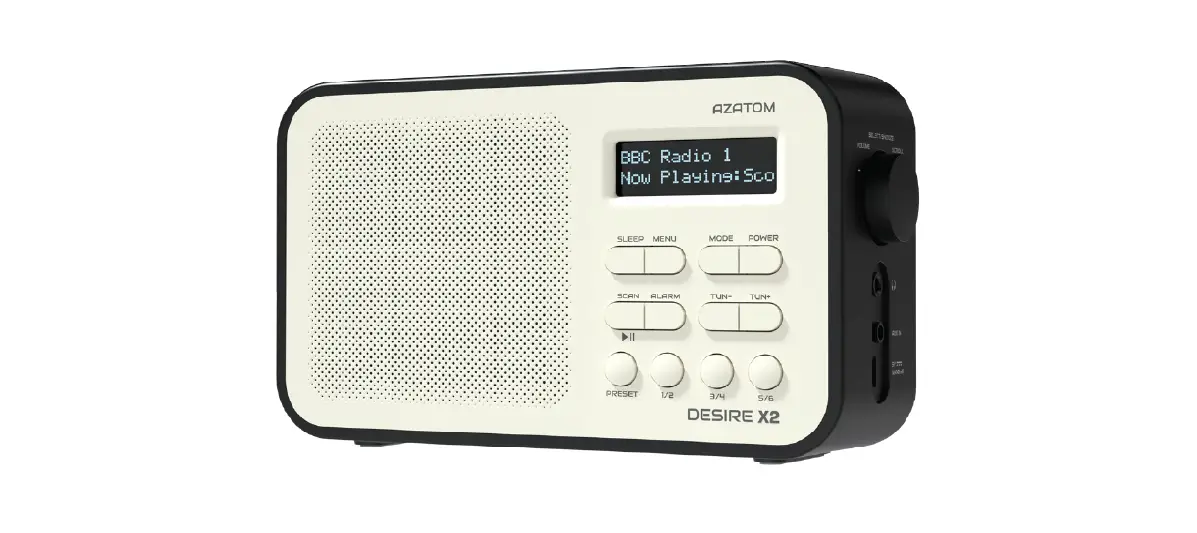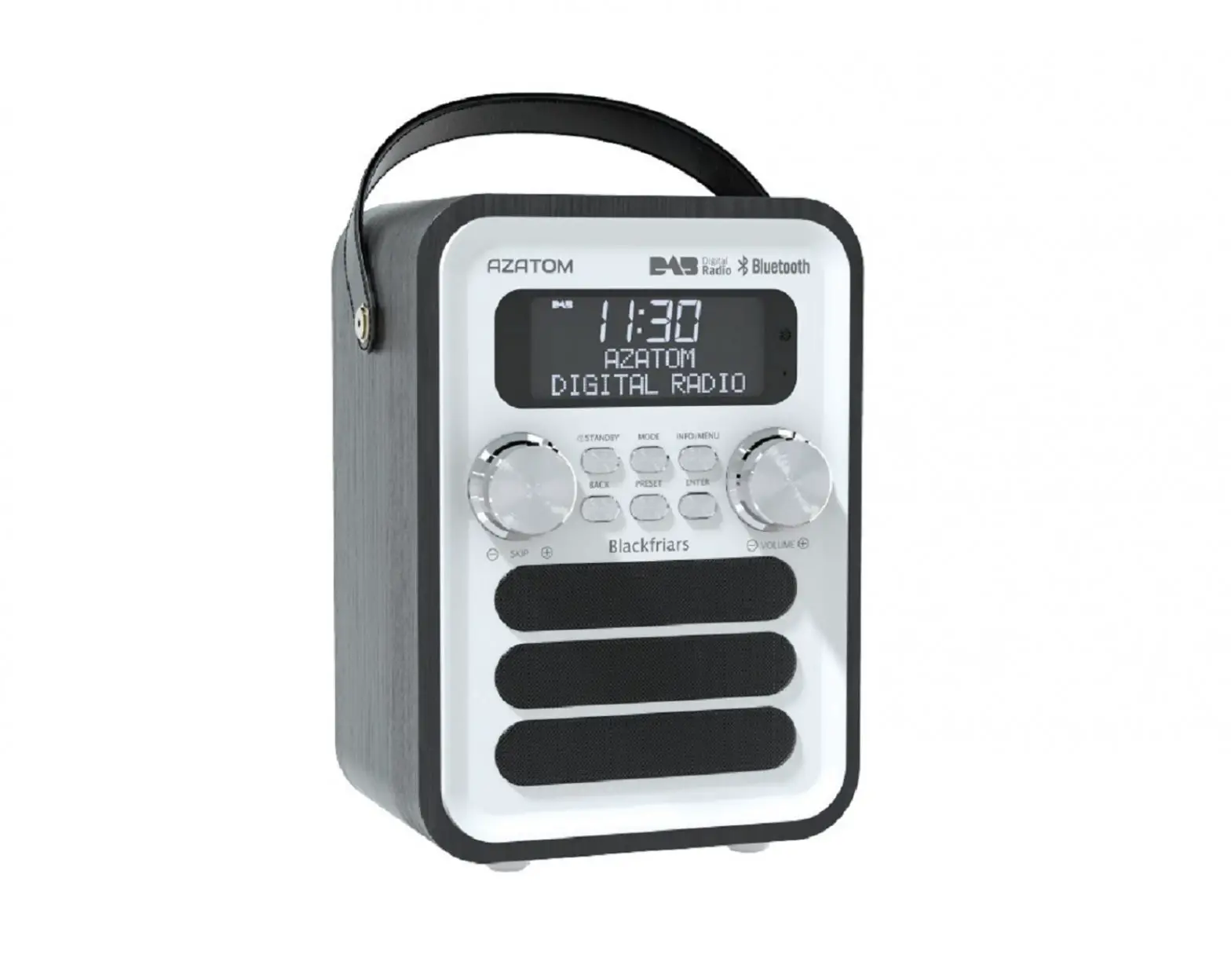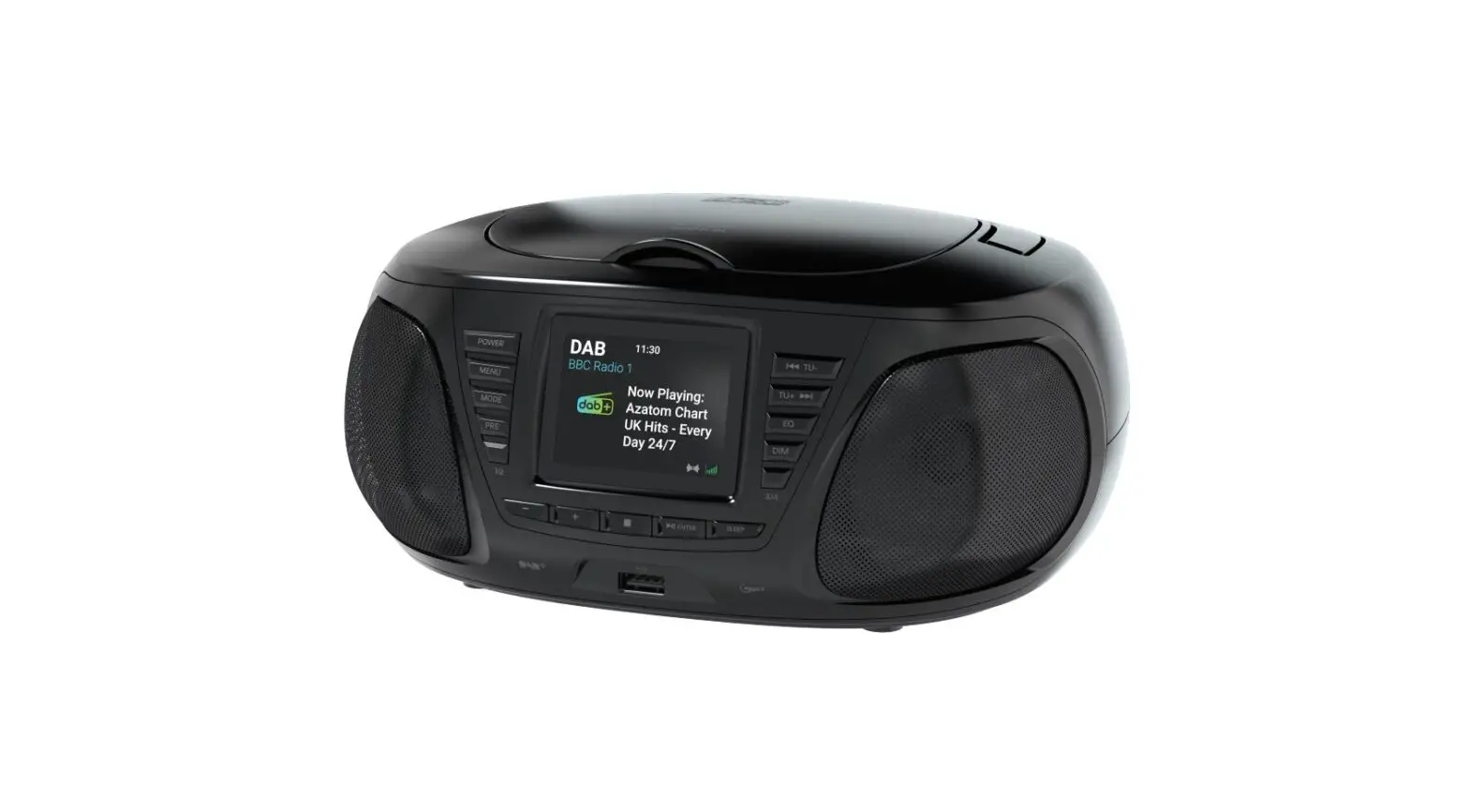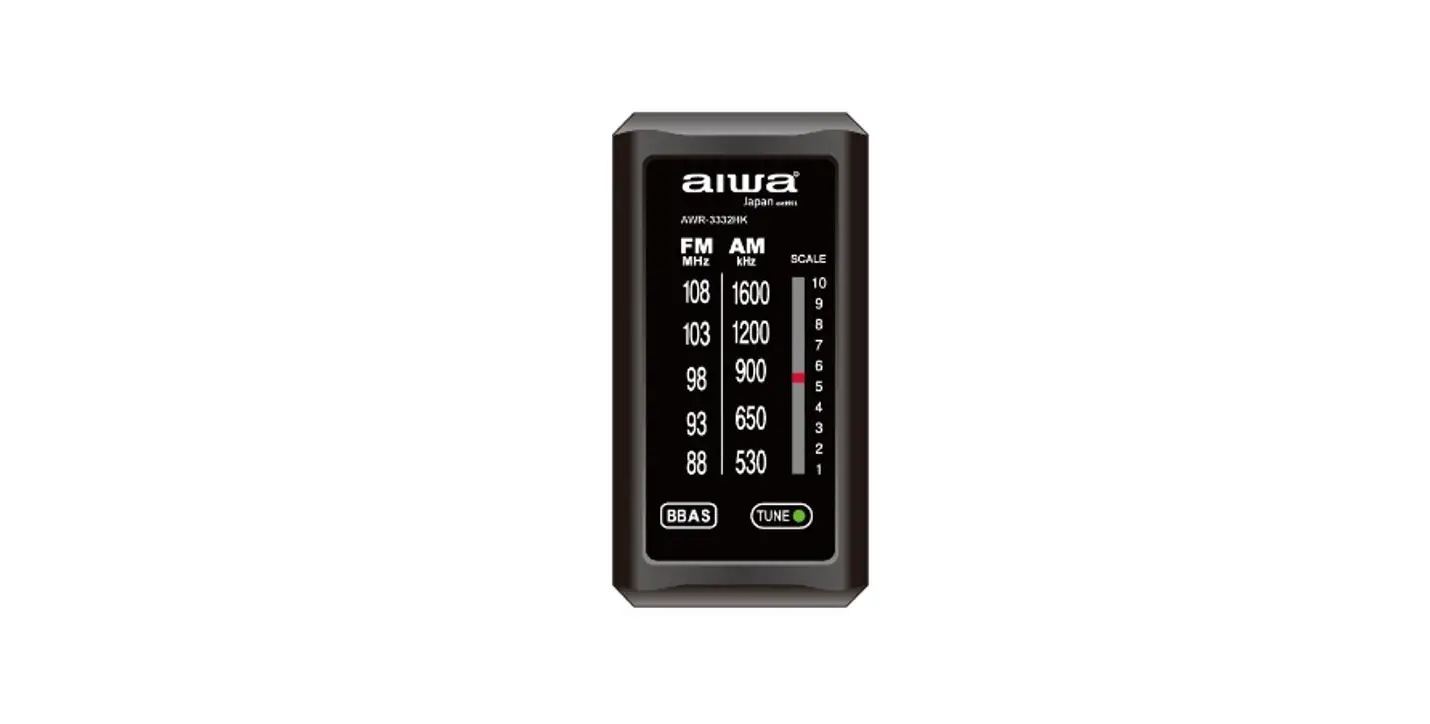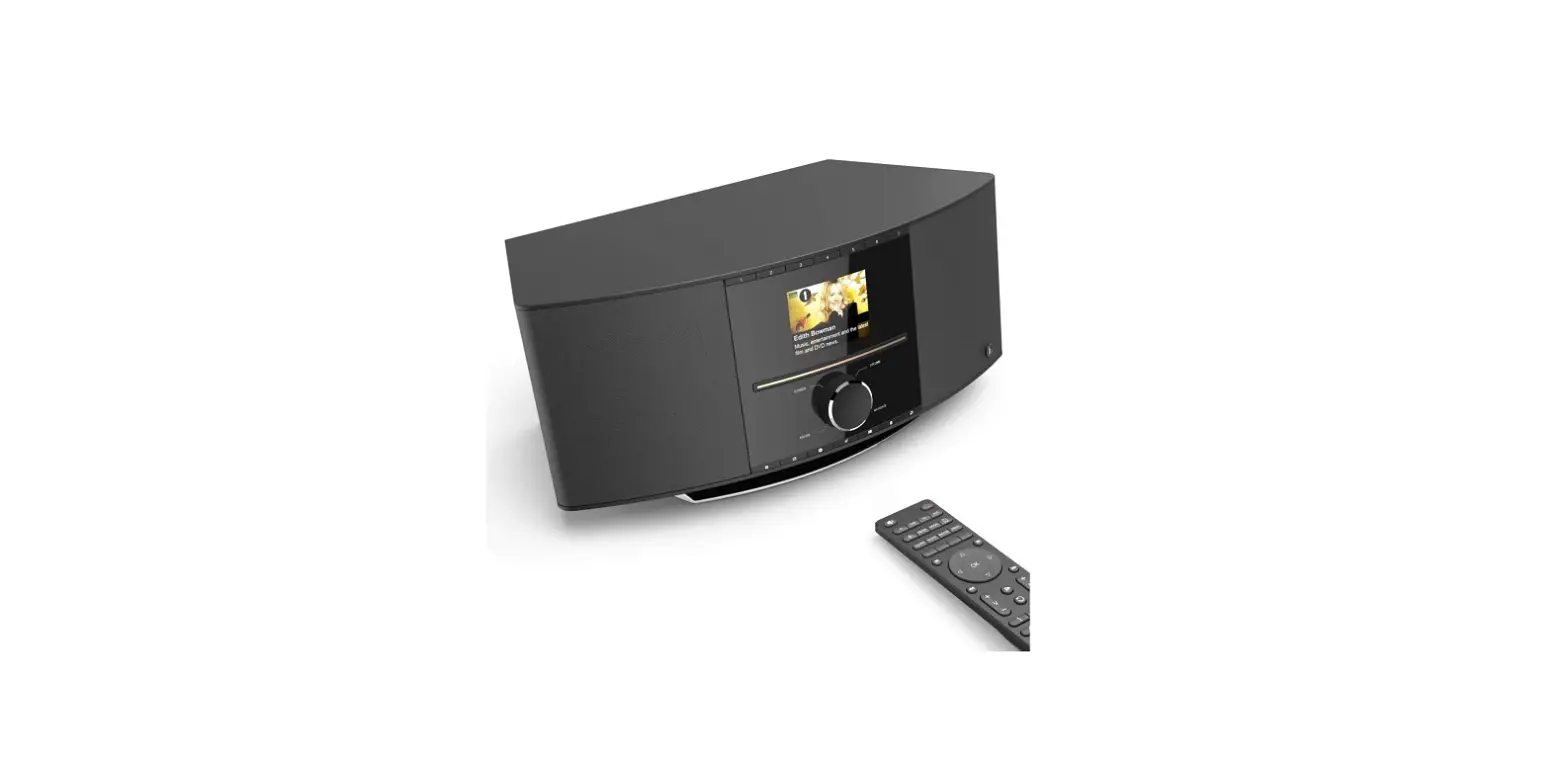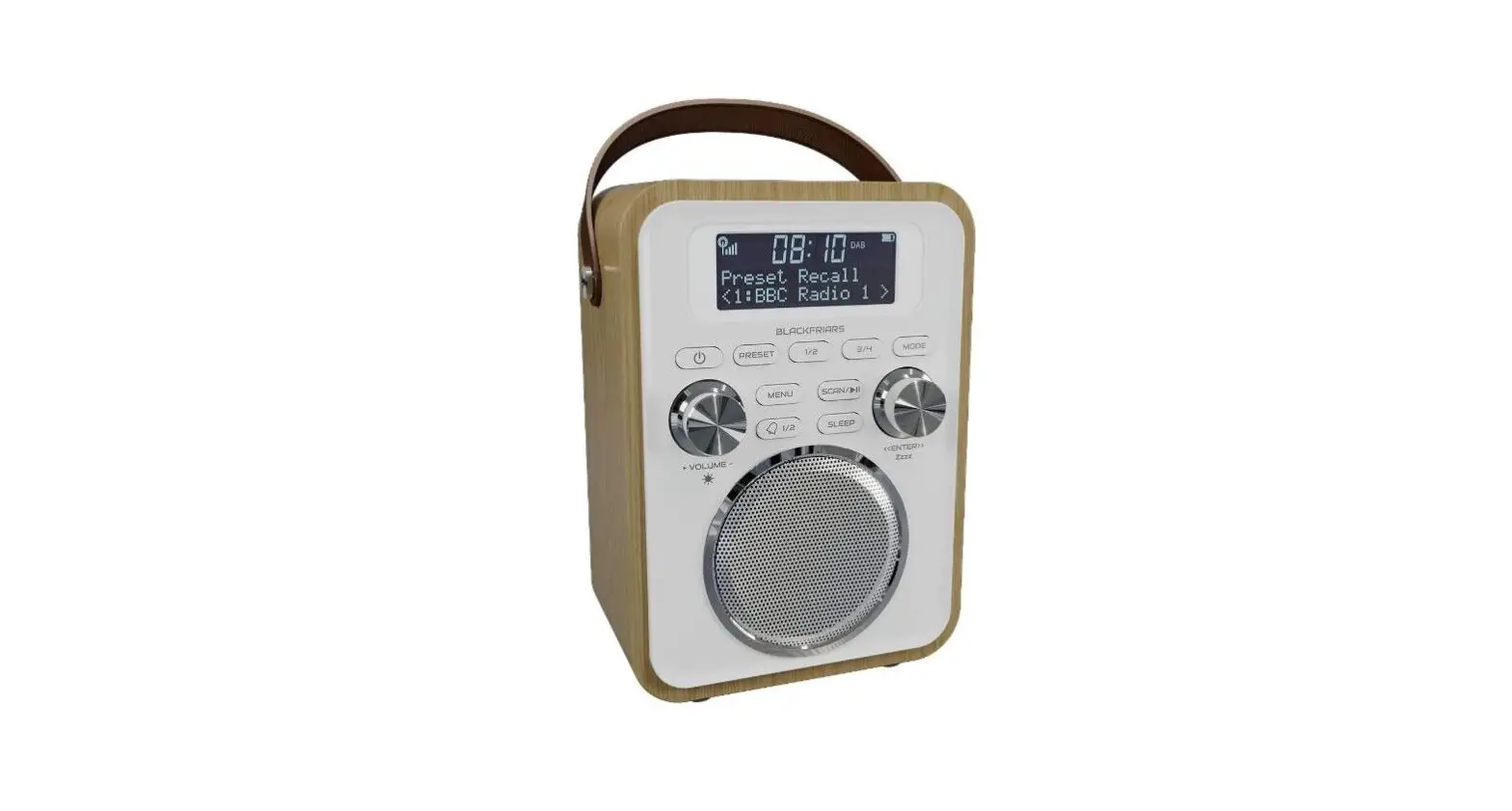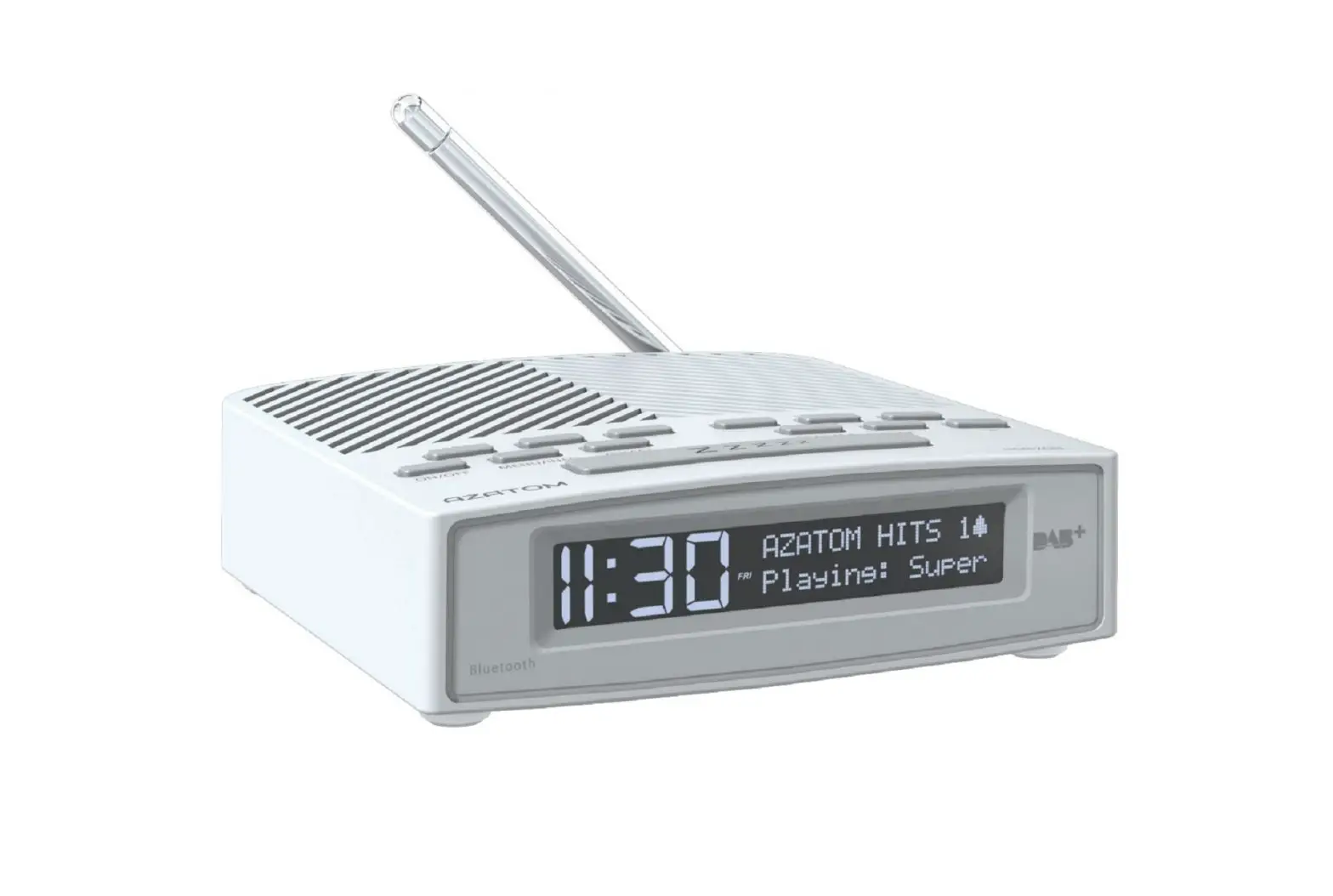
Quick Start Guide

Setting the Alarm:
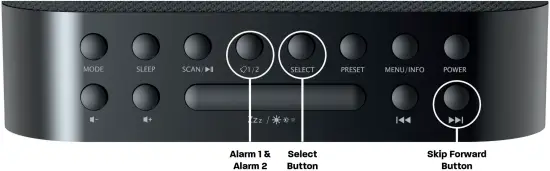
Once DAB Stations and time is Auto set after scan do the following to set Alarm
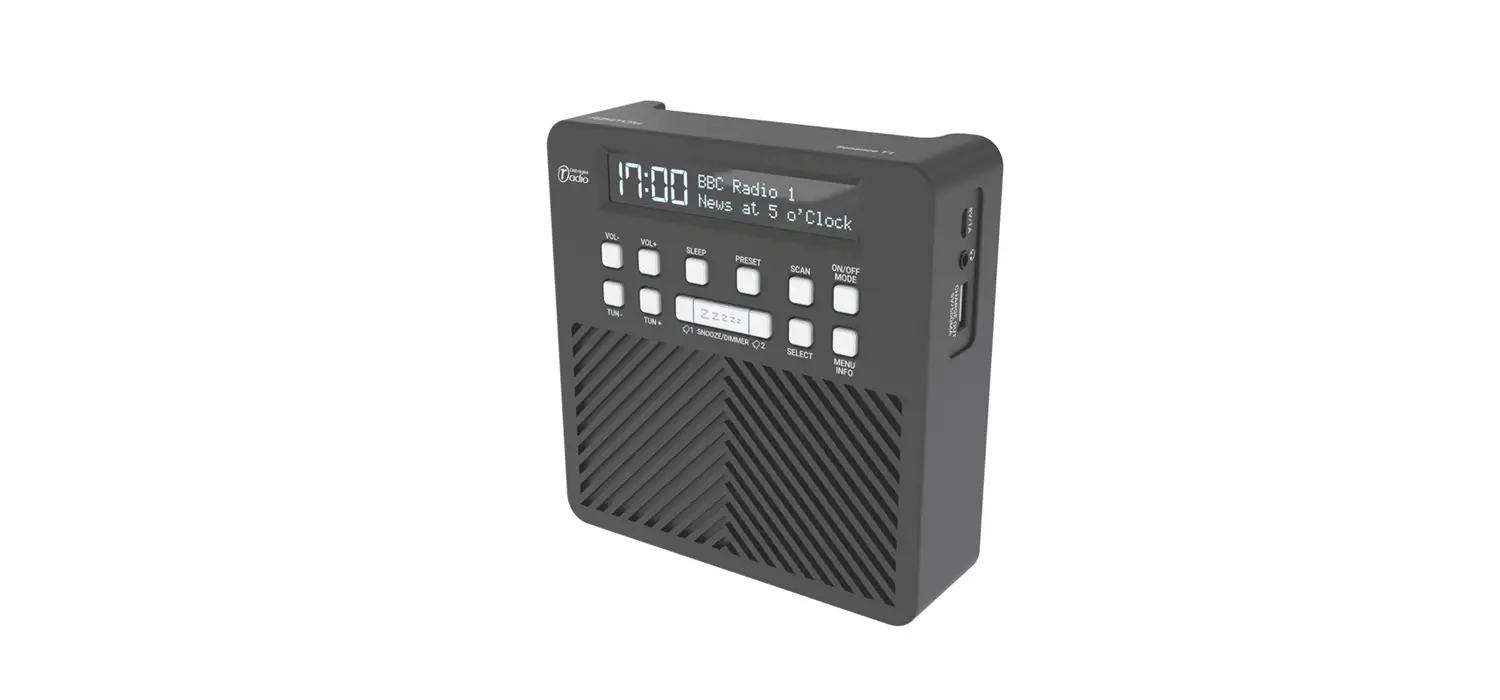
1: Press “Alarm 1/2” Button and choose which Alarm 1 or 2 to set
2: Press “Select” button to start setting the alarm time
3: Press “ ” buttons to change the alarm hours
4: Press “Select” button once you have the correct hour time.
5: Press “” button again to change alarm minutes
6: Press “Select” button again once you have the correct minute time.
7: Press “” again to choose the Alarm duration “15,30,45,60,90 minutes”
8: Press “Select” button again once you have the correct Duration
9: Press “” again to choose the Alarm source “DAB, FM or BUZZER”
10: Press “Select” button again once you have chosen the alarm source
11: Press “” again to choose days for alarm “Daily, Once, Weekends, Weekdays”
12: Press “Select” button again once you have chosen the days
13: Press “” again to choose alarm Volume
14: Press “Select” button again to confirm the alarm volume
15: Press “” again to turn Alarm “ON or OFF”
16: Press “Select” to SAVE
Don’t forget to leave us a review




@AZATOM
REGISTER YOUR PRODUCT ONLINE. TO LEARN MORE & REGISTER FOR OUR AZATOM WARRANTY* PLEASE VISIT:
AZATOM© 2021 ALL RIGHTS RESERVED. AZATOM® IS PART OF AZATOM GROUP LIMITED.
SEE SITE FOR SAFETY INFORMATION. AZATOM® RESERVE THE RIGHT TO WITHDRAW ANY AND ALL PROMOTIONS WITHOUT NOTICE. FOR FULL WARRANTY, EXTENDED WARRANTY AND PROMOTIONAL OFFER TERMS & CONDITIONS PLEASE VISIT WWW.AZATOM.COM/TERMS-CONDITIONS
*REGISTRATION REQUIRED