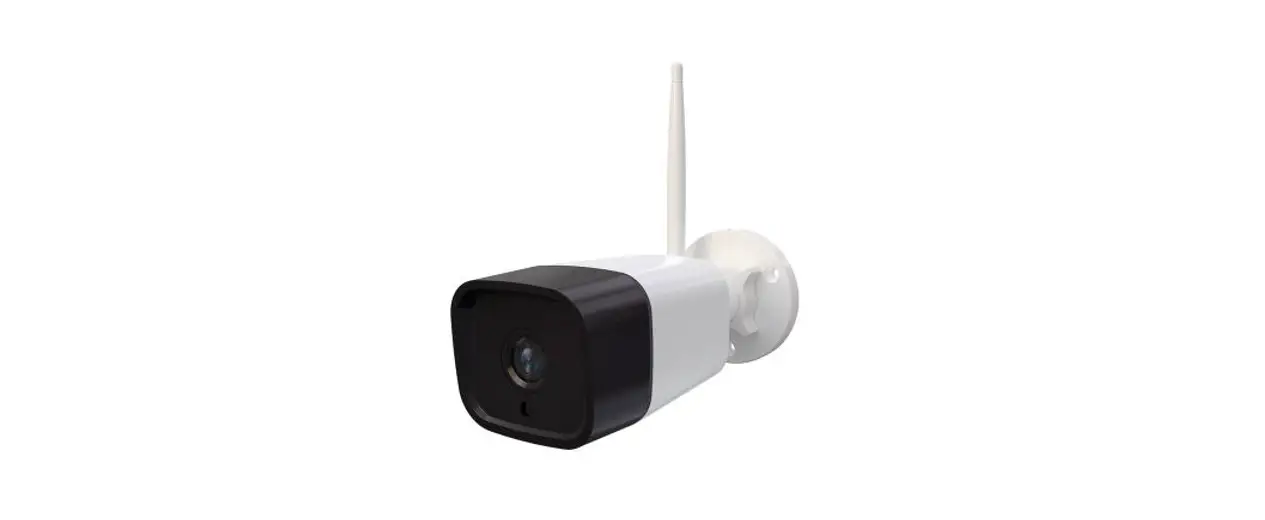
 0107130B Outdoor Camera
User Guide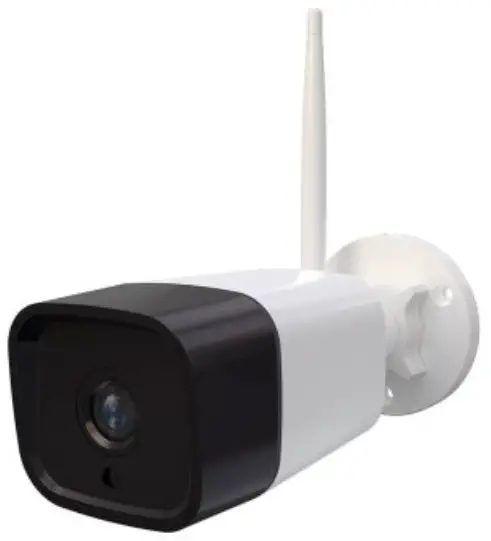
Congratulations with your new Outdoor Cam
by SikkertHjem™
Package contents
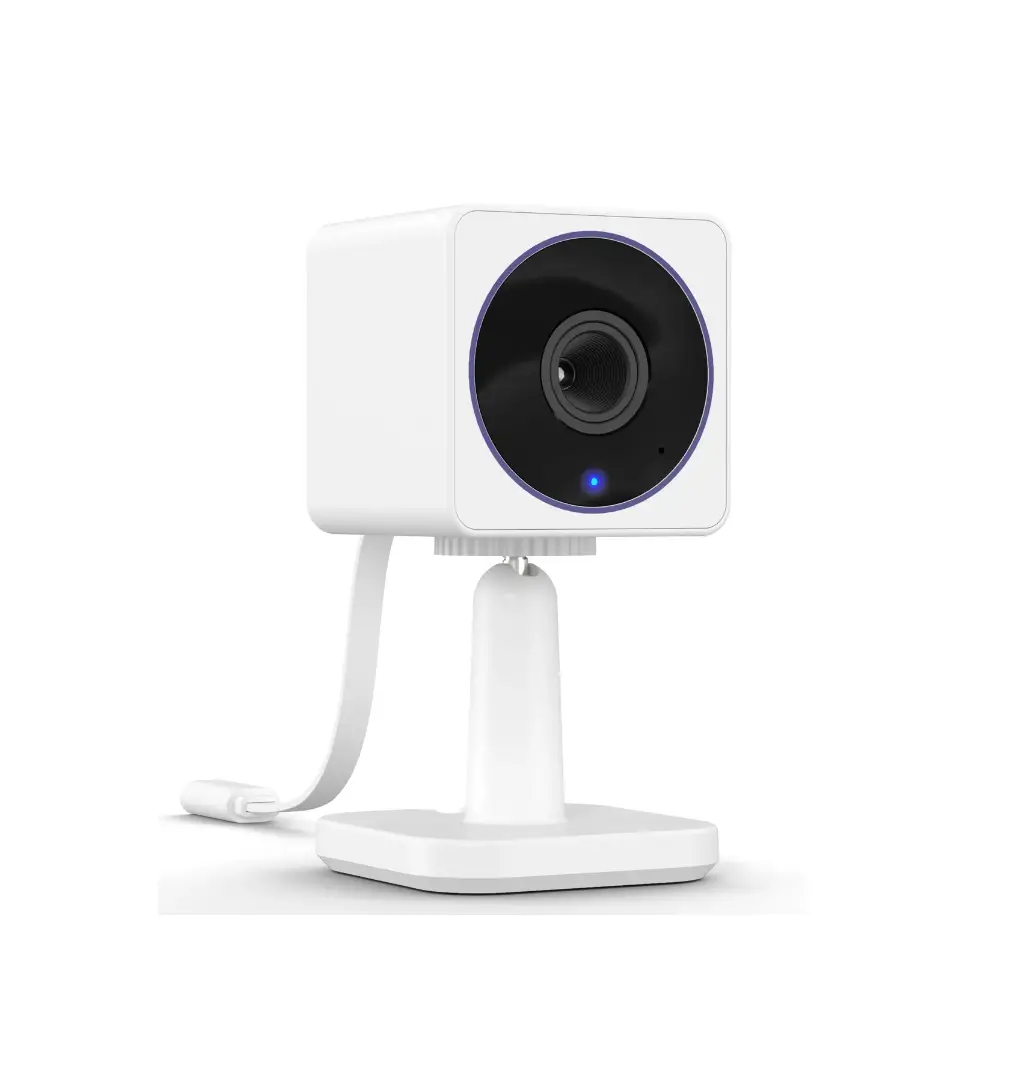
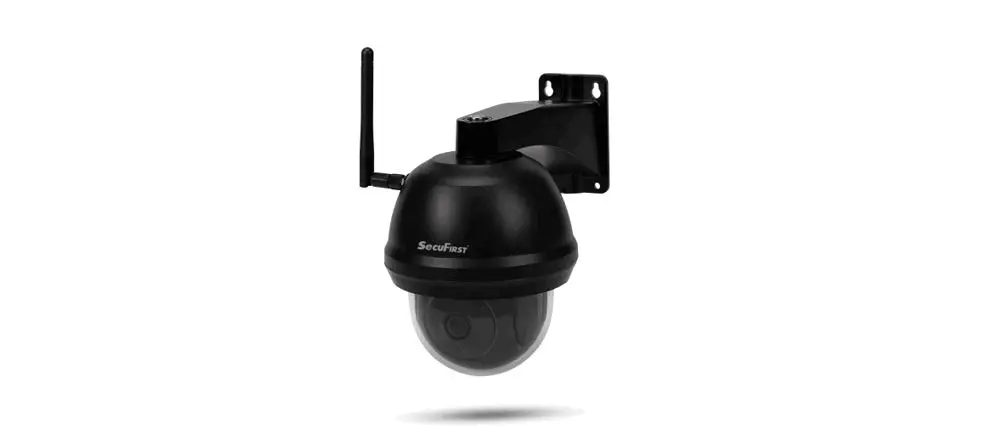
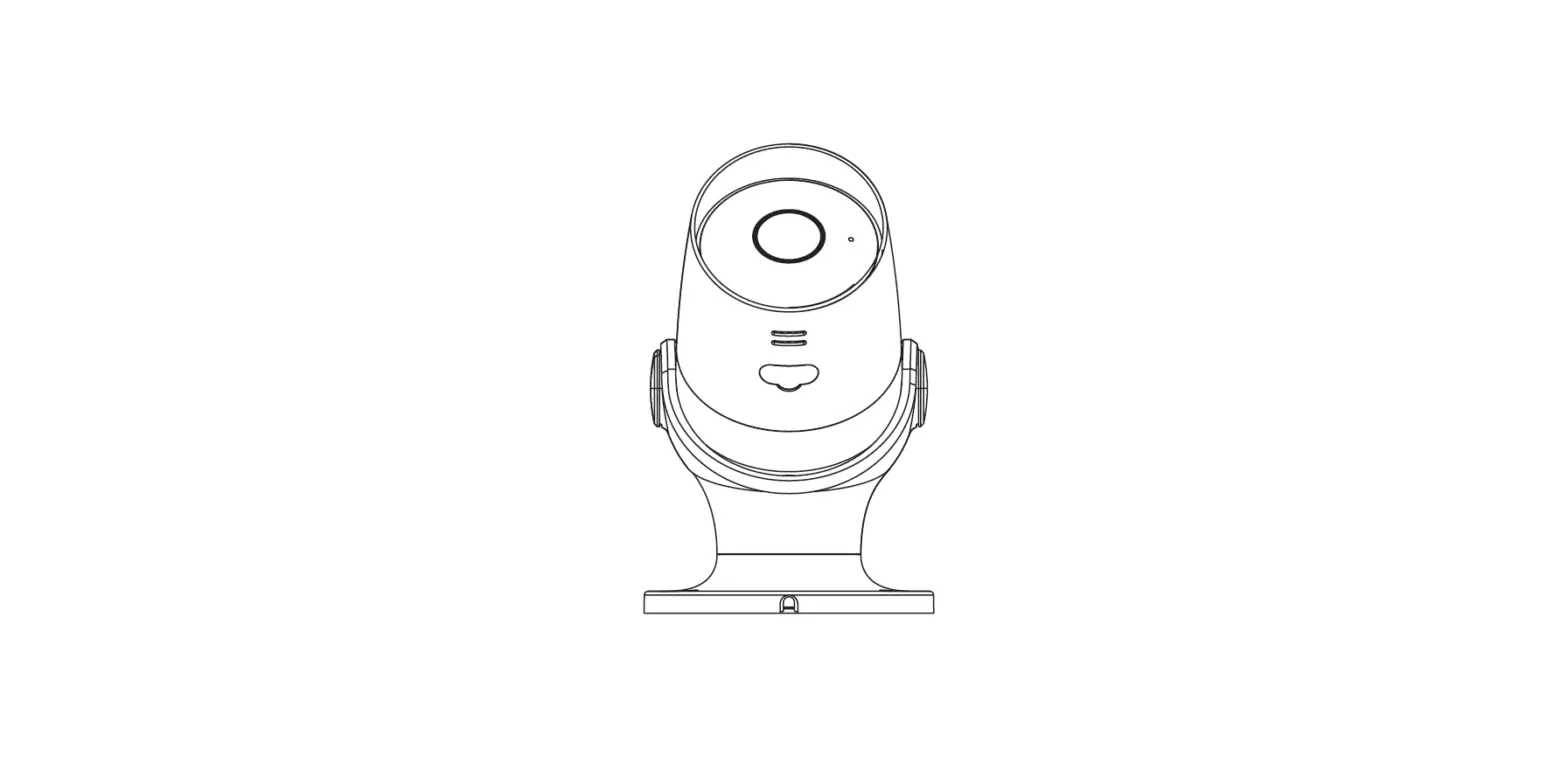
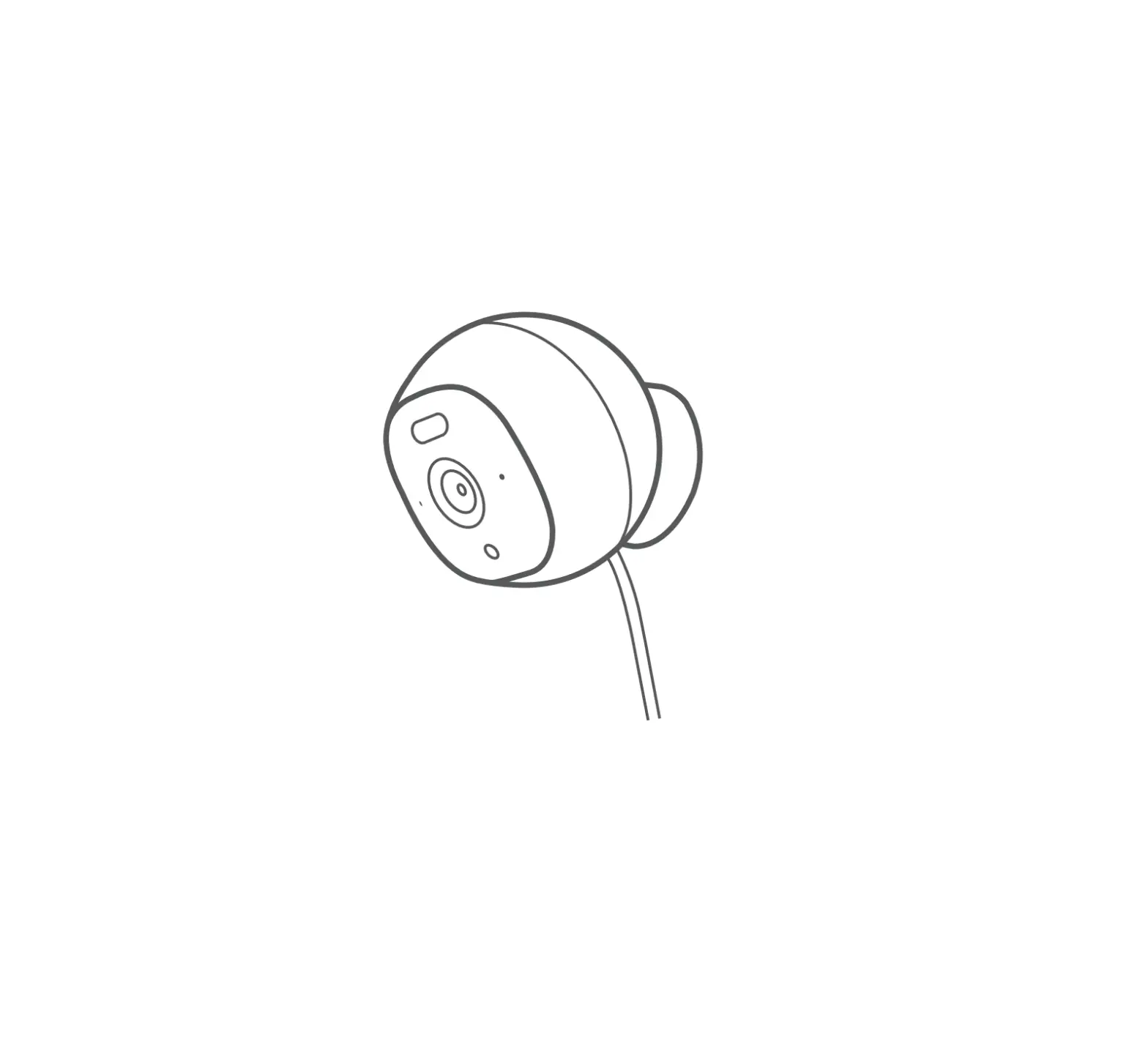
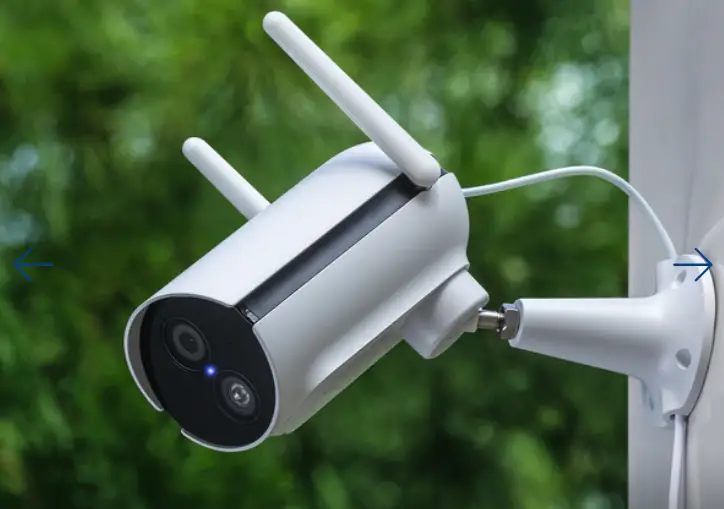
Outdoor Cam by SikkertHjem™
Features
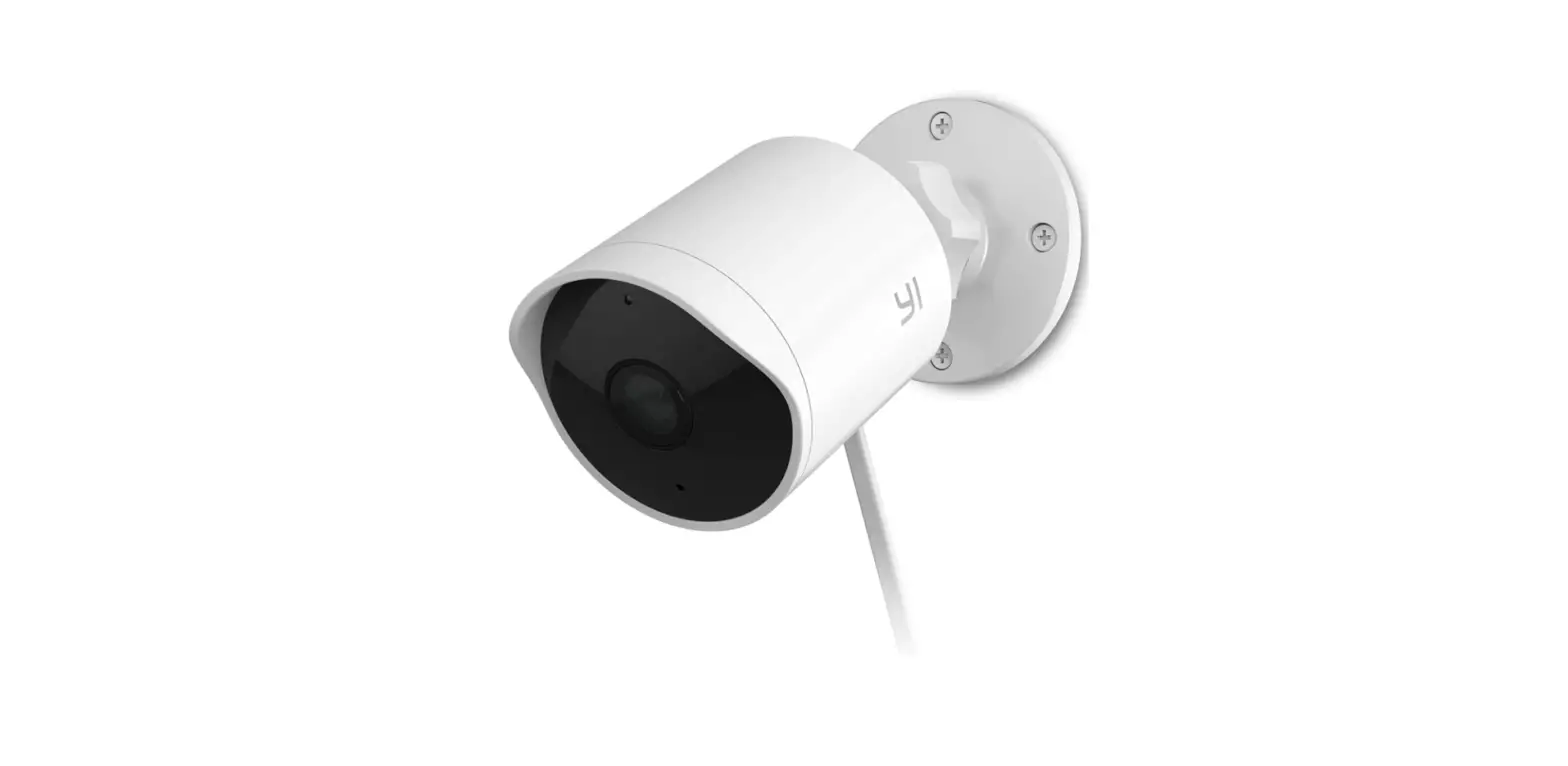
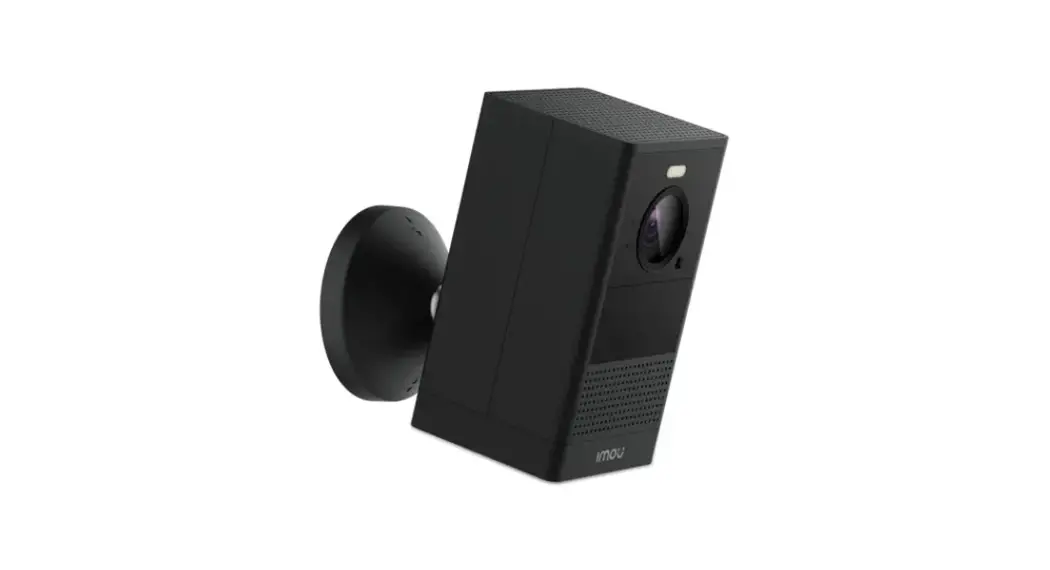
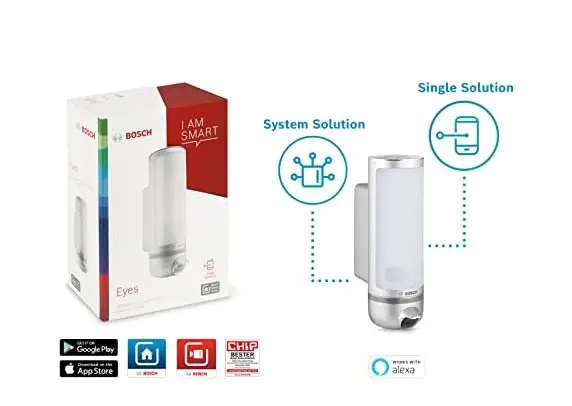
With your Outdoor Cam by SikkertHjem”, you get high-quality video surveillance. The device offers 1920 x 1080 p image resolution with 2 megapixels and a 25 fps video frame rate. Night vision and motion detection are integrated into the camera. You can use microSD” memory cards up to 128 GB. It is possible to purchase a cloud solution, which means everything will be stored up there for you. Your new Outdoor Cam by SikkertHjem” can be used with the S6evo” app and as a standalone camera.
Before you start
- Ensure you have an internet router providing 2.4 GHz Wi-Fi at 802.11b/g/n
- Test the network connection from where you wish to site the camera
- Download the S6evo™ app on your mobile phone
- Connect your Outdoor Cam to the mains and start the encoding
Quick Setup Guide
Open the S6evo™ app and press in the right-hand corner
- Connect your Indoor Cam to the mains
- Select “+ Add accessories” from the white bar
- Scan the QR code on the camera
- Press “Change network” to proceed in the process
- Go to your phone’s Wi-Fi settings and connect to “IPcam ****”
- Enter the code “01234567” for the camera and connect
- Android: Tap “Stay connected” if you are notified that the Wi-Fi connection is weak
- Go to the SikkertHjem™ app, connect to your network, and tap the box in the right corner
- The 3 dots will spin in the app. This process may take up to 2 minutes
- When you hear a tune, the camera has been successfully connected
- Name the camera and it is ready for use
- For first-time use: Change the camera code by clicking “OK”
If you need more help*
 https://www.sikkerthjem.dk/outdoorcam/
Scan the QR code and go straight toSikkertHjem™ Support
* A QR code app may be required in order to scan the QR codes
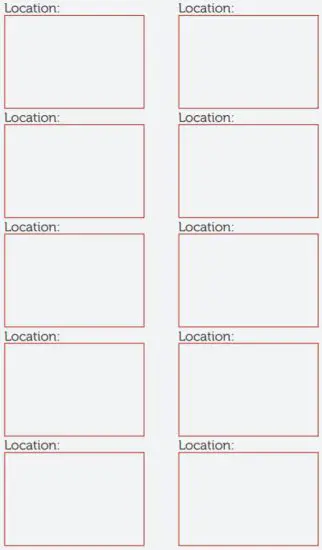
Overview of your cameras
Save your QR codes.


SikkertHjem™ Scandinavia
Copyright 2021 © SikkertHjem™ – All rights reserved.