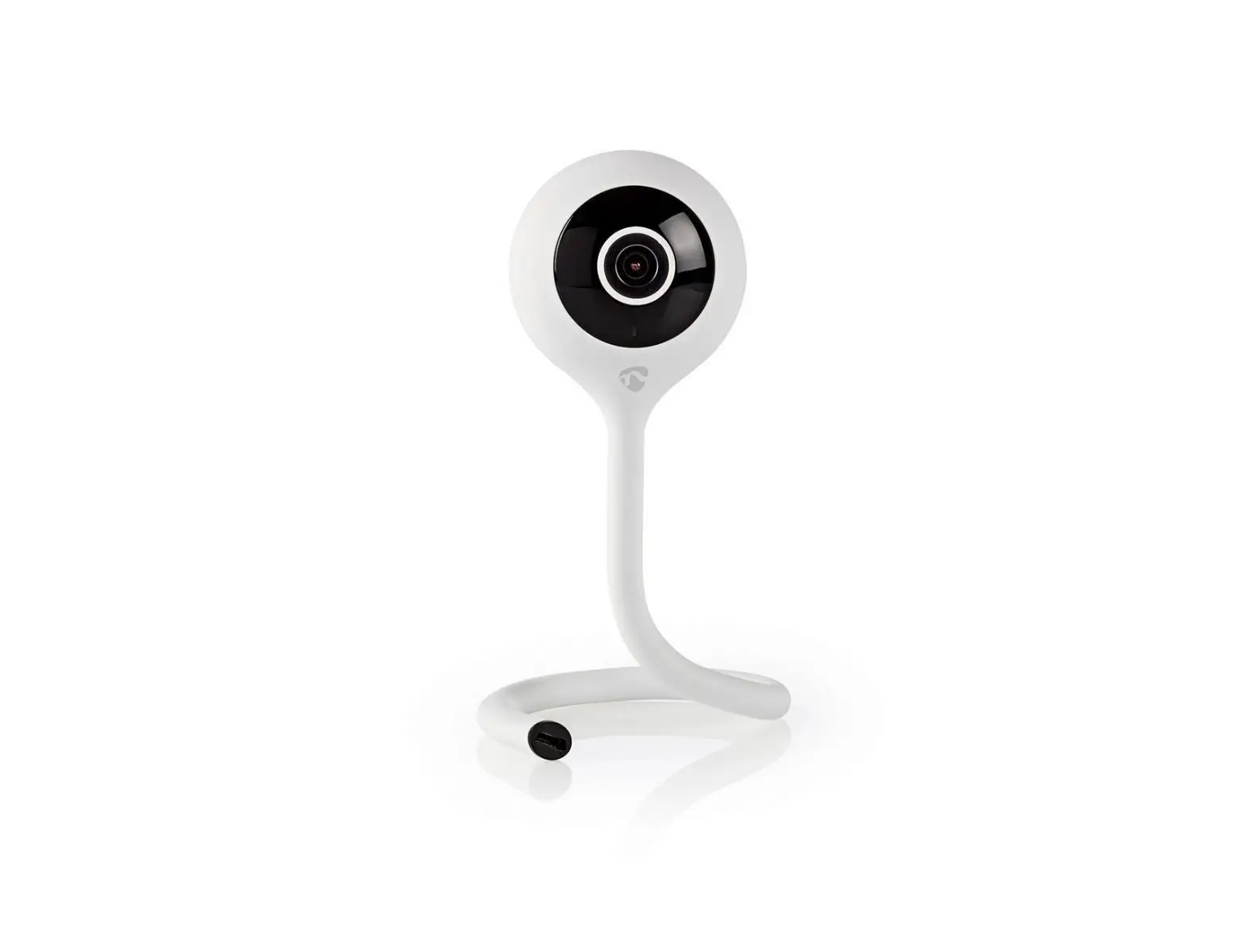
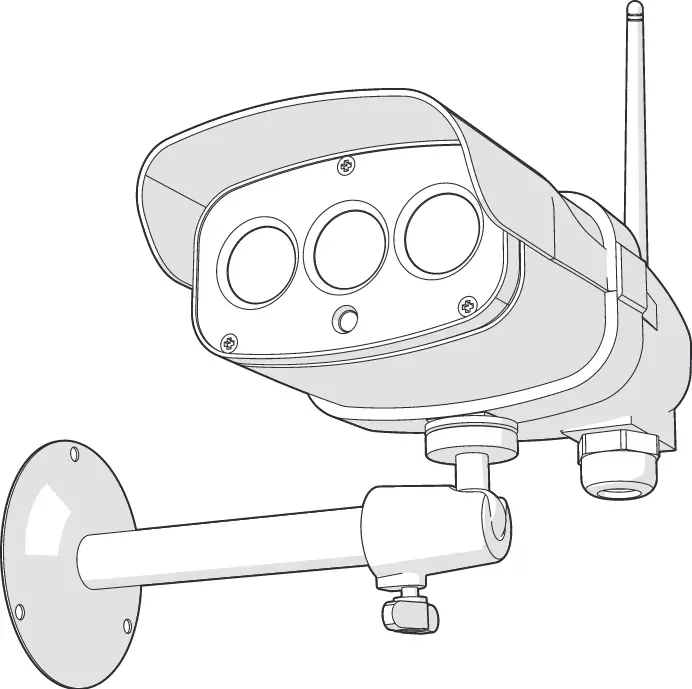
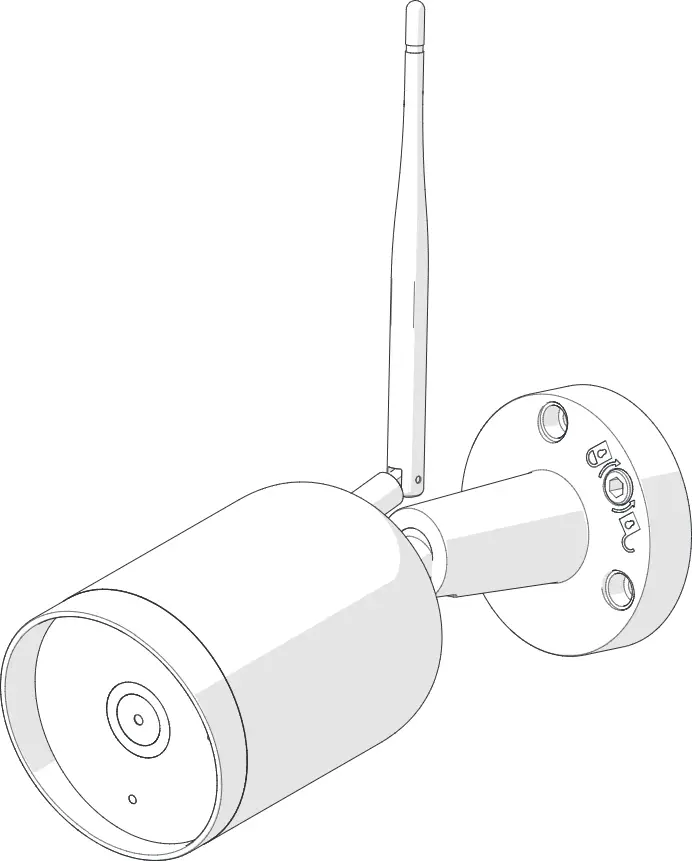
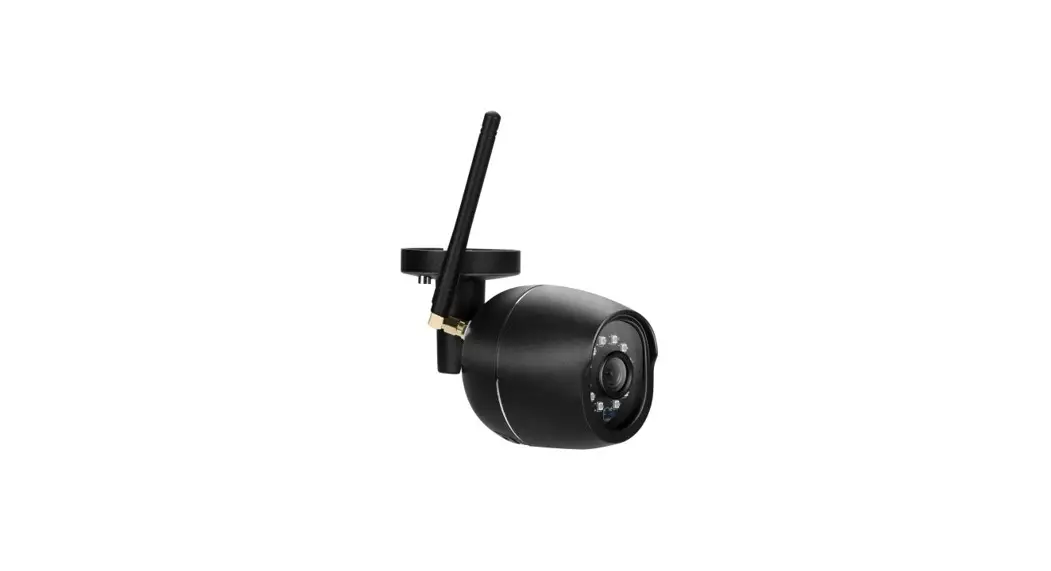
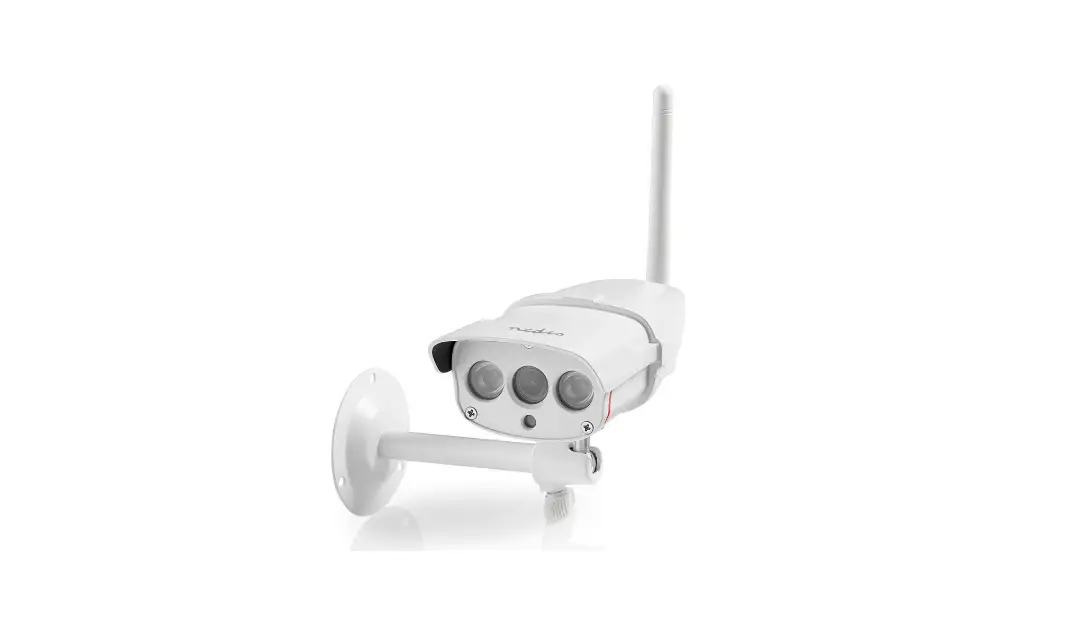
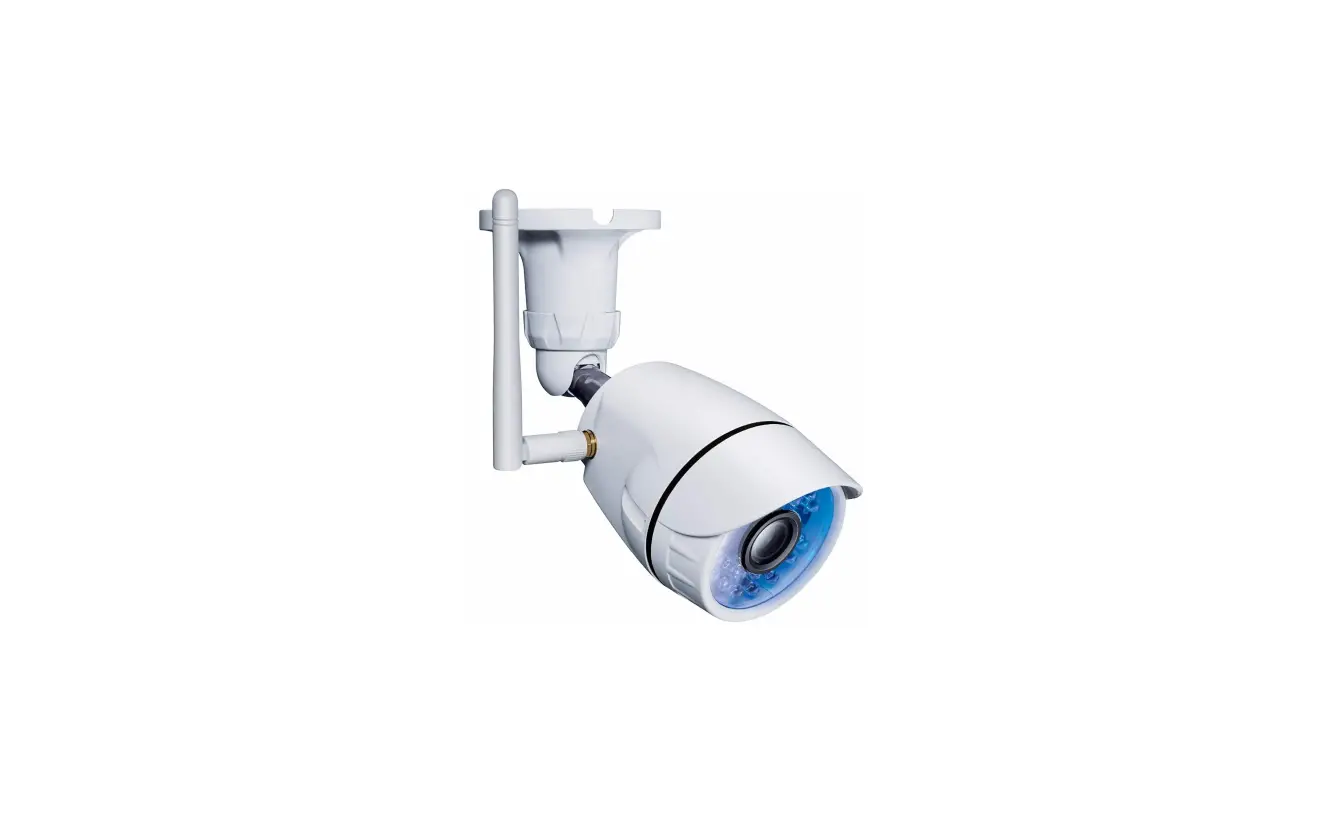
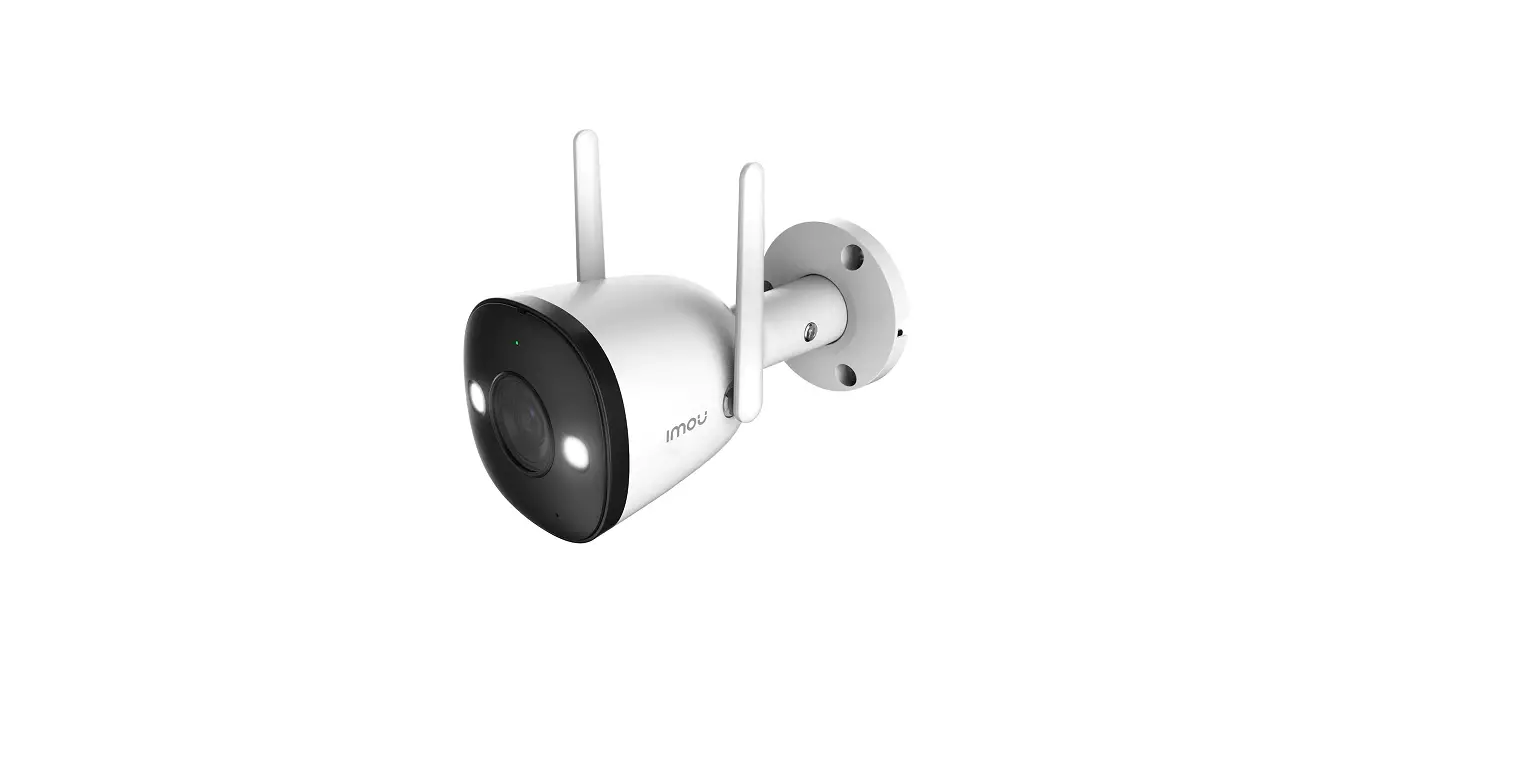
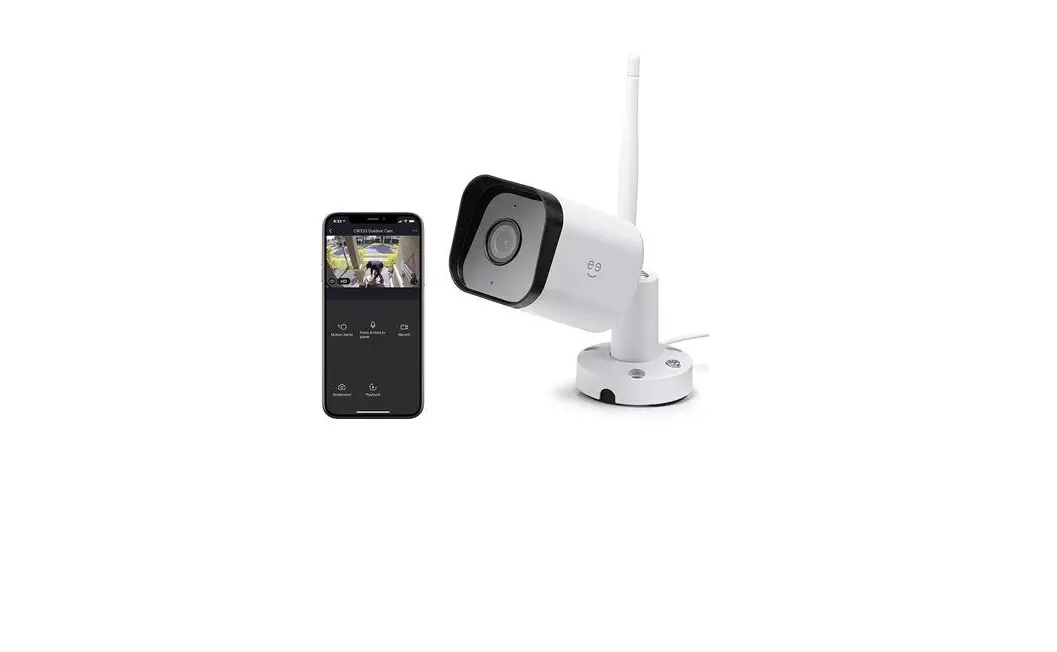
WIFICO11CWT Outdoor IP Camera
Product Information
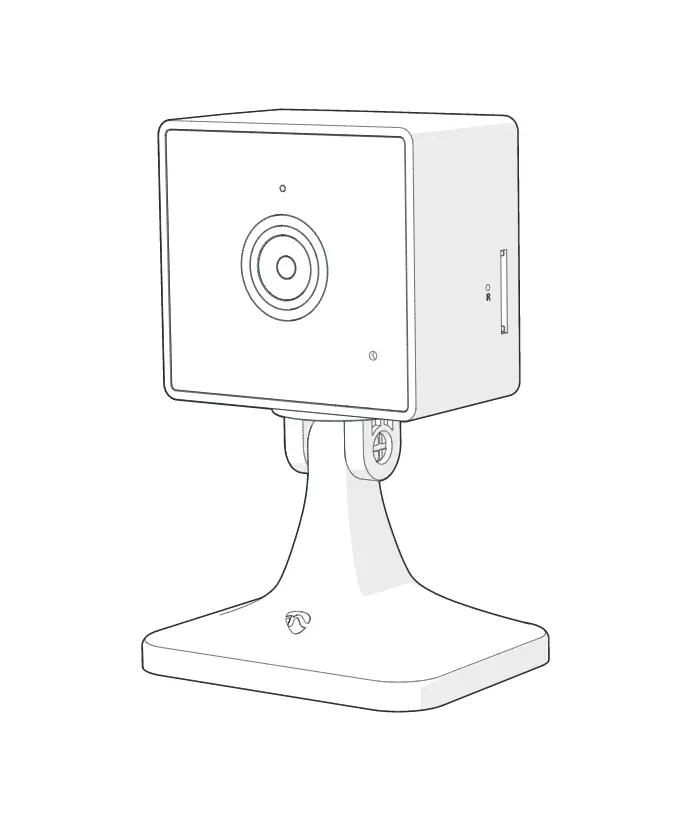
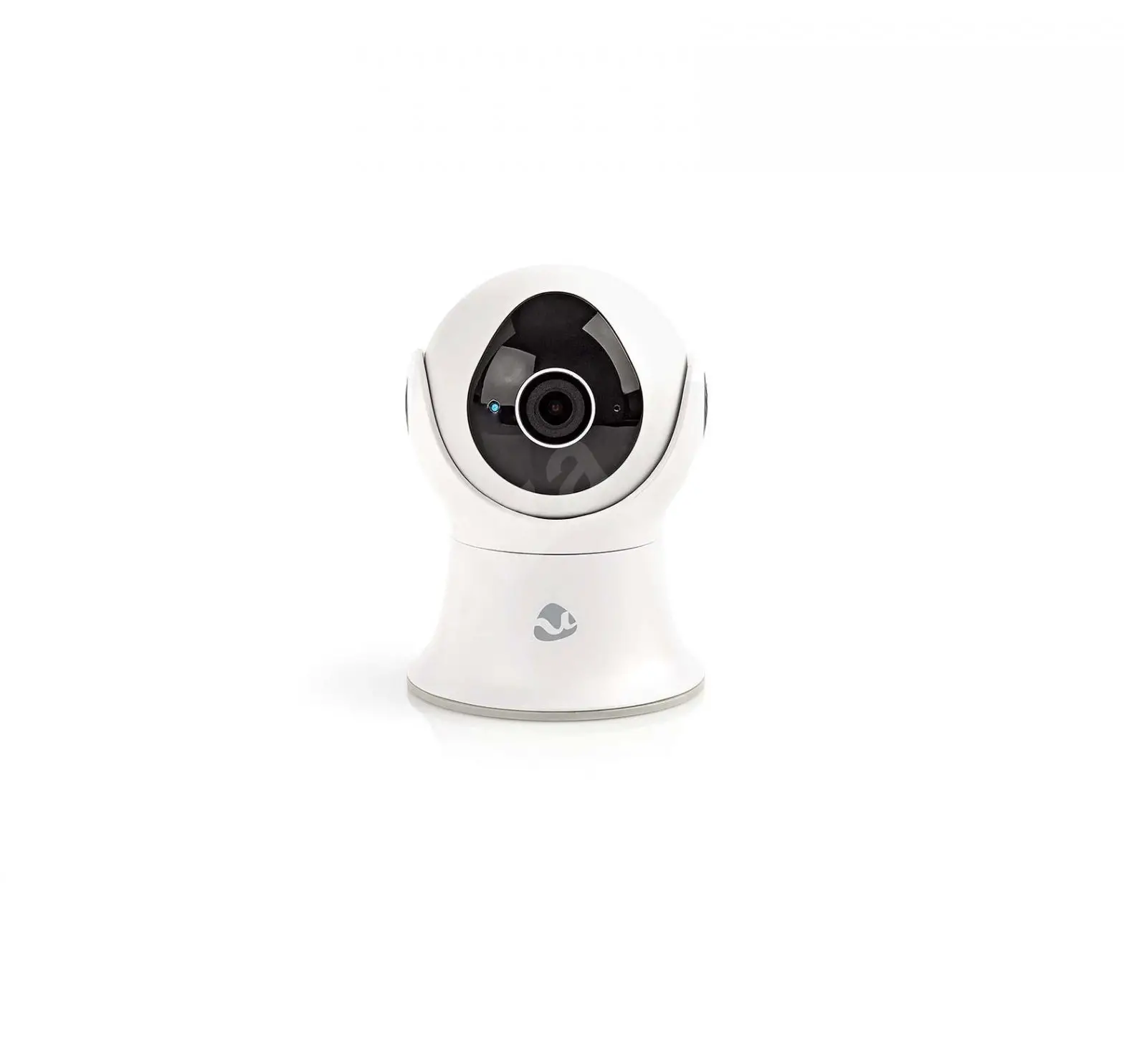
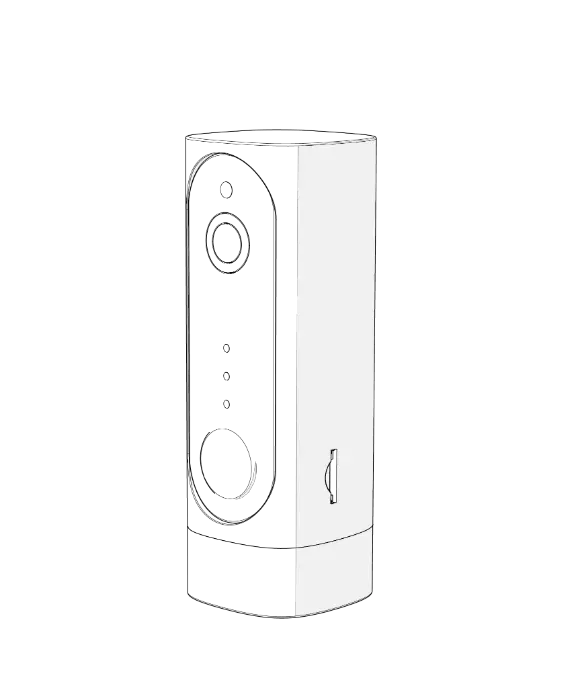
The WIFICO11xxx is an outdoor IP camera with a status indicator,
reset button, speaker, microphone, and a memory card slot
(microSD). It can be connected to the Nedis SmartLife app,
available on Apple App Store or Google Play Store.
Safety
Do not dismantle the device. If the device is damaged and cannot
operate correctly, replace it with a new device.
Cleaning and Maintenance
Keep the device clean by wiping it with a dry cloth. Do not use
any abrasive or corrosive materials to clean the device.
Support
If you need further help or have comments or suggestions, please
visit www.nedis.com/support.
Product Usage Instructions
- Download and install the Nedis SmartLife app from Apple App
Store or Google Play Store on your mobile device. - Launch the Nedis SmartLife app.
- Create a new account or log in to your existing account.
- Tap + to add the device.
- Select Security Camera from the list of products.
- Connect the power adapter to the device. Insert the mains plug
of the power adapter into the wall socket. - If the status indicator does not flash, press the reset button.
If the status indicator flashes, confirm in the app. - Confirm the Wi-Fi network and password.
- Enter the device name. Note: The device name will also be used
for push notifications. - Mount the camera to the required location using screws.
- Drill a hole (14 mm) to pass the cable through the wall
(optional). - If necessary, aim and rotate the camera to adjust the camera
angle.
WIFICO11xxx
Quick Start Guide (EN) Verkorte handleiding (NL)
Kurzanleitung (DE) Guía de inicio rápido (ES) Guide de démarrage rapide (FR)
Guida rapida (IT) Guia de iniciação rápida (PT)
Hurtigstartsguide (DA) Hurtigstartsguide (NO)
Snabbstartsguide (SV) Pikaopas (FI)
(EL) Krótki przewodnik (PL)
Rychlá pírucka (CS) Gyors útmutató (HU)
Ghid rapid (RO) (RU)
Hizli balangiç kilavuzu (TR)
Outdoor IP camera
2
4
1
5
3
2
English
WIFICO11xxx
Outdoor IP camera
Description
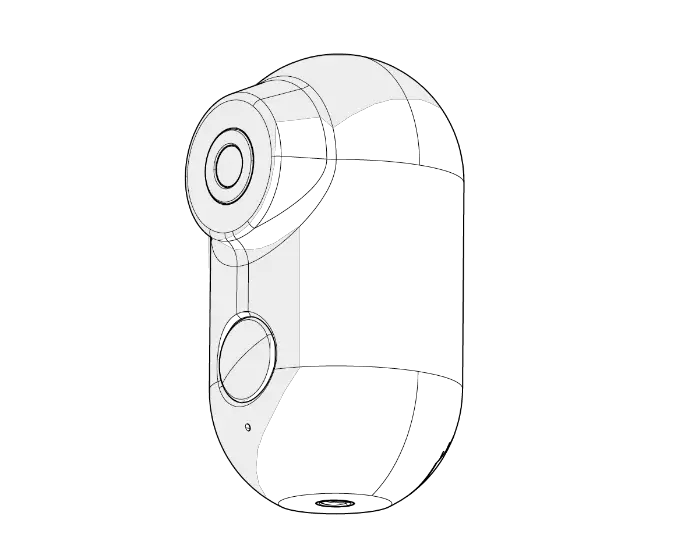
1. Status indicator 2. Reset button 3. Speaker 4. Microphone 5. Memory card slot (microSD)
Use
1. Download and install the app “Nedis SmartLife” from Apple App Store or Google Play Store on your mobile device.
2. Launch the app “Nedis SmartLife”. 3. Create a new account or log in to your existing account. 4. Tap “+” to add the device. 5. Select “Security Camera” from the list of products. 6. Connect the power adapter to the device. Insert the mains plug
of the power adapter into the wall socket. 7. If the status indicator does not flash: Press the reset button.
If the status indicator flashes: Confirm in the app. 8. Confirm the Wi-Fi network and password. 9. Enter the device name.
Note: The device name will also be used for push notifications. 10. Mount the camera to the required location using the screws. 11. Drill a hole (14 mm) to pass the cable through the wall (option). 12. If necessary, aim and rotate the camera to adjust the camera
angle.
Safety
· To reduce risk of electric shock, this product should only be opened by an authorized technician when service is required.
· Disconnect the product from the mains and other equipment if a problem should occur.
· Read the manual carefully before use. Keep the manual for future reference.
· Only use the device for its intended purposes. Do not use the device for other purposes than described in the manual.
· Do not use the device if any part is damaged or defective. If the device is damaged or defective, replace the device immediately.
Cleaning and maintenance
Warning!
· Do not use cleaning solvents or abrasives. · Do not clean the inside of the device. · Do not attempt to repair the device. If the device does not
operate correctly, replace it with a new device.
· Clean the outside of the device using a soft, damp cloth.
Support
If you need further help or have comments or suggestions please visit www.nedis.com/support
3
Obsah je uzamcen
Dokoncete, prosím, proces objednávky. Následn budete mít pístup k celému dokumentu.
Proc je dokument uzamcen? Nahnvat Vás rozhodn nechceme. Jsou k tomu dva hlavní dvody: 1) Vytvoit a udrzovat obsáhlou databázi návod stojí nejen spoustu úsilí a casu, ale i financní prostedky.
Dlali byste to Vy zadarmo? Ne*. Zakoupením této sluzby obdrzíte úplný návod a podpoíte provoz a rozvoj nasich stránek. Teba se Vám to bude jest nkdy hodit. *) Mozná zpocátku ano. Ale vzte, ze dotovat to dlouhodob nelze. A rozhodn na tom nezbohatneme. 2) Pak jsou tady ,,roboti”, kteí se pizivují na nasí práci a ,,vysávají” výsledky naseho úsilí pro svj prospch. Tímto krokem se jim to snazíme pekazit. A pokud nemáte zájem, respektujeme to. Urgujte svého prodejce. A kdyz neuspjete, rádi Vás uvidíme!
 We're here to help! | Smart Customer Support | Nedis