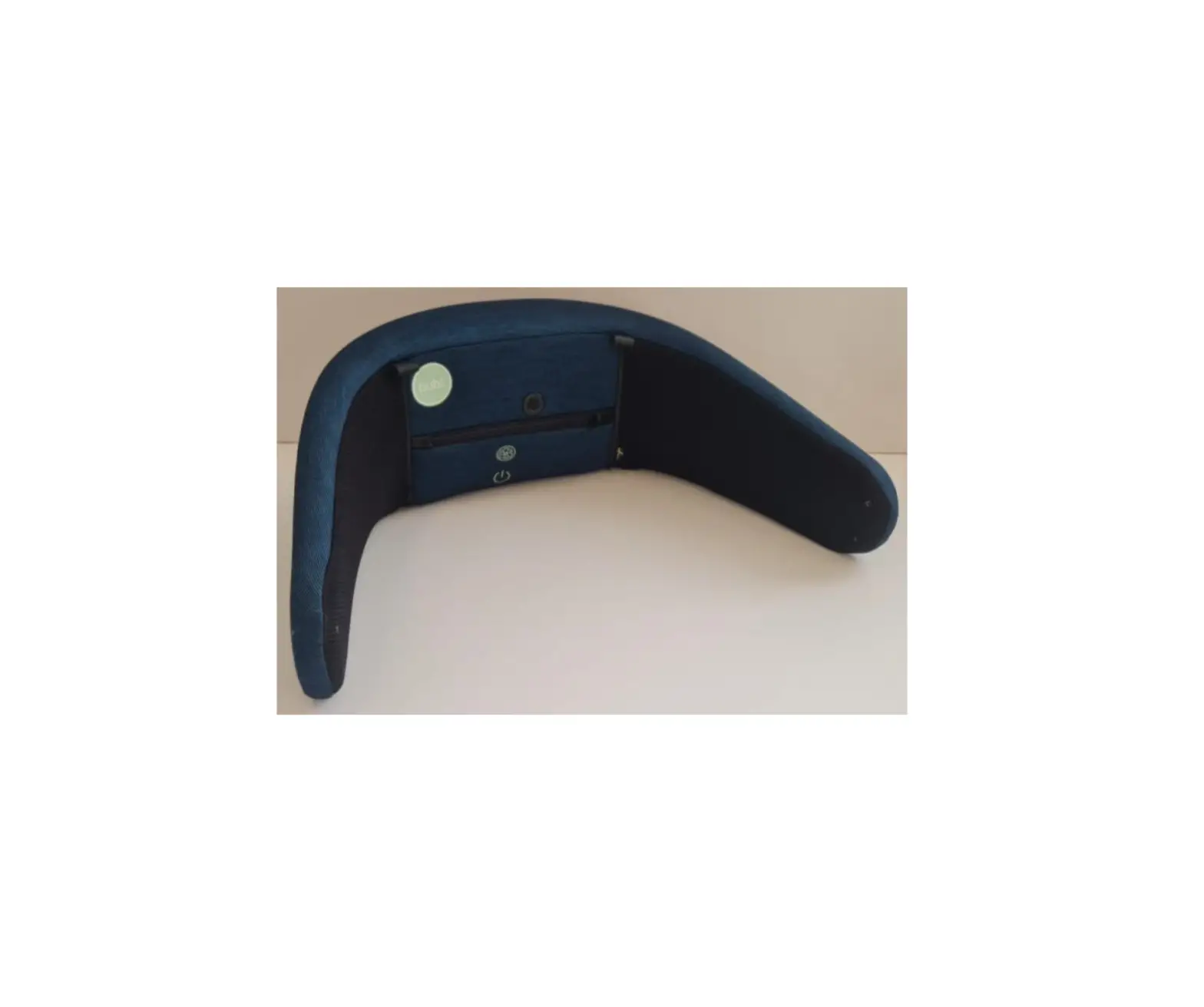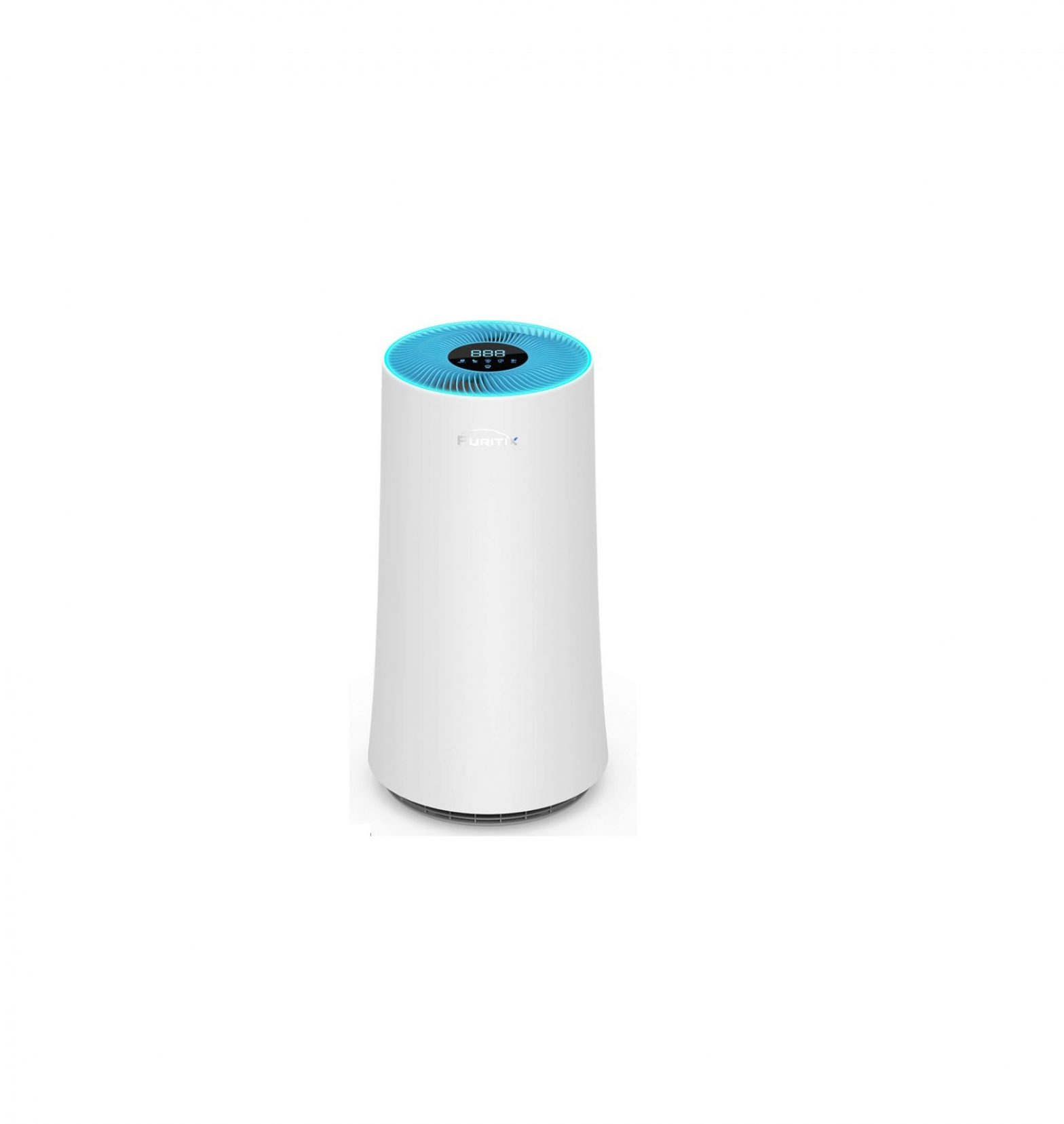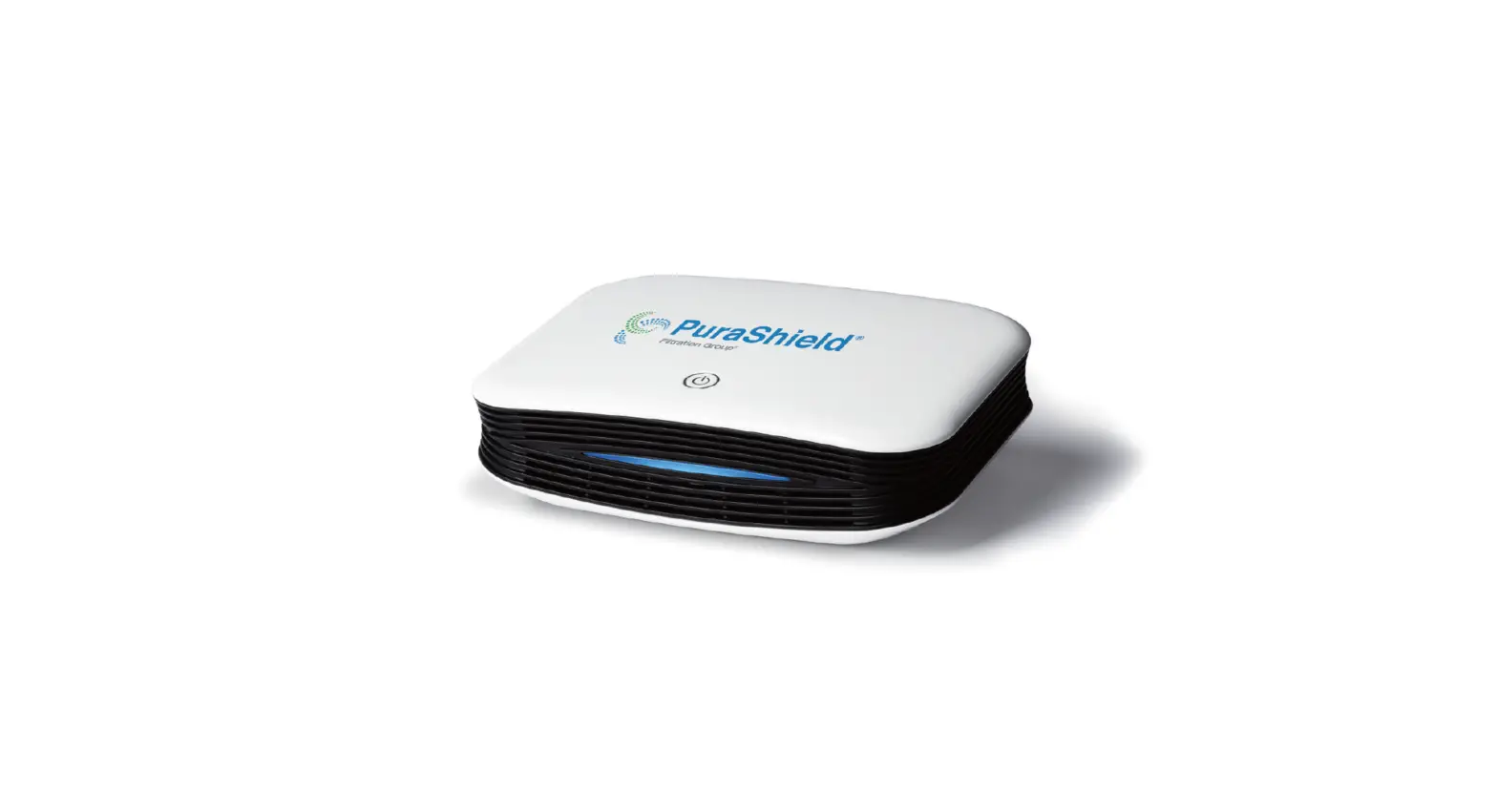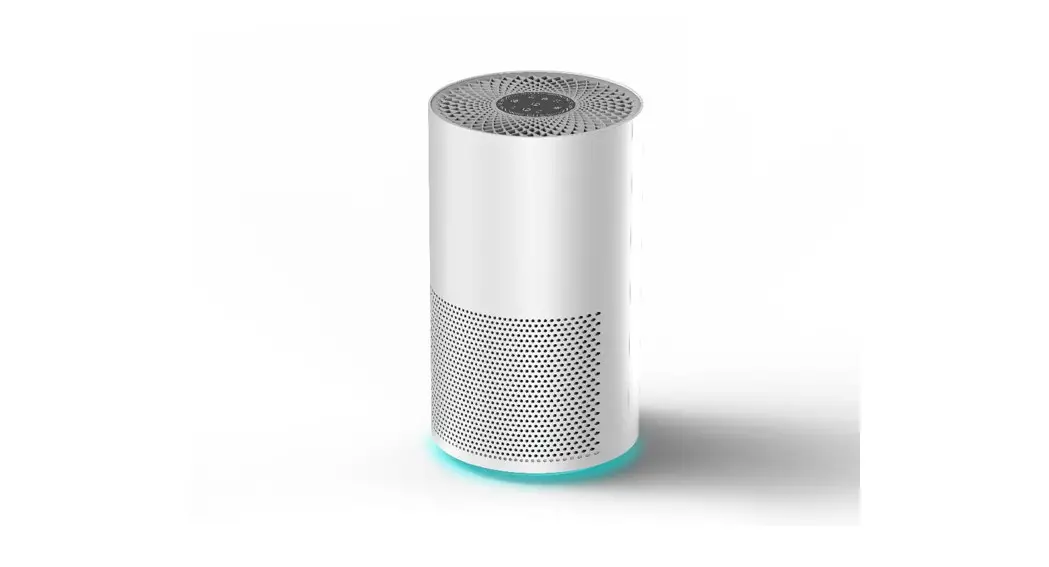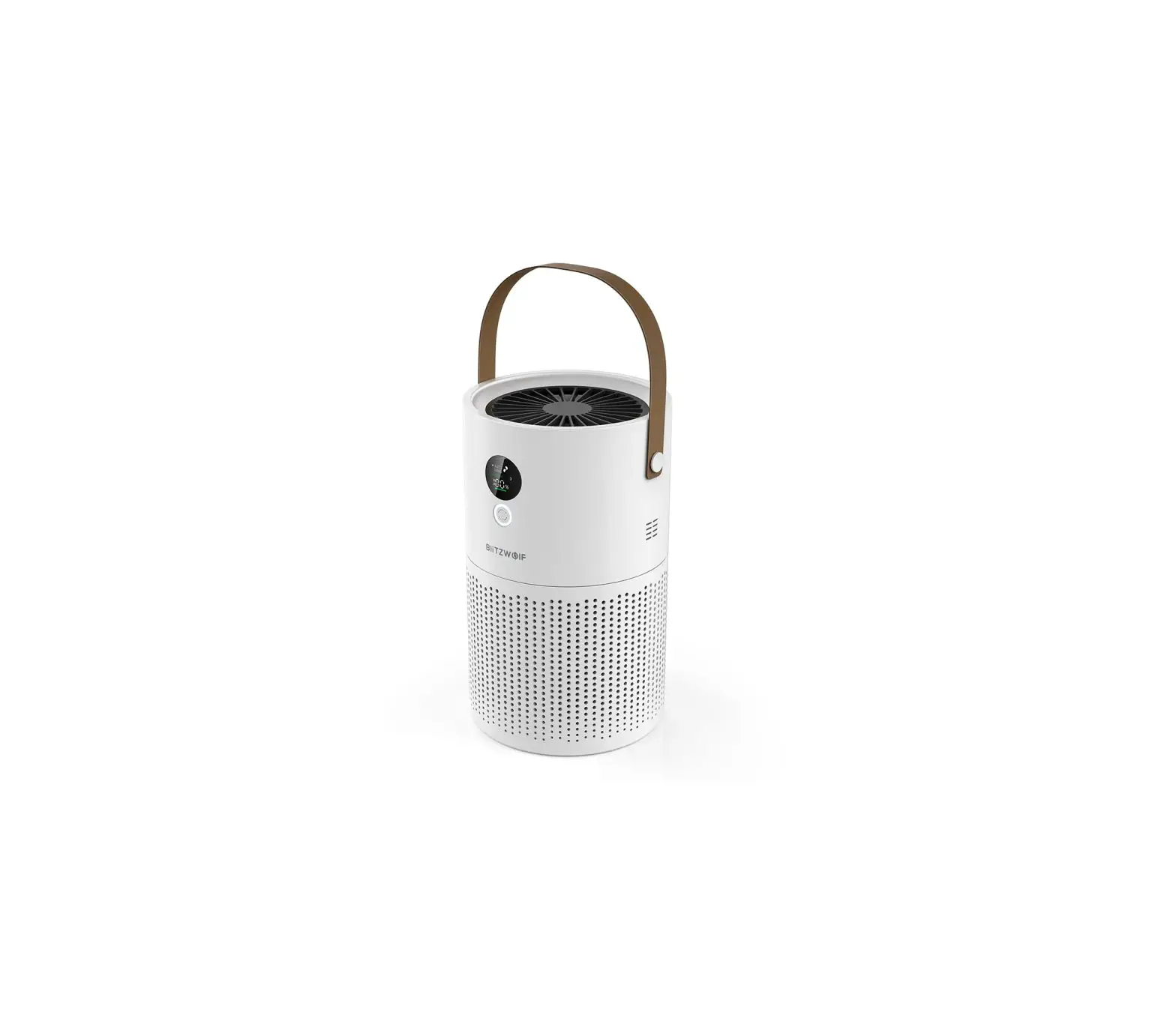
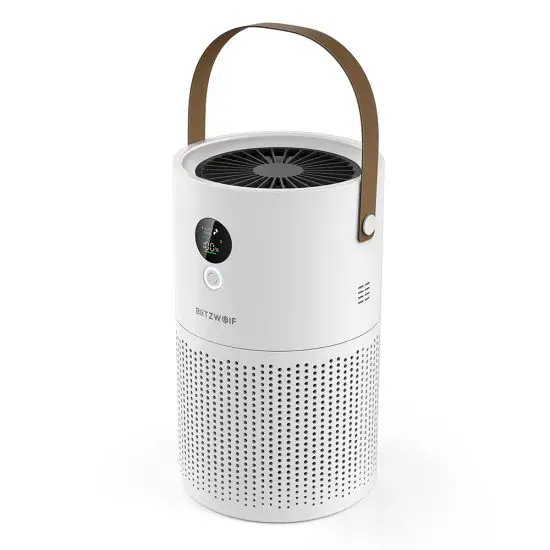
BliTZWOIF BW-TAP1 Portable Air Purifier
At A Glance
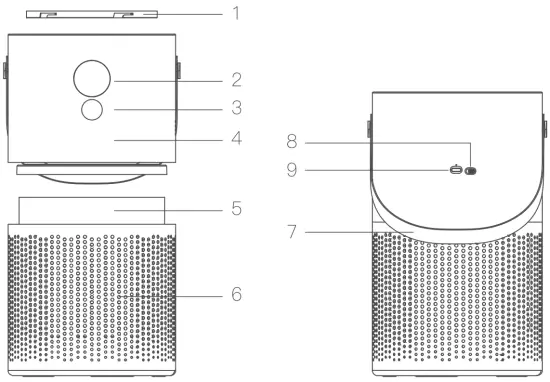
- Cover
- LED Panel
- Control Button
- Main Body
- Air Intake
- Belt
- Switch
- Type- C Port
Package Included:
- Air Purifier X1
- Filter Core X1
- USB Cable X1
- Belt X1
- User Manual X1
Specification
| Model | BW- TAP1 |
| Input | DC5V/1.5A |
| LED Color | Warm White |
| Wind Speed | 3 Levels+Auto |
| Anion concentration | 8*106 Pcs/ cm3 (1M Test) |
| Ozone Concentration | <0.05PPM |
| Filter Core | Nylon+H12 HEPA+Activated Carbon |
| Air Clean Rate | ≥99.97% |
| PM2.5 CADR | 59 .8m3 / h |
| Forma ldehydeCADR | 29.6m3 / h |
| Appliance Area | 10~20m2 |
| Noise Value | ≤49.6dB |
| Air Quality Indicator | Red/ Yellow/ Green |
| Battery Capacity | 3.7V/10000mA |
| Charging Time | 5~7H |
| Working Time | 20H(Gear 1st)/10H(Gear 2nd)/7H(Gear 3rd) |
| Product Size | 160*160*268mm |
| Net Weight | 1.25Kg |
Operation
Fan function: Click the button to enter the automatic mode/1st gear/2nd gear/3rd gear/off in sequence.
Anion function: Long press the button to turn on/off anion.
Night Light Function: Double- click the button to turn on/off the night light. Power switch: Toggle the switch to turn on/off the power.
Notice:
- Charge it for more than 3 hours before use.
- It is recommended to charge it every 3 months to avoid battery damage.
- Anion function can be working in any status as well as controlled turn on or off separately in any conditions.
LED Panel Instruction
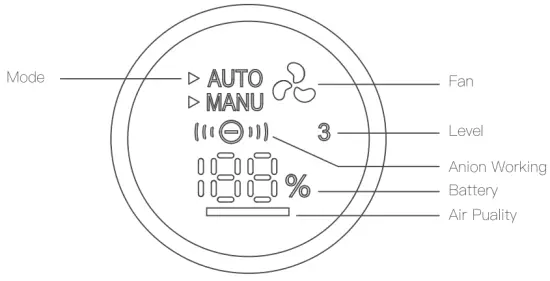
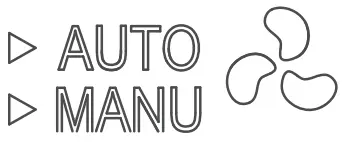 | Indicator of fan function | Auto Mode: The fan indicates on 1 /2/3 gear according to air quality changes. Manual Mode: The fan 1 gear indicates on 1st, fan 2 gears Indicates on 2nd, fan 3 Indicates on 3rd. |
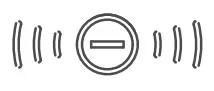 | Anion indicator | The indicator light is always on, the function is on; The indicator light is off, it is off. |
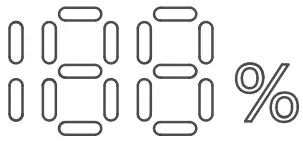 | Battery Capacity indicator | Display the battery percentage in real time. |
 | Air quality ndicator | The indicator light is red, indicating very poor air quality; |
| The indicator light is yellow, indicating poor air quality; | ||
| The indicator light is green, indicating good air quality. |
Notice:
When working in all modes, the fan working display flashes and the negative ion display flashes
Attention
- It is recommended to clean the niter element every half month and replace it every three months.
- Please aim the blower at the inside of the n iter element to blow back, or use a soft brush to remove the attached dust.
- It is forbidden to rinse the filter with water.
- When cleaning the niter element, do not deliberately knock the niter element, so as not to damage the structure of the niter element and fail to niter.
- The product is suitable for 10-20 square meters.
- When working with negative ions, a small amount of ozone will be produced. If you feel unwell, turn off the device and open the windows for ventilation.
- Do not spray corrosive liquids, such as essence, essential oil, perfume, etc. on the niter.