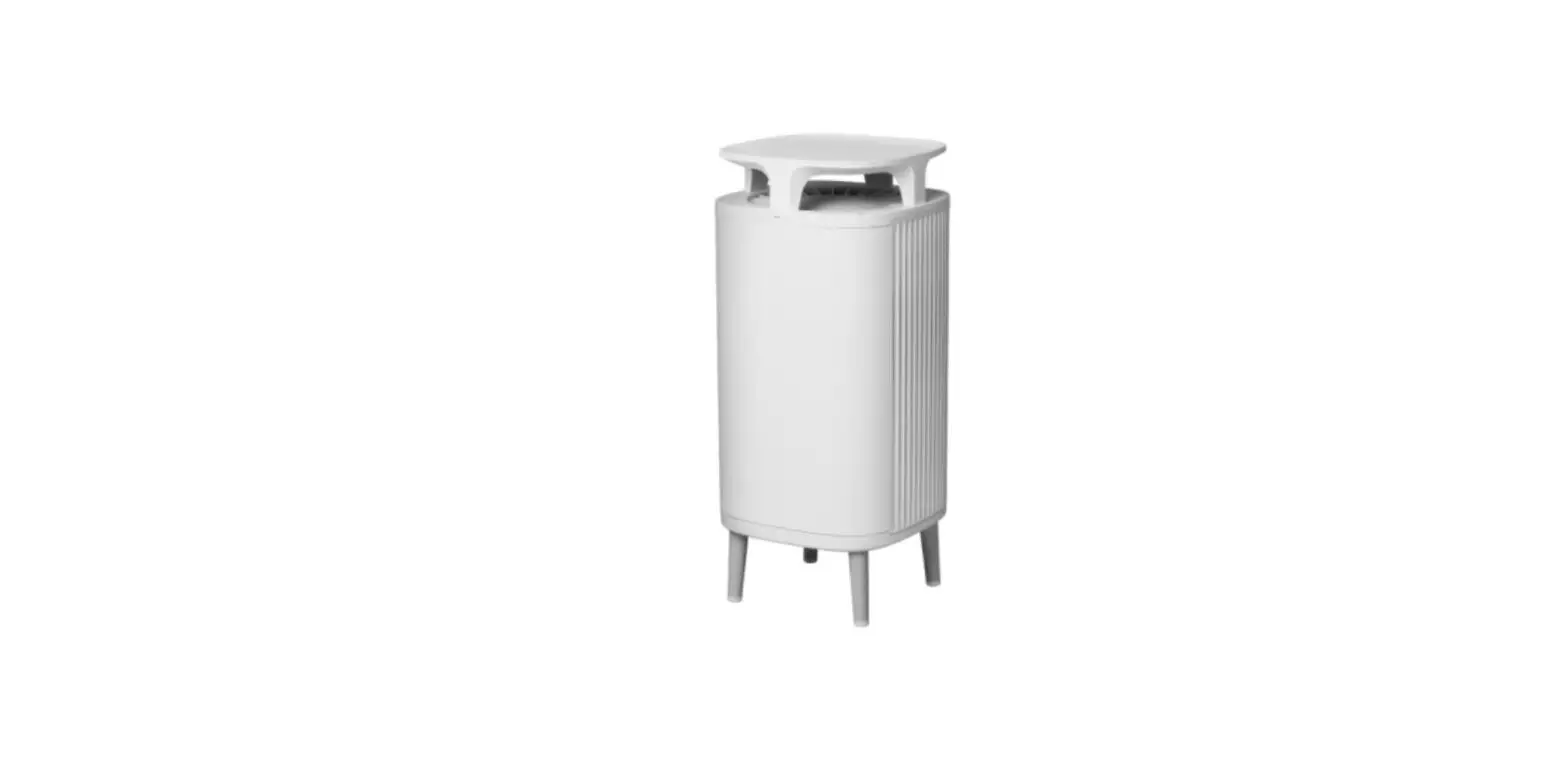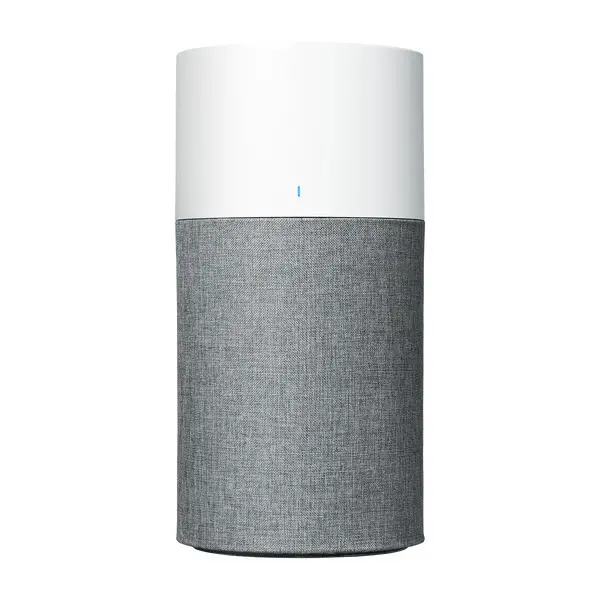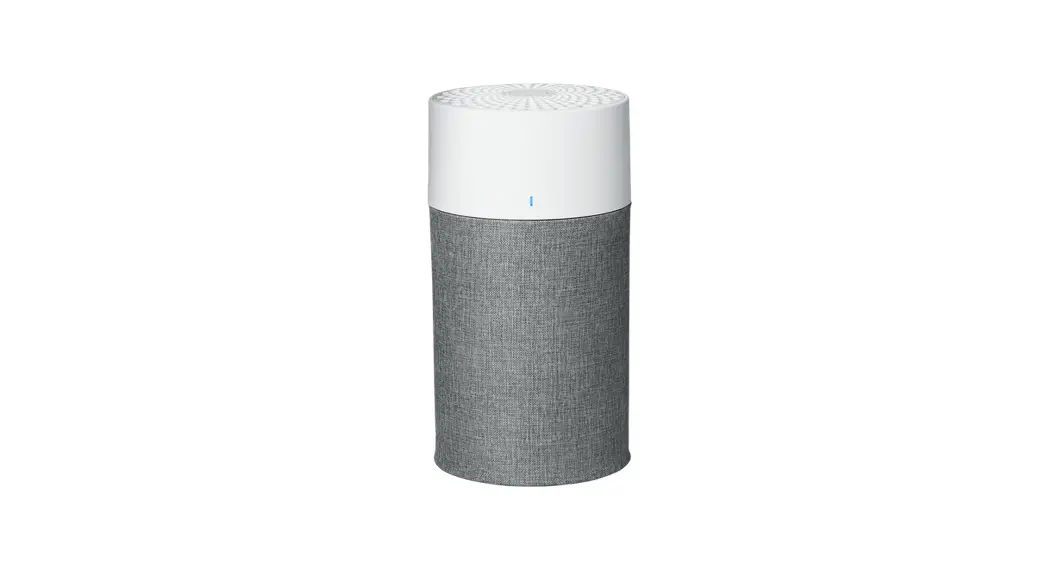
 Filters
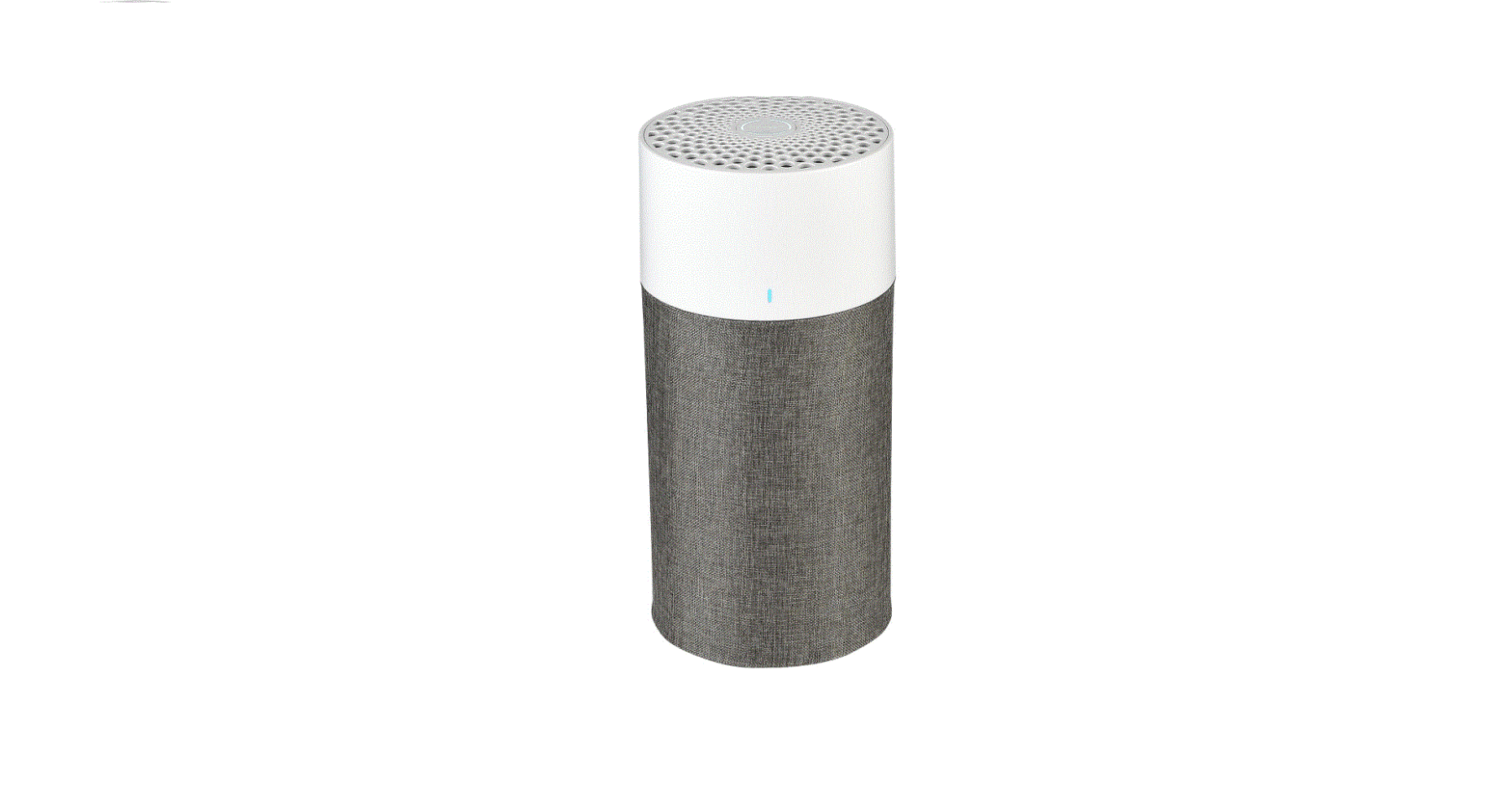
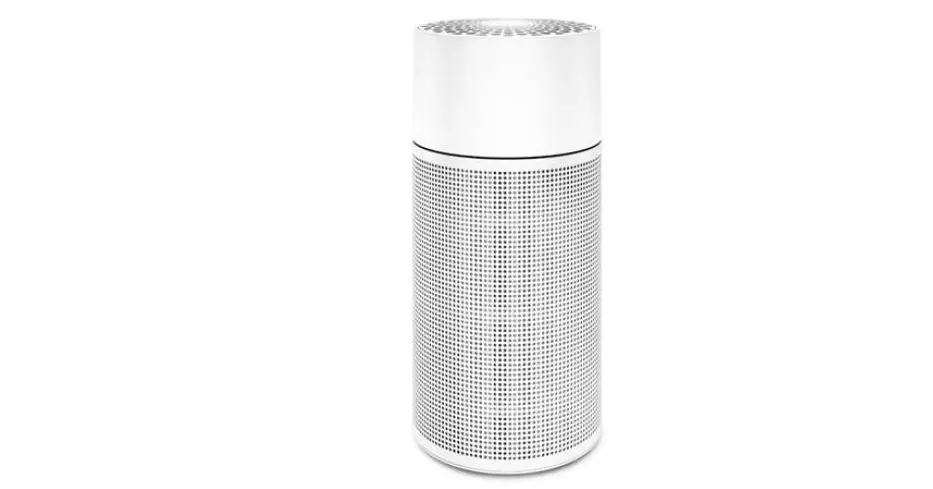
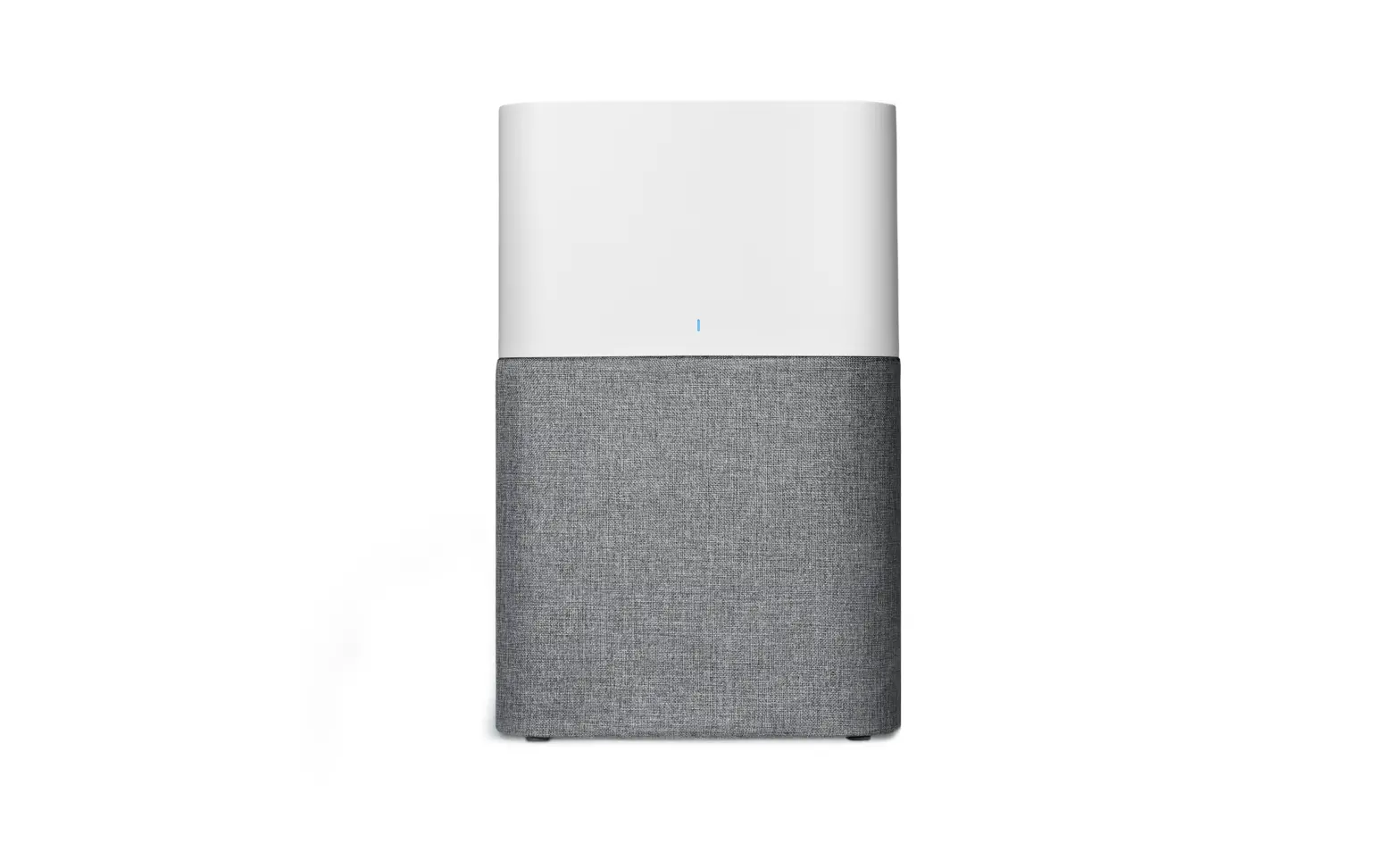
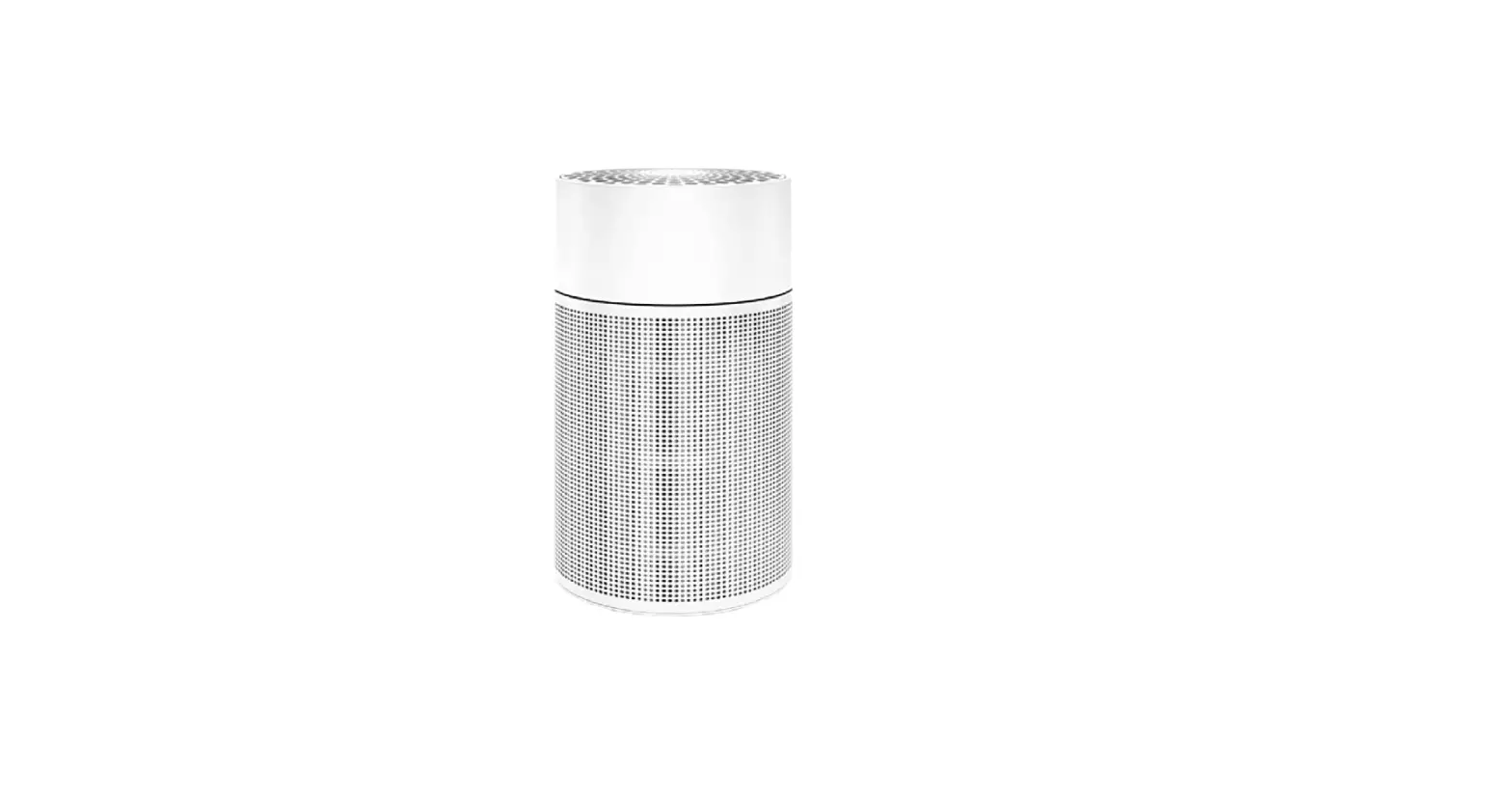
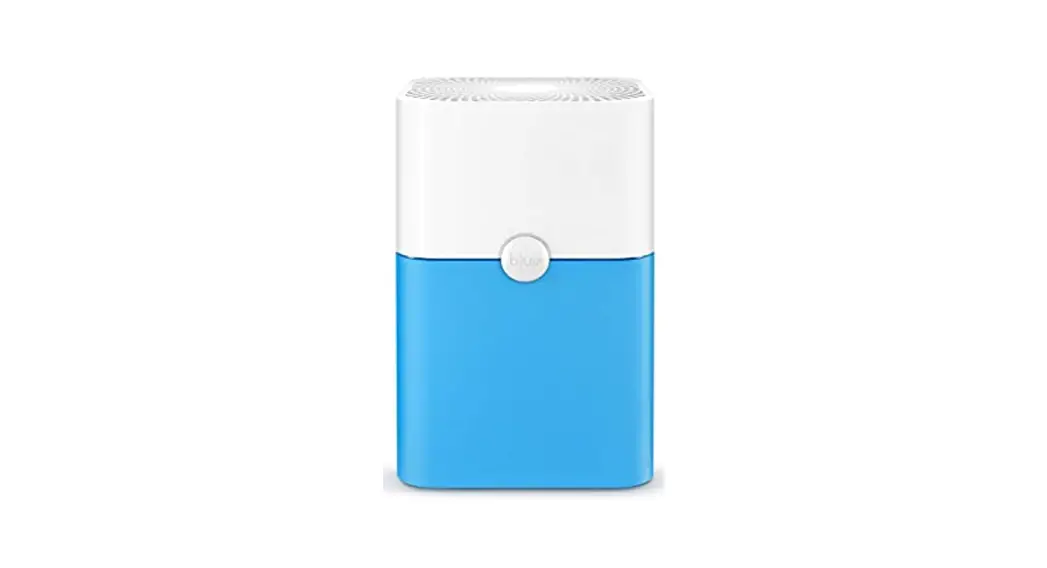
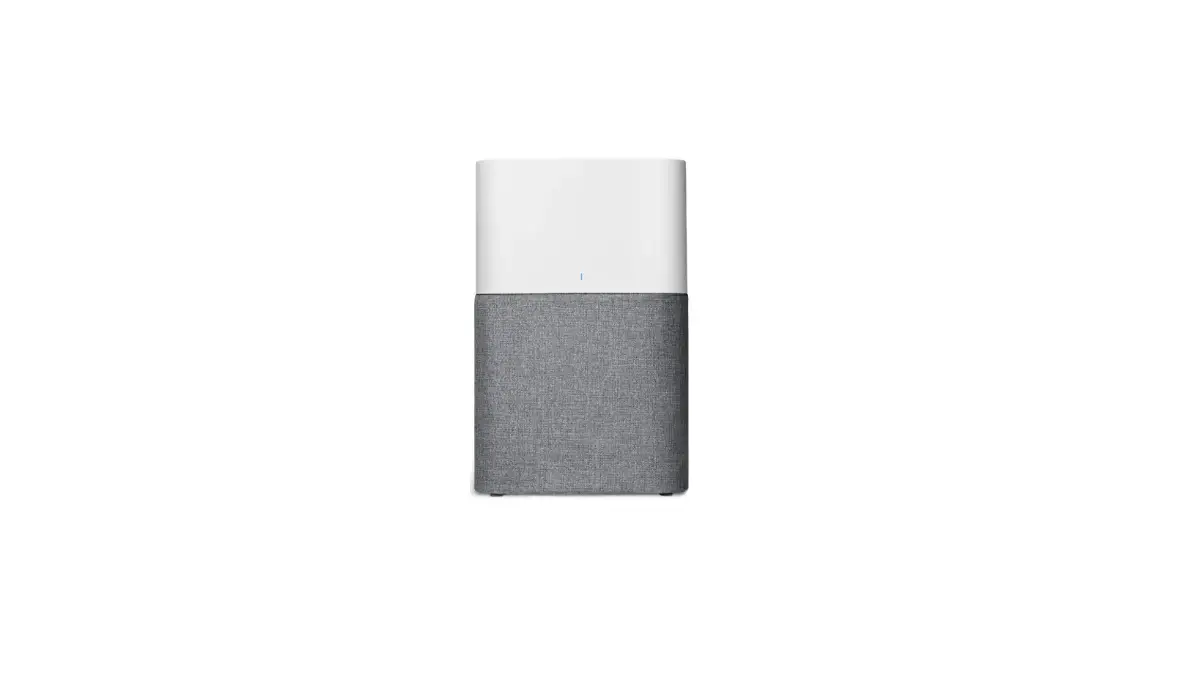
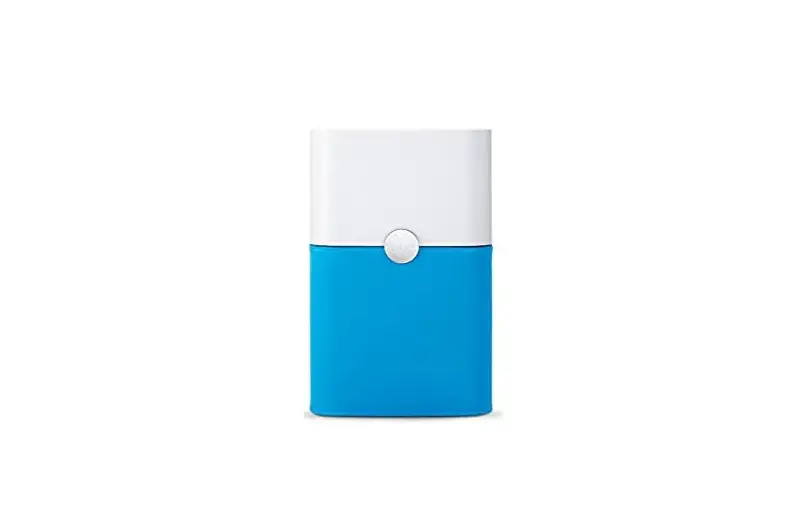
Blue 3210/3410
User Manual
Please read this user manual carefully and keep it for future reference.
The latest version of this user manual can be found on www.blueair.com
Note: There may be local variations of these models.
| Product name: | Model number: |
| 3210 | 3231101000 |
| 3410 | 3431101000 |
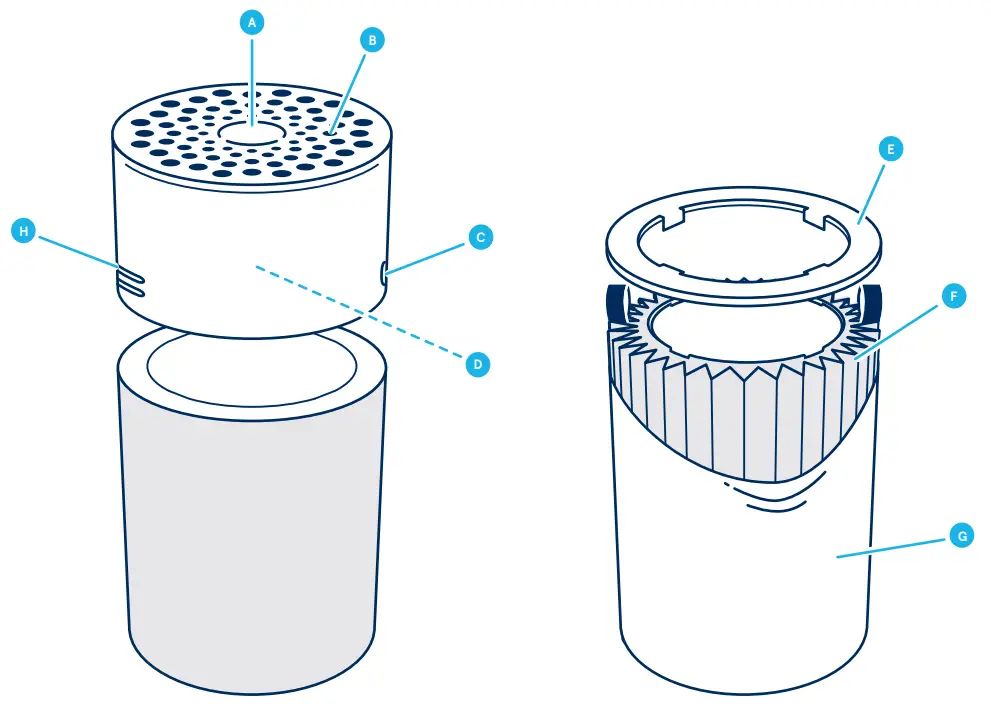
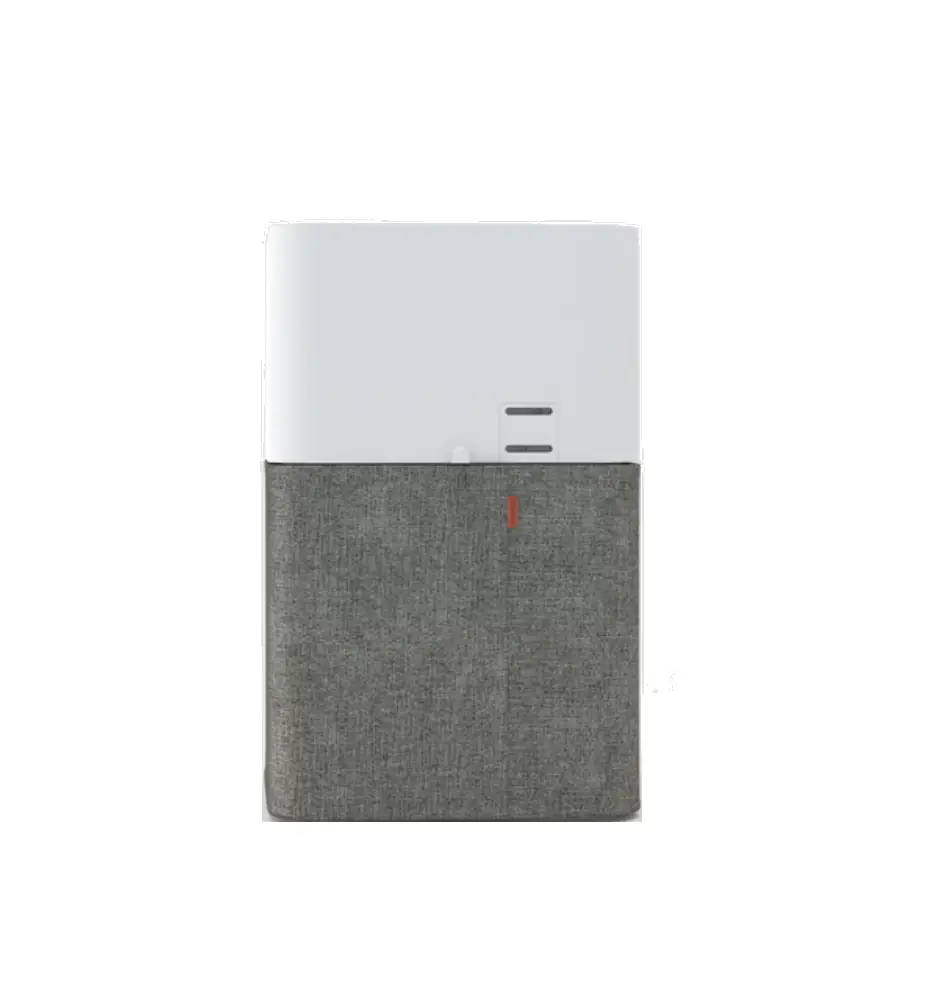
| A Touch button B Air outlet C Air quality indicator D Fan and motor E Filter shelf ring | F Main filter (Particle + Carbon filter) G Pre-filter H Air quality sensor I Power cable (not in the picture) J User Manual (not in picture) |
Filters
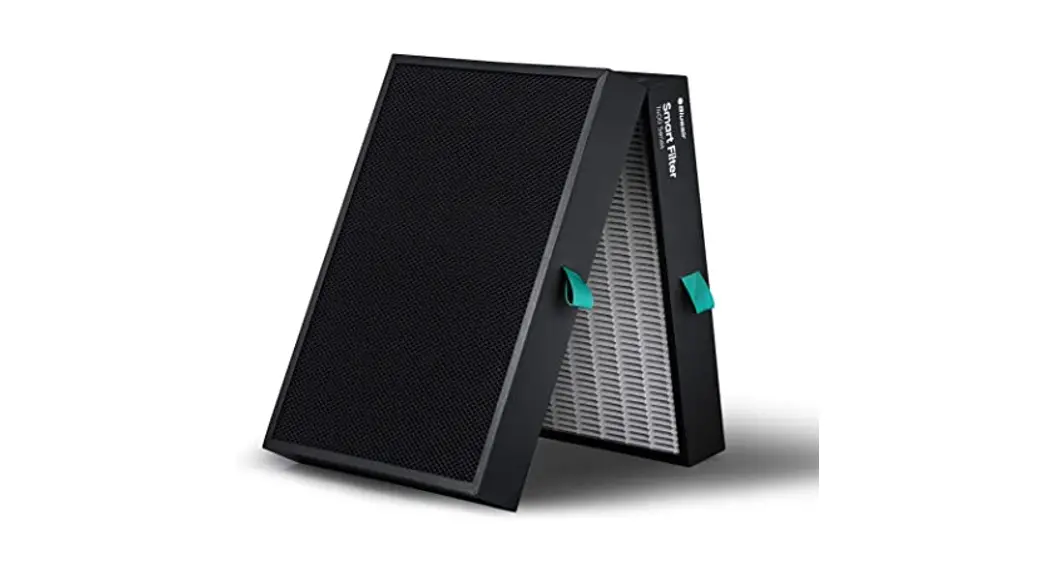
The air purifier is delivered with a fabric pre-filter and the main filter. The filters purify the air from both particles and gases. For best performance, clean the pre-filters regularly and change the main filter when the air purifier indicates filter change.
To find the right main filter for your air purifier, use the Blueair app or visit www.blueair.com. The model number of your air purifier can be found on the rating label on the air purifier.
Important! Always turn off and disconnect the appliance from the power supply before changing filters, cleaning, or carrying out maintenance procedures.
Blueair filter subscription program
Use the Blueair app or visit www.blueair.com to sign up for the Blueair filter subscription program. (Not available in all markets)
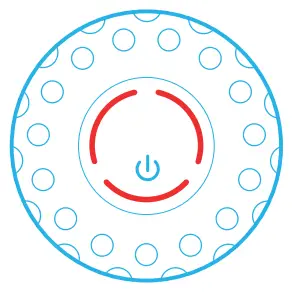 | Change filter When the indicator light turns red (after 6 months of operation) you should change the main filter. |
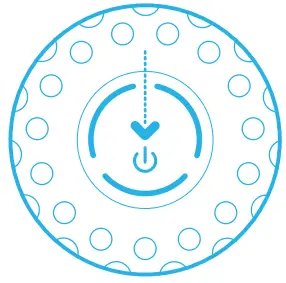 | Filter replacement indicator Press the button down for 7 seconds to reset the filter replacement indicator. |
Clean and change the pre-filters
For best performance, clean the pre-filter regularly. Vacuum the exterior of the fabric prefilter with a soft brush attachment to remove dust. If the pre-filter requires a deeper clean, wash it on a gentle, low-temperature cycle in the washing machine.
Important! Press the Velcro strips together on the pre-filter before machine wash.
 | Step 1 Turn the unit off and unpluit. |
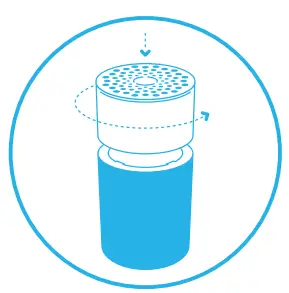 | Step 2 Carefully push the top cylinder down while rotating counterclockwise to unlock. |
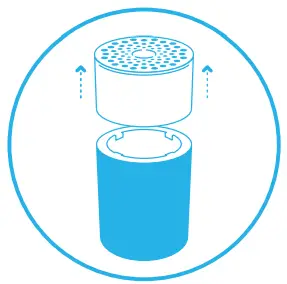 | Step 3 Remove the top cylinder from the unit. |
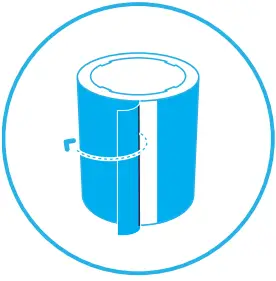 | Step 4 Open the pre-filter panel and remove the pre-filter. |
 | Step 5 Wash the pre-filter in the washing machine, according to instructions on the prefilter´s label. |
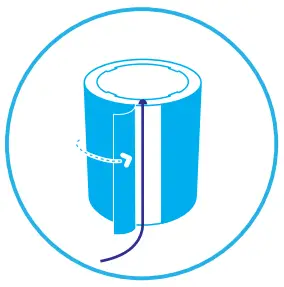 | Step 6 Place the pre-filter back onto the unit. Adjust the pre-filter and the panel to hide the power cord in the back. |
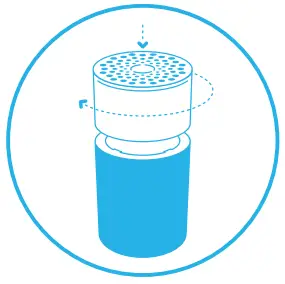 | Step 7 Carefully push the top cylinder down, at the same time rotating it clockwise to secure it back into the lock. |
| Step 8 Plug in the unit. |
Change the main filter
When changing the filter, vacuum any dust that may have accumulated inside the unit.
Important! Use only original Blueair filters suitable for the model to ensure proper function and performance of the air purifier, and to qualify for full warranty coverage.
| Step 1 When the indicator light glows red, it’s time to change the main filter. |
| Step 2 Turn the unit off and unplug it. |
| Step 3 Carefully push the top cylinder down while rotating counterclockwise to unlock. |
| Step 4 Remove the top cylinder from the unit. |
 | Step 5 Open the pre-filter panel and remove the pre-filter. |
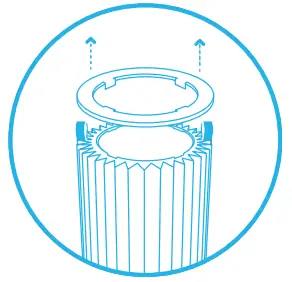 | Step 6 Carefully remove the filter shelf ring. |
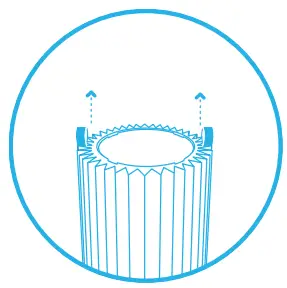 | Step 7 Grip the filter handles and pull upwards to remove the main filter from the inner structure. |
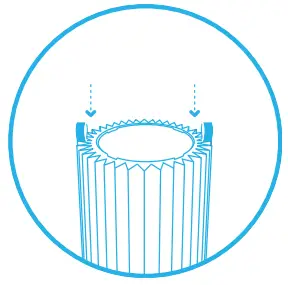 | Step 8 Position the new main filter onto the inner structure. The filter handles should face upwards. |
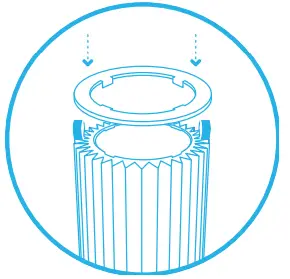 | Step 9 Press the filter shelf ring firmly into position above the main filter. The filter shelf ring protects the top edge of the main filter from damage. |
| Step 10 Place the pre-filter back onto the unit. Adjust the pre-filter and the panel to hide the power cord in the back. |
| Step 11 Carefully push the top cylinder down while rotating clockwise to secure the lock. |
| Step 12 Plug in the unit. |
| Step 13 Press the touch button for a duration of 7 seconds to reset the filter replacement timer. This lets the air purifier know that you have changed the filter. The indicator light flashes for 4 seconds and then changes from red to white. |
| Blueair AB Karlavägen 108 115 26 Stockholm Sweden Tel: +46 8 679 45 00 [email protected] | Blueair AB Middle East Jafza One, Office No. AB1503 Jebel Ali Free Zone P.O. Box No. 263947 Dubai, United Arab Emirates Tel:+971 (4) 8821244 [email protected] |
| Blueair Inc. 125 S Clark Suite 2000 Chicago, IL. 60603 USA Tel: +1 888 258 3247 [email protected] | Blueair (Shanghai) Trading Co. Ltd. Room 1001, City Gateway No. 398 North Caoxi Road Xuhui Distr, Shanghai, China Tel: 400 006 9693 [email protected] | Blueair Asia Ltd. Unit 8C, 8/F, MG Tower, 133 Hoi Bun Road, Kwun Tong, Kowloon, Hong Kong Tel: +852 2345 8988 [email protected] |
 Leading Air Travel Specialists - Air
 手机乐视_乐视视频,高清极速观看体验,丰富热剧乐享其中
 Air Purifiers & Air Filters for Clean Air in the Home | Blueair