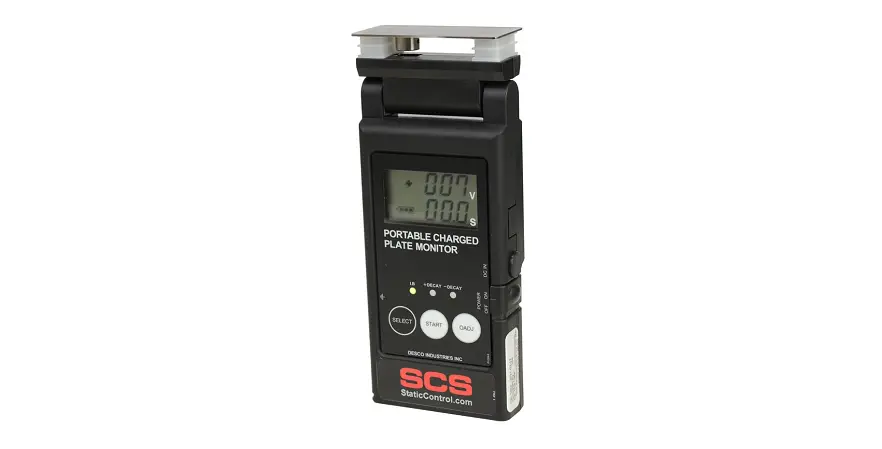

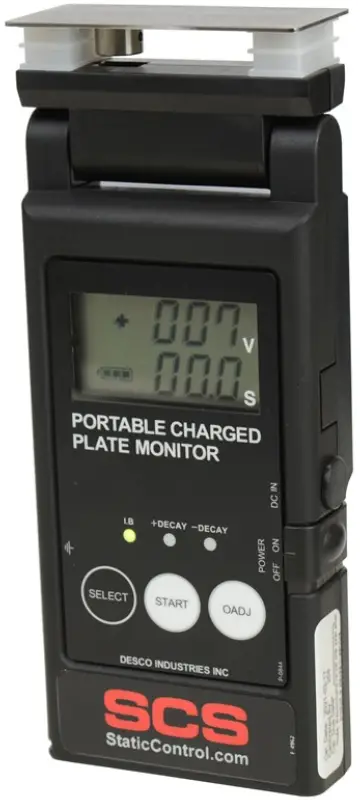
SCS TB-9110 Portable Charged Plate Monitor
Description
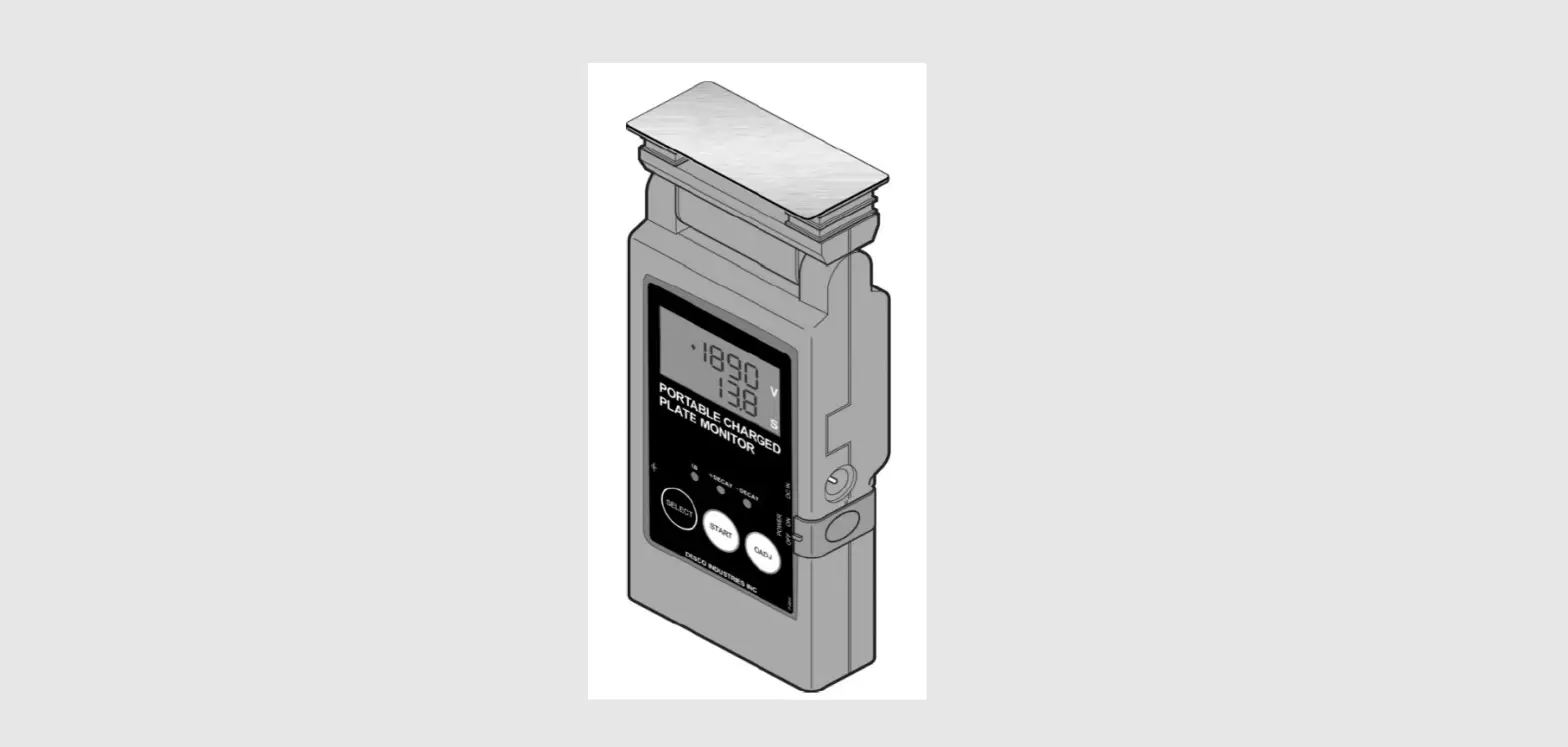
The SCS 770720 Portable Charged Plate Monitor (CPM) is a handheld meter designed to check the offset voltage and discharge times of air ionizers per ANSI/ESD SP3.3 and ESD TR53. The meter’s integrated timer measures decay rates from ±1000V to ±100V to determine the ionizers’ ability to neutralize both positive and negative electrostatic charges within the coverage area. The 180-degree rotary head with 2.75ʺ x 1.25ʺ plate allows the operator to read the display at various angles. The Portable Charged Plate Monitor is calibrated to NIST standards and include a certificate.
SCS – 926 JR Industrial Drive, Sanford, NC 27332 | East (919) 718-0000 | West (909) 627-9634 | StaticControl.com
Safety Precautions
Danger
This device does not conform to explosion-proof specifications. Do not install it in locations where flammable gases or solvents are handled, such as painting booths etc. Doing so may result in fire or explosion.
Caution
This device is a precision electrical instrument. Avoid installing it in wet, oily, hot, and humid locations. In particular, avoid locations of high humidity and condensation. There is a possibility of fire due to breakdown.
Installation
- Do not use this device in the following locations, as doing so may cause malfunctions.
- Locations subject to high or low temperature, or high humidity
- Dusty locations
- Locations where the device may be exposed to organic solvents such as thinner
- Locations where the device may be exposed to corrosive gas
- Locations subject to flames or explosions
- Locations subject to frequent vibrations
- Locations subject to sudden changes in temperature or humidity
- Locations subject to condensation
- Locations where the device may be exposed to water or oil
Maintenance
- Regularly remove any built-up dirt etc. from the charged plate. Built-up dirt can cause insulation faults.
- Make sure to turn the main power of the device OFF before cleaning.
Handling
- Make sure to connect the earth wire to an appropriate place. Accurate measurements are not possible if the earth wire is not connected.
- Do not touch or insert foreign materials into the sensor portion of this device.
- Do not blow ionized air directly into the opening of this device.
- Do not place heavy objects on the LCD display of this device.
- Do not disassemble or modify the device.
- The device may affect medical devices such as hearing aids or pacemakers.
- Do not insert any foreign objects into the device. Doing so may result in a short circuit or current leakage, and cause fire or electrocution.
- The battery discharges a small amount of electricity even when the device is turned off. If you do not intend to use this device for an extended length of time, remove the battery.
- If the device emits any abnormal odors or sounds, smoke, or heat, turn OFF the main power immediately, and contact your point of purchase. Failure to do so may result in fire or a short circuit.
- Do not remove name plates or labels.
- Do not do anything with the device that is not described in this manual.
Packaging
- 1Portable Charged Plate Monitor
- 1Soft Case
- 1Wrist Lanyard
- 1Ground Cord
- 2AA Alkaline Batteries
- 1Certificate of Calibration
Features and Components
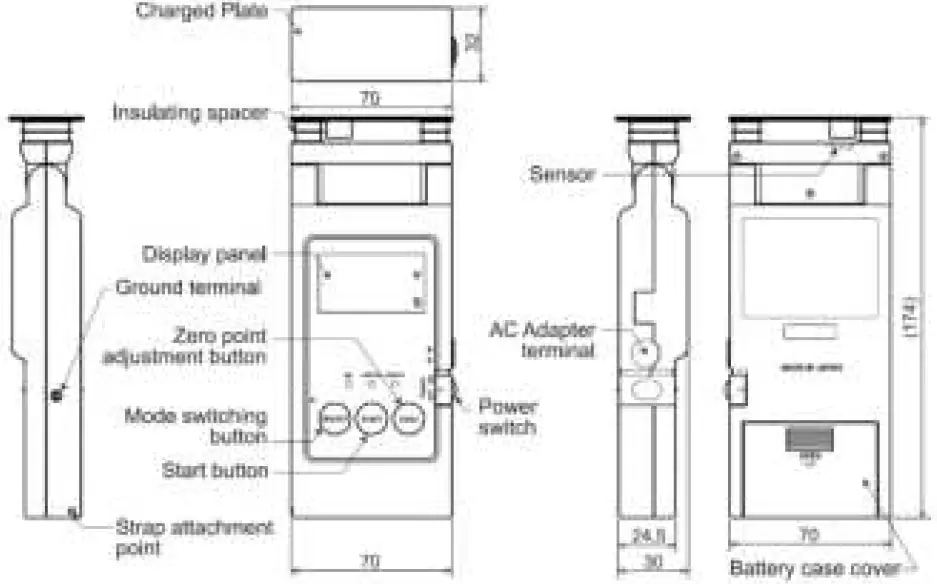
Important Points About Taking Measurements
Grounding
This product requires a ground connection. Do not use this product without grounding it. Accurate measurements require a reliable ground connection.
Caution
If the meter contacts or is too close to a large, charged body, there is the danger of an electrical discharge. This may cause a breakdown of the device.
Preparation
- Insert the battery.
 Remove the battery case cover and insert two AA batteries. Replace the cover.
NOTE
If you are using the optional AC adapter, remove the rubber cap from the adapter terminal before attaching the AC adapter. - Connect the ground cord to the ground terminal. Connect the opposite end to ground.
 Connect the ground cord securely to the terminal, and connect its alligator clip to a grounded object. Accurate measurements required a reliable ground connection.
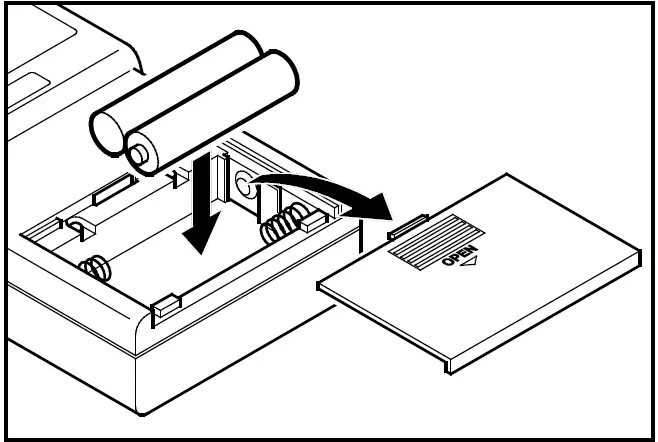 Remove the battery case cover and insert two AA batteries. Replace the cover.
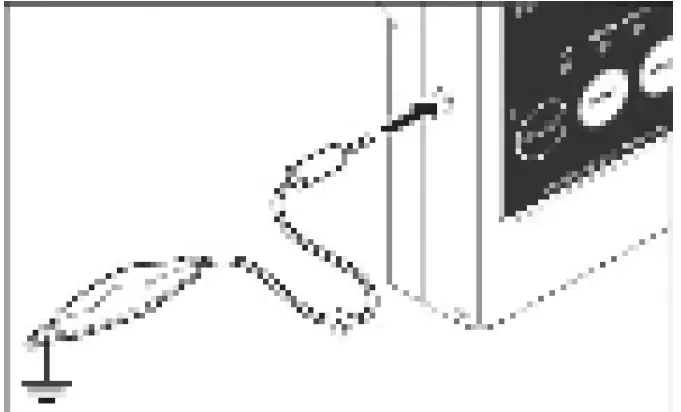 Connect the ground cord securely to the terminal, and connect its alligator clip to a grounded object. Accurate measurements required a reliable ground connection.
Operation
Measuring Ion Balance
- Turn the meter on.
Slide the power switch to the ON position. The meter will chirp then activate.
- Zero point adjust the meter.
Bring the plate into contact with a grounded body, and press the 0ADJ button.
NOTE- Zero point adjustment must be reset every time the meter is powered.
- Set the desired mode.
Press the SELECT button, and the meter will scroll through the modes shown in the table on the right. To measure balance (offset voltage), use I. B mode.Mode LED display I.B Mode I.B +DECAY Mode +DECAY -DECAY Mode -DECAY - Point the plate at the measurement location.
 The meter will measure the balance.
NOTE- If the display panel blinks “+1” or “-1”, the charged voltage has exceeded the measurable range (over-range). If this occurs, stop measuring immediately, as this may cause damage to the meter.
- To turn the meter off, slide the power switch to the OFF position.
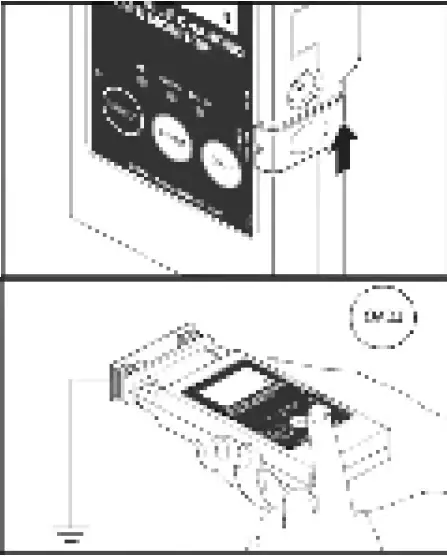
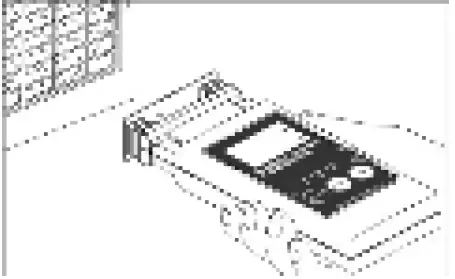 The meter will measure the balance.
Measuring Neutralization (Discharge) Times
- Turn the meter on.
 Slide the power switch to the ON position. The meter will chirp then activate.
 - Zero point adjust the meter.
Bring the plate into contact with a grounded body, and press the 0ADJ button. NOTE
NOTE
Zero point adjustment must be reset every time the meter is powered. - Set the desired decay range.
The meter changes modes each time the SELECT button is pressed. Select +Decay to measure positive discharge time. Select – Decay to measure negative discharge time.
Press the START 3 times for less than 1 second while holding down SELECT button. The default setting measures from ±1,000V to ±100V.
The setting may also be changed to:- ±1,000V to ±50V
While holding the SELECT button, press the START button three times within one second. The display will indicate the selected decay range for two seconds then return to the standby mode.
- ±1,000V to ±50V
- Point the plate in the airflow of the ionizer to be measured and press the START button.
 Voltage will apply onto the plate, and the meter will measure the amount of time needed to neutralize it.
NOTE
If the display panel blinks “+1” or “-1”, the charged voltage has exceeded the measurable range (over-range). If this occurs, stop measuring immediately, as this may cause damage to the meter. - The meter will chirp and display the neutralization time when the measurement is completed.
 The neutralization time in seconds is displayed at the bottom of the display.
 - To turn the meter off, slide the power switch to the OFF position.
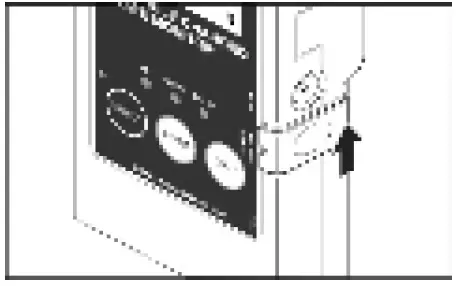 Slide the power switch to the ON position. The meter will chirp then activate.
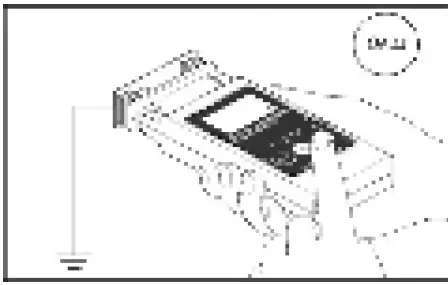 NOTE
NOTE 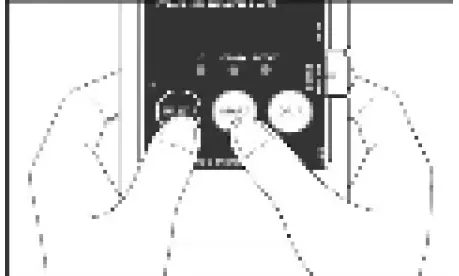 The default setting measures from ±1,000V to ±100V.
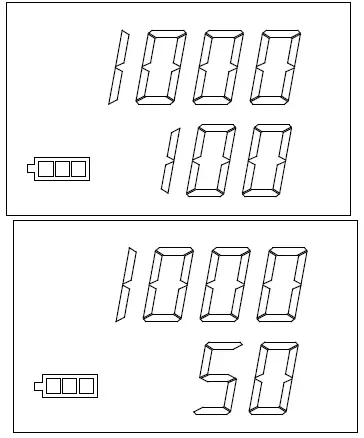 The display will indicate the selected decay range for two seconds then return to the standby mode.
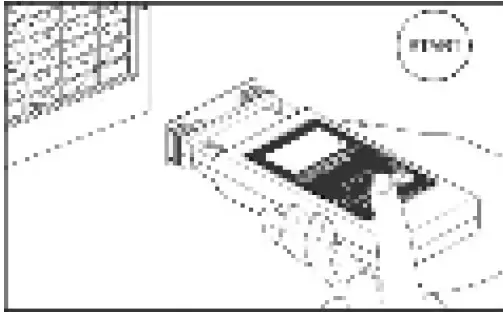 Voltage will apply onto the plate, and the meter will measure the amount of time needed to neutralize it.
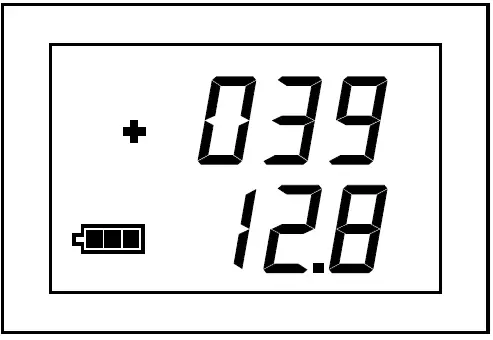 The neutralization time in seconds is displayed at the bottom of the display.
Adjustment and Maintenance
Rotating the Sensor Head
The 180-degree rotary head with 2.75ʺ x 1.25ʺ plate allows the operator to read the display at various angles. The sensor head rotates in 45-degree increments. When rotating the head, stop at angles where the sensor head clicks into place.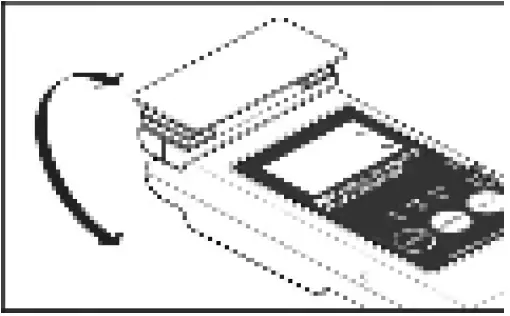 Battery Indicator
The remaining battery charge is displayed on the lower left of the display panel. Replace the battery when the icon shows only one bar remaining.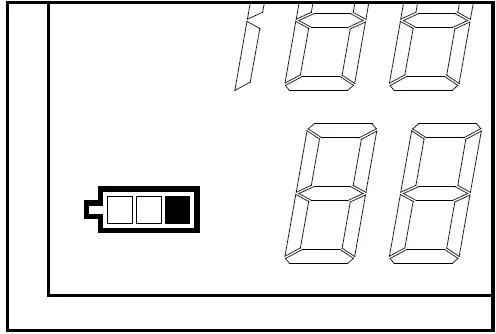 Error Display
Er3 will appear on the display and a continuous audible alarm will sound should the meter fail to apply sufficient voltage onto the plate. This may be caused by dirty or moist insulating spacers. Clean and dry the insulating spacers to solve the error. Contact Customer Service should the meter continue to alarm after cleaning the insulating spacers.
The Portable Charged Plate Monitor uses an oscillating chopper to take measurements. Er9 will appear on the display and a beeping audible alarm will sound should the sensor stop oscillating. Restart the meter should this occur. Contact Customer Service should the meter continue to alarm after restarting it several times.
Insufficient voltage error: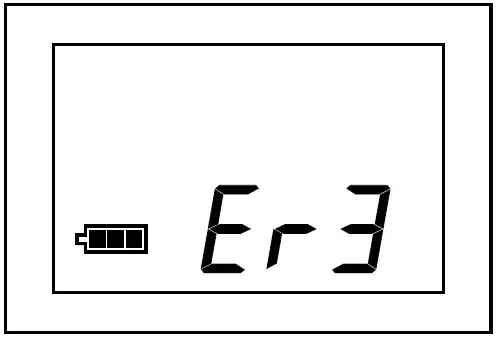 Faulty sensor error: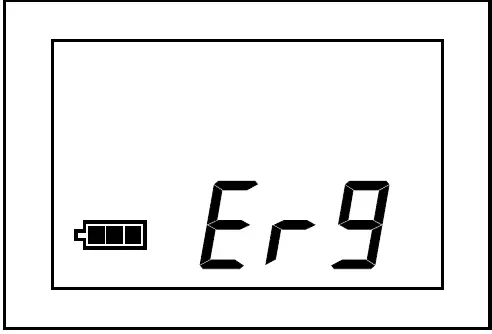
Troubleshooting
If the device does not operate correctly, it may be the result of one of the following.
| The display panel is not active when the power is turned on. | |
| Cause 1 | The battery has not been installed, or the positive and negative terminals have been connected the wrong way around. |
| Remedy 1 | Correctly install the battery. |
| Cause 2 | The battery has been completely drained. |
| Remedy 2 | Replace the battery with a new one. |
| The plate voltage discharges rapidly. | |
| Cause | The insulating spacers are dirty, moist, or have oil on them. |
| Remedy | Clean and dry the insulating spacers. |
| The display does not change when approaching the measurement location. | |
| Cause | The sensor is faulty. |
| Remedy | If an error message is displayed or you cannot hear an oscillating sound from the sensor, the sensor must be replaced. Contact Customer Service and ask for an RMA to be issued. |
Specifications
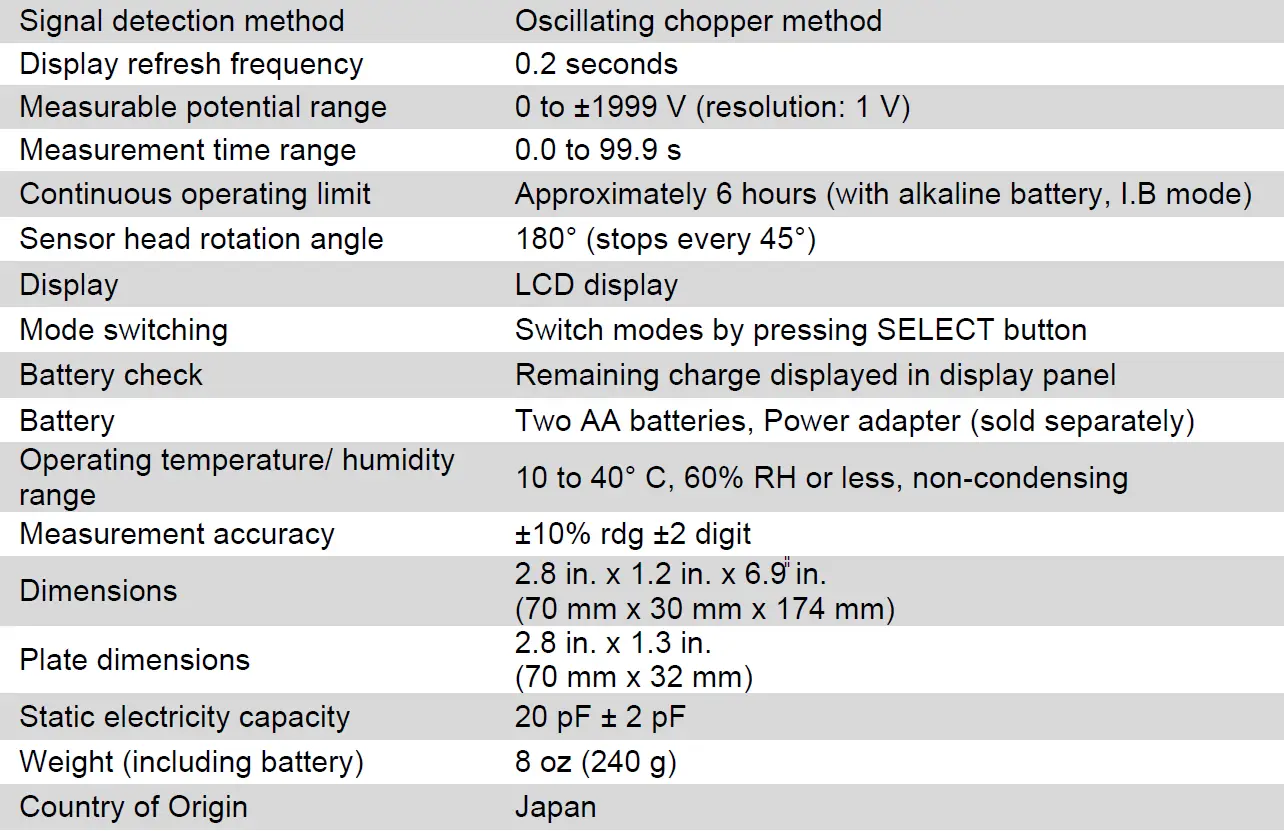
Warranty
See the SCS Warranty –
StaticControl.com/Limited-Warranty.aspx
 SCS - Static Control Solutions