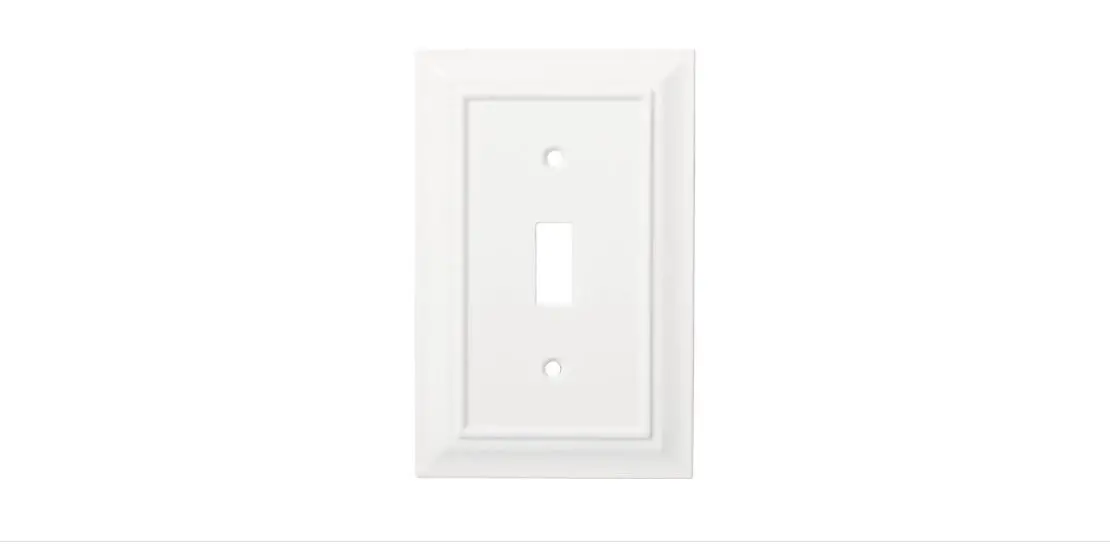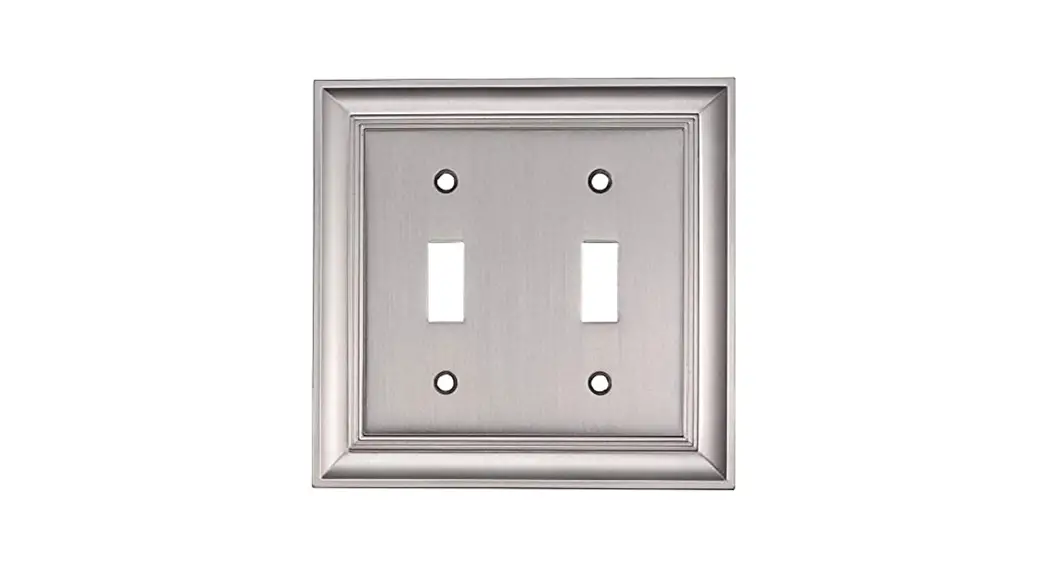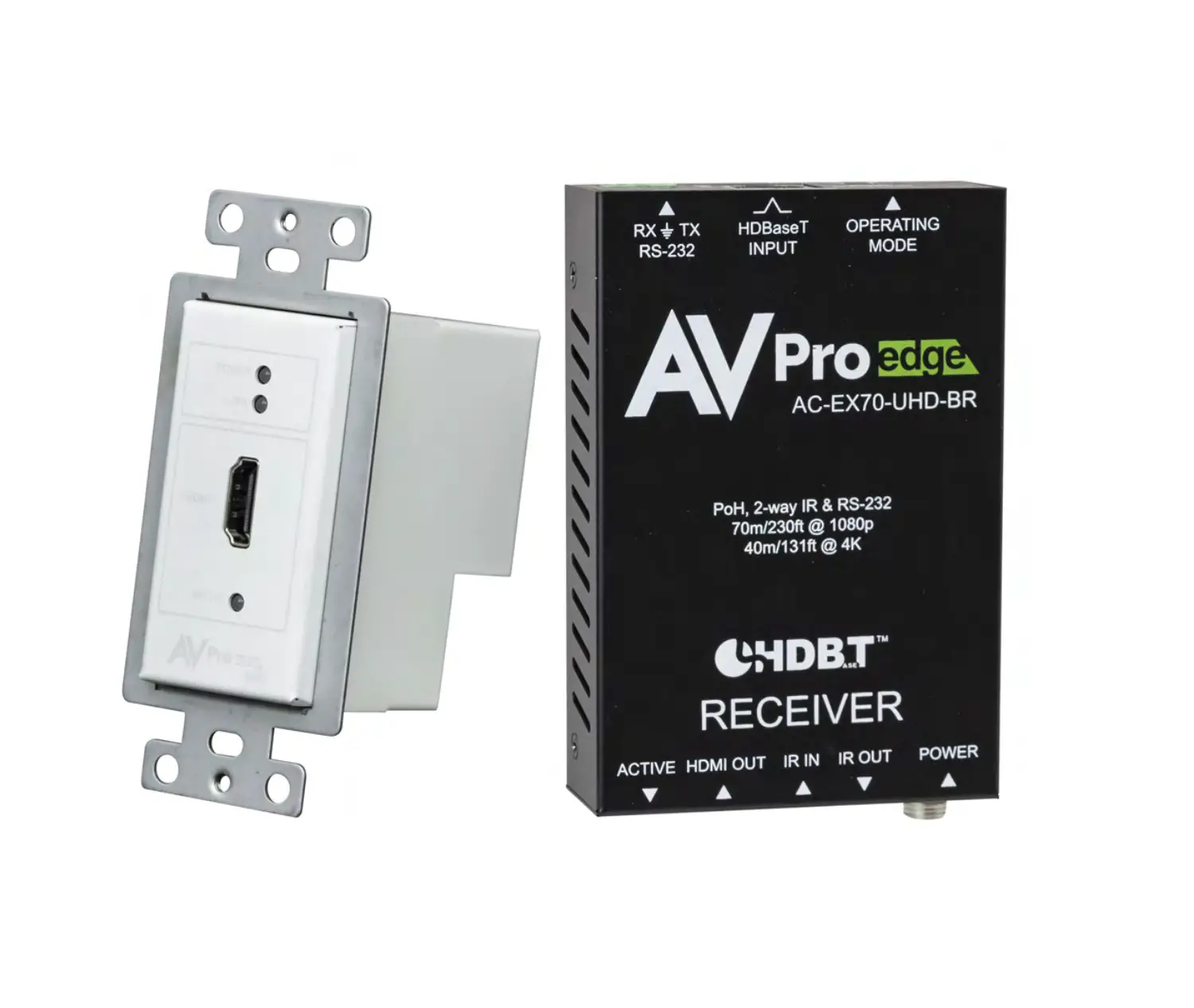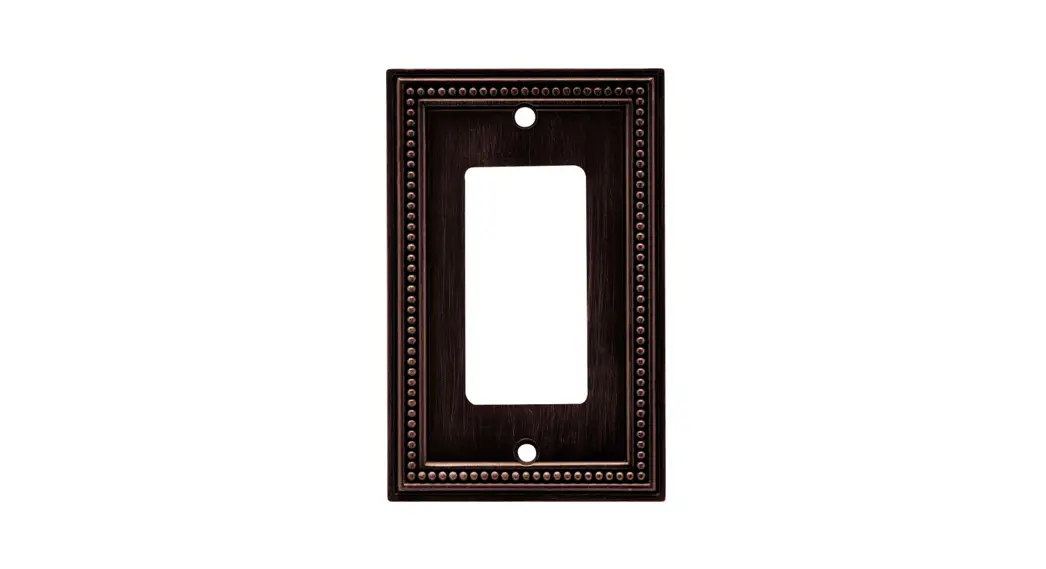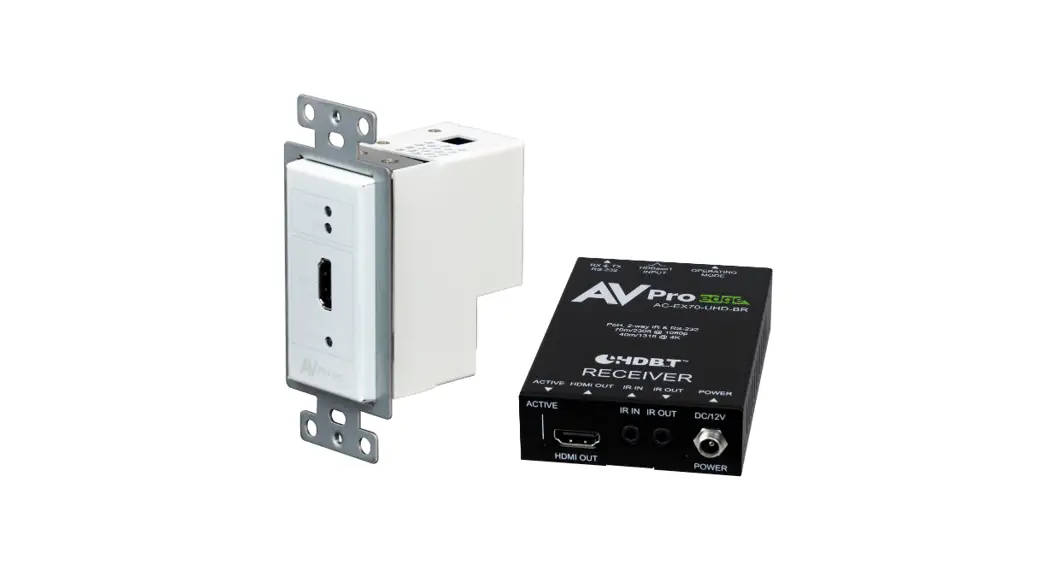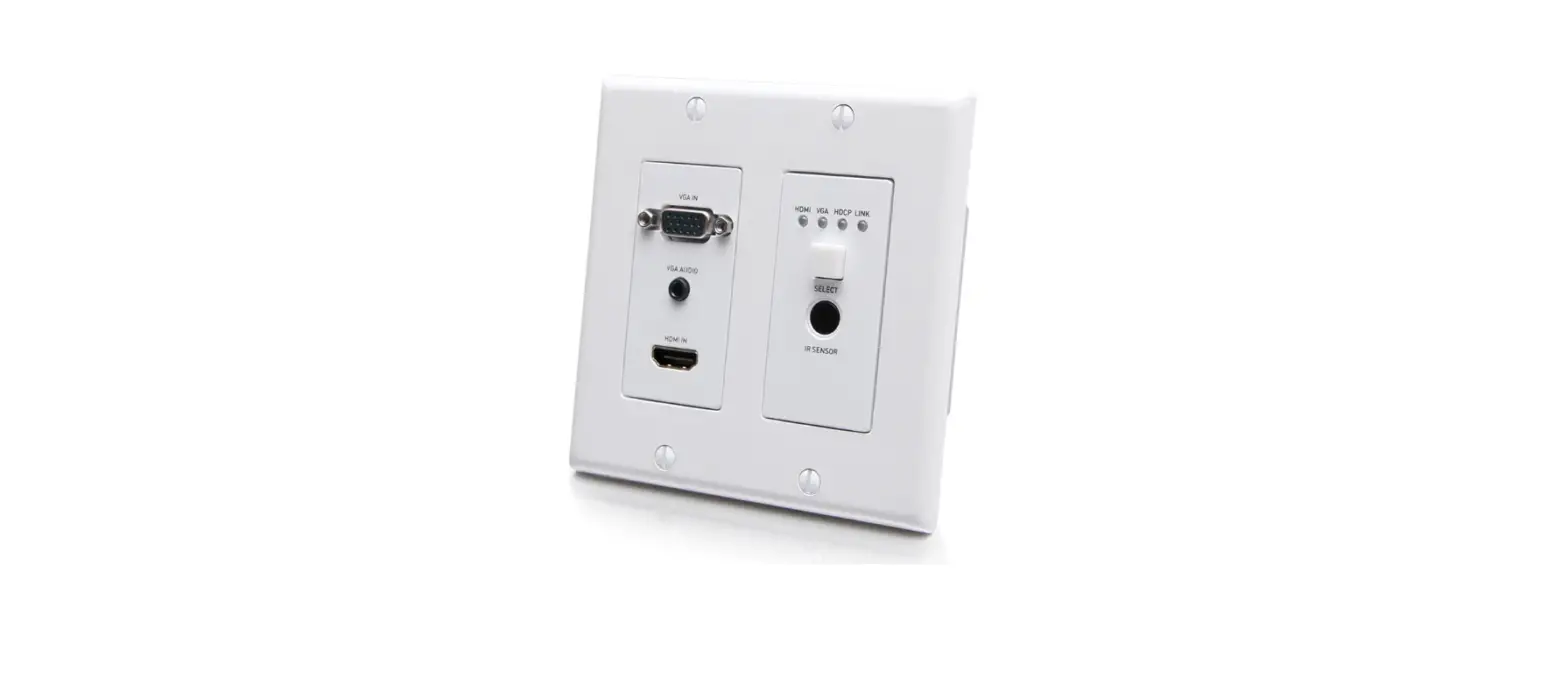

C2G30030 Single Gang Wall Plate
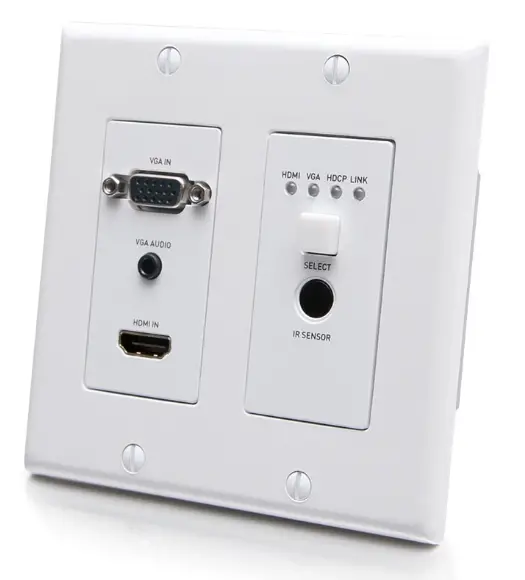
Product Overview Transmitter
Front Panel
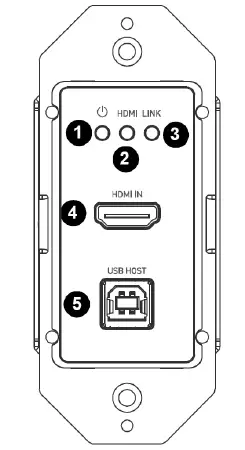
| FRONT PANEL | DESCRIPTION | |
| 1 | Power LED | On: Power is applied to the device. Off: No power is applied to the device. |
| 2 | HDMI LED | On: HDMI input signal is active. Off: No HDMI signal input. |
| 3 | Link LED | On: HDBT link is normal. Off/Blinking: No HDBT link or link error. |
| 4 | HDMI IN | Connect to an HDMI source using an HDMI cable. |
| 5 | USB Host | Connect USB host PC. |
Rear Panel
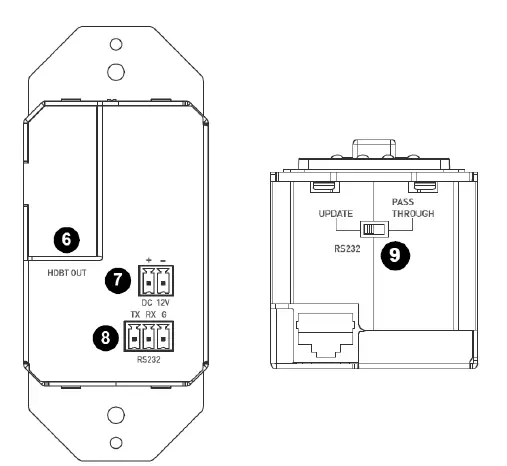
| REAR PANEL | DESCRIPTION | |
| 6 | HDBT OUT | Connect to the HDBT receiver via a Cat 5e/6/6a/7 cable. |
| 7 | DC 12V | Connect to a DC 12V power adapter. With one-way PoH function supported, the transmitter can be powered by the receiver. |
| 8 | RS232 | Connect to a RS232 enabled device for RS232 pass- through or connect to a PC for upgrading firmware. |
|
9 |
DIP Switch | Control the function of RS232 port. Update: RS232 port is used to update Valens firmware. Pass-through: RS232 port is used to command pass- through via HDBT port. Users can use API command to upgrade its MCU firmware in this mode. |
Product Overview Receiver
Front Panel
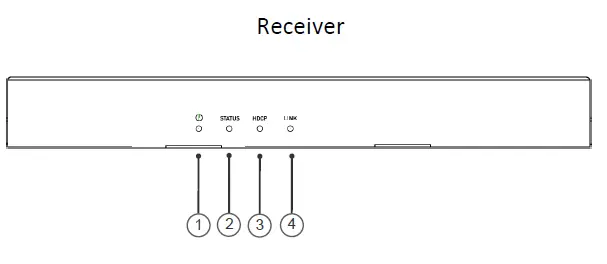
| FRONT PANEL | DESCRIPTION | |
| 1 | Power LED | On: Power is applied to the device. Off: No power is applied to the device. |
| 2 | Status LED | Blinking: The device is working properly. Off: The device is not working properly. |
|
3 |
HDCP LED | On: HDCP protected content is being transmitted. Blinking: Non-HDCP protected content is being transmitted. Off: No content is being transmitted. |
| 4 | Link LED | On: HDBT link is normal. Off/Blinking: No HDBT link or link error. |
Rear Panel
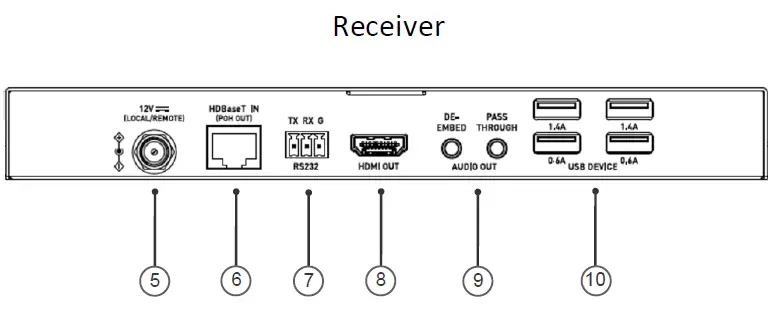
| REAR PANEL | DESCRIPTION | |
| 5 | DC 12V | Connect to a DC 12V power adapter. With one-way PoH function supported, the transmitter can be powered by the receiver. |
| 6 | HDBT IN | Connect to the transmitter via a Cat 5e/6/6a/7 cable. |
| 7 | RS232 | For bi-directional RS232 pass-through. |
| 8 | HDMI OUT | Connect to an HDMI display device. |
| 9 | Audio Out | Unbalanced stereo audio output. Pass-through: Reserved. De-embed: For audio de-embedding from the HDMI output. |
|
10 |
USB Device | Connect to USB devices (e.g. keyboard, mouse, USB camera, USB flash drive, etc.). Note: USB ports support the USB 2.0 standard with a maximum of 1.4A for the top two ports and 0.6A on the bottom two ports. Before connecting a USB 3.0 device, confirm its compatibility with USB 2.0. |
Features
- HDMI 1.4 with 4K at 60Hz, 4:2:0, 8bit and HDCP 2.2 compliant
- Supports signal transmission up to 35m/115ft for 4K and 60m/197ft for 1080P via a single Cat 5e/6 cable
- Supports signal transmission up to 40m/131ft for 4K and 70m/230ft for 1080P via a single Cat 6a/7 cable
- Supports one-way PoH, the transmitter can be powered by the receiver
- Supports USB pass-through and RS232 pass- through via HDBT port
- Supports firmware upgrade through RS232 port, and can be set through the DIP switch
Package Contents
- 1 x Transmitter
- 1 x Receiver
- 1 x DC 12V Power Adapter with US, UK, EU and AU Pins
- 1 x Phoenix Connector (3.5mm, 2 Pins)
- 2 x Phoenix Connector (3.5mm, 3 Pins)
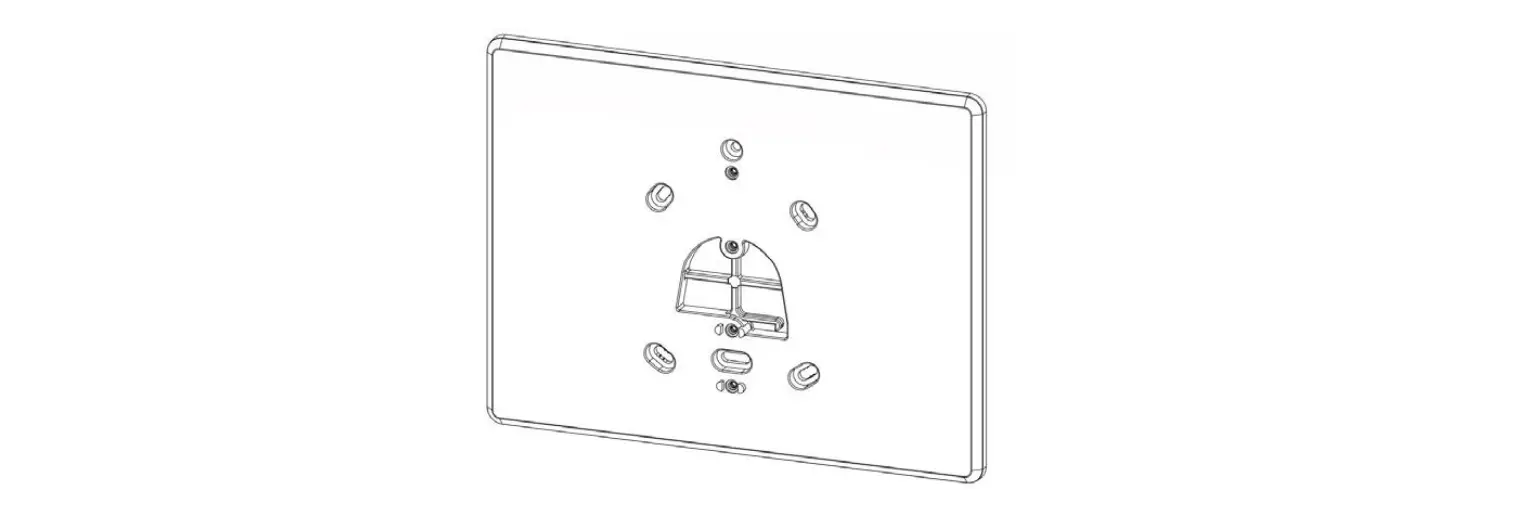
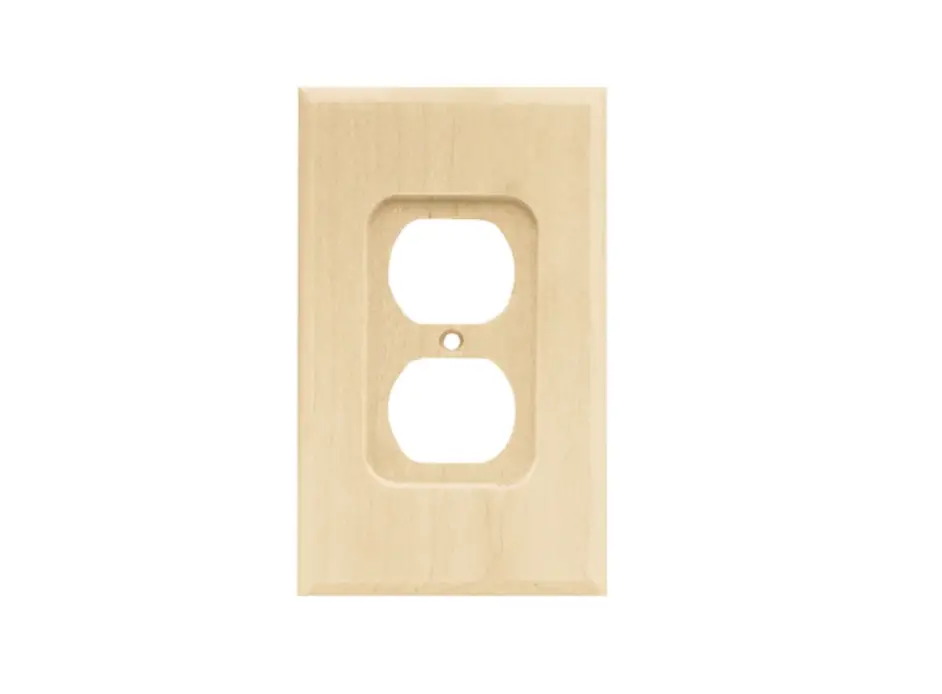
- 1 x 1 – Gang US Socket Cover, White (with Screws)
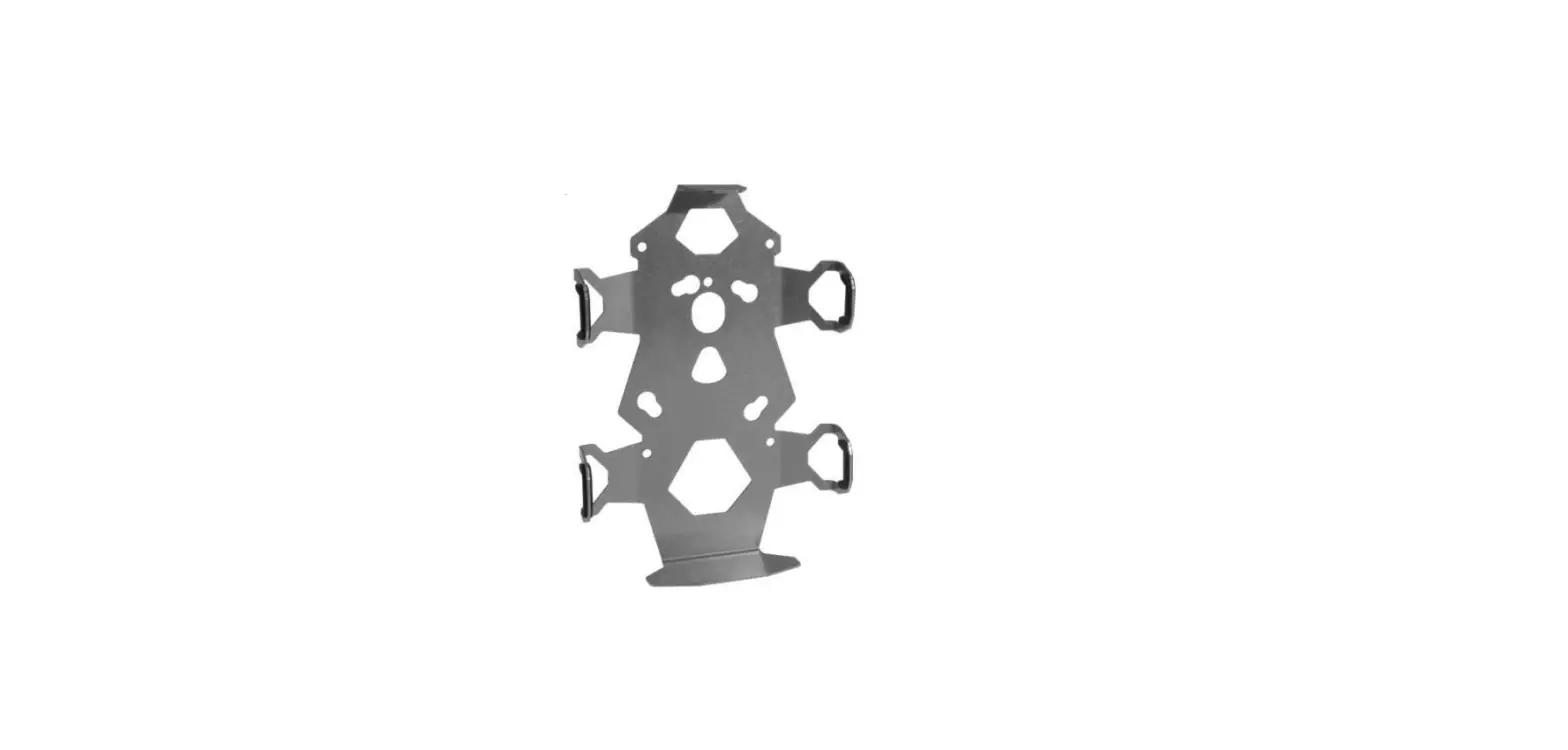
- 2 x Mounting Bracket (with screws)
- 1 x Manual
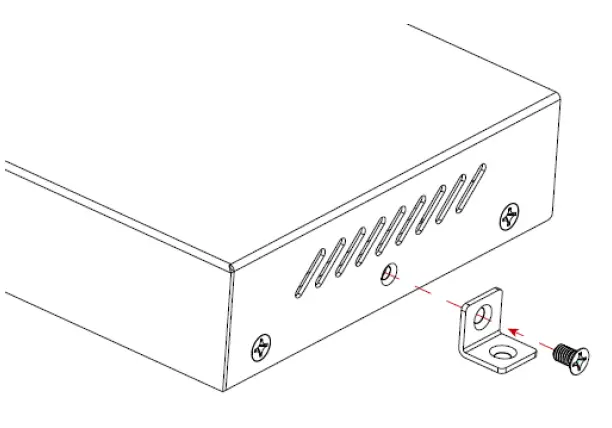
Mounting Bracket Installation
Note: Before installation, please ensure the unit is disconnected from the power source.
- Attach the installation bracket to the enclosure using the screws that were provided in the package separately.
- The bracket is attached to the enclosure as shown.
- Repeat steps 1-2 for the other side of the unit.
- Attach the brackets to the surface you want to mount to using screws (not included).
Wiring
- Before wiring, disconnect the power from all devices.
- During wiring, connect and disconnect the cables gently.
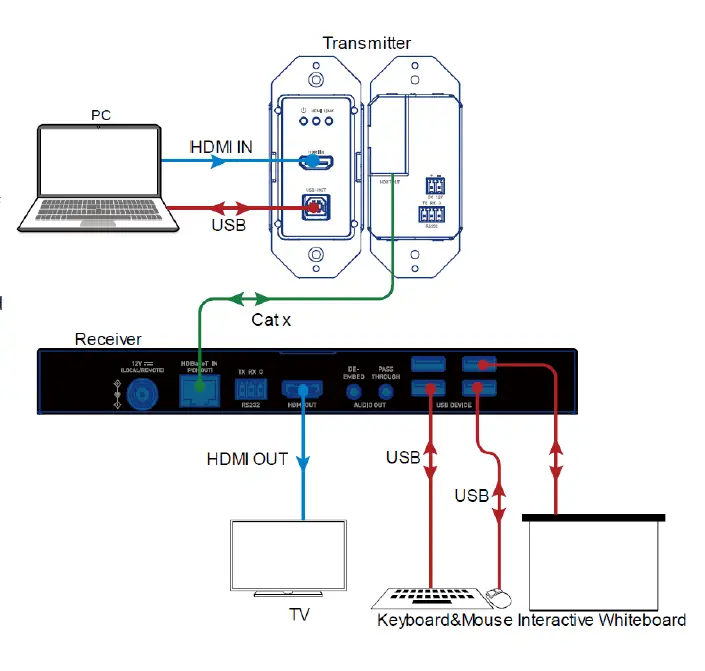
Steps for device wiring:
- Connect an HDMI source to the HDMI IN port of the transmitter.
- Connect an HDMI display to HDMI OUT port of the receiver.
- Connect HDBT OUT port of the transmitter to HDBT IN port of the receiver via a single Cat 5e/6/6a/7 cable.
- Connect additional functions options.
- USB pass-through: Connect USB host PC to HOST port of the transmitter, and connect USB devices such as keyboard and mouse to USB DEVICE ports of the receiver. The connected USB devices can be connected to the host PC.
- RS232 pass-through: Set the DIP switch of the transmitter to PASS-THROUGH position, connect a RS232 enabled device such as a PC to RS232 port of the transmitter and receiver respectively.
- Connect the provided DC 12V power adapter to the receiver.
Note: With one-way PoH function supported, the transmitter can be powered by the receiver, no additional power adapter is needed to be connected to the transmitter. - Power on all attached devices.
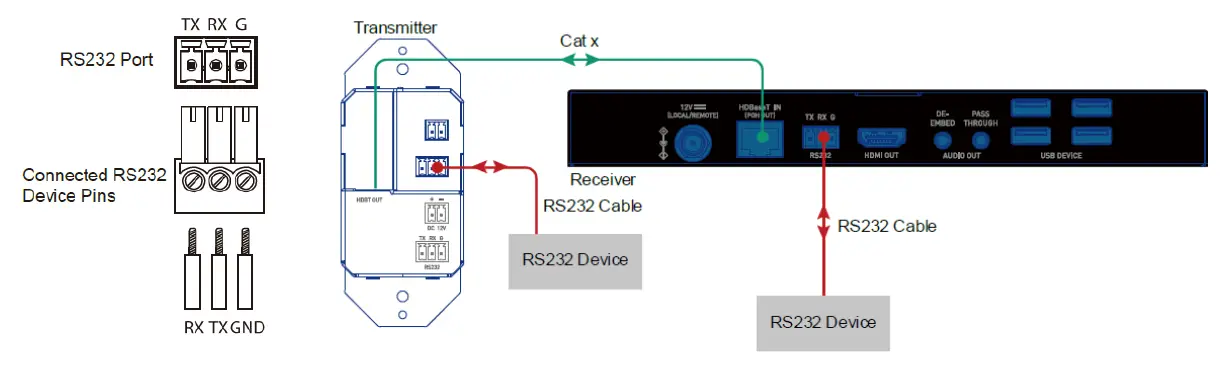
RS232 Pass-Through
RS232 ports can be used for bi-directional RS232 signal pass-through between the transmitter and receiver. Set the DIP switch to the position of PASS-THROUGH. Connect RS232 enabled devices (such as PC) to RS232 ports of the transmitter and receiver. Before executing the API commands through RS232, please ensure RS232 interface of the device and the connected PC are configured correctly.
Note: In Pass-through mode, API commands can also be sent to the transmitter from transmitter side or receiver side to change baud rate, get its firmware version or upgrade its MCU, etc.
Pins and wiring figures are as follows:
Important Safety Information
Do not plug the unit in any outlet that does not have enough current to allow the device to function. Refer to the specifications in this manual for power level of the unit. Liquid: If this unit or it’s corresponding power adapter has had liquid spilled on or in it, do not attempt to use the unit. Do not attempt to use this product in an outdoor environment as elements such as rain, snow, hail, etc. can damage the product. In case of a storm, it is recommended that you unplug this device from the outlet. Avoid placing this product next to objects that produce heat such as portable heaters, space heaters, or heating ducts. THERE ARE NO USER SERVICEABLE PARTS. Do not attempt to open this product and expose the internal circuitry. If you feel that the product is defective, unplug the unit and refer to the warranty information section of this manual.
C2G Warranty
At C2G we want you to be totally confident in your purchase. That is why we offer a warranty on this device. If you experience problems due to workmanship or material defect for the duration of this warranty, we will repair or replace this device. To request a Return Merchandise Authorization (RMA) number, contact customer service at 800-293-4970 or www.c2g.com.
 Your One-Stop-Shop for Cables, Adapters, & More | C2G