
Smart Lighting
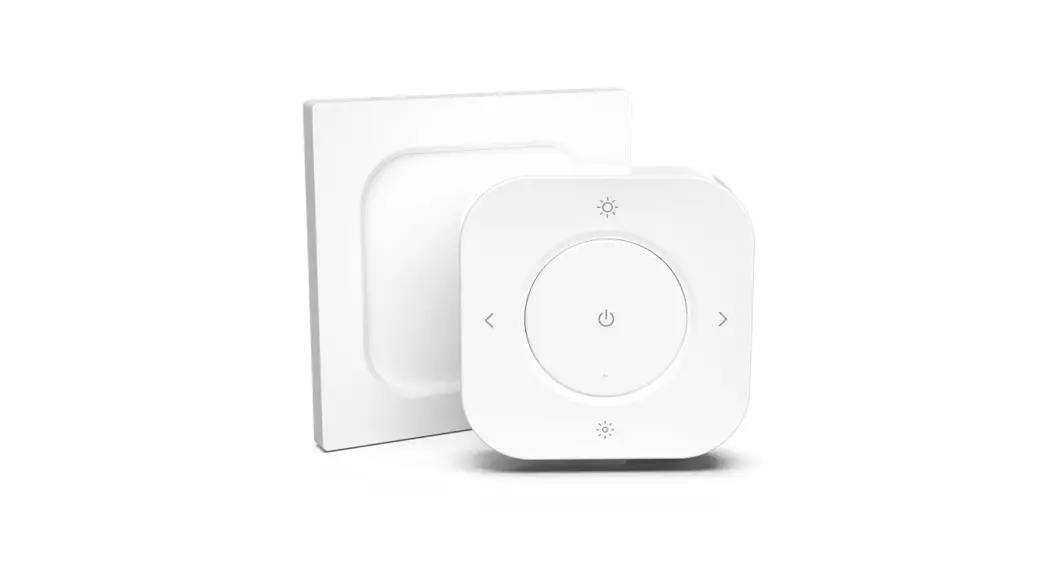
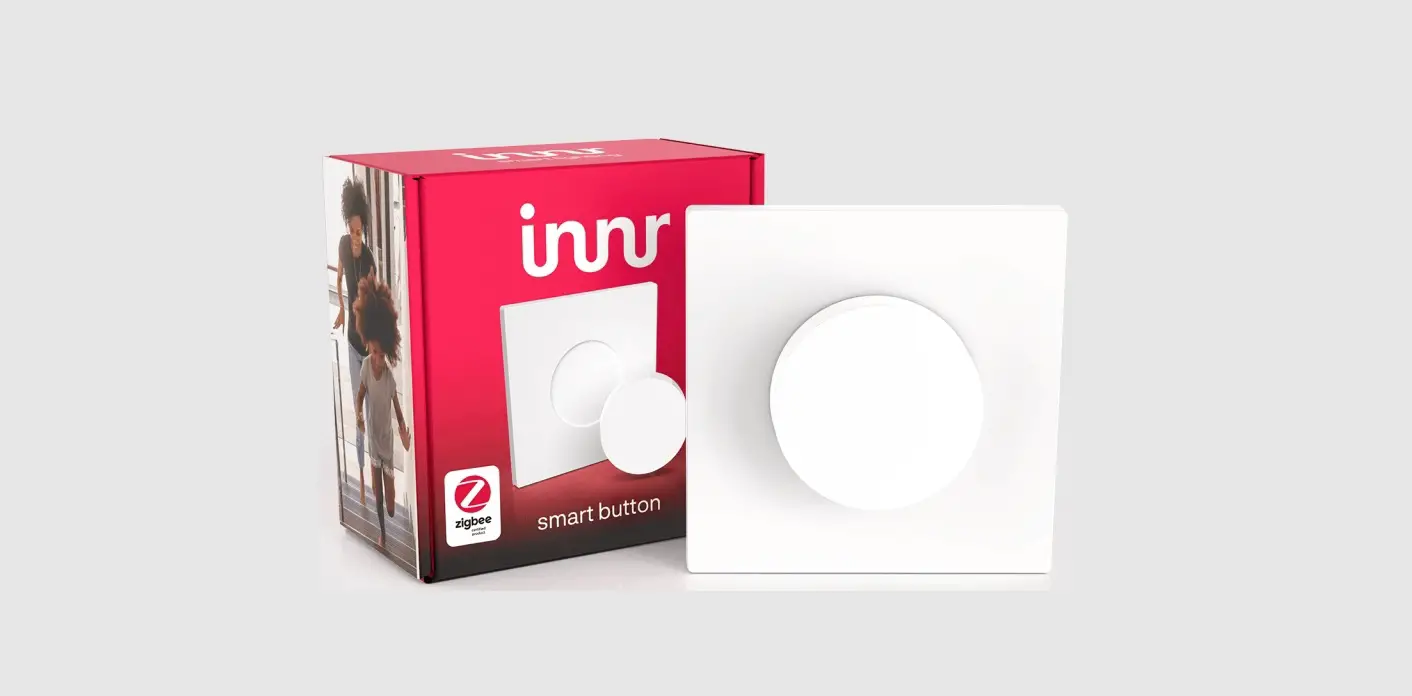
RC25x
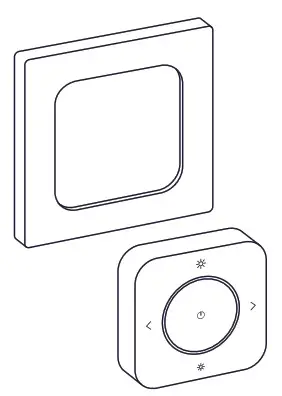
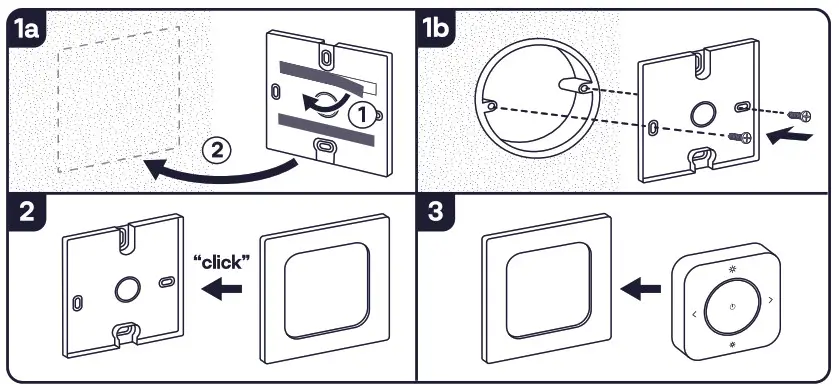
Installation
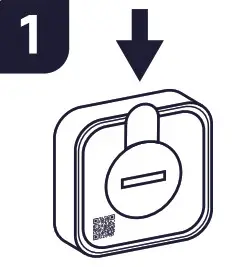
Remove the plastic tab.
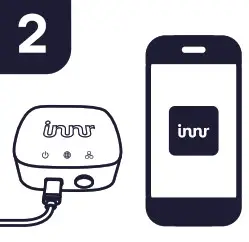
Open the Innr App and make sure your inner Bridge is connected.
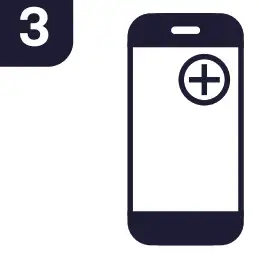
Press “+” and “Add Device”.
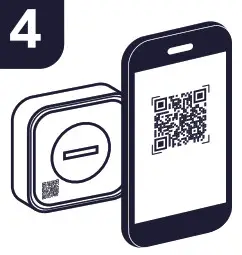
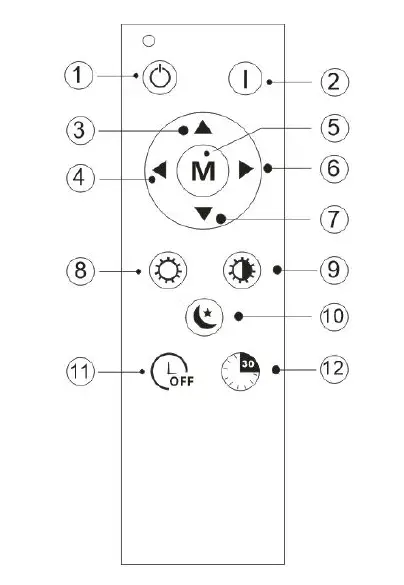
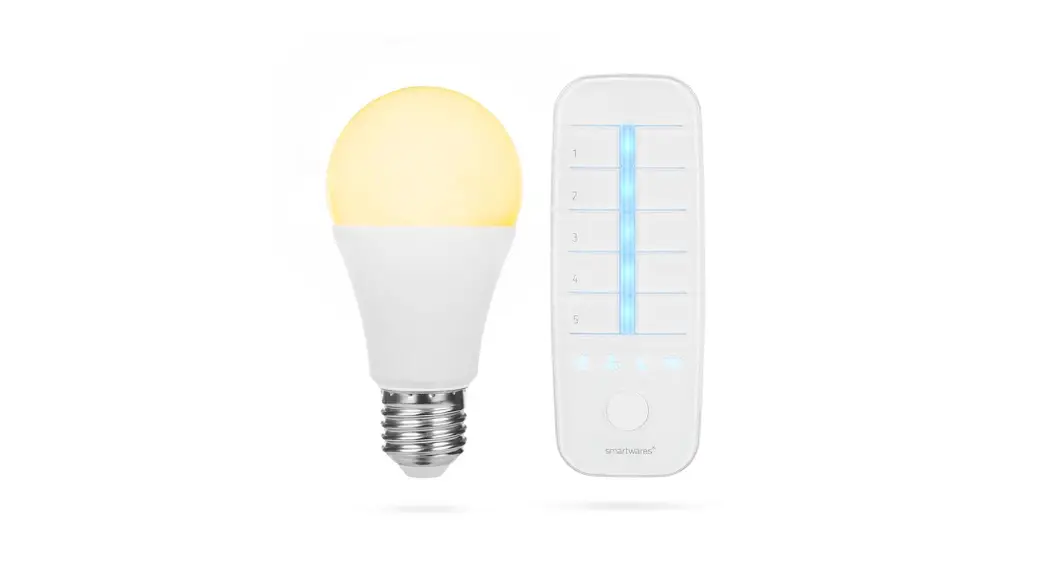
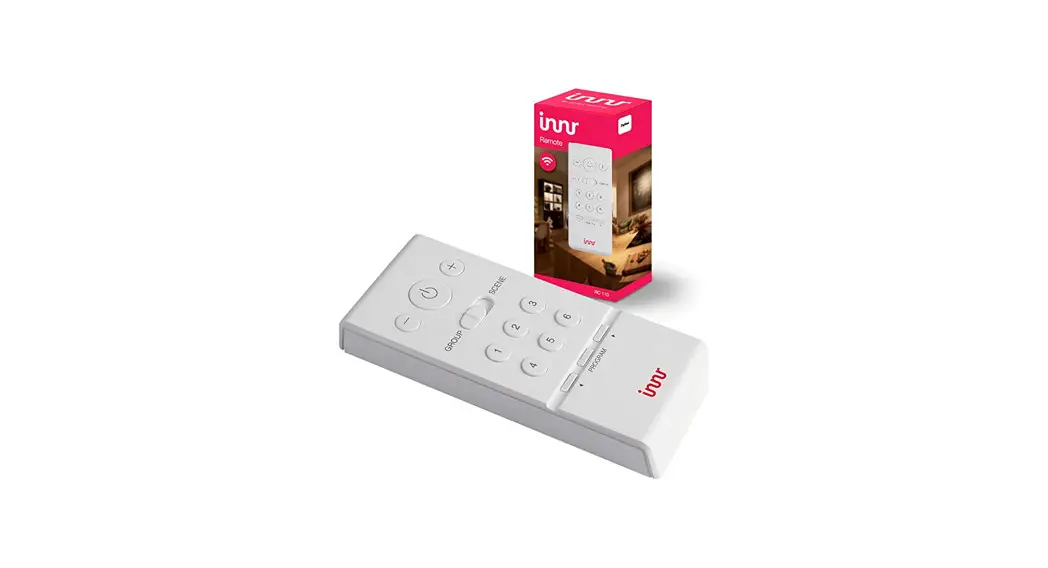
Scan the OR-code on the remote.
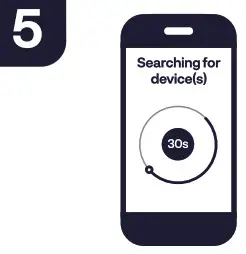
Press “Next step” to start searching for the device(s).
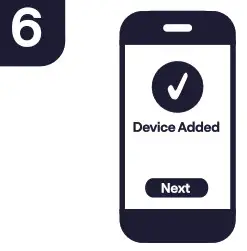
Follow the future instructions in the app.
Installation without lnnr bridge
For direct use with smart lights (without lnnr Bridge) or with a third party bridge please visit: www.innr.com/service
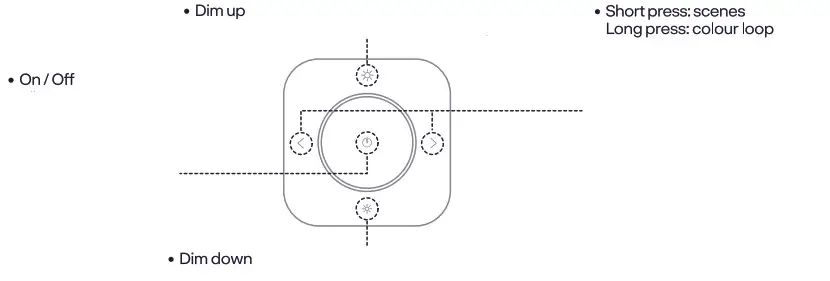
Factory reset
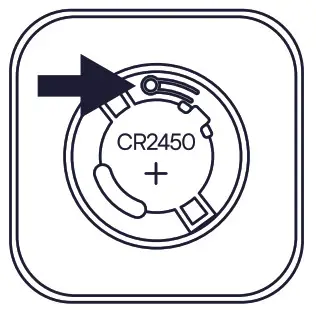
Press and hold the reset button for 3 seconds.
Important safety instructions
- For indoor use only.
- Do not disassemble the product; if any part is damaged, the product should not be used.
- Do not immerse in water.
- For cleaning, use a damp cloth, never a strong cleaning agent.
- Keep these instructions for future use.
Declaration of Conformity
Hereby, Innr Lighting BV declares that the radio equipment types RC 250 are in compliance with Directive 2014/53/EU. The full text of the EU declaration of conformity is available at the following internet address www.innr.com/en/downloads Zigbee Frequency:2.4 GHz (2400 – 2483.5 MHz) – RF power max 10 dBm