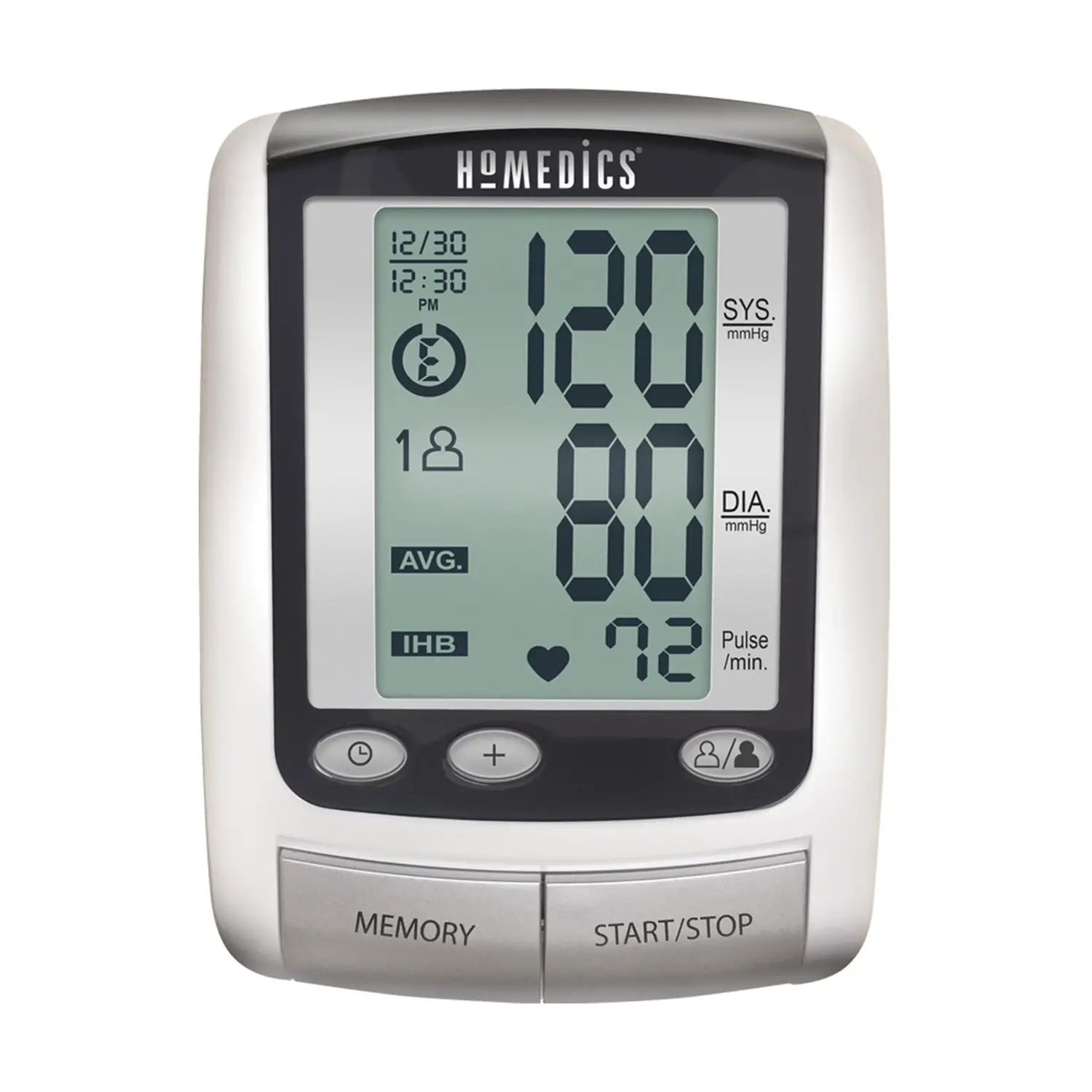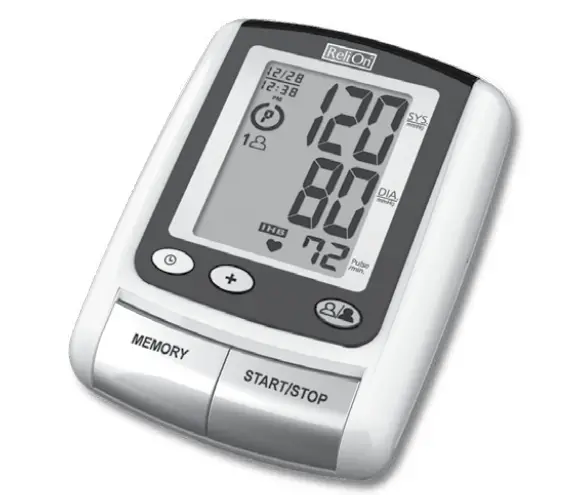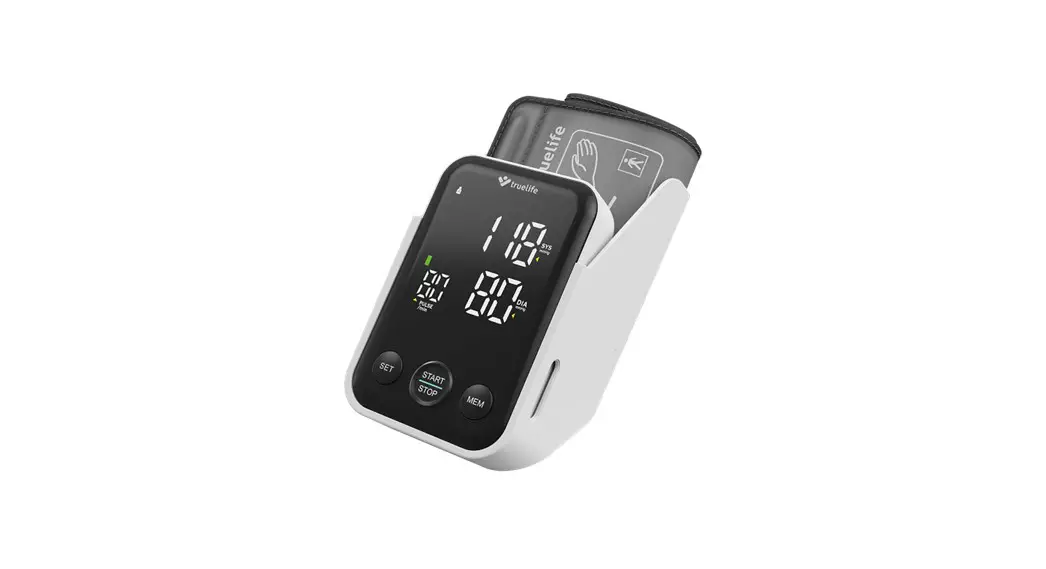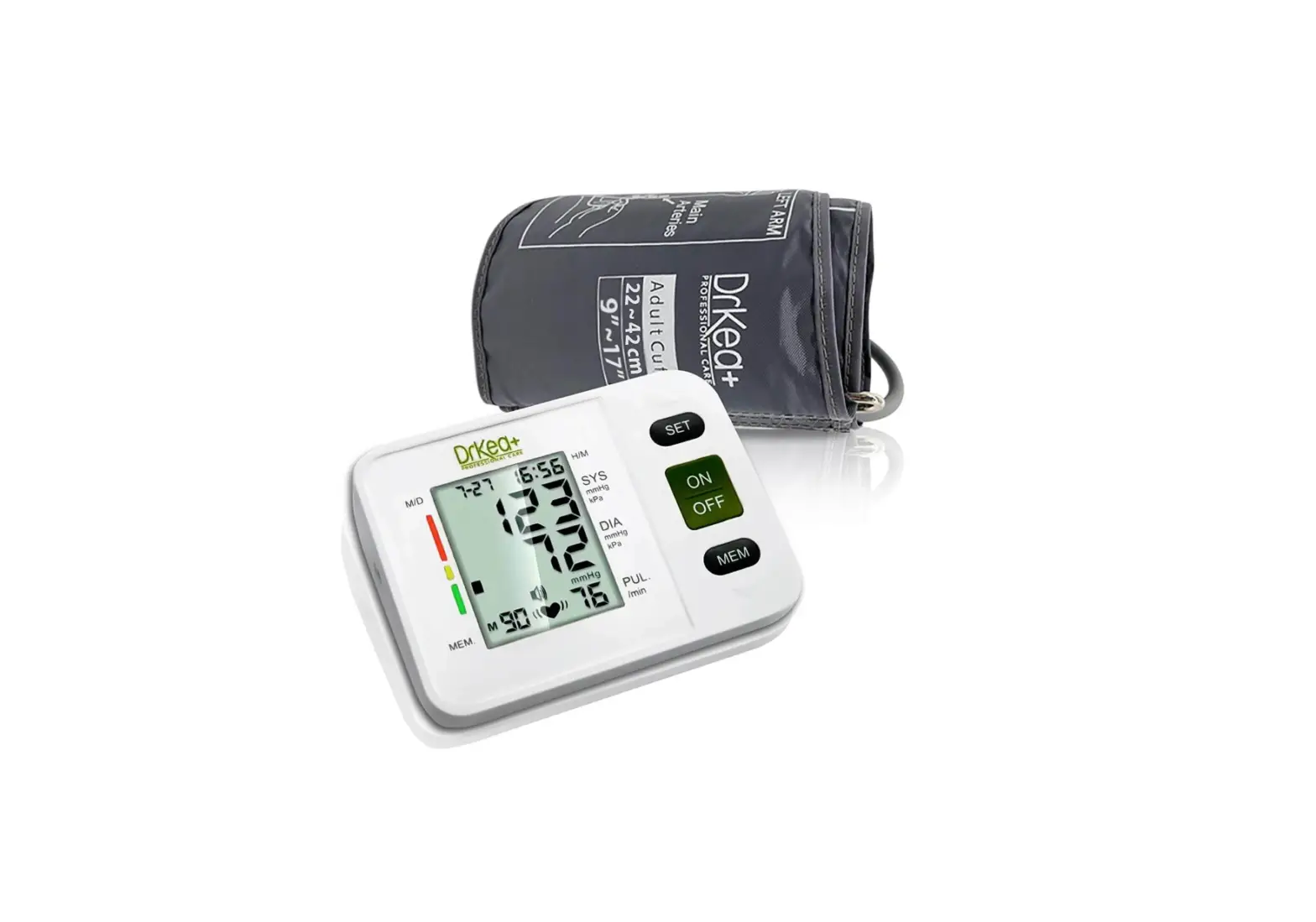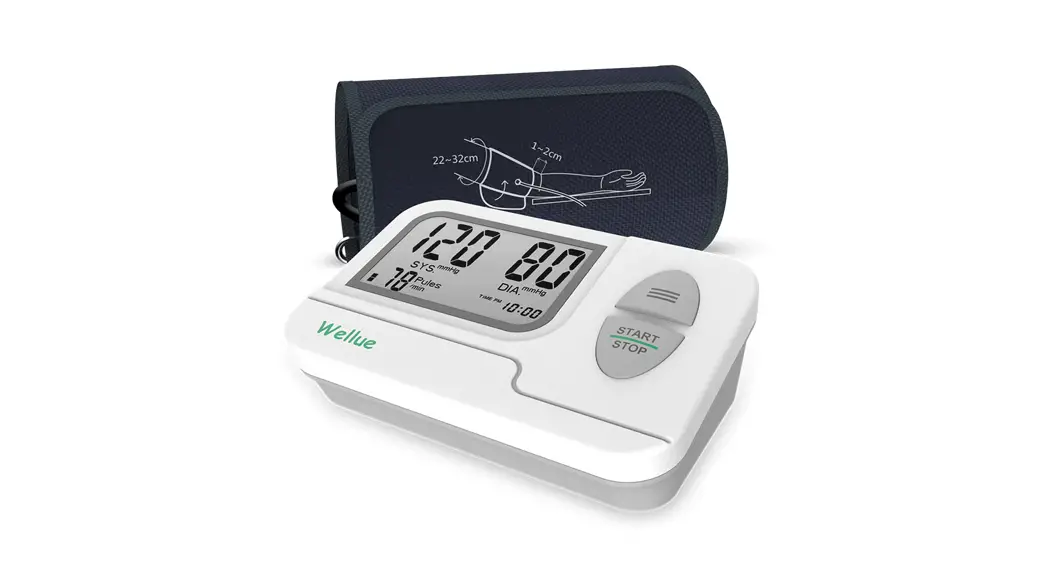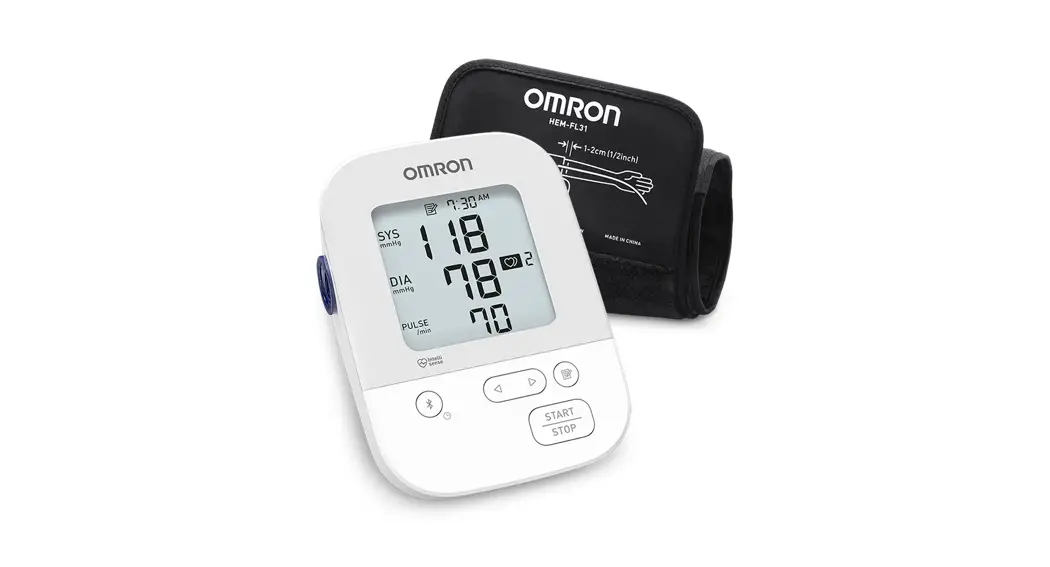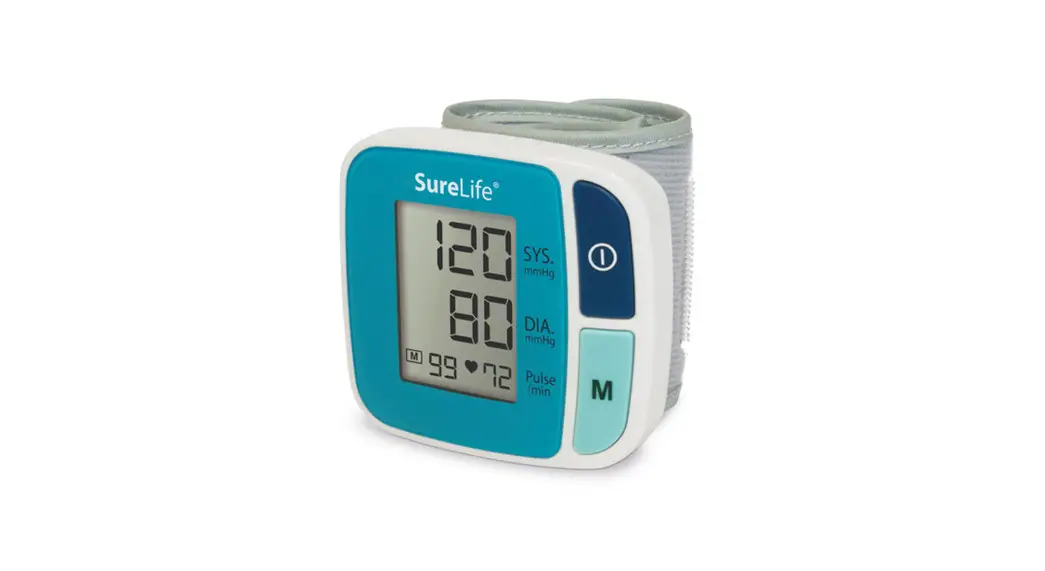

Arm Blood Pressure Monitor
Classic Model
User Guide
SAFETY PRECAUTIONS
- Infants, young children, or individuals who cannot express their consent are not suitable to take blood pressure measurements.
- Individuals with serious arteriosclerosis are not suitable to take blood pressure measurements.
- Blood pressure readings may change in case of pregnancy. Pregnant women should consult their doctor before taking measurements.
- Self-measurement is not medical treatment. If there are unusual values, consult your doctor.
Handling batteries properly:
- As soon as old batteries run out, replace them with new batteries.
- Do not use old and new batteries together.
- Align the polarities of batteries correctly.
- When the unit will not be used for more than 3 months, remove the batteries. Otherwise, batteries may leak and cause damage to the unit.
QUICK START GUIDE
Avoid smoking, eating, drinking caffeinated drinks or exercising for 30 minutes before taking measurement.
- Sit upright in a chair with both feet on the floor.
- Remove tight-fitting clothing from your upper arm along with any thick clothing.
- Pull-on the end of the cuff until it wraps securely around your upper arm. Place your arm on a table so that the cuff will be at the same level as your heart.
- Press the “
 ” button. The cuff will automatically inflate and the measurement will start.
 - When the measurement is complete, the cuff will automatically deflate and your systolic and diastolic pressure values and pulse rate will display.
 ” button. The cuff will automatically inflate and the measurement will start.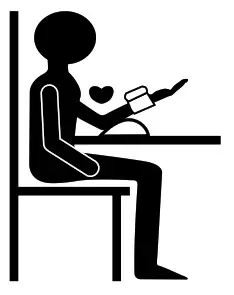
Note: To loop the arm cuff correctly, first thread the cuff through the metal bar (1). Then pull the cuff back in the opposite direction to fasten (2). Please note that the velcro should face the outside of the cuff.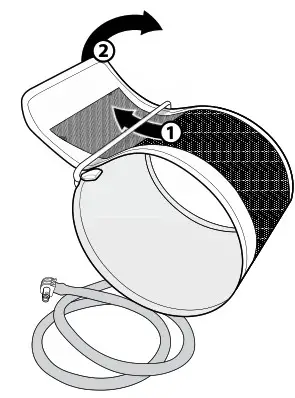
OVERVIEW
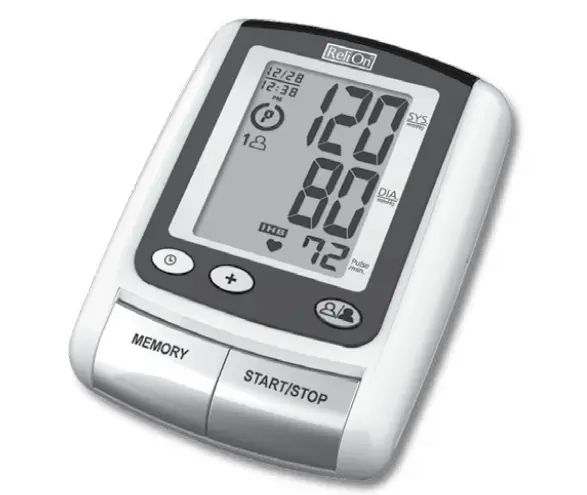
Monitor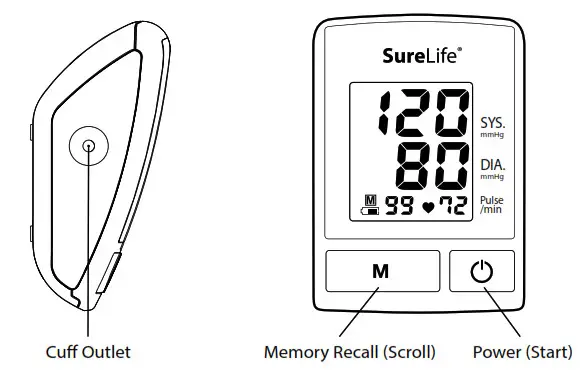 Features
- One-Touch Operation
- 99 Total Memory
- Irregular Heartbeat Detector
- Auto-off Power Saving Feature
- Operated by 4 AA batteries
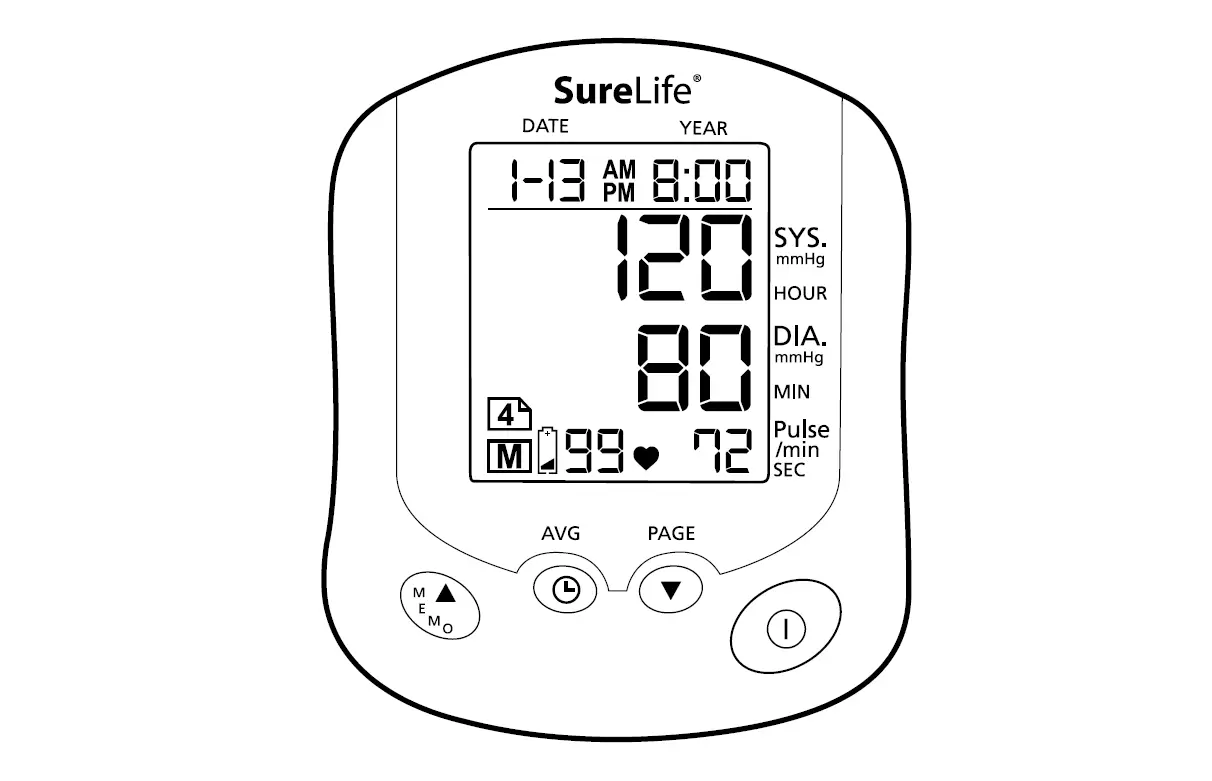
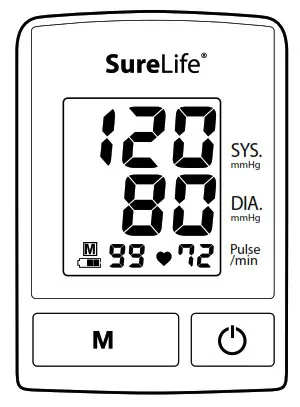
Display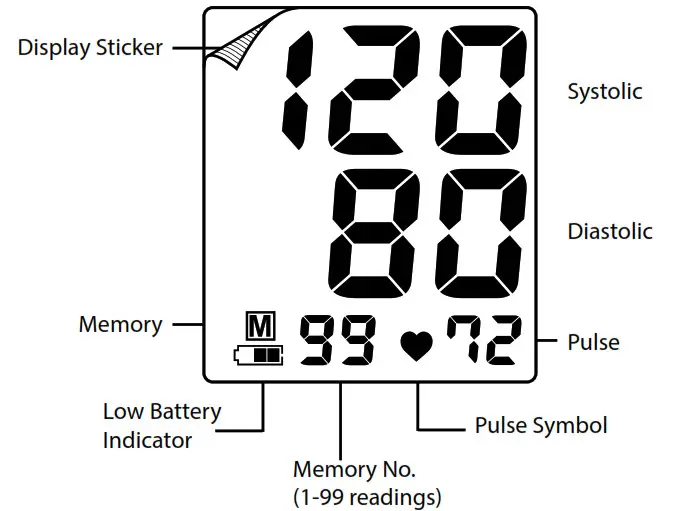
Note: Peel off and remove the display sticker before use
Package Contents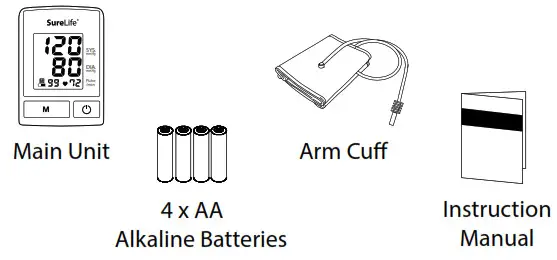
PREPARATION
Battery Installation
- Pull and lift on the lock to remove the battery cover.
- Insert 4 AA batteries with the polarities in the correct direction.
- Replace the battery cover. Press it lightly until the lock securely clicks into place.
Note: Replace batteries when the battery indicator ” “ shows low voltage.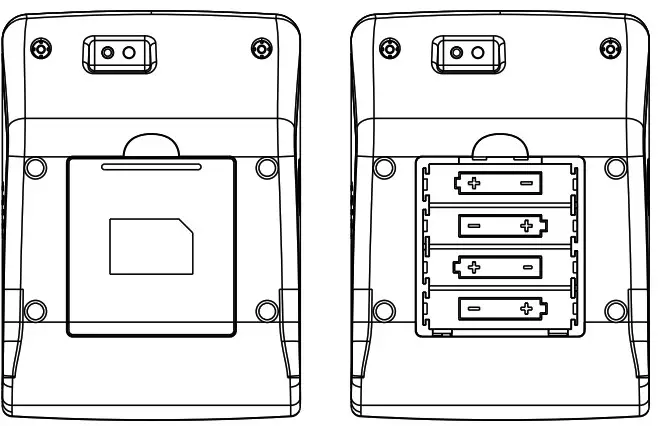
TAKING MEASUREMENT
Note:
- Avoid smoking, eating, drinking any caffeinated drinks or exercising for 30 minutes before taking measurement.
- Do not move or talk during measurement.
Sitting Correctly
- Relax
- Sit upright in a chair with both feet on the floor.
- Remove tight-fitting clothing from your upper arm along with any thick clothing. Do not roll up your sleeve if it is too tight.
- Place your arm on a table so that the cuff will be at the same level as your heart.
Applying the Arm Cuff
- Place your elbow on a table and palm facing upward, and wrap the arm cuff around the upper left arm.
- Pull-on the end of the cuff until it wraps securely around your upper arm. Do not over-tighten the cuff. Allow 1–2 cm or 1/2 inch between the bottom of the cuff and your elbow joint.
- Make sure the cuff is at the same level as your heart.
Taking Measurement
- Press the “
 ” button. The cuff will automatically inflate and the measurement will start.
 - When the measurement is complete, the cuff will automatically deflate and your systolic and diastolic pressure values and pulse rate will display.
- Remove the arm cuff and take note of your measurement results.
Note: You can press the “” button to stop measurement at any time.
Heartbeat Readings
Besides Systolic and Diastolic values, Pulse will also be displayed after measurement. 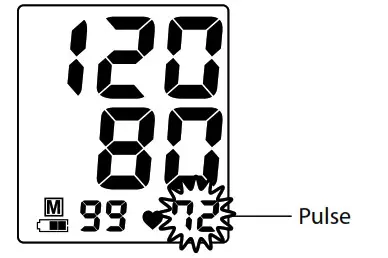
Irregular Heartbeat
This unit has a unique feature that alerts users of irregular heartbeat detection during measurement.
Note: An irregular heartbeat is defined as a heartbeat rhythm that has a variation of more than 25% from the average rhythm detected during measurement.
If such irregular rhythm occurs twice of more during the same measurement, the display screen will flash between the pulse value and the “IH” symbol. Example: (90 / IH)
Note: Please consult your doctor if irregular heartbeat occurs often.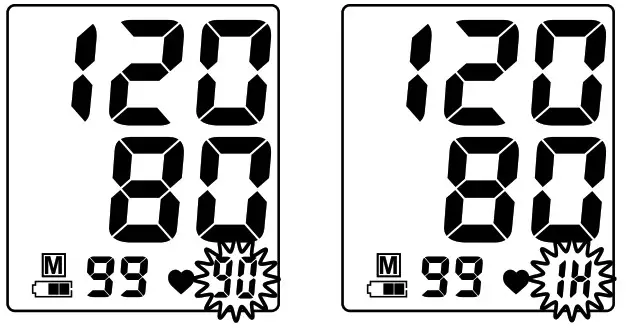
Regular but Below Normal Heartbeat
If the monitor detects a pulse rate below 60 beats per minute during measurement, the monitor will display the pulse value and “LO” symbol alternately. Example: (58 / LO)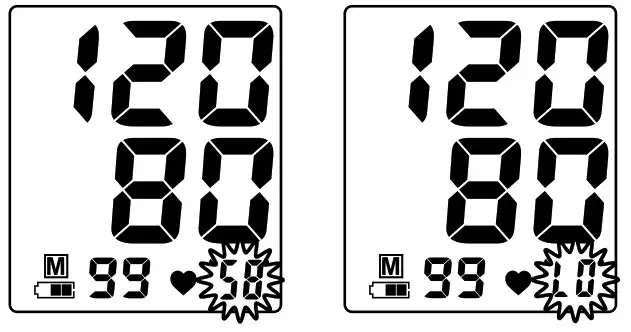
Regular but Above Normal Heartbeat
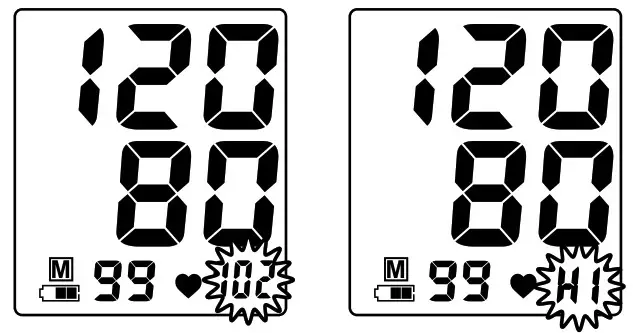
If the monitor detects a pulse rate above 100 beats per minute during measurement, the monitor will display the pulse value and “HI” symbol alternately. Example: (102 / HI)
MEMORY FUNCTIONS
After measurement, the last set of measured values will be saved automatically after measurement when the unit is turned off by
pressing the “ ” button or by automatic power off after 3 minutes.
View Past Readings
- Press the “M” button to enter the memory function.
- Press the “M” button to display the next set of values. Past readings are displayed from the most recent to the oldest.
- This device can store up to 99 sets of past readings.
Delete Past Readings
When the monitor’s power is off, press and hold the memory button “M” for 5 seconds until the memory icon “ ” appears in the display.
Without releasing the memory button, press the power button “ ” and “ALL EE” will appear. Release the power button “ ” and the memory button “M” to erase all stored readings from the monitor.
TROUBLESHOOTING
| Problem | Cause | Solution |
| No display when you press the Power/Start button | Have the batteries run out? | Replace new batteries. |
| Are the battery polarities wrong? | Re-align batteries in correct polarities. | |
| “Err P” displayed | Fail to inflate | Check if the cuff is properly connected. Replace the air tube if it is broken. |
| “Err 1” displayed | Deflate too rapidly | Return for servicing. |
| “Err 2” displayed | Movement during measurement | Do not move during the measurement |
| Signal interference | Remove interfering sources e.g. mobile phones, magnets. | |
| “Err 3” displayed | Incorrect results | Measure again. |
Note: If your problem cannot be solved by the solutions above, contact Customer Service at (877) 358-4342 (Mon–Fri, 9 am–5 pm, EST). Do not disassemble the unit.
STORAGE & MAINTENANCE
- Keep the unit away from direct sunlight, extreme temperatures, humidity or moisture
- Use a dry, soft cloth to clean the unit, or if desired, use a cloth lightly dampened with water.
- Do not use alcohol, benzene, thinner or other volatile liquids to clean the unit.
- Do not wash or expose the arm cuff to liquid.
- Remove batteries from the unit when it will not be used for more than 3 months.
- Disconnect the hose from the blood pressure monitor prior to storage.
- Avoid bending the hose or wrapping the hose around the blood pressure cuff.
SPECIFICATIONS
| Model No. | Classic (SL-BA201) |
| Measurement Method | Oscillometric |
| Measurement Range | Pressure: 20 — 280 mmHg Pulse Rate: 40 — 195 beats/min |
| Accuracy | Pressure: +/- 3 mmHg Pulse Rate: +/- 5% |
| Inflation | Pump driven |
| Pressure Detection | Semi-Conductor |
| Power Supply | 4 x AA batteries |
| Auto Power Off | 3 minutes after last operation |
| Storage Environment | -4°F to 140°F, 10% to 95% RH |
| Operation Environment | 50°F to 104°F, 30% to 85% RH |
| External Dimensions | 5.8″ (L) x 4.25″ (W) x 2.83″ (H) or 14.8 (L) x 10.8 (W) x 7.2 (H) cm |
| Net Weight | 10.1 oz/285g (batteries excluded) |
| Cuff Dimensions | Arm Cuff 9-14 in/22-34 cm |
| Package Content | Cuff, Instruction Manual, Battery Set, Main Unit |
Note: Subject to modification without prior notice.
WARRANTY
A Full 5-Year Warranty on Your Monitor
The SureLife® Arm Blood Pressure Monitor, excluding the arm cuff, is warranted to be free from defects in materials and workmanship within 5 years from the date of purchase.
A Full 1-Year Warranty on Your Arm Cuff
The arm cuff is warranted to be free from defects and workmanship within 1 year from the date of purchase. Both the monitor and arm cuff must be used in accordance with the instructions provided with the monitor.
Keep Your Proof of Purchase (Store Invoice)
The above warranty is extended to only the original retail purchaser.
Proof of Purchase required.
We will, at our discretion, repair or replace without charge any monitor or arm cuff covered by the above warranties.
To obtain warranty service, please contact MHC Medical Products at (877) 358-4342.
ALL IMPLIED WARRANTIES, INCLUDING BUT NOT LIMITED TO THE IMPLIED WARRANTIES OF MERCHANTABILITY AND FITNESS FOR PARTICULAR PURPOSES, ARE LIMITED TO THE DURATION OF THE
APPLICABLE WRITTEN WARRANTY ABOVE.
FOR CUSTOMER SERVICE CALL OUR TOLL-FREE NUMBER:
(877) 358.4342
MHC Medical Products
8695 Seward Road
Fair fleld, Ohio 45011
www.MHCmed.com
Made in China. Distributed by MHC Medical Products, LLC.
Package design © 2010
SureLife® is a registered trademark of MHC Medical Products.
Manufactured in accordance with FDA and International Standards
 AD-091621.4