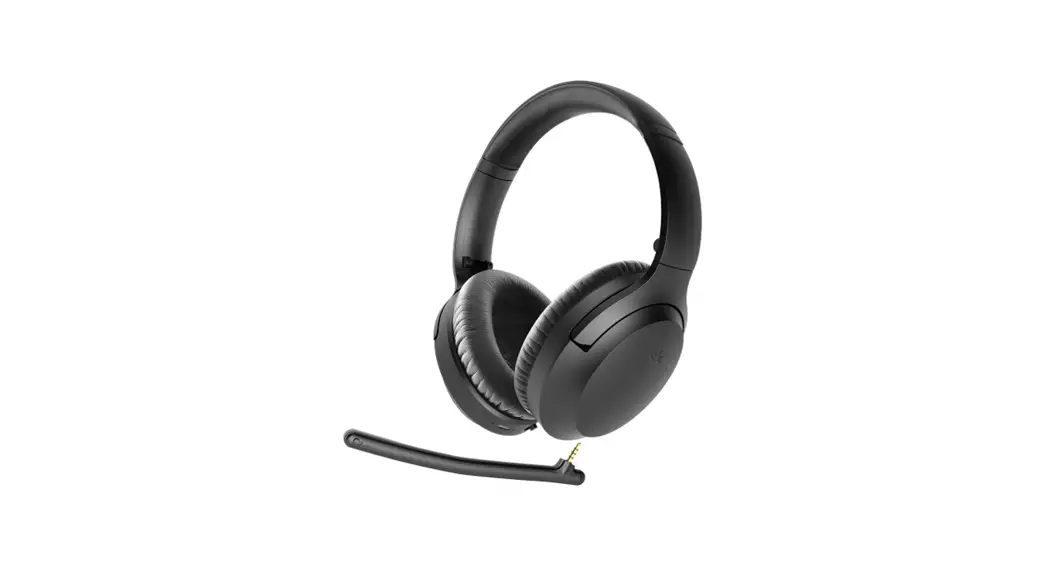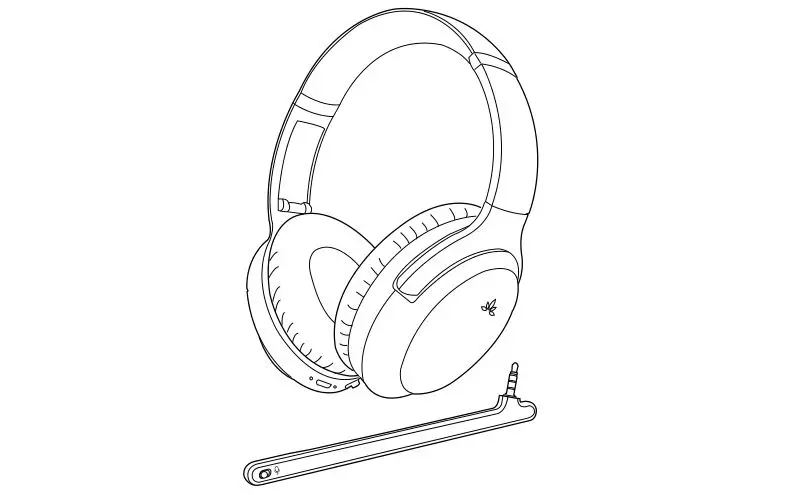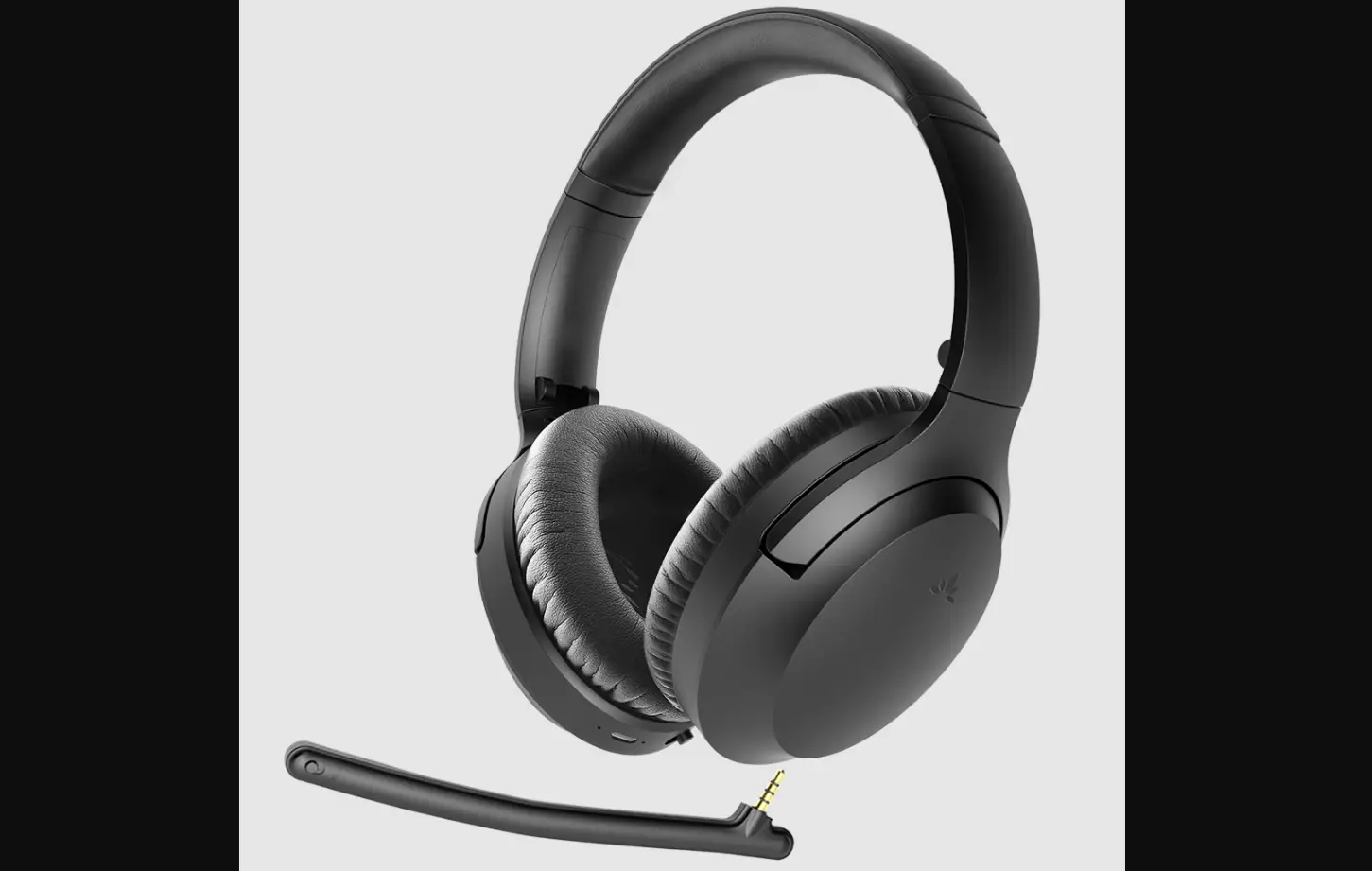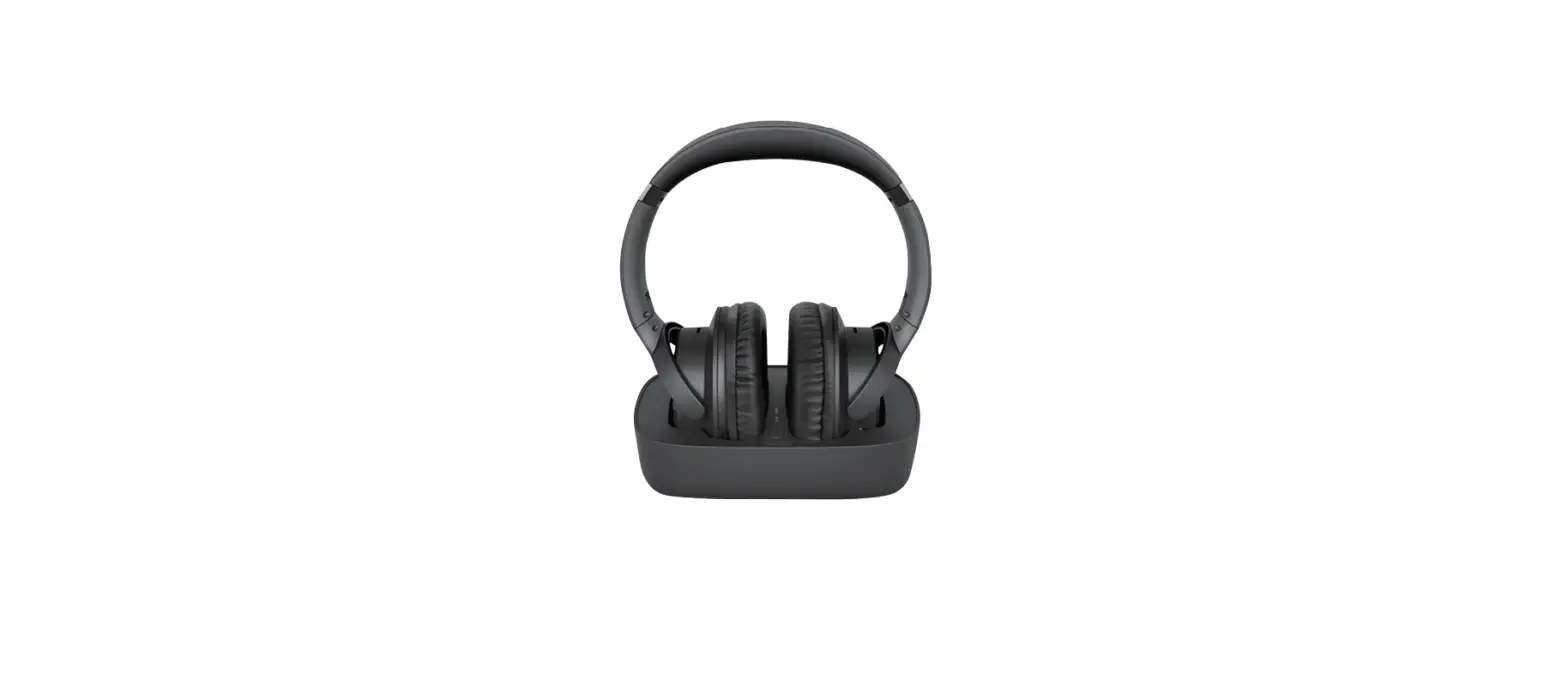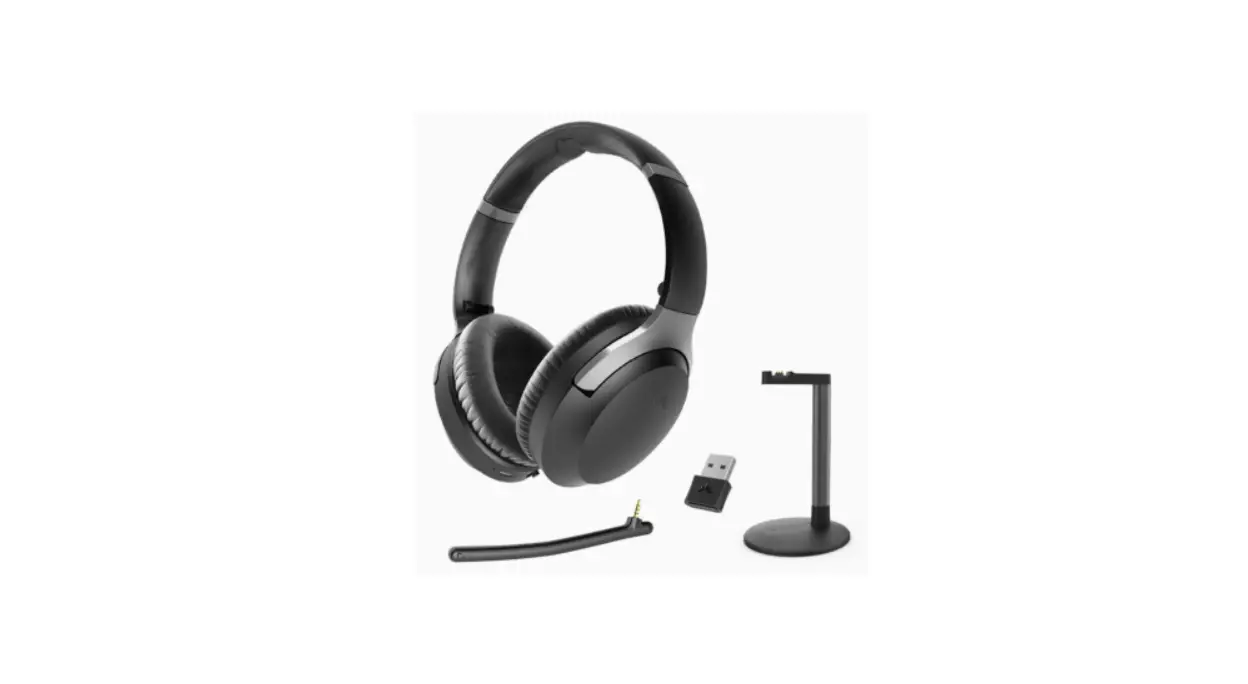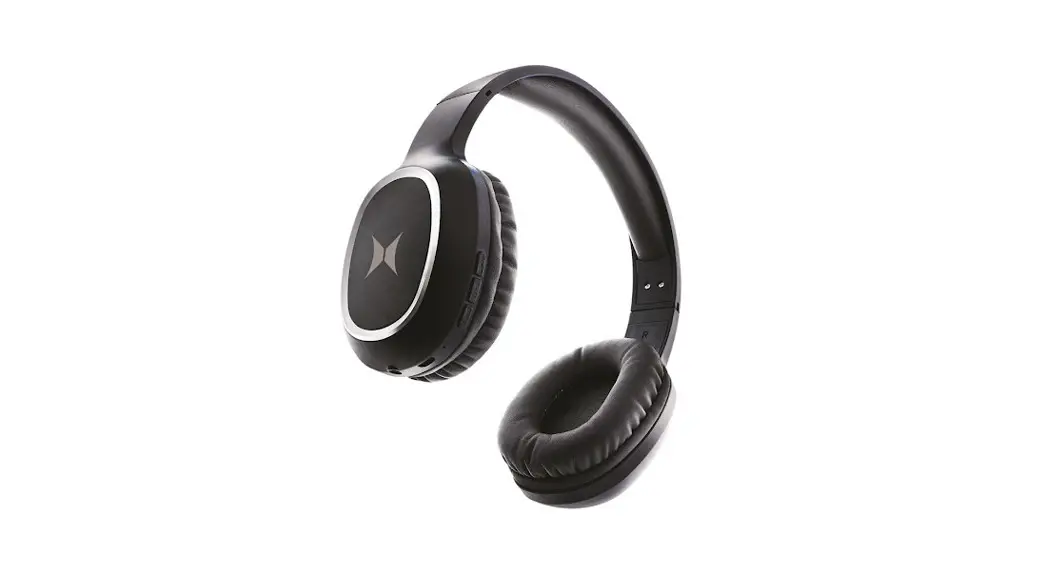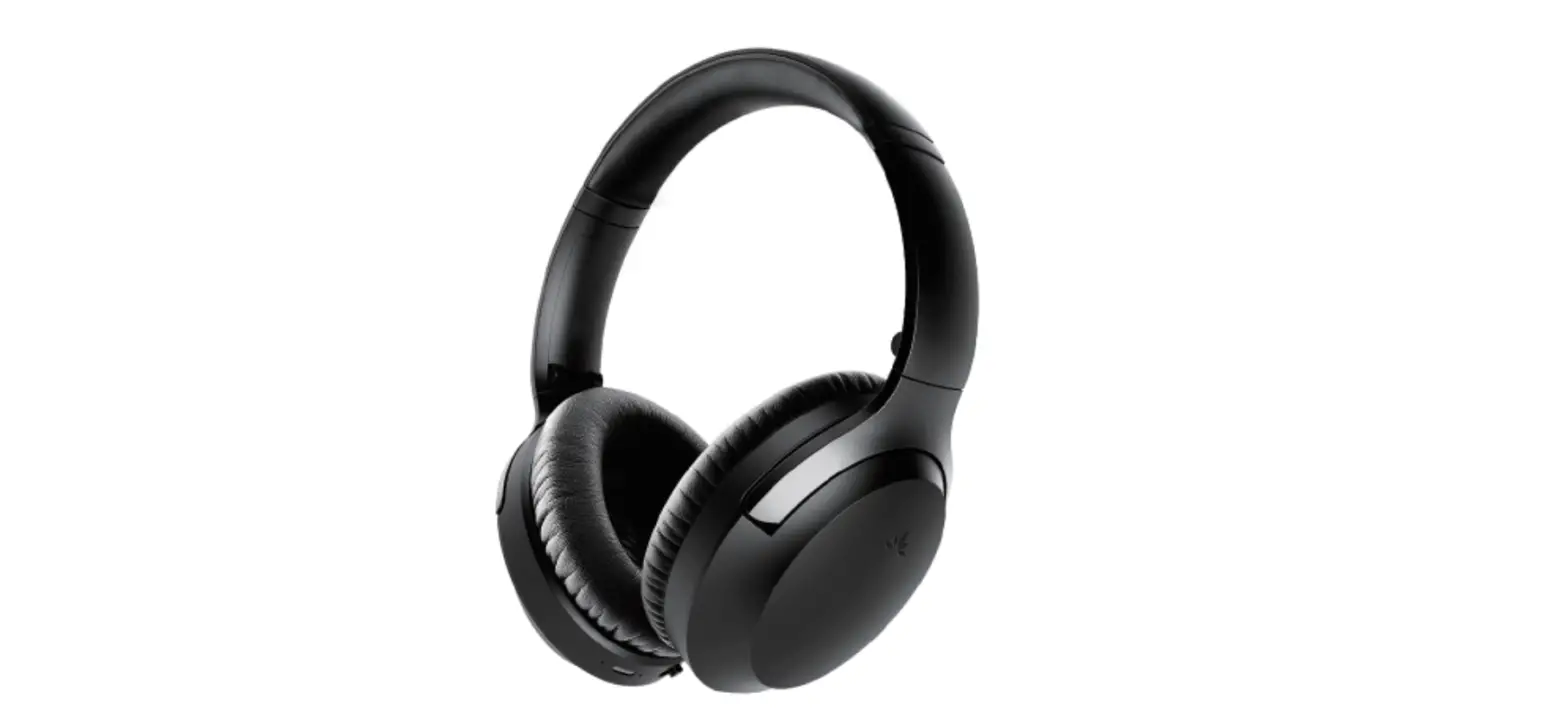

Avantree BTHS-AS90P-ENC Aria Pro 2 Bluetooth Headphones
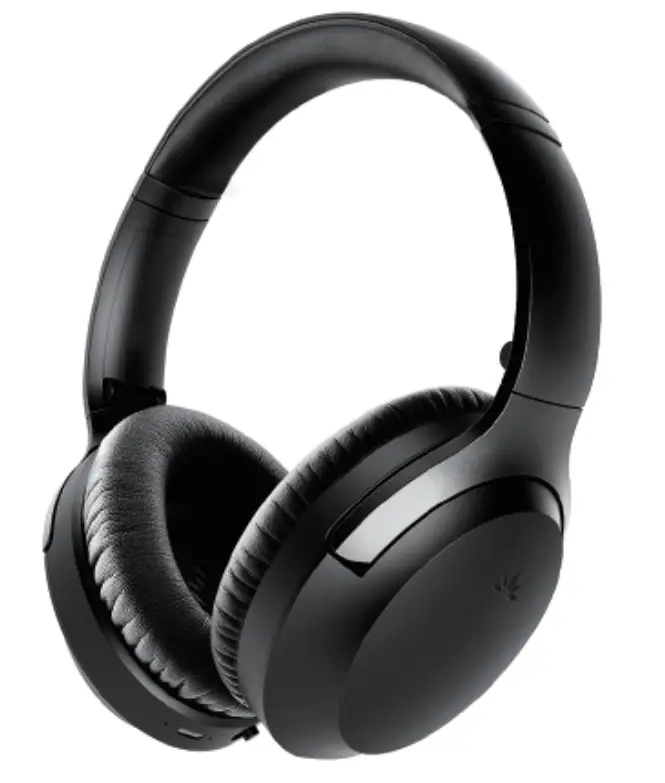
Contents
Charging
Input: DC 5V/ 0.5A ~2A 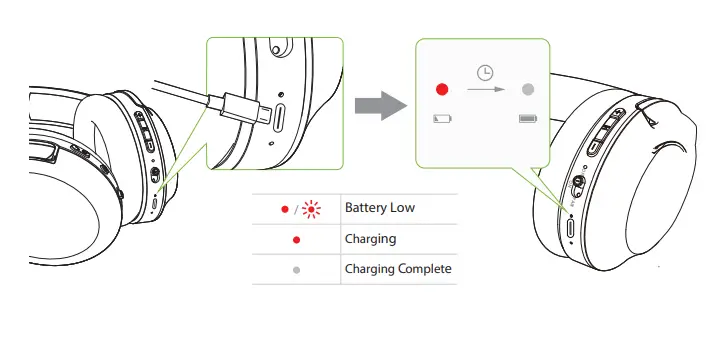
Overview 
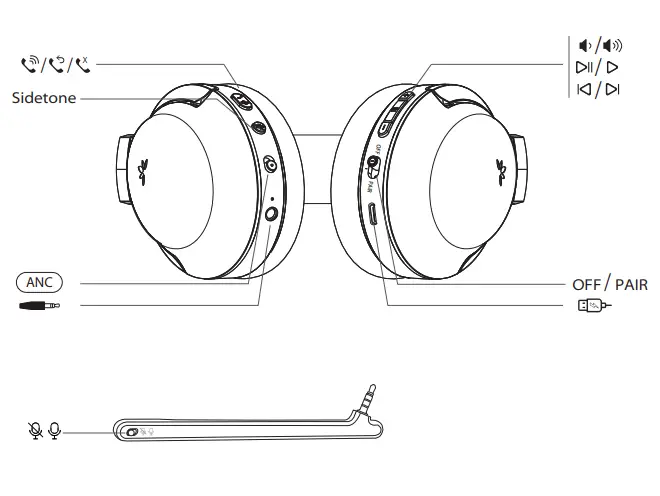
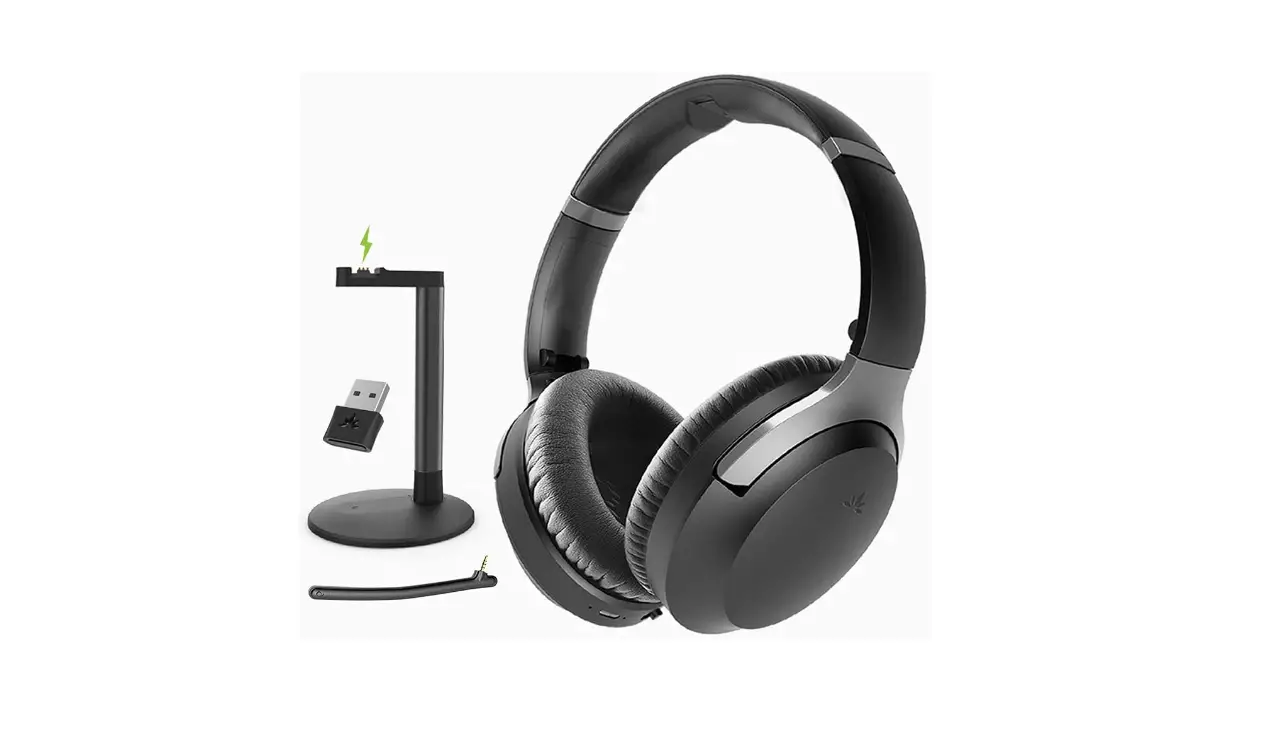
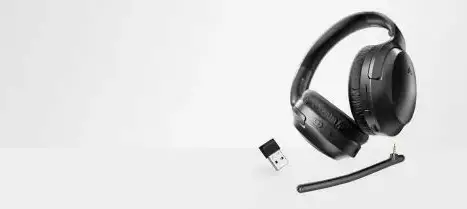
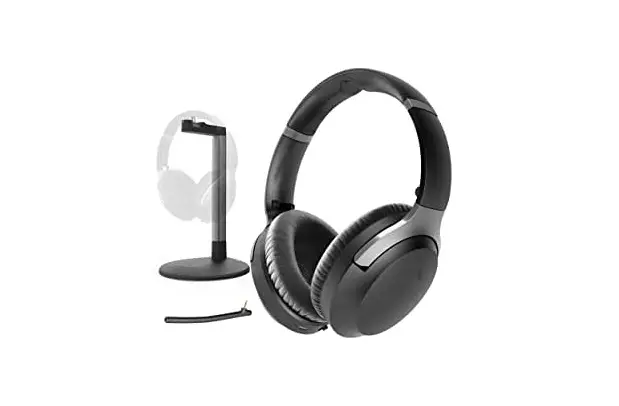
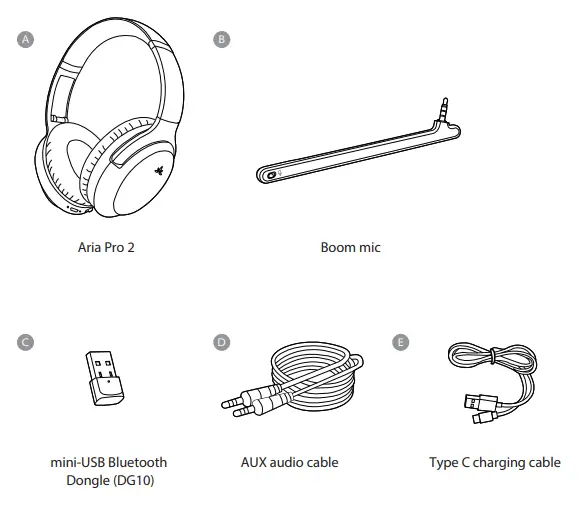
Accessories
- USB Dongle
DG10 mini USB dongle - Boom Microphone
Boom mic for Aria headphones
- USB C Cable
USB C charging cable - Ear Pads
Ear pads for Aria headphones
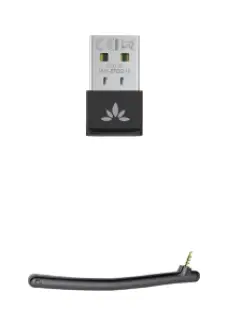
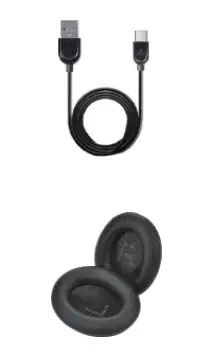
Visit avantree.com for accessories
Use with PC
Connect Dongle 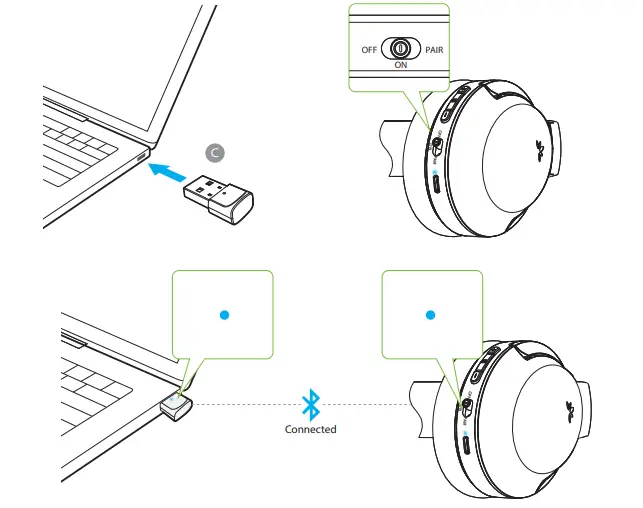
Insert dongle – turn on headphones – they will auto-connect
VoIP Settings
*Example – Skype 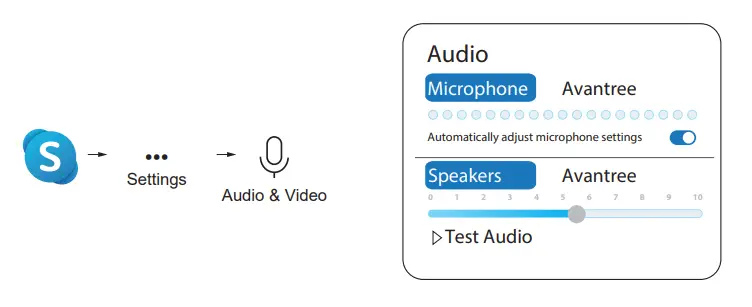
Choose “Avantree” as default mic and speaker device. Troubleshooting: can try closing other VoIP apps and restarting computer
Subsequent Use 
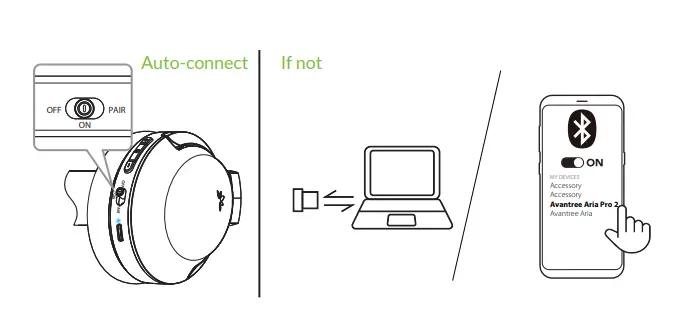
Devices should auto-connect when you turn them back on. If not, plug and unplug the dongle and / or select “Avantree Aria Pro 2” on your phone.
Audio Settings 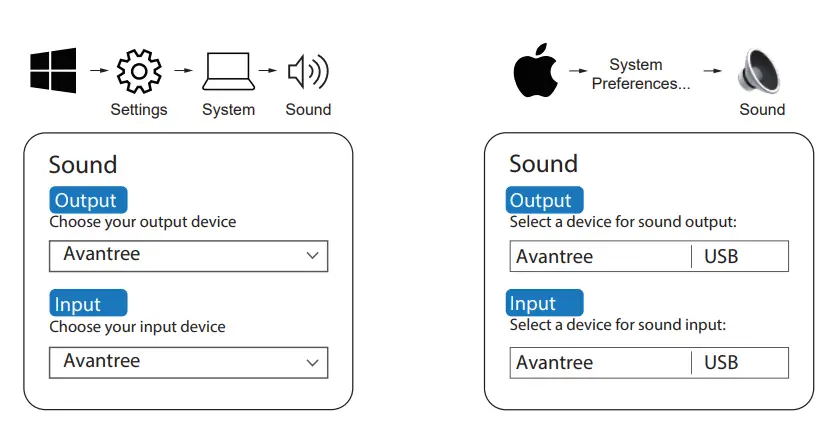
Choose “Avantree” as default audio input / output device
Use with Phone 
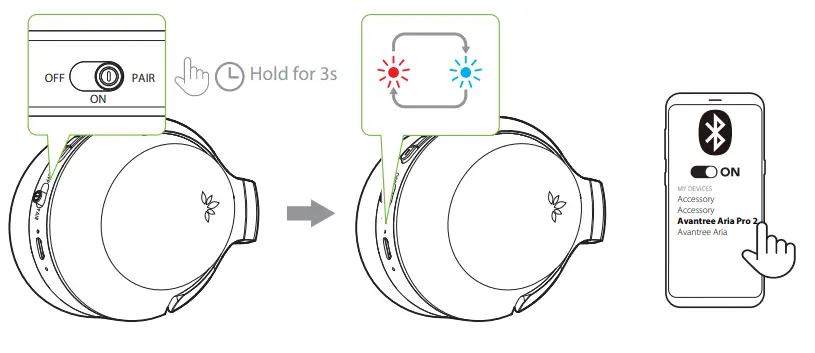
Slide to “PAIR” and hold – release when indicator flashes BLUE and RED. Select “Avantree Aria Pro 2” on phone.
Online Support
Soporte en línea | Support en ligne | Supporto Online | Soporte en línea
Troubleshooting & FAQ
- Why can’t people hear me on Zoom / Teams?
- How do I connect / reconnect my headphones?
- How to enable / disable sidetone?
- How do I switch the audio from my PC to my phone and vice versa?
Visit avantree.com/support