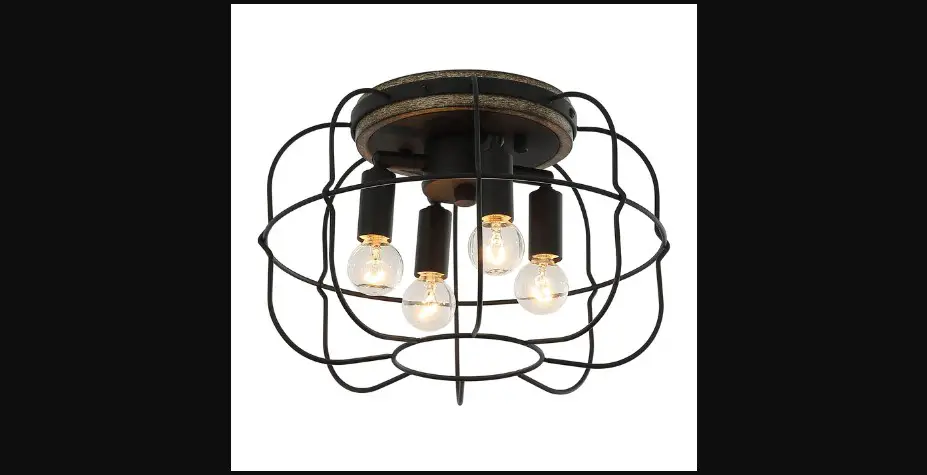
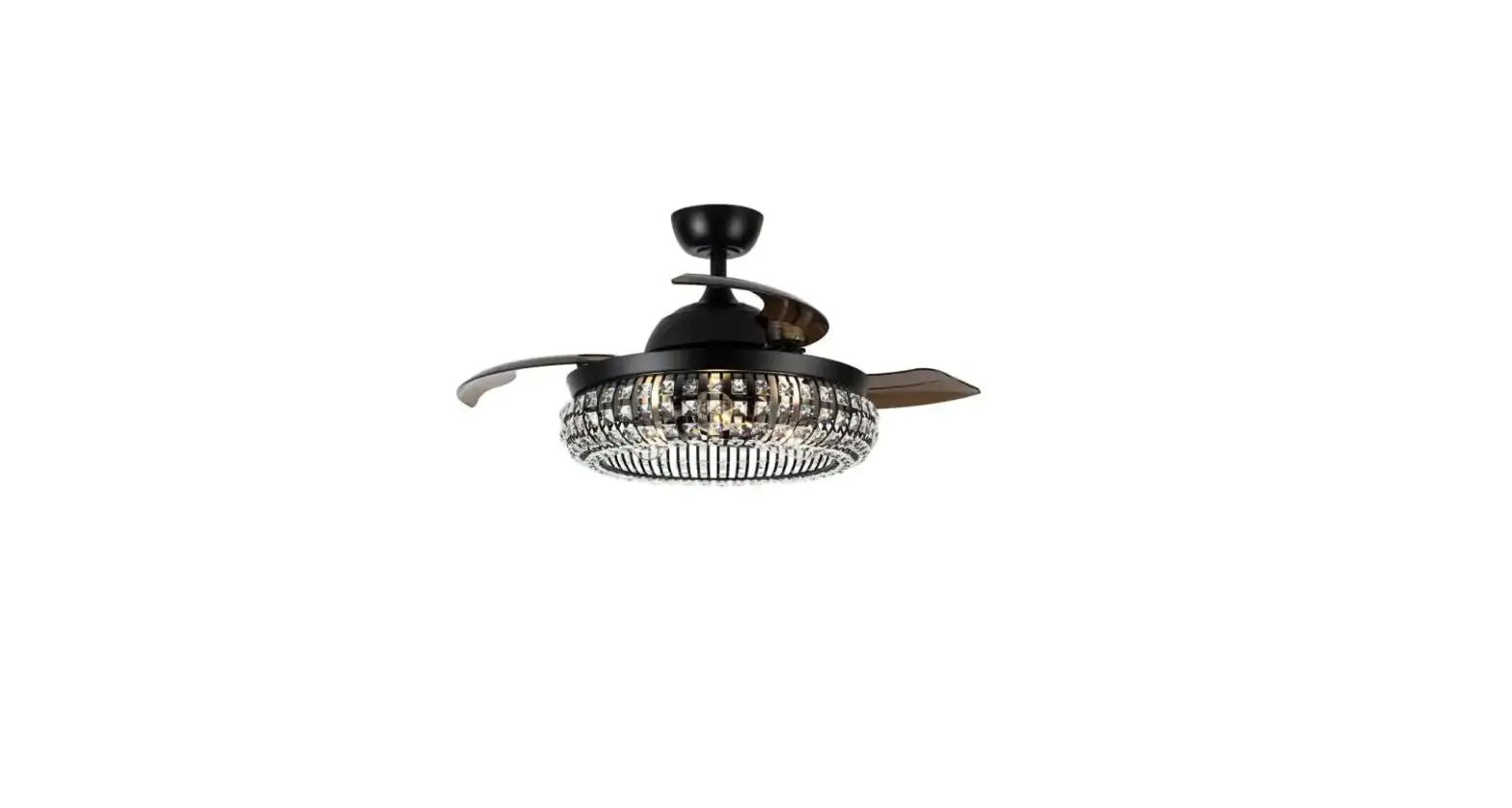
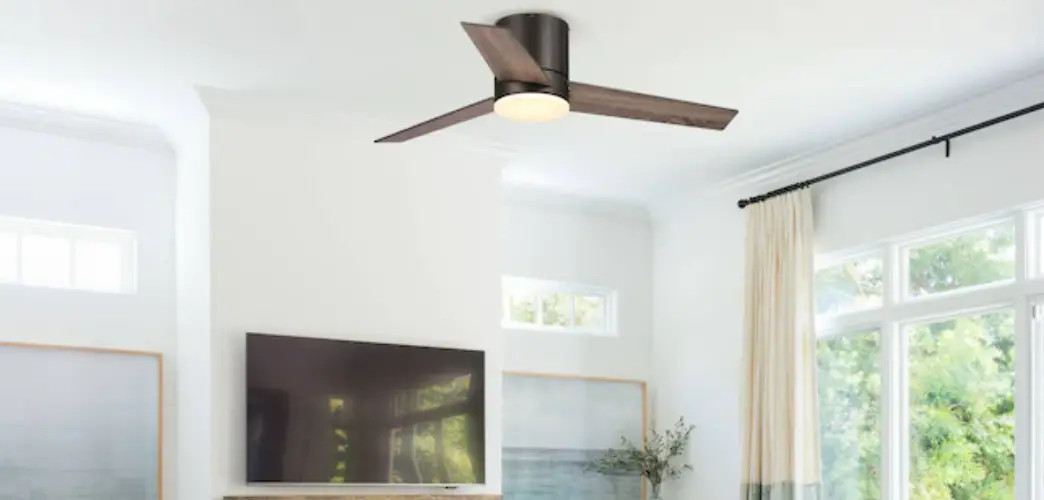
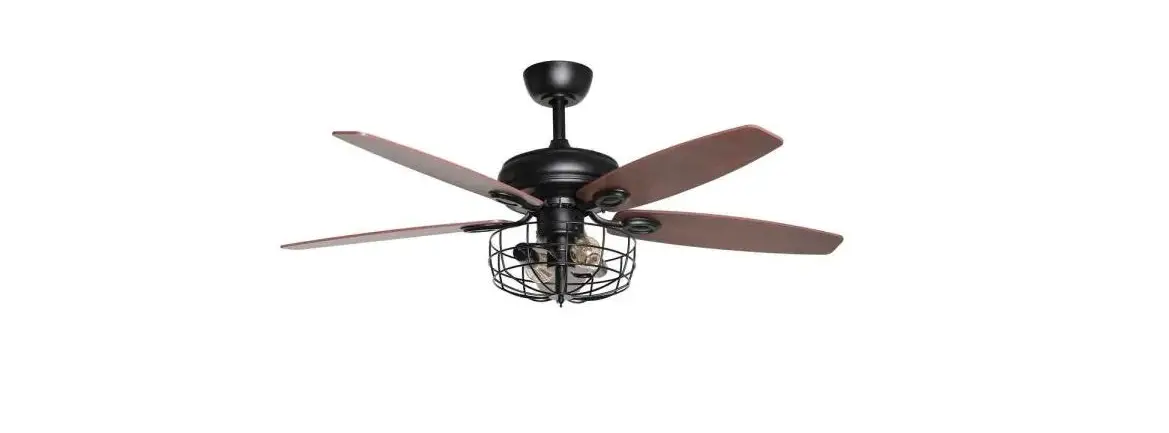
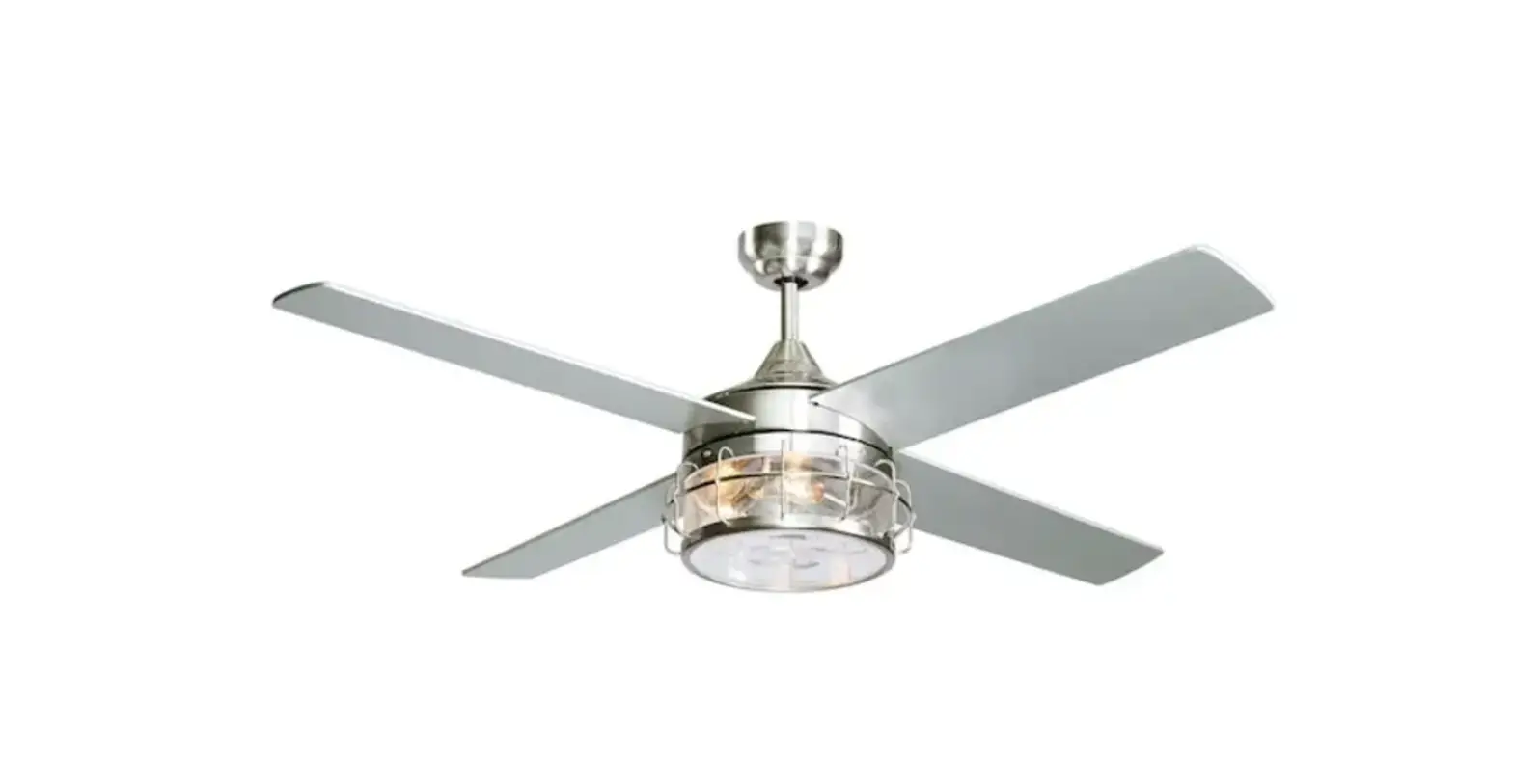
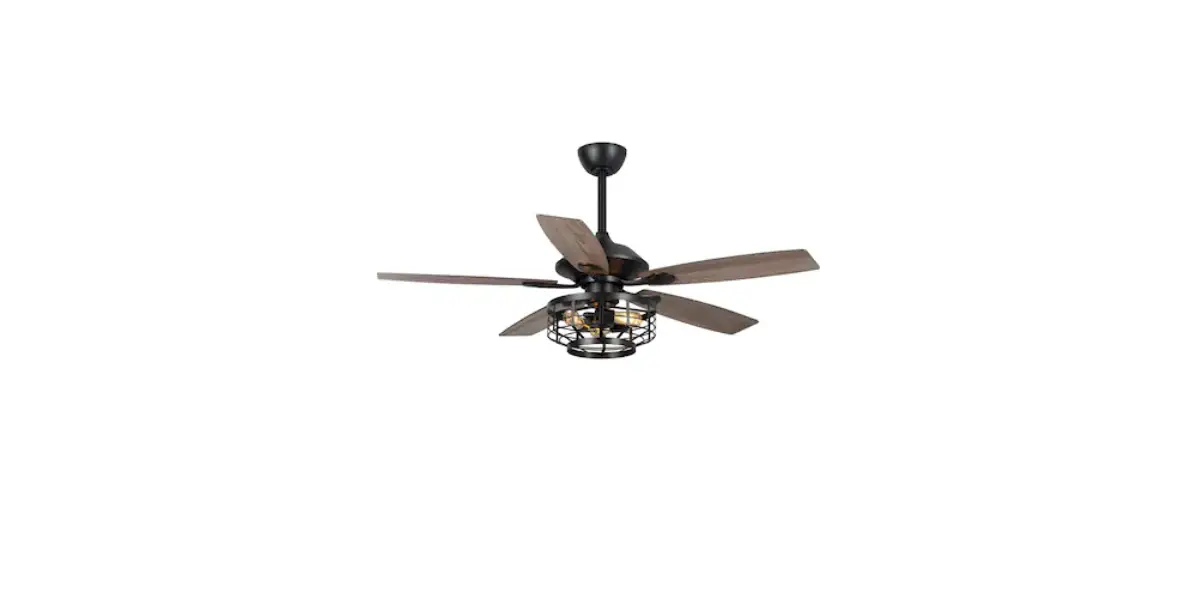
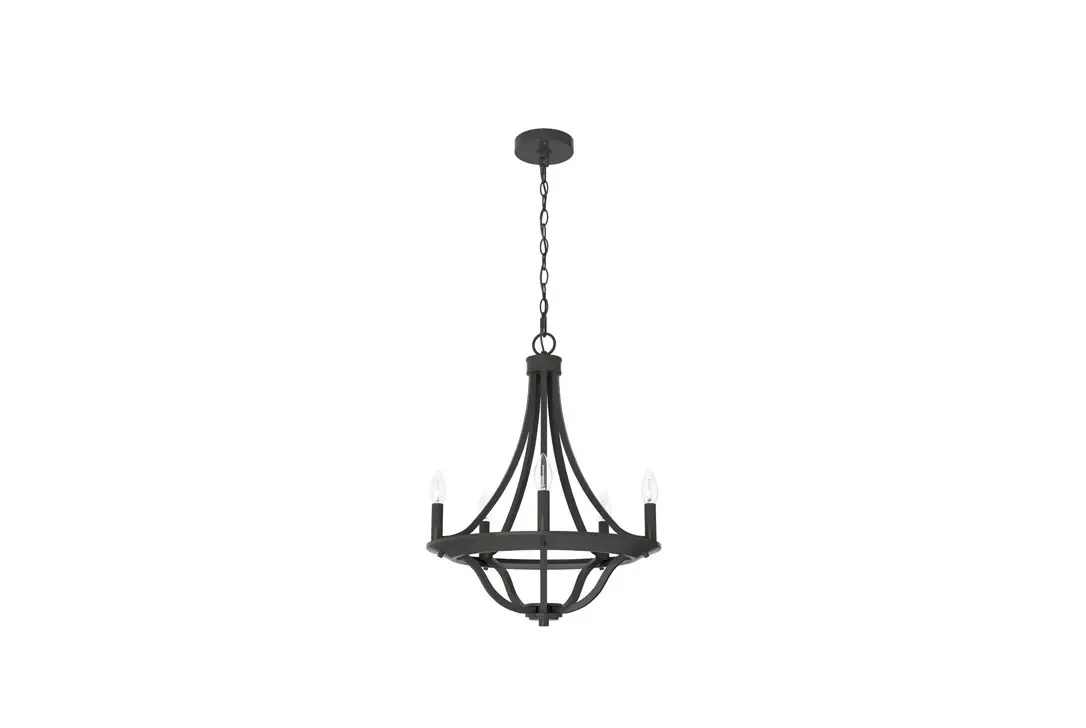
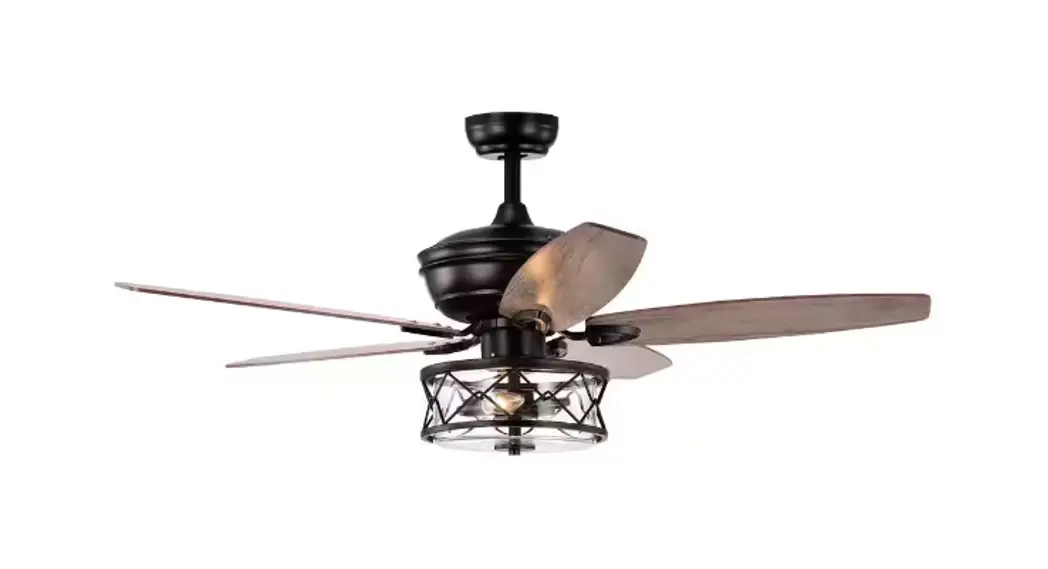
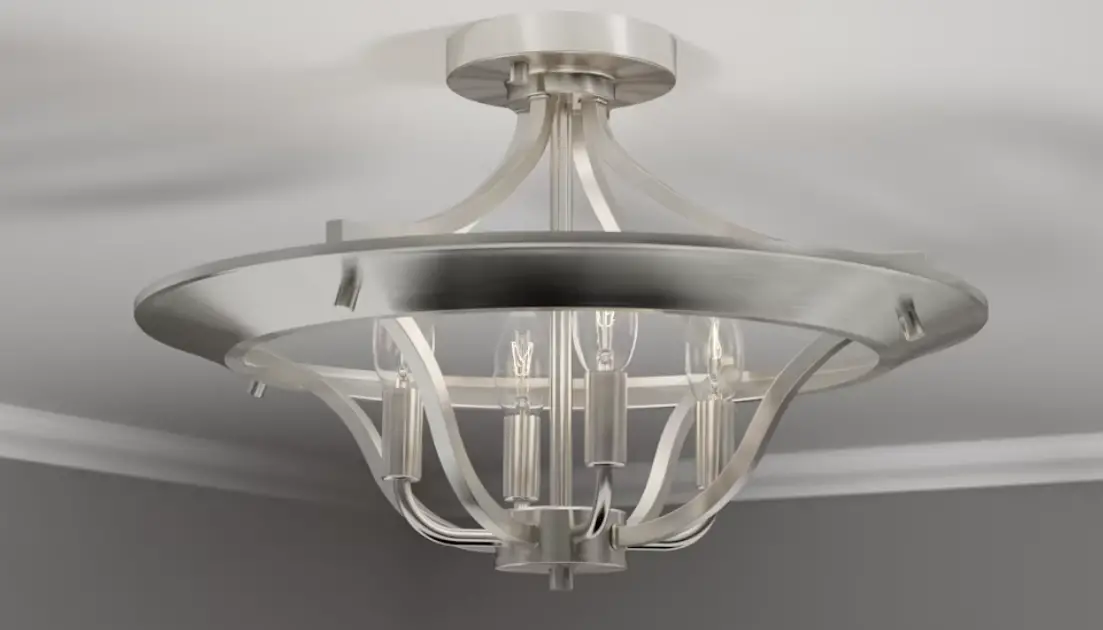
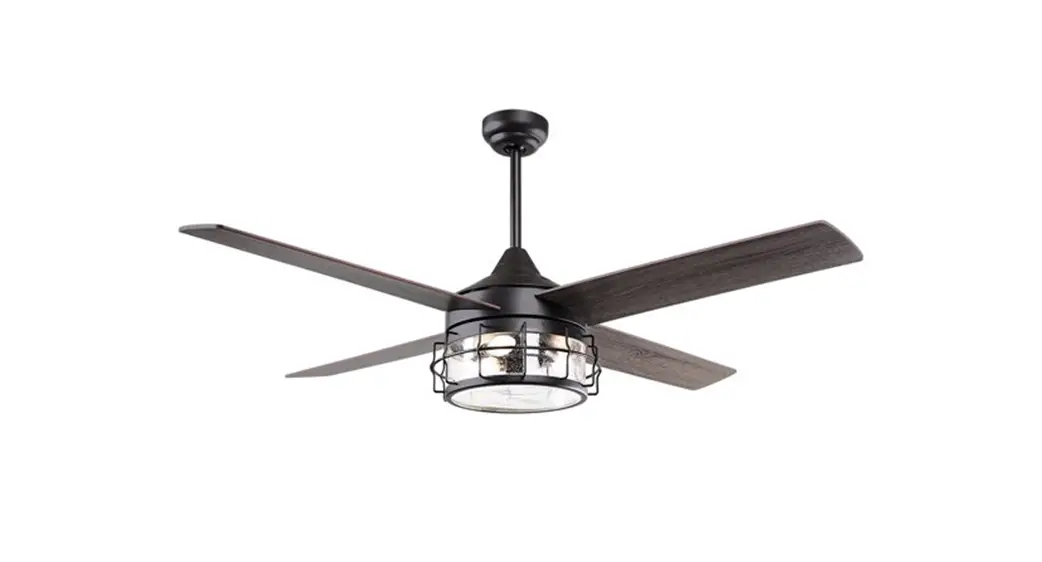
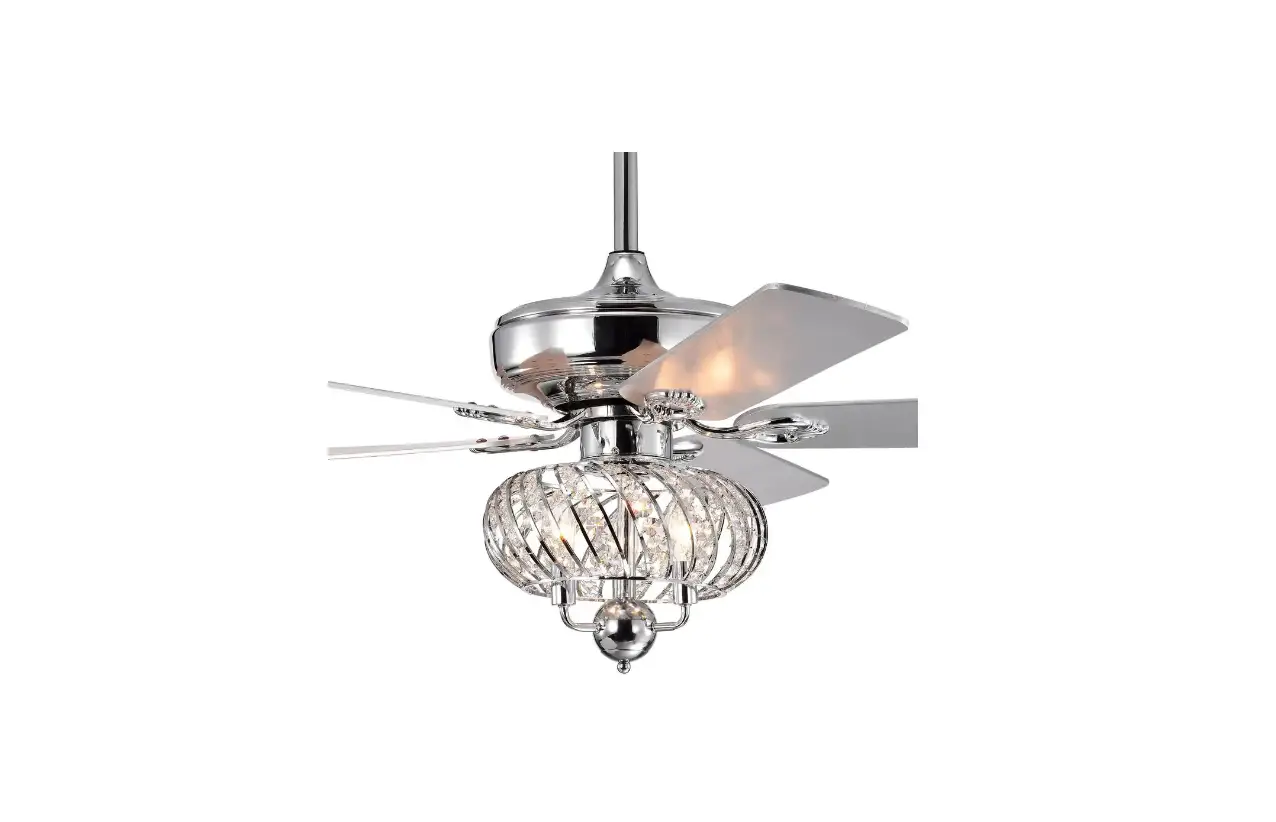
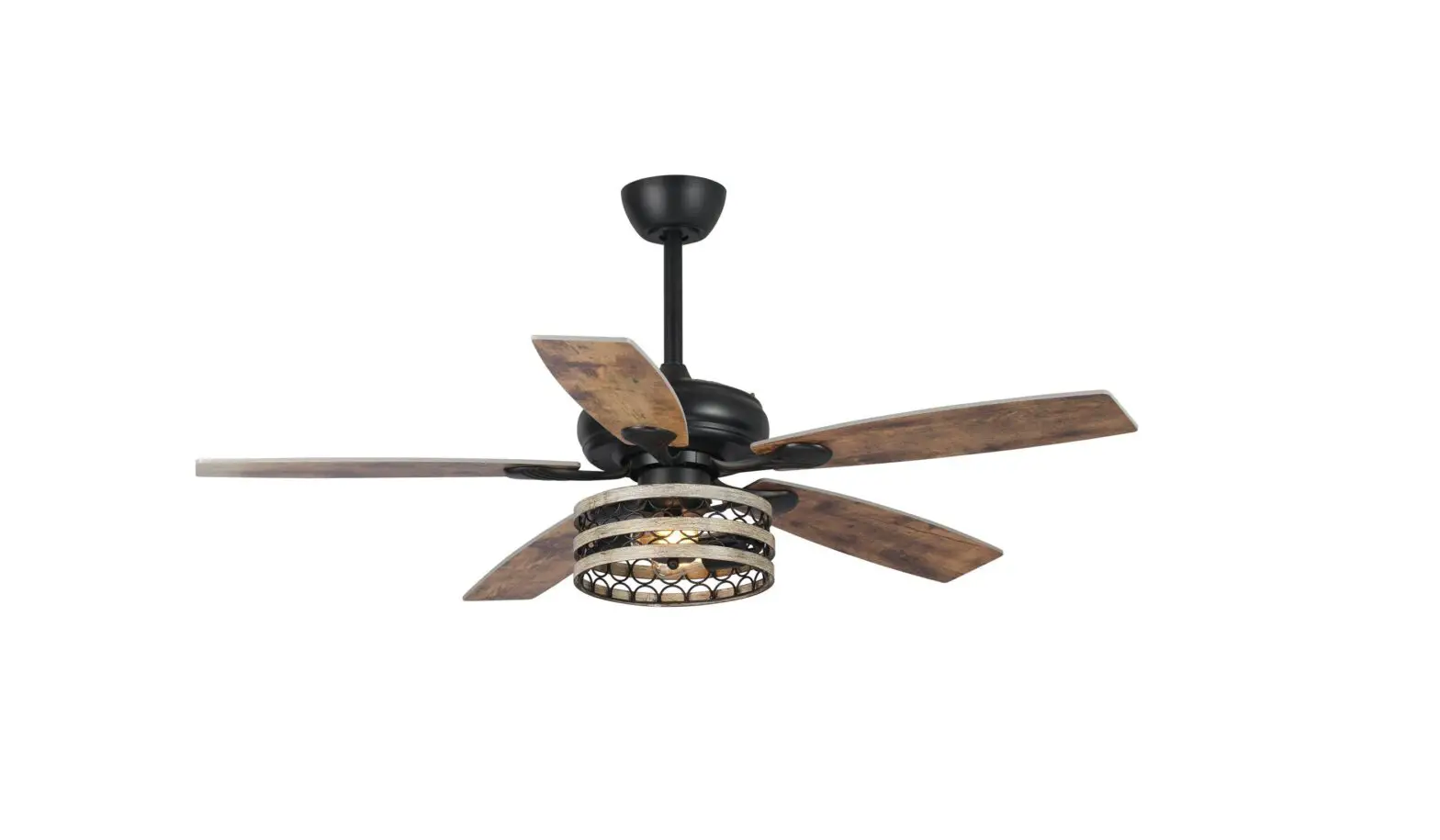
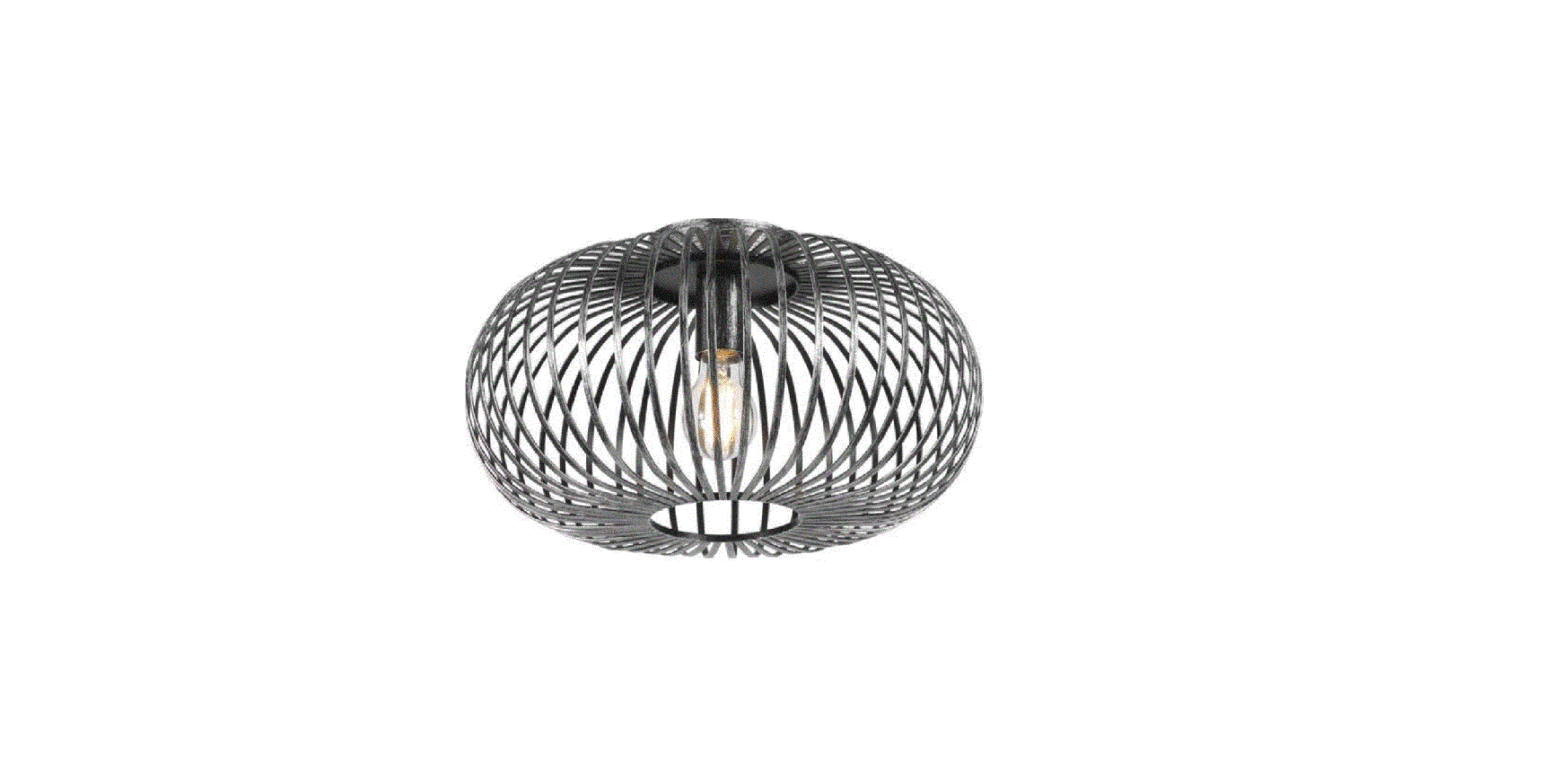
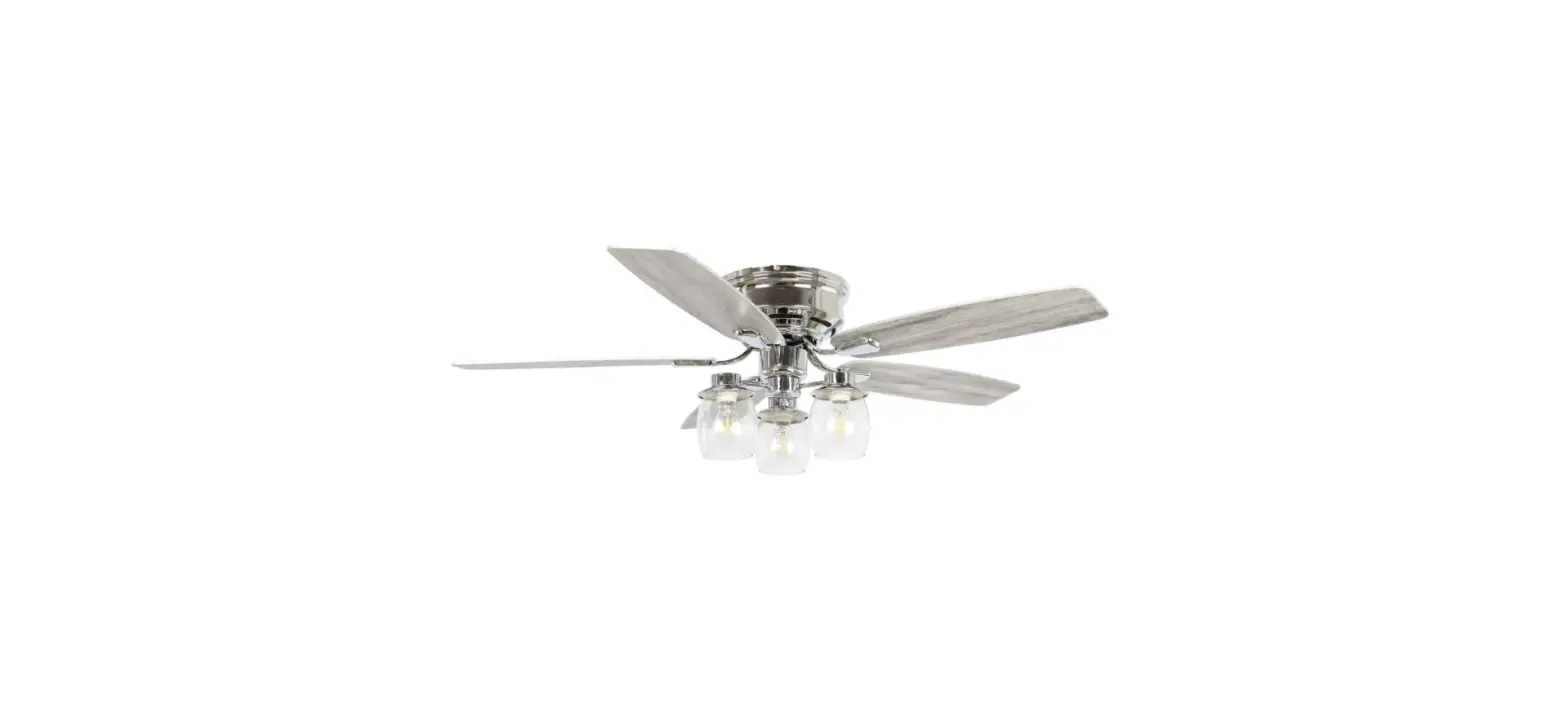
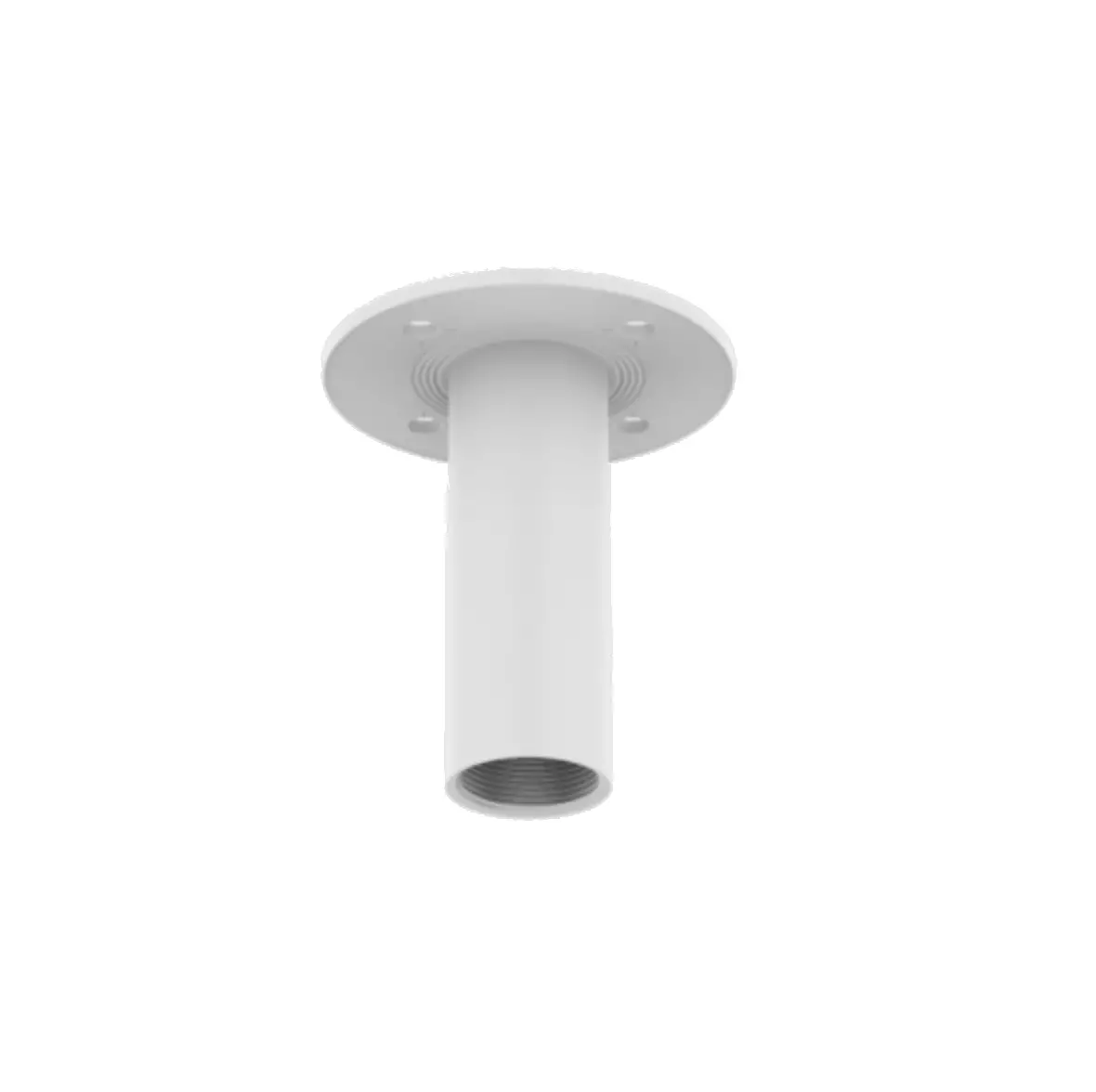
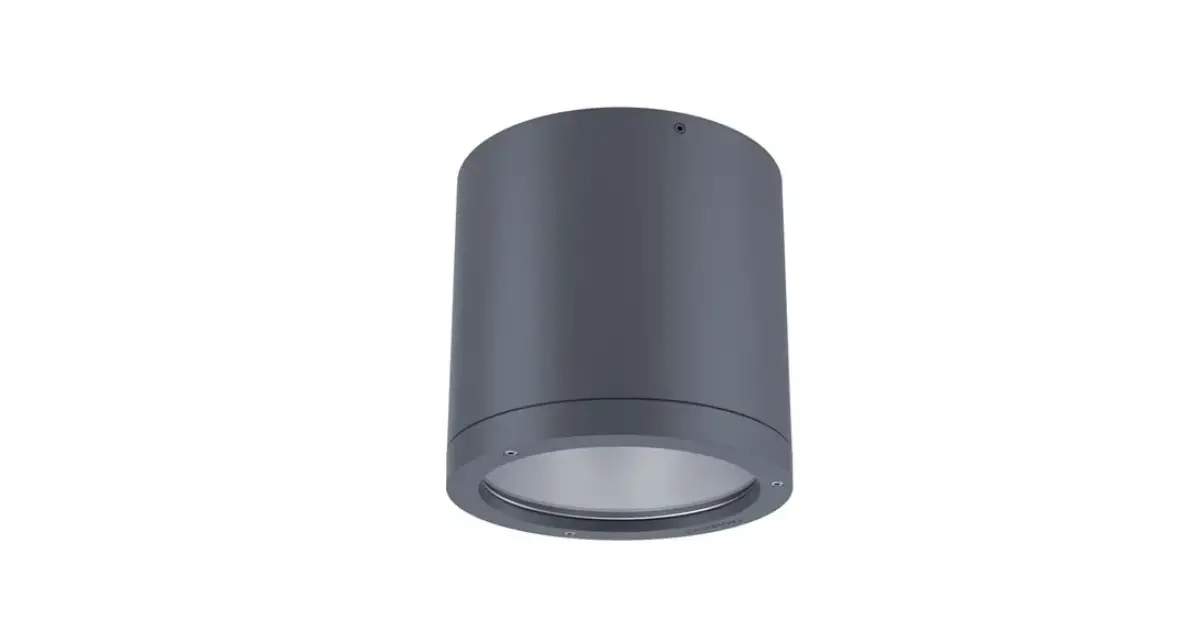
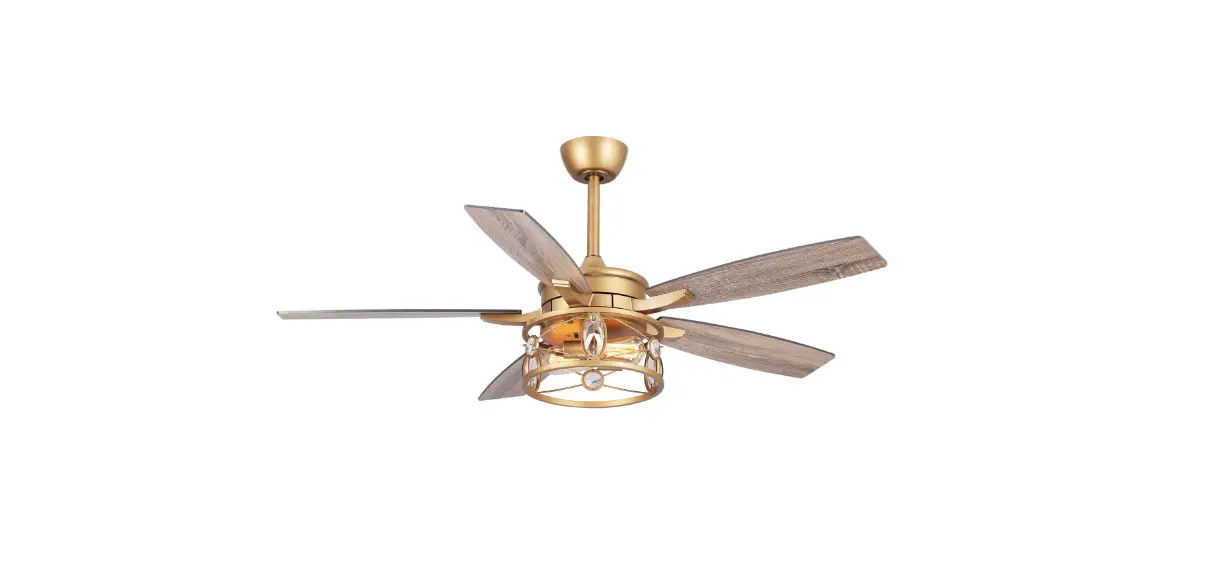
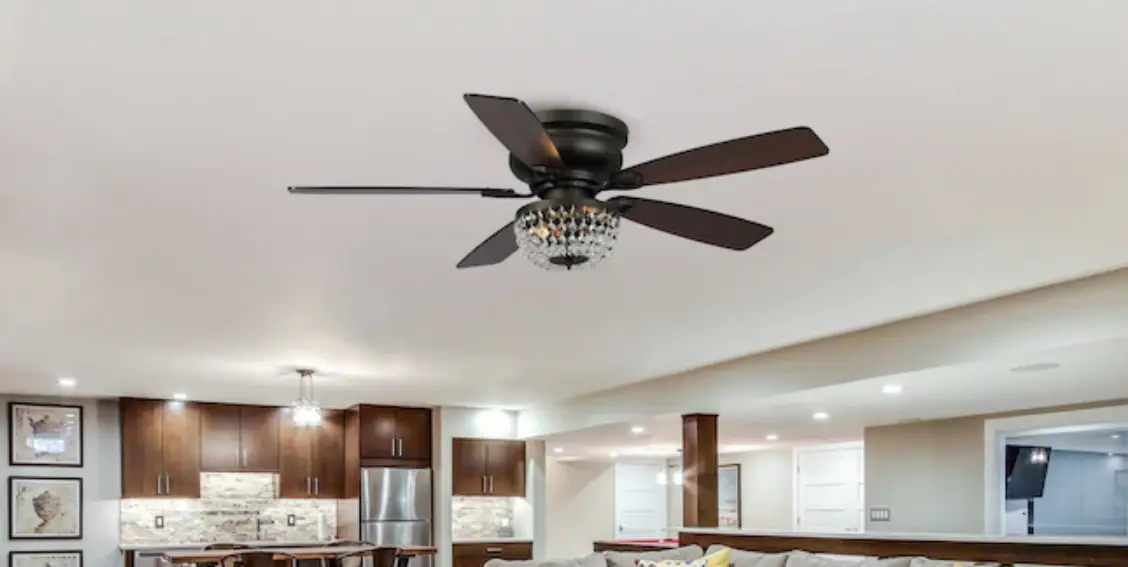
CSKEG001 Ceiling Mount Fixture
Product Information: Ceiling Mount Fixture
The Ceiling Mount Fixture is a lighting fixture designed for
installation on the ceiling. It comes with all the necessary
components for mounting and connecting the fixture to the
electrical system. The fixture includes a mounting plate, a canopy,
a shade, and various screws and nuts for installation. It is
important to follow the provided instructions for safe and proper
installation.
Product Usage Instructions
- Before starting the installation, make sure to shut off the
power at the fuse box or circuit breaker. - Remove the old fixture and its mounting hardware.
- Unpack the new fixture and lay out all the parts in a clean
area. - Attach the mounting plate (A) to the junction box using the
provided screws (B). Ensure that the side of the mounting plate
marked GND faces out. - Connect the electrical wires as shown in Fig. 2. Make sure all
wire connectors are secured. If your junction box has a ground wire
(green or bare copper), connect the fixture’s ground wire to it.
Otherwise, connect the fixture’s ground wire directly to the
mounting plate (A) using the green screw provided. Carefully tuck
the wires inside the outlet box. - Place the fixture canopy (D) over two fixture mounting screws
(C) and secure it with nuts (E). - Screw the shade (F) into the canopy (D).
- Once the installation is complete, restore power to the
junction box and test the fixture.
Note: The illustration in this manual is for installation
purposes only and may not be identical to the purchased fixture.
Avoid cleaning your light fixture or its parts with water or
cleanser.
Fig.1:

Fig.2:

Fixture Wires:
- Black or Smooth: Fixture Hot Wire
- White or Ribbed: Fixture Neutral Wire
- Bare Copper: Fixture Ground Wire
House Wires:
- Black (Hot)
- White (Neutral)
- Green (Ground)
CSKEG00
Please refer to the provided diagrams and instructions for a
successful installation of the Ceiling Mount Fixture. If you have
any further questions or concerns, please consult the product
manufacturer or seek professional assistance.
CEILING MOUNT FIXTURE
Installation & Operating Instructions for the Parrotuncle Owner’s Installation, Manual
READ AND SAVE THESE INSTRUCTIONS
W ARNING! SHUT POWER OFF AT FUSE OR CIRCUIT BRE AKER.
AVERTISSEMENT! COUPER LE COURANT AU NIVEAU DES FUSIBLES OU DU DISJONCTEUR.
MOUNTING THE FIXTURE (Fig.1) 1. Shut off power at the fuse box or circuit breaker box and remove the old fixture including the mounting hardware.
2. Carefully unpack your new fixture and lay
out all the parts in a clean area. Take care not to
misplace any small parts necessary for
installation.
”
3. Attach mounting plate (A) to the junction box (Not included) using the screws (B). The side of the mounting plate marked GND” must face out.
CONNECTING THE WIRES (Fig. 2) 4. Connect electrical wires as shown in Fig. 2, making sure that all wire connectors are secured. If your junction box has a ground wire (green or bare copper), connect the fixture’s ground wire to it. Otherwise, connect the fixture’s ground wire directly to the mounting plate (A) using the green screw provided. After the wires are connected, tuck them carefully inside the outlet box.
FINISHING THE INSTALLATION (Fig.1) 5. Place fixture canopy (D) over two fixture mounting screws (C) and secure with nuts (E).
6. Screw shade (F) into the canopy (D).
Your installation is now complete. Return power to the junction box and test the fixture.
Note: Illustration on this manual is for installation purposes only. It may or may not be identical to the fixture purchased. Do not clean your light fixture or parts with water or cleanser.
Fig.1
Fig.2
FIXTURE WIRES Black or Smooth
FIXTURE WIRES White or Ribbed HOUSE WIRES Black (Hot)
A C B D
E F
FIXTURE WIRES Bare Copper (Ground)
HOUSE WIRES White (Neutral)
HOUSE WIRES Green (Ground)
CSKEG00