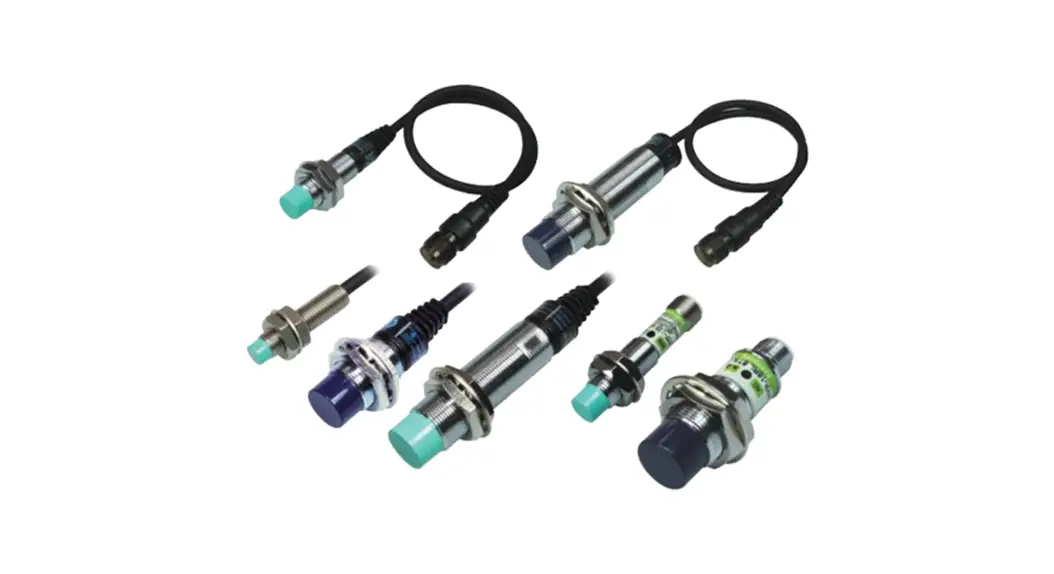
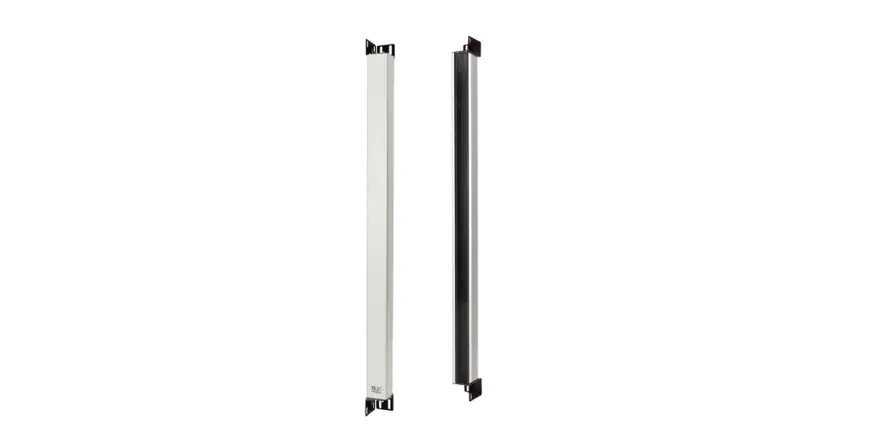
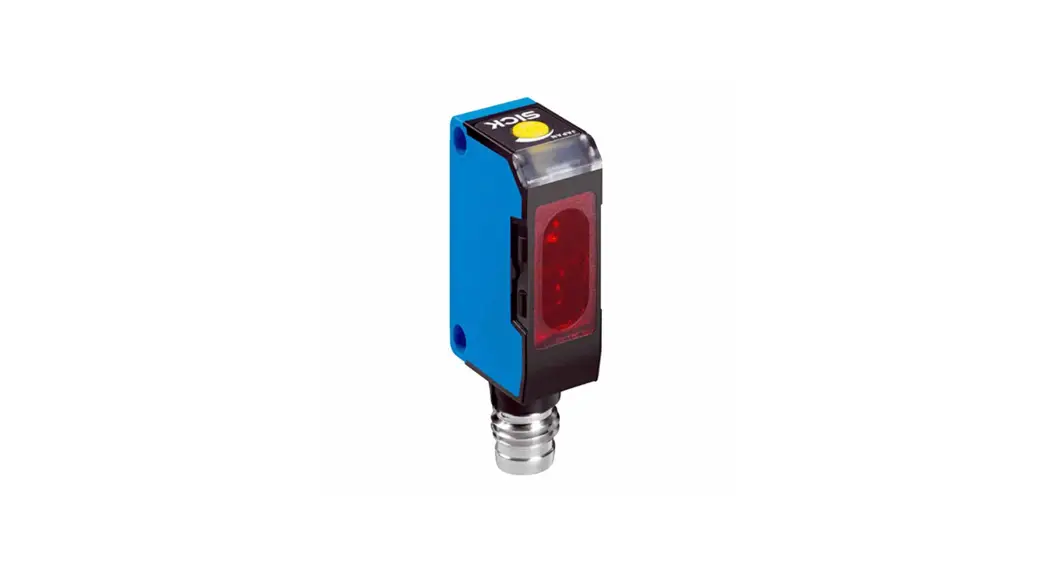
PEN-T10A Photo Sensor
Product Information
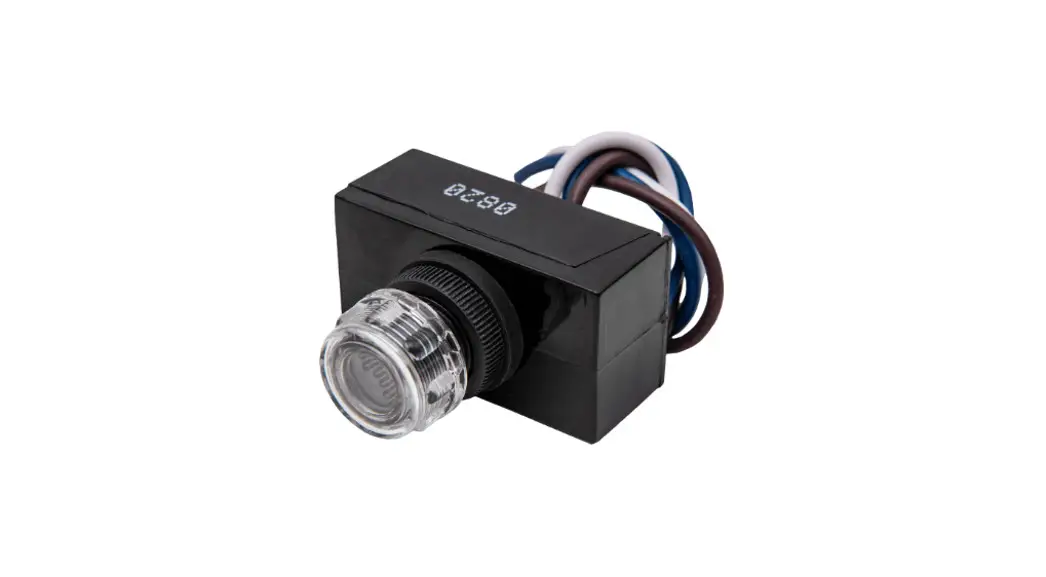
The Hanyoung Nux PEN series Photo Sensor is a product used for
detecting objects. It comes in various models such as PEN-T10A,
PEN-M5A, and PEN-R700A, each with different detection methods and
ranges. The product has a sensitivity adjustment volume, control
output, and indicator lights for output and stability. It also has
a dielectric strength of 1,500 VAC, shock resistance of 500, and a
degree of protection of IP 64.
Product Usage Instructions
- Read the instruction manual carefully before using the product
and keep it within reach for future reference. - Follow the safety information stated in the manual to avoid
product failure. - Choose the appropriate model for the type of object to be
detected and its distance from the sensor. - Connect the sensor according to the connection diagram
provided. - Place the transmitter and receiver face to face each other for
through-beam type detection. - Supply power after installation and wait for the indicator
lights to show output and stability. - Select the operation mode (Light ON/Dark ON) using the mode
volume, if necessary. - Adjust the sensitivity using the built-in sensitivity
adjustment volume, if necessary. - Use caution when detecting objects as the sensing distance may
vary depending on their size, surface condition, and
glossiness.
Photo Sensor
PEN series
INSTRUCTION MANUAL
Thank you for purchasing Hanyoung Nux products. Please read the instruction manual carefully before using this product, and use the product correctly. Also, please keep this instruction manual where you can see it any time.
HANYOUNGNUXCO.,LTD 28, Gilpa-ro 71beon-gil, Michuhol-gu, Incheon, Korea TEL : +82-32-876-4697 http://www.hynux.com
MK1501KE190905
Safety information
Please read the safety information carefully then use the product correctly. The alerts declared in the manual are classified into Danger, Warning and Caution according to their importance
DANGER Indicates an imminently hazardous situation which, if not avoided, will result in death or serious injury WARNING Indicates a potentially hazardous situation which, if not avoided, could result in death or serious injury CAUTION Indicates a potentially hazardous situation which, if not avoided, may result in minor injury or property damage
DANGER
· The input/output terminals are subject to electric shock risk. Never let the input/output terminals come in contact with your body or conductive substances.
Warning
·Users must attach the safety device twice when using the product with the machines which may cause casualties, mass damage to the assets or etc since it is not designed as the safety device. ·Please supply in the proper power supply voltage accordance to the rating in order to prevent the product from breaking down or damage. ·Please detach the device after turning off the power. Not doing so may cause an electric shock, malfunction or breaking the device ·Do not disassemble, manufacture, upgrade or fix the product. There are possibilities of malfunction or electric shock or fire to occur.
Caution
·Please do not use auto-trans in order to maintain the safety of power supply voltage of the product. Please use the insulation trans. ·When extending the cable, please use thick wire (at least thickness 0.3 ) and at this moment, please watch out for the voltage-drop ·Please separately wire the high-tension wire/power line from the sensor. ·Turning the power ON/OFF continuously will shorten the life expectancy of the product or may cause the malfunction so please be cautious ·When cleaning the lens and the case, please use a dry cloth and gently wipe the surface. You must not use solvents such as thinner or alcohol. ·When setting the sensitivity, do not actuate the sensitivity volume with the strong force on it. Doing so may break the volume. ·When using the power supply device (SMPS), users must earth the frame ground (F.G) terminal. Not doing so may cause malfunction due to the switching noise of the power so please be cautious
Power Supply (SMPS)
C(0.01-0.1/500 V) – Noise Eliminating Condenser
Frame
Photo Sensor
Users must follow the safety information stated above to avoid product failure.
Specification
Model
PEN-T10A
Power built-in type PEN-M5A
PEN-R700A
Detection method
Through – beam
Retro – reflective
Diffuse – reflective
Detection range
10 m
0.1 ~ 5 m
700
Sensing object
Opaque object above Ø20 Opaque object above Ø60 White non-glossy paper 200 × 200
Power supply voltage Power transmitter
consumption (current) receiver Operation mode
24 – 240 VDC/AC (Dual usage) ±10 % 50/60
1 W max 2 W max
2 W max
Light ON / Dark ON selected by the mode volume
Sensitivity adjustment
–
Built-in the sensitivity adjustment volume
Control output
Relay contact output (1c) 30 VDC 5 A / 250 VAC 5 A (resistive load) Electrical life expectancy : min 100,000 times
Response time
20 max
Hysteresis
–
Within the 20 % of the detection range
Light source
Infrared ray LED (850 )
Indicator
Output indication : Red LED (In case of the transmitter, red indicates the power state), Stability: Green LED
Ambient illumination
Sunlight : 11,000 Lux max, Incandescent lamp : 3,000 Lux max
Ambient temperature
During operation : -20 ~ 60 C, During storage : -25 ~ 70 C (Without condensation))
Ambient humidity
35 ~ 85 % R.H. (Without condensation))
Degree of protection
IP 64 (IEC)
Insulation resistance
20 min (500 VDC mega between the recharging part and case)
Dielectric strength
1,500 VAC (50/60 1 minute)
Vibration resistance 10 55 1.5 double amplitude for 2 hours each in X, Y and Z directions (but when power is OFF)
Shock resistance
500 (Approx. 50 G), 3 times each in X, Y and Z directions
Connection method Cable extended type (# of cables : 5P, diameter : Ø 6 , length : 2 ) but transmitter is 2P
Material
Case : heat resistant ABS, Lens: PC
weight(g)
150
Cautious 1) the sensing distance can be varied depending on the size, surface condition, glossy, non-glossy of the sensing object.
Connection diagram
Through-beam type is limited to the receiver
RELAY
BLACK – N.O WHITE – COM GRAY – N.C
Internal circuit
Power supply Circuit
BROWN BLUE
24 – 240 V DC/AC
Dimension
Outer dimension
Bracket mounted
Reflector (HY-M5)
Output operation characteristic
Output Indicator (Red)
Control output (RELAY/TR)
stability Indicator (Green)
LIGHT.ON operation
Output Indicator (Red)
Control output (RELAY/TR)
stability Indicator (Green)
Installation
Through-beam type
NO
Method
1
Supply in the power after placing the transmitter and receiver face to face each other.
DARK. ON operation
Picture transmitter receiver
Output mode
Fix either the transmitter or receiver and check for the range where the operation indicator becomes turned 2 ON or turned OFF by controlling in the direction of up, down, left and right. After finishing the confirmation,
place it in the middle and fix it.
transmitter receiver
Dark ON fixed
Senso
3
Place the sensing object within the setting range and confirm the condition of proper operation.
transmitter
transmitt
transmitter receiver
Retro-reflective type
NO
Method
transmitter receiver
1
Supply in the power after placing the sensor and mirror face to face each other in the straight line.
Fix either the senstroarnsomr imtteirrror and check for the range where the operation indicator becomes turned OFF by 2 controlling in the direction of up, down, left and right. After finishing the confirmation, place it in the middle
and fix it.
Picture
transmi Output mode
Sensor transmittSeer nsorerceSiveenrsing obRjeEcFtLECTOR
Max Sensitivit Volume
transmitter transmitter receiver
REFLECTOR
Sensing object Sensor
Dark ON
Sensor
REFLEC
Place the sensing object within the setting range and 3 confirm the condition of proper operation and once
the confirmation is finished, fix the sensor.
Diffuse-reflectSievnesortySepnesing object
transmtritatnersmitter
REFLECTOR
Sensing object Sensor
NO
Method
Max Sensitivit Volume
Picture
Sensitivity Volume
transmitter
transmitter
Output mode
REFLE REFLE
After removing the sensing object, turn sensitivity volume gradually to the max direction and once 1 indicator lights up, thatSpeonssiintgioonbjwecitll be referred as `A’. (If indicator doeSsennsootr get turned ON (OFF) even in the position of maximum set on the max position.)
Sensor Sensing object
Max Sensitivit Volume
Place the sensing object in the desirable setting position
2
and gradually turn the sensitivity volume from `A’ to the `min’ direction and onSceenstihneg oinbdjeicctator gets to turned
ON (OFF) thanSetnhsaotr position will be referred as `B’.
Sensing object Sensor
Light ON
Place the sensitivity volume in the middle of max 3 and `A’ or `B’ and confirm the operation condition of
sensing object that occurs within the setting range.
Sensing object Sensor
PEN series
() . . , .
() 71 28 1577-1047 http://www.hynux.co.kr
MK1501KE190905
. , , .
, . , . , .
· .
· , 2 .
· . · OFF . , , . · , , , . , .
· , . · (0.3 ) , . · . · ON/OFF . · , . · . · (SMPS) , (F.G) , .
(HY-M5)
(SMPS)
C (0.01 -0.1 /500 V) – –
.
(g)
PEN-T10A
PEN-M5A
PEN-R700A
(Through – beam) (Retro – reflective) (Diffuse – reflective)
10 m
0.1 ~ 5 m
700
Ø20 ()
Ø60 ()
200X200 ( )
24 – 240 VDC/AC () ±10 % 50/60
1 W 2 W
2 W
(Light ON) / (Dark ON)
–
( 1a, 1b) : 30 VDC 5A / 250 VAC 5 A 10
20
–
20 %
LED (850 )
: LED, : LED (, LED )
: 11,000 Lux , : 3,000 Lux
: -20 ~ 60 C, : -25 ~ 70 C (, )
35 ~ 85 % R.H. (, )
IP 64 (IEC)
20 (500 VDC )
1,500 V a.c (50/60 1)
10 – 55 1.5 mm, X ·Y · Z 2 (, )
500 ( 50 G), X · Y · Z 3
, : 5P, : Ø 6 mm, : 2 mm (, 2P)
: ABS, : P.C
150
1) , . .
N.O – (BLK)
COM – (WHT)
N.C – (GRY)
(BRN)
(BLU)
24 – 240 V DC/AC
1
.
2
,,,
.
3
.
1
.
2
,,,
.
3
.
‘MAX’
1
(
) ‘A’ .
2
‘A’ ‘MIN’
‘B’ .
‘A’
3
.
(Dark ON)
(Dark ON)
(Light ON)