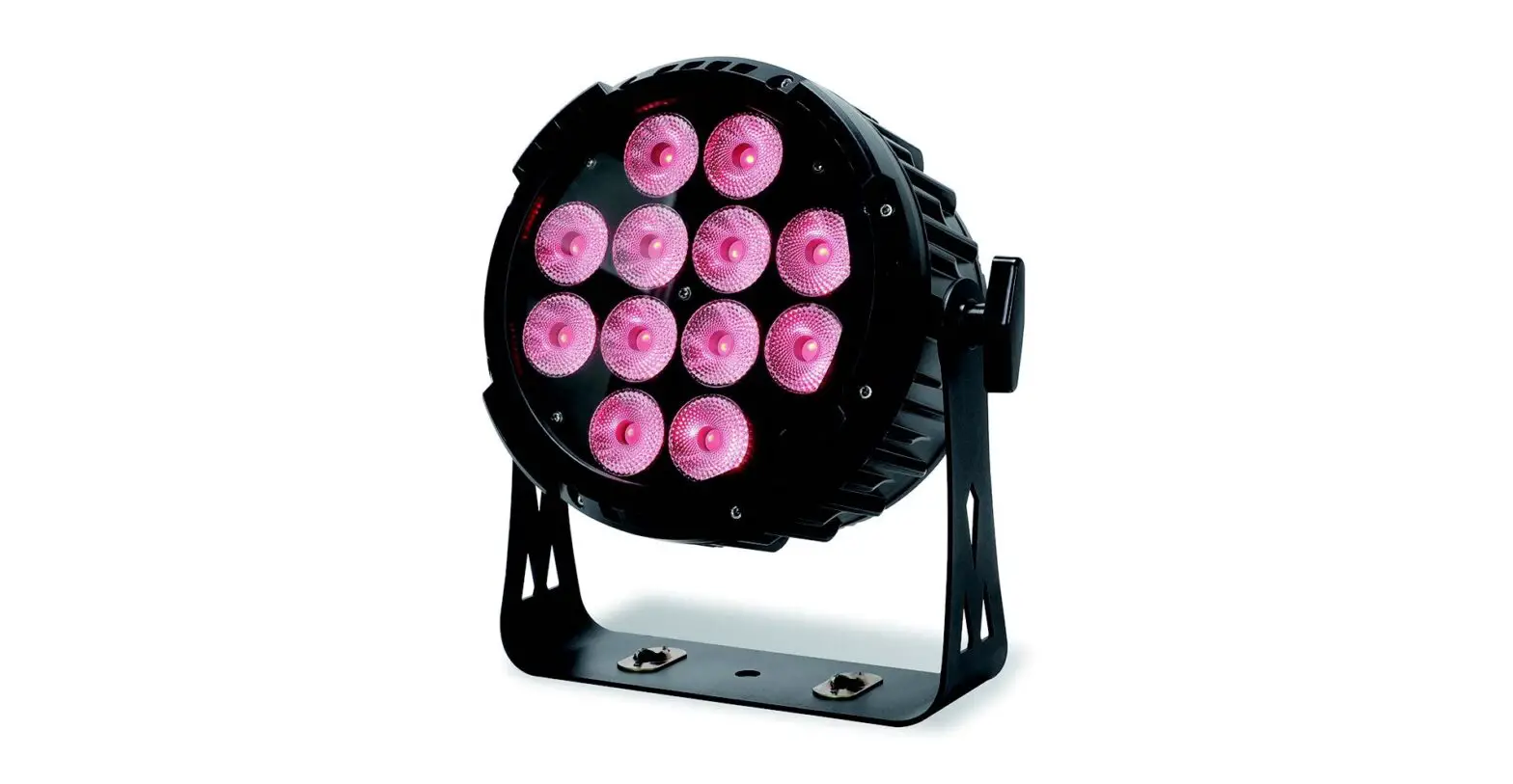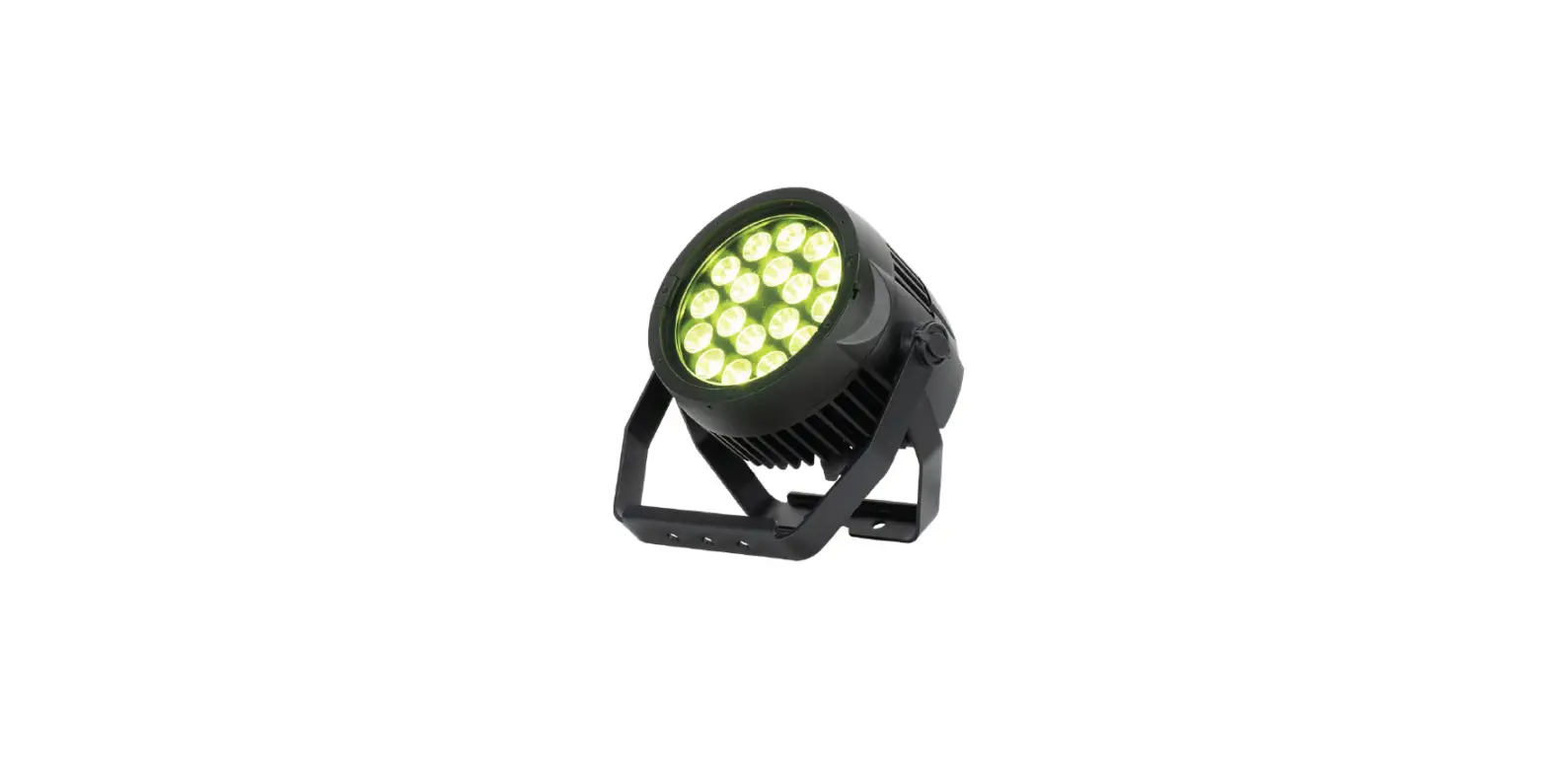

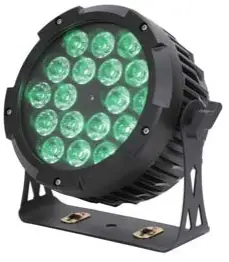
Sistemamt SILENT18IP Outdoor Light
Unpacking
The following items are included in the box:
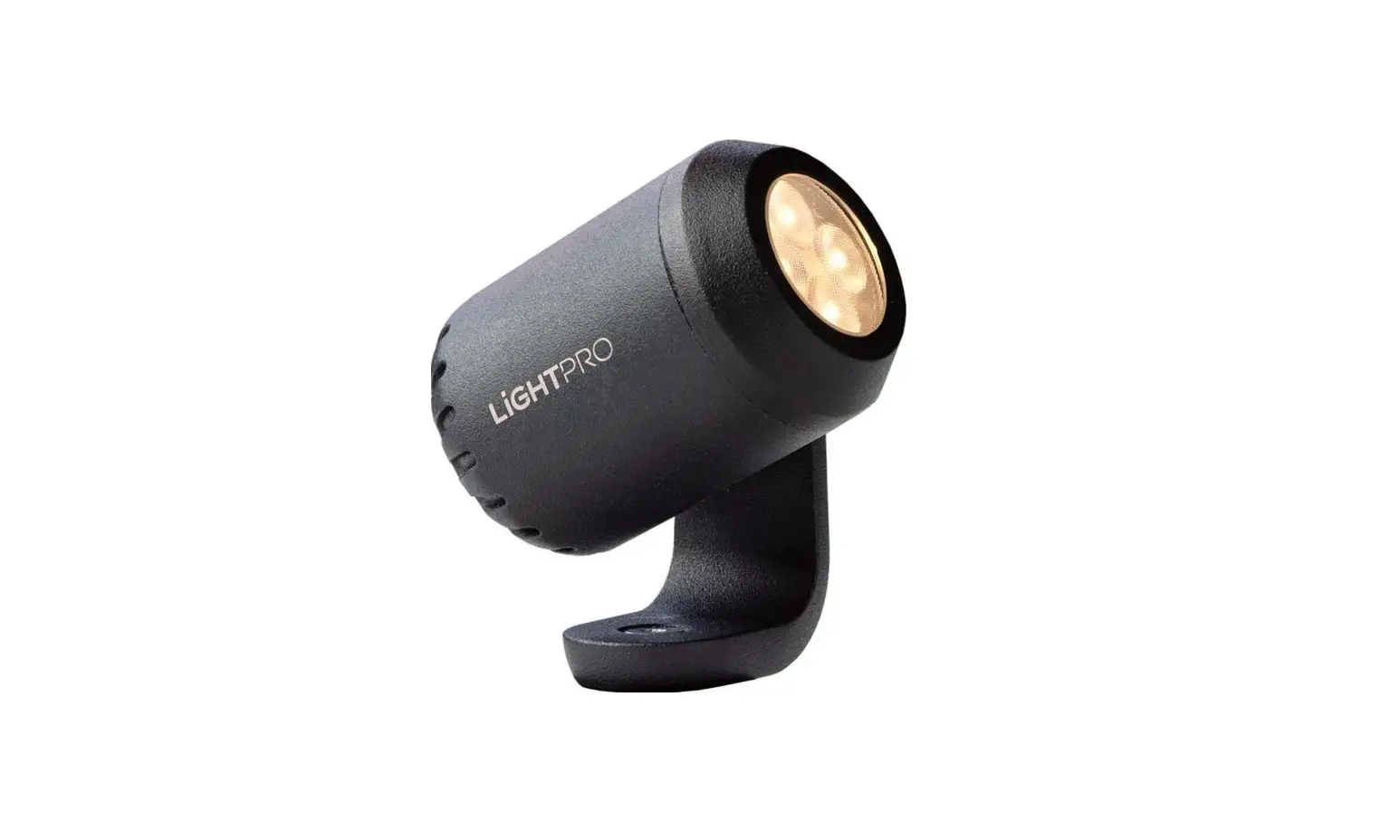
- 1 x Outdoor PAR
- 1 x Power cable
- 1 x User Manual
Safety Instructions
Warning: To reduce the risk of fire, electric shock, or injury to persons, follow these important safety instructions:
- This product is suitable for indoor and outdoor use.
- Always turn off, unplug power and allow fixture to cool before servicing.
- Ensure that fixture is properly grounded.
- Please keep this User Guide for future consultation.
- Always make sure that you are connecting to the proper voltage and that the line voltage you are connecting to is not higher than that stated on decal or rear panel of the fixture.
- Always disconnect from power before servicing or replacing fuse.
- Make sure power cord is never crimped or damaged.
- Do not look into the beam from a distance of less than 40 cm (16 inches).
- Do not stare into the beam for extended periods at a short distance.
Caution: Avaid looking directly into the LED light beam at a close distance!
Features
- Flicker free operation
- Smooth color mixing by RGBWA 5in1 LEDs
- 5 working modes: DMX, Auto, Sound, Manual, Master/Slave
- DMX channels: 9/6 ch.
- Linear dimmer 0-100%
- Strobe 1-25 flash per second
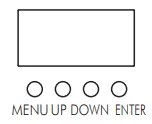
- 4-button LED display
- Seetronic power & signal connector
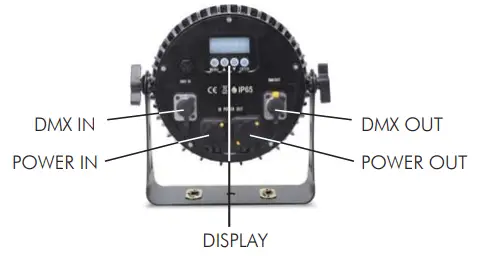
Product overview
SETUP
Mounting: This controller can be mounted in any SAFE position provided there is enough room for ventilation.
IMPORTANT: Safety cables must always be used. The safety cable must be capable of holding 10 times the weight of the fixture
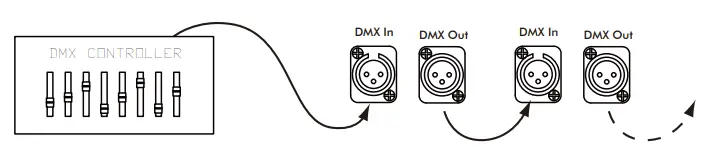
Fixture Linking: To run your light shows of one or more fixtures using a DMX-512 controller or to run synchronized shows on two or more fixtures in master/slave operating mode, you need DMX cables to link the units from DMX IN to DMX OUT.
AC Power
The fixture is designed to work on AC 100V – 240V 50-60Hz. All units must be powered directly from a switched circuit.
Warning: All fixtures must be connected to circuits with a suitable Earth Ground.
OPERATION INSTRUCTIONS
Control Panel
- MENU: To scroll over main menu
- UP: To increase the value.
- DOWN: To decrease the value.
- ENTER: To confirm setting
| Menu | Function |
| A001-512 | 9 DMX channel mode, set address 001-512 |
| d001-512 | 6 DMX channel mode, set address 001-512 |
| CC00-99 | Color step changing from slow to fast |
| CP00-99 | Color cross fade from slow to fast |
| dE00-99 | Color pulse changing from slow to fast |
| dEdF | Color changing to sound |
| -on- / -oFF | Set display backlight on/off |
| r000-255 | Manual control of Red |
| G000-255 | Manual control of Green |
| b000-255 | Manual control of Blue |
| o000-255 | Manual control of White |
| Y000-255 | Manual control of Amber |
DMX Mode
9 DMX Channels
| Channel | DMX valude | Functions |
| 1 | 0 – 255 | Master dimmer 0 – 100% |
| 2 | 0 – 255 | Red Intensity 0 – 100% |
| 3 | 0 – 255 | Green Intensity 0 – 100% |
| 4 | 0 – 255 | Blue Intensity 0 – 100% |
| 5 | 0 – 255 | White Intensity 0 – 100% |
| 6 | 0 – 255 | Amber Intensity 0 – 100% |
| 7 | 0 – 10 | No function |
| 11 – 250 | Strobe from slow to fast | |
| 251 – 255 | Strobe to sound | |
|
8 | 0 – 10 | No function |
| 11 – 60 | Stactic color selection by ch9 | |
| 61 – 110 | Color cross fade, speed from slow to fast by ch9 | |
| 111 – 160 | Color pulse changing, speed from slow to fast by ch9 | |
| 161 – 210 | Color step changing, speed from slow to fast by ch9 | |
| 211 – 255 | Sound activation | |
| 9 | 0 – 255 | Static color selection or Macro speed from slow to fast |
6 DMX Channels
| Channel | DMX valude | Functions |
| 1 | 0 – 255 | Red Intensity 0 – 100% |
| 2 | 0 – 255 | Green Intensity 0 – 100% |
| 3 | 0 – 255 | Blue Intensity 0 – 100% |
| 4 | 0 – 255 | White Intensity 0 – 100% |
| 5 | 0 – 255 | Amber Intensity 0 – 100% |
| 6 | 0 – 10 | No function |
| 11 – 250 | Strobe from slow to fast | |
| 251 – 255 | Strobe to sound |
Specifications
- Light source: 18 x 10W RGBWA 5-in-1 LEDs
- Optical lens: 25°
- Power consumption: 200W Max.
- Power input: AC 100-240V 50-60Hz
- Size: 235 120 275 mm
- Weight: 5 kg