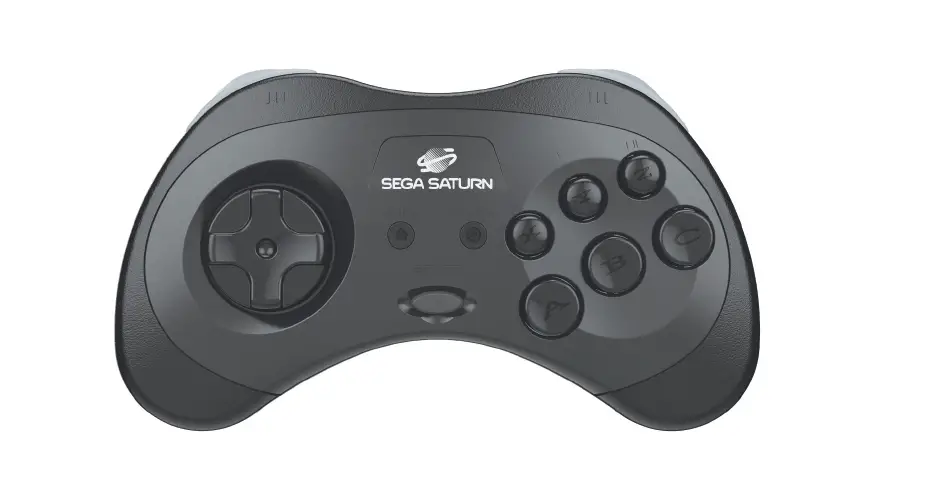
8BitDo DIY for Sega Saturn User Manual
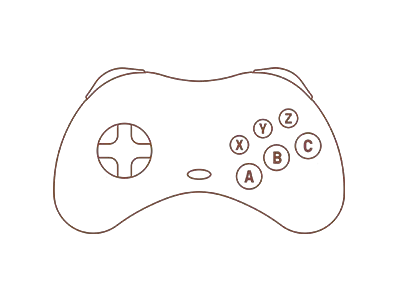
Instruction S-S30 Modkit
* Please handle it with care.
We are not responsible for any damage caused in use.
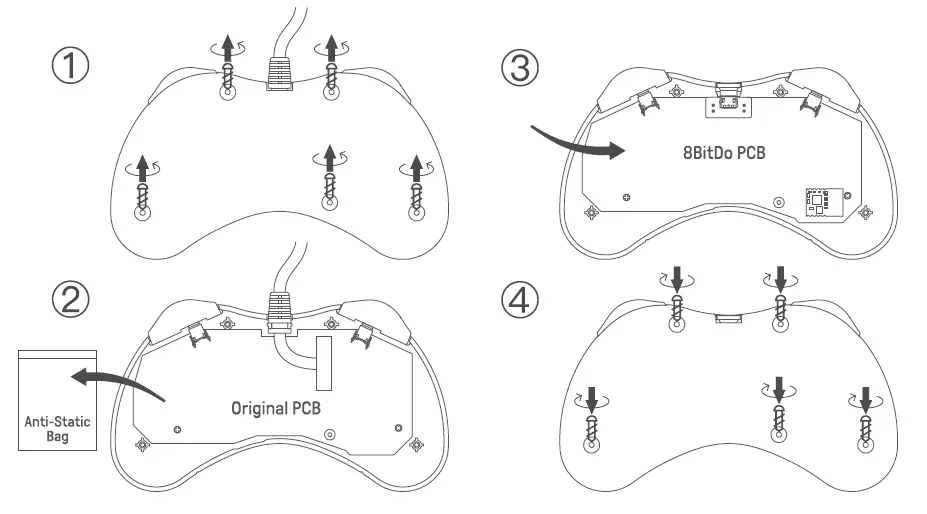
Controller Mode
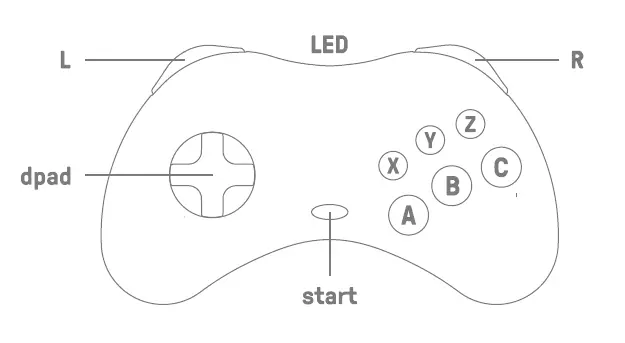
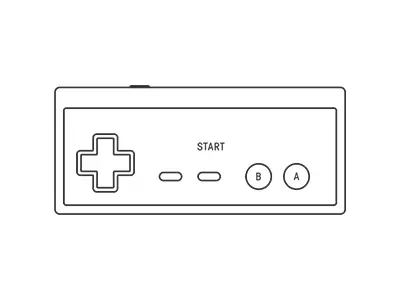
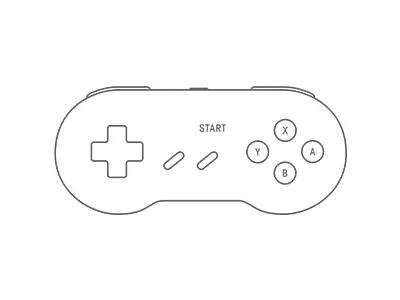
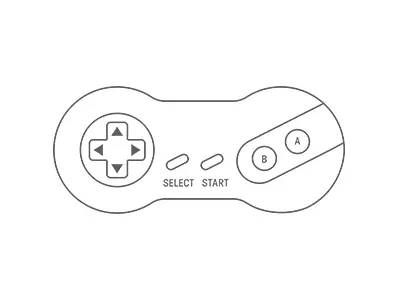
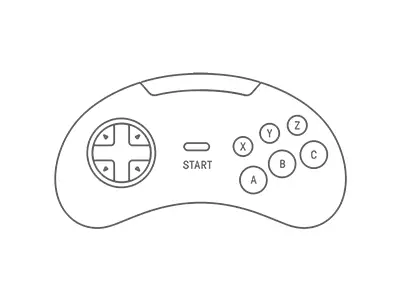
D-input: press B + start to turn on the controller, LED will blink once per cycle
X-input: press X + start to turn on the controller, LED will blink twice per cycle
Mac mode: press A+ start to turn on the controller, LED will blink 3 times per cycle
Switch mode: press V + start to turn on the controller, LED will blink 4 times per cycle
- Pairing: press and hold L +R for 3 seconds to enter its paring mode, LED starts to rapidly blink
- Press start to turn back on the controller after mode switching, controller stays on its last mode
Hot Keys
Switch mode: down+ start= Switch HOME button; up+ start= Switch – button
X-input mode: up + start= Back button
Battery
| Status | LED indicator |
| Low battery mode | Red LED blinks |
| Battery charging | Red LED stays solid |
| Battery fully charged | LED turns off |
- It takes about 90 minutes to fully charge
Support
Please visit support.8bitdo.com for further information & additional support
FAQ – Frequently Asked Questions
It turns the original controller to a wireless bluetooth controller first. The modified controller works with Switch, Windows 10, macOS, Android, Raspberry Pi.
It auto reconnects to all the systems mentioned above once they have been successfully paired.
A. Download the Firmware Updater from https://support.8bitdo.com/firmware-updater.html first.
B. Connect the board to your computer via a USB cable.
C. Choose the right file for your kit to run.
Note:
a. the cable included in the packaging and the circular port attached to the port are for power charging only.
b. be extra careful with power port during the procedure to avoid damaging it.
Yes, you can map the buttons. This is what you can do if the buttons are incorrectly mapped:
LEFT + L+R : set Dpad as left analogue stick
Up + L+R : reset Dpad
Right + L+R : set Dpad as right analogue stick
*Press and hold any of the key combinations above for 5 seconds to map the buttons.
*LED will blink in red to indicate the success of each button mapping.
*You need to reset the buttons manually.
We suggest you use a phone power adapter to charge the battery.
It uses a 180mAh rechargeable battery. It takes about 1-2 hours to fully and can last for about 10 hours.
No, you can not. The cable which comes with the board is a USB powering charging cable only.
Download
8BitDo DIY for Sega Saturn User Manual – [ Download PDF ]