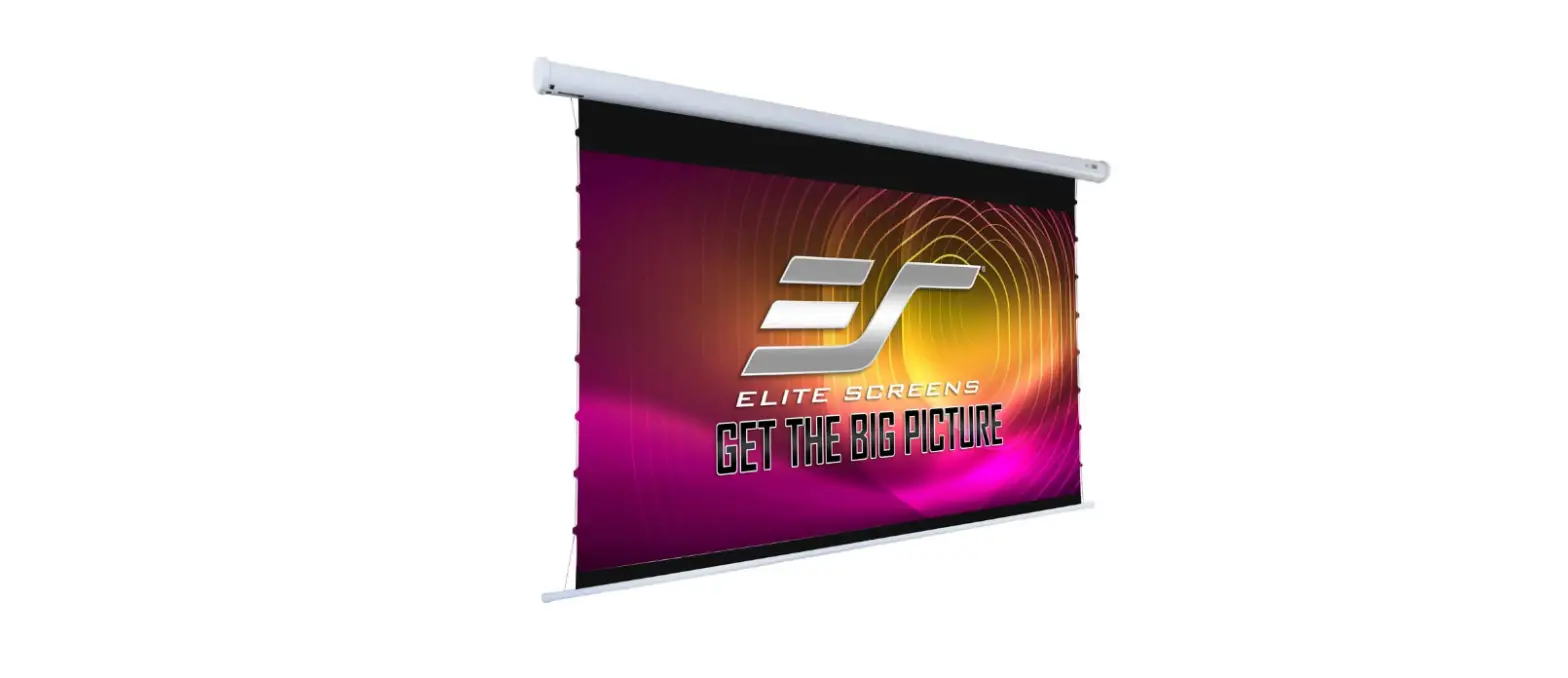
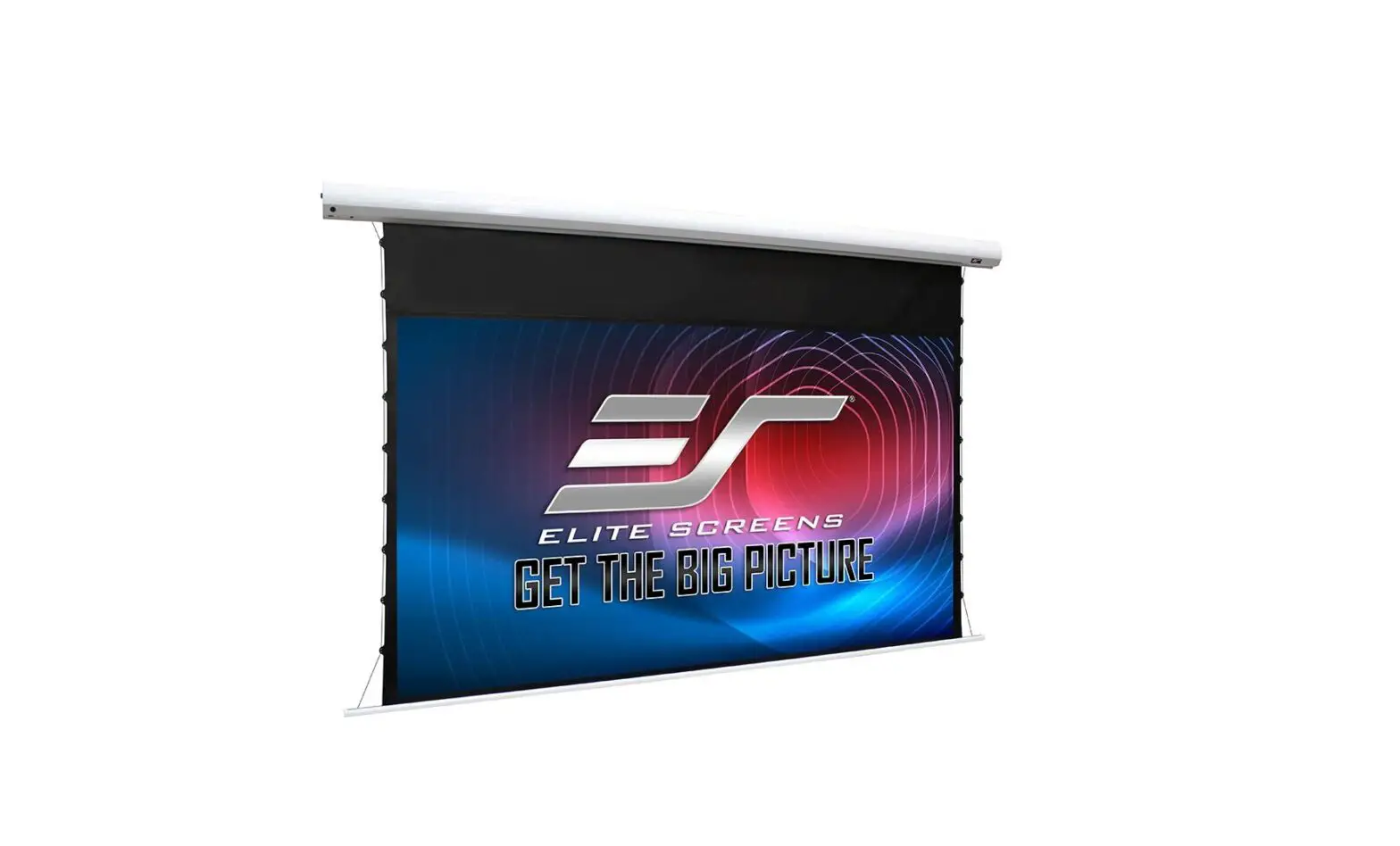
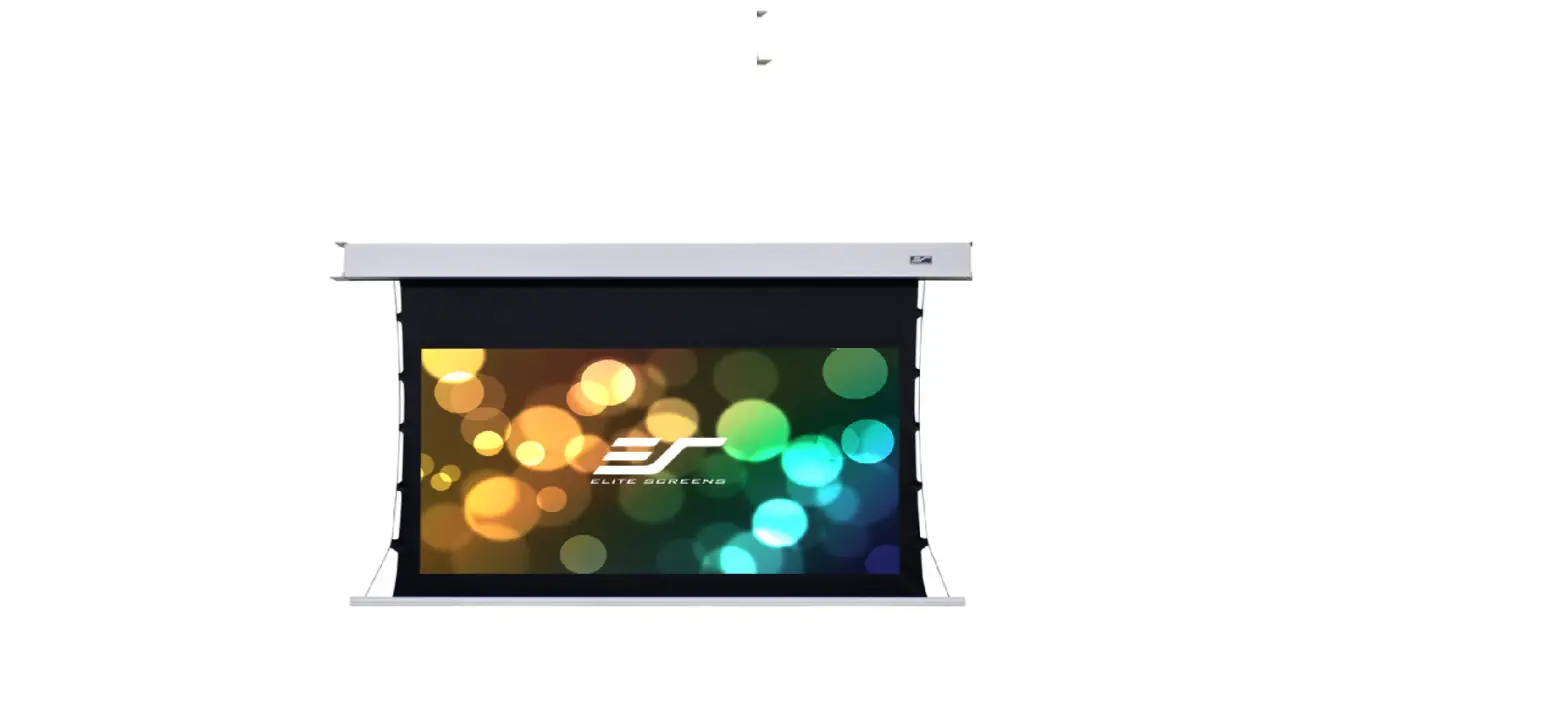
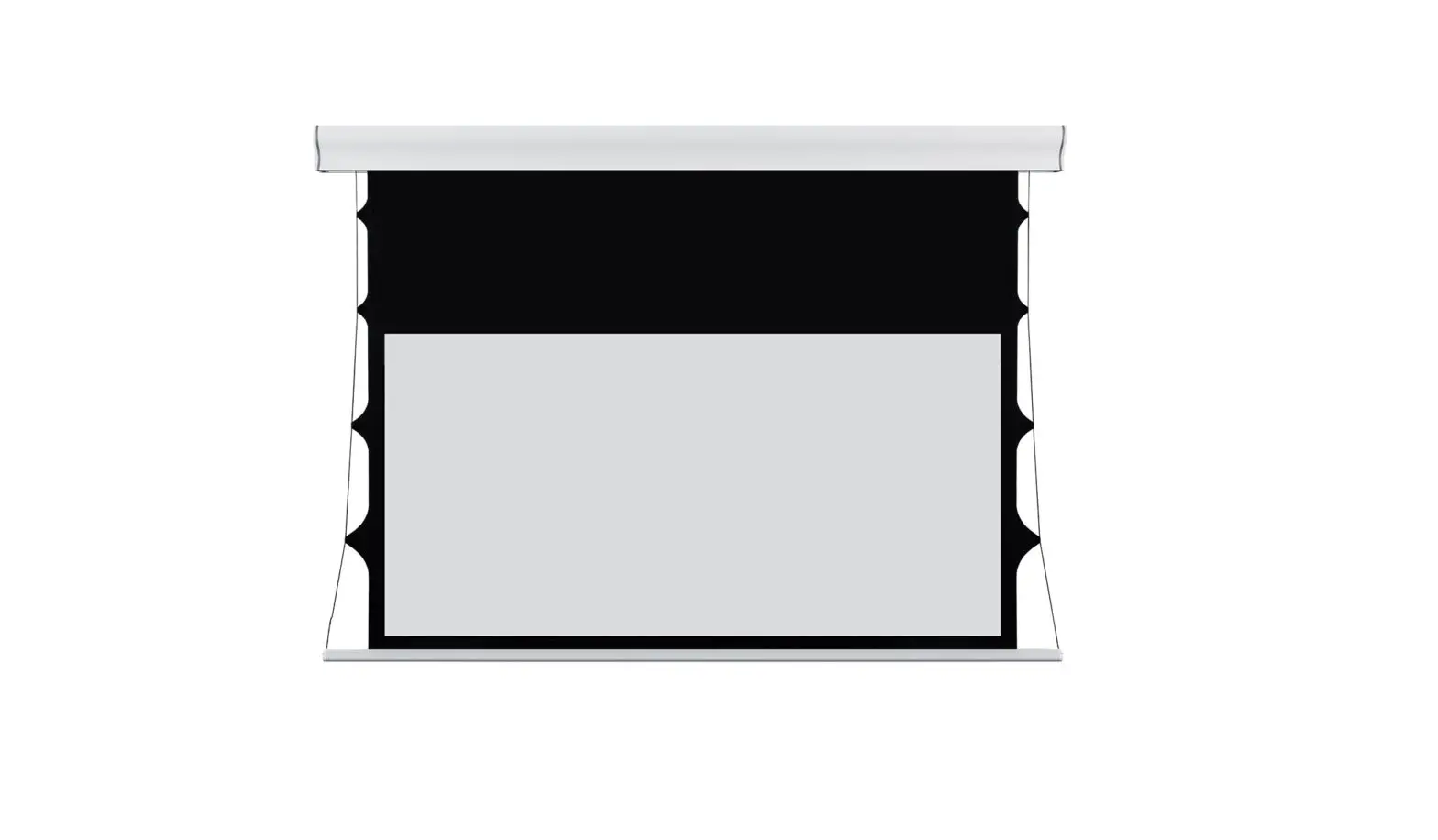
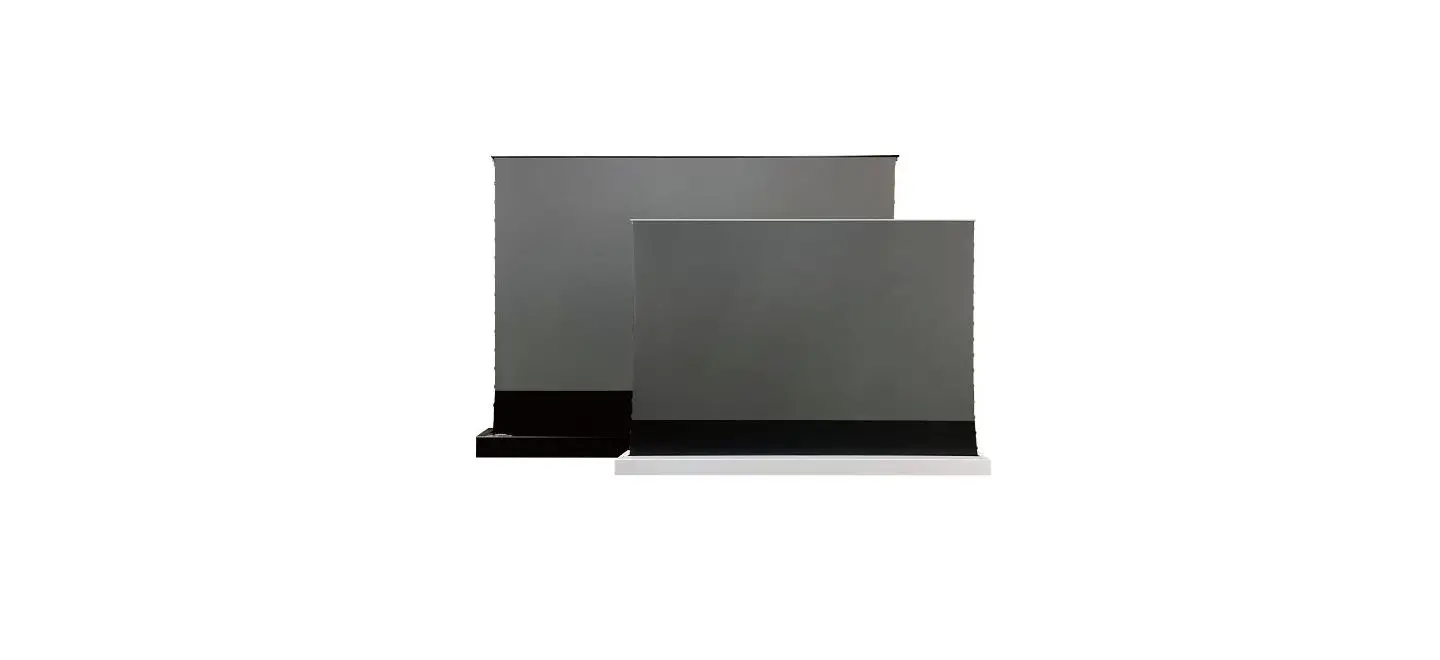
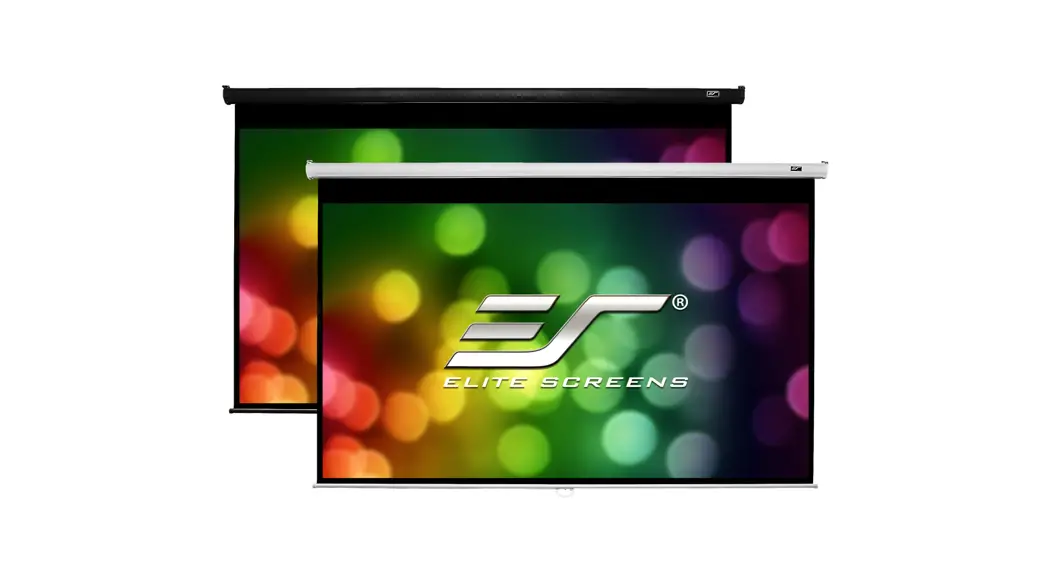
Evanesce Tab-Tension B Series In-Ceiling Electric Motorized Front Projection Screen
In-Ceiling Electric Motorized Front Projection Screen
Evanesce Tab-Tension B Series
The In-Ceiling Electric Motorized Front Projection Screen is a
high-quality product from Elite Screens. It is designed to provide
a seamless and immersive viewing experience for home theaters,
conference rooms, and other similar settings.
Important Safety & Warning Precautions
Before using the product, it is important to read and follow the
safety and warning precautions mentioned below:
- Do not make any unapproved changes or modifications to the unit
as it will void the warranty. - Do not use the product with any unauthorized accessories not
recommended by the manufacturer. - Handle the unit carefully during transportation to avoid any
damages. - Direct connection to a properly grounded power source is
advised for safe and reliable operation. - Do not install the unit on uneven, inclined surfaces or in damp
places to avoid electric shock or short circuit. - Position the power cord properly to avoid creating a trip
obstacle and do not place any heavy objects over it. - Avoid using the product under heavy rain, wind thunder or
lightning, direct sunlight, rain shower, and moisture. - Disconnect the power cord before transportation or
maintenance. - Do not attempt to use the screen if there is obvious damage or
evident broken parts.
Installation Warning
The instructions provided in the user’s guide are for reference
only. It is recommended to consult a professional installation
company for further installation and safety advice. The installer
must ensure that proper mounting hardware is used to provide
adequate strength suitable for the installation. Elite Screens is
not liable for any faulty installations.
Usage Instructions
Follow the below instructions for using the In-Ceiling Electric
Motorized Front Projection Screen:
- Ensure that the power outlet supplying power to the unit is
close to the unit and easily accessible. - Do not overload the power cord to avoid an electrical shock or
fire. - Ensure that the internal and external parts of the unit are not
end user serviceable. - Cut off the power supply before transportation or
maintenance. - Do not attempt to make any individual modifications to the
product as it will void the warranty. - Contact Elite Screens Customer Service for any questions.
Note: The product has been tested and found to comply with the
limits for a Class B digital device, pursuant to Part 15 of the FCC
Rules. These limits are designed to provide reasonable protection
against harmful interference in a residential installation. This
equipment generates and can radiate radio frequency energy and, if
not installed and used in accordance with the instructions, may
cause harmful interference to radio communications.
In-Ceiling Electric Motorized Front Projection Screen
Evanesce Tab-Tension B Series
User’s Guide
Important Safety & Warning Precautions
Make sure to read this user’s guide and follow the procedures below.
Caution: The screen’s Black Top Drop is already set to its maximum drop distance. There is NO extra Black Top Drop in the roller. Please be aware of this as it will void your warranty with Elite Screens. Unapproved changes or modifications (except for cutting the power cord for hardwire installations) to this unit are prohibited and will void your warranty. For more information, please contact our Technical Support Department at [email protected]
Please retain this user’s guide for future reference. To avoid damaging the unit, do not use with any unauthorized accessories not recommended by
the manufacturer. Handle the unit carefully during transportation to avoid any damages. To ensure safe and reliable operation, direct connection to a properly grounded power source is
advised. The power outlet supplying power to the unit should be close to the unit and easily accessible. Do not install the unit on uneven, inclined surfaces; Do not install in damp places to avoid an electric shock or short circuit. Do not place any heavy objects over the power cord. Position the power cord properly to avoid creating a trip obstacle. To avoid an electrical shock or fire, due to a loose contact or short circuit, do not overload the
power cord. The internal & external parts of this unit are not end user serviceable. Do not attempt to
disassemble this unit by yourself. No one except authorized technicians can open and make repairs to this unit. Make sure the power source that this unit is connected to has a continuous power flow. If there is need to use an extension cord, make sure the cord has an equal rating as the appliance to avoid over heat. Do not handle the power plug when your hands are wet or your feet are in contact with water. Properly dispose of this equipment according to the environmental regulations in your area when product is no longer of service.
Rev.060716-D
1
www.elitescreens.com
Do not use this unit under the following circumstances.
Disconnect the power cord under the conditions of heavy rain, wind thunder or lightning. Avoid direct sun light, rain shower and moisture. Keep away from fire sources and high temperature to prevent this device from overheating. Cut off the power supply first before transportation or maintenance. To avoid possible injury and/or an electric shock, do not attempt to use this screen if there is
obvious damage or if there are any evident broken parts.
Installation Warning
The instructions provided in this user’s guide are for reference only. Please consult a professional installation company for further installation and safety advice. The installer must insure that proper mounting hardware is used to provide adequate strength suitable for the installation. Elite Screens is not liable for any faulty installations.
The Screen’s Top Black Drop is already set to its maximum drop distance. There is NO extra top black drop in the roller. Please be aware of this as it will void the limitation of your warranty.
Individual modifications to this product are prohibited and will void the warranty with the manufacturer. Please contact Elite Screens Customer Service for any questions.
NOTE: This equipment has been tested and found to comply with the limits for a Class B digital device, pursuant to Part 15 of the FCC Rules.
These limits are designed to provide reasonable protection against harmful interference in a residential installation. This equipment generates and can radiate radio frequency energy and, if not installed and used in accordance with the instructions, may cause harmful interference to radio communications.
However, there is no guarantee that the interference will not occur on a particular installation. If this equipment causes harmful interference to radio or television reception, which can be determined by turning the equipment off and on, the user is encouraged to try to correct the interference by one or more of the following measures.
Reorient or relocate the receiving antenna of the device which may be casing the interference.
Increase the separation between the screen and the device’s receiver. Connect the equipment into a different power outlet other than the device.
Pre-Installation
1. Carefully unpack the screen. 2. Always handle the screen in a leveled position on a clean surface. 3. In order to protect the screen from exposure to stains, keep the screen out of contact with foreign
particles such as dust, sawdust, and/or liquids.
NOTE
Regardless of the mounting method, the screen should be securely supported so that the vibration or pulling on the viewing surface will not cause the casing to become loose or fall. The installer must insure the fasteners that are used are of adequate strength and suitable for the installation location.
Rev.060716-D
2
www.elitescreens.com
Evanesce Tab-Tension B Series| Controls and Accessories
A. IR Remote
B. RF Remote
C. Wall switch control box D. 5-12 volt trigger cable
E. IR extended “eye” receiver
F. Wireless 5-12v (3.5 mm) mono trigger cable
G. AAA batteries
H. Bubble leveler
Screen operation
Electric Current: Depending upon region, your Elite Screen will operate on 100v, 110v, or 220v voltage. 1.After ensuring the power outlet & screen are compatible (voltage), plug the power cord into the poweroutlet. 2. Once the screen has power, you’ll be able to control it using any of the 6 methods described below.
6 ways to control your Evanesce Tab-TensionB
1. IR remote control (Item A, Fig 1): The Infrared functions by direct line
of sight contact with a beam range of 30 feet. Aim the IR remote at the
“eye” receiver once it has been connected to the control box’s RJ45 port.
2. IR “Eye” Receiver (Item E, Fig 2): The IR “Eye” Receiver plugs
directly into the control box’s RJ45 port to present a low profile line-of-
sight control option for your IR remote control even in a recessed ceiling
installation.
3. RF Remote Control (Item B): The radio waves eliminate the need for a
direct line of sight with a range of 100 feet.
4. 3-Way Wall Switch (Item C, Fig 3): The 3-way wall switch is a wall
mount switch with an up/stop/down button and plugs directly into the
control box’s RJ45 port.
Control box
UP STOP DOWN Fig.1
IR/RF remote
Fig.2
Control box
Fig.3
3 Way Wall Switch (does not have IR sensor)
Rev.060716-D
3
IR “eye” receiver www.elitescreens.com
5. 5-12 volt trigger (Item D, Fig 4): The built-in 5-12V trigger input allows your screen to synchronize its drop & rise with the projector’s power cycle. The screen deploys when the projector powers up and will retract when the projector powers down. The 5-12 volt RJ45 cable connects to your projector’s trigger output via a separate cable that may or may not be provided by the manufacturer of the projector. The trigger feature will not work without an output cable from the projector, but it can be tested by connecting the Red (+) and Green (-) cable to a 9-volt battery.
RJ45 Input 5-12 volt trigger cable
6. Wireless 5-12 volt trigger (Item F, Fig 5): The RF remote control serves as a dual purpose, independently as a handheld remote control, or in conjunction with the Wireless 5-12 volt trigger cable. The radio frequency technology can be programmed to send a wireless signal to synchronize its drop/rise with the projector’s power cycle.
The back ofthe projector
DC 5-12V
Wireless 5-12V trigger cable
Fig.4
Fig 5 UP Stop
Down
Here’s how to set up your Wireless 5-12 volt trigger | Synchronization Instructions Step1: Connect one end of the 3.5 mm wireless 5-12 volt trigger cable to the RF remote. Step 2: Connect the other 3.5 mm end of the wireless 5-12 volt trigger cable to your projector Step 3: Make sure to unplug your screen from the power outlet Step 4: Hold the UP button on your RF remote Step 5: While holding the UP button, plug the screen back to the power outlet Step 6: Wait 5 seconds and then release the UP button Step 7: Your 5-12V wireless trigger should now be activated with your screen and ready to be used and
able to control your screen with your projector’s power cycle Repeat the steps again if not successful. (Please be aware, the projector on/off cycle may take longer to fully activate. It usually takes around 20-
30seconds for full off and on cycle each time)
Hardware Parts List for EvanesceTab-Tension BSeries
Please make sure all parts listed below are included before proceeding with the installation.
Hardware Parts List for above ceiling installation
A. Suspension Bracket x 2
B. Suspension Bar x 4
C. End Flange x 2
C. M8x16mmx1.5mm washer x 8 D. M6x13mmx2mm washer x 8 E. M8 nut x 4
F. M6 nut x 4
G. M8x40mm hex screw x 4
H.M6x20mm screw x 4
Rev.060716-D
4
www.elitescreens.com
Installation Instructions
The Evanesce Tab-Tension B allows access for above or below ceiling installation. Please follow the instructions described in the following steps below for your type of installation.
Power
The Evanesce Tab-Tension B Series includes a 3Prong Power Cord (2-Prong Power Cord for some countries) for use in a non-concealed power outlet. If your installation will be entirely concealed (including power outlet), Elite Screens strongly recommends a hardwire connection. Please refer to the image below for both 110v & 220v wiring information.
A. Above ceiling installation instructions
Assembly 1. Place the hanging bracket (A) over the left and right side ends of the housing and secure each one using the M8x40mmhex screw (G), M8x16mmx1.5mm washers (C) and M8 nut (E) as shown below.
Hanging Bracket
Rev.060716-D
E C
G
5
www.elitescreens.com
2. Place the Suspension Bar (B) over the Hanging Bracket (A) and align with the hole as shown below according to the height requirement for your installation area. Secure the Suspension Bar (B) with the M6x20mmScrew (B), M6x13mmx2mmWasher (E) and the M6 Nut (F). Repeat the process for the other side.
B
A F
H D
3. Insert the end flange piece (C) on the edge of the housing as shown below to complete the assembly. The screen is now ready for installation.
Push end flange piece into housing end until it snaps in
B. Below ceiling installation instructions
Please make sure all parts listed below are included before proceeding with the installation.
Hardware Parts List for below ceiling installation
A. End Flange x 2
B. Hanging bracket x 2
C. Threaded rod x 4
D. Socket wrench x 1
E. M8x16mmx1.5mm washer x 28
F. M8 nut x 20
G.M8 Top expanding bolt x 4 H. M8x40mm hex screw x 4
Rev.060716-D
6
www.elitescreens.com
1. Measure and cut the ceiling installation slot: The width should not exceed 100mm and not less than the width of the screen’s housing. Measure the length of your screen to determine the length.
Ceiling Truss
100
Screen installation slot
Ceiling
2. Drill 4 holes in the ceiling that correspond with the attachments on the various casing sizes. The width should be 120mm. The length of (A5) in the diagram below depicts the distance between the holes located on each ear end of the screen’s case.
70
Install screw holes The ceiling wall
3. The M8expanding bolts (G) mount into thick wood beams, stone or concrete and will support the screen. Use the Socket wrench (D) to attach the M8x40mm hexagonal screws. The expanding bolts should be firmly tightened and tested to make sure that they will hold the weight of the screen.
G H
D
4. Insert thethreaded rods(C) through the M8 expanding bolts and then attach the M8x40mm hexagonal screwswith the washer (E). Last put the Hanging Bracket (B) through the threaded rod equal to the height of the screen’s housing. Once they are firmly in place (as shown below) make sure that they will hold the weight of the screen.
Rev.060716-D
7
www.elitescreens.com
C
E and F B
C
Ceiling
5. Push the screen up into the space. Use the threaded rods (C) to attach the screen assembly to the
ceiling. The hexagonal screws (E) will connect the screen to the rest of the assembly.Once firmly in
place; use the nuts (F) to ensure a firm connection. Use thesocket wrench (D) to make sure that the
bolts are firmly tightened.
Push the screen to the hole of the ceilingthe screw across the hole of the end cap.
Use the Socket wrench to attach the washer and the outside hexscrews, and then adjust the bottom of the screen to make it parallel with the
ceiling, and then fasten
the screw.
Push Ceiling
Socket wrench (H)
6. Install end flange cover panel (A) between the gap and the screen to complete the installation.
For local Elite Screens contact or Technical Support, please visit www.elitescreens.com
Rev.060716-D
8
www.elitescreens.com
 Cinema Quality Projector Screens | Elite Screens