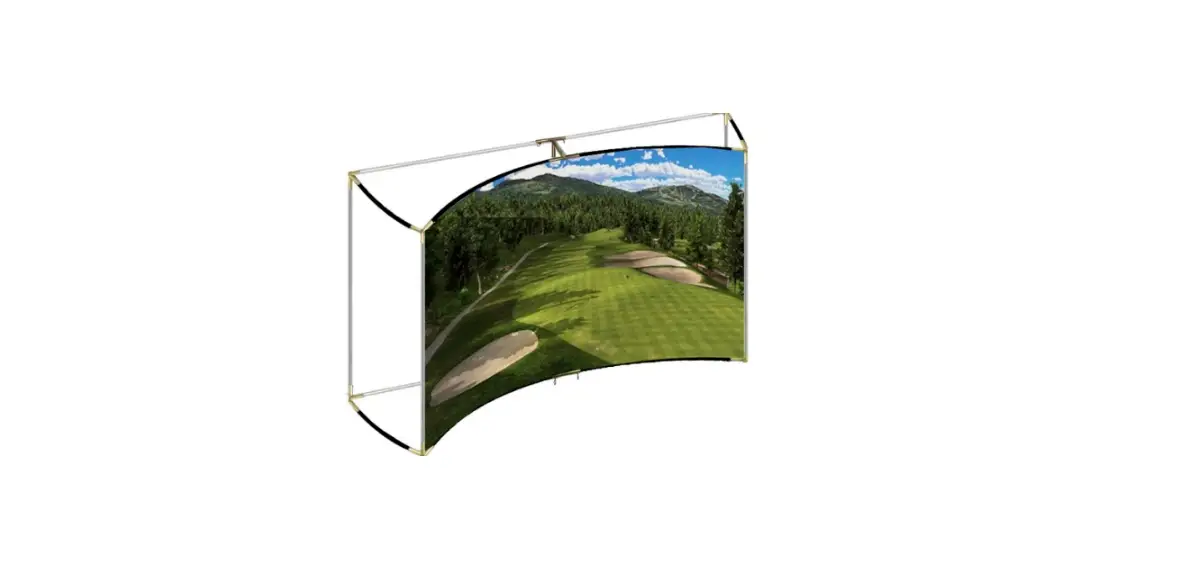

ELITE SCREENS GolfSim DIY Screen Series Projection Screen Material
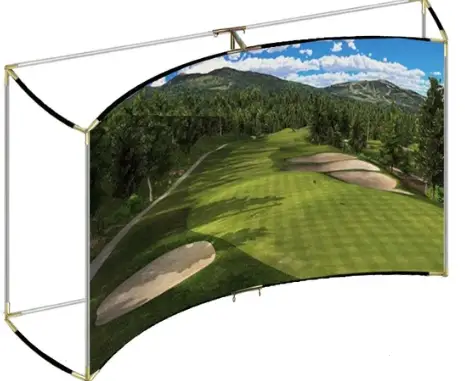
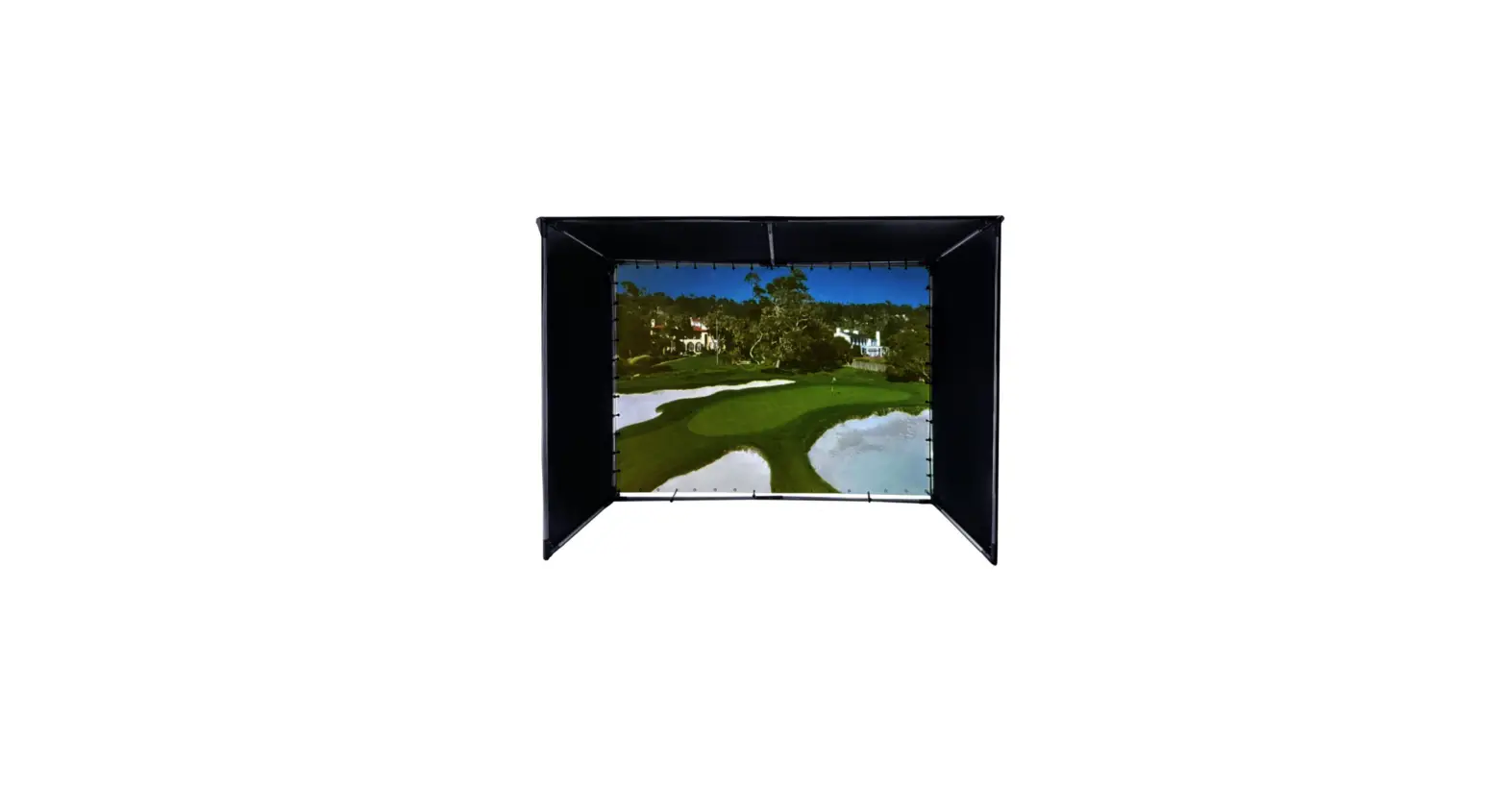
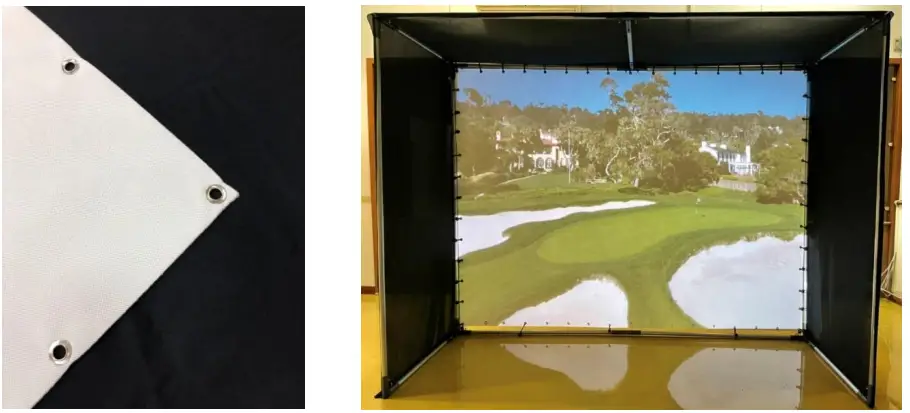
Product Description: The GolfSim DIY Screen Series is a Do-it-Yourself impact golf screen that utilizes our three-layer ImpactWhite™ 1145. It includes grommet holes to allow for installation on custom frames for golf enclosures. It can also be used for a variety of Sports Simulation applications.
Installation Tips and Precautions
- Handle with caution, material is subject to static electricity.
- Wear gloves and unroll the material on a clean surface.
- Make sure to use the correct side. The ImpacWhite™ 1145 screen has a front and back side.
- Folding lines/wrinkles are normal due to the nature of the material structure and packaging.
- Avoid installing/hanging the screen where the ball can strike the grommets directly to prevent damaging the edges.
- Make sure to allow proper distance for swing range to protect children, pets, ceilings, walls, windows, or any other property.
Material Features/Specs
- Composed of 100% polyester – Non-absorbent material that is hard to mold
- Warp knitted fabric with 11.5 c.p.c. (course per cm) – High strength, difficult to break
- Withstands golf shots up to 200 mph
- 4.5mm thick 3-layer knitted structure provides excellent shock absorption
- The internal space suppresses the noise generated when the golf ball impacts the screen
| ImpactWhite™ 1145 Specifications | |
| Color | White |
| Thickness | 4.5±1mm |
| Material composition | 100% Polyester |
| Weight | 460 g /m2 |
| Width | 3100mm |
| Effective Width | 3048mm |
| Gain | 0.8 |
| Viewing Angle | 180° |
Standard Sizes Available
| Model Number | DIY10X8-IPW1145 | DIY10X10-IPW1145 | DIY10X13-IPW1145 | DIY10X20-IPW1145 | |
| Size | Width | 10 ft (3048 mm) | 10 ft (3048 mm) | 10 ft (3048 mm) | 10ft (3048 mm) |
| Length | 8ft (2450 mm) | 9.8 ft (3000 mm) | 13.1 ft (4000 mm) | 19.6 ft (6000 mm) | |
Front and Rear Side
The interior of the roll with honeycomb weave pattern is the FRONT projection side, and the exterior with the checker weave pattern is the back side.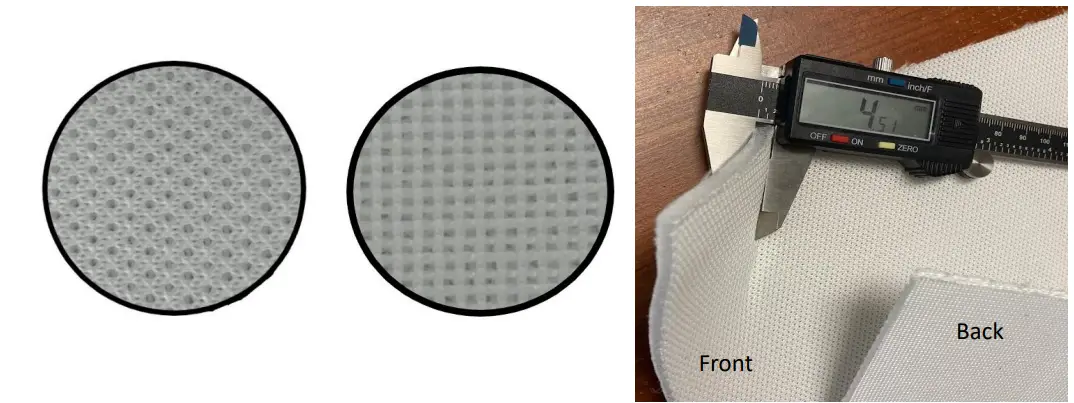
- Front Side (Projection/Impact)
- Back Side
Maintenance
- Use a dry microfiber cloth to remove dust from the screen surface.
- When cleaning, use a microfiber cloth dampened with warm water to remove any traces.
- Use hot steam to wet the material, then wipe dry with clean microfiber.
- Do NOT rub or apply pressure when cleaning the surface.
- Do NOT use any solutions, chemicals, or abrasive cleaners onto the screen surface.
To avoid damage to the screen, please avoid touching the screen directly with your fingers, pens/pencils or any other sharp or abrasive objects.
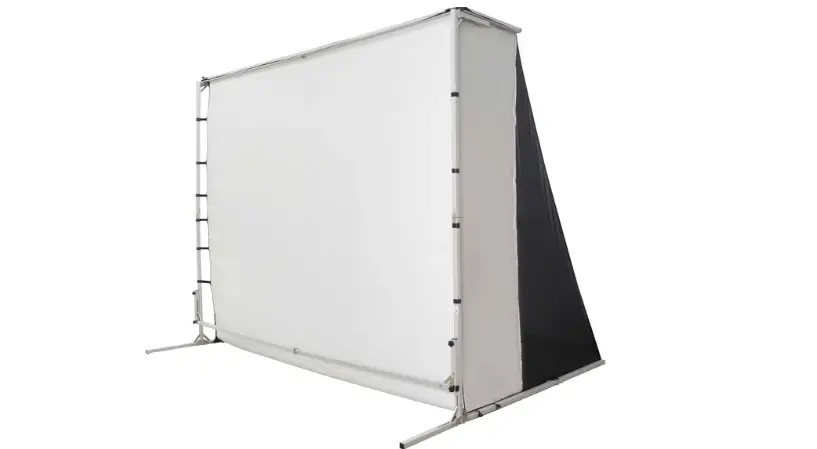
Example of DIY10X10-IPW1145 Installed in a Golf Simulator enclosure
For Technical Support or an Elite Screens contact in your area, visit www.elitecreens.com
 Cinema Quality Projector Screens | Projection Screens Online