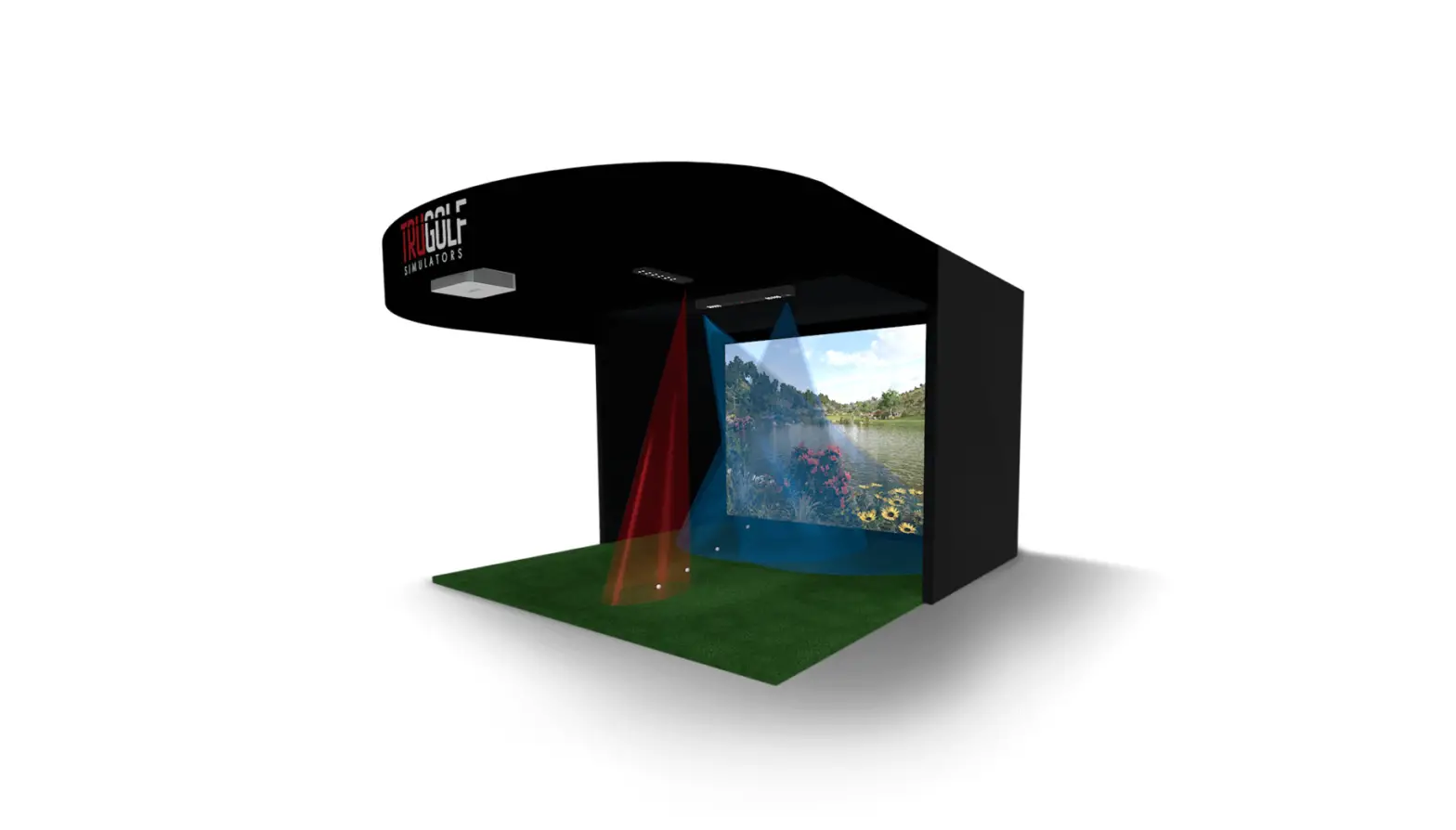
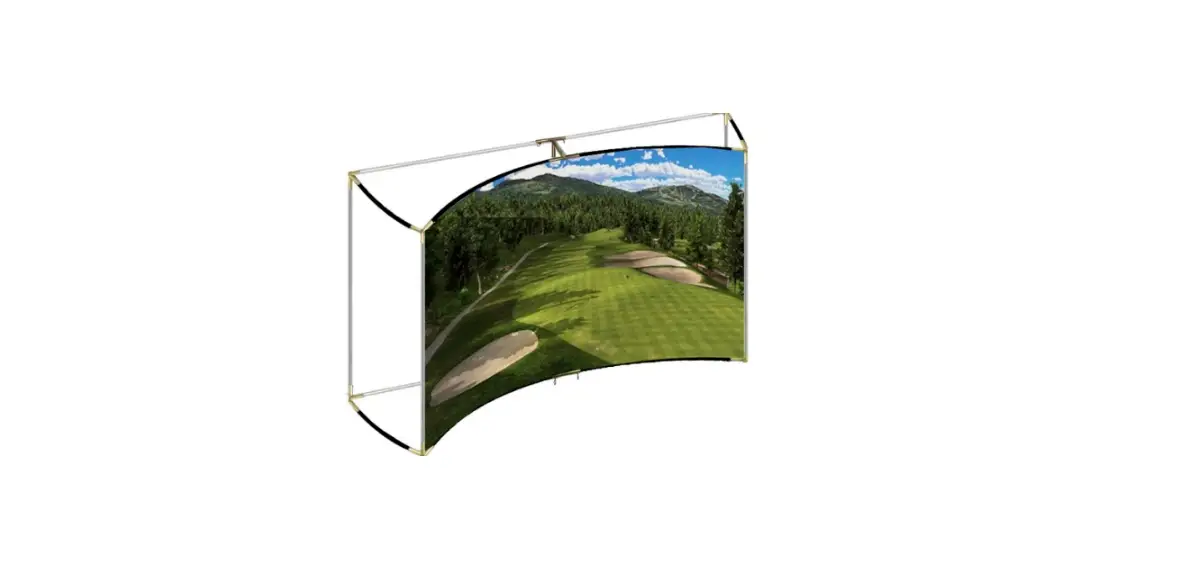
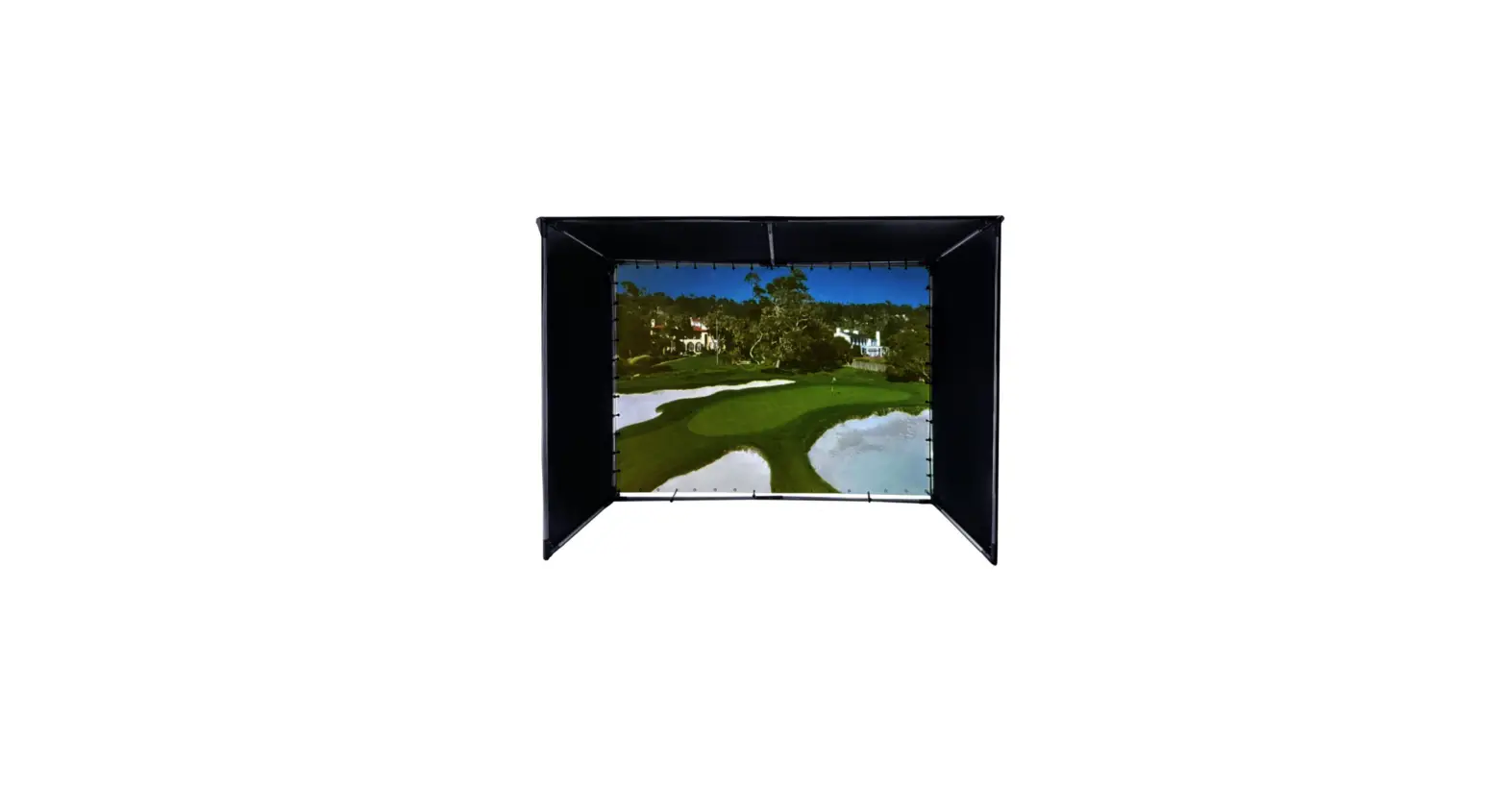
Simulator Par 5 Enclosure Projector Screen
Product Information: Golf Simulator Enclosure
The Golf Simulator Enclosure comes in two separate cartons – a
long carton containing the metal frame and a rectangular carton
containing the enclosure material with screen. The enclosure
material is a single piece construction that includes the projector
screen, side and ceiling panels. The poles and connectors required
for assembly are provided in the packaging.
Packaging Contents
- 1 x long carton containing metal frame
- 1 x rectangular carton containing enclosure material with
screen - 27 x 3.3ft (1m) pole (A)
- 11 x 3.3ft (1m) pole (B)
- 1 x 2ft (0.6m) pole (C)
- 1 x 3.3ft (1m) pole (F)
- 2 x crossover clamp
Frame Assembly Identification Parts
The following parts are used to assemble the upper frame:
- A – male pole
- B – male pole
- C – female pole
- F – male pole
Product Usage Instructions: Assembly Steps
Step 1: Assemble the Upper Frame
- Connect two A poles to one C pole using crossover clamp.
- Repeat step 1 to create another set of poles.
- Connect two B poles to one C pole using crossover clamp.
- Connect the two sets of poles from step 1 and 2 together using
crossover clamp. - Connect two A poles to one F pole using crossover clamp.
- Connect the set of poles from step 4 to the F pole from step 5
using crossover clamp.
Step 2: Attach Projector Mounts to the Upper Frame
- Attach projector mounts to the upper frame using screws and
bolts. - Hang the enclosure material with screen on the upper
frame.
Pa c k a g i n g
01
Packaging
Your Golf Simulator Enclosure will come in 2 separate cartons. 1 x long carton – metal frame & 1 x rectangular carton enclosure material with screen
Poles
Male Male
Male
Packaging
02
A
27 x 3.3ft (1m) pole
B
Female
11 x 3.3ft (1m) pole
Male
C
Male
1 x 2ft (0.6m) pole
Female
F
1 x 3.3ft (1m) pole
Hole
Connectors
1
Packaging
2
4
03
5
2 x 10⁵° 3-way connector 2 x 10⁵° 3-way connector 2 x 2-way feet connector 2 x 3-way feet connector
X
2 x crossover clamp
Packaging
04
Enclosure material with Screen
The enclosure material is a single piece construction containing the projector screen, side and ceiling panels
Poles
F r a m e A s s e m b ly I d e n t i f i c at i o n Pa r t s
05
A
A
B
B
A
A B
A A
A
C
A A
A
F
A
B
A
A
A
A B
A B
B A
A A
B A
B A
B
A
A
A B
A
A A
Connectors
57.52°
Assembly STEP 1
07
Step 1
Assemble the upper frame
A A
1
A
B
A
A
B
57.52°
2
A
B A A
B
A
A
B
1
A
A
B
A
2
A B
B
Assembly STEP 2
08
Step 2
Attach projector mounts to the upper frame
57.52°
A
A C
F