Golf Simulator Enclosure
Golf Simulator Enclosure
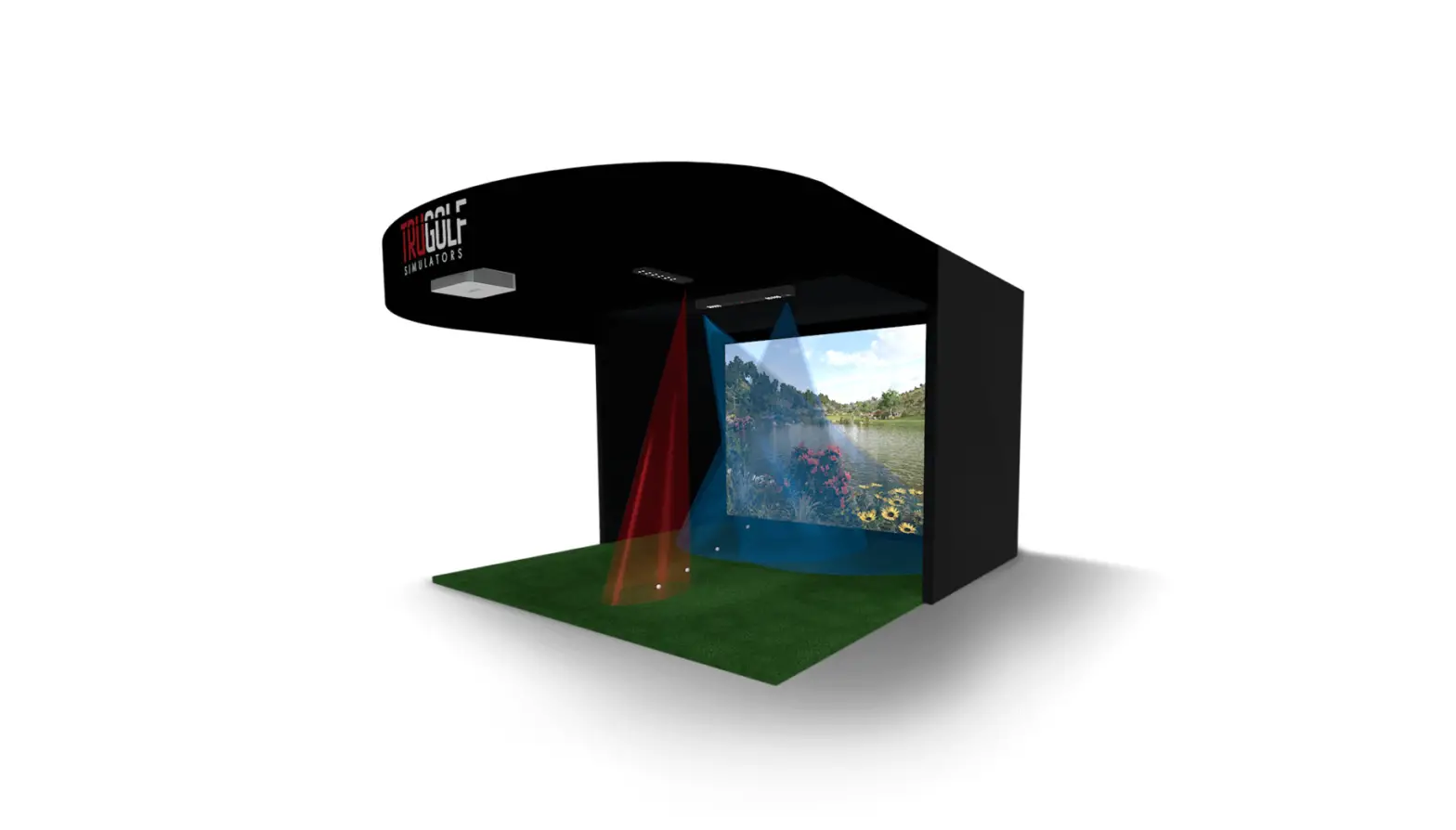
The Golf Simulator Enclosure is designed to create a realistic
indoor golfing experience. It comes in two separate cartons, one
containing the metal frame and the other containing the enclosure
material with the projector screen.
Frame Assembly
Step 1: Assemble the Upper Frame
Step 2: Attach the enclosure material to the metal frame
Place the enclosure material in the center of your designated
area and spread it out. The smooth side of the hitting screen
should face towards you.
Secure all four top edges of the enclosure material to the upper
frame using the Velcro attachments. Start at the rear and then move
to each side, finishing with the front.
Attach the enclosure to each of the vertical upright legs.
Connect the 1A Poles (Male-to-Female) to each of the four vertical
uprights to achieve a height of approximately 8’6″ (2.6m).
Wrap and secure the remaining perimeter edges along all sides
and the bottom lower frame.
Tensioning the Screen
Tightly loop and secure the vertical tensioning straps around
the lower horizontal frame using the Velcro strapping that comes
from the top of the enclosure.
Tightly secure the horizontal straps using the Velcro strapping
that comes from the side of the enclosure.
IMPORTANT: Attach the supplied protection padding to the Velcro
located around the inside edge of the projector screen. Ensure that
the pads fully cover the corner seams. Failure to attach the
padding may void the warranty and could cause injury.
A time lapse video of this installation can be found at https://youtu.be/ArNc_2Tc2ak
For further assistance, please email [email protected].
Golf Simulator Enclosure Assembly Instructions 3m x 2.6m x 1.6m / 10′ x 8’6″ x 5’3″
Your Golf Simulator Enclosure will come in 2 Separate Cartons 1 x Long Carton – Metal Frame & 1 x Rectangular Carton – Enclosure Material with Screen
Long Carton – Metal Frame Contents
1 x Rectangular Carton – Enclosure Material with Screen
The enclosure material is a single piece construction containing the projector screen, side panels and a ceiling panel.
Frame Assembly Part Identification
Frame Assembly Part Identification
Step #1 – Assemble the Upper Frame Step #2 – Attach the enclosure material to the metal frame Place the material in the centre of your enclosure area and spread the black material out so that you can easily identify the bottom of the screen. The front of your hitting screen that you hit into will be the smooth side.
Secure all 4 top edges of the enclosure material to the upper frame using the Velcro attachments. Start at the rear, before moving on to each side, then do the front last
Once the top is secured, move around the enclosure and attach the enclosure to each of the vertical upright legs
Connect the 1A Poles – (Male-to-Female) to each of the four vertical uprights. Once installed your enclosure will be around 8’6″ (2.6m) tall.
Wrap and secure the remaining perimeter edges along all sides and the bottom lower frame
Tensioning the screen
Tightly loop and secure the vertical tensioning straps around the lower horizontal frame using the velcro strapping that comes from the top of the enclosure
Tightly secure the horizontal straps using the velcro strapping that comes from the side of the enclosure
IMPORTANT: ATTACH THE SUPPLIED PROTECTION PADDING TO THE VELCRO LOCATED AROUND THE INSIDE EDGE OF THE PROJECTOR SCREEN SO THAT THE PADS FULLY COVER THE CORNER SEAMS. FAILURE TO ATTACH THE SUPPLIED PADDING WILL VOID WARRANTY AND MAY CAUSE INJURY
A time lapse video of this installation can be found at https://youtu.be/ArNc_2Tc2ak
For further assistance please email [email protected]
 GOLF.com: Golf News, Golf Equipment, Instruction, Courses, Travel