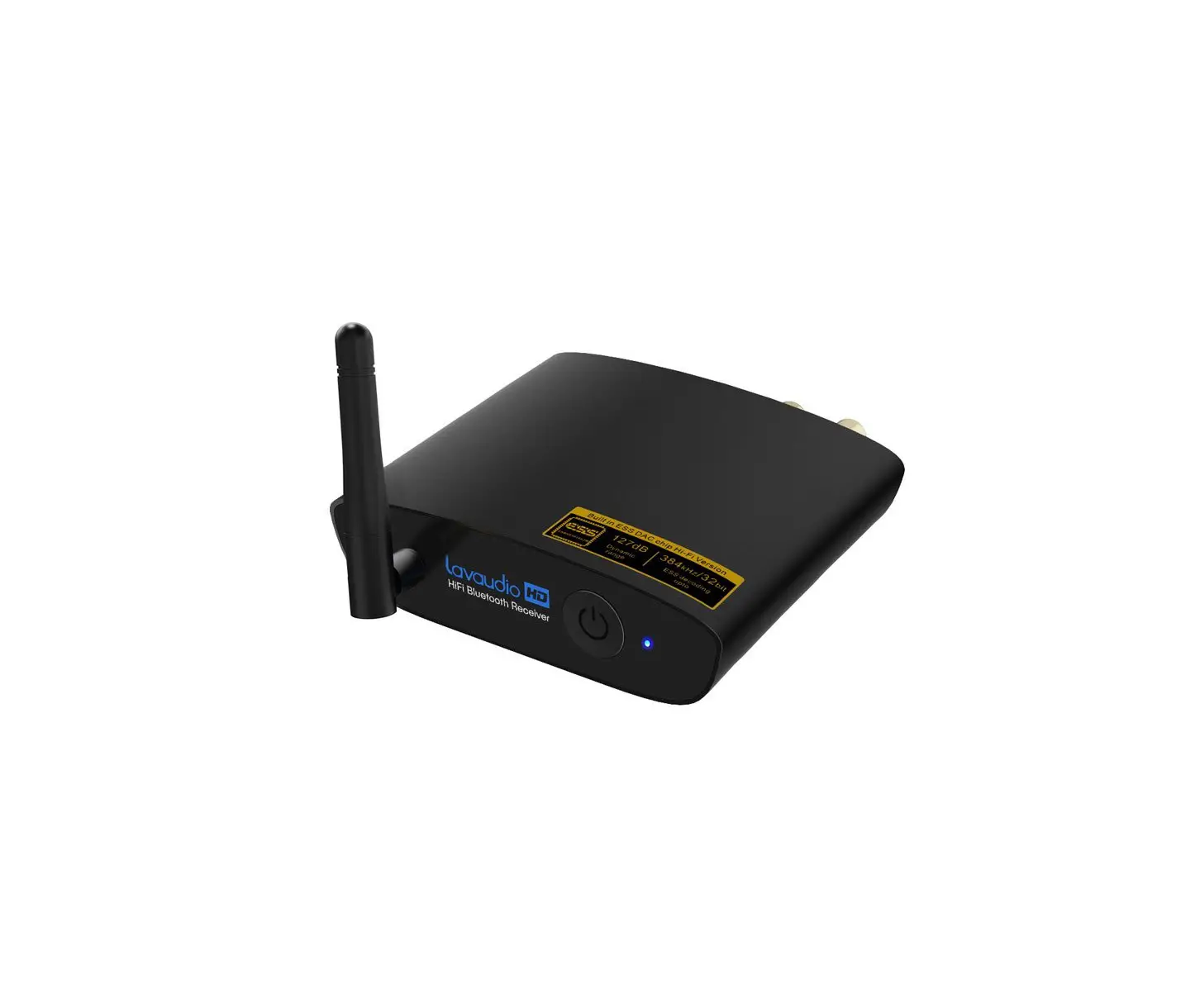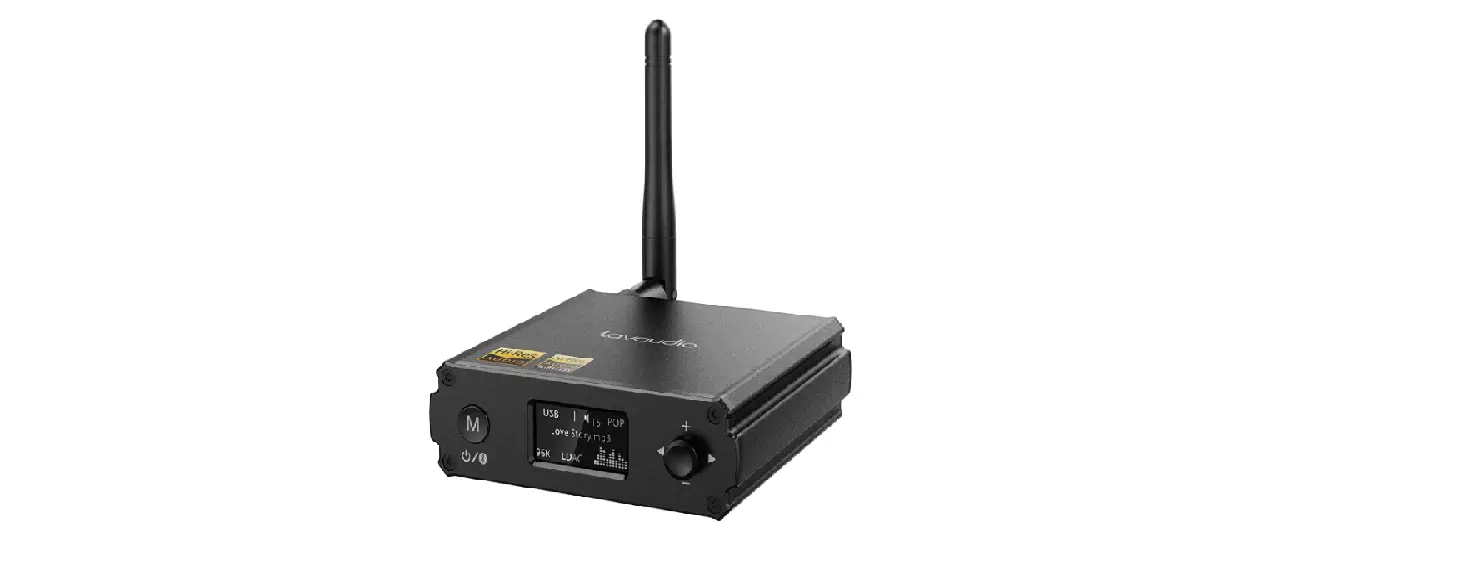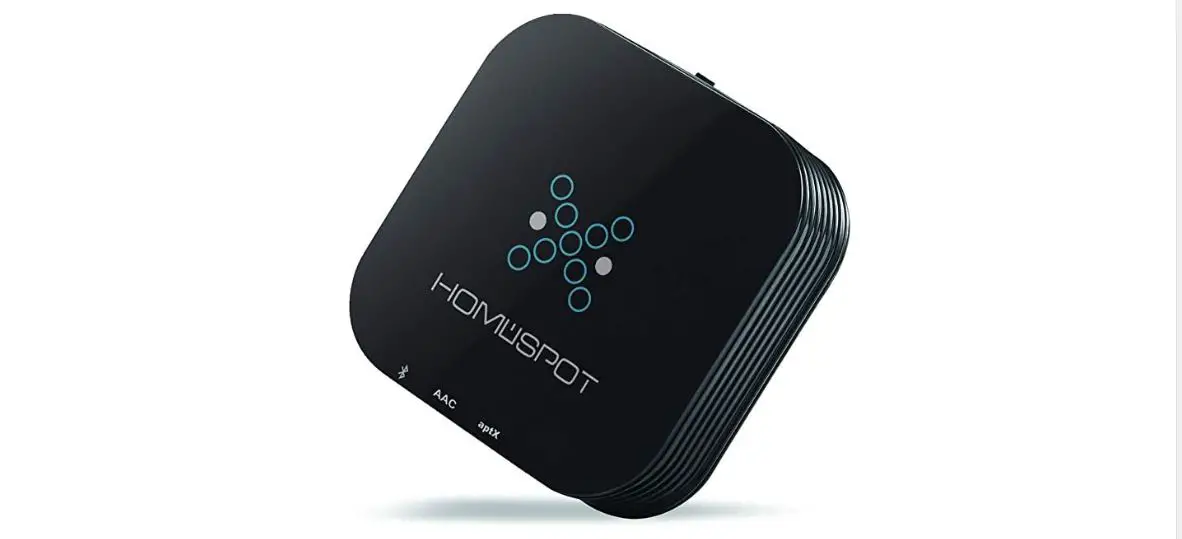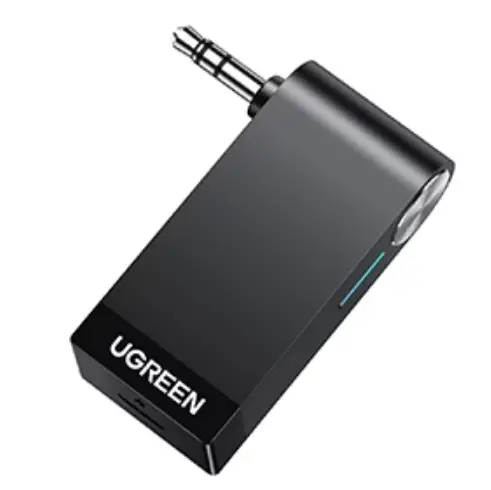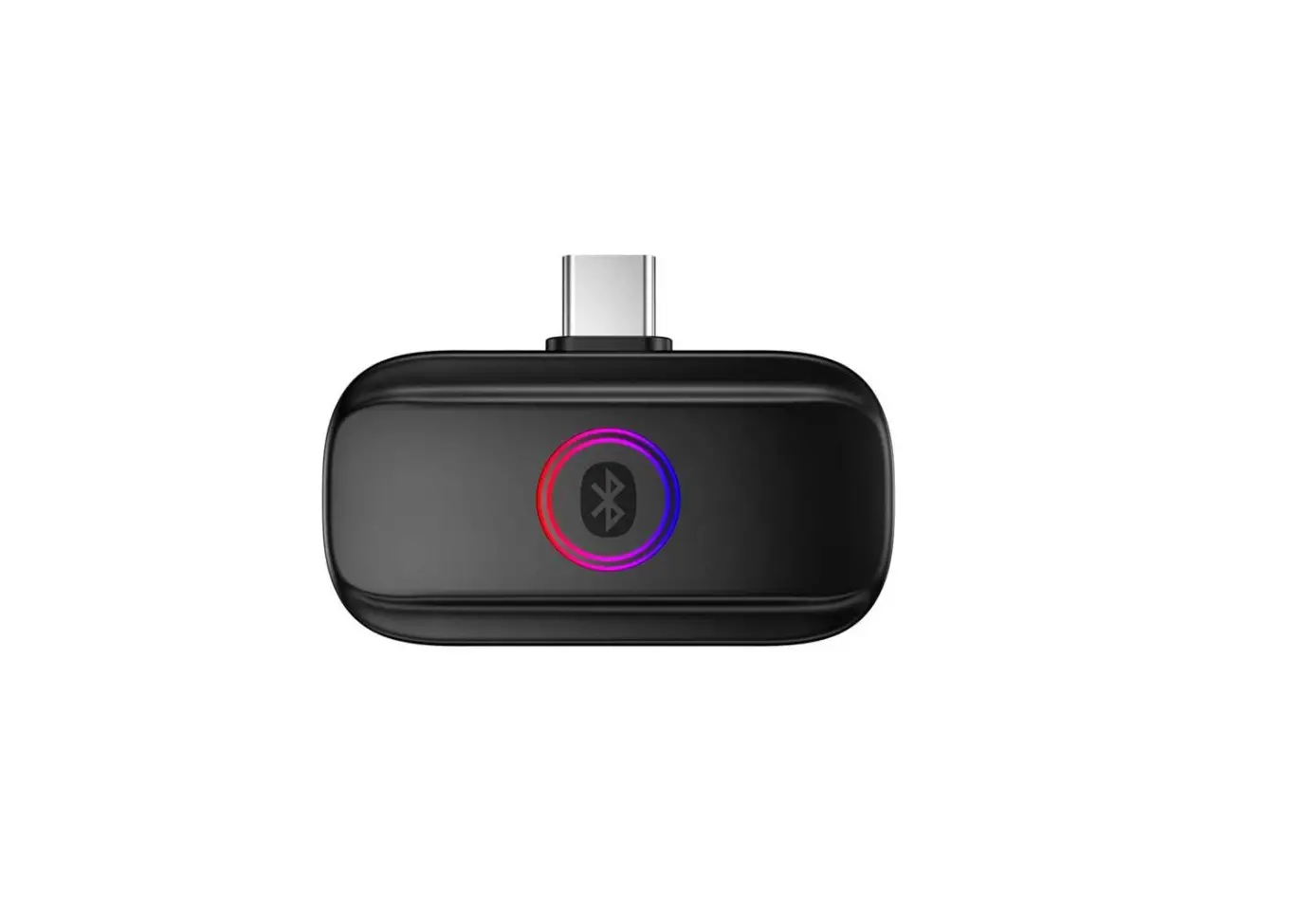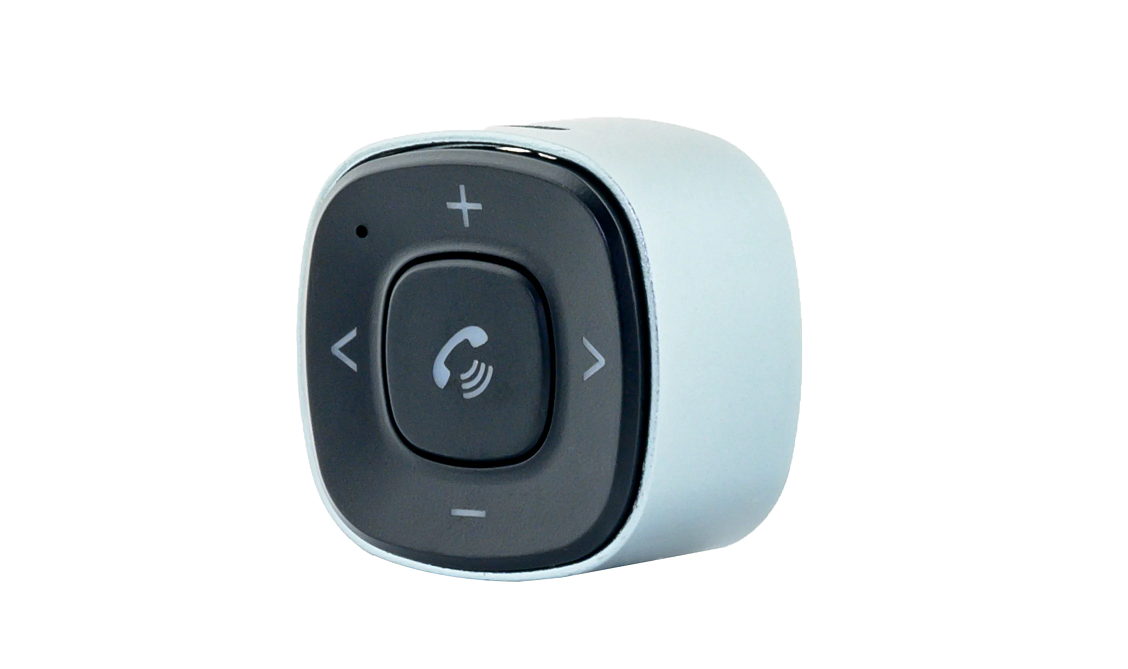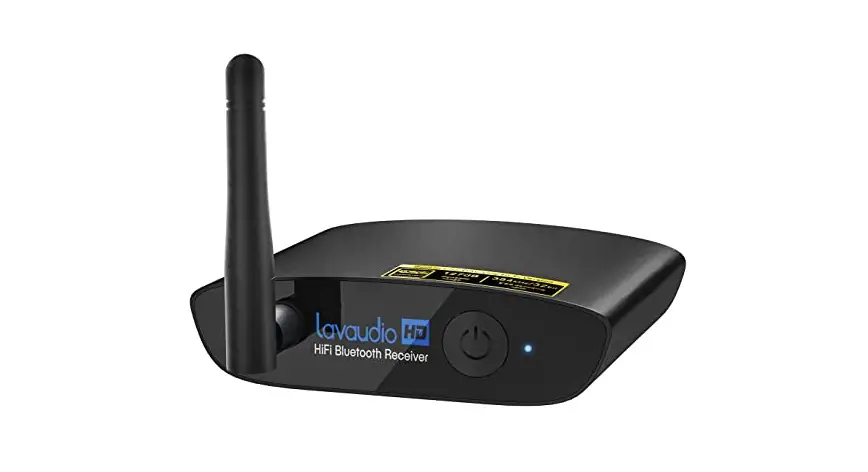
Lavaudio DS200 Pro Bluetooth Audio Adapter User Manual
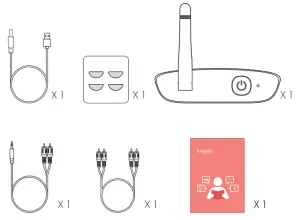
IN THE BOX
CONTROL FUNCTIONS
- Connect

- Pair

- Play

.
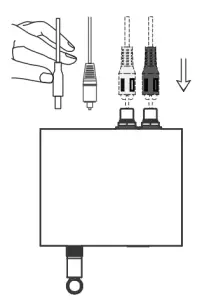
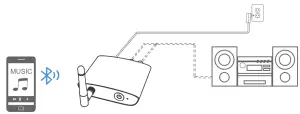
- Connect your speaker to DS200Pro audio out port with the audio cable provided (3.5mm/RCA cable).
- Connect DS200Pro to a power source with USB cable and adapter.
- Short press
 button to power on.
 - Pairing – Pair DS200Pro with your Bluetooth-enabled phone/PC/tablet.
- Set DS200Pro into the pairing mode, the LED flashes Blue / Red alternately fast.
- First-time use: DS200Pro will auto enter the pairing mode (with clear memory).
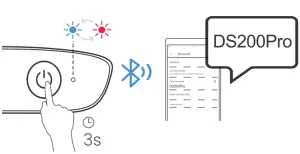
- Afterward: Long press button 3s to enter the pairing mode. (The LED flashes Blue / Red alternately fast)
- Activate Bluetooth on your phone or another device and click “DS200Pro” to connect
- Wait and connected (For quick pairing, better keep them within 1 meter when pairing).
- Set DS200Pro into the pairing mode, the LED flashes Blue / Red alternately fast.
- Enjoy your music.
 button to power on.
Pair and connect two devices simultaneously:
- Pair with the second device.
- Long press button 3s to enter the pairing mode again. the LED will flash Blue and Red.
- Activate Bluetooth on the second device and click “DS200Pro” to pair. Note: You can only play music on one device at a time. you need to pause the music on your device first to play music on the other one.
- Long press
Scan the code to get more information.

1Mii technologies limited
We hope you never have the need, but if you do, our service is friendly and hassle-free.
[email protected]
Web: www.1mii.com
FCC ID: 2AUFR-RT933