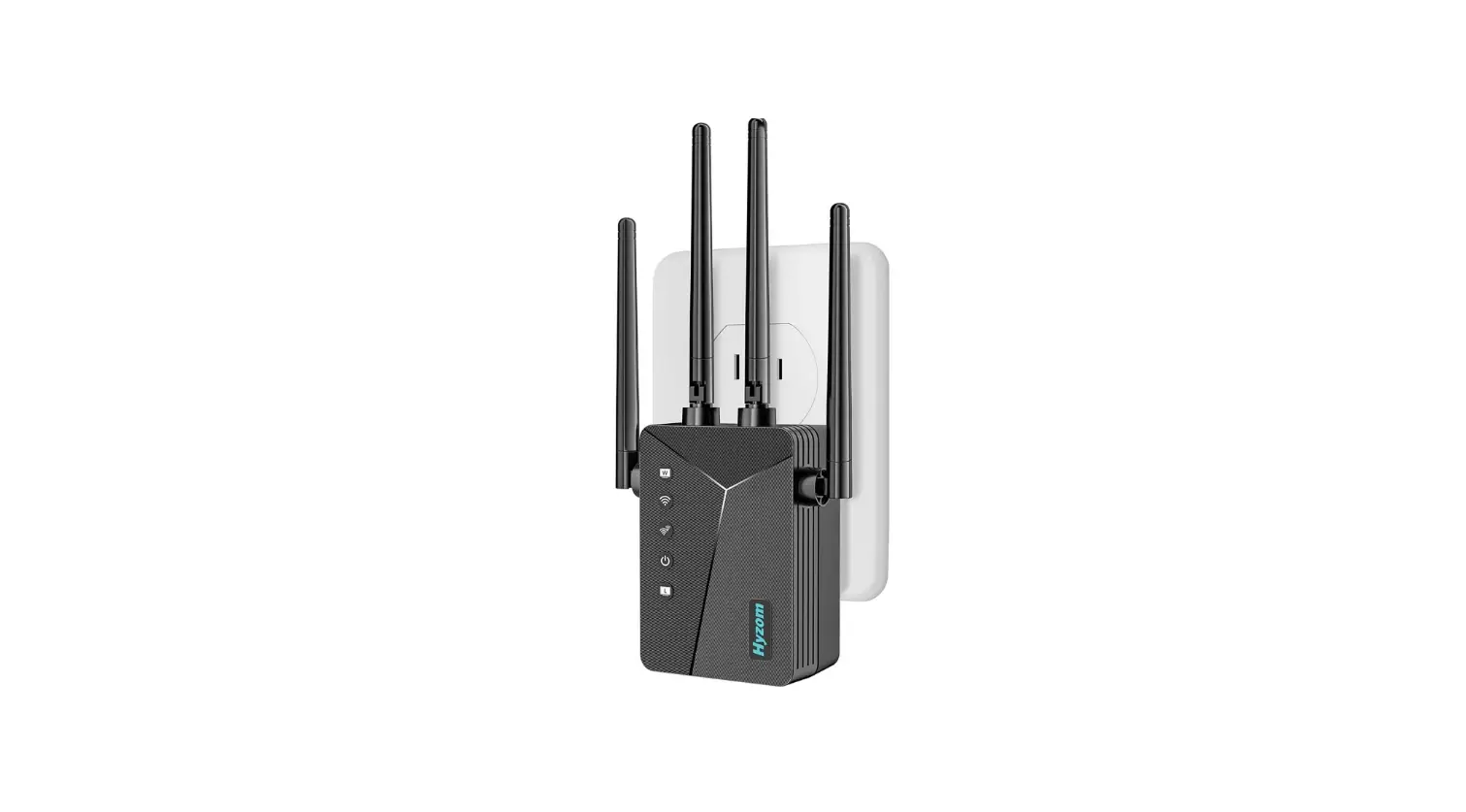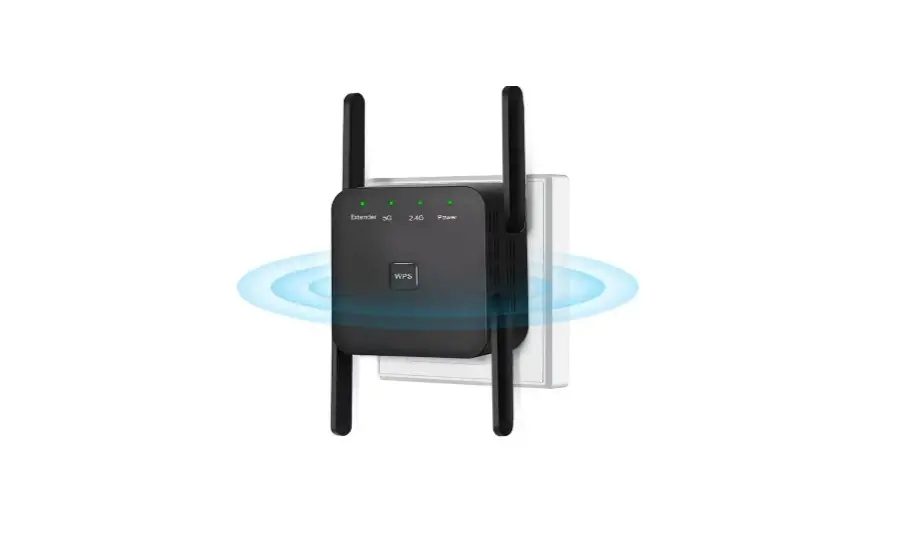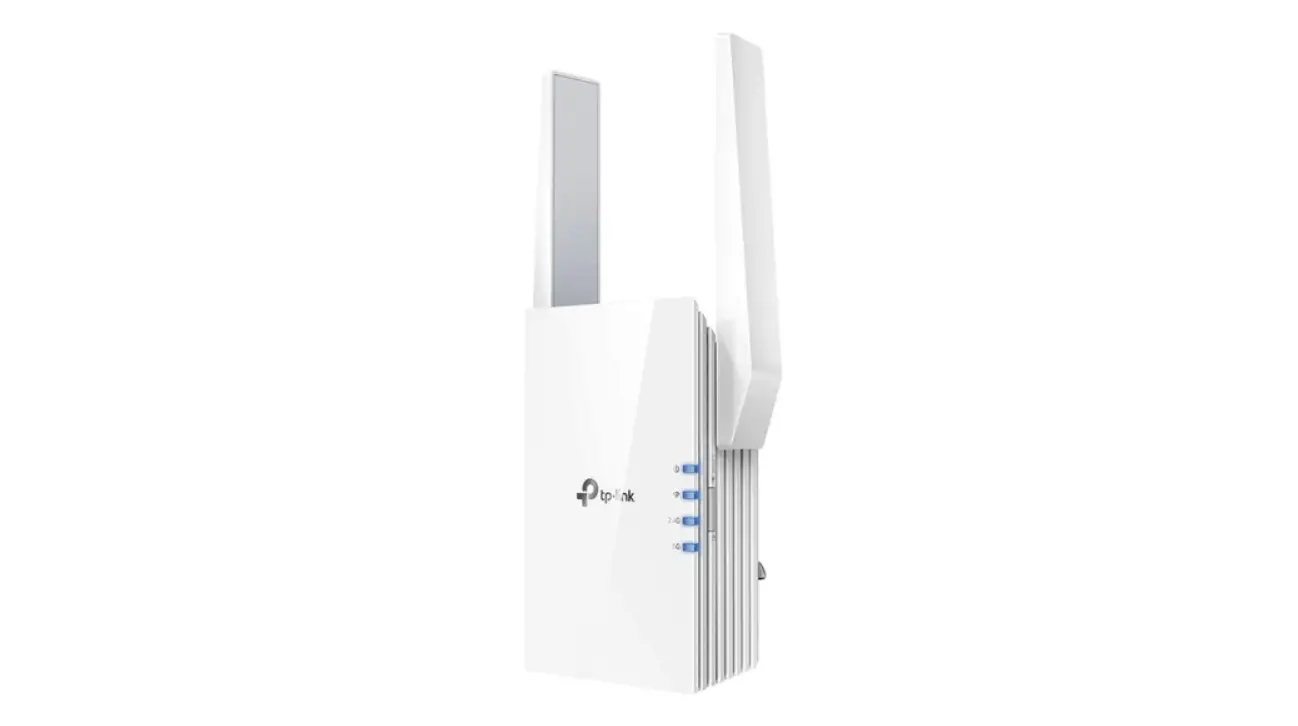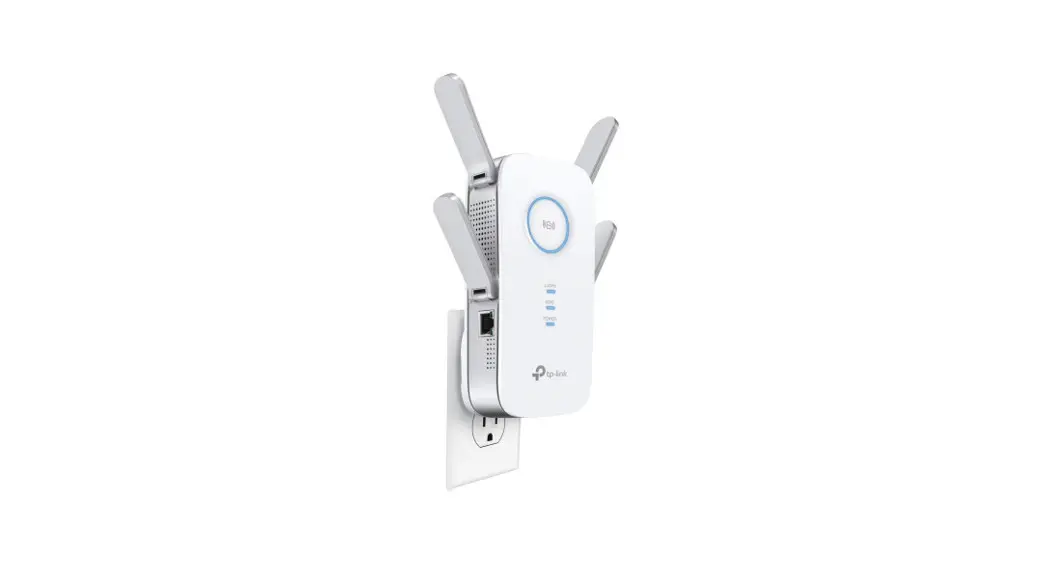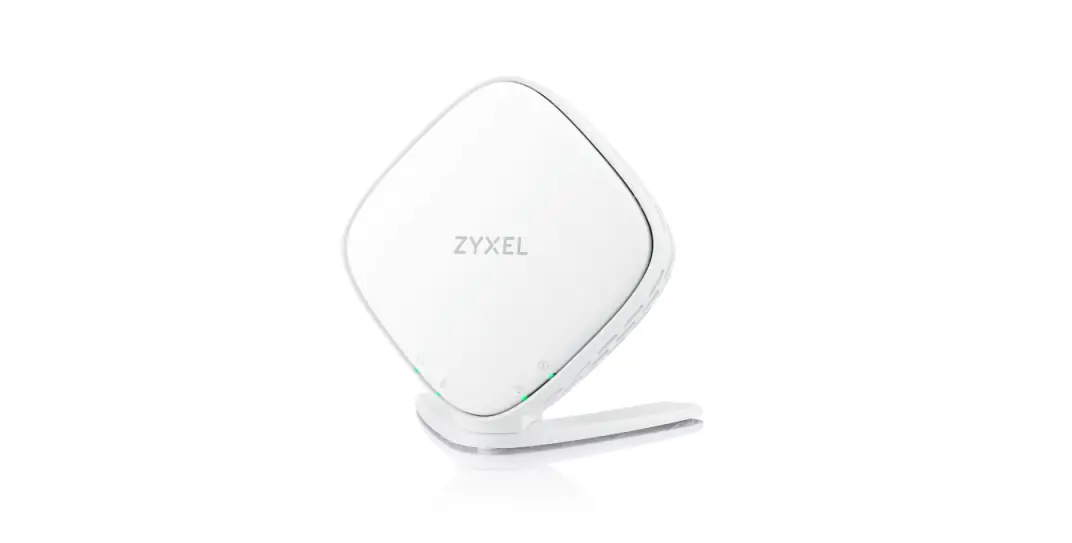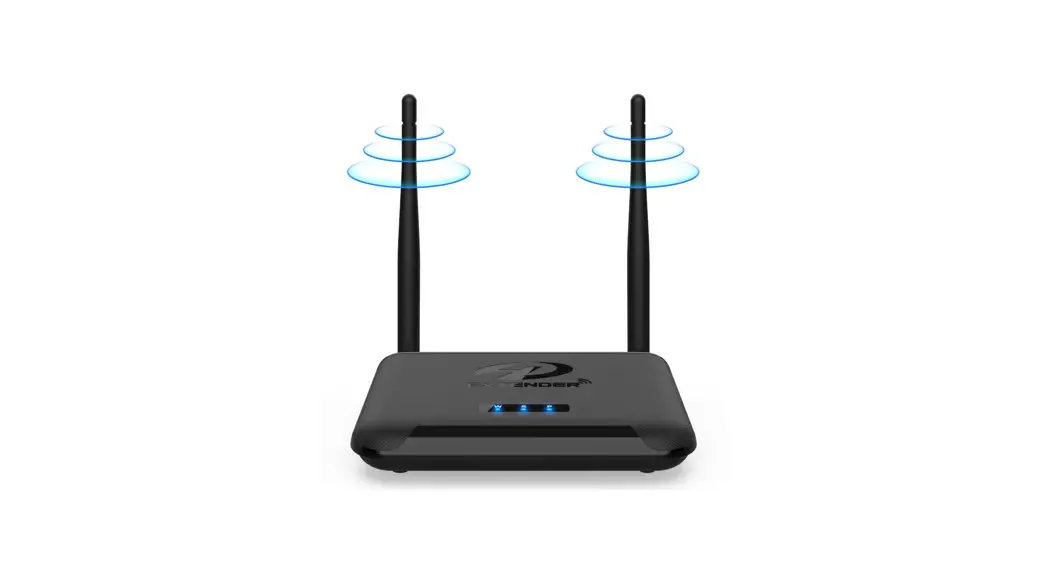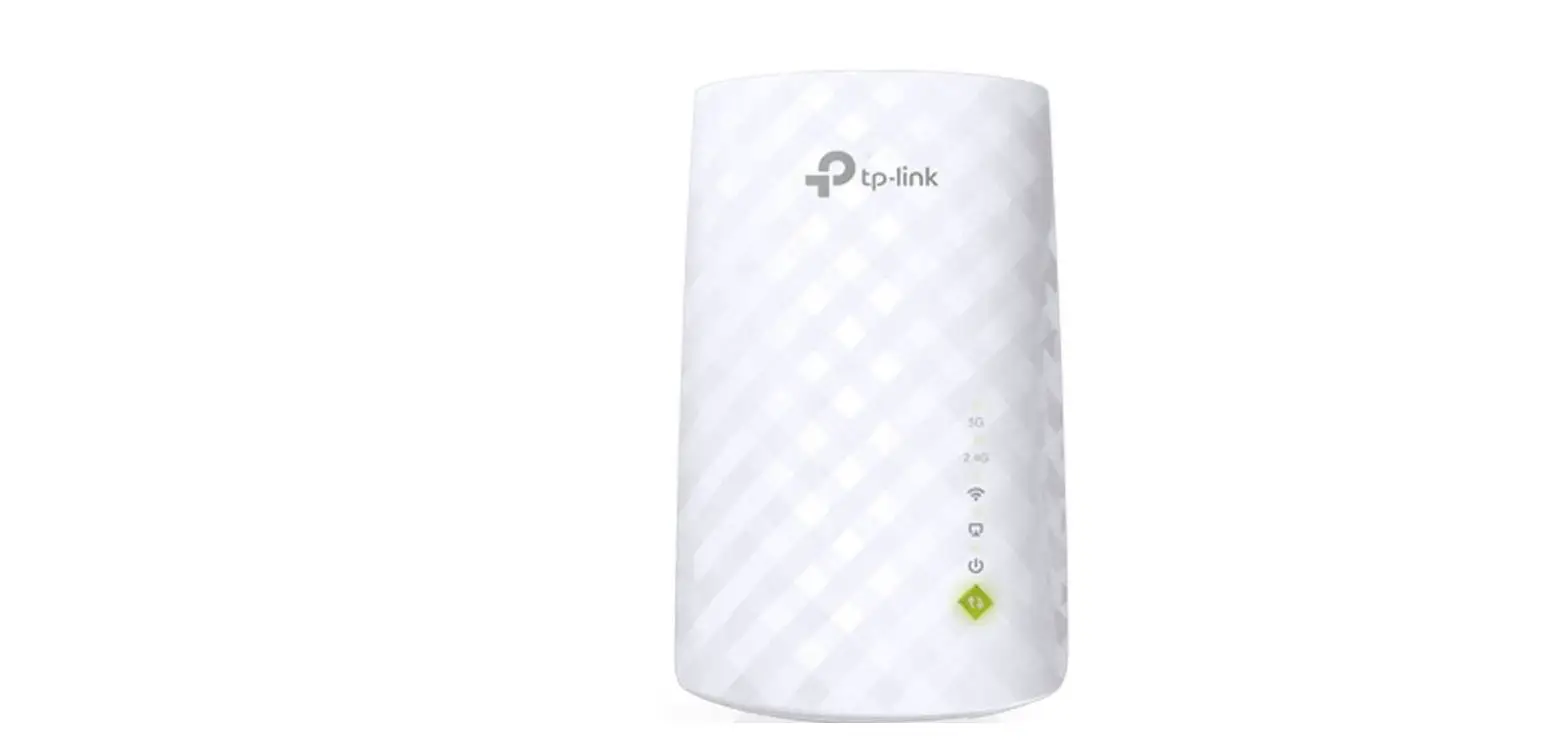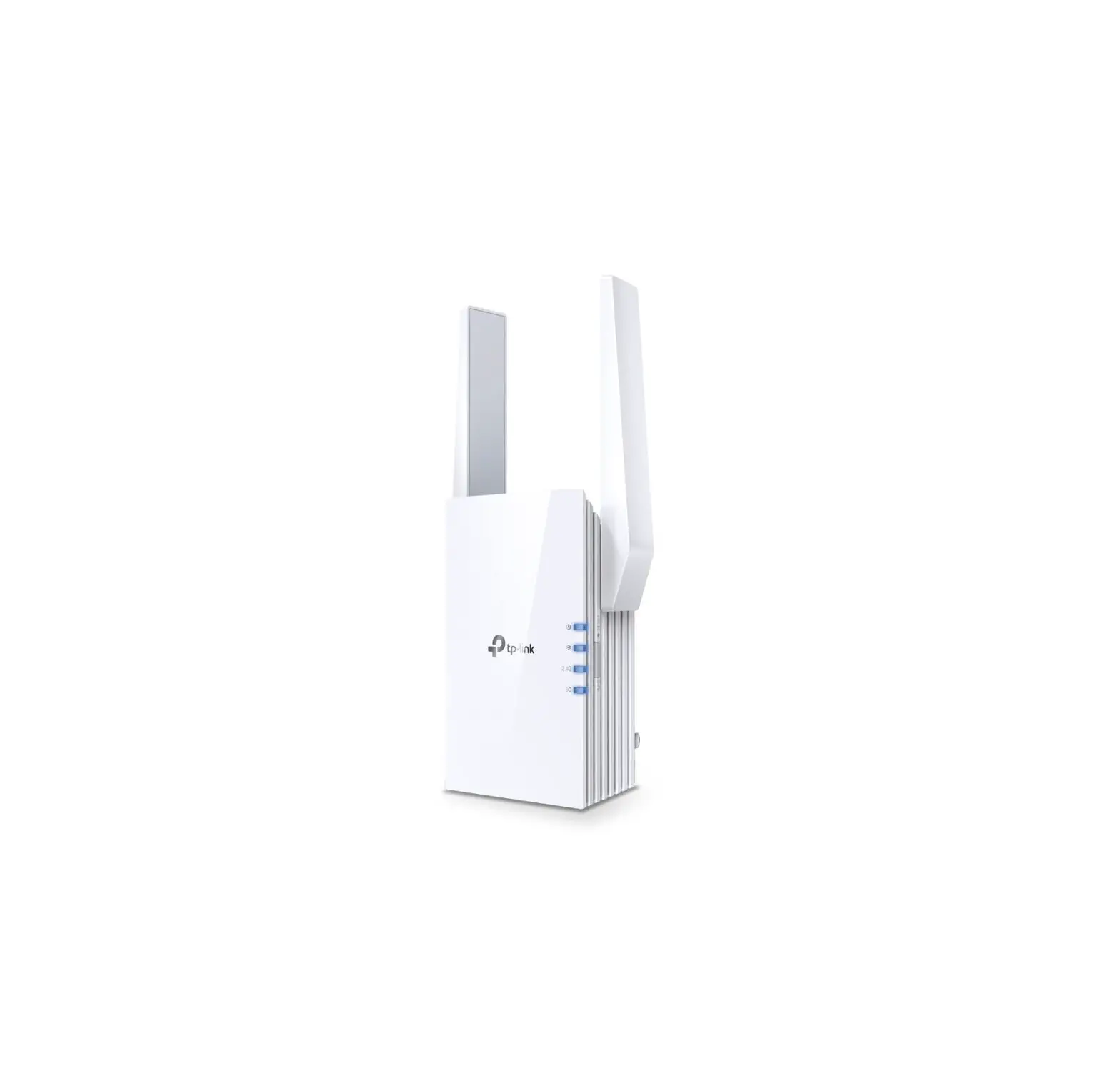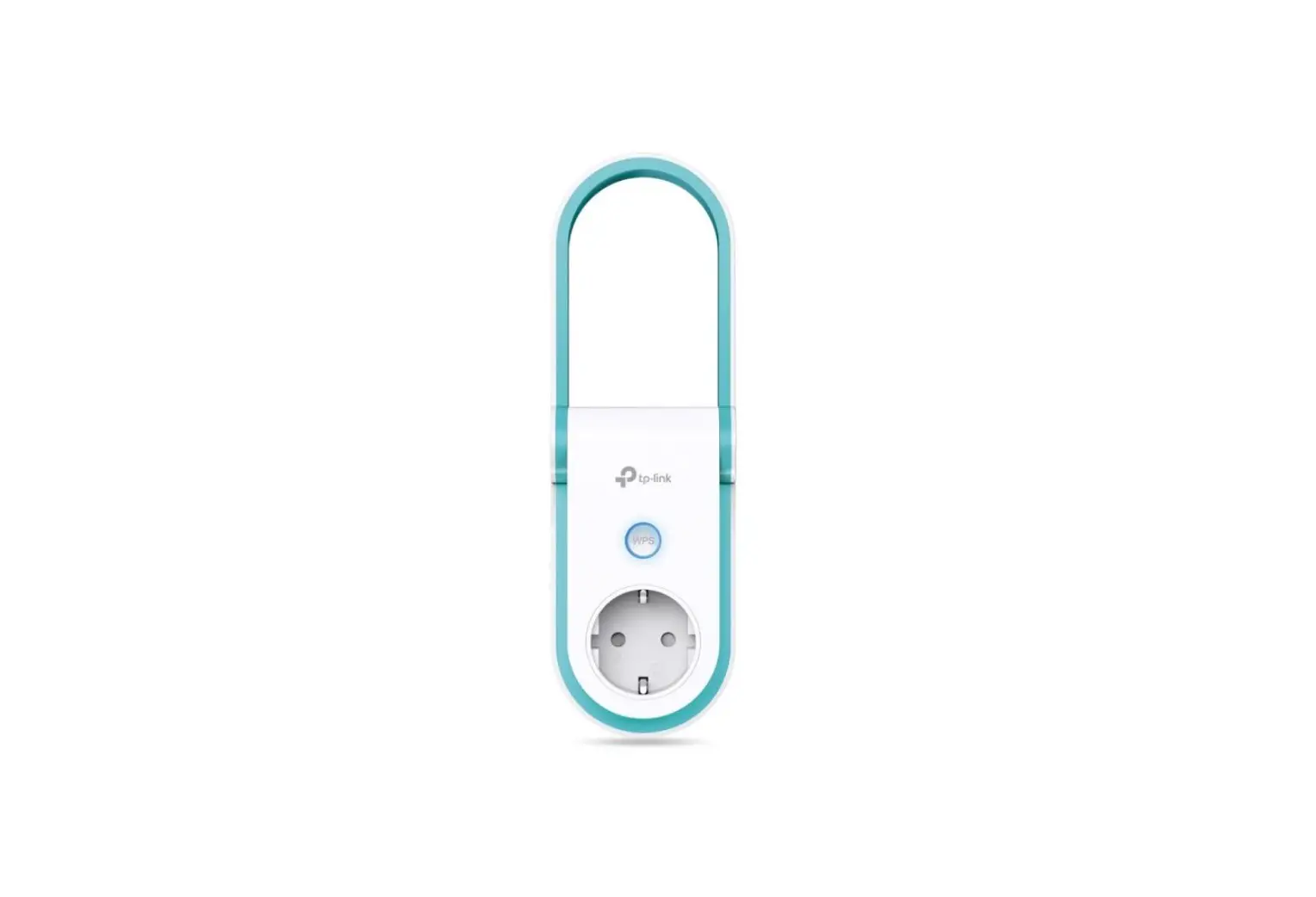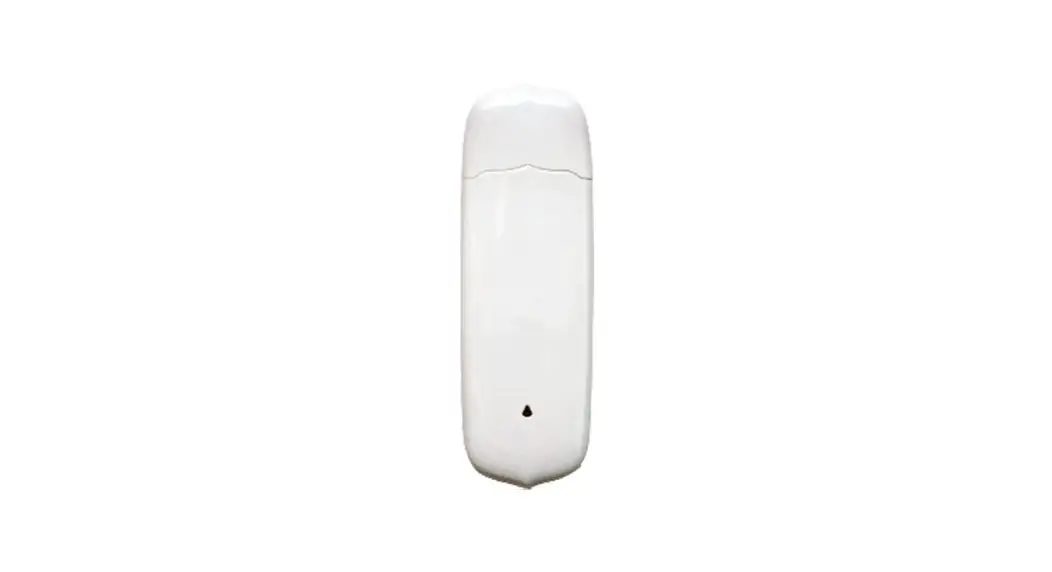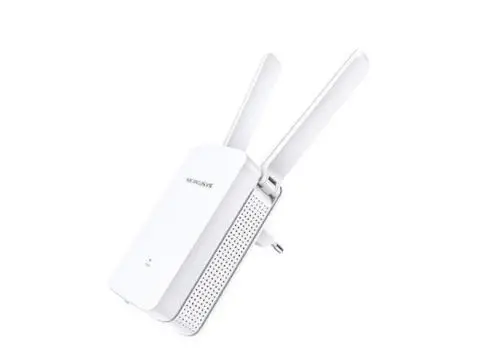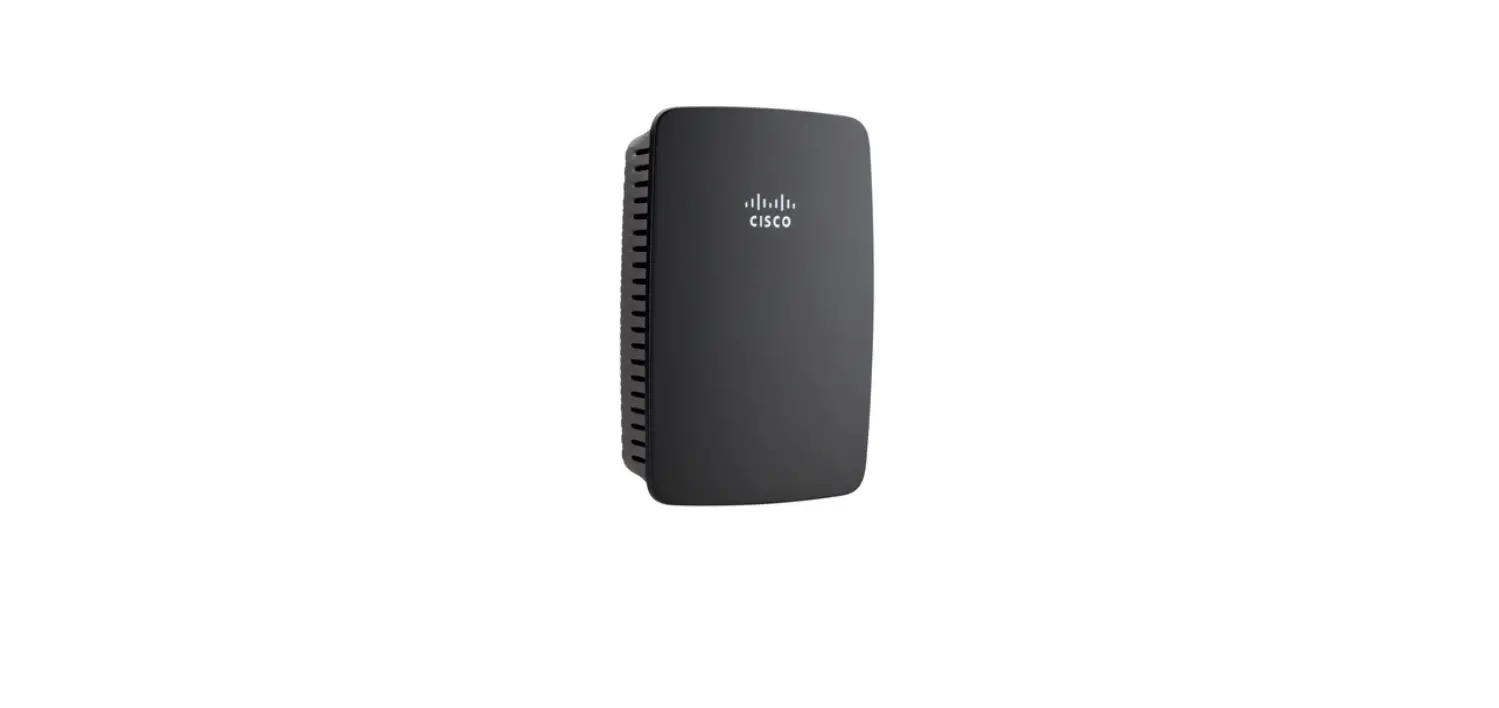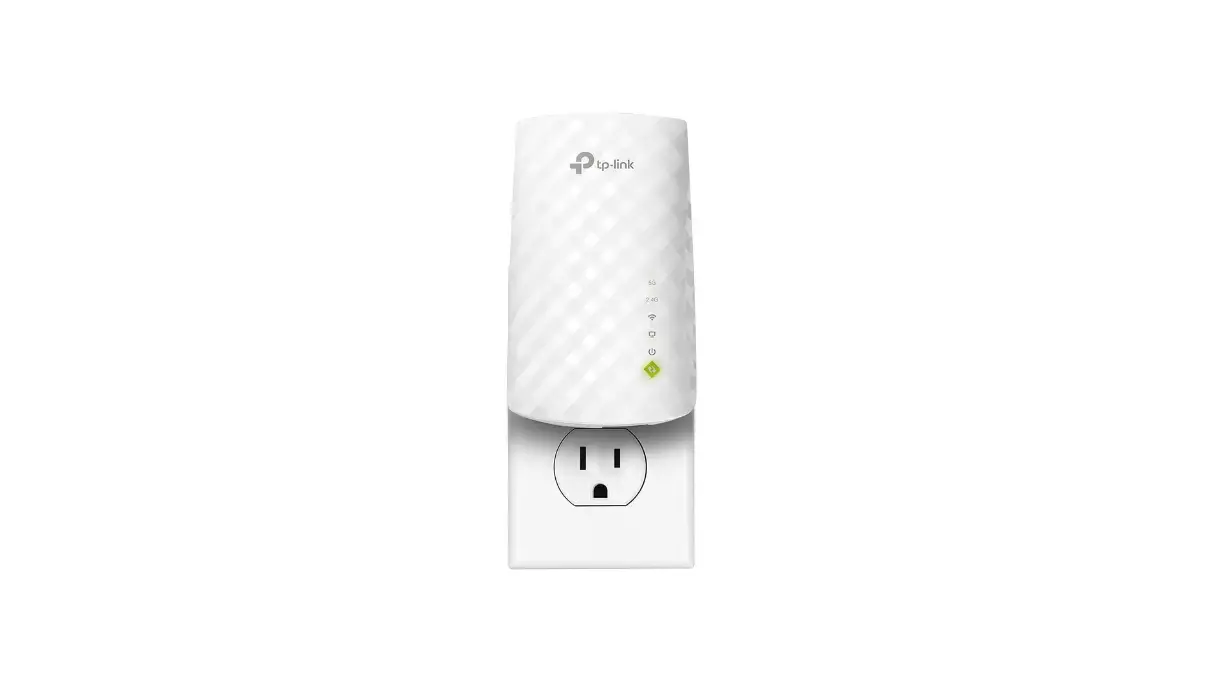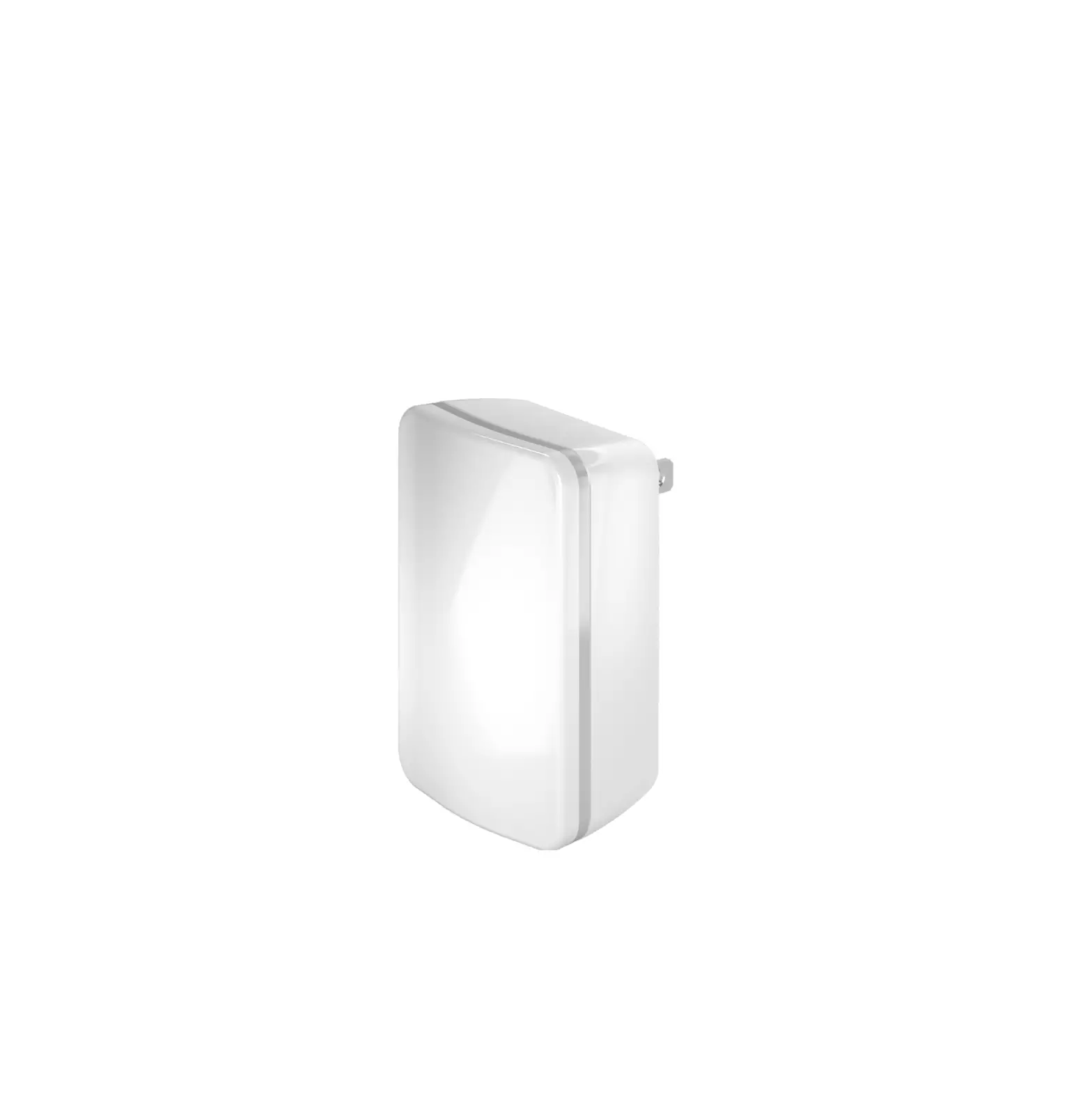
LENNOX S40 Wireless Extender
IMPORTANT
DO NOT paint the smart device. Doing so will prevent components from functioning correctly
OVERVIEW
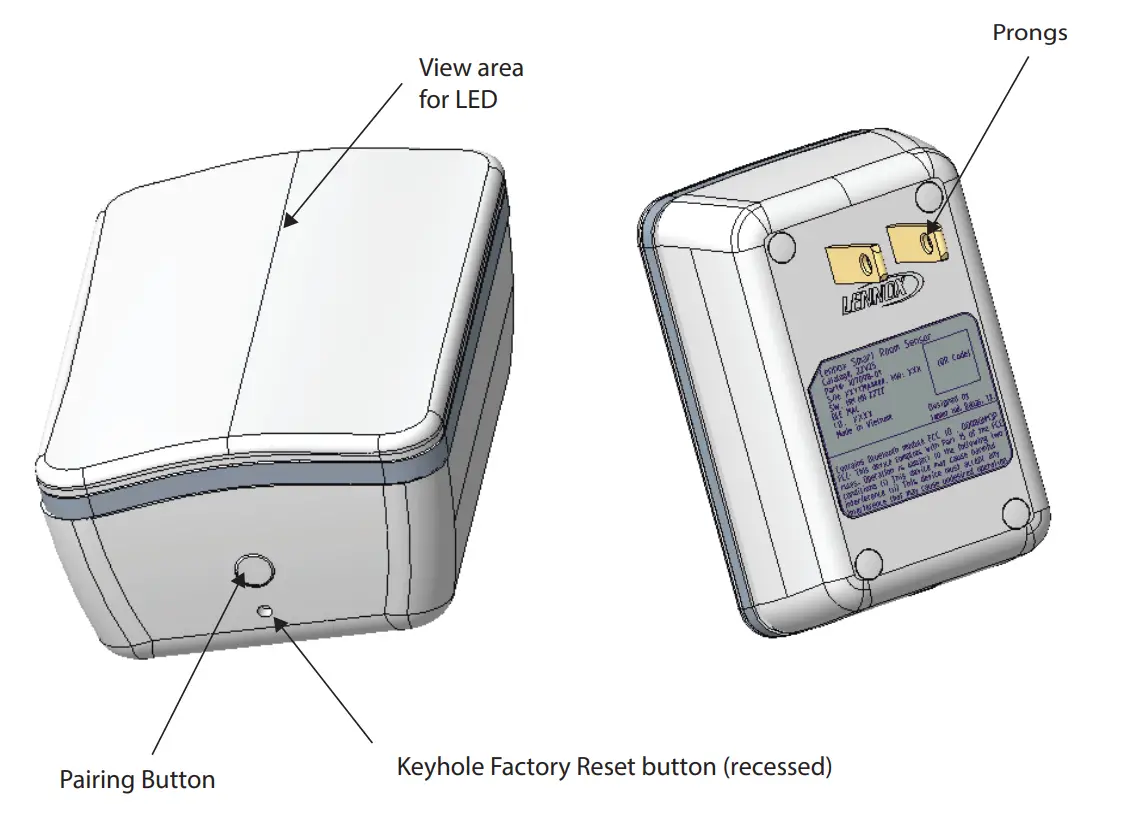
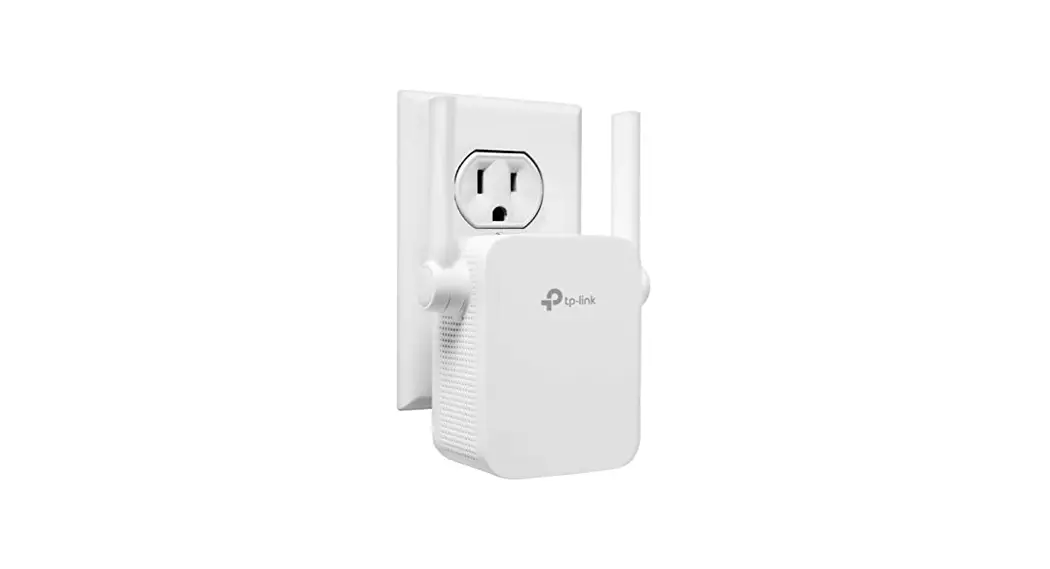
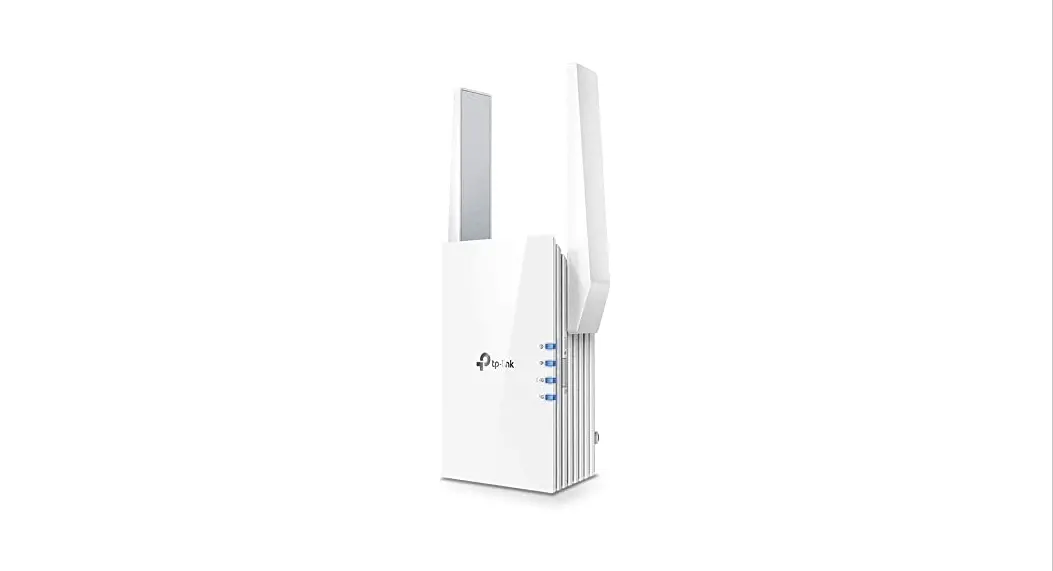
Wireless Extender Buttons and LED Indicator
- Download and install the Lennox® Smart Technician App if not already installed on your mobile device.
- The following procedure is assuming the Lennox® S40 Smart Thermostat has already been commissioned. From the thermostat home screen, go to Menu > Settings > Advanced Settings > View Support Service Control Center and select Connect To Lennox Smart Technician App.
- The thermostat will start broadcasting its Thermostat ID.
- Start the Lennox® Smart Technician App and follow the screen prompts until you reach Service Center.
- To add a smart device, select Equipment Settings > Add Device.
- Plug the smart device into a power outlet that is between the locations of the smart device and the Lennox® S40 Smart Thermostat.
NOTA: The wireless extender will broadcast its ID for three minutes. To restart the broadcast ID, press the pairing button for two seconds. - Follow the screen prompts to add the smart device.
- Confirm that the wireless extender is installed between the affected smart room sensor and the Lennox® S40 Smart Thermostat.
- Walk the homeowner through on where to find and download the Lennox® Smart Thermostat App. Refer to the Lennox® S40 Smart Thermostat User Guide on how to use the smart device.
Scan QR Code for
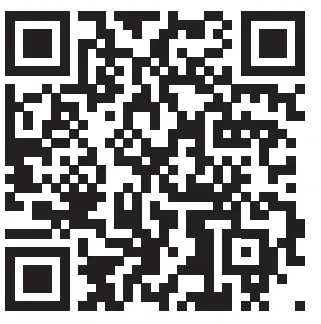
lennoxsmartertogether.com/dealer-access
ennoxsmartertogether.com/spanish-french
 Home | Support Center - Lennox Smarter Together