Goldenpinetree
Nice to meet you

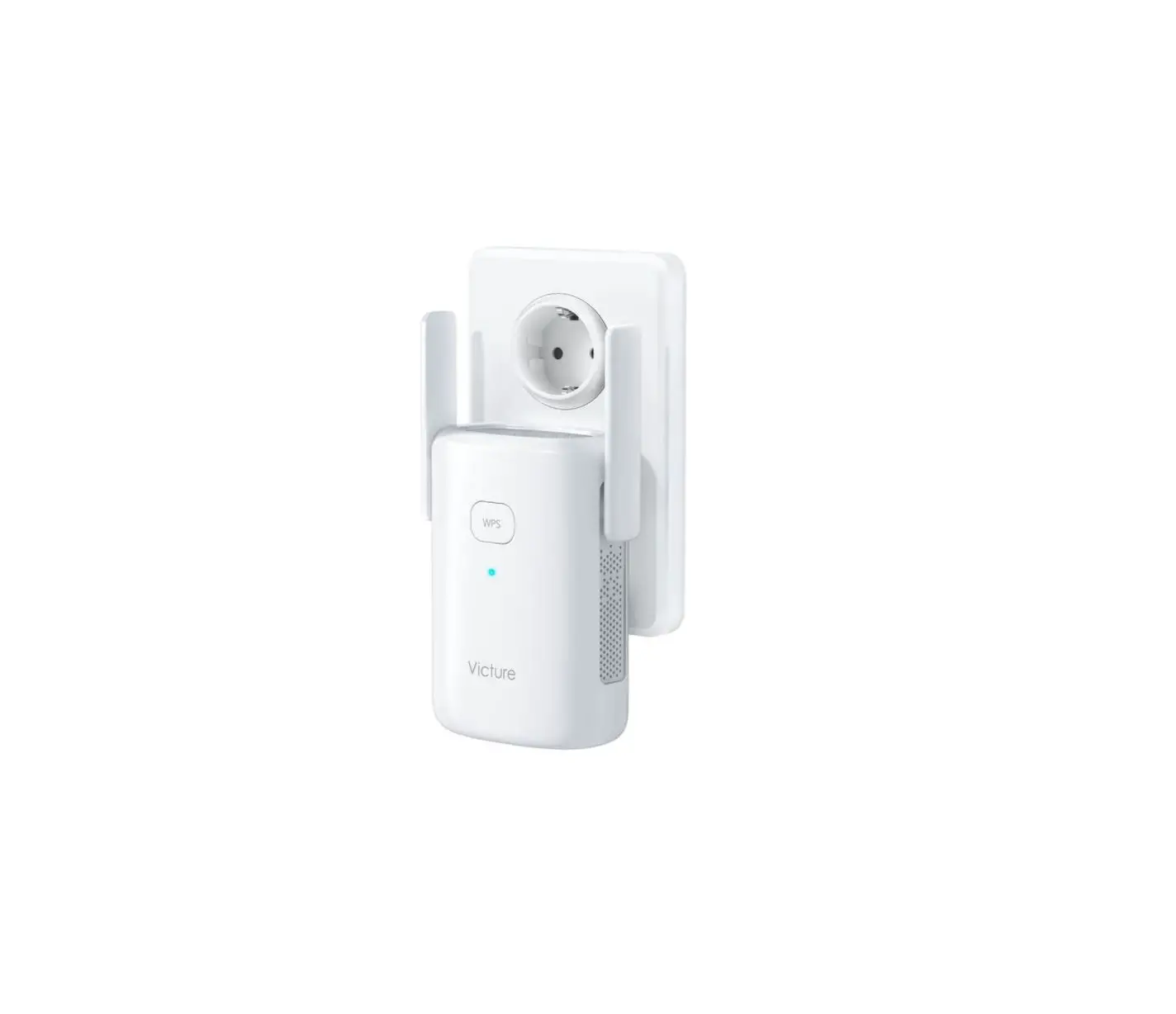
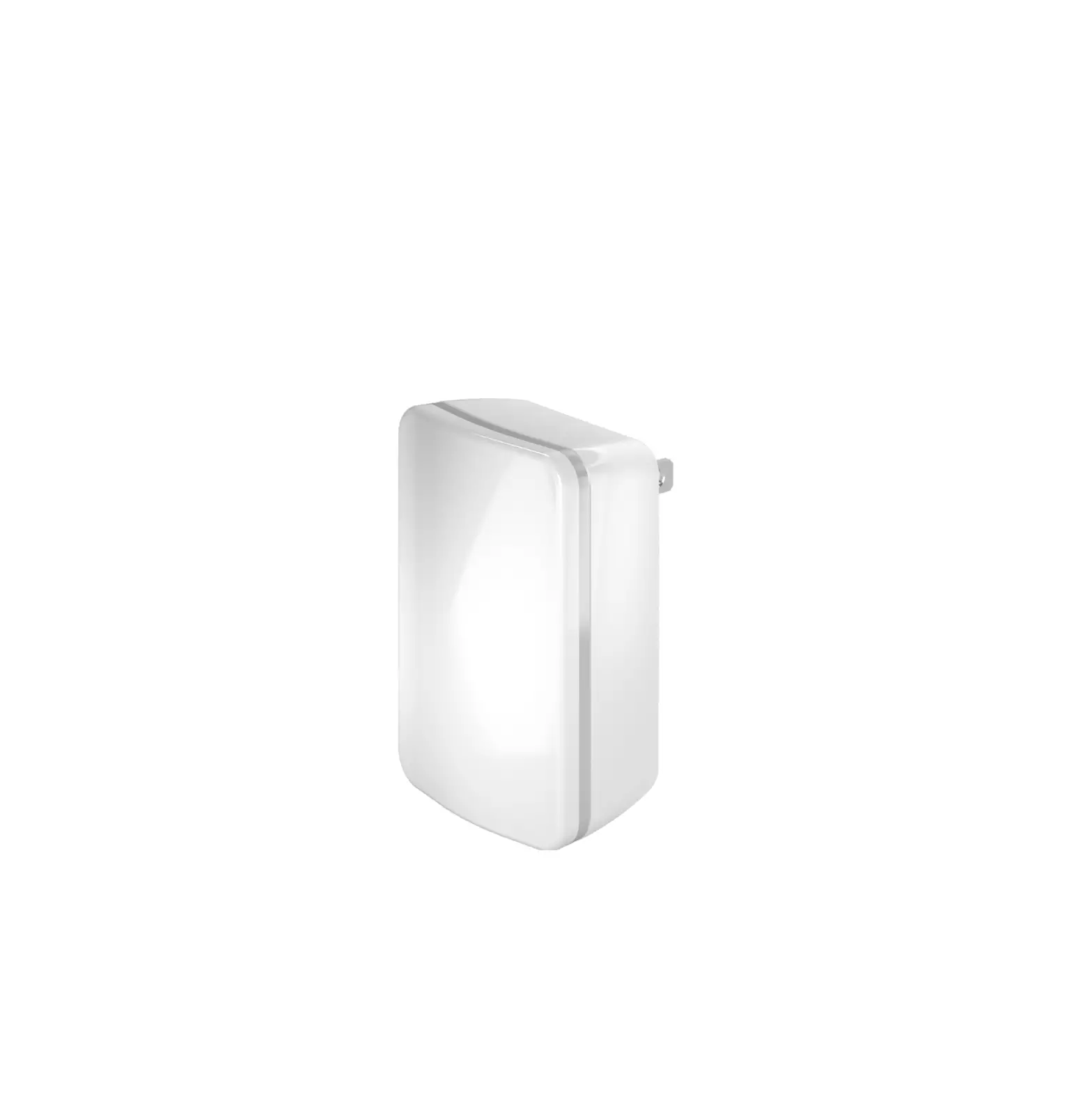
I’m SHAPY Connect to the SHAPY repeater
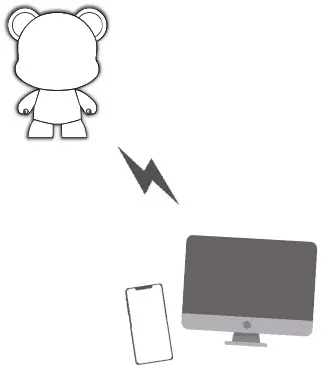
Tum on the power of the SHAPY. Connect to the SHAPY repeater
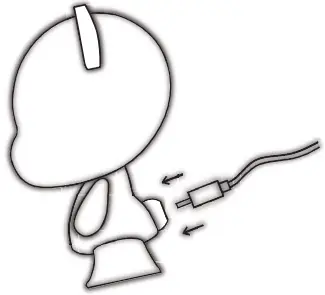
Connect the power cable to the tail as shown In the picture below.
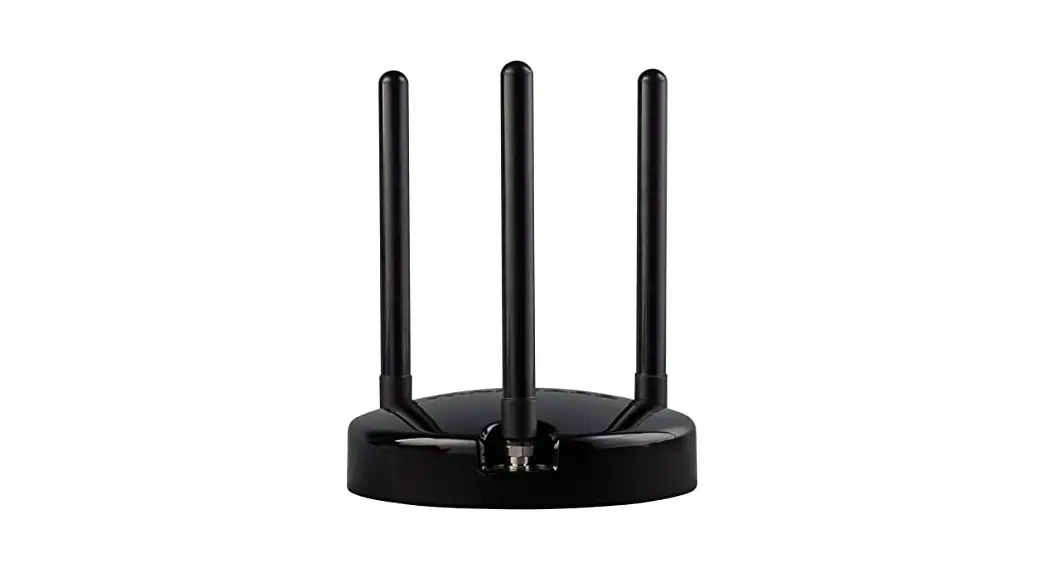
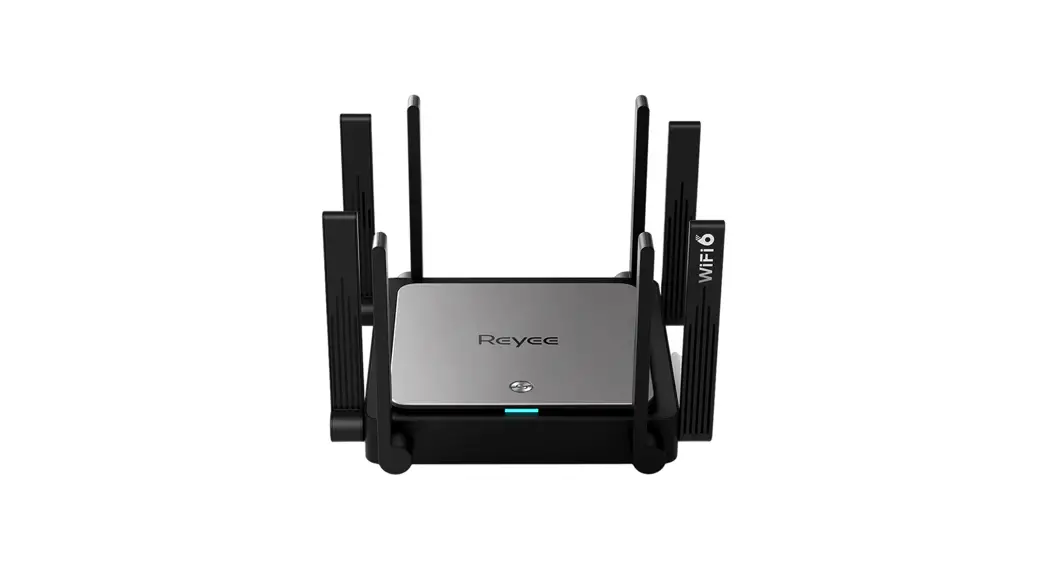
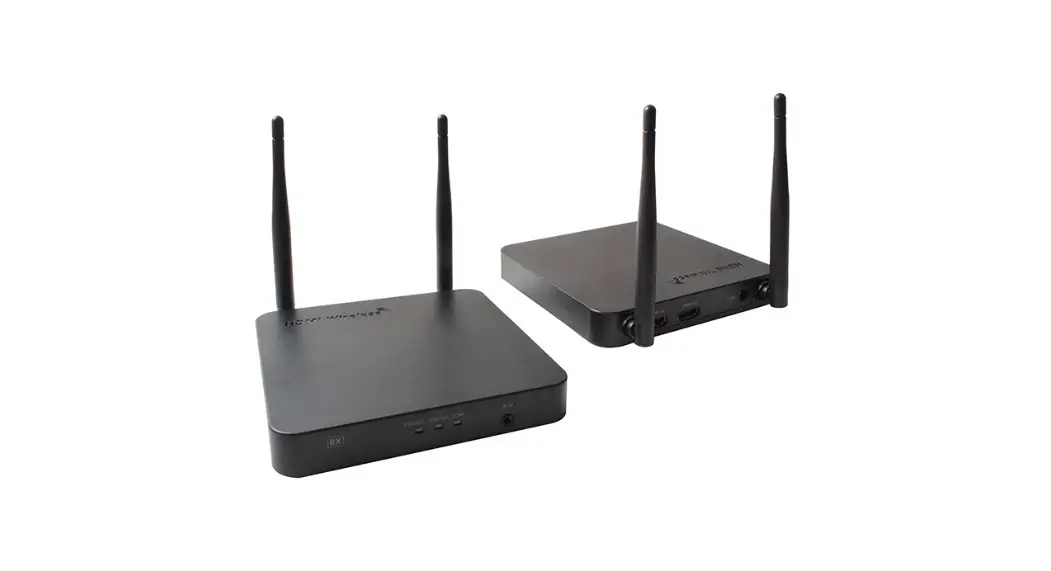
Let’s check the main unit.
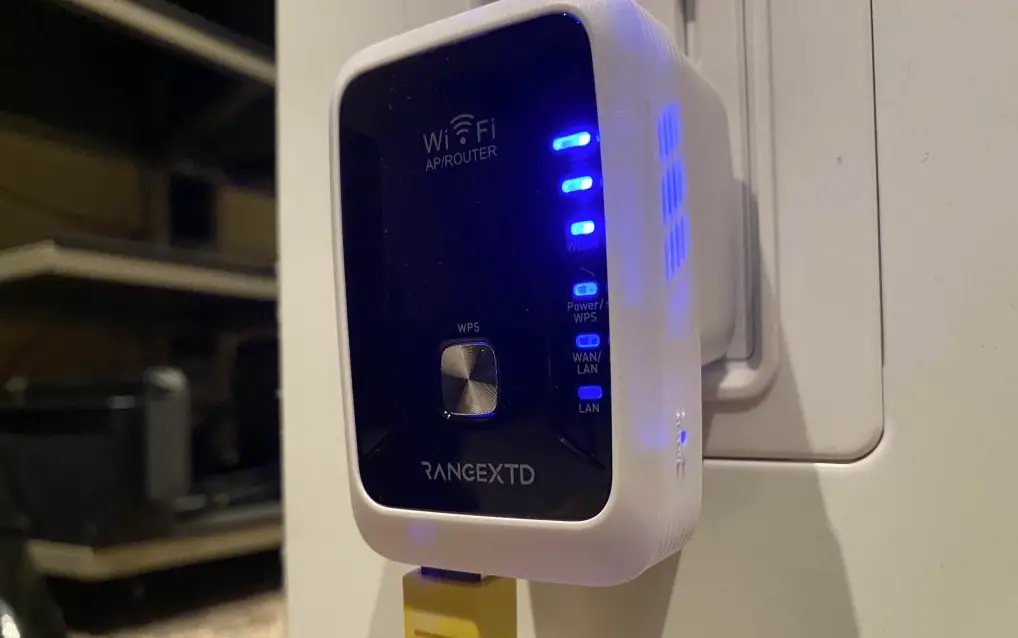
After a while of turning on the power, the blue LED lamp on the back of the SHAPY will light up, as shown in the picture below.
Check the name of SHAPE.
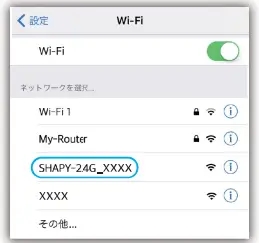
Check the 1/0-Fi settings list on your phone or PC to see if ISHAPY-2.4G “appears in the Wi-Fi list.
Let’s connect to the SHAPY repeater
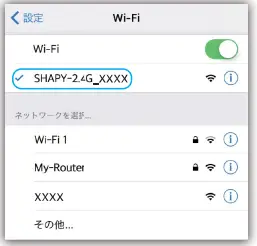
If you select “SHAPY-2.46 “, the connection will be made as shown below. >*No password Is required.
The connection with SHAPY is completed!
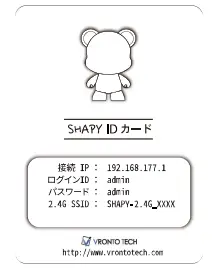
The connection between the SHAPY Repeater and the device is now complete.
Please prepare the SHAPY ID card that is included with this manual and proceed to the next step.
Connect the SHAY)/ repeater to the router.
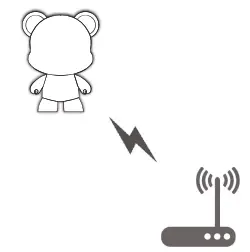
Let’s start your browser.
Launch your smartphone or PC browser ) and enter the
“Connected IP” of the “SHAPY ID card” into the address bar of your browser as shown below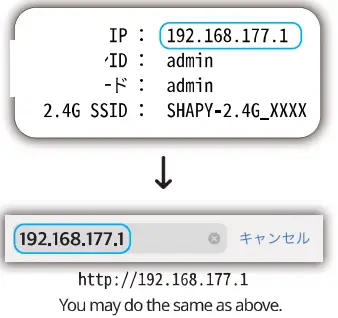
Connect to the SHAPY repeater and log in.
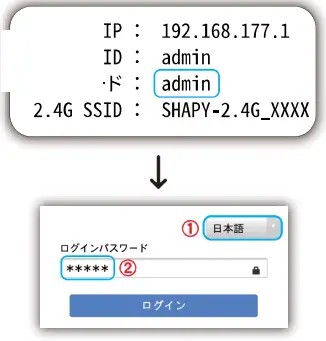
First, change “English” to “Japanese”, and then enter the login password for “SHAPY ID card” as follows
Check the router you are currently using
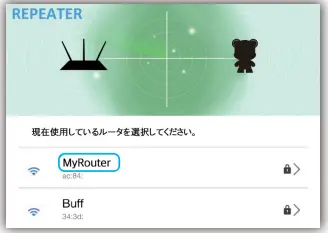
When you log in to SHAPY Repeater, it will immediately scan and display the Wi-Fi list. From the list, check the name of the router you are currently using and select it. (e.g. router).
After you have selected the router you are using, enter the password of the muter. After selecting the router you are using, enter the password of the router and dick “Next’ to connect the repeater to the router.
Let’s try renaming the repeater.
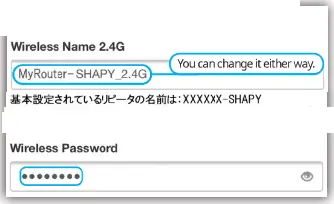
Rename the repeater as shown below, and ckk “Next” to complete al settings.
* If you have changed your password, please make a note of the new password.
* If you do not wish to change the password, it will be the same as the password for the router.
All settings are complete!
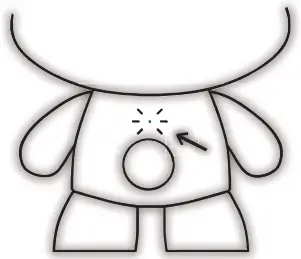
When the repeater is connected to the router, the green LED lamp on the back of the SHAPY will light up as shown in the picture below.
Let’s try to use the Internet by using the repeater.
* Oh! ! Someone’s doing something wrong!
If you can’t set the settings correctly from number 1 to number 10, calm down and try to restart from number 1.
Alternatively, press the “Reset” button on the butt end of the SHAPY for 10 seconds, turn the power back on, and try again from number 1.
Be sure to read the manual instructions slowly.
A more detailed manual can be found at the following website. http://www.vrontotech.com/wi-fi-manual/
FCC WARNING
This device complies with part 15 of the FCC Rules. Operation is subject to the following two conditions: (I) this device may not cause harmful interference, and (2) this device must accept any interference received, including interference that may cause undesired operation. Any changes modifications not expressly approved by the party responsible for compliance could void the user’s authority to operate the equipment.
NOTE: This equipment has been tested and found to comply with the limits for a Class B digital device, pursuant to Part 15 of the FCC Rules. These limits are designed to provide reasonable protection against harmful interference in a residential installation. This equipment generates, uses, and can radiate radio frequency energy and, if not installed and used in accordance with the instructions, may cause harmful interference to radio communications. However, thew is no guarantee that interference will not occur in a particular installation. If this equipment does cause harmful interference to radio or television reception, which can be determined by turning the equipment off and on, the user is encouraged to try to correct the interference by one or more of the following measures:
— Reorient or relocate the receiving antenna.
— Increase the separation between the equipment and receiver.
— Connect the equipment into an outlet on a circuit different from that to which the receiver is connected.
— Consult the dealer or an experienced radidTV technician for help. To maintain compliance with FCC’s RF exposure guidelines, This equipment should be installed and operated with a minimum distance between 20cm the radiator of your body: Use only the supplied antenna.