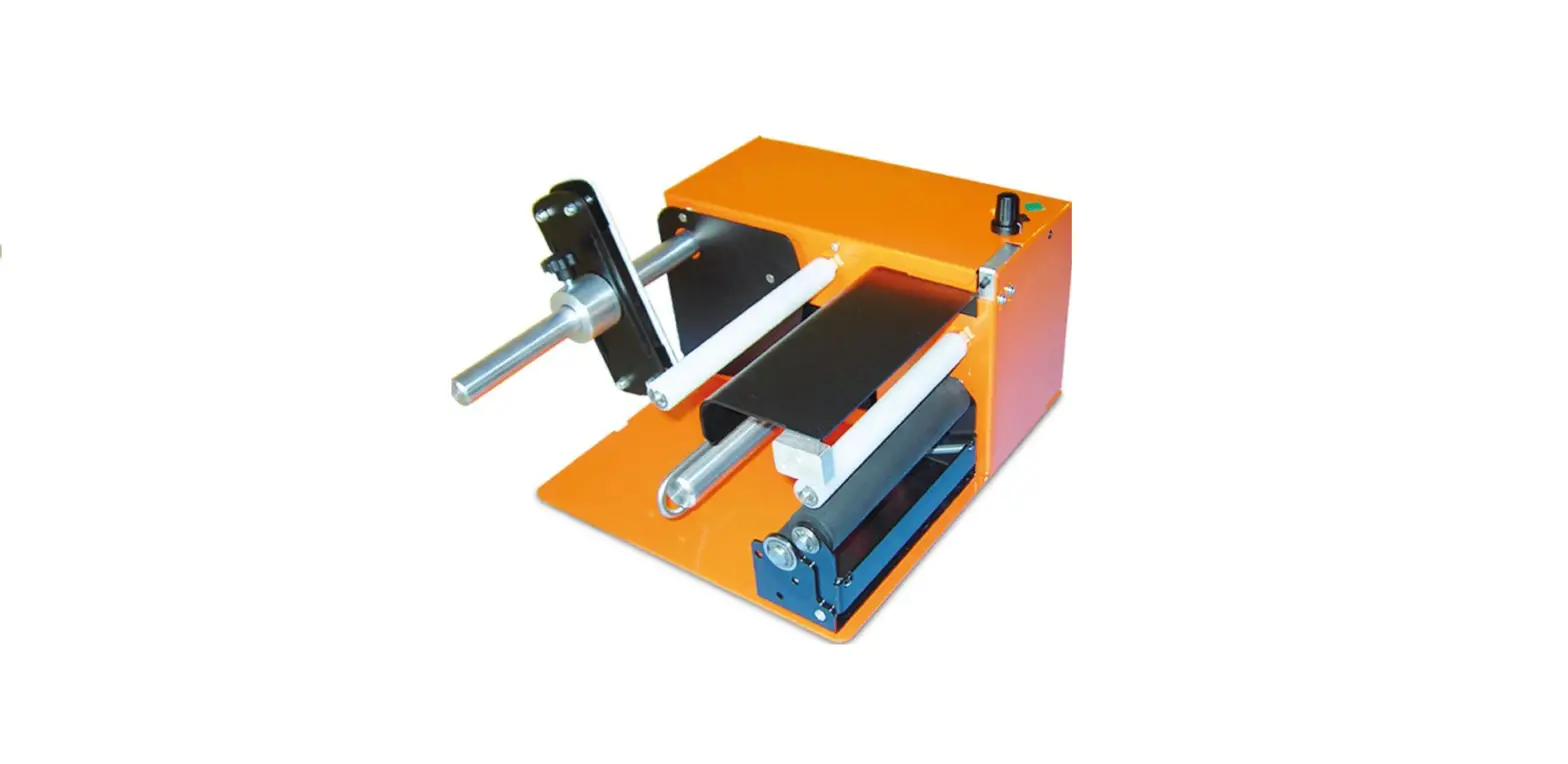
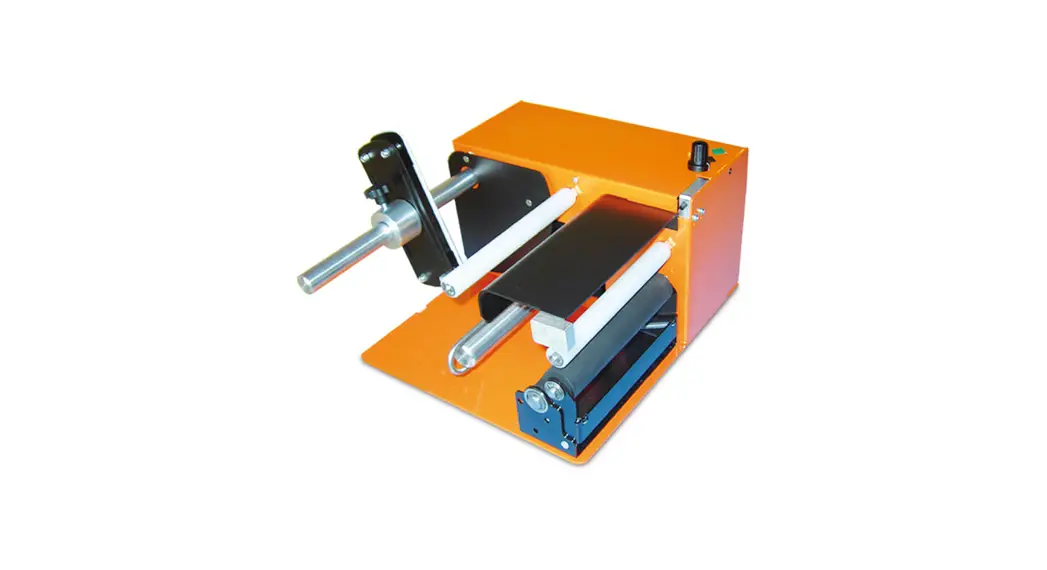
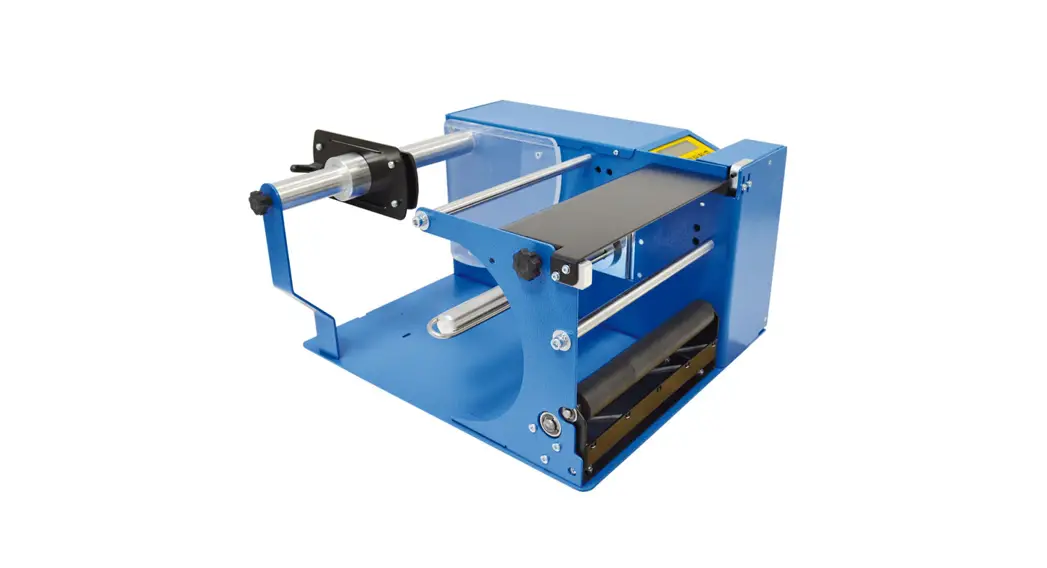
244248 Automatic Label Dispenser
Product Information
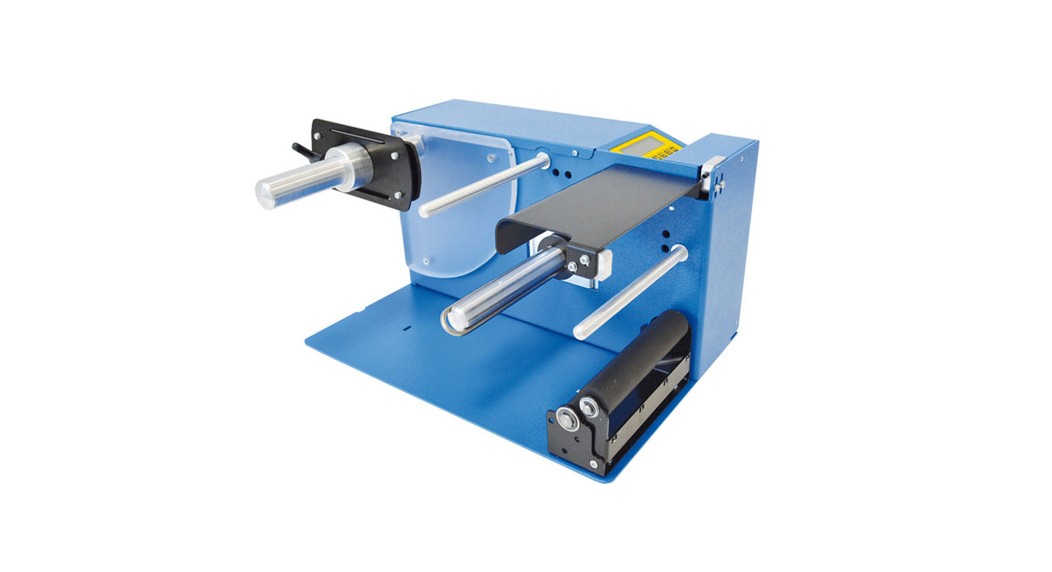
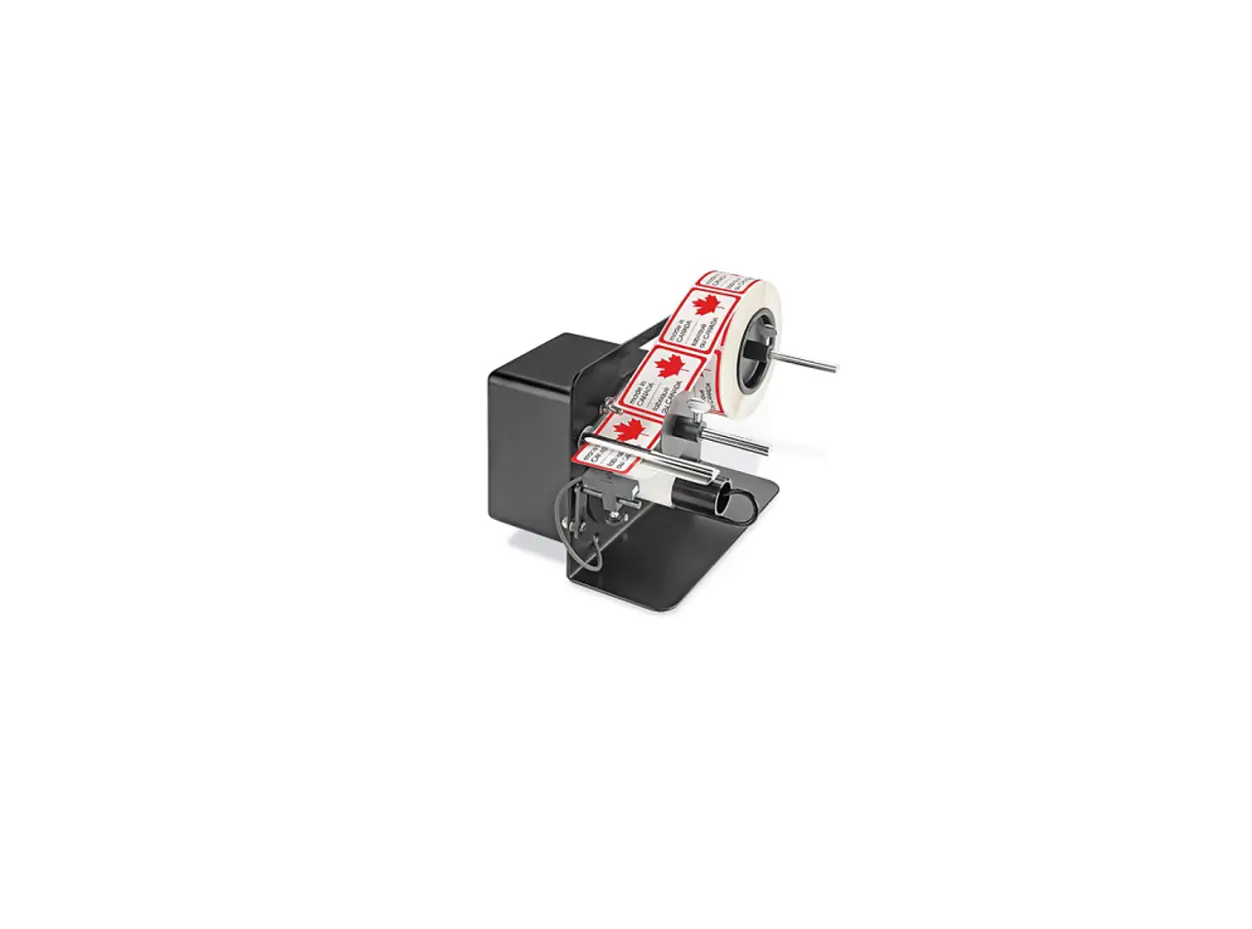
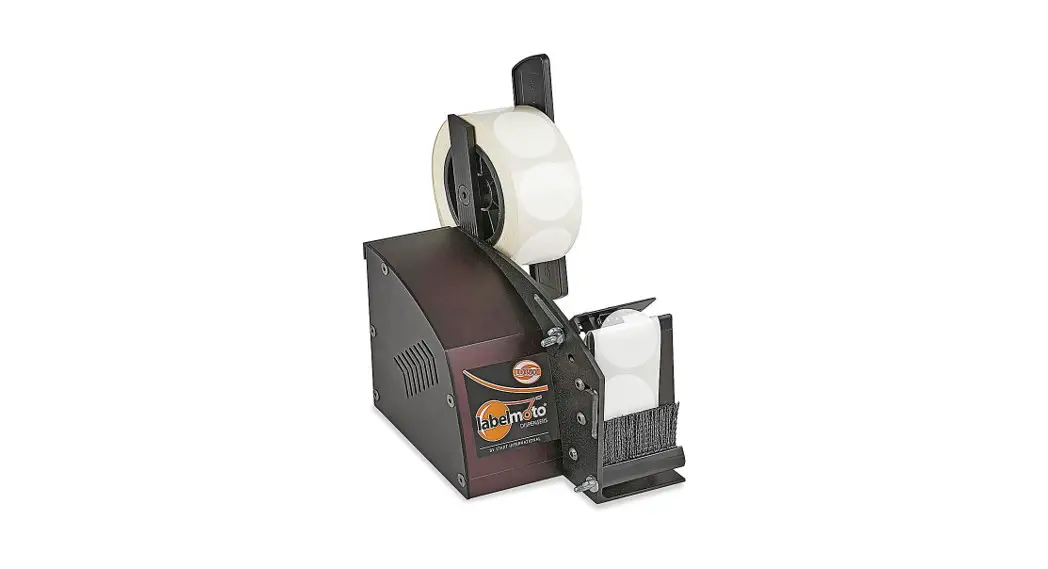
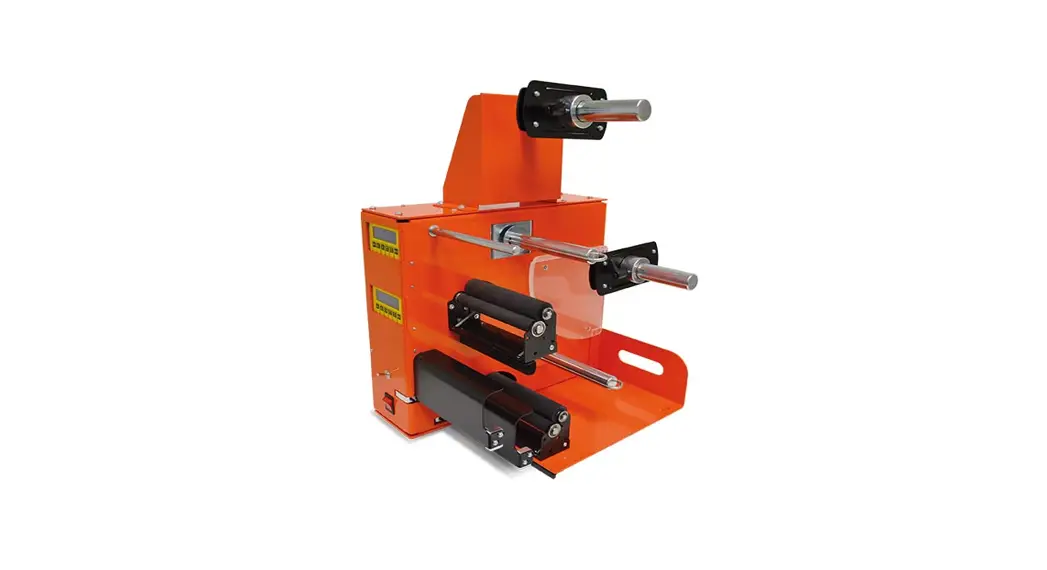
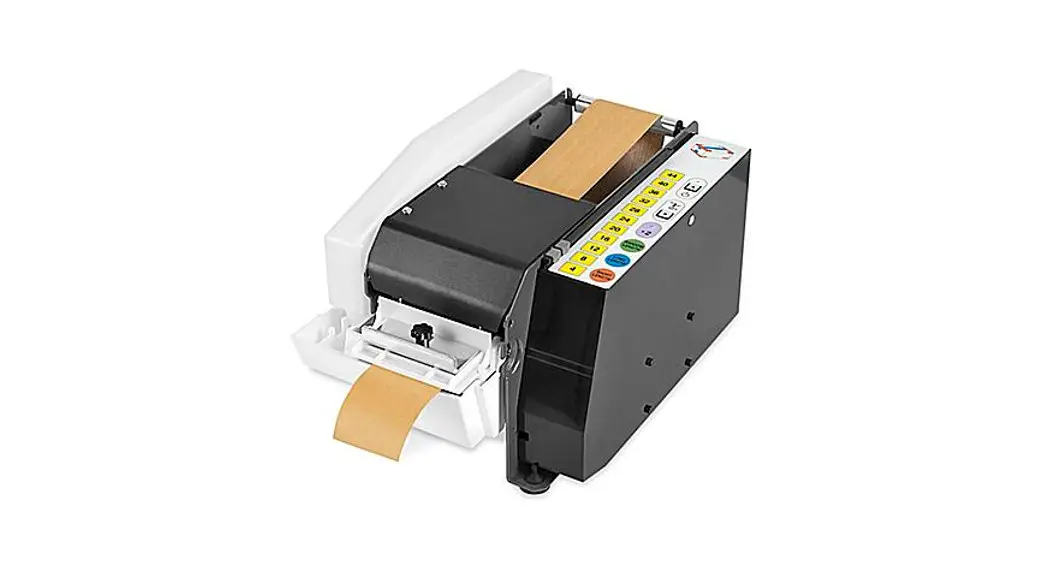
The Automatic Label Dispenser Model No. 244248 is a label
dispenser that can dispense butt-cut and die-cut labels. It has an
adjustable sensor for pinpoint accuracy and a built-in label
counter. The dispenser comes with a speed control knob and is not
compatible with clear acetate labels. The product runs on DC 12V,
has 20W power, and IP20 protection. The product weighs 3.8 kg,
measures 320 x 270 x 203mm, and has a noise value of LpA=61.3
dB(A), LwA=72.3 dB(A) K=3 dB(A).
Product Usage Instructions
- Loosen the knob in front of the tool and install 51 core
holders in each side of the label roll. Put the label roll to the
50 spool rod and secure it with a 58 spring, 52 shield, and 57
collar. Tighten the collar with a 56 knob. - Loosen the knob in front of the tool so it is easier to feed
the label under the 39 guiding bar then between the 33 compression
plate and main plate as shown. - Remove the 47 spring clip and feed the label over the metal
plate in front of the tool, separating the liner from the label.
Coil the liner to the 45 take-up hub roller. Slide the 47 spring
clip back over the liner. - Plug in the AC adaptor to the tool and wall socket. Turn the
power on (16 on/off button in the back of tool) first and then
press 06 power switch in front of tool. The light on top of power
switch turns green. - The sensor can be moved backward or forward by adjusting 56 at
the side. The sensor can also be moved to the left or to the right
by hand. Adjust the sensor according to the width and length of the
label to achieve smooth operation as labels are removed. - To apply the proper amount of tension for proper label feeding
and detection, raise 56 knob up to increase tension, then tighten
the knob. - The label feeding speed can be adjusted by turning 19 speed
control knob. Turn clockwise to increase speed. Turn
counter-clockwise to decrease speed. - When not in use, always turn off the tool and remove the plug
from the socket.
Note: Keep the tool well oiled and clean. Please order parts by
number and name. Type A plug adaptor is included. If you use a
different type of plug or socket in your location, please obtain an
appropriate plug adapter in a local store.
Parts List
| Part No. | Part Name | QTY |
|---|---|---|
| 01 | Main Plate | 1 |
| 04 | Panal Board | 1 |
| 05 | Variable Resistor Assembly | 1 |
| 06 | Power Switch Monitor Frame Circuit Board | 1 |
| 11 | Screw On/Off Button | 1 |
| 14 | DC Jack | 1 |
| 15 | Speed Control Knob DC Motor Screw Screw Motor Cover Screw Compression Plate Velcro Strap Axis Guiding Bar | 3 6 1 2 1 1 1 |
| 16 | Nut Sensor Screw Wire Clip Self-Adhesive Wire Clip Rubber Foot AC Adapter | 1 2 2 1 2 1 |
| 17 | Core Holder Shield Sensor Bracket Knob Collar Spring | 1 2 1 2 1 |
| 19 | Spring Clip Spool Rod Side Guide Take-Up Hub Roller Screw | 2 1 2 1 |
| 21 | Label Length Label Width Weight L/W/H Noise Value | |
| 22 | 244248 Automatic Label Dispenser DC 12V 20W IP20 50~180rpm 2kg-cm 5~18m/min | |
| 24 | Dispense butt-cut and die-cut labels. Adjustable sensor for pinpoint accuracy. Built-in label counter. Speed control knob. NOTE: Not compatible with clear acetate labels | |
| 25 | Model no.244248 Auto Label Dispenser | |
| 32 | Noise Value K=3 dB(A) | 2 |
| 33 | Model Name Voltage Power IP Protection Speed Torgue Feed Speed | 1 |
| 35 | Label Length Label Width Weight L/W/H Noise Value | 1 |
| 38 | 50 51 52 55 56 57 58 59 60 61 62 63 65 68 | |
| 39 | Auto Label Dispenser OPERATING INSTRUCTIONS | |
| 40 | Loosen the knob in front of the tool and install 51 core holders in each side of the label roll. Put the label roll to the 50 spool rod and secure it with a 58 spring, 52 shield, and 57 collar. Tighten the collar with a 56 knob. | |
| 41 | Loosen the knob in front of the tool so it is easier to feed the label under the 39 guiding bar then between the 33 compression plate and main plate as shown. | |
| 45 | Remove the 47 spring clip and feed the label over the metal plate in front of the tool, separating the liner from the label. Coil the liner to the 45 take-up hub roller. Slide the 47 spring clip back over the liner. | |
| 46 | Plug in the AC adaptor to the tool and wall socket. Turn the power on (16 on/off button in the back of tool) first and then press 06 power switch in front of tool. The light on top of power switch turns green. | |
| 47 | The sensor can be moved backward or forward by adjusting 56 at the side. The sensor can also be moved to the left or to the right by hand. Adjust the sensor according to the width and length of the label to achieve smooth operation as labels are removed. | |
| 50 | To apply proper amount of tension for proper label feeding and detection, raise 56 knob up to increase tension, then tighten the knob. | |
| 51 | The label feeding speed can be adjusted by turning 19 speed control knob. Turn clockwise to increase speed. Turn counter-clockwise to decrease speed. | |
| 52 | When not in use, always turn off the tool and remove the plug from the socket. |
USER MANUAL
AUTOMATIC LABEL DISPENSER MODEL NO. 244248
Features
Dispense butt-cut and die-cut labels. Adjustable sensor for pinpoint accuracy. Built in label counter. Speed control knob.
NOTE: Not compatible with clear acetate labels
Specifications
Model Name Voltage Power IP Protection Speed Torgue Feed Speed Label Length Label Width Weight L/W/H
Noise Value
244248 Automatic Label Dispenser DC 12V 20W IP20 50~180rpm 2kg-cm 5~18m/min 20mm~230mm 6mm~100mm 3.8kg 320x270x203mm LpA=61.3 dB(A), LwA=72.3 dB(A) K=3 dB(A)
Model no.244248
Auto Label Dispenser
68
24 25
55
21
60
62
63
56
11 14 24 04 19
06
40 32
52
51
50 51
58
61 40 59
52 56
16 57
17
01 41 39 41
46
05 35
15 24
33 38
22 32 56
65
45 47
Part No. 01 04 05
06 11 14 15 16 17 19
21 22 24 25 32 33 35
38 39
40 41 45
46 47 50
51 52 55 56 57 58
59 60 61 62 63
65 68
Part Name Main Plate Panal Board Variable Resistor Assembly
Power Switch Monitor Frame Circuit Board Screw On/Off Button DC Jack Speed Control Knob
DC Motor Screw Screw Motor Cover Screw Compression Plate Velcro Strap
Axis Guiding Bar
Screw Side Guide Take-Up Hub Roller
Screw Spring Clip Spool Rod
Core Holder Shield Sensor Bracket Knob Collar Spring
Nut Sensor Screw Wire Clip Self-Adhesive Wire Clip
Rubber Foot AC Adapter
QTY 1 1 1
1 1 1 4 1 1 1
1 3 6 1 2 1 1
1 1
2 2 1
1 1
1
2 2 1 3 1 1
1 1 2 1 2
8 1
Model no.244248
Keep tool well oiled and clean. Please order parts by number and name.
Auto Label Dispenser
OPERATING INSTRUCTIONS
1
2
50
52
56
51 58
57
33 39
Loosen the knob
Install 51 core holders in each side of label roll.Put the label roll to the 50 spool rod.Secure the label roll with 58 spring ,52 shield, and 57 collar.Tighten collar with 56 knob.
3
Loosen the knob in front of tool so it is easier to feed label under 39 guiding bar then between the 33 compression
plate and main plate as shown.
4
AC adaptor
16 06
45 47
Remove 47 spring cilp.Feed label over metal plate in front of the tool.Separating the liner from the label.Coin the liner to 45 take-up hub roller.Slide 47 spring clip back on over the liner.
Plug in the AC adaptor to the tool and wall socket.Turn the power on( 16 on/off button in the back of tool) first and then press 06 power switch in front of tool.The light on top of power switch turns green.
Type A plug adaptor is included.If you use different type of plug or socket in your location, please obtain an appropriate plug adapter in local store.
Model no.244248
Auto Label Dispenser
OPERATING INSTRUCTIONS
5
6
Sensor
56
56
Sensor can be moved backward or forward by adjusting 56 at side.Sensor can also be moved to the left or to the
right by hand.Adjust the sensor according to the width and length of label to achieve smooth operation as labels are removed.
To apply proper amount of tension for proper label feeding and detection, raise 56 knob up to increase
tension,then tighten the knob.
7
8
19
Label feeding speed can be adjusted by turning 19 speed Always turn off the tool and remove the plug from socket
control knob.Turn clocwise to increase speed.Turn
when not in use.
counter-clockwise to decrease speed.
Model no.244248
Power Light Green light—In use Red light—Stand by mode
Monitor Show the quantity or error status
Turn on Power Switch Press it to turn on/off Press for 3sec. to re-set figure
Speed Control Knob To adjust speed
Turn on the on/off button at back of dispenser after install the label sticker.The monitor and power light turn red meaning the dispenser is ready to be used. Set up the speed and press the power switch at front, the power light turns green meaning the dispenser is in use.
Error Status / Troubleshooting
1. “Err01” shown on monitor meaning the motor is over loading due to external causes or any other elements. The motor goes into protective mode.
2. “Err02” shown on monitor meaning the sensor does not detect the label sticker for 13 seconds and it goes into protective mode.
3. Turn on the power switch again to re-operate the tool when”Err01″or”Err02″appears.The quantity before the error appears will pop up once re-starting the power.If you want to start figure from 0,please press the power switch in front of tool for 3 seconds .If the error signal still shown,please contact service team.
4. Turn off the on/off button at back of tool to stop the machine if urgency happened.
Photoelectric Sensor
Optical axis
Sensitivity adjuster & Operation mode switch (The setting is completed, do not adjust unless necessary)
.. Model no.244248 ..