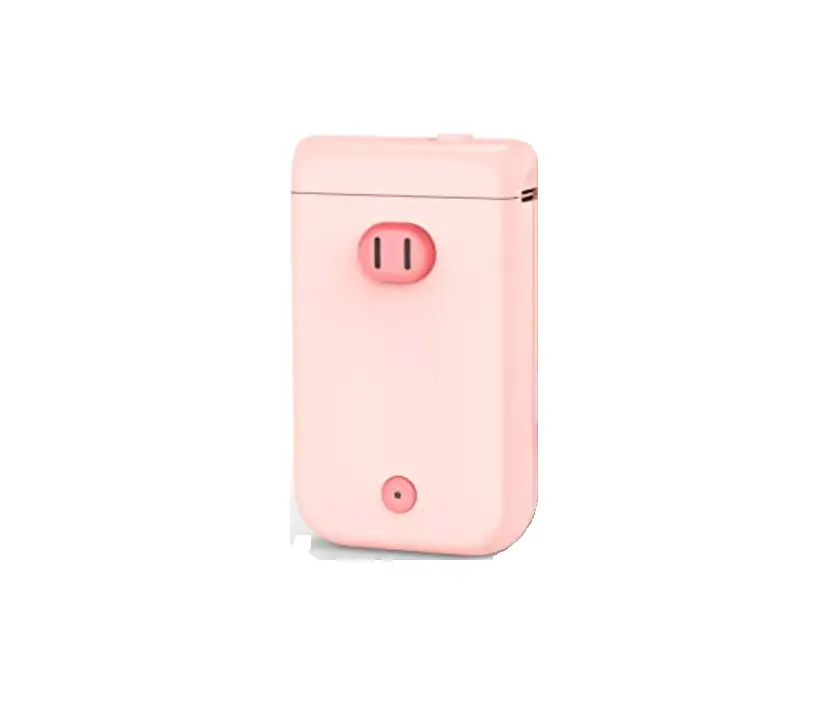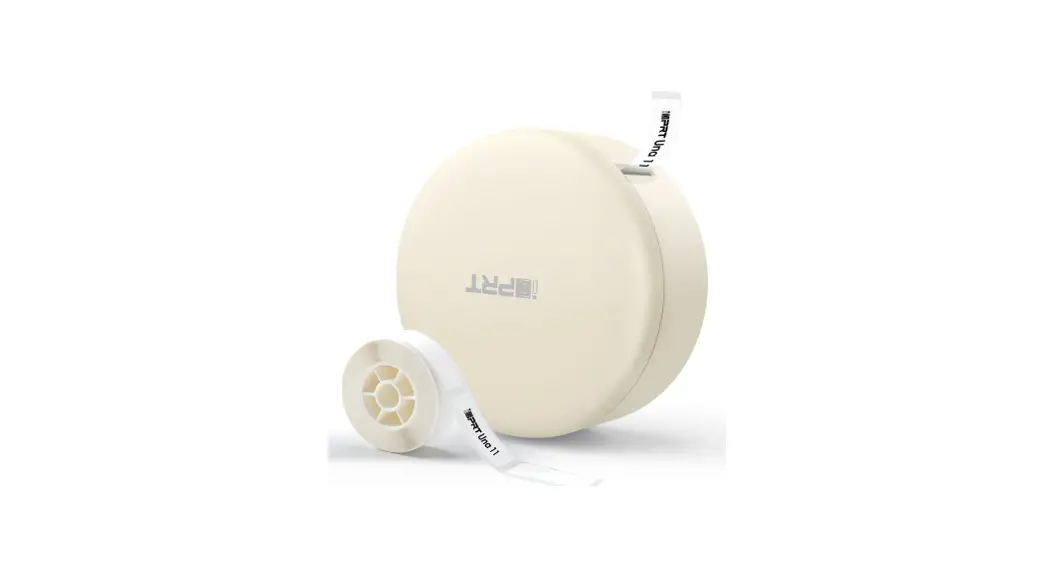
 Una 11 Portable Label Maker
User Manual
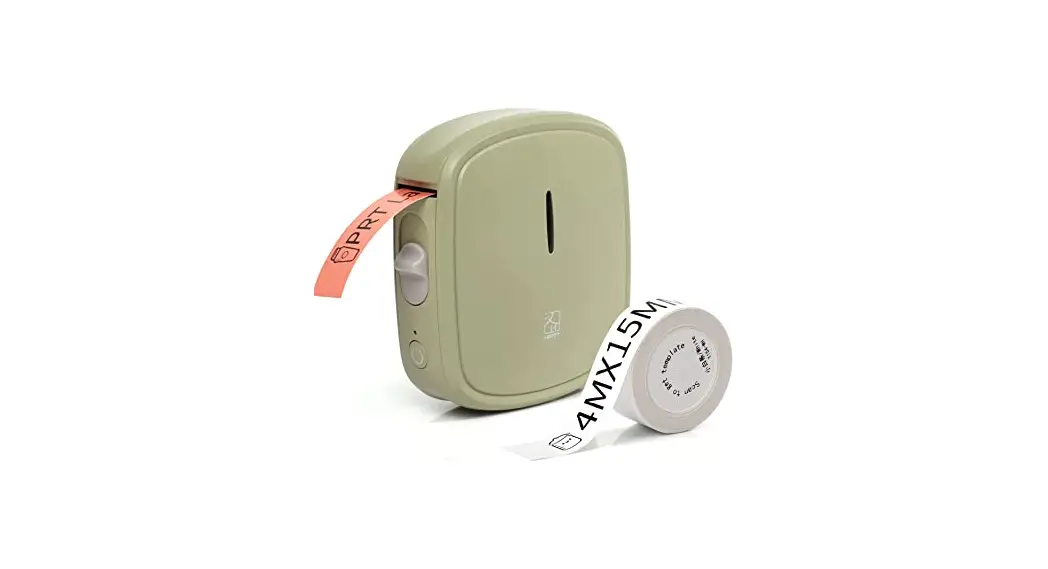
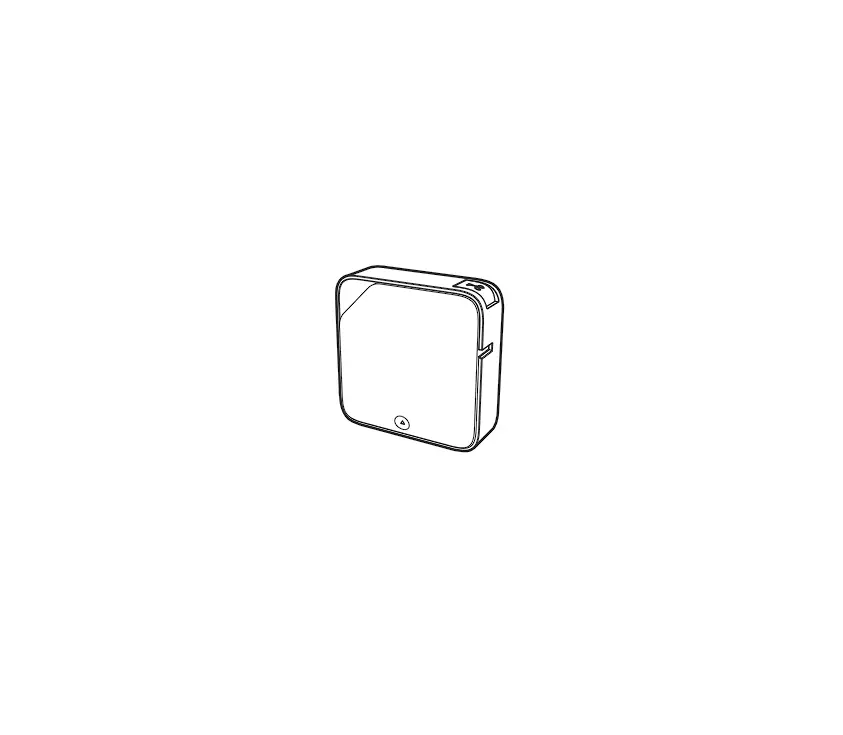
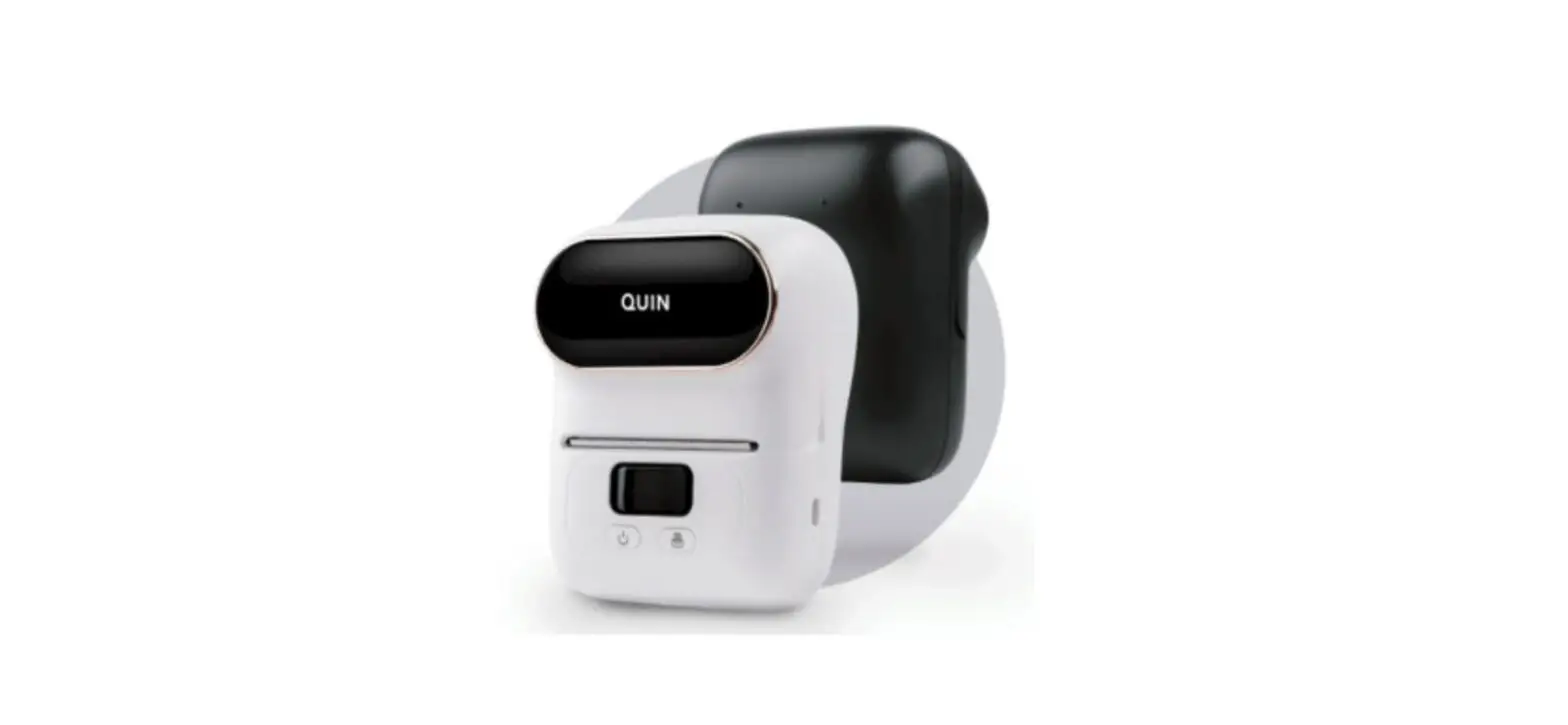
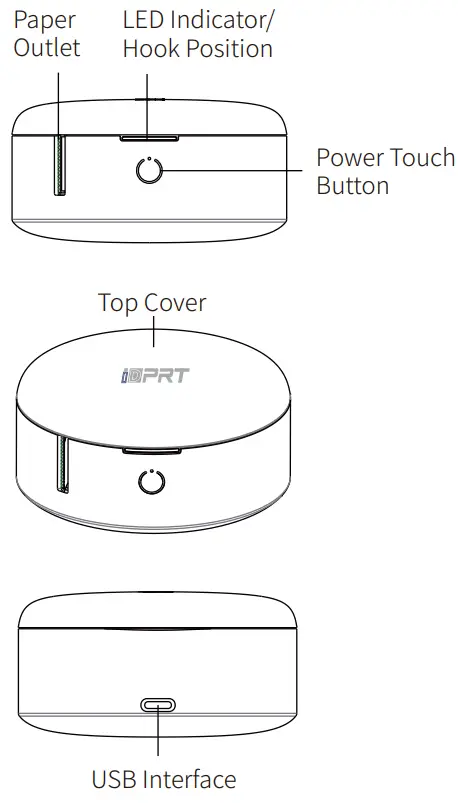
Appearance and Components
Packing List
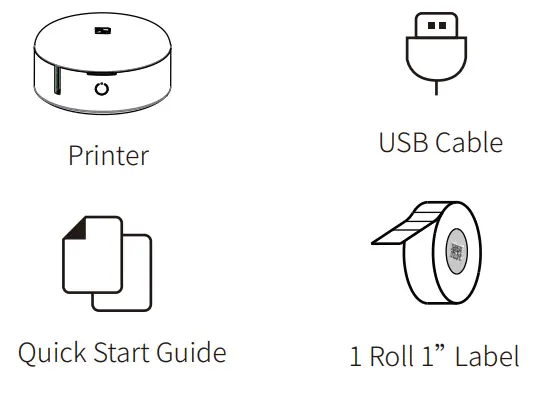
*Please kindly check out the components in the package. If you find anything missing, please contact our after-sales service directly.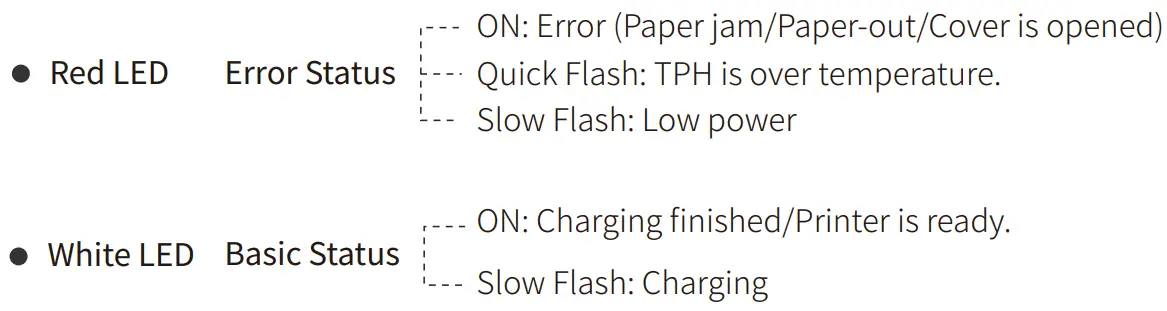
- Hold down the power touch button for 3 seconds: Turn on/off the printer.
- Double click the power touch button: Position and calibrate the location of thermal label paper and heating line.
Paper Loading
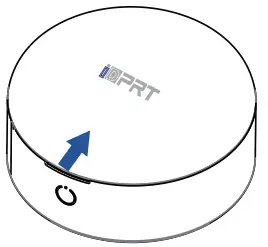
- Open the top cover by the hook position as the direction shown in the figure.
- Load the paper as shown on the right.
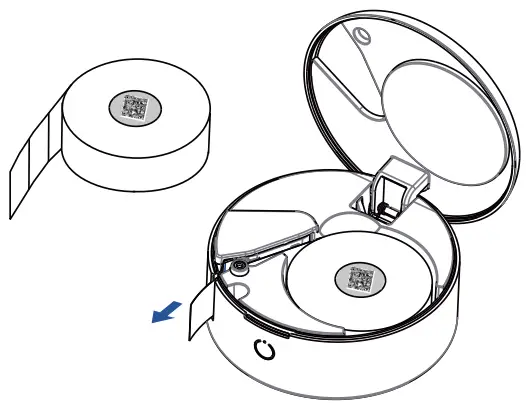
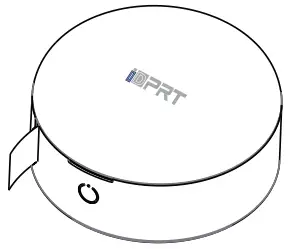
- Close the cover and pull some extra paper.
App Download
- Scan the QR code to download the APP
- Search “Here print” in Google Play or App Store.
 http://hereprint.hprt.com/app/hereprint
Connection and Printing
- Open “Here print” App, click “+” in the top right corner of Home to add the device, then select the searched printer in the list.

- Select “Scan to get template”, scan the QR code on the roll core to get the template.
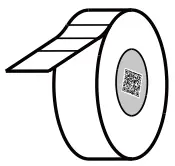
- Edit the label as need, and then click “Print” after editing.

Note: App operation shall be subject to the latest version.
Portable Label Maker
| Product Name: Portable Label Maker | Dimensions: 76*76*40mm |
| Product Model: Una 11 | Weight: About 105 g (excluded accessories) |
| Input Parameter: DC 5V/1A | Operating Temperature: 0℃~40℃ |
Manufacturer: Xiamen Hanan Electronic Technology Co.,Ltd.
Add: No.96, Ron yuan Road, Tongan District, Xiamen, China, 361100
Customer Service Email: [email protected]
Web: www.idprt.com
Battery Charging
When the battery power is low, the red LED indicator will flash slowly.
Please charge it by the exclusive USB cable in time. If you continue printing, it may power off automatically.
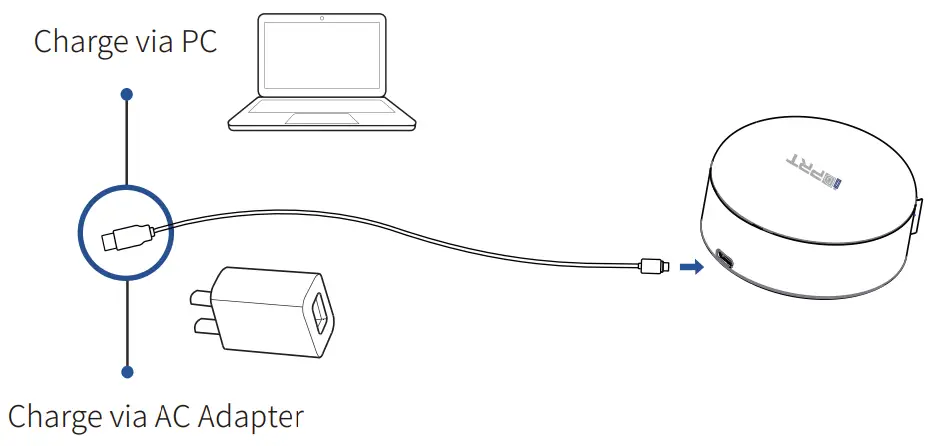
Note: The printer can be charged via computer USB port or AC adapter. Please note that the AC adapter is not supplied.
FCC WARNING
This device complies with part 15 of the FCC Rules. Operation is subject to the following two conditions: (1) this device may not cause harmful interference, and (2) this device must accept any interference received, including interference that may cause undesired operation.
Any changes or modifications not expressly approved by the party responsible for compliance could void the user’s authority to operate the equipment.
NOTE: This equipment has been tested and found to comply with the limits for a Class B digital device, pursuant to Part 15 of the FCC Rules. These limits are designed to provide reasonable protection against harmful interference in a residential installation. This equipment generates, uses and can radiate radio frequency energy and, if not installed and used in accordance with the instructions, may cause harmful interference to radio communications.
However, there is no guarantee that interference will not occur in a particular installation.
If this equipment does cause harmful interference to radio or television reception, which can be determined by turning the equipment off and on, the user is encouraged to try to correct the interference by one or more of the following measures:
- Reorient or relocate the receiving antenna.
- Increase the separation between the equipment and receiver.
- Connect the equipment into an outlet on a circuit different from that to which the receiver is connected.
- Consult the dealer or an experienced radio/TV technician for help.
The device has been evaluated to meet general RF exposure requirement. The device can be used in portable exposure condition without restriction
 FCC ID:2AUTE-UNA11
Note: All the drawings of product and accessories in the manual are for reference only, please subject to the actual product.
Disclaimer
Thank you for purchasing our product! By using this product, you hereby signify that you have read the Disclaimer and all warnings carefully and that you understand and agree to abide by the terms and conditions herein. The user should observe safe and lawful practices including, but not limited to, those set forth in this document. Our company therefore holds no liability for damages caused by force majeure, used by a third party, incorrect use, non-compliance with this user manual or intentional misconduct on the part of the user.
Except for the scope prohibited by the applicable laws, the company is not responsible for any incidental, indirect, special or consequential damages, including but not limited to the loss of profits, income or data due to the violation of explicit or implied warranties or conditions mentioned in this user manual. Information in this user manual is for informational purposes only. It is subject to change without prior notice, due to the manufacturer’s continuous development program. This document supersedes and replaces all information supplied prior to the publication hereof.
http://hereprint.hprt.com/app/hereprint
Email: [email protected]
Scan the QR code to download the APP
Search “Here print” in Google Play or App Store.
Portable Label Maker Una 11