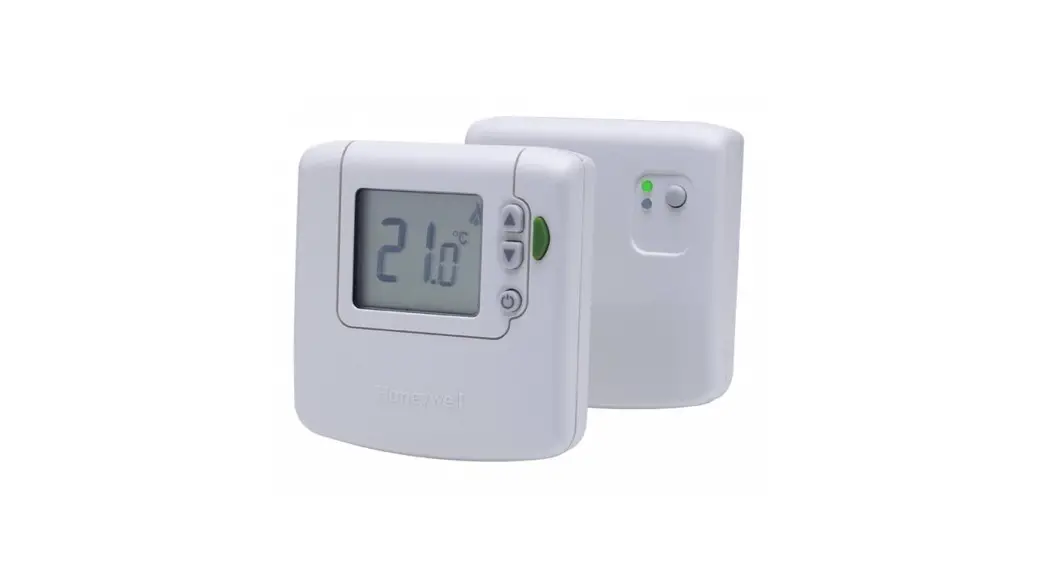

Wireless Room Thermostat DT92E
Installing the DT92 Room
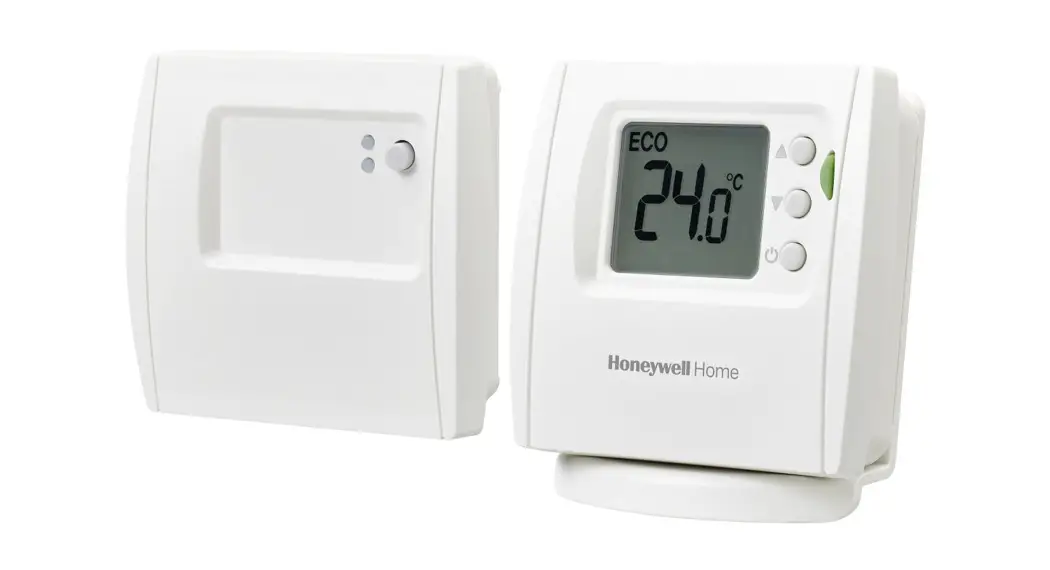
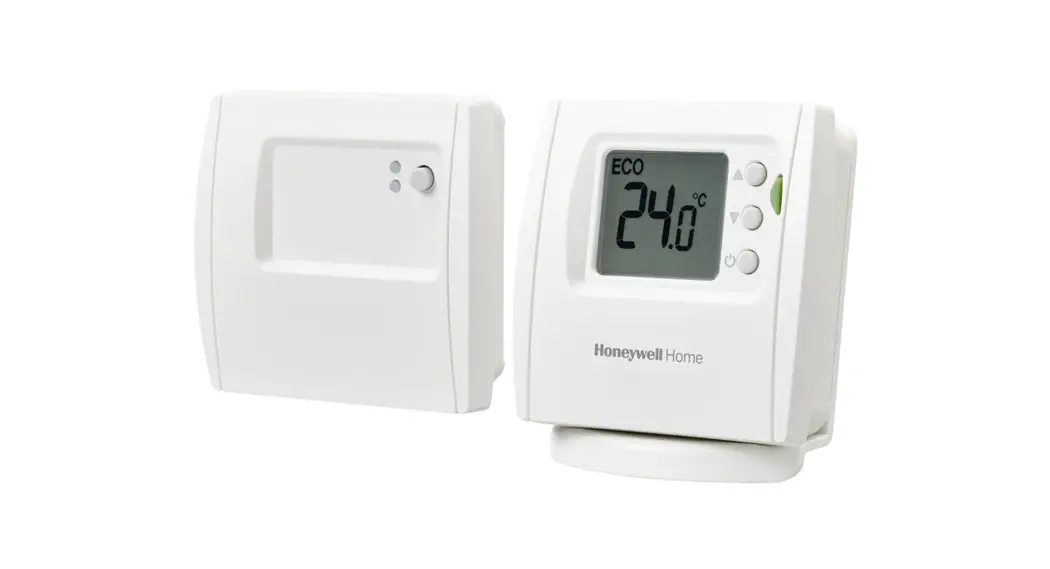
DT92E Wireless Room Thermostat
The device takes 2x AA batteries.
Before mounting DT92 onto the backplate 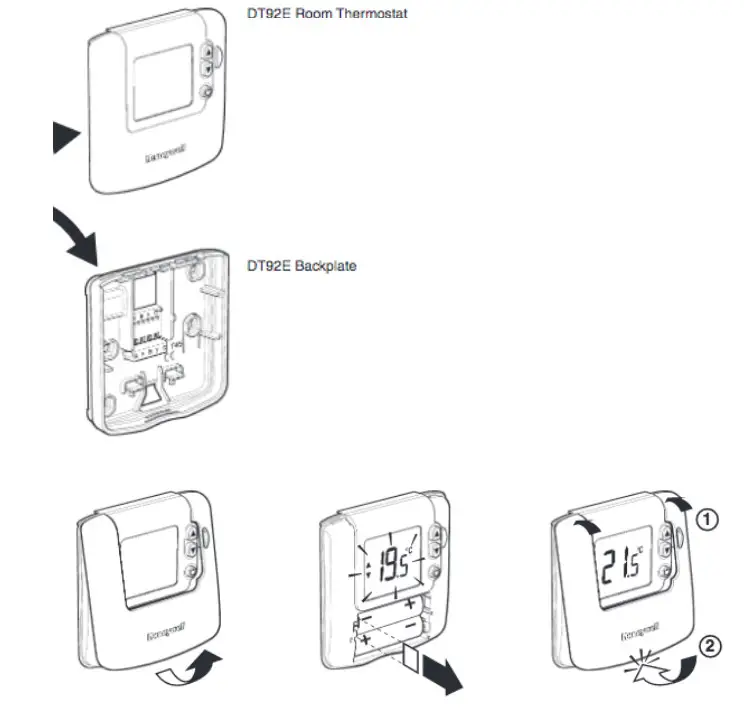
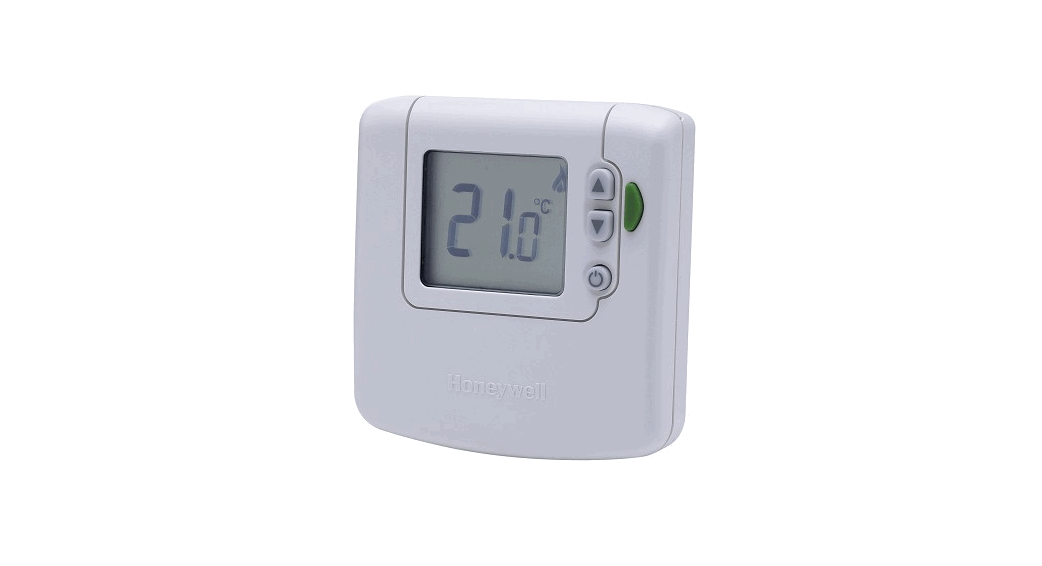
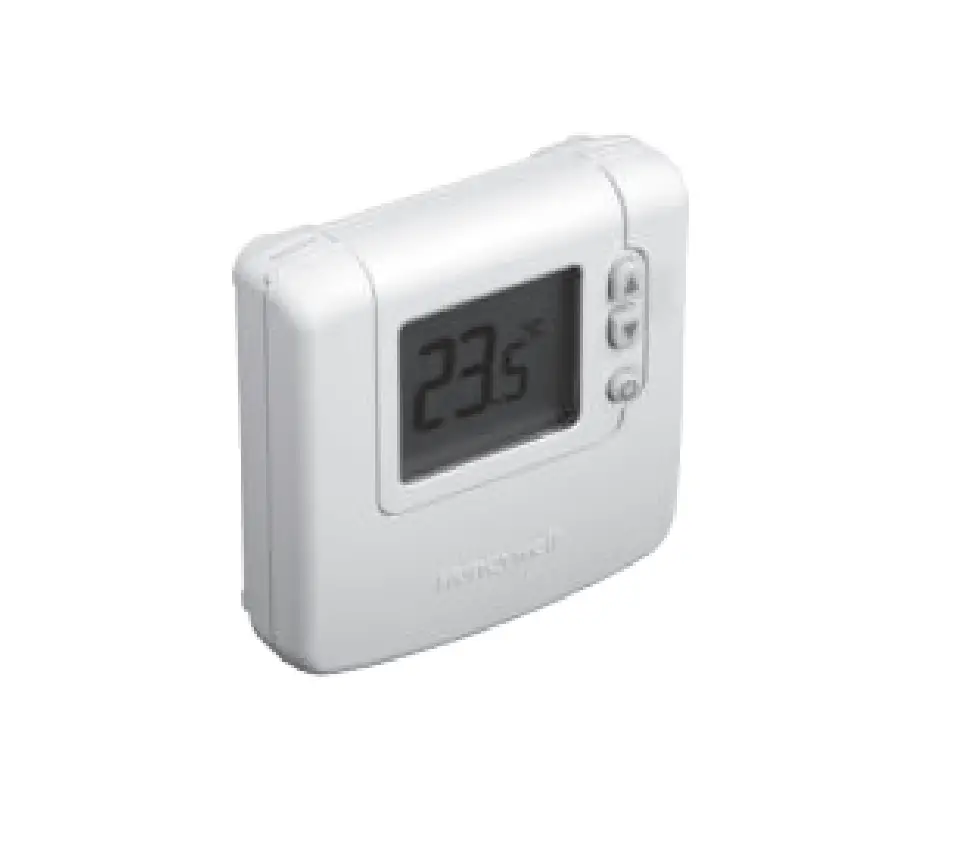
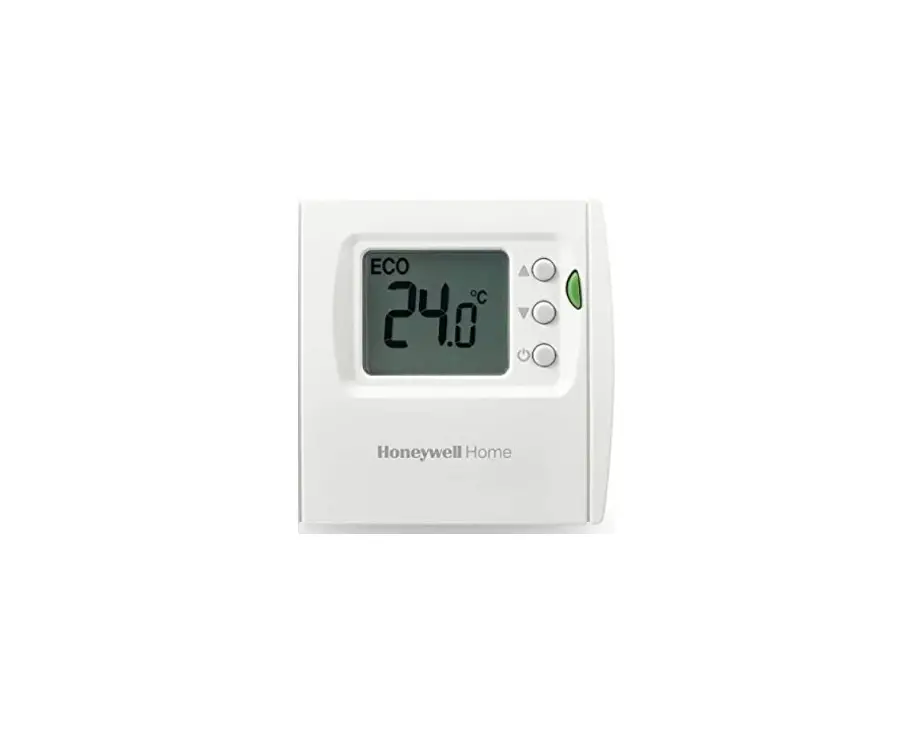
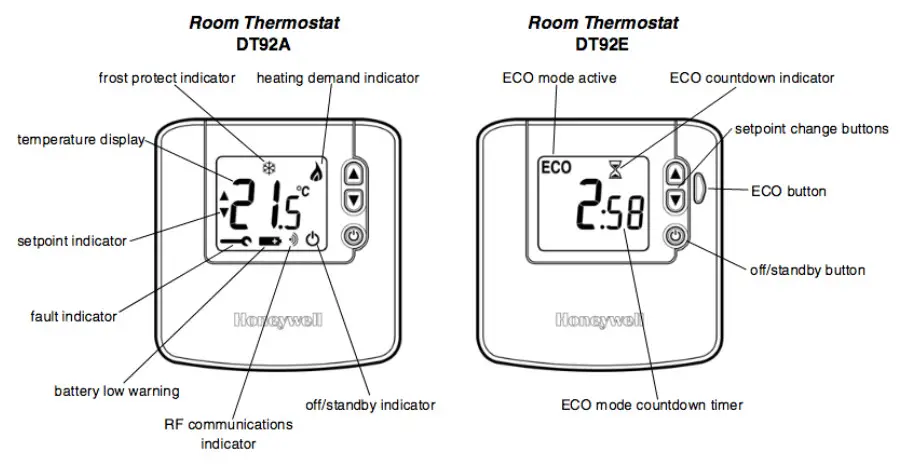
Control Layout
Locating the Room Thermostat
For best performance, install in an open space where DT92 can sense the room temperature, and where the signal strength is high. The Room Thermostat can be mounted on a wall or on the optional table stand. Leave at least 30cm distance from any metal objects and at least 1 metre from any other electrical equipment. Select the preferred location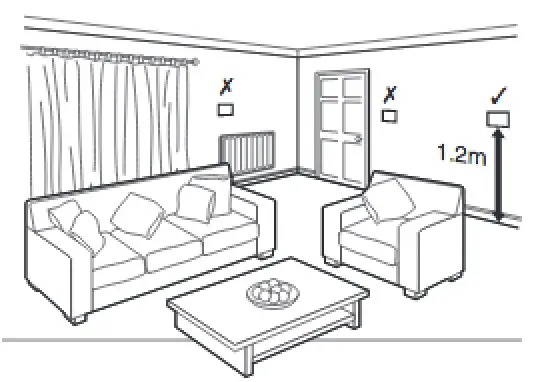
Mounting the Room Thermostat 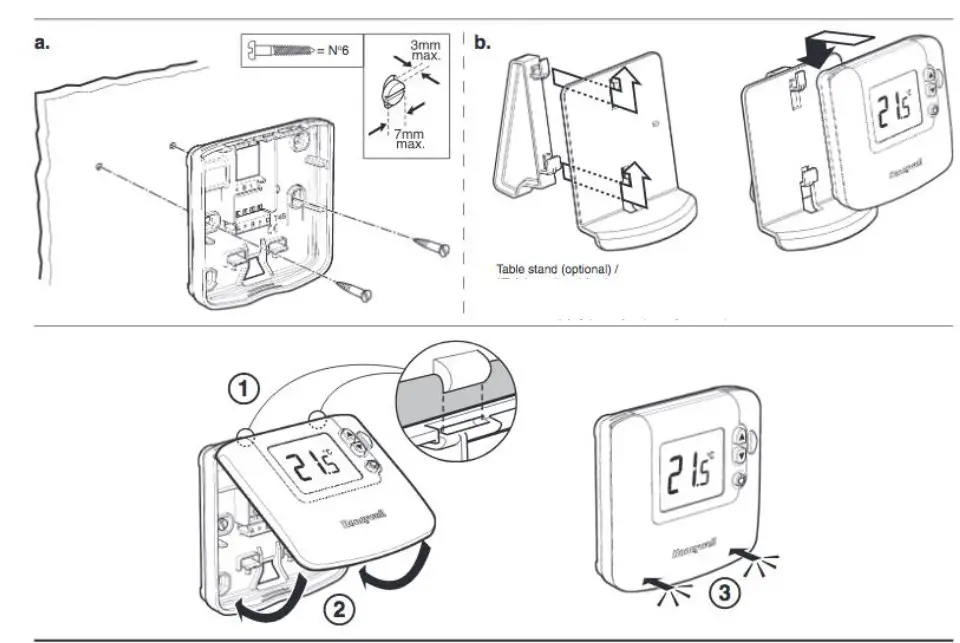
Basic System Operation
Pairing and Clearing the Thermostat
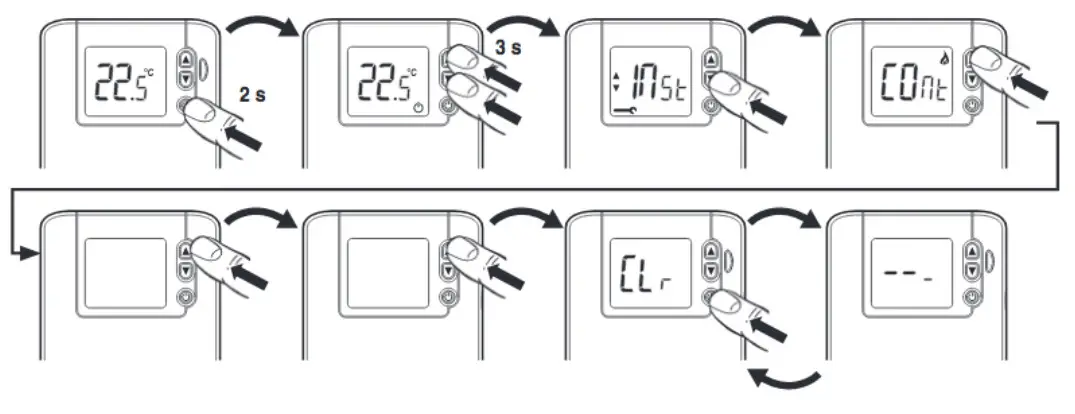
How to Clear the memory :
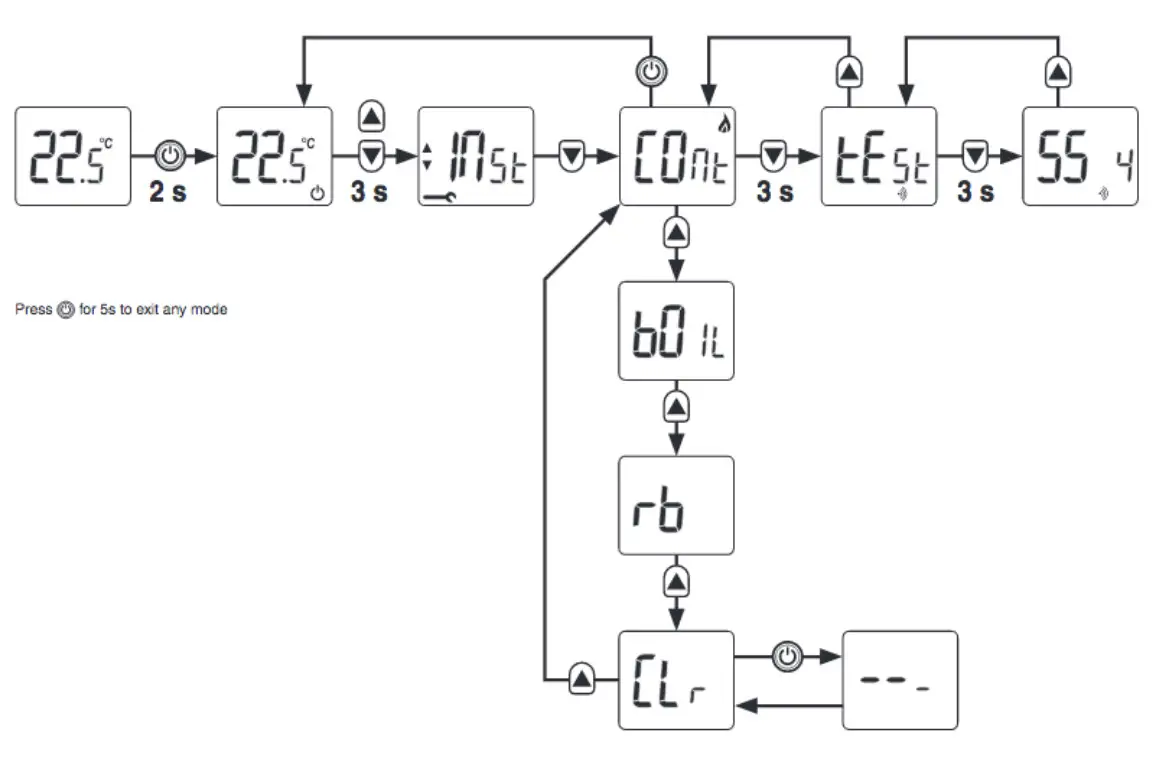
- On the Thermostat press and hold the power button for 2 seconds to put the unit into the standby
- Press the TOP AND DOWN arrow together till you see “Inst” on the screen
- Now press the down arrow once to go to “C0nt”
- Press the Up arrow 3 times to get to “Clr” and then press the OFF (power) button.
- The memory of the Thermostat is now cleared.
How to pair the Thermostat to the Link Plus :
- Open the Link Plus app, Press the Plus Icon to Add a device, Select “LINK HONEYWELL HOME DEVICE”
- Give the device a name on the app
- On the Thermostat press and hold the power button for 2 seconds to put the unit into the standby
- Press the TOP AND DOWN arrow together till you see “Inst” on the screen (Installer mode).
- Now press the down arrow once to go to “C0nt”
- Now press the OFF (power) button on the Wireless Thermostat
- On the Link Plus app, press the “LINK” Button, the device should pair.
Make sure the unit is around 1 meter Link Plus while trying it to pair it to the app : 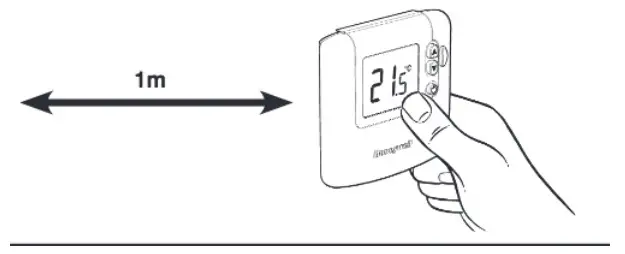
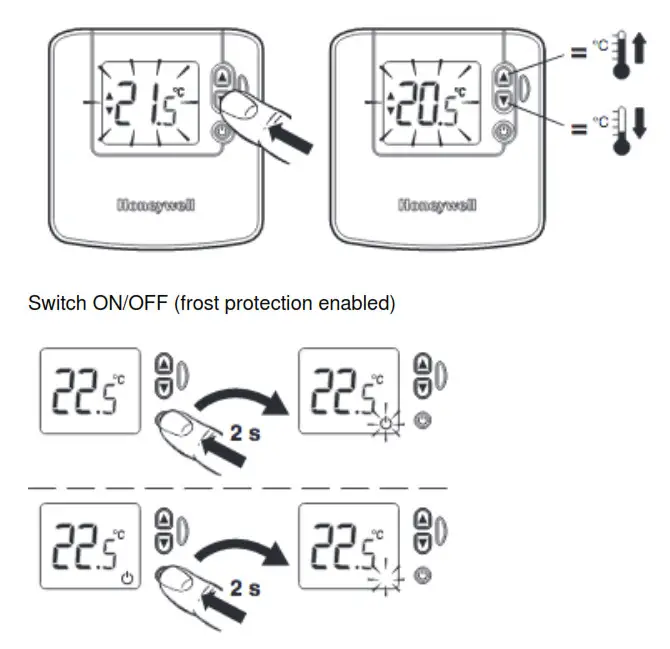
Set temperature, adjustment
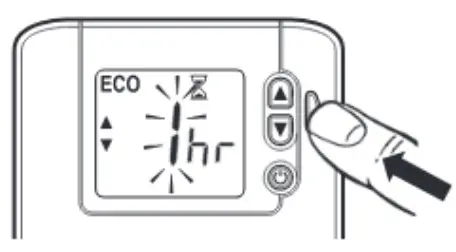
 Pressing the green ECO button gives a timed period at a different, predefined temperature
 DT92 WIRELESS DIGITAL ROOM THERMOSTAT2 09/15 SPECIFICATIONS ELECTRICAL
Room thermostat Power supply : 2 x 1.5V IEC LR6 (AA) Alkaline cells Battery life :
Minimum 2 years (with correctly specified alkaline cells) Battery low warning : Display indicates when battery power reserve is low. Unit will continue to function for a minimum of 4 weeks after the first indication is given Battery replacement : Configuration settings stored in NVRAM, so are retained during battery replacement
METRICS Dimensions : 90 x 92 x 27mm (thermostat) : 90 x 92 x 30.5 mm (relay box : 157 x 115 x 105 mm (pack) Weights : 154g (thermostat with batteries) : 96g (relay box) : 380g (pack)