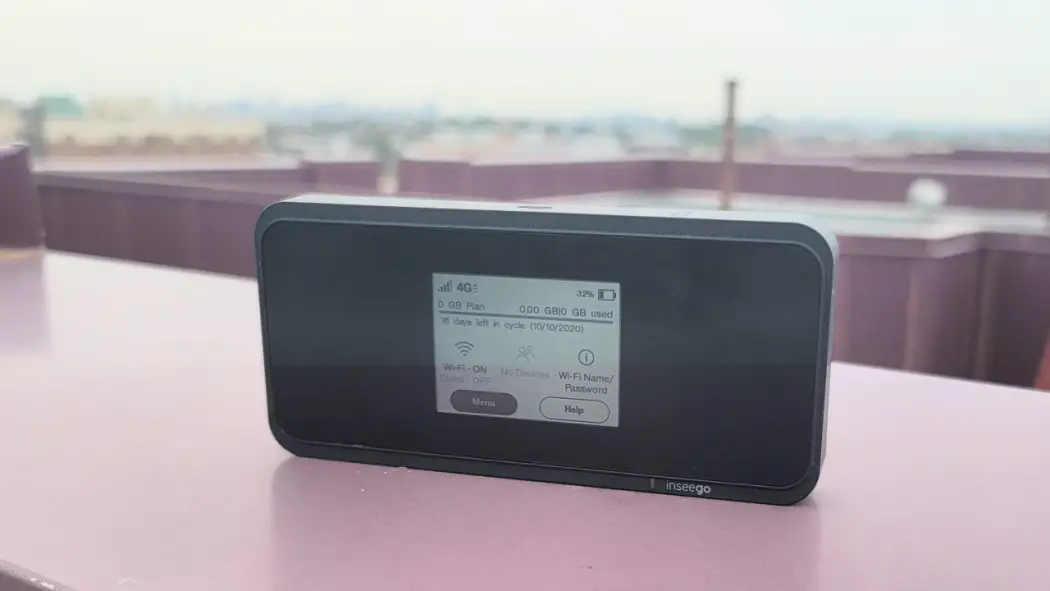
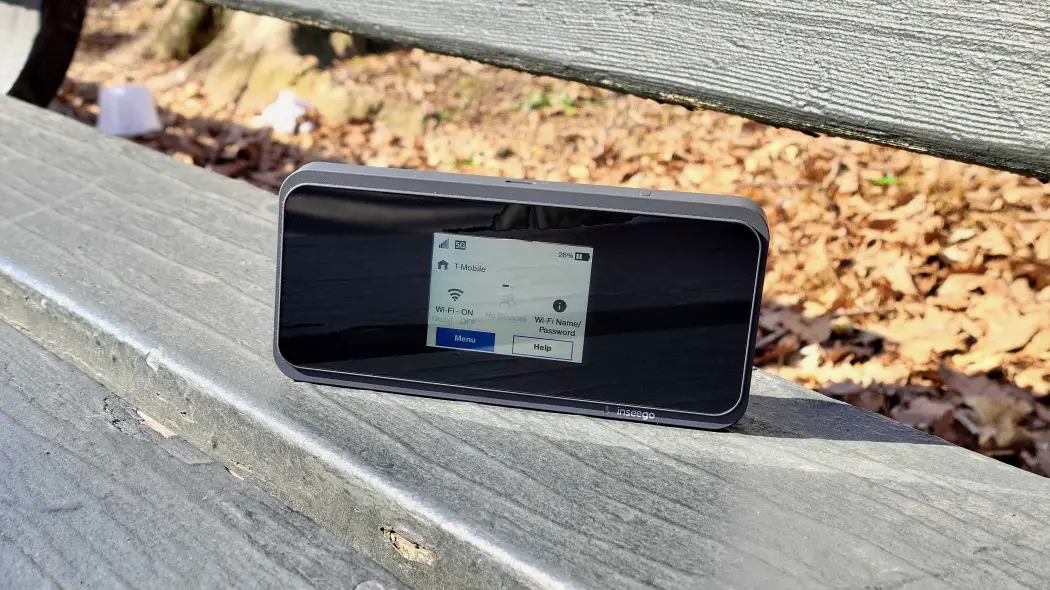
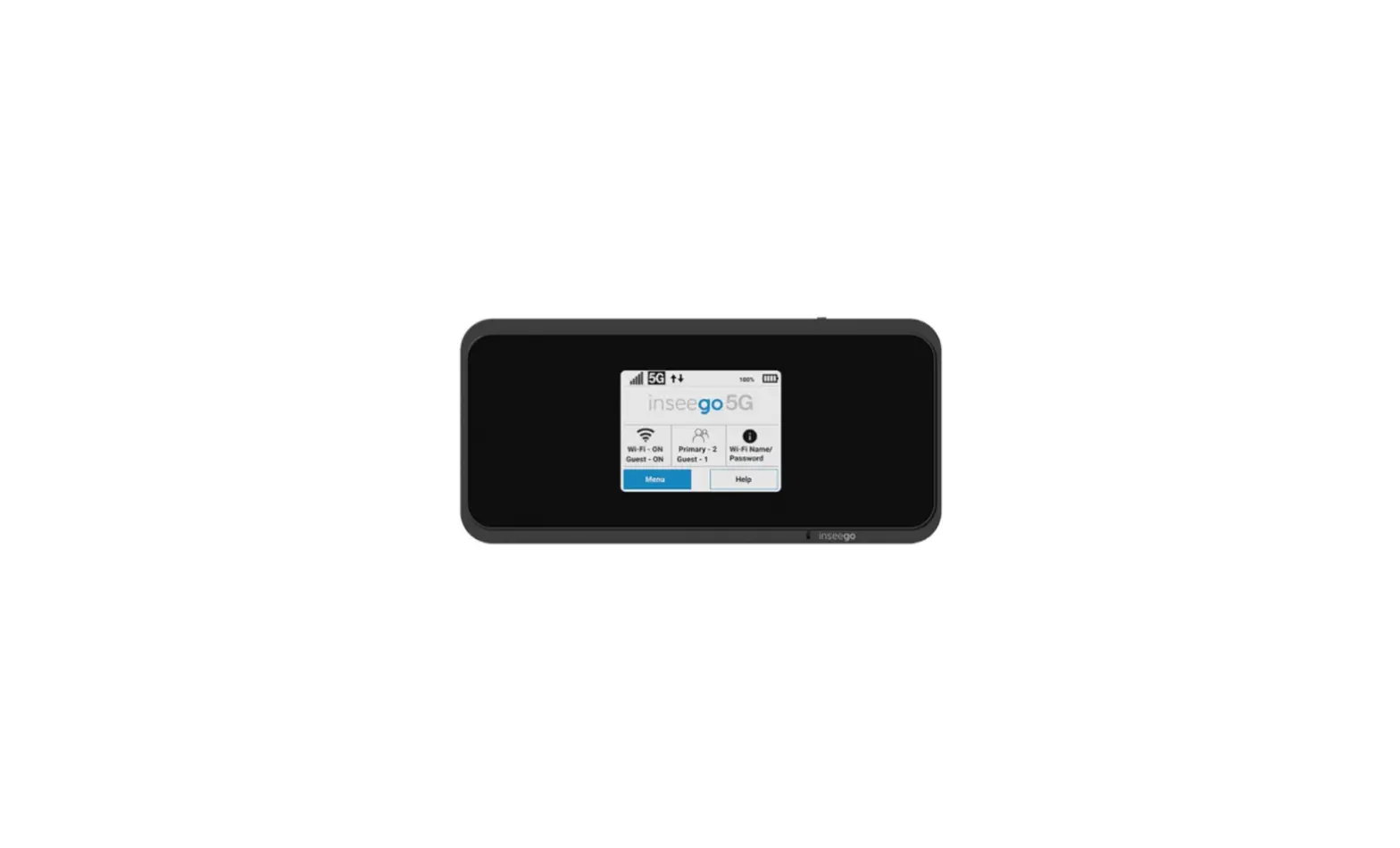
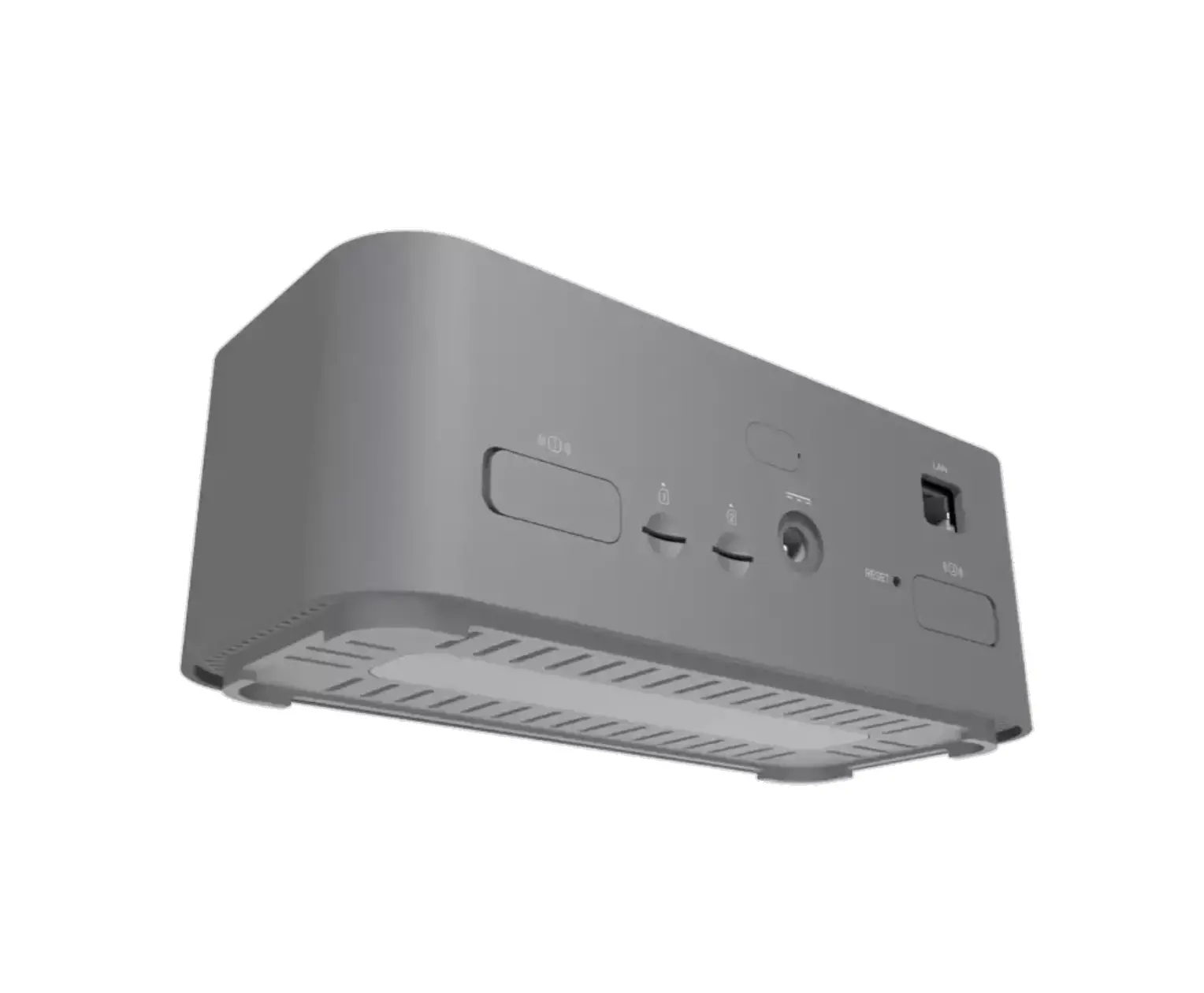
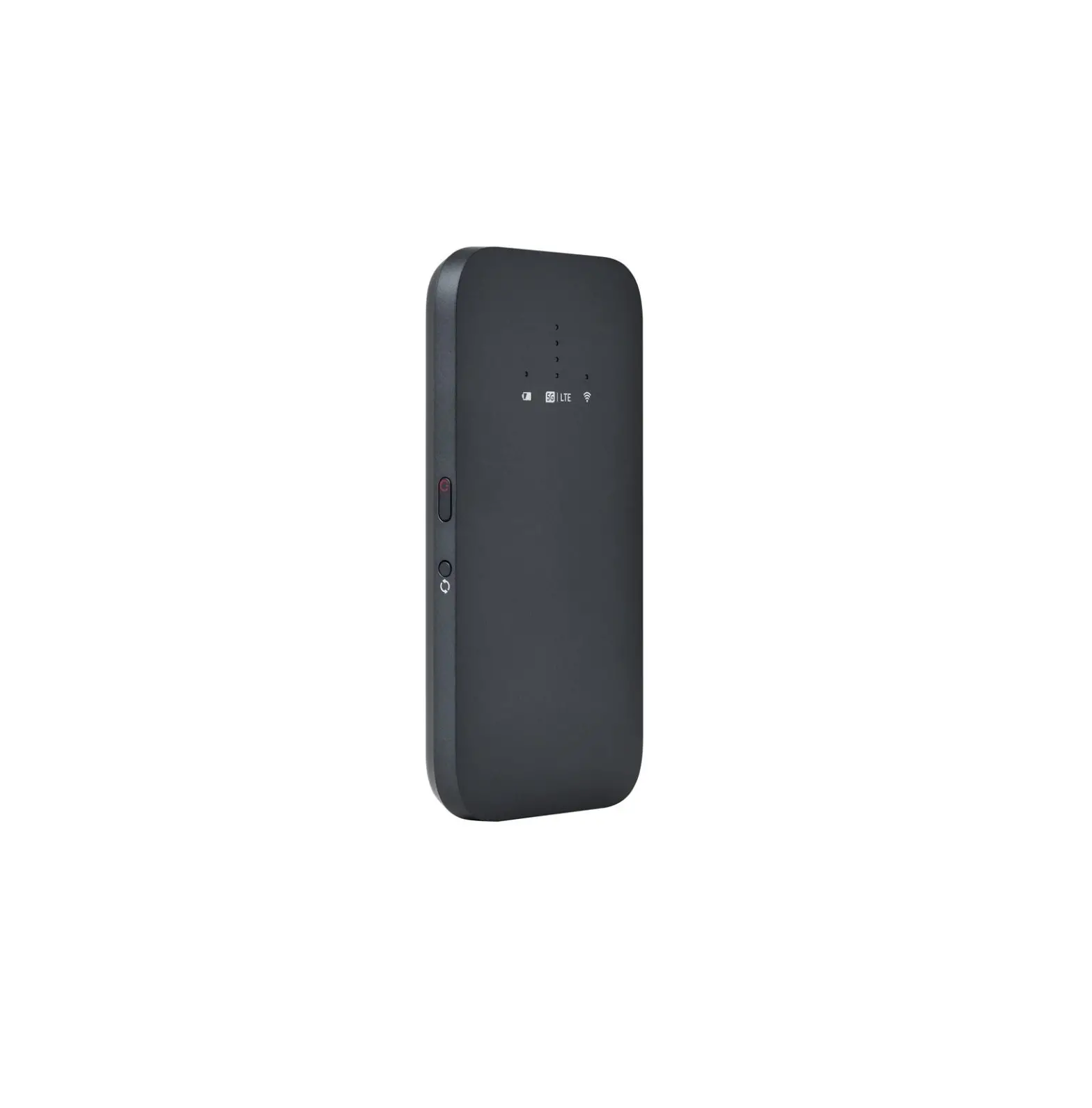
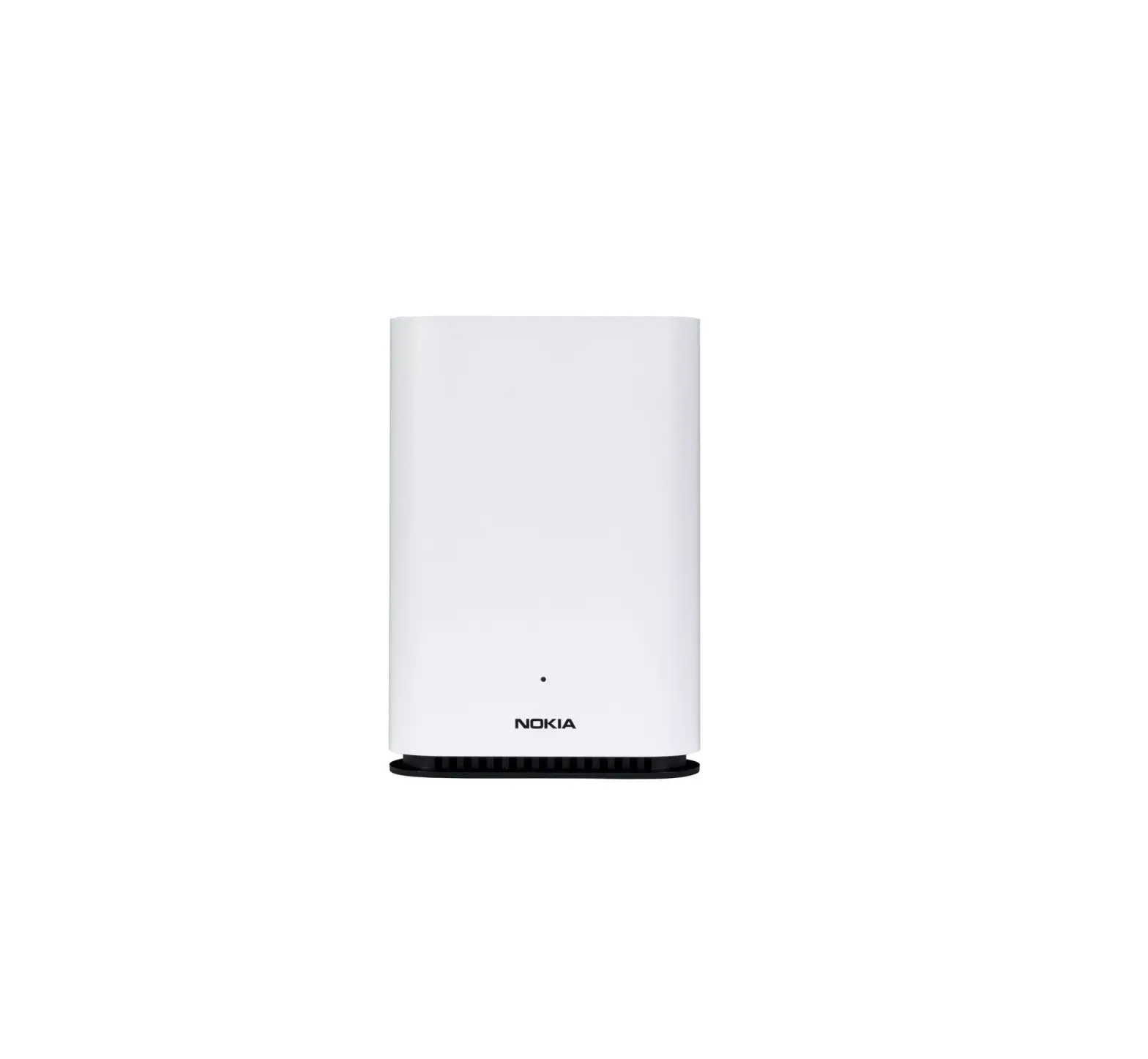
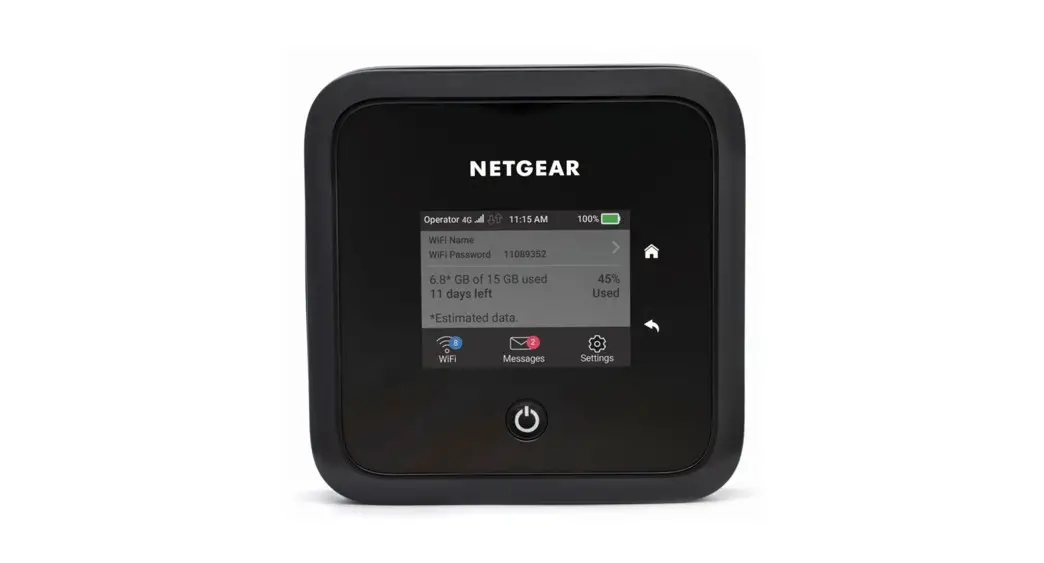
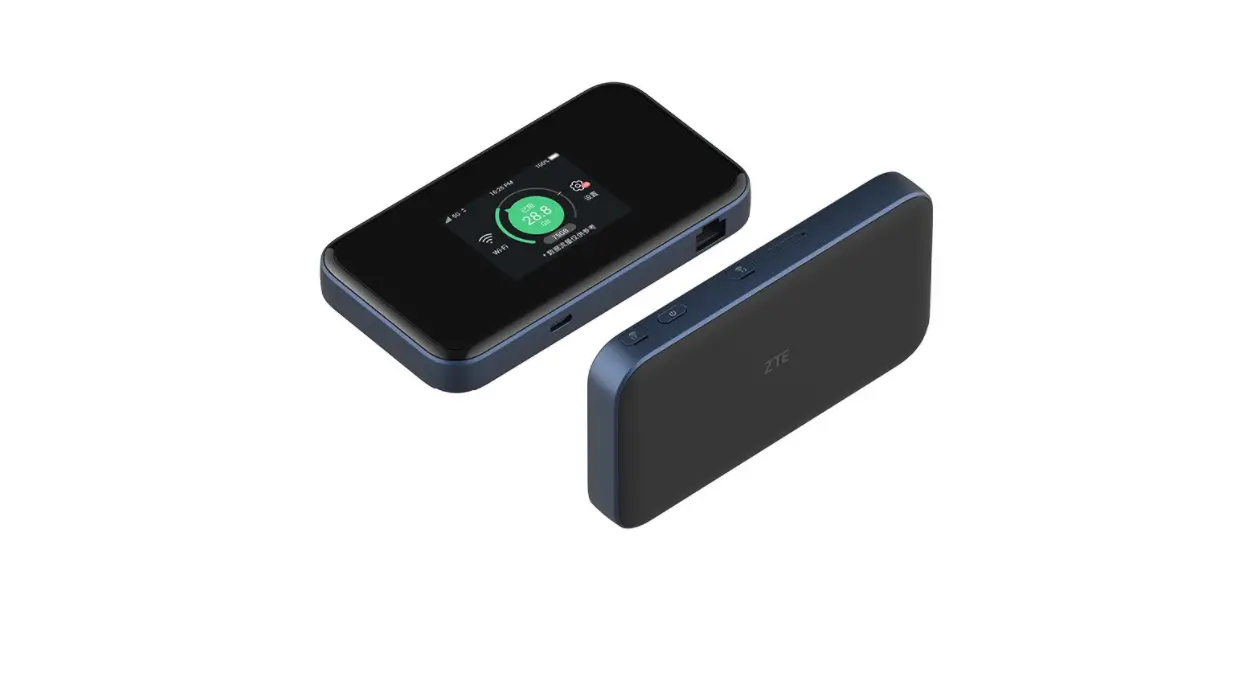
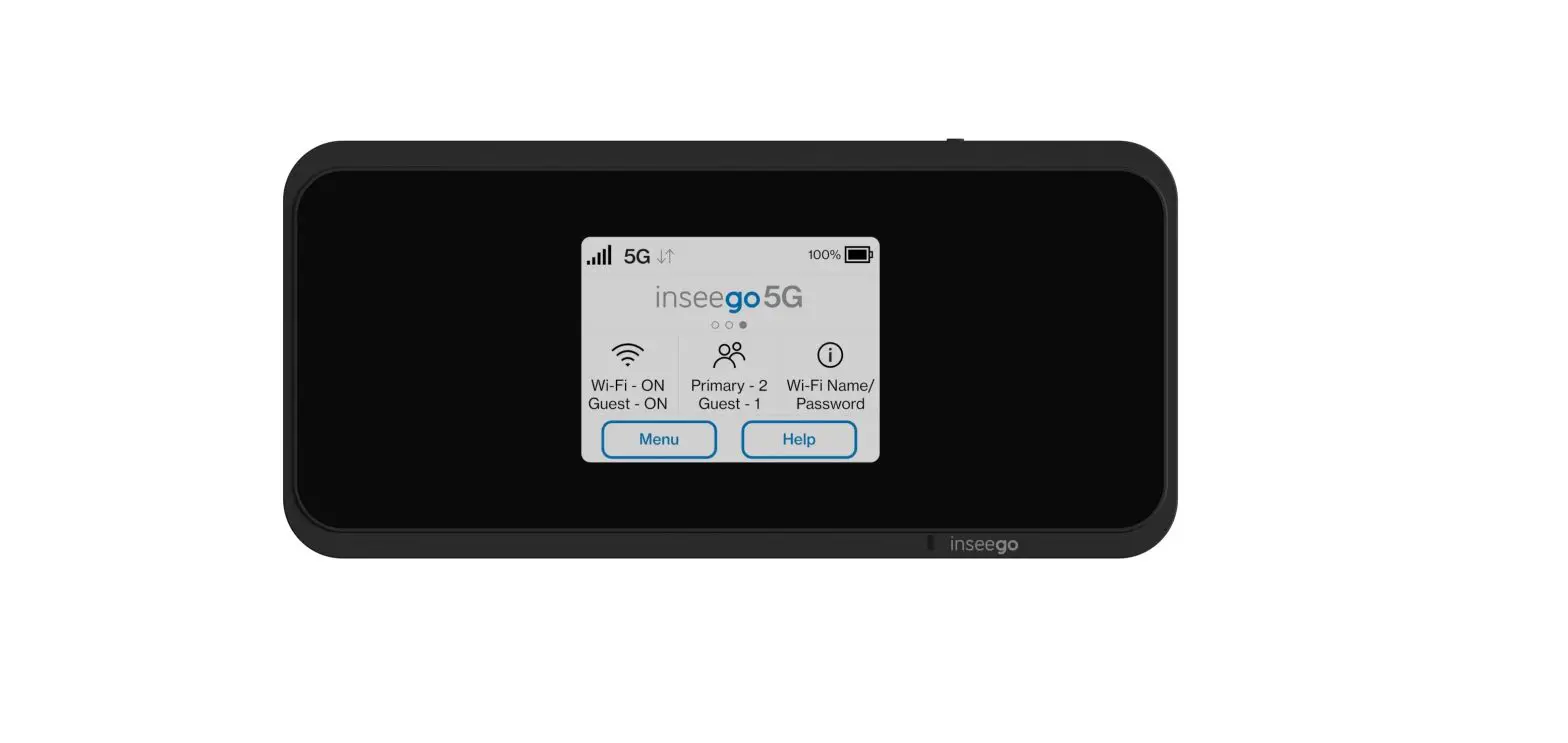
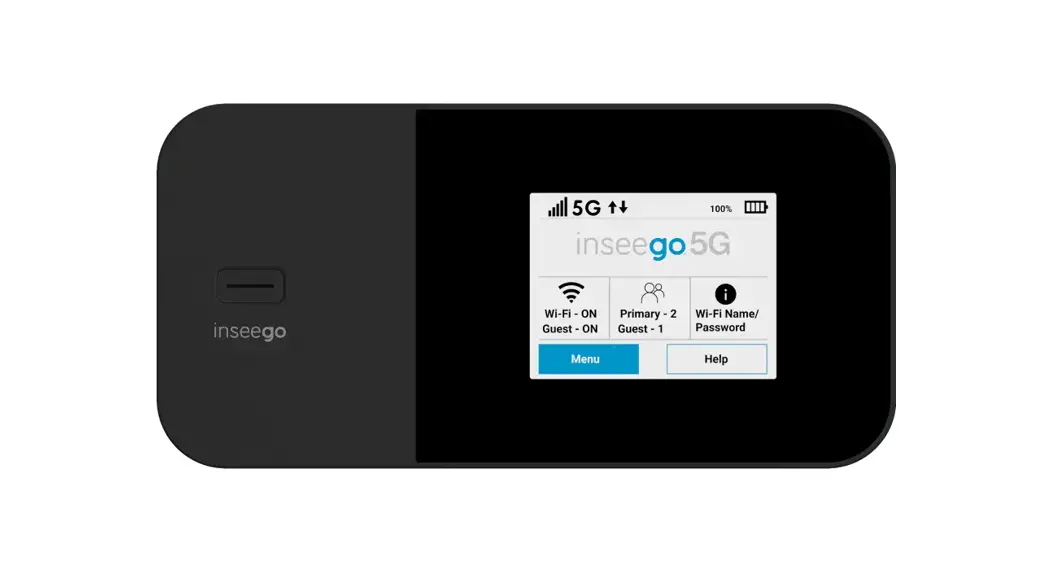
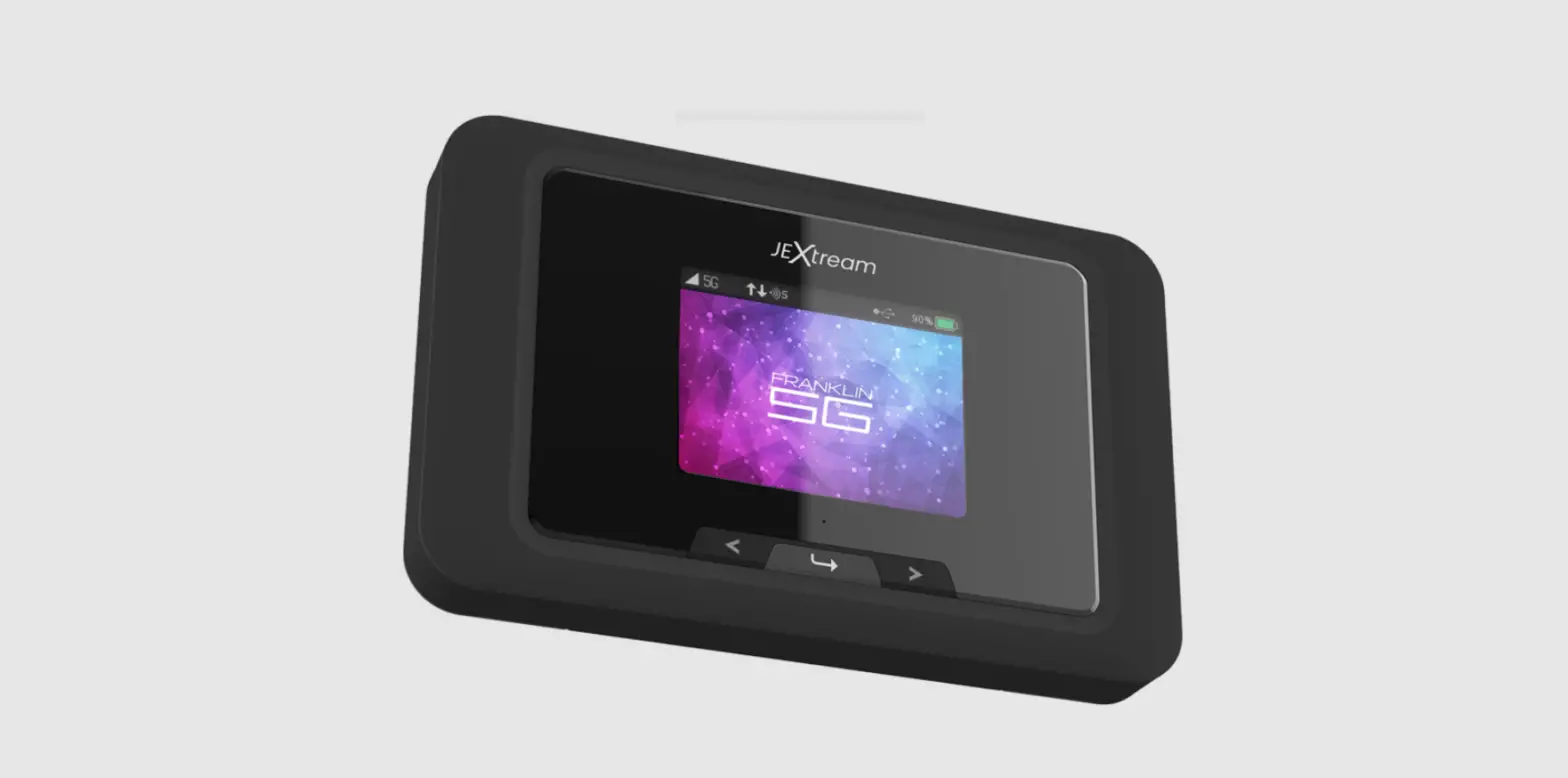
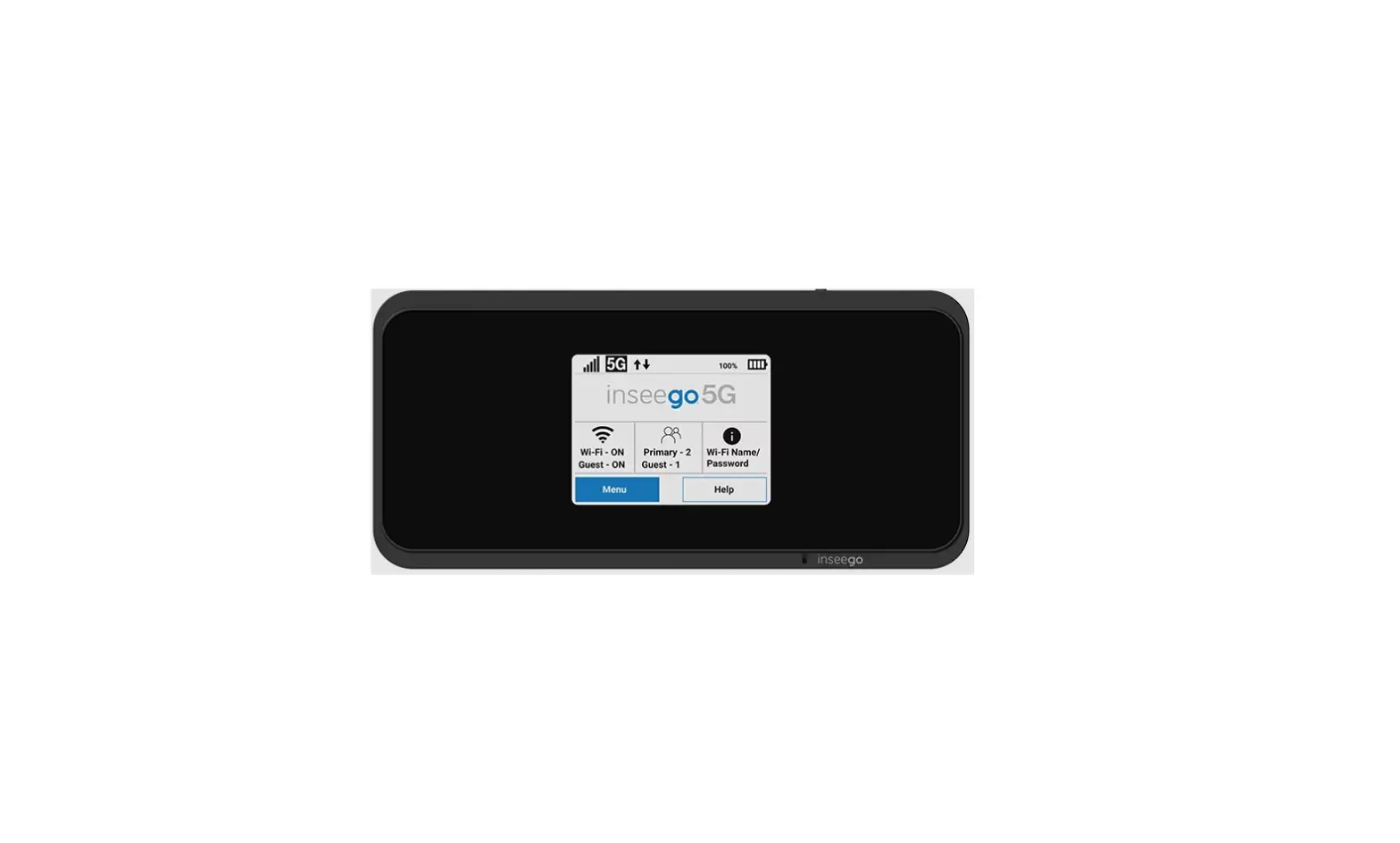
mobile beacon FX 2000 5G
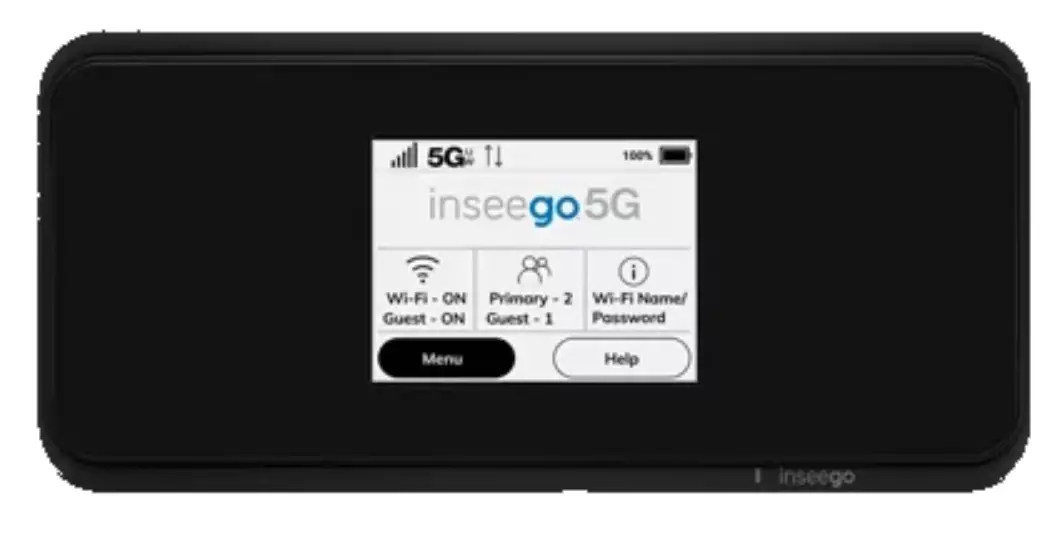
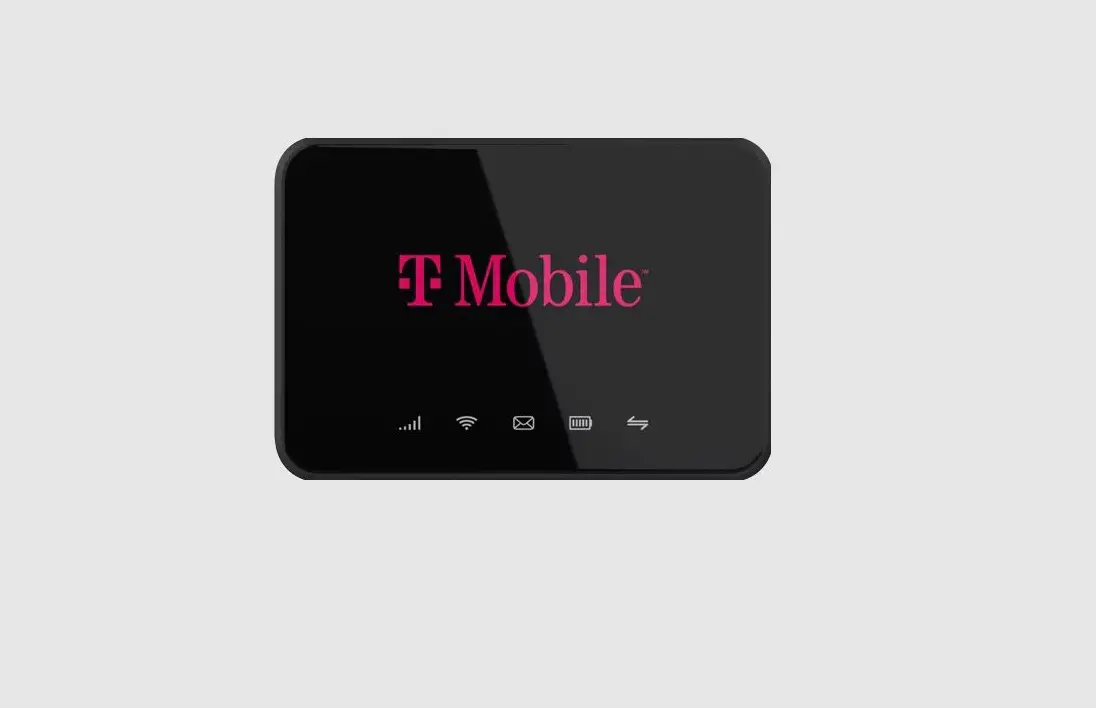
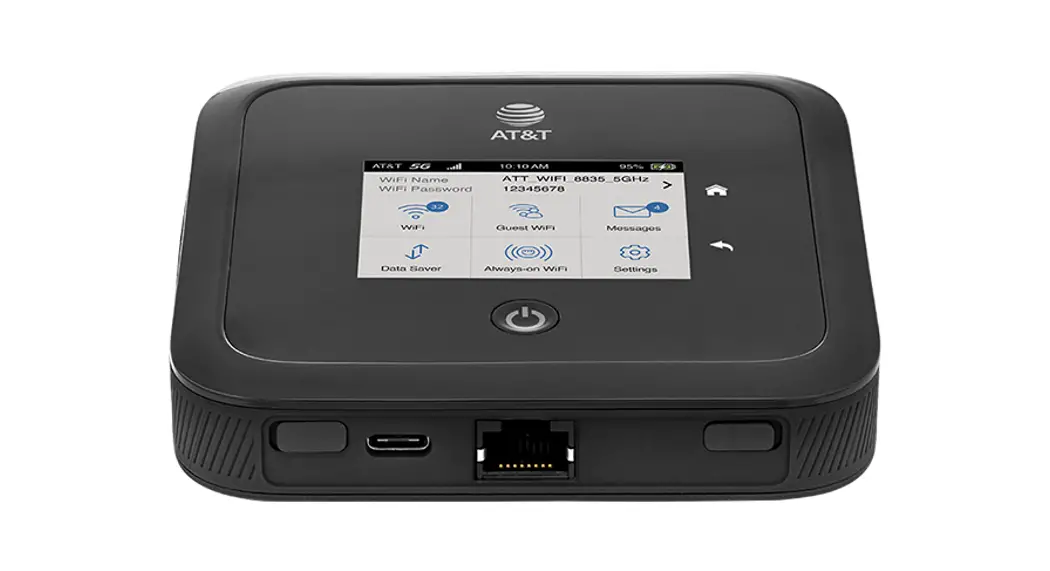
About Your T-Mobile 5G Hotspot
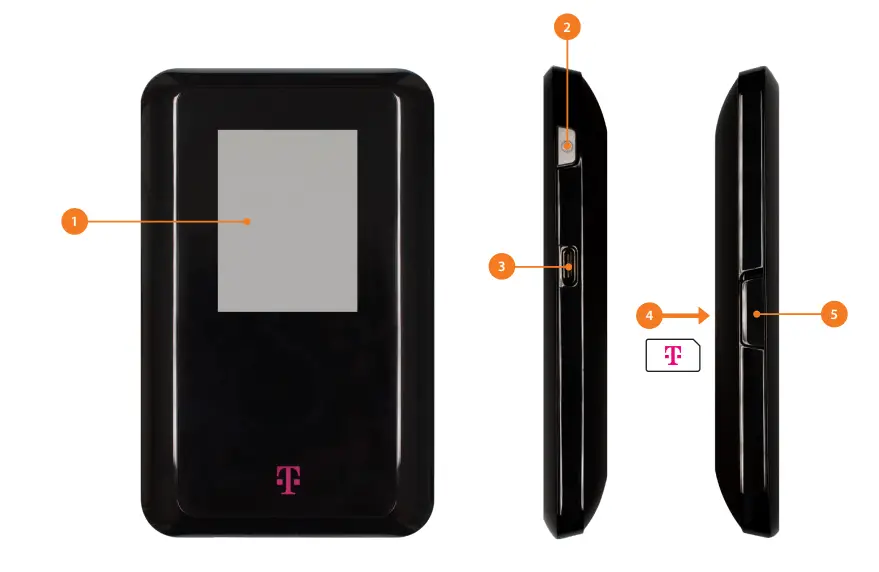
- Non-Touch LCD Screen
- Power Button
- USB-C Charging Port
- Sim Card (gold contacts facing downwards)
- Sim Split & Reset Button
Customer Support


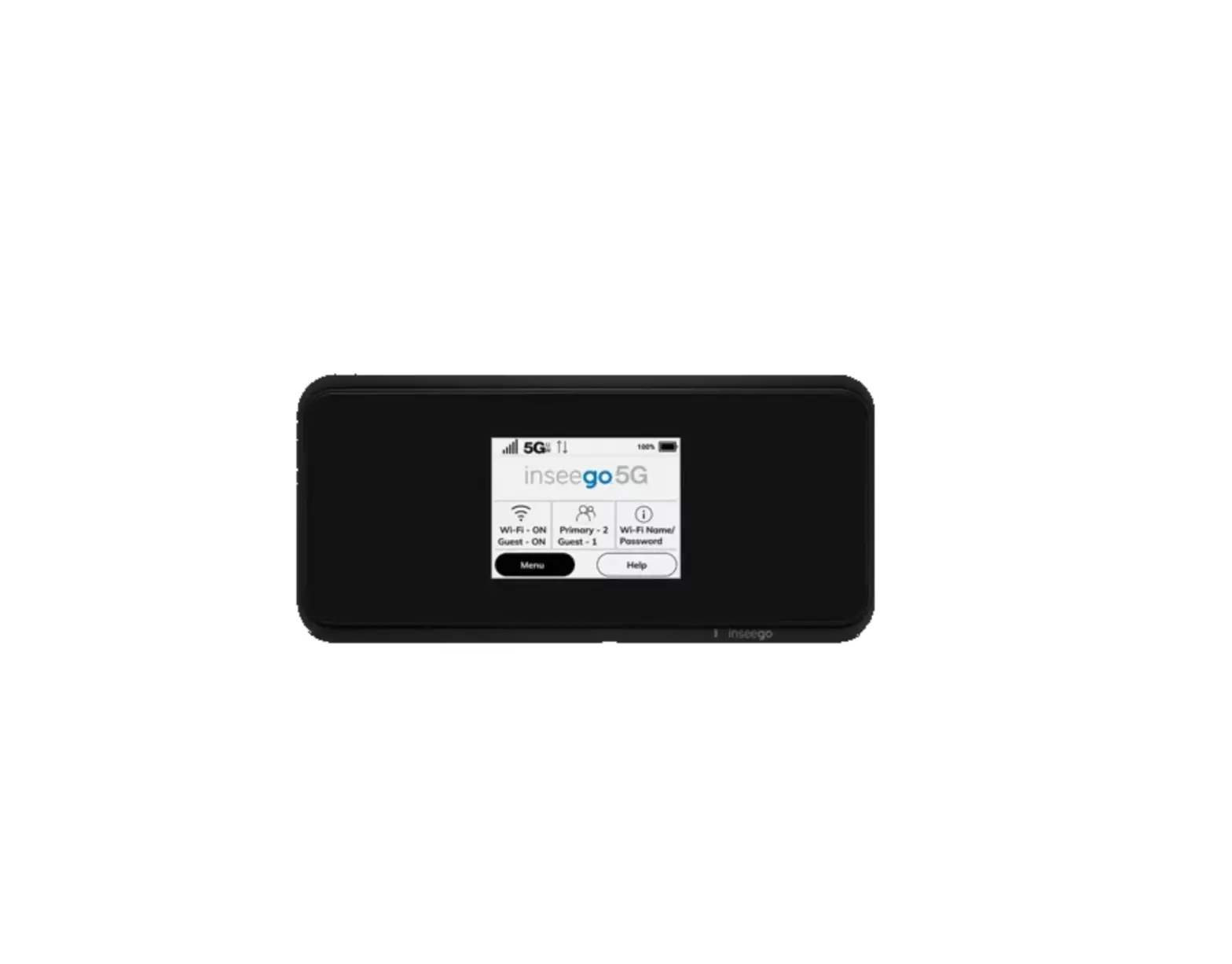
mobile beacon FX 2000 5G
Download manual
Here you can download full pdf version of manual, it may contain additional safety instructions, warranty information, FCC rules, etc.
 Home | High Speed Internet Access | Mobile Beacon